
Post Production Video Editing: Complete Guide for 2026
Discover how post production video editing transforms raw footage into professional content. Learn workflows, tools, and outsourcing tips.
10 Min. ReadRead More
5 dedicated editor spots open this week. Book a call to reserve →

 Kiara WalkerCocktales Podcast
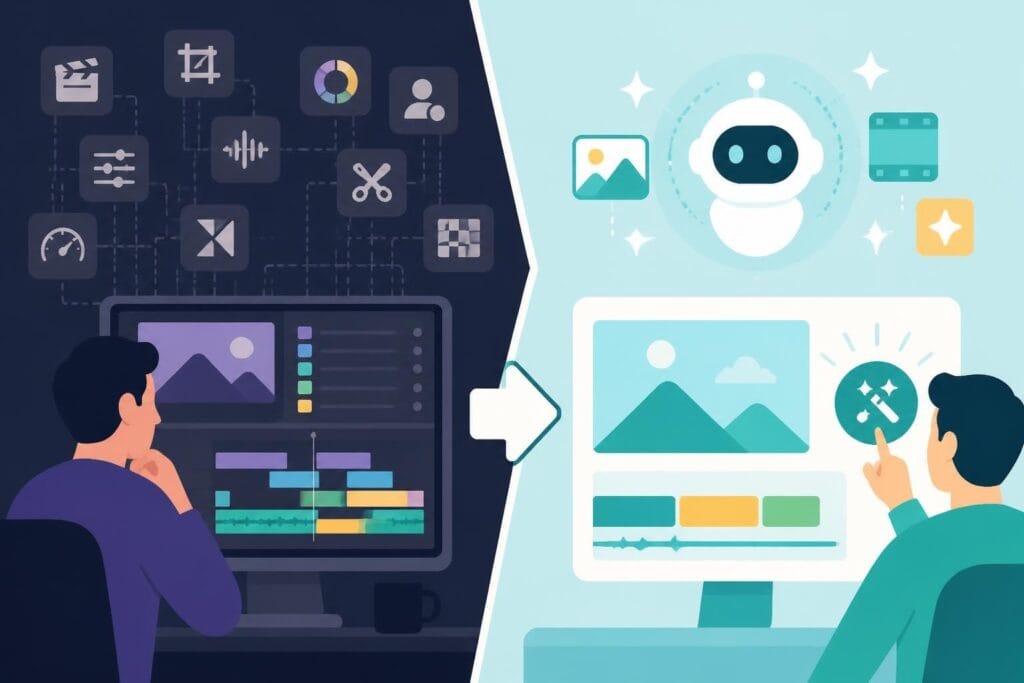
Discover how one click video editor tools transform your workflow—plus when to skip the DIY route and partner with pros who get it done right.
September 23, 2026
Video editing used to mean spending hours hunched over a timeline, clicking through menus, and second-guessing every transition. Not anymore. The rise of the one click video editor has flipped the script on how fast you can polish raw footage into scroll-stopping content. Whether you're a solo creator juggling ten platforms or a marketing team racing to meet Friday's deadline, these tools promise the holy grail: professional results without the time sink. But here's the catch-speed without strategy still leaves you spinning your wheels. Let's dig into what one click video editor solutions actually deliver, where they shine brightest, and when it's smarter to hand the reins to someone who lives and breathes video.
A one click video editor is software or a platform feature designed to automate the bulk of the editing process with minimal manual input. Think of it as the express lane for video production.
Instead of trimming clips frame by frame, you upload your footage, choose a template or style, and let algorithms handle cuts, transitions, color grading, and sometimes even music selection. The term "one click" is a bit of marketing flair-most tools still require a few clicks-but the promise holds: drastically reduced editing time compared to traditional software.
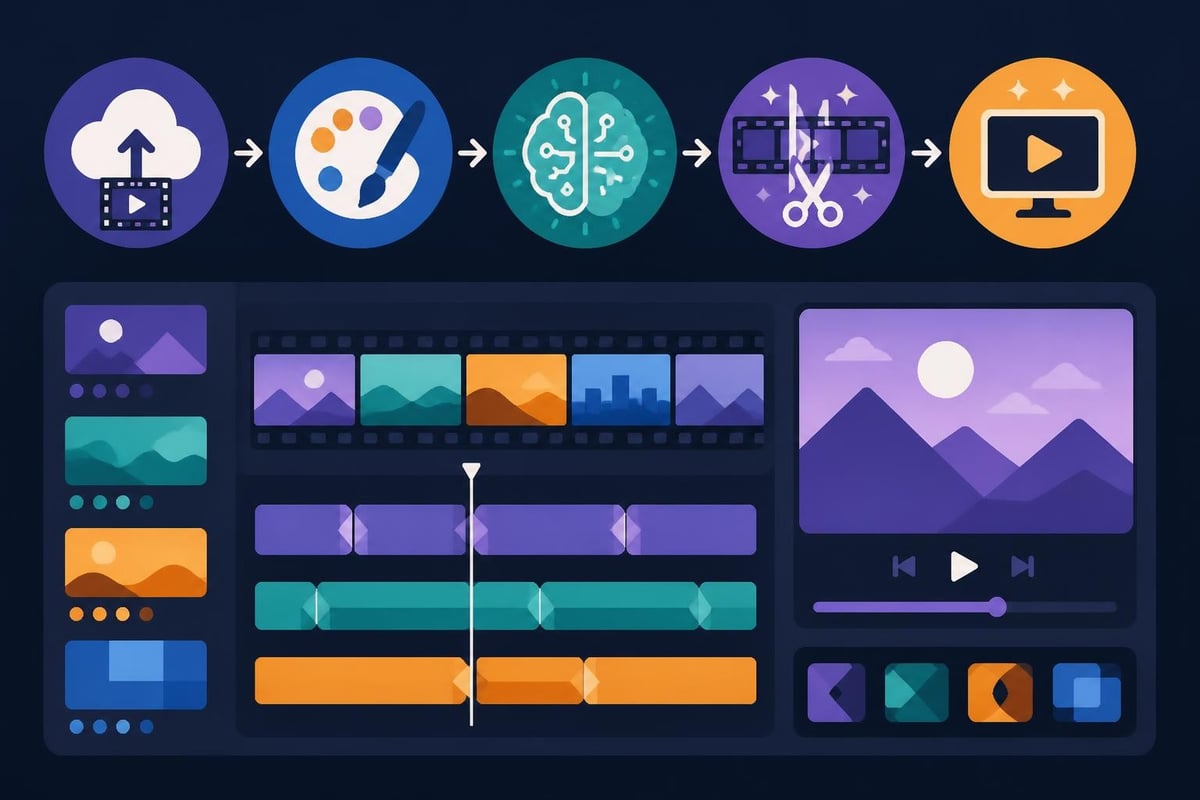
These editors rely on AI and machine learning to recognize faces, detect scene changes, identify key moments, and apply effects that match your chosen vibe. Adobe’s Project Blink research demonstrates how far automated editing has come, using natural language prompts to perform complex edits that once took pros hours to execute.
Behind the scenes, a one click video editor typically uses:
The better platforms also learn from user behavior. If you consistently tweak certain settings, the software adapts its automated suggestions to match your preferences. It's like training a very fast assistant who never needs coffee breaks.
Let's be real: no tool is perfect for every job. But one click video editor platforms absolutely crush it in specific scenarios.
| Use Case | Why It Works | What to Watch For |
|---|---|---|
| Social media clips | Fast turnaround, template-friendly formats | Over-reliance on trending effects that age poorly |
| Quick updates or announcements | Minimal creative complexity needed | Limited customization if brand guidelines are strict |
| High-volume content batches | Process dozens of similar clips efficiently | Quality can dip if footage varies too much |
| Repurposing long-form to short-form | Auto-detect highlight moments, resize for platforms | May miss nuanced storytelling beats |
Social media is the sweet spot. When you need to turn raw footage into content for TikTok, Instagram, or YouTube Shorts, a one click video editor can be a lifesaver. Upload your talking-head video, pick a vertical template, add auto-captions, and boom-you've got a reel ready to post in under five minutes.
Content creators pumping out daily videos swear by these tools. If you're publishing five days a week, spending three hours editing each piece isn't sustainable. A one click video editor lets you maintain consistency without burning out.
But here's the thing: consistency in posting doesn't always equal consistency in quality. Audiences can spot cookie-cutter edits a mile away. The trick is using automation for speed while adding your own creative fingerprints where it counts.
Speed has a price. One click video editor tools are incredible timesavers, but they're not miracle workers. Understanding their boundaries helps you use them smarter-and know when to call in backup.
Automated editing makes decisions for you. That's both the benefit and the drawback. If your brand voice is super specific or your visual style demands nuance, one-click solutions can feel limiting.
You might get:
For brands with tight guidelines or creators with a signature look, this lack of control becomes friction fast. Finding the best video editing app often means balancing automation with customization options.
A one click video editor struggles with:
Research on intelligent interaction in video editing shows that while automation handles repetitive tasks brilliantly, creative decision-making still benefits from human judgment-especially when the stakes are high.
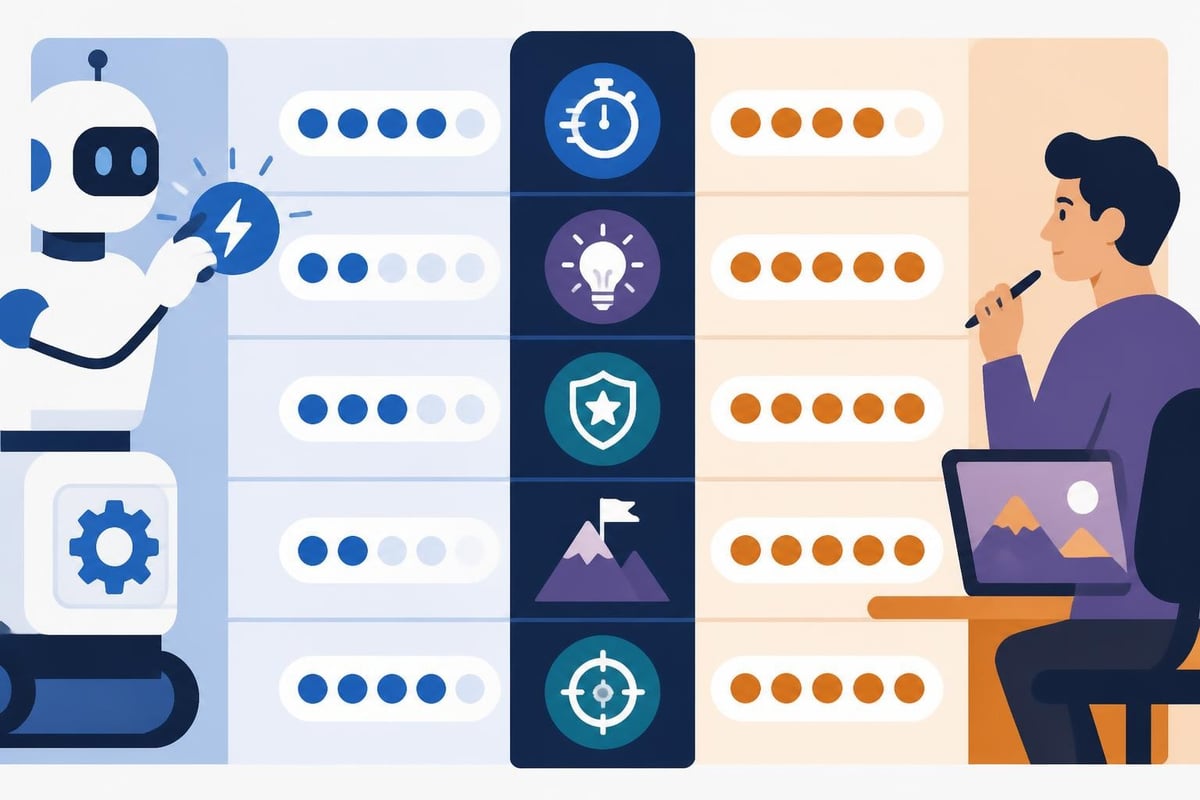
Here's the uncomfortable truth most "easy editing" articles skip: your time has a dollar value. Even if a one click video editor saves you two hours per video, that's two hours you're not spending on strategy, client calls, or actually creating content.
Let's do the math. Say you're a consultant billing $200/hour. You spend ten hours a week editing videos with your favorite one-click tool. That's 40 hours a month-$8,000 in opportunity cost. Could someone else handle that editing while you focus on revenue-generating work? Probably.
Beyond time, consider:
Many entrepreneurs who started with DIY editing eventually realize that outsourcing isn't an expense-it's an investment. When comparing video editing prices, the key question isn't "How cheap can I go?" but "What ROI will this deliver?"
The one click video editor debate often misses a crucial option: working with professional editors who use AI tools to amplify (not replace) their expertise.
AI editing gives you speed and templates. Human editors give you strategy, brand alignment, and creative problem-solving. The best setup? Combining both.
Professional video editing services (like what's available at beCreatives) use cutting-edge tools but apply them through the lens of your specific goals. You get the efficiency of automation plus the judgment of someone who actually understands your audience.
| Factor | One Click Editor (DIY) | Professional Service |
|---|---|---|
| Speed | Very fast for simple clips | Fast, with strategic depth |
| Brand consistency | Template-dependent | Guided by your guidelines |
| Creative input | Preset options | Collaborative and customized |
| Revisions | Self-managed | Unlimited with clear systems |
| Scalability | Limited by your time | Grows with your content needs |
It's worth noting that automated editing tools also raise important accessibility considerations. Research on accessibility in automated systems reminds us that "one-click" solutions don't automatically make content accessible to all users. Features like auto-captions are helpful, but they need human review to ensure accuracy-especially for specialized terminology or diverse accents.
Similarly, work on accessible video editing for blind creators highlights that truly inclusive editing workflows require thoughtful design, not just automation. When choosing tools or services, look for those that prioritize accessibility as a core feature, not an afterthought.
Not all video content deserves the same editing approach. A one click video editor might be perfect for your Instagram Stories but completely wrong for your flagship course videos.
Here's a framework for deciding when to automate and when to go deeper:
For entrepreneurs and agencies, the smartest move is often a hybrid approach: use one click tools for high-volume, low-stakes content and invest in professional editing for pieces that directly drive revenue or build your brand.
Video editing automation isn't slowing down. If anything, we're just getting started. Emerging research like VideoMap’s latent-space interfaces points toward editing systems that understand creative intent, not just technical instructions.
Imagine describing the mood you want-"energetic but not chaotic, professional but approachable"-and having the software interpret that across cuts, pacing, color, and music. We're not quite there yet, but the gap is closing fast.
As one click video editor tools get smarter, they'll handle more of the technical grunt work. That's fantastic news-but it also means the bar for creative differentiation gets higher. When everyone has access to the same instant-edit features, standing out requires sharper strategy and deeper audience understanding.
That's where services built around your specific needs make the difference. Cookie-cutter templates can only take you so far. The creators and brands winning in 2026 are the ones pairing smart automation with human creativity and strategic thinking.
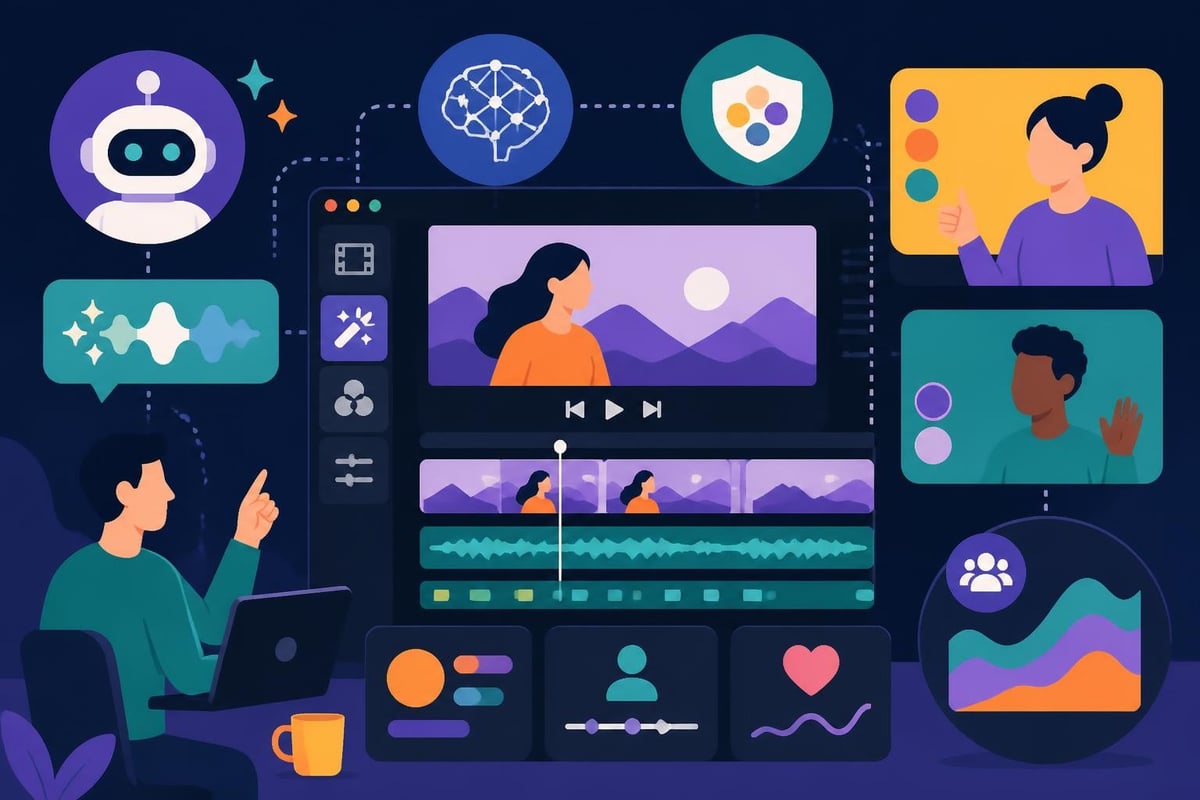
If you're sold on the speed of a one click video editor but worried about quality, here's how to build a system that gives you both:
Step 1: Define your content tiers. Not every video needs the same level of polish. Decide which pieces are high-stakes (sales, onboarding, testimonials) and which are low-stakes (daily posts, quick updates).
Step 2: Choose tools by tier. Use fast automation for low-stakes content. For high-stakes pieces, either invest serious time or outsource to professionals who get your vision.
Step 3: Create templates-then tweak them. Even with one-click tools, you can build custom templates that reflect your brand. Spend time upfront setting these up, then use them consistently.
Step 4: Batch your work. Record multiple videos in one session, then batch-edit them. This makes automation even more efficient since you're processing similar content in sequence.
Step 5: Review with fresh eyes. Speed is great, but don't hit publish without watching your final cut. One quick review often catches awkward cuts or pacing issues the algorithm missed.
Here's where the conversation shifts. Instead of asking "Which one click video editor should I use?" the better question might be: "Should I be editing at all?"
For many creators and businesses, the smartest play is unlimited video editing through a service designed for volume. You get:
When you're creating consistent video content, the goal isn't just speed-it's sustainable quality at scale. That's hard to achieve solo, even with the best automation.
Let's return to that opportunity cost math. If professional editing costs $500/month but frees up 40 hours, you only need to convert $12.50/hour of that time into revenue to break even. Most entrepreneurs blow past that in their first week.
Plus, there's the sanity factor. Editing fatigue is real. When you're tired of cutting clips, you rush. Quality dips. Creativity suffers. Having someone else handle the technical execution while you focus on being the face and brain of your brand? That's not laziness-it's smart business.
A one click video editor is a powerful tool, but it's just that-a tool. The real question is whether speed alone solves your problem or if what you actually need is consistent, high-quality output that aligns with your brand and drives results.
If you're drowning in footage, racing against deadlines, and losing sleep over editing backlogs, automation helps. But if you're also worried about brand consistency, creative quality, and standing out in a crowded market, you need more than fast clicks. You need a partner who gets your vision and executes it flawlessly, every single time.
For creators and agencies serious about scaling their video presence without sacrificing quality or burning out, exploring unlimited video editing services often makes more sense than juggling another DIY tool. Sometimes the smartest automation is hiring experts who handle it all while you stay focused on what you do best.
The one click video editor revolution has made video production faster and more accessible than ever-but speed without strategy just means making mistakes quicker. The smartest creators and businesses in 2026 aren't choosing between automation and quality; they're combining both by working with teams that use cutting-edge tools and human expertise to deliver results that actually move the needle. If you're ready to stop wrestling with timelines and start publishing videos that grow your brand, beCreatives offers unlimited video editing designed specifically for creators, entrepreneurs, and agencies who need consistent, high-quality content without the editing headaches.
Discover how post production video editing transforms raw footage into professional content. Learn workflows, tools, and outsourcing tips.
Master video editing HD quality standards, encoding settings, and workflow best practices to deliver professional content in 2026.
Discover what makes a YouTube video editing course worth your time in 2026, plus smarter alternatives for busy creators and agencies.
Looking to hire video editor for YouTube? Discover the best hiring strategies, what to look for, and how to build a winning content team in 2026.
Discover the best music video editing software for 2026. Compare features, pricing, and workflow tools to create stunning music videos faster.
Looking for a video editing company near me? Learn how to choose the right partner, what to expect, and whether local is best in 2026.
Discover how video editing AI online is changing content creation in 2026. Explore smart tools, workflows, and what creators really need to know.
Master wedding videography editing with expert tips on storytelling, pacing, and delivery. Learn how to transform raw footage into cinematic films.
Choosing an HD video editing app in 2026? Discover features, performance tips, and how professionals handle high-definition content.
Discover the best free simple editing software for videos and photos in 2026. Compare features, learn what works, and decide when to DIY or outsource.

Editing videos yourself can take a lot of your precious time, but do not worry – we‘ve got you covered! Our highly skilled Video Editors are here to speed up the process and give you time to create more content.
What do you need edits for?


Scratch to see who you got
This is your match, not your assignment.
We confirm your editor once you subscribe.
Pick a time that works and we’ll take it from there.
Open the booking page15 minutes, free








