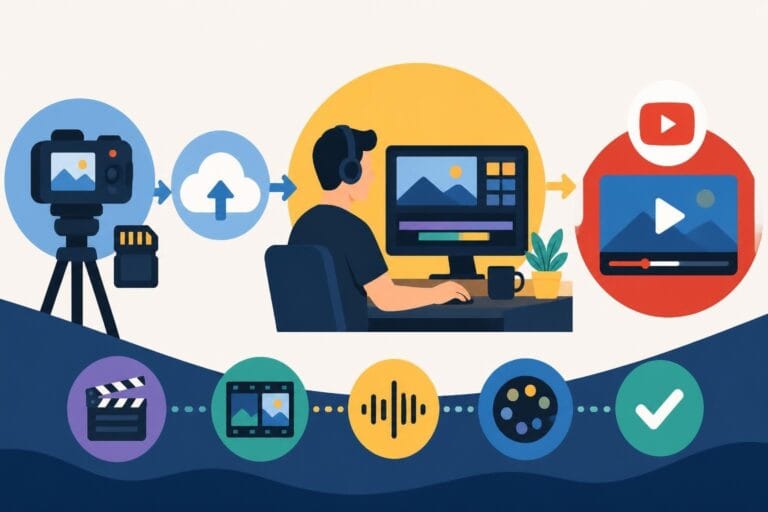
Post Production Video Editing: Complete Guide for 2026
Discover how post production video editing transforms raw footage into professional content. Learn workflows, tools, and outsourcing tips.
10 Min. ReadRead More
5 dedicated editor spots open this week. Book a call to reserve →

 Kiara WalkerCocktales Podcast
Choosing an HD video editing app in 2026? Discover features, performance tips, and how professionals handle high-definition content.
September 26, 2026
Every video creator hits the same wall: your phone is overflowing with raw HD footage, your laptop fan is screaming, and your render times are measured in coffee breaks. The search for the perfect hd video editing app has become a modern-day quest, with creators juggling performance, quality, and deadlines. Whether you're a YouTuber racing against the algorithm, a marketer pumping out weekly social content, or an agency managing multiple client projects, your editing tools can make or break your workflow. In 2026, the gap between hobbyist apps and professional-grade platforms has narrowed dramatically, but knowing what features actually matter saves you time, money, and sanity.
Not all HD video editing apps are created equal, and the one your favorite creator swears by might turn your laptop into a space heater. The core requirements haven't changed much since high-definition became standard, but the expectations around speed and accessibility have skyrocketed.
Your editing app needs to handle H.264 compressed footage without stuttering, which means understanding how codecs and hardware acceleration work together. Most modern smartphones and cameras record in H.264 or HEVC (H.265), packing high-quality video into manageable file sizes. The problem? Editing these highly compressed formats demands serious processing power.
Key performance factors include:
A quality hd video editing app should feel responsive even when you're stacking three color grades, two transitions, and a motion graphic title. If you're waiting more than a second for playback to start, something's wrong.
HD footage eats storage for breakfast. A single hour of 1080p video at 60fps can balloon past 12GB, and that's before you start duplicating clips, creating versions, or adding effects. Your hd video editing app needs intelligent file management, or you'll spend more time organizing than creating.
| Storage Challenge | Solution Feature | Why It Matters |
|---|---|---|
| Scattered files across devices | Centralized media library | Find any clip in seconds, not minutes |
| Duplicate project versions | Auto-save and version history | Recover from mistakes without manual backups |
| Collaboration bottlenecks | Cloud integration | Multiple editors access same footage |
| Archive accessibility | Metadata tagging | Search by keyword, date, or project |
The best apps integrate with cloud storage solutions, letting you offload archived projects while keeping active work local. This hybrid approach balances speed and capacity without requiring a server farm in your closet.
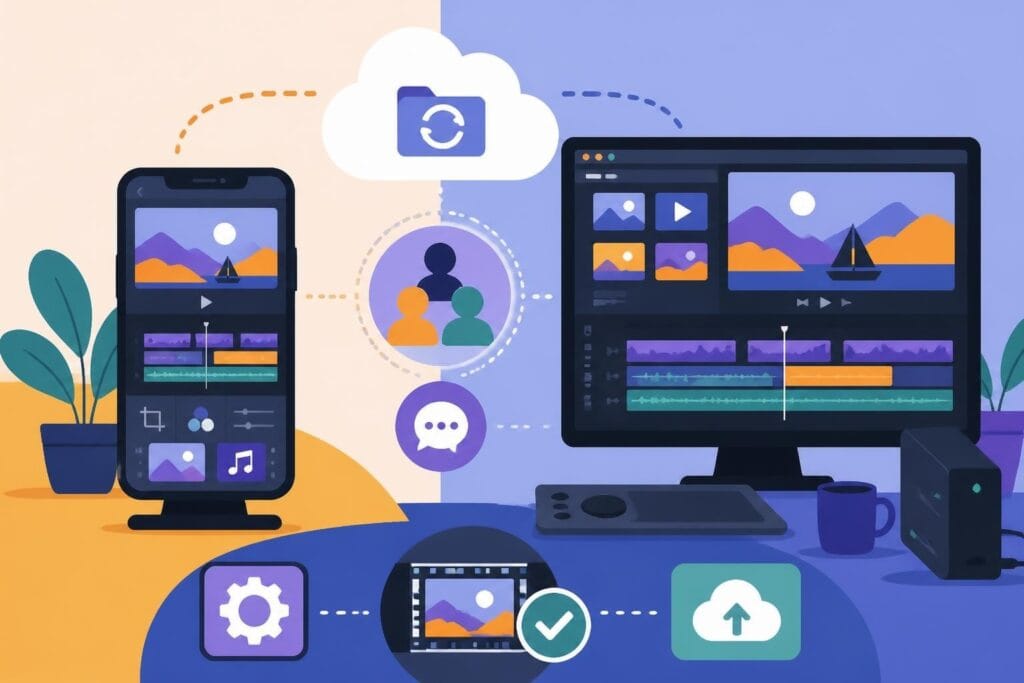
The "edit anywhere" dream sounds perfect until you're trying to color-match on a phone screen during your commute. Both mobile and desktop HD video editing apps have their place, but pretending they're interchangeable sets you up for frustration.
Mobile editing has evolved beyond simple trim-and-filter workflows. Modern smartphone processors rival older laptop chips, and apps like LumaFusion and CapCut deliver genuinely impressive results on tiny screens. Mobile excels when:
The catch? Your fingers cover 30% of the workspace, precision timing becomes guesswork, and complex projects quickly outgrow mobile capabilities. A mobile hd video editing app works brilliantly for specific content types but hits a ceiling fast.
Desktop apps aren't just "bigger mobile apps with more buttons." They fundamentally approach editing differently, leveraging keyboard shortcuts, multi-monitor setups, and granular control that makes professional work possible. Professional editing software reviews consistently show desktop platforms outperforming mobile in timeline precision, effects rendering, and multi-format export.
Desktop advantages:
The real question isn't which platform is "better" but which workflow matches your content goals. Many creators use both strategically, rough-cutting on mobile and finishing on desktop.
Marketing materials promise everything, but only a handful of features determine whether your hd video editing app helps or hinders your actual work. Let's skip the fluff and focus on what matters when you're trying to hit publish before midnight.
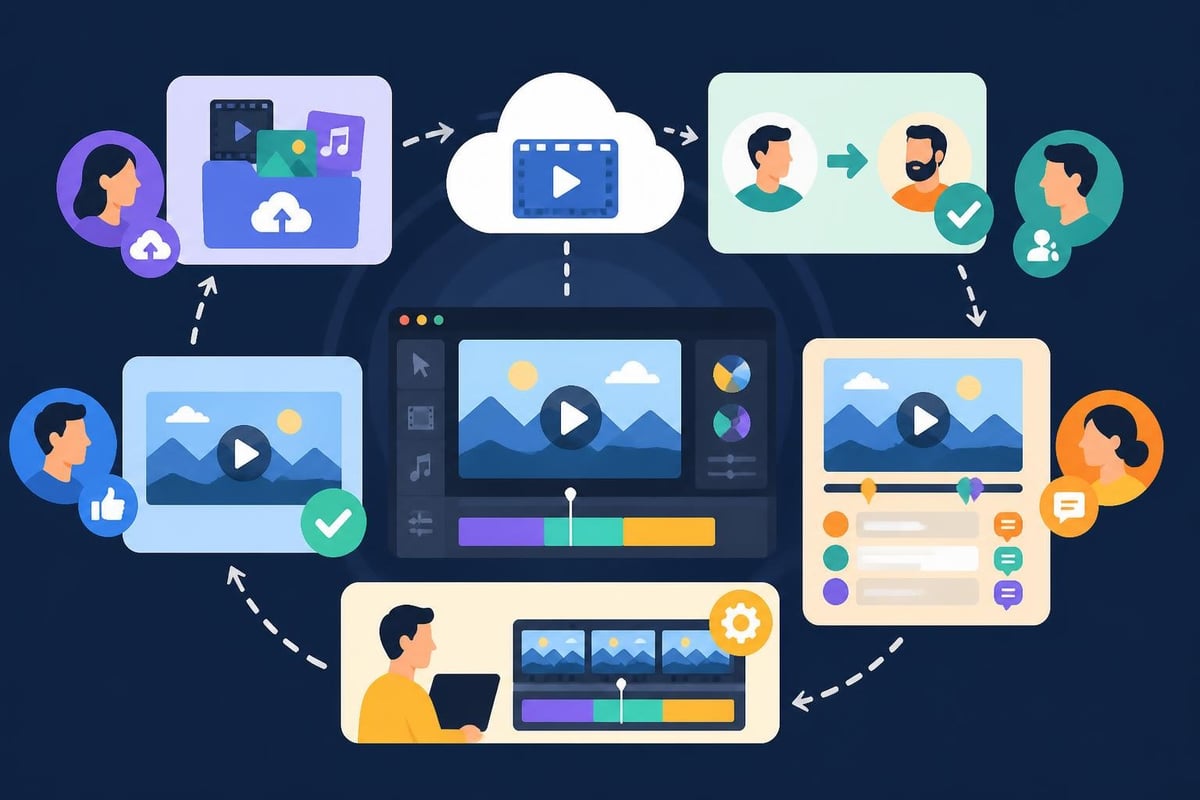
Solo creators can ignore this, but teams and agencies need collaboration features that don't require PhD-level tech skills. The best implementations let multiple editors work simultaneously without stepping on each other's changes, similar to how Google Docs handles writing.
Modern collaboration includes:
Traditional hd video editing app workflows meant emailing project files, tracking versions in spreadsheets, and praying nobody overwrote the wrong file. Cloud-native apps eliminate that chaos, but only if they're built for collaboration from the ground up instead of bolted on later.
You're not just exporting "a video" anymore. You need a YouTube version, three social media crops, a 4K master for archive, and maybe a low-res version for email. Export flexibility determines whether you're clicking "export" once or six times.
| Export Need | Feature Requirement | Time Saved |
|---|---|---|
| Multi-platform publishing | Batch export with platform presets | 20+ minutes per video |
| Archive masters | Lossless codec options | Prevents re-editing from scratch |
| Social media variants | Auto-crop for 1:1, 9:16, 16:9 | 15 minutes per format |
| Accessibility compliance | Auto-caption generation | 30+ minutes per video |
The ability to transform raw footage into multiple content formats separates apps built for creators from apps built for hobbyists. Professional workflows demand this flexibility, and trying to jury-rig it through workarounds costs hours you'll never recover.
AI in video editing has moved beyond gimmicky filters into genuinely useful automation. Not every AI feature deserves your time, but a few have become non-negotiable for efficient workflows.
AI tools that actually work:
Skip the "AI-powered creativity enhancement" marketing speak. Focus on features that eliminate repetitive tasks without requiring manual correction afterward.
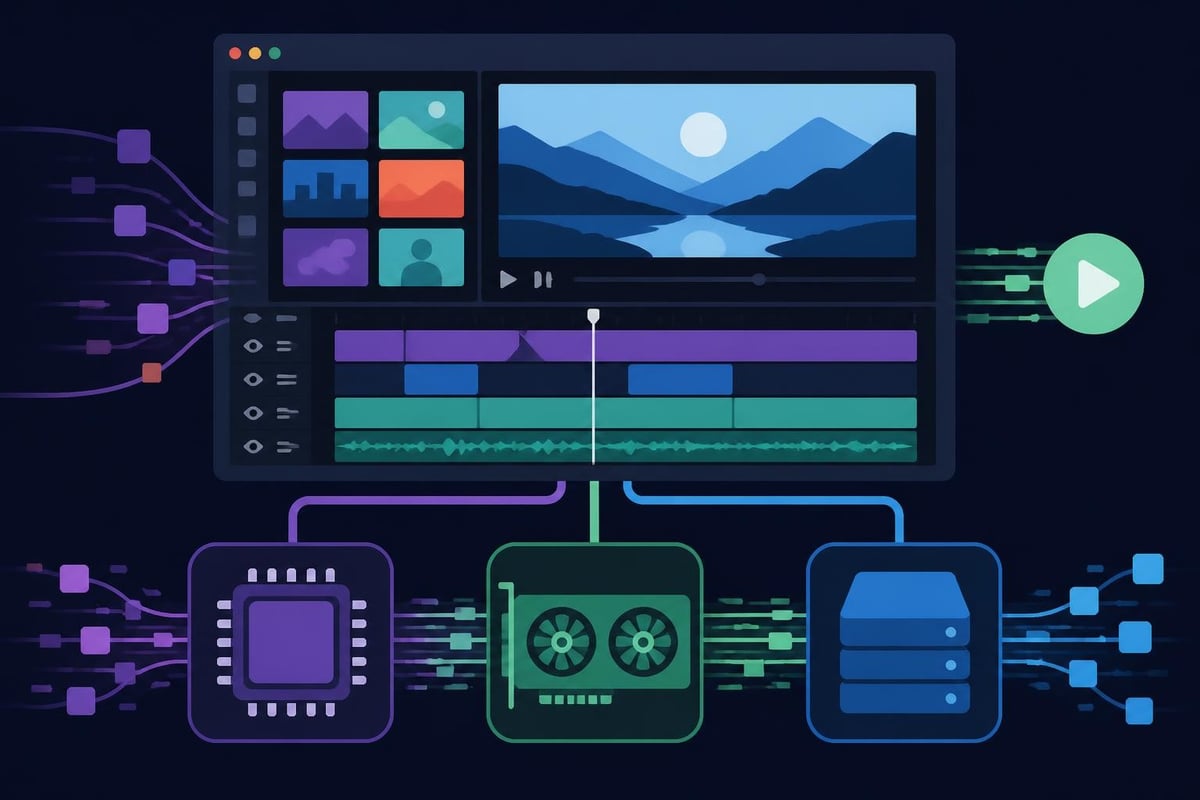
Your hd video editing app is only as fast as your hardware allows, and understanding how acceleration works prevents buying the wrong computer or blaming your software for hardware limitations.
Graphics cards aren't just for gaming. Modern editing apps offload video processing to your GPU, dramatically speeding up previews, effects, and exports. NVIDIA’s GPU acceleration documentation shows how hardware encoding works, but the practical upshot is simple: a mid-range GPU often matters more than a top-tier CPU for video work.
What GPU acceleration handles:
Without GPU support, your editing app falls back to CPU processing, turning real-time previews into slide shows. Check whether your chosen hd video editing app supports your specific GPU model before assuming acceleration will work.
Professional cameras and phones record in different codecs, frame rates, and color spaces. Your editing app needs to handle this variety without forcing you to pre-convert everything or live with poor playback performance.
The FFmpeg documentation covers format support in exhaustive detail, but practical compatibility means:
Industry standards from SMPTE ensure professional apps handle broadcast-quality workflows, but even consumer-focused apps need broad codec support in 2026's multi-camera, multi-device reality.
Every app store showcases dozens of free HD video editing options, but the real cost reveals itself after you've invested hours learning the interface and building a workflow. Understanding these hidden costs upfront saves frustration and wasted time.
Free apps love holding your finished video hostage with watermarks, resolution caps, or length limits. You create your masterpiece, hit export, and discover that removing the giant logo requires a $30/month subscription. These limitations aren't dealbreakers if you know them upfront, but they're designed to appear only after you're invested.
Common free-tier restrictions:
Less obvious than watermarks but equally frustrating: free versions often cap rendering speed, disable GPU acceleration, or limit timeline tracks. Your hd video editing app might technically support 4K, but export times are mysteriously 3x longer than the paid version.
The "freemium" model works when free users get genuine value, not a deliberately crippled experience designed to annoy you into upgrading.
Here's the truth nobody in the app industry wants to acknowledge: sometimes the best hd video editing app for your business is "none of them." The math on DIY video editing gets ugly fast when you factor in learning curves, render time, and opportunity cost.
Let's run the numbers on a typical weekly YouTube video:
| Task | Time Required | Your Hourly Value | Real Cost |
|---|---|---|---|
| Footage review and organization | 45 minutes | $100/hr | $75 |
| Rough cut assembly | 90 minutes | $100/hr | $150 |
| Color correction and audio | 60 minutes | $100/hr | $100 |
| Graphics and transitions | 45 minutes | $100/hr | $75 |
| Export, review, revisions | 60 minutes | $100/hr | $100 |
| Total per video | 5 hours | $500 |
Multiply that weekly and you're spending 20 hours monthly editing instead of creating content, closing deals, or building your business. A professional service handling the editing might cost less than your time is worth, especially when you factor in the stress of technical troubleshooting and learning curve frustration.

No hd video editing app magically creates more hours in your day. If video is central to your business but editing isn't your core skill, the software question becomes irrelevant. Professional editors bring speed, consistency, and expertise that no app can replicate, especially when dealing with tight deadlines or complex projects.
Signs it's time to outsource:
The Reddit video editing community constantly debates software features, but experienced creators increasingly focus on workflow efficiency over tool mastery. Sometimes the smartest move is admitting editing isn't where you add the most value.
For business owners and agencies juggling multiple clients or content channels, dedicated editing support through platforms like beCreatives eliminates the software question entirely. You shoot, they edit, you publish. The hd video editing app becomes their problem, not yours.
The editing landscape fragments across operating systems, each with strengths and limitations that affect your final choice of hd video editing app and workflow design.
Mac dominated video editing for years, but the gap has narrowed substantially. Windows machines offer better price-to-performance ratios, especially with GPU acceleration for HD work. Linux remains niche but increasingly viable for open-source enthusiasts.
Platform-specific considerations:
Your existing hardware often determines your platform choice more than any technical superiority. A $2,000 Windows desktop with a strong GPU often outperforms a $3,000 MacBook for pure editing performance.
Web-based editing apps eliminate installation headaches and work across any platform with a modern browser. They're perfect for collaboration and quick edits but typically sacrifice performance and advanced features compared to native applications.
The hybrid model works best: cloud storage for collaboration and organization, native apps for heavy lifting. This approach combines accessibility with performance, letting teams access projects anywhere while maintaining professional editing capabilities.
Your hd video editing app doesn't exist in isolation. It's one piece of a larger content creation pipeline that includes shooting, organizing, editing, publishing, and analyzing performance. Integration points determine whether your workflow feels seamless or frustrating.
The best apps let you publish directly to YouTube, TikTok, Instagram, and other platforms without downloading, then re-uploading. This sounds minor until you're racing a deadline and waiting for a 2GB file to upload twice.
Essential integrations:
Each manual step in your workflow represents a potential delay and error point. Automation through smart integrations compounds your efficiency over time.
Smart creators build asset libraries instead of starting from scratch each video. Your hd video editing app should help you catalog and reuse intro sequences, lower thirds, transitions, and color grades across projects.
This "editing once, using everywhere" approach transforms how quickly you produce content. What took 5 hours becomes 90 minutes when you're assembling proven components instead of reinventing each video.
Technology moves fast, but constantly switching tools costs more than any single app ever could. Future-proof choices balance current needs with trajectory, avoiding locked ecosystems that trap you into obsolete workflows.
Despite marketing hype, fundamental video editing hasn't revolutionized in years. The innovations happening now focus on:
Choosing an hd video editing app with strong developer support and regular updates matters more than feature checklists. Apps maintained by active companies adapt to new formats, codecs, and export requirements as platforms evolve.
Subscription-only apps with proprietary project formats create dependency that's hard to escape. Years of projects trapped in a discontinued app or behind price increases you can't afford puts your archive at risk.
Look for apps supporting standard project formats or offering export options that work with competing software. Your video library represents hundreds of hours and thousands of dollars in value-don't let it become hostage to a single vendor's business decisions.
Finding the right HD video editing app matters, but knowing when to step away from DIY editing matters more. The hours spent learning software, troubleshooting crashes, and waiting for renders don't create content or grow your business. If editing is slowing you down instead of speeding you up, professional support through beCreatives eliminates the software headaches entirely while delivering consistent, high-quality results with unlimited revisions and dedicated editors who actually enjoy the technical details you'd rather skip.
Discover how post production video editing transforms raw footage into professional content. Learn workflows, tools, and outsourcing tips.
Master video editing HD quality standards, encoding settings, and workflow best practices to deliver professional content in 2026.
Discover what makes a YouTube video editing course worth your time in 2026, plus smarter alternatives for busy creators and agencies.
Looking to hire video editor for YouTube? Discover the best hiring strategies, what to look for, and how to build a winning content team in 2026.
Discover the best music video editing software for 2026. Compare features, pricing, and workflow tools to create stunning music videos faster.
Looking for a video editing company near me? Learn how to choose the right partner, what to expect, and whether local is best in 2026.
Discover how video editing AI online is changing content creation in 2026. Explore smart tools, workflows, and what creators really need to know.
Master wedding videography editing with expert tips on storytelling, pacing, and delivery. Learn how to transform raw footage into cinematic films.
Discover the best free simple editing software for videos and photos in 2026. Compare features, learn what works, and decide when to DIY or outsource.
Learn how to hire editor for YouTube in 2026. From vetting candidates to pricing models, this guide helps creators scale content without burnout.

Editing videos yourself can take a lot of your precious time, but do not worry – we‘ve got you covered! Our highly skilled Video Editors are here to speed up the process and give you time to create more content.