Post Production Video Editing: Complete Guide for 2026
Discover how post production video editing transforms raw footage into professional content. Learn workflows, tools, and outsourcing tips.
10 Min. ReadRead More
5 dedicated editor spots open this week. Book a call to reserve →

 Kiara WalkerCocktales Podcast
Discover what makes a YouTube video editing course worth your time in 2026, plus smarter alternatives for busy creators and agencies.
October 2, 2026
Thinking about enrolling in a youtube video editing course? You're not alone. With YouTube remaining the second-largest search engine in 2026 and video content driving engagement across every platform, the demand for editing skills has never been higher. But here's the thing: before you commit dozens of hours to learning software shortcuts and color grading techniques, you need to ask yourself one crucial question. Will learning to edit your own videos actually move your business forward, or is there a smarter way to scale your YouTube presence without becoming a full-time editor?
Not all courses are created equal, and the YouTube editing landscape has evolved dramatically over the past few years. A solid youtube video editing course in 2026 needs to cover way more than basic cuts and transitions.
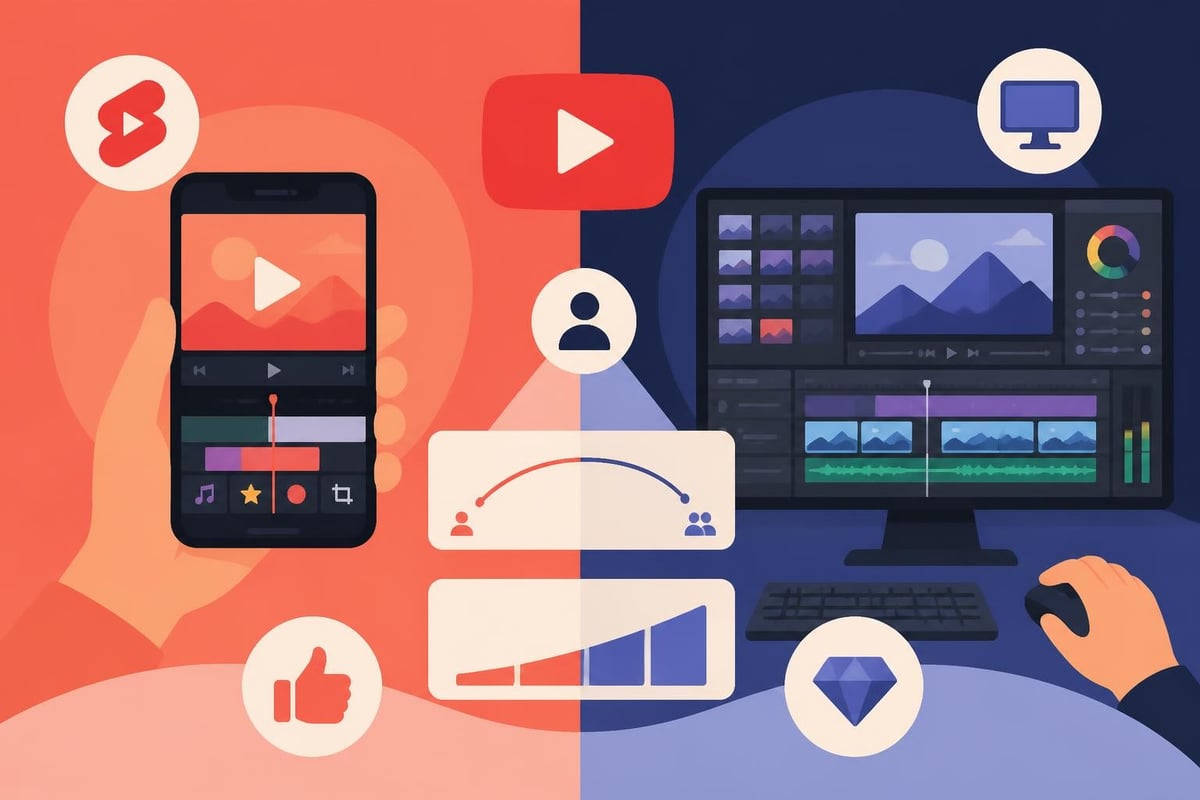
The best courses teach you software that aligns with your actual needs. If you're creating quick Shorts and want something mobile-friendly, learning YouTube Create’s features might be your sweet spot. For creators planning longer, more cinematic content, DaVinci Resolve or Premiere Pro courses offer the depth you'll eventually need.
Here's what to look for in software training:
The right youtube video editing course doesn't just teach buttons and menus. It teaches you how to make decisions faster, because time is your most valuable resource as a creator.
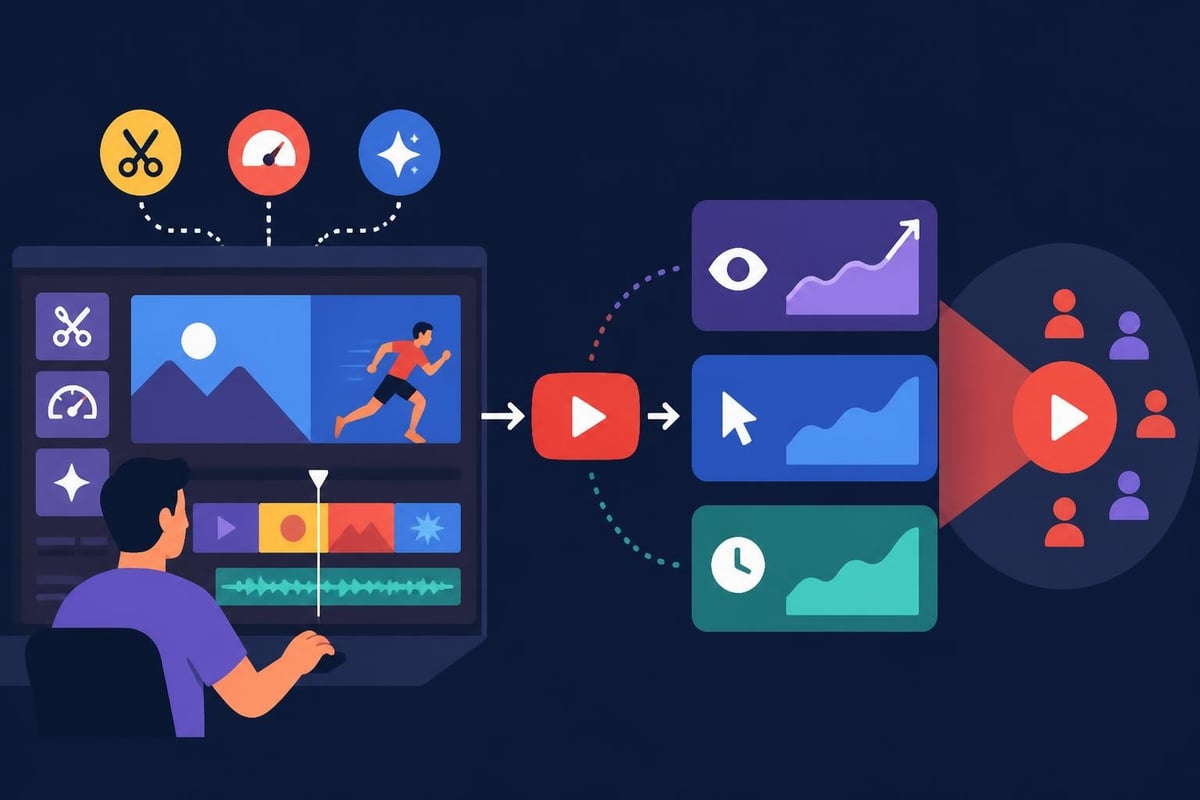
Generic video editing courses miss a crucial element: YouTube isn't just video, it's a discovery and engagement platform with specific viewer behaviors. Research shows that educational YouTube videos follow predictable engagement patterns based on pacing, visual variety, and information density.
A youtube video editing course worth your investment should teach:
| Course Component | Why It Matters | Real Impact |
|---|---|---|
| Retention editing | Keeps viewers watching past 30 seconds | Higher CTR and recommendations |
| Pattern interrupts | Breaks monotony every 8-12 seconds | Reduces drop-off rates |
| Visual storytelling | Guides attention without narration | Better comprehension and shares |
| Thumbnail-video alignment | Matches viewer expectations | Lower bounce rates |
The difference between a hobbyist course and a professional one is this focus on measurable outcomes. You're not just learning to make pretty videos. You're learning to make videos that perform.
Here's where most youtube video editing course discussions get dishonest. They focus on the upfront price tag (anywhere from $200 to $2,000) but ignore the real investment you're making.
Let's do the math honestly. A comprehensive youtube video editing course requires:
For a creator publishing three videos weekly, that's 30-45 hours of editing time alone. Every single week.
If your time is worth $50/hour (a conservative estimate for most entrepreneurs), that's $1,500-$2,250 in opportunity cost weekly. Money you're not spending on strategy, content creation, community building, or literally anything else that grows your business.
A youtube video editing course is just the beginning of your investment. Professional editing demands:
You're easily looking at $2,000-4,000 in initial setup costs, plus ongoing monthly expenses. And unlike a service subscription, these costs exist whether you're actively creating or taking a break.
Curious what separates amateur course graduates from professionals who edit full-time? The Eastern Illinois University video production curriculum offers insight into academic standards, but real-world YouTube editing goes deeper.
Professional editors master technical elements that most youtube video editing courses only touch briefly:
But here's the twist: most YouTube creators don't actually need this level of expertise. The videos performing best in 2026 prioritize authenticity and pacing over technical perfection.
What you really need is an editor who thinks strategically about your content. Someone who understands:
This strategic understanding takes years to develop. A youtube video editing course can introduce concepts, but mastery comes from editing hundreds of videos across different niches and seeing what actually works.
Let's talk about the elephant in the room. What if learning to edit isn't actually your best move?
Somewhere along the way, creators got the message that doing everything yourself equals authenticity. That's nonsense. Your authenticity lives in your ideas, your perspective, your voice. Not in your ability to color-correct B-roll.
Consider what happens when you delegate editing:
You gain back 15-20 hours weekly to focus on content strategy, filming, and audience engagement. The things only you can do.
Your production quality jumps immediately because you're working with someone who edits daily, not someone learning between filming sessions.
You maintain consistent output even during busy seasons, travel, or personal challenges. beCreatives clients report that consistency alone has transformed their channel growth.
You avoid creative burnout by separating creation from production. Many creators discover they actually love making content once editing isn't draining their energy.
Let's compare a youtube video editing course investment against professional editing services:
| Investment Type | Year 1 Cost | Hours Required | Videos Produced |
|---|---|---|---|
| DIY Course + Software | $3,500-6,000 | 500-700 hours | 50-75 videos |
| Professional Service | $3,600-7,200 | 50-100 hours | 150-200 videos |
The numbers tell a clear story. For similar annual investment, you triple your output and reclaim 400-600 hours. Hours you can spend building relationships, developing new revenue streams, or simply having a life outside your business.
Services like beCreatives offer unlimited editing with dedicated editors who learn your style, maintain your brand consistency, and deliver finished videos within 48 hours. No software headaches, no storage management, no all-nighters before upload deadlines.
Let's be fair. There are situations where investing in a youtube video editing course is the right call.
If you're planning to transition into video production professionally, or you genuinely enjoy the craft of editing, courses provide foundational knowledge you'll build on for years. This isn't about channel growth, it's about career development.
Brand-new creators testing formats and finding their voice often benefit from hands-on editing. You learn what works by trying everything, and a youtube video editing course gives you the tools to experiment freely without per-video costs.
Just recognize this as a temporary phase. Once you've found your format and proven your concept, it's time to scale by delegating.
If you're genuinely at a stage where you have abundant free time but limited budget, DIY editing makes practical sense. Just be honest about the math. If you could use those editing hours for client work, consulting, or another revenue stream that pays more than your editing service would cost, you're losing money by doing it yourself.
Certain YouTube niches legitimately require the creator's editorial hand. Highly personal vlogs, artistic video essays, or experimental content formats sometimes need the creator's intimate involvement in the edit.
But even here, many creators find a hybrid approach works best: they rough-cut or assemble footage themselves, then hand off to professional editors for polish, pacing refinement, and final delivery.
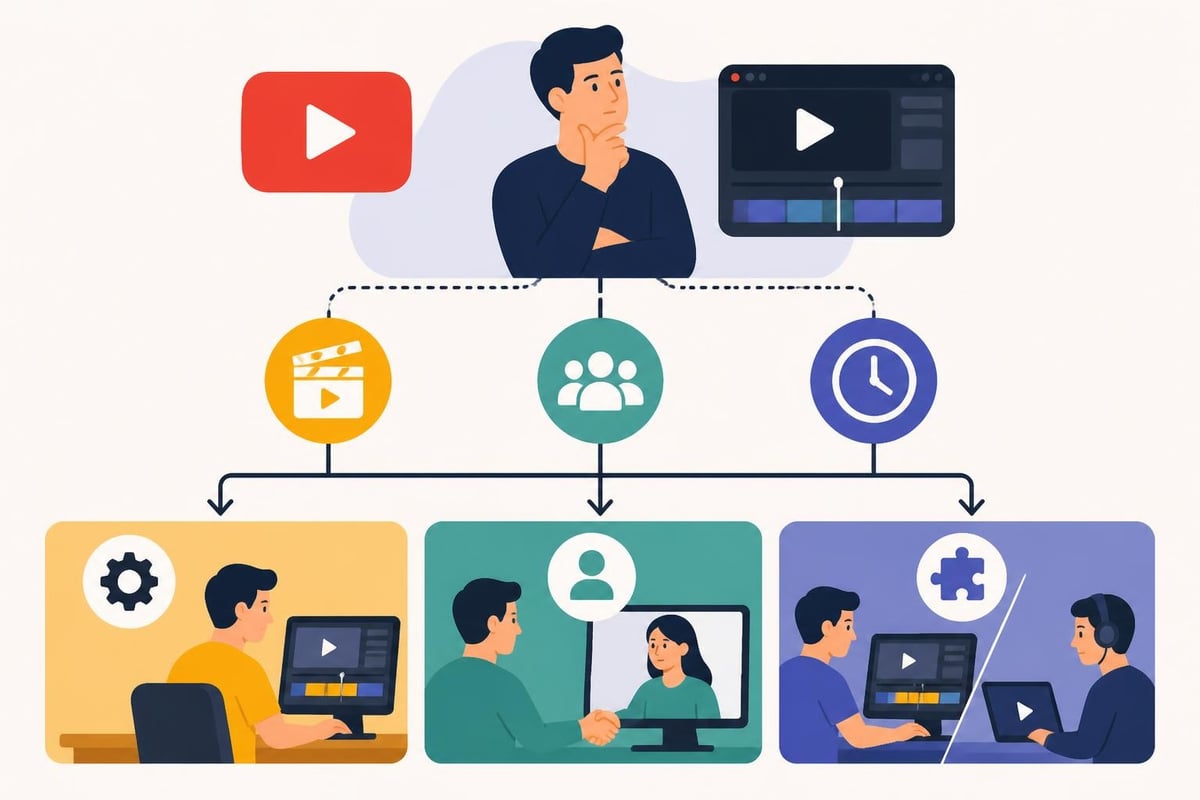
Okay, you've weighed the options and decided a youtube video editing course fits your current situation. Smart. Now let's make sure you choose one that actually delivers value.
Generic video production courses teach broadcast standards that don't apply to YouTube. Look for programs specifically designed around:
The best courses teach you to think like a YouTube creator first, editor second.
Don't just check if the instructor knows editing. Check if they understand YouTube success. Look for:
Marketing experts teaching editing rarely understand creator workflows. Editors who don't create content miss the strategic context.
A youtube video editing course should include:
One-and-done courses leave you stranded when YouTube changes its recommended video length or introduces new features. Ongoing access matters.
Theory-heavy courses waste your time. The best learning happens when you're solving real problems. Look for programs that:
You should finish the course with 5-10 polished video examples you can show prospective clients or collaborators.
Here's the strategy most successful creators land on: strategic outsourcing combined with creative control.
Smart creators maintain control over:
This keeps your voice and perspective intact while delegating the time-consuming technical work.
Hand off everything that doesn't require your specific creative input:
These tasks are technical, repeatable, and learnable by skilled editors who can often do them better and faster than you ever will.
The hybrid approach works best when you build a relationship with dedicated editors who learn your style over time. Client testimonials consistently mention this benefit: editors who understand your brand become creative partners, not just service providers.
Working with the same editor or team creates efficiency gains that compound. Your third video together takes half the revision rounds of your first. By video ten, they're anticipating your preferences and delivering near-perfect cuts on the first pass.
Stop thinking about this as an either/or choice. Think about it as a business decision with measurable inputs and outputs.
Take your monthly revenue and divide by hours worked. That's your creator hourly rate, the actual value of your productive time.
Now compare:
Which option generates more revenue? Which builds long-term value? Which lets you actually enjoy running your business?
If you want to 10x your channel in the next year, you need to 10x your output or 10x your quality. Realistically, you need both.
A youtube video editing course might help you improve quality. But it won't give you more hours in the day. You'll still hit the ceiling of how many videos one person can edit weekly while maintaining other business responsibilities.
Professional editing services remove that ceiling entirely. You can scale to daily uploads, multiple channel strategies, or short-form content repurposing without personally editing a single additional hour.
Every hour you spend learning to edit is an hour you're not:
For established creators, this opportunity cost quickly exceeds any course or service investment. Your job is creating compelling content and building audience relationships. Everything else should be systematized or delegated.
Before you commit to any youtube video editing course, ask yourself these uncomfortable but necessary questions:
Do I actually enjoy editing, or do I just think I should learn it? There's a massive difference between appreciating good editing and enjoying the process. Many creators discover they hate editing but felt obligated to DIY everything.
What's my realistic weekly time budget for editing? Not your aspirational "I'll wake up at 5am" fantasy. Your actual, sustainable weekly capacity. If it's less than 10 hours, you won't maintain quality output.
Am I using "learning to edit" as productive procrastination? Sometimes diving into a new course feels productive while actually avoiding the scary work of putting yourself out there consistently.
Would this investment grow my business faster than alternatives? Could that $1,500 course budget buy you three months of professional editing instead? Could it fund better equipment, a website redesign, or paid promotion that drives faster growth?
Have I actually tested my content concept enough to commit to this workflow? If you're still figuring out your format, angle, and audience, maybe lock those down before investing heavily in editing infrastructure.
These questions aren't meant to discourage you. They're meant to ensure you're making strategic decisions based on your actual business needs, not industry myths about what "real creators" do.
Learning to edit can be valuable, but it's not the only path to YouTube success. In 2026, the smartest creators focus on what they do best, creating compelling content and building genuine audience connections, while delegating technical production to specialists. If you're ready to scale your YouTube presence without sacrificing your sanity to endless editing sessions, beCreatives offers unlimited video editing with dedicated editors who learn your style and deliver broadcast-quality videos in 48 hours. You focus on creating. We'll handle the rest.
Discover how post production video editing transforms raw footage into professional content. Learn workflows, tools, and outsourcing tips.
Master video editing HD quality standards, encoding settings, and workflow best practices to deliver professional content in 2026.
Looking to hire video editor for YouTube? Discover the best hiring strategies, what to look for, and how to build a winning content team in 2026.
Discover the best music video editing software for 2026. Compare features, pricing, and workflow tools to create stunning music videos faster.
Looking for a video editing company near me? Learn how to choose the right partner, what to expect, and whether local is best in 2026.
Discover how video editing AI online is changing content creation in 2026. Explore smart tools, workflows, and what creators really need to know.
Master wedding videography editing with expert tips on storytelling, pacing, and delivery. Learn how to transform raw footage into cinematic films.
Choosing an HD video editing app in 2026? Discover features, performance tips, and how professionals handle high-definition content.
Discover the best free simple editing software for videos and photos in 2026. Compare features, learn what works, and decide when to DIY or outsource.
Learn how to hire editor for YouTube in 2026. From vetting candidates to pricing models, this guide helps creators scale content without burnout.

Editing videos yourself can take a lot of your precious time, but do not worry – we‘ve got you covered! Our highly skilled Video Editors are here to speed up the process and give you time to create more content.
What do you need edits for?


Scratch to see who you got
This is your match, not your assignment.
We confirm your editor once you subscribe.
Pick a time that works and we’ll take it from there.
Open the booking page15 minutes, free