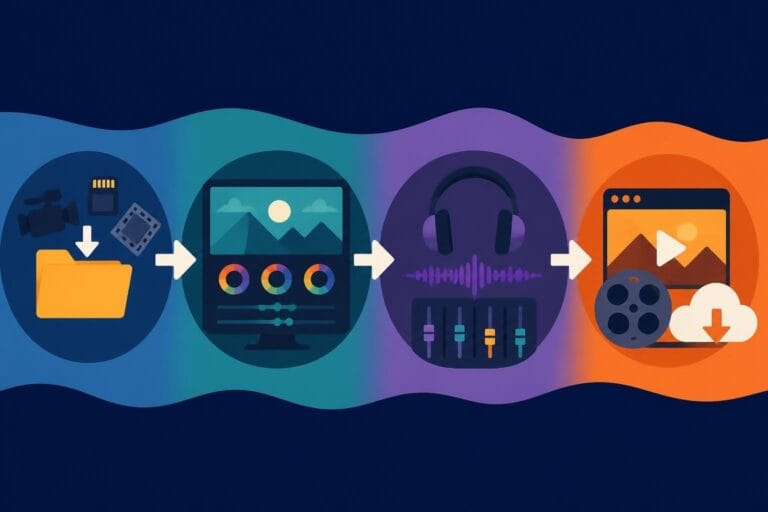
Post Production Video Editing: Complete Guide for 2026
Discover how post production video editing transforms raw footage into professional content. Learn workflows, tools, and outsourcing tips.
10 Min. ReadRead More
5 dedicated editor spots open this week. Book a call to reserve →
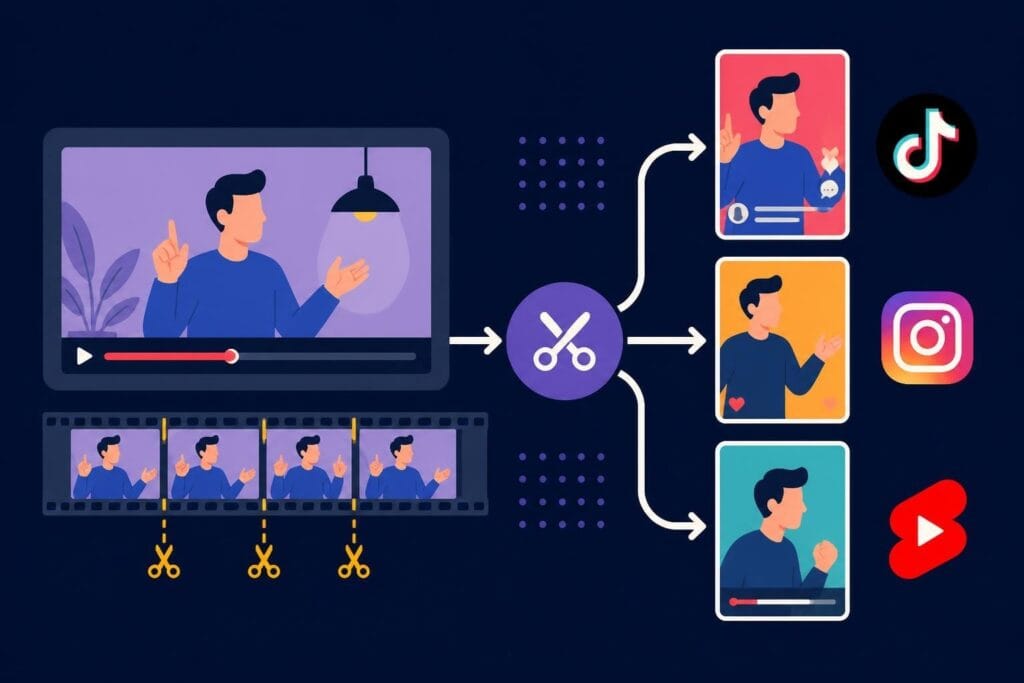
Master short form video editing in 2026. Learn top tools, strategies, and how professional editors help creators thrive without burnout.
 Knowledge Base
June 16, 2026
Short form video content isn't just trending-it's dominating. TikTok, Instagram Reels, YouTube Shorts, and LinkedIn video are where your audience lives in 2026, and getting your content to stand out requires more than just hitting record. You need the right approach, the right tools, and honestly, the right help. Whether you're a content creator building your personal brand, a business owner trying to stay visible, or an agency juggling multiple clients, finding the perfect short form video editor solution can make or break your content strategy.
The numbers don't lie. Short form video generates 2.5x more engagement than long form content, and platforms are pushing these formats harder than ever. Your competitors are posting daily. Your audience scrolls for hours. And if you're not showing up consistently with polished, engaging clips, you're invisible.
But here's the catch: creating multiple short videos every week is exhausting. Filming is one thing. Editing? That's where most creators burn out.
A solid short form video editor workflow solves this. It transforms your raw footage into scroll-stopping content without eating up your entire day. The challenge is figuring out what approach actually works for your specific situation.
Let's talk about what happens when you try to do everything yourself:
Most creators start DIY. That's normal. But the successful ones recognize when it's time to level up their process.
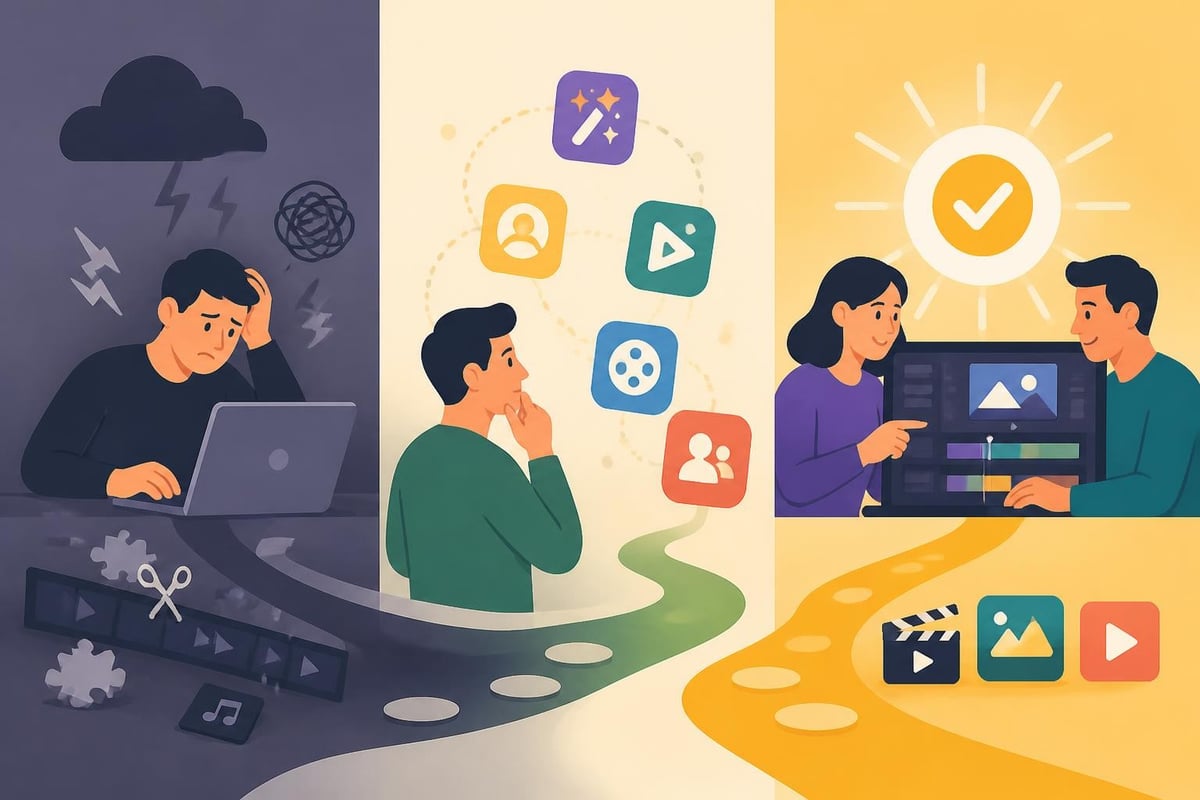
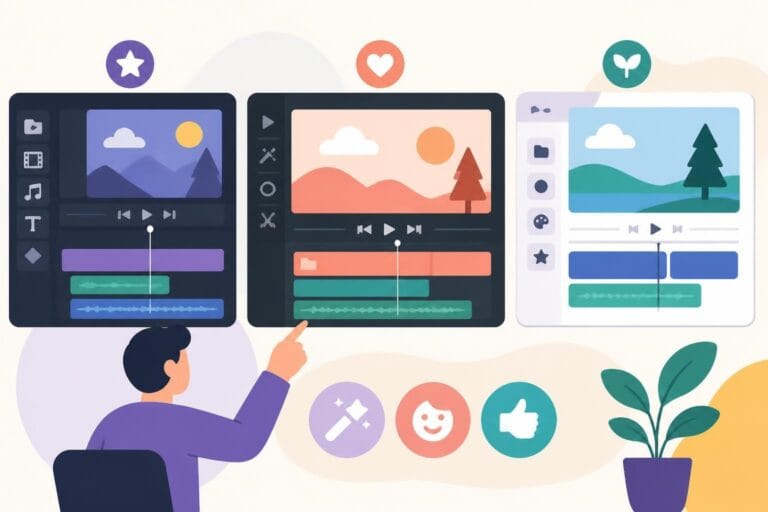
The software landscape has exploded. Some tools focus on speed, others on AI automation, and some try to do everything. Here's what actually matters when you're choosing your toolkit.
| Tool Type | Best For | Key Features | Price Range |
|---|---|---|---|
| Mobile Apps | On-the-go editing | Templates, quick exports, platform integration | Free – $15/month |
| Desktop Software | Complex projects | Advanced effects, multi-track editing | $0 – $50/month |
| AI Editors | Repurposing long content | Auto-clipping, caption generation | $20 – $100/month |
| Professional Services | Consistent brand quality | Dedicated editors, unlimited revisions | $500+ /month |
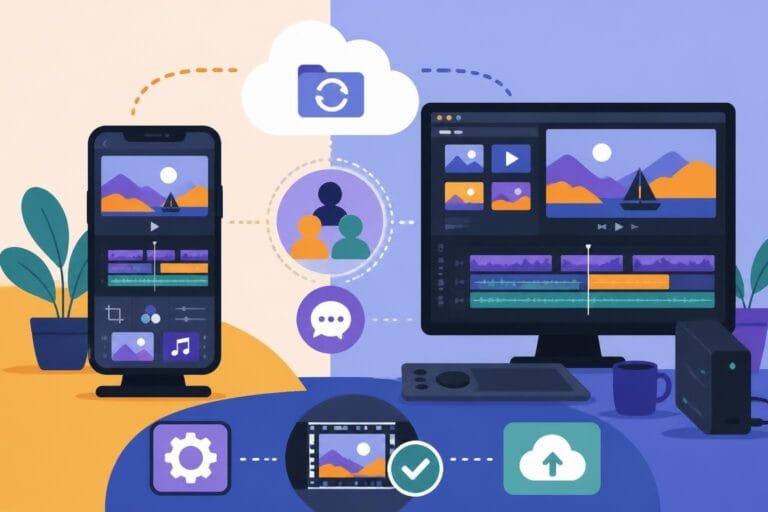
If you're editing on your phone, video editing apps for mobile have become incredibly powerful in 2026. CapCut, InShot, and Adobe Express dominate this space.
Pros of mobile editing:
Cons to consider:
Mobile works great when you're starting out or need something quick. But if you're posting daily or managing multiple content pillars, you'll hit limitations fast.
Traditional desktop editing gives you more control. Free video editing software like DaVinci Resolve and Clipchamp offer professional features without the price tag.
The learning curve is steeper, but the results show it. You get:
The trade-off? You need to invest serious time learning the software. And if you're running a business, that time might be better spent elsewhere.
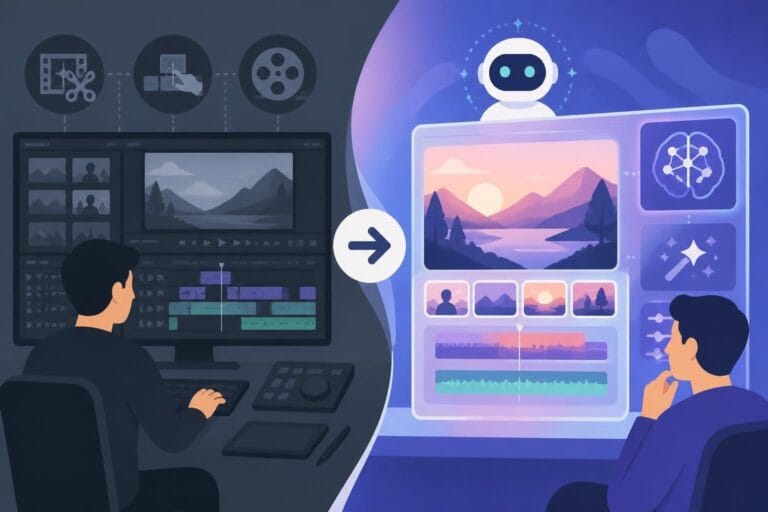
Artificial intelligence has changed the game completely. Tools like Choppity and VoxCut.ai automatically identify the best moments from long videos, add captions, and prepare clips for posting.
This technology solves a huge problem: repurposing existing content. Got a 30-minute podcast interview? AI can extract 10 shareable clips in minutes.
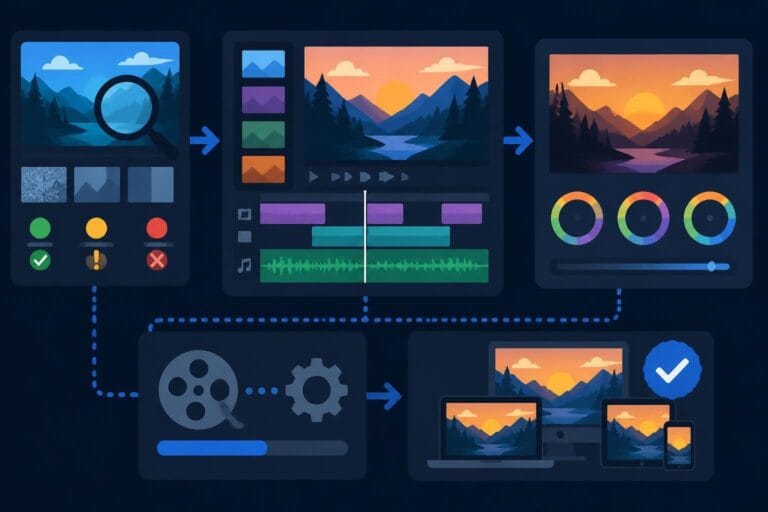
The process is surprisingly straightforward:
Research on video summarization systems shows these tools are getting scarily good at understanding context and picking viral-worthy moments.
But here's the reality check: AI tools are fantastic assistants, not replacements for creative judgment. They can cut clips and add captions. They can't understand your brand voice, audience nuances, or strategic goals.
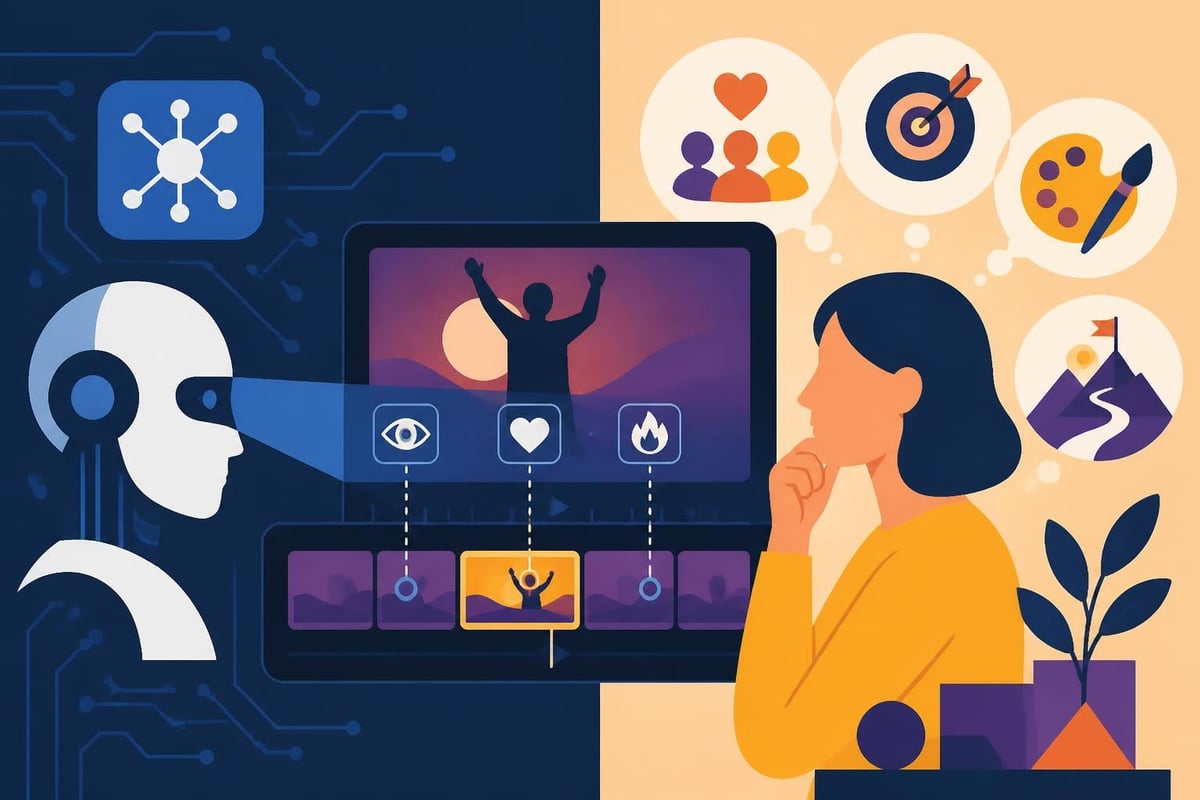
Each social platform has different requirements, and your short form video editor approach needs to adapt. What works on TikTok bombs on LinkedIn. Here's the breakdown:
TikTok viewers scroll fast and have zero patience. Your editing needs to reflect that:
If you're focusing on TikTok content, check out our guide on how to edit video for TikTok for platform-specific techniques.
Reels favor polished aesthetics over raw authenticity:
Shorts viewers often come from traditional YouTube, so they expect slightly higher production value. Add:
| Platform | Ideal Length | Pacing | Audio Priority | Text Overlay |
|---|---|---|---|---|
| TikTok | 7-21 seconds | Rapid | Critical | Heavy |
| Instagram Reels | 15-30 seconds | Moderate | Important | Moderate |
| YouTube Shorts | 30-60 seconds | Balanced | Optional | Light |
| 30-90 seconds | Slower | Optional | Professional |
Here's what nobody talks about: the most successful content creators don't edit their own videos. They focus on what they're actually good at-creating, strategizing, showing up-and delegate the technical work.
Professional video editing services offer something DIY and AI tools can't: strategic creative partnership. A dedicated editor learns your brand, understands your audience, and makes decisions that align with your goals.
Beyond technical cutting and transitions, professional editors:
The beCreatives pricing model reflects this reality: unlimited editing means you can test, iterate, and post without worrying about per-video costs eating your budget.
You'll know it's time when:
Real talk: Outsourcing feels like a big step. But compare the monthly cost of professional editing to the opportunity cost of not showing up consistently. The ROI becomes obvious fast.
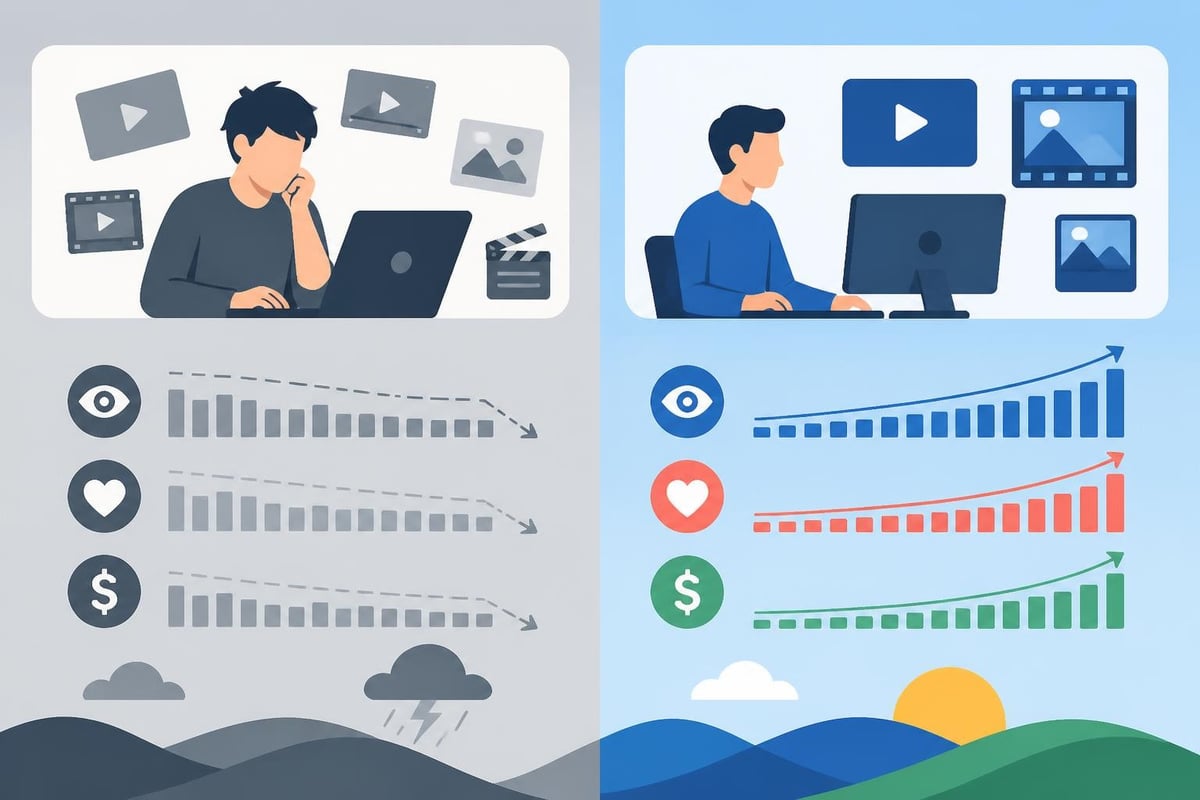
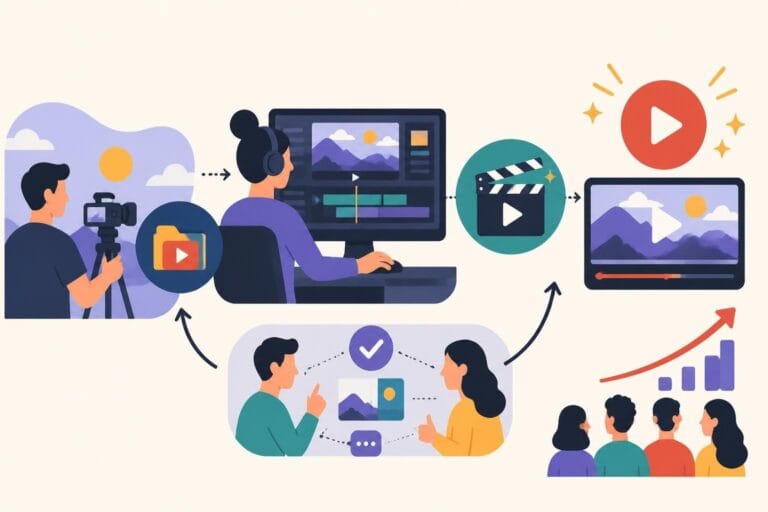
Whether you're editing yourself or working with a team, you need a system. Here's a workflow that actually scales:
Phase 1: Content Capture
Phase 2: Organization
Phase 3: Editing Process
Phase 4: Review and Refinement
Phase 5: Publishing and Analysis
This workflow works whether you're using mobile apps, desktop software, AI tools like Slice Vid, or professional services. The key is consistency.
Even with the right tools, creators sabotage themselves with these errors:
More effects don't equal better content. Viewers want authentic connection, not epileptic seizure-inducing transitions. Strip back to what serves the message.
Uploading horizontal video to vertical platforms kills your reach. Each network has specific requirements:
Your audience should recognize your videos instantly, even with sound off. Establish:
Captions aren't optional in 2026. Research on video accessibility shows that proper captioning and visual descriptions dramatically expand your audience reach and engagement.
Editing matters, but only if it drives results. Track these metrics:
Studies on short-form video behavior reveal that strong editing directly impacts these metrics-particularly completion and share rates.
Don't just chase views. A video with 1,000 views and 50% completion rate outperforms one with 10,000 views and 10% completion.
Looking ahead, several trends are reshaping how we approach short form content:
AI will get smarter, not replace editors: Automation handles tedious tasks, but creative storytelling remains human work.
Platform consolidation of editing tools: Social networks are building better native editors to keep creators in-app.
Personalization at scale: AI-powered editing will create multiple versions of the same video tailored to audience segments.
Interactive short form content: Choose-your-own-adventure style videos are coming to mainstream platforms.
Cross-platform optimization: One source file, automatically adapted for every platform with appropriate edits.
The creators who win aren't those with the fanciest tools-they're the ones who show up consistently with quality content. And that requires systems, whether that's mastering your own short form video editor workflow or partnering with professionals who handle the technical heavy lifting.
Your content strategy shouldn't depend on how much free time you have on weekends. It should run like a well-oiled machine, producing engaging videos that grow your brand while you focus on what you do best.
Finding the right short form video editor approach transforms your content game from exhausting to sustainable. Whether you're exploring AI tools, mastering software, or ready to delegate entirely, the goal stays the same: consistent, engaging content that connects with your audience. If you're tired of the editing grind and ready for unlimited professional video editing without the per-project hassle, beCreatives pairs you with dedicated editors who understand your brand and deliver scroll-stopping content on your schedule-so you can focus on creating, not editing.
Discover how post production video editing transforms raw footage into professional content. Learn workflows, tools, and outsourcing tips.
Master video editing HD quality standards, encoding settings, and workflow best practices to deliver professional content in 2026.
Discover what makes a YouTube video editing course worth your time in 2026, plus smarter alternatives for busy creators and agencies.
Looking to hire video editor for YouTube? Discover the best hiring strategies, what to look for, and how to build a winning content team in 2026.
Discover the best music video editing software for 2026. Compare features, pricing, and workflow tools to create stunning music videos faster.
Looking for a video editing company near me? Learn how to choose the right partner, what to expect, and whether local is best in 2026.
Discover how video editing AI online is changing content creation in 2026. Explore smart tools, workflows, and what creators really need to know.
Master wedding videography editing with expert tips on storytelling, pacing, and delivery. Learn how to transform raw footage into cinematic films.
Choosing an HD video editing app in 2026? Discover features, performance tips, and how professionals handle high-definition content.
Discover the best free simple editing software for videos and photos in 2026. Compare features, learn what works, and decide when to DIY or outsource.

Editing videos yourself can take a lot of your precious time, but do not worry – we‘ve got you covered! Our highly skilled Video Editors are here to speed up the process and give you time to create more content.
What do you need edits for?


Scratch to see who you got
This is your match, not your assignment.
We confirm your editor once you subscribe.
Pick a time that works and we’ll take it from there.
Open the booking page15 minutes, free