Post Production Video Editing: Complete Guide for 2026
Discover how post production video editing transforms raw footage into professional content. Learn workflows, tools, and outsourcing tips.
10 Min. ReadRead More
5 dedicated editor spots open this week. Book a call to reserve →
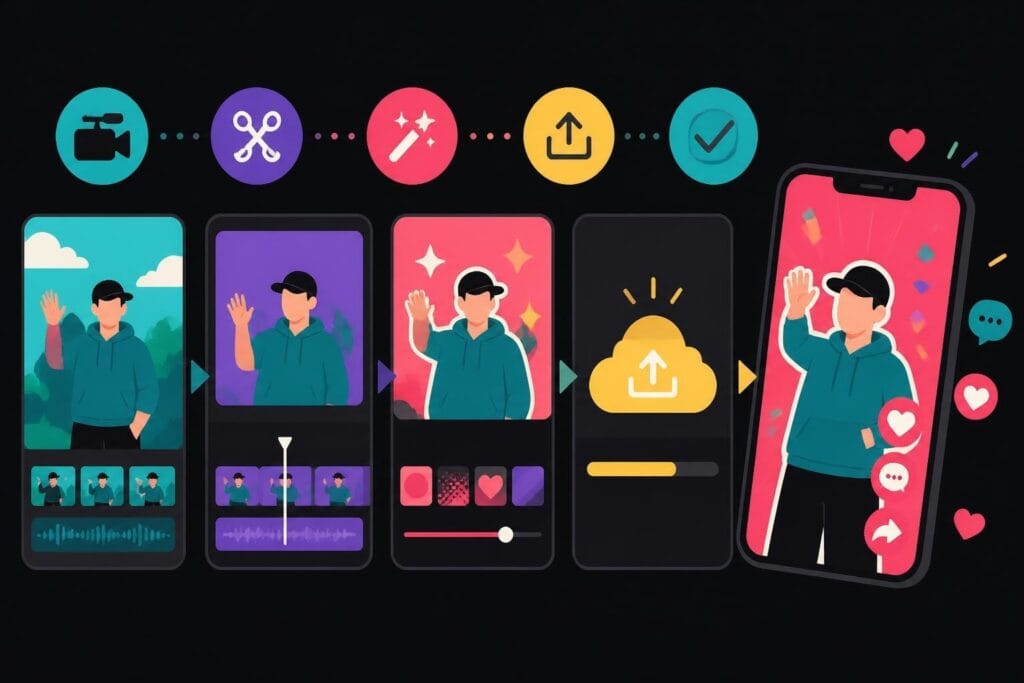
Learn how to edit video TikTok content that converts. Expert tips, tools, and strategies to create scroll-stopping videos without the stress.
 Knowledge Base
June 7, 2026
TikTok has transformed how we create and consume video content, and knowing how to edit video TikTok style isn't just a nice skill anymore-it's practically a business requirement. Whether you're building a personal brand, running a marketing agency, or trying to get your business in front of younger audiences, your TikTok editing game needs to be sharp. The platform rewards creativity, speed, and authenticity, which means your editing approach needs to balance professional polish with that raw, relatable energy TikTok users crave. The good news? You don't need a film degree or expensive software to make videos that stop the scroll. But you do need to understand what makes TikTok different from every other platform.
TikTok isn't YouTube. It's not Instagram Reels. It's not even close to traditional video marketing. The platform has created its own visual language, and if your edits don't speak that language, your content gets buried.
Here's what makes TikTok unique:
When you edit video TikTok content, you're not just cutting clips together. You're creating a dopamine hit in under 60 seconds. That requires a completely different mindset than traditional video editing.
The platform's algorithm favors watch time and completion rate above everything else. This means your editing decisions-how you hook viewers, pace your cuts, time your reveals-directly impact whether TikTok shows your content to 500 people or 500,000.
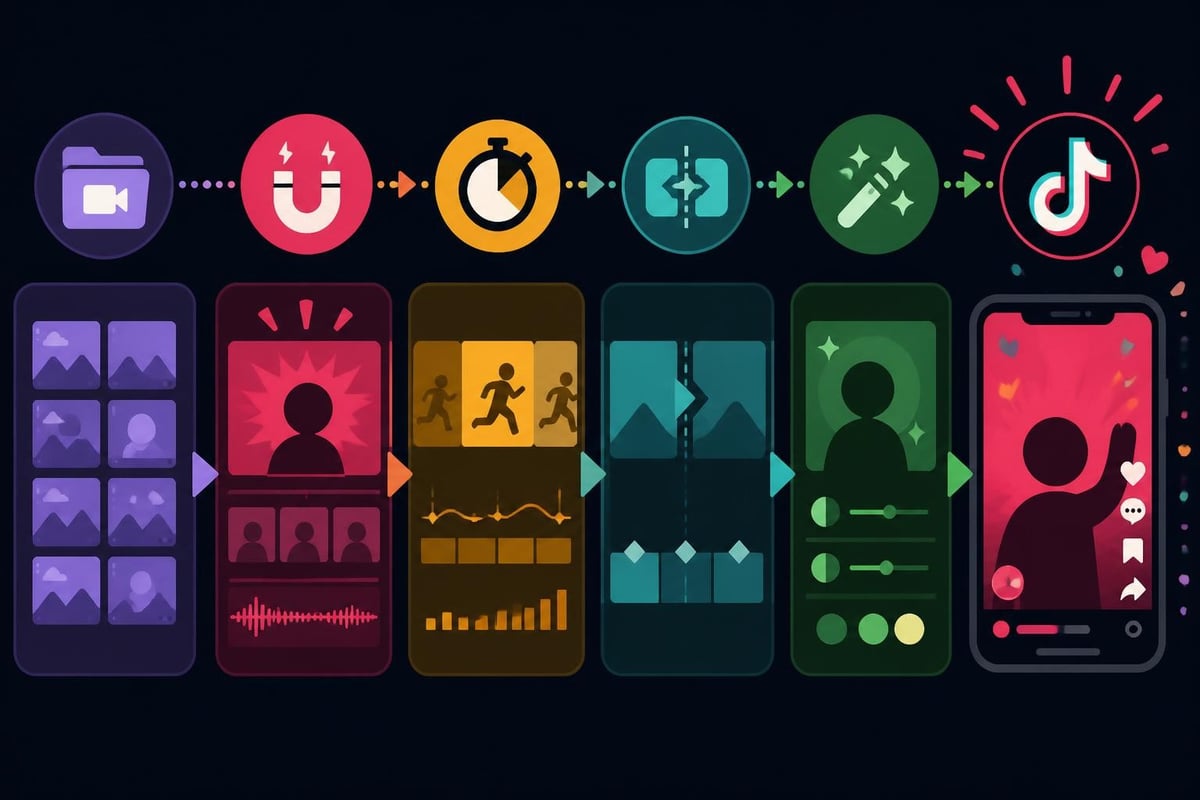
You've got options when it comes to editing platforms, and the right choice depends on your workflow, skill level, and how much control you want.
TikTok's built-in editor is surprisingly powerful for creators who want speed over complexity. You can trim clips, add effects, adjust speed, layer sounds, and use trending filters-all without leaving the app.
D3mFollow’s comprehensive guide reveals over 50 hidden tools within the native editor that most creators never discover. These features let you adjust clip angles, fine-tune color grading, and even add sophisticated text animations.
Pros of in-app editing:
Limitations to consider:
Apps like CapCut, InShot, and VN have become industry standards for creators who want professional results with mobile convenience. These platforms offer advanced features while keeping the workflow fast.
CapCut, owned by TikTok's parent company, feels purpose-built for the platform. You get keyframe animation, advanced color grading, multi-track audio, and templates specifically designed for viral TikTok formats.
| Feature | TikTok Native | CapCut | Desktop Software |
|---|---|---|---|
| Speed | Fastest | Fast | Slower |
| Precision | Basic | High | Highest |
| Templates | Limited | Extensive | Custom |
| Brand Assets | No | Limited | Full Control |
| Learning Curve | None | Minimal | Steep |
When you're running a business or managing multiple clients, professional video editing services often make more sense than doing it yourself. The time you save pays for itself quickly.
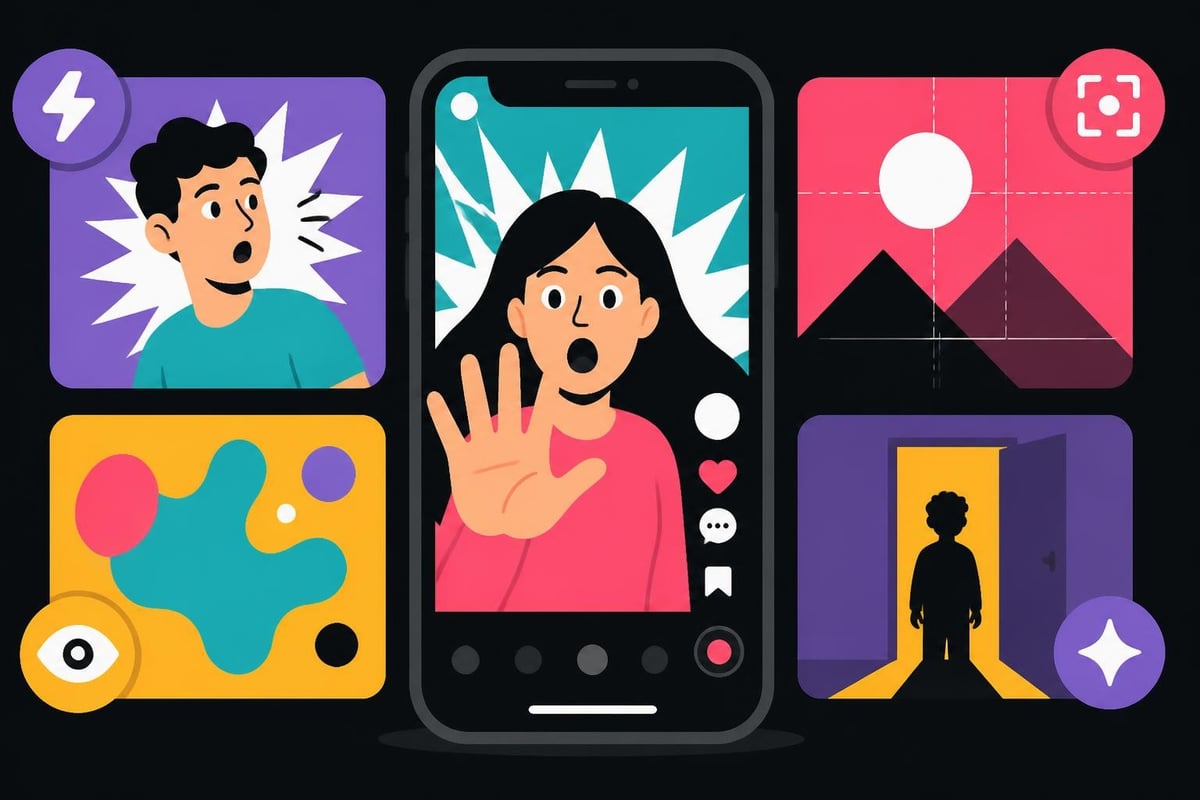
The brutal truth about TikTok? Most users decide whether to keep watching in less time than it takes to blink. Your opening frame needs to create instant curiosity, confusion, or recognition.
Start with something unexpected. A surprising statement, an unusual visual, or a question that creates a knowledge gap. "Wait, you've been doing this wrong the whole time" works better than "Here's a tutorial on…"
Proven hook frameworks:
Motion in the first frame increases watch time by up to 35%. Start with camera movement, a quick zoom, or action already in progress rather than a static talking head.
Sound design matters just as much. Creator Space’s editing tips guide emphasizes matching your audio hook to your visual hook-they should work together to create immediate interest.
Once you've hooked them, you need to maintain momentum. TikTok audiences expect constant stimulation-cut too slow and they're gone.
No single shot should hold for more than three seconds unless there's a compelling reason. Quick cuts create urgency and prevent boredom. Even in educational content, breaking up longer explanations with B-roll, text overlays, or angle changes maintains energy.
Transition techniques that work:
According to research from OpusClip, videos with cuts timed to music beats see 23% higher completion rates. Your editing rhythm should match your audio rhythm.
Don't be afraid of creative transitions that show your editing personality. Subtle effects work, but sometimes a bold swipe or zoom transition fits the platform's playful nature better than invisible cuts.
Text isn't just for accessibility on TikTok-it's a core part of the viewing experience. Most users watch with sound off initially, and even with sound on, text reinforces your message.
Keep text in the center-safe zone (the middle 60% of the screen) to avoid TikTok's interface elements. The caption bar, sound name, and interaction buttons all compete for screen space.
Text best practices:
Captions should complement your video, not repeat it verbatim. Use them to add context, create intrigue, or set up the payoff your video delivers.
When you edit video TikTok content consistently, maintaining brand fonts and color schemes becomes time-consuming. This is where having a dedicated video editor who knows your brand saves hours every week.
Audio is half the TikTok experience, possibly more. The right sound can multiply your reach; the wrong one can kill an otherwise perfect video.
Trending sounds get algorithmic preference, but original audio lets you build a unique brand voice. The strategy depends on your goals.
When to use trending sounds:
When to create original audio:
Sprout Social’s TikTok editing guide highlights that audio effects like reverb, echo, or pitch shifts can make voiceovers more engaging without requiring expensive microphone setups.
Mix your audio levels carefully. Background music should enhance, not overpower, voiceovers or dialogue. TikTok users scroll fast when they can't hear the main message clearly.
While TikTok prioritizes content over production quality, certain technical standards improve performance and professionalism.
| Setting | Recommended Value | Why It Matters |
|---|---|---|
| Resolution | 1080 x 1920 (vertical) | Native TikTok format |
| Frame Rate | 30fps minimum | Smooth motion |
| Bitrate | 15-20 Mbps | Quality without compression artifacts |
| Codec | H.264 | Universal compatibility |
| Audio | 128 kbps AAC | Clear sound, manageable file size |
Upload the highest quality file TikTok accepts. The platform compresses everything anyway, but starting with better quality means less degradation after compression.
Record in good lighting whenever possible. You can fix a lot in editing, but no amount of color grading rescues severely underexposed footage. Natural light near windows often beats expensive LED setups.
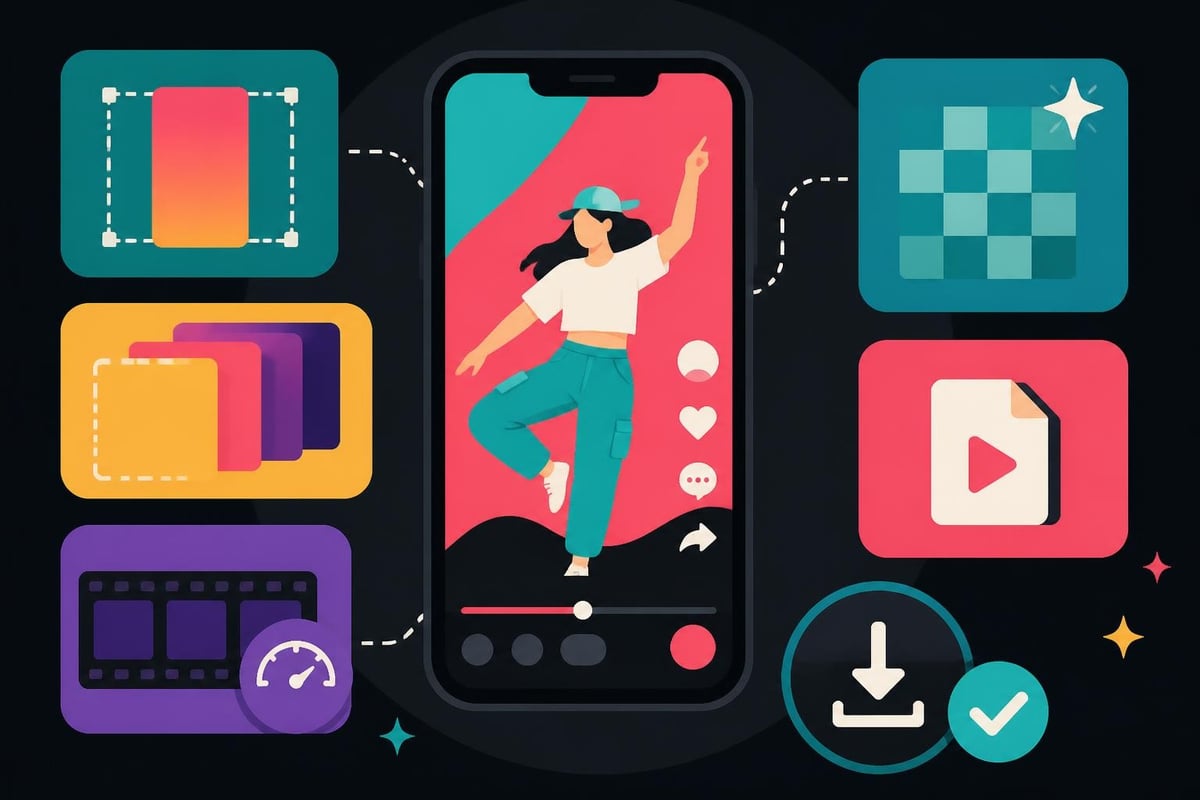
If you're creating TikTok content for business, you need volume. One viral video is luck. Consistent quality posting is strategy.
Set up editing templates with your brand colors, fonts, intro sequences, and outro cards. This cuts editing time by 60% and maintains visual consistency across your content calendar.
Blitzcut’s efficiency guide recommends dedicating one day to filming multiple videos, then batching the editing process. This "production line" approach prevents creative burnout and ensures you're never scrambling for content.
Batch editing workflow:
For agencies managing multiple clients or creators producing daily content, outsourcing to unlimited video editing services means you get professional results without the time investment. Your team focuses on strategy and filming while experienced editors handle the technical execution.
Not all TikTok videos need the same editing approach. Your style should match your content category.
Teaching on TikTok requires clear visual hierarchy and step-by-step progression. Use numbered text overlays, highlight key terms in different colors, and break complex ideas into digestible chunks.
Quick cuts work, but don't sacrifice clarity for speed. Educational videos can hold attention with slightly longer shots if the information is valuable.
Comedy relies on timing. The space between setup and punchline, the pause before the reveal-these moments are everything. Over-editing can kill a joke as quickly as under-editing makes it drag.
Study successful comedy creators to see how they use silence, reaction shots, and delayed cuts to maximize laughs.
Product videos need to show, not just tell. Multiple angles, close-ups on features, before-and-after comparisons-these editing choices sell more effectively than any voiceover.
TechRadar’s step-by-step tutorial demonstrates how to highlight product features using TikTok's native tools, making professional-looking content accessible even to beginners.
Even experienced creators make these errors when they rush through editing.
Watch out for:
The biggest mistake? Overcomplicating things. TikTok rewards authenticity and creativity, not technical perfection. A well-edited video shot on your phone beats an overproduced studio video that lacks personality.
Your TikTok analytics tell you exactly what's working. Use this data to refine your editing approach.
Check your average watch time. If viewers consistently drop off at the 7-second mark, your hook isn't strong enough. If they watch until the end but don't engage, your CTA needs work.
Metrics that inform editing decisions:
Synapse Talent’s virality guide emphasizes that algorithm-friendly edits aren't about gaming the system-they're about respecting your audience's time and attention.
Once you've figured out what works, the challenge becomes maintaining consistency while managing everything else in your business.
Creating quality TikTok content takes time. Filming takes time. Editing takes more time. Analyzing performance, planning future content, engaging with comments-it all adds up fast.
This is where smart entrepreneurs make a choice. You can spend 10-15 hours weekly editing video TikTok content yourself, or you can delegate that work to specialists who live and breathe video editing.
The math is simple:
Many successful creators and agencies partner with platforms like FreelanceDEV to find skilled video professionals who can handle the technical execution while you focus on strategy and content creation.
Consistency comes from systems, not willpower. Document your editing workflow so you (or your team) can replicate successful videos.
Create a simple editing checklist:
When you edit video TikTok content following a proven system, you remove decision fatigue and speed up the entire process. Templates, presets, and documented workflows turn editing from an art into a science.
TikTok's features and trends evolve constantly, but fundamental editing principles remain. Focus on storytelling, emotional connection, and respecting your audience's time.
The platform will introduce new effects, change the algorithm, and shift user preferences. Your editing skills need to stay flexible enough to adapt while maintaining your unique creative voice.
Investing in quality editing-whether through developing your own skills, using better tools, or outsourcing to professional editors-pays dividends across every piece of content you create. The time you save, the consistency you maintain, and the results you achieve all compound over time.
Knowing how to edit video TikTok content effectively isn't optional anymore-it's the difference between invisible and influential. But doing it all yourself? That's the fast track to burnout. If you're serious about scaling your TikTok presence without sacrificing your sanity, beCreatives gives you dedicated video editors, unlimited revisions, and a streamlined workflow that turns your raw footage into scroll-stopping content while you focus on what only you can do-building your business.
Discover how post production video editing transforms raw footage into professional content. Learn workflows, tools, and outsourcing tips.
Master video editing HD quality standards, encoding settings, and workflow best practices to deliver professional content in 2026.
Discover what makes a YouTube video editing course worth your time in 2026, plus smarter alternatives for busy creators and agencies.
Looking to hire video editor for YouTube? Discover the best hiring strategies, what to look for, and how to build a winning content team in 2026.
Discover the best music video editing software for 2026. Compare features, pricing, and workflow tools to create stunning music videos faster.
Looking for a video editing company near me? Learn how to choose the right partner, what to expect, and whether local is best in 2026.
Discover how video editing AI online is changing content creation in 2026. Explore smart tools, workflows, and what creators really need to know.
Master wedding videography editing with expert tips on storytelling, pacing, and delivery. Learn how to transform raw footage into cinematic films.
Choosing an HD video editing app in 2026? Discover features, performance tips, and how professionals handle high-definition content.
Discover the best free simple editing software for videos and photos in 2026. Compare features, learn what works, and decide when to DIY or outsource.

Editing videos yourself can take a lot of your precious time, but do not worry – we‘ve got you covered! Our highly skilled Video Editors are here to speed up the process and give you time to create more content.
What do you need edits for?


Scratch to see who you got
This is your match, not your assignment.
We confirm your editor once you subscribe.
Pick a time that works and we’ll take it from there.
Open the booking page15 minutes, free