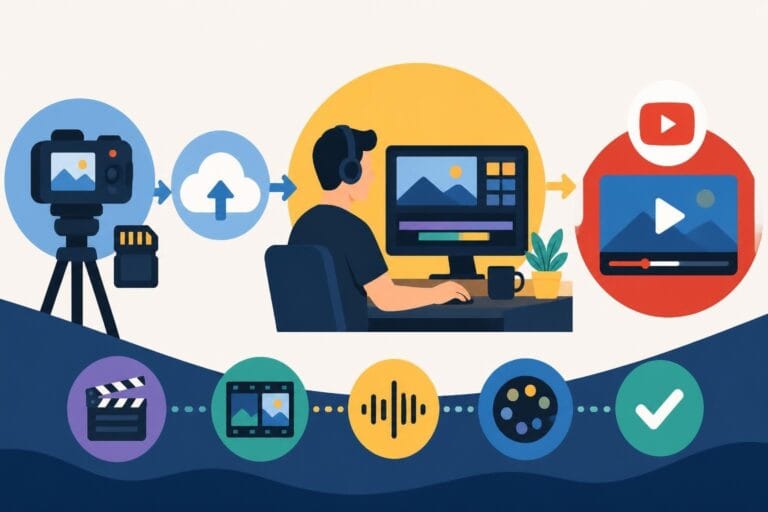
Post Production Video Editing: Complete Guide for 2026
Discover how post production video editing transforms raw footage into professional content. Learn workflows, tools, and outsourcing tips.
10 Min. ReadRead More
5 dedicated editor spots open this week. Book a call to reserve →

 Kiara WalkerCocktales Podcast
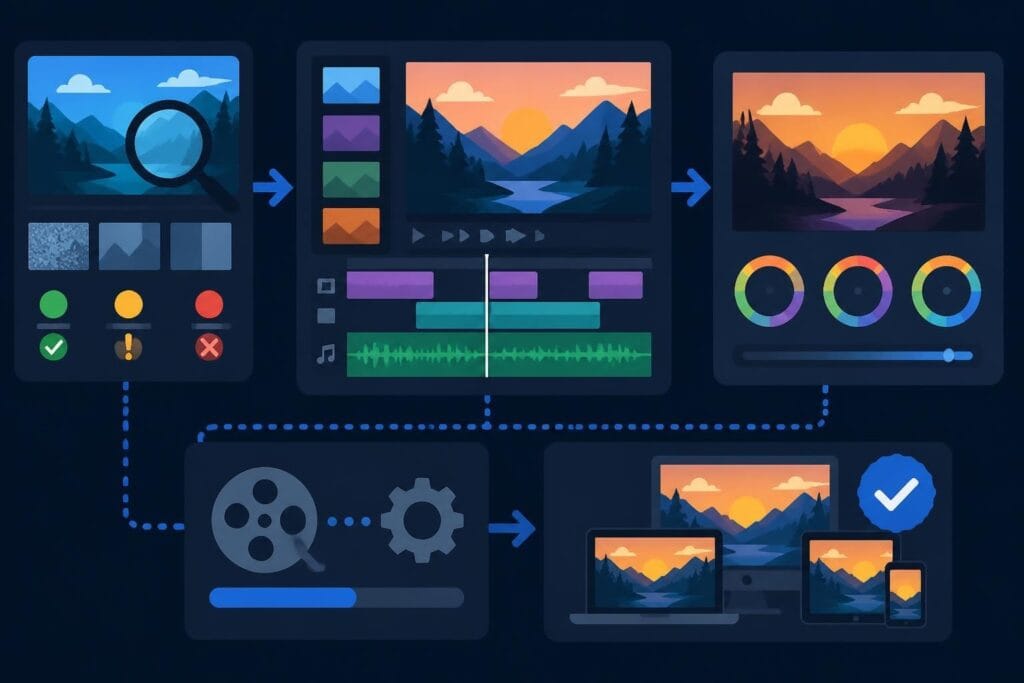
Master video editing HD quality standards, encoding settings, and workflow best practices to deliver professional content in 2026.
October 3, 2026
High-definition video isn't just a nice-to-have anymore – it's the baseline expectation for professional content in 2026. Whether you're creating YouTube videos, client testimonials, or social media content, understanding video editing HD quality means knowing how to preserve clarity, color accuracy, and visual impact from the first frame to final export. The challenge isn't just shooting in HD; it's maintaining that quality through every stage of your editing workflow without slowing down your content pipeline or burning through your budget. Let's break down what actually matters when it comes to delivering crisp, professional HD video that keeps audiences engaged.
HD video quality encompasses far more than resolution numbers. True video editing HD quality starts with understanding the technical specifications that define high-definition content and how they interact throughout your production pipeline.
Standard HD (1920×1080) remains the most widely used format for online content, balancing file size with visual quality. The ITU Recommendation BT.709 establishes the parameter values for HDTV, including color primaries, transfer characteristics, and matrix coefficients that ensure consistent color reproduction across devices.
Your choice of resolution and frame rate directly impacts perceived quality:
The relationship between these technical specifications affects everything from editing performance to final file size. If you're transforming raw footage into content on tight deadlines, understanding these basics helps you make smart choices without overcomplicating your workflow.
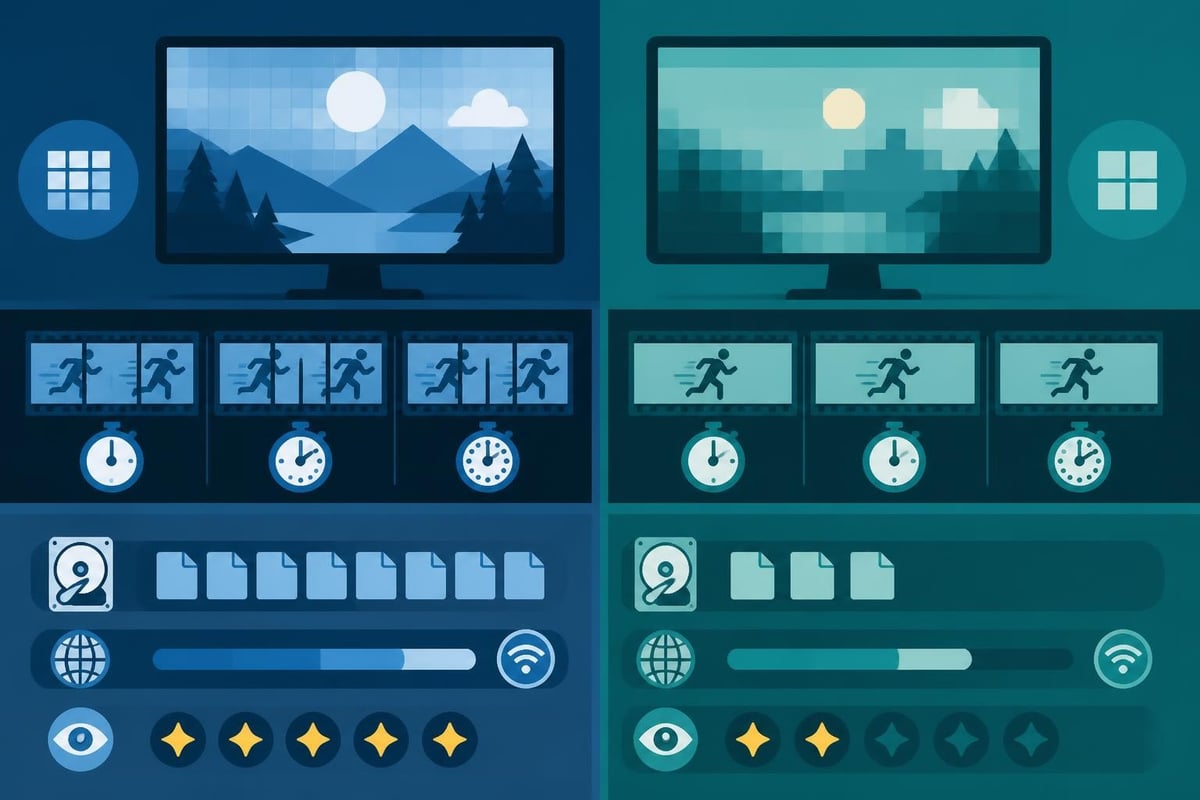
Color accuracy separates amateur edits from professional-grade video. When working with video editing HD quality, your color workflow determines whether your final output looks flat and lifeless or rich and engaging.
Bit depth refers to how many colors your video can represent. Most HD content uses 8-bit color (16.7 million colors), while professional workflows often utilize 10-bit (1.07 billion colors) for better gradation and color grading flexibility.
| Bit Depth | Color Count | Best For | File Size |
|---|---|---|---|
| 8-bit | 16.7 million | Web content, social media | Smaller |
| 10-bit | 1.07 billion | Professional grading, broadcast | Larger |
| 12-bit | 68.7 billion | High-end cinema, archival | Largest |
The BT.709 color space mentioned earlier is the standard for HD video, but understanding how to maintain color integrity through your editing pipeline requires proper monitor calibration. Without a calibrated display, you're essentially guessing at how your colors will appear to viewers.
Content creators often overlook color management, assuming their laptop screen accurately represents final output. This leads to videos that look oversaturated on some devices and washed out on others.
Professional video editing HD quality workflows include regular display calibration using hardware colorimeters. This ensures your creative decisions translate accurately across different viewing environments, from smartphones to 4K TVs.
Export settings make or break your video editing HD quality. You can nail every creative decision in your timeline, but poor encoding choices will crush detail, introduce banding, and create blocky artifacts that scream "amateur."
Bitrate determines how much data represents each second of video. Higher bitrates preserve more detail but create larger files. The VP9 encoding guidance from Google provides recommended bitrate tables for various resolutions and use cases.
For 1080p video at 30fps, consider these baseline bitrates:
Codec choice matters just as much as bitrate. H.264 remains the most compatible format for web delivery, while H.265 (HEVC) offers better compression efficiency at the cost of slightly higher encoding time and reduced compatibility with older devices.
If you're running a high-ticket service business where video presentations directly impact deal closings, the few extra minutes spent encoding at higher quality settings pay for themselves when clients see crisp, professional content that reflects your premium positioning.
Your editing software and workflow choices directly impact video editing HD quality. Working with HD footage requires adequate system resources and smart project organization to prevent quality degradation.
Always match your sequence settings to your source footage specifications. Mismatched settings force your editing software to scale or convert footage in real-time, introducing unnecessary quality loss.
Key timeline settings to verify:
When you scale, rotate, or apply effects to clips, your editing software processes pixels through scaling algorithms. The FFmpeg scaler documentation details various scaling methods, with Lanczos and bicubic providing superior results for HD video compared to bilinear scaling.
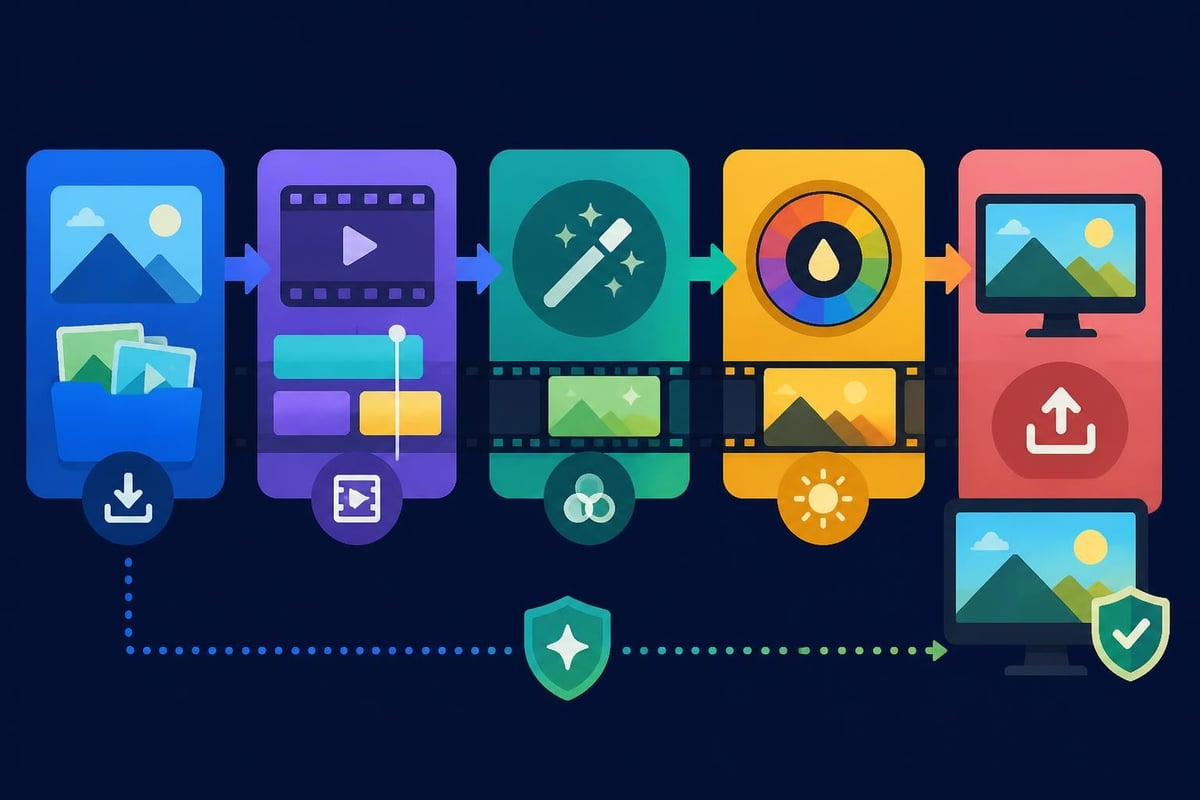
File formats dramatically affect both quality preservation and workflow efficiency. Choosing between compressed delivery formats and high-quality intermediate codecs impacts everything from editing performance to final visual quality.
Smart editors distinguish between formats for editing and formats for delivery:
Editing codecs prioritize quality and editing performance:
Delivery codecs prioritize compatibility and file size:
Professional workflows often involve transcoding source footage to an intermediate codec for editing, then exporting to delivery formats. This approach maintains video editing HD quality while ensuring smooth timeline performance, especially when working with footage from multiple cameras or formats.
Just as fitness coaching programs tailor workout regimens to individual goals rather than one-size-fits-all approaches, your encoding strategy should match your specific distribution channels and audience viewing habits.
Video editing HD quality isn't complete without considering audio. Poor audio quality tanks viewer retention faster than visual issues because audiences tolerate slight visual imperfections more readily than distorted, muddy, or inconsistent sound.
Professional HD video typically uses these audio specifications:
| Specification | Setting | Purpose |
|---|---|---|
| Sample rate | 48 kHz | Broadcast and professional video standard |
| Bit depth | 24-bit | Editing and production |
| Channels | Stereo (2.0) or 5.1 | Most web content uses stereo |
| Codec | AAC or PCM | AAC for delivery, PCM for editing |
| Bitrate | 192-320 kbps | For stereo AAC audio |
Matching audio sample rates prevents pitch shifts and timing issues. Footage captured at 48kHz should remain at 48kHz throughout editing. Converting between sample rates introduces artifacts that careful listeners notice immediately.
The W3C Media Capabilities API helps web developers optimize video delivery based on device capabilities, but content creators benefit from understanding these concepts too.
Not every device can smoothly play every video format. Older smartphones struggle with high-bitrate H.265 content. Budget laptops may stutter on 1080p60 footage. Understanding your audience's viewing devices informs smart encoding decisions.
Different platforms apply their own compression to uploaded content:
When you're creating consistent content across multiple platforms, working with professional video editing services that understand platform-specific optimization removes the guesswork and ensures your message translates effectively regardless of where audiences find your content.
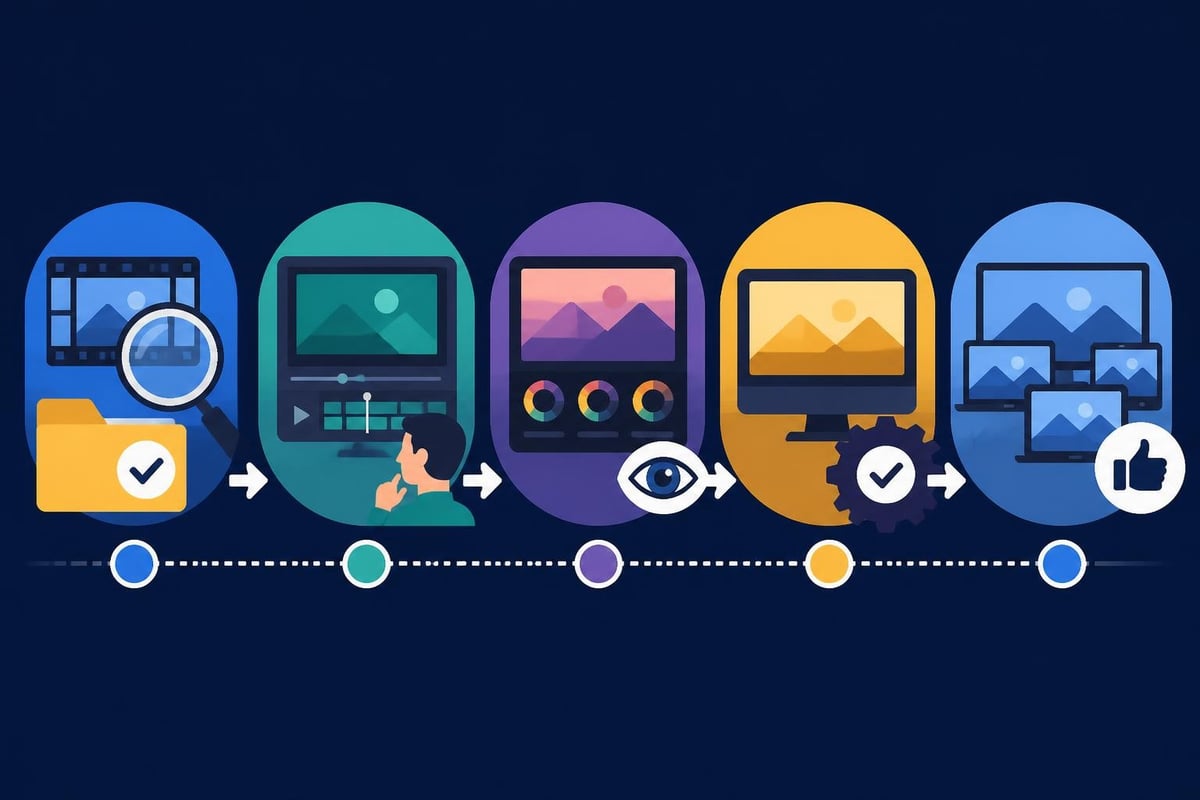
Delivering consistent video editing HD quality requires systematic quality control before final delivery. Professional workflows incorporate multiple review passes at different stages of production.
Essential quality checkpoints:
Many quality issues only become apparent in the final exported file. Banding in gradients, macroblocking in dark scenes, or color shifts that weren't visible in the timeline all surface during final export review.
Maintaining video editing HD quality becomes exponentially harder as content volume increases. What works for one video per month breaks down when you need to publish daily or manage multiple client projects simultaneously.
This scalability challenge hits content creators, agencies, and businesses at different growth stages. The technical knowledge exists, but the time to apply it consistently doesn't.
Consider the time investment for a single 10-minute HD video edited to professional quality standards:
That's 5-8 hours per video, minimum. Scale that to three videos weekly and you're looking at 15-24 hours of pure editing time, not counting shooting, scripting, or strategic planning.
The SMPTE standards organization publishes comprehensive technical standards for professional video production, but having access to standards doesn't create more hours in your day.
Professional content creators who maintain video editing HD quality across high-volume production schedules share a common trait – they've figured out what to delegate and what to own personally.
Your unique value isn't in understanding codec mathematics or color space transformations. It's in the strategic messaging, creative vision, and business relationships that video content enables.
When you explore video editing service pricing, you're not just comparing costs – you're evaluating whether the time savings justify the investment. For most businesses creating regular content in 2026, the math works out clearly in favor of professional editing support.
This becomes especially critical in specialized niches like sports video editing or wedding videography, where technical quality standards are non-negotiable and turnaround expectations are aggressive.
Video technology evolves rapidly, but HD isn't going anywhere soon. While 4K and 8K gain traction, Full HD remains the practical standard for most online content through 2026 and beyond.
Emerging considerations for HD workflows:
The technical foundations we've covered – proper color management, smart encoding choices, and systematic quality control – remain constant even as tools evolve. Master these fundamentals and you'll adapt easily to whatever comes next.
Video editing HD quality shouldn't be an afterthought or something you "fix in post." It's a strategic advantage that compounds over time as your content library grows.
Every video you publish represents your brand. Audiences may not consciously notice perfect color grading or optimal bitrate selection, but they absolutely notice when quality falls short. Compressed audio, blocky shadows, and inconsistent color make content feel rushed and unprofessional.
The businesses winning with video content in 2026 treat quality as a system, not a goal. They've built processes that consistently deliver professional results without requiring heroic individual effort for every single video.
This systematic approach to quality separates occasional content creators from businesses building genuine audience relationships through video. Check out examples of how consistent video content transforms business outcomes when quality remains high across every upload.
Mastering video editing HD quality requires understanding technical standards, building efficient workflows, and maintaining consistency as production scales. The technical knowledge is available – the scarce resource is time and focus to apply it consistently. If you're ready to maintain professional HD quality without sacrificing your time to endless editing sessions, beCreatives provides dedicated video editors, unlimited storage, and streamlined revision systems that keep your content pipeline flowing at professional quality standards every single time.
Discover how post production video editing transforms raw footage into professional content. Learn workflows, tools, and outsourcing tips.
Discover what makes a YouTube video editing course worth your time in 2026, plus smarter alternatives for busy creators and agencies.
Looking to hire video editor for YouTube? Discover the best hiring strategies, what to look for, and how to build a winning content team in 2026.
Discover the best music video editing software for 2026. Compare features, pricing, and workflow tools to create stunning music videos faster.
Looking for a video editing company near me? Learn how to choose the right partner, what to expect, and whether local is best in 2026.
Discover how video editing AI online is changing content creation in 2026. Explore smart tools, workflows, and what creators really need to know.
Master wedding videography editing with expert tips on storytelling, pacing, and delivery. Learn how to transform raw footage into cinematic films.
Choosing an HD video editing app in 2026? Discover features, performance tips, and how professionals handle high-definition content.
Discover the best free simple editing software for videos and photos in 2026. Compare features, learn what works, and decide when to DIY or outsource.
Learn how to hire editor for YouTube in 2026. From vetting candidates to pricing models, this guide helps creators scale content without burnout.

Editing videos yourself can take a lot of your precious time, but do not worry – we‘ve got you covered! Our highly skilled Video Editors are here to speed up the process and give you time to create more content.
What do you need edits for?




Scratch to see who you got
This is your match, not your assignment.
We confirm your editor once you subscribe.
Pick a time that works and we’ll take it from there.
Open the booking page15 minutes, free