
Post Production Video Editing: Complete Guide for 2026
Discover how post production video editing transforms raw footage into professional content. Learn workflows, tools, and outsourcing tips.
10 Min. ReadRead More
5 dedicated editor spots open this week. Book a call to reserve →

 Kiara WalkerCocktales Podcast
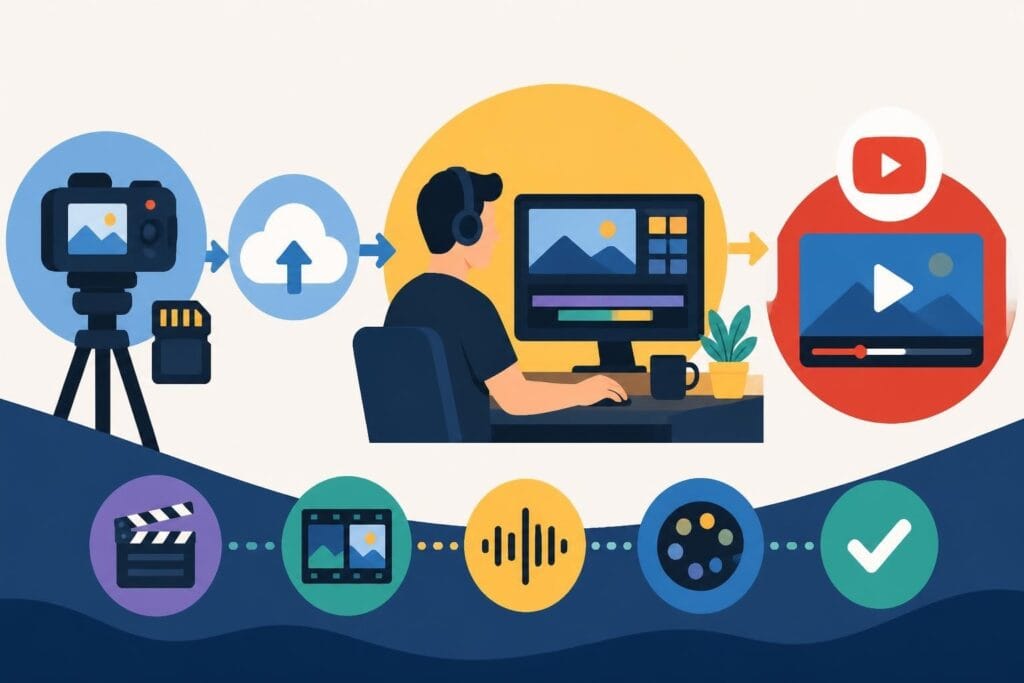
Learn how to hire editor for YouTube in 2026. From vetting candidates to pricing models, this guide helps creators scale content without burnout.
September 24, 2026
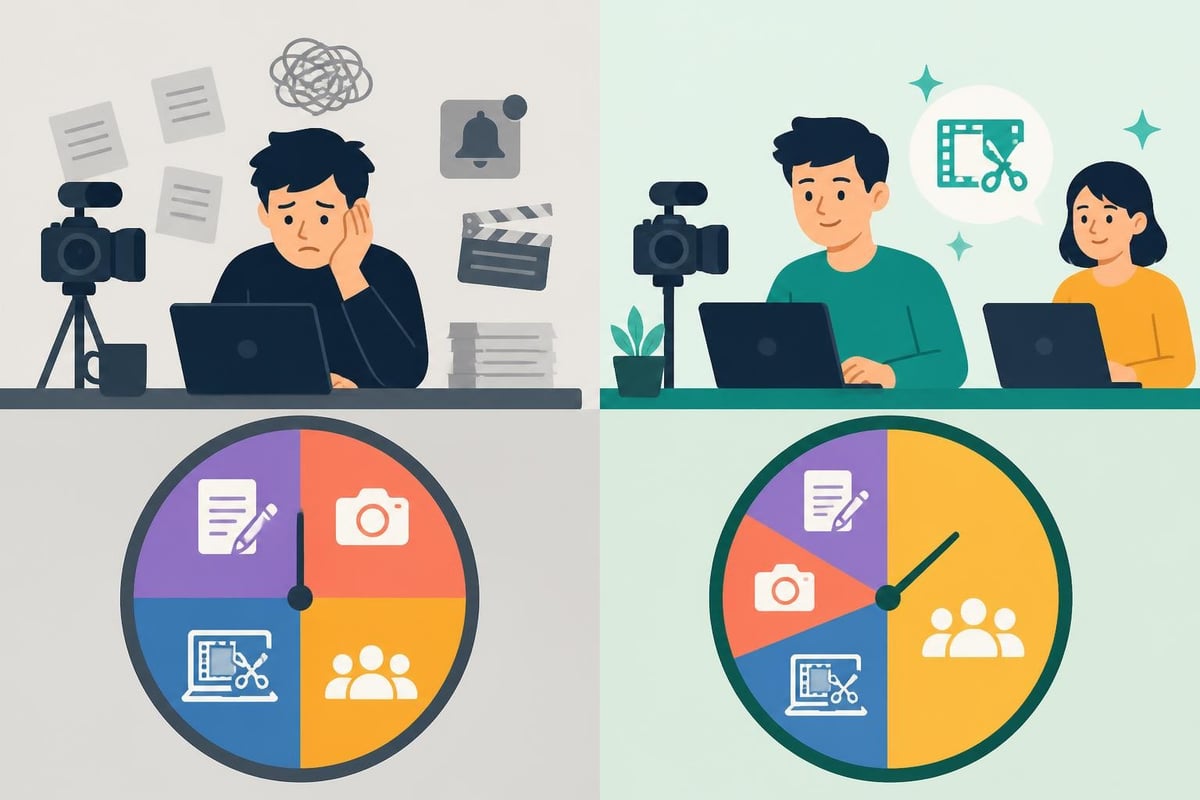
Growing a YouTube channel in 2026 means publishing consistently, but editing every video yourself is a one-way ticket to burnout. If you're spending 20+ hours a week in editing software instead of scripting, filming, or connecting with your audience, it's time to hire editor for YouTube services. Whether you're bringing on a freelancer, a contractor, or partnering with a dedicated editing team, delegating editing unlocks time, consistency, and scalability. This guide walks through the entire hiring process, from defining your needs to managing your first editor, so you can focus on what you do best: creating.
Your audience doesn't care how long you spent tweaking transitions. They care about value, entertainment, and consistency. When you edit every frame yourself, you're trading your most valuable asset (time) for a task someone else can handle.
Here's what changes when you hire editor for YouTube projects:
Creator burnout is real. A 2025 survey found that 68% of full-time YouTubers considered quitting due to editing workload. You don't need to be a statistic.
When you're shooting two to three videos per week, editing becomes a bottleneck. Hiring an editor removes that ceiling so you can scale without sacrificing your weekends or mental health. If you're already turning raw footage into content regularly, an editor becomes your production partner, not just a service provider.
Not every editor is a YouTube editor. The skill set for long-form tutorials, vlogs, or commentary channels differs wildly from corporate promo videos. When you hire editor for YouTube work, you're hiring someone who understands pacing, retention hooks, and platform-specific formats.
Your ideal editor should demonstrate competency in these areas before you sign anything:
| Skill | Why It Matters | How to Test It |
|---|---|---|
| Retention editing | Keeps viewers watching past the first 30 seconds | Ask for samples with visible hook/pacing strategies |
| Platform knowledge | Knows aspect ratios, export settings, thumbnail sync | Request examples optimized for YouTube, TikTok, etc. |
| Audio cleanup | Removes echo, balances levels, adds music tastefully | Listen to dialogue clarity in portfolio work |
| Branding consistency | Maintains your visual identity across episodes | Check if past clients have cohesive series styles |
| Speed | Delivers on deadline without constant follow-ups | Ask about typical turnaround for a 10-minute video |
Strong YouTube editors also understand storytelling. They know when to cut a rambling section, when to add B-roll for emphasis, and how to structure act breaks. They're part editor, part content strategist.
Hiring a seasoned editor with a recognizable client roster costs more but often delivers faster results and fewer revisions. Newer editors charge less and may bring enthusiasm and availability, but expect a learning curve as they adapt to your style.
Red flags when vetting candidates:
Understanding works made for hire is critical when hiring. Make sure your contract specifies that you own all final edits, project files, and intellectual property. This protects you if the editor relationship ends and you need to switch providers.
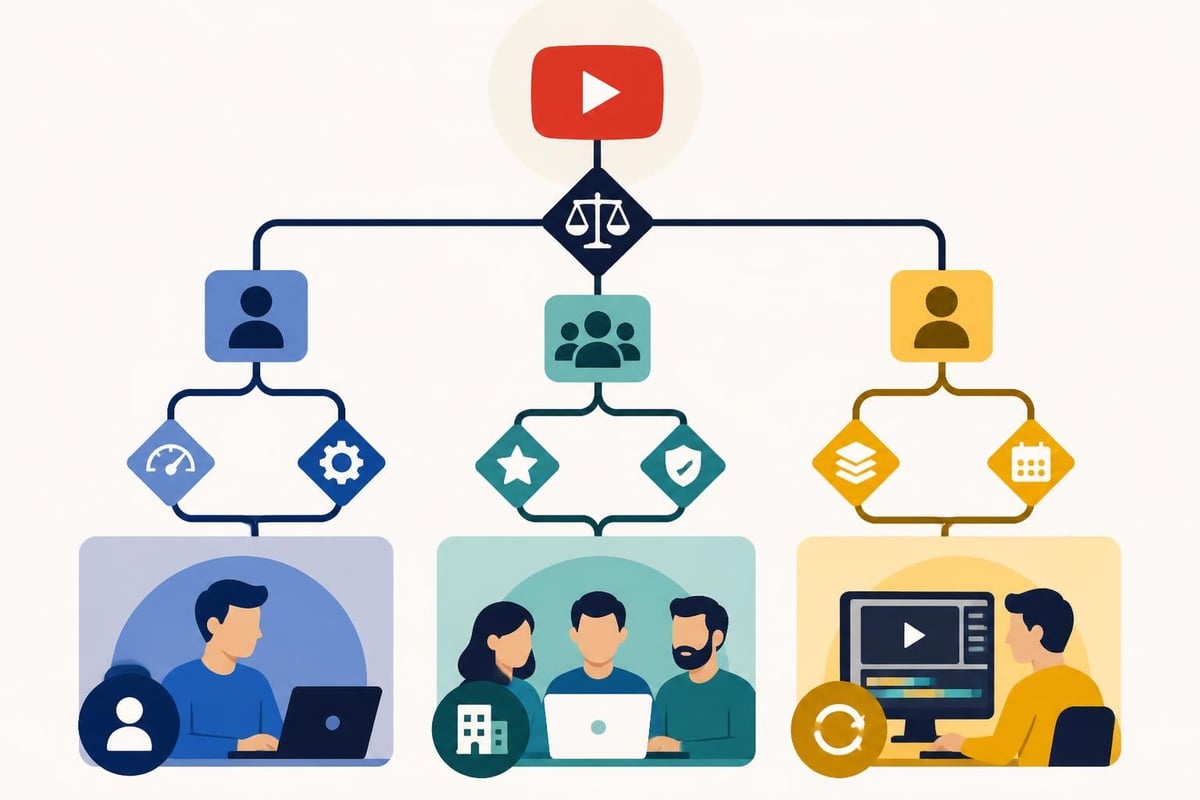
You have three main pathways: freelance platforms, agencies, or unlimited editing services. Each has trade-offs in cost, control, and consistency.
Freelance marketplaces give you access to thousands of editors at every price point. You post a job, review proposals, and hire directly. This works well if you enjoy managing contractors and have time to vet portfolios.
Pros:
Cons:
When posting on these platforms, use a detailed job description. Indeed’s guide to writing effective job descriptions offers templates you can adapt for freelance briefs. Specify your niche, average video length, turnaround expectations, and any software requirements.
If you need a ready-made template, Indeed’s video editor job description includes responsibilities and qualifications that translate well to YouTube-specific roles.
Traditional agencies assign editors from their in-house team. You get professional quality and project management but pay premium rates (often $75-150 per hour).
This route makes sense for high-budget productions or creators who need motion graphics, color grading, and sound design in one package. For weekly YouTube uploads, agencies often feel like overkill.
Subscription models like beCreatives pair you with a dedicated editor for a flat monthly fee. You submit unlimited requests, receive edits within agreed timeframes, and request revisions as needed. No hourly billing, no contract negotiations per project.
This model shines for creators publishing multiple videos per week. Predictable costs, consistent quality, and a single point of contact simplify workflows. You're not managing a freelancer; you're collaborating with a production partner who learns your brand over time.
For creators exploring video editing prices, subscription services often cost less than hiring a skilled freelancer full-time while providing faster turnarounds and backup coverage.
Once you hire editor for YouTube projects, onboarding determines whether the relationship thrives or flops. Great editors still need context, access, and clear expectations.
Your editor isn't a mind reader. A one-page style guide prevents weeks of misaligned edits. Include:
Asana's guide to managing freelancers includes onboarding checklists that translate well to editor relationships. Document everything once, reference it forever.
Chaotic file management kills productivity. Set up a shared cloud folder (Google Drive, Dropbox, Frame.io) with a consistent naming convention:
/Project Name/
  /Raw Footage/
    - 2026-09-24_A-Roll_Interview.mp4
    - 2026-09-24_B-Roll_Product.mp4
  /Audio/
    - Voiceover_Final.wav
  /Graphics/
    - Logo.png
    - Lower_Third_Template.aep
  /Music/
    - Background_Track_Epidemic.mp3
  /Reference/
    - Previous_Episode_For_Style.mp4
Frame.io's video post-production workflow guide offers best practices for remote collaboration, proxy workflows, and review tools that keep revisions organized and efficient.
If your channel includes specific elements like end cards or end screens, include templates and positioning guidelines in your shared folder. Your editor shouldn't guess where your subscribe button graphic goes.
Define realistic deadlines upfront. A 15-minute tutorial with graphics takes longer than a 5-minute vlog. Typical turnarounds in 2026:
| Video Type | Average Edit Time | Reasonable Deadline |
|---|---|---|
| Short-form (under 1 min) | 2-4 hours | 1-2 days |
| Standard vlog (5-8 min) | 6-10 hours | 3-5 days |
| Tutorial/how-to (10-15 min) | 12-20 hours | 5-7 days |
| Documentary-style (20+ min) | 24-40 hours | 7-10 days |
Rush fees apply if you need edits faster. Build buffer time into your content calendar so your editor isn't always working under pressure.
Hiring is the easy part. Keeping a great editor requires ongoing communication, fair compensation, and mutual respect.
Most creators hire editors as independent contractors, not employees. This distinction matters for taxes, benefits, and legal liability. The IRS offers guidance on worker classification based on control, financial arrangement, and relationship type.
Key differences:
Misclassifying a contractor as an employee (or vice versa) creates tax headaches. When in doubt, consult an accountant or attorney.
"Make it pop" isn't feedback. Neither is "I don't like it." Your editor improves when you explain exactly what's off and why.
Vague: "The pacing feels slow."
Specific: "The intro runs 45 seconds before the hook. Let's cut the first 20 seconds and start with the question at 0:25."
Vague: "The music doesn't fit."
Specific: "The current track feels too upbeat for the topic. Try something more cinematic from the Artlist 'Emotional' category."
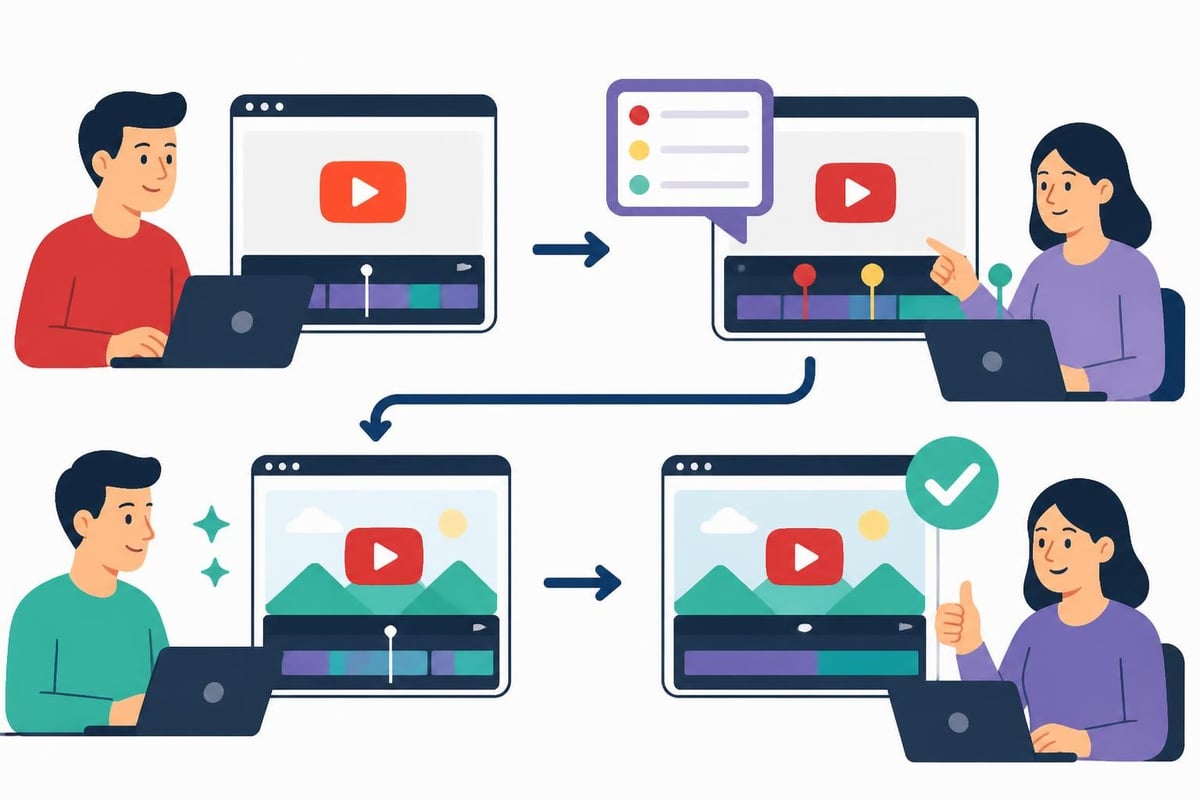
Harvard Business Review's tips for managing freelancers emphasize feedback loops and regular check-ins. A quick 15-minute call after the first few edits prevents months of frustration.
Great editors have options. If you nickel-and-dime rates or delay payments, they'll move to clients who don't. Industry rates in 2026:
Subscription services bundle these costs into flat monthly fees, which simplifies budgeting if you publish frequently.
If you're comparing models, platforms like beCreatives offer transparent pricing with no hidden per-project fees. You pay once, submit as many videos as you need, and get consistent quality without renegotiating every invoice.
Once you hire editor for YouTube work and see results, you might consider expanding. Multiple editors let you publish across platforms (YouTube, TikTok, Instagram) without bottlenecks.
You're ready to scale editing when:
Splitting work between editors requires tighter asset management and clearer style documentation. What one editor interprets as "quick pacing" might differ from another's approach.
Some creators hire specialists: one editor for main channel episodes, another for podcast clips, another for ad reads. Specialization improves quality but increases management overhead.
If you're producing sports video content, hiring an editor experienced with fast cuts, slow-motion highlights, and on-screen stats makes sense. Generalist editors can learn, but specialists deliver faster.
Even experienced creators stumble when delegating editing. Avoid these pitfalls:
Micromanaging every cut: Trust your editor's judgment or hire someone whose style you trust. Hovering over every frame wastes everyone's time.
Skipping contracts: Handshake deals fall apart when expectations aren't met. Always use written agreements covering scope, payment terms, revision limits, and ownership.
Underestimating onboarding time: Your first video with a new editor will take longer. Plan for 2-3 rounds of revisions as they learn your preferences.
Ignoring communication preferences: Some editors prefer Slack, others email, others Loom videos. Ask upfront and adapt.
Forgetting about backups: What happens if your editor gets sick or quits? Subscription services provide backup editors. Freelancers don't.
The right tools reduce friction and keep projects moving. In 2026, most creator-editor teams rely on:
Project management: Asana, Trello, or Monday.com for tracking video status, deadlines, and feedback
File sharing: Google Drive, Dropbox, or Frame.io for footage delivery and version control
Communication: Slack, Discord, or dedicated email threads for quick questions
Feedback: Loom for video walkthroughs, Frame.io for timestamped comments on edits
Don't force your editor to learn five new platforms. Pick two or three tools and stick with them.
If you're exploring different video editing software options, ask candidates what they're comfortable with. Most editors work in Premiere Pro, Final Cut Pro, or DaVinci Resolve. Switching software mid-project causes delays.
The best creator-editor partnerships feel collaborative, not transactional. Your editor anticipates your style, suggests improvements, and delivers without constant supervision.
You'll know you've found the right fit when:
This level of synergy takes time. Give the relationship at least 5-10 videos before deciding if it's working. Early hiccups are normal; persistent misalignment isn't.
When you hire editor for YouTube through a service that handles vetting, matching, and backups, you skip much of the trial-and-error phase. Platforms that specialize in creator workflows understand what makes YouTube editing different from corporate video work.
For creators who want to focus on content strategy rather than freelancer management, exploring an unlimited video editing service removes hiring friction entirely. You're paired with an editor who fits your niche, and you never worry about availability or backup coverage.
Editing is a recurring cost, not a one-time expense. Budget accordingly based on your publishing schedule and revenue model.
| Publishing Frequency | Freelance Cost (estimated) | Agency Cost (estimated) | Subscription Service |
|---|---|---|---|
| 1 video/week | $600-1,600/month | $1,200-2,400/month | $500-1,000/month |
| 2-3 videos/week | $1,200-3,200/month | $2,400-4,800/month | $800-1,500/month |
| 4-5 videos/week | $2,000-5,000/month | $4,000-8,000/month | $1,200-2,000/month |
These estimates assume standard 8-12 minute videos. Longer formats or heavy effects cost more.
Factor in revision rounds, rush fees, and occasional extra projects (sponsor integrations, special series). A buffer of 15-20% prevents budget surprises.
If you're monetizing through ads, sponsors, or products, editing costs should represent 10-25% of channel revenue. If editing consumes more, either your rates are too high or your monetization needs work.
Time is money, especially for creators. Calculate your effective hourly rate by dividing monthly revenue by hours worked. If you earn $5,000/month and work 160 hours, your time is worth $31/hour.
Now calculate hours spent editing. If you edit 15 hours per week (60 hours/month), that's $1,860 worth of your time. Hiring an editor for $1,200/month frees up $1,860 in opportunity cost, nets you $660 in reclaimed time, and lets you reinvest those hours into activities that grow revenue (scripting, filming, sponsorship outreach).
That's a positive ROI before considering consistency improvements, quality upgrades, or burnout prevention.
For creators tracking 100+ video ideas, an editor becomes the production engine that turns ideas into published content without requiring your hands-on involvement in every stage.
Hiring an editor transforms how you create content – from stressful all-nighters to sustainable, scalable production. Whether you bring on a freelancer or partner with a dedicated team, delegating editing reclaims your time for the work that actually grows your channel. If you're ready to publish consistently without the editing burnout, beCreatives offers unlimited video editing designed for creators who want dedicated editors, fast turnarounds, and predictable monthly costs so you can focus on what you do best.
Discover how post production video editing transforms raw footage into professional content. Learn workflows, tools, and outsourcing tips.
Master video editing HD quality standards, encoding settings, and workflow best practices to deliver professional content in 2026.
Discover what makes a YouTube video editing course worth your time in 2026, plus smarter alternatives for busy creators and agencies.
Looking to hire video editor for YouTube? Discover the best hiring strategies, what to look for, and how to build a winning content team in 2026.
Discover the best music video editing software for 2026. Compare features, pricing, and workflow tools to create stunning music videos faster.
Looking for a video editing company near me? Learn how to choose the right partner, what to expect, and whether local is best in 2026.
Discover how video editing AI online is changing content creation in 2026. Explore smart tools, workflows, and what creators really need to know.
Master wedding videography editing with expert tips on storytelling, pacing, and delivery. Learn how to transform raw footage into cinematic films.
Choosing an HD video editing app in 2026? Discover features, performance tips, and how professionals handle high-definition content.
Discover the best free simple editing software for videos and photos in 2026. Compare features, learn what works, and decide when to DIY or outsource.

Editing videos yourself can take a lot of your precious time, but do not worry – we‘ve got you covered! Our highly skilled Video Editors are here to speed up the process and give you time to create more content.








