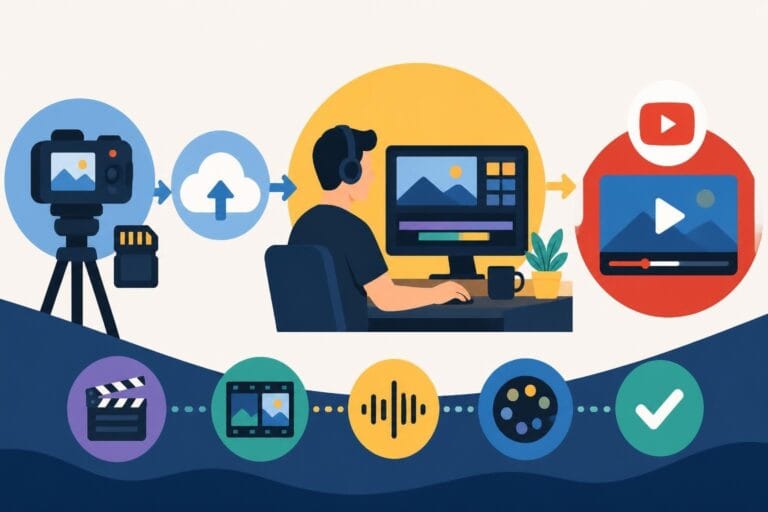
Video Editing HD Quality: Standards & Best Practices
Master video editing HD quality standards, encoding settings, and workflow best practices to deliver professional content in 2026.
10 Min. ReadRead More
5 dedicated editor spots open this week. Book a call to reserve →

 Kiara WalkerCocktales Podcast
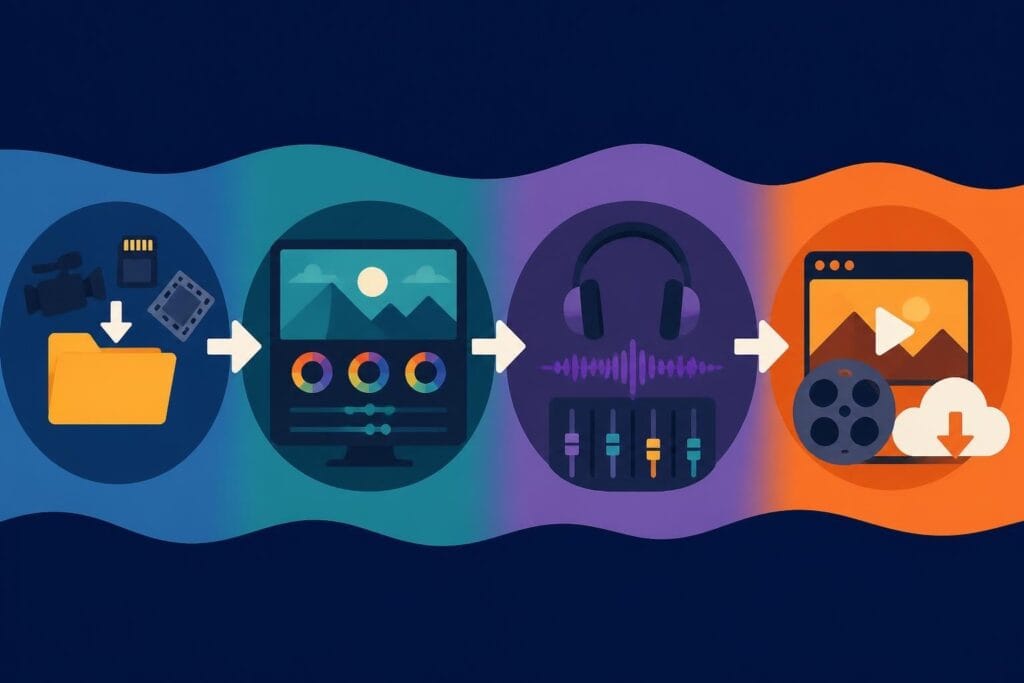
Discover how post production video editing transforms raw footage into professional content. Learn workflows, tools, and outsourcing tips.
October 4, 2026
Post production video editing is the stage where raw footage transforms into polished, professional content that captivates audiences and drives results. Whether you're creating YouTube videos, social media content, or marketing campaigns, understanding the post production process helps you make smarter decisions about your content strategy. In 2026, creators and businesses are discovering that mastering this phase – or outsourcing it strategically – is the key to maintaining consistent visibility and achieving better ROI from video content.
Post production video editing encompasses everything that happens after filming wraps. It's where the magic happens, transforming hours of raw footage into a compelling story that holds attention and delivers your message.
The process starts with organizing and importing all your footage, audio files, graphics, and other assets. Professional editors create a structured workflow that makes finding specific clips quick and painless. This organization phase prevents chaos later when you're deep into the creative process.
Core post production tasks include:
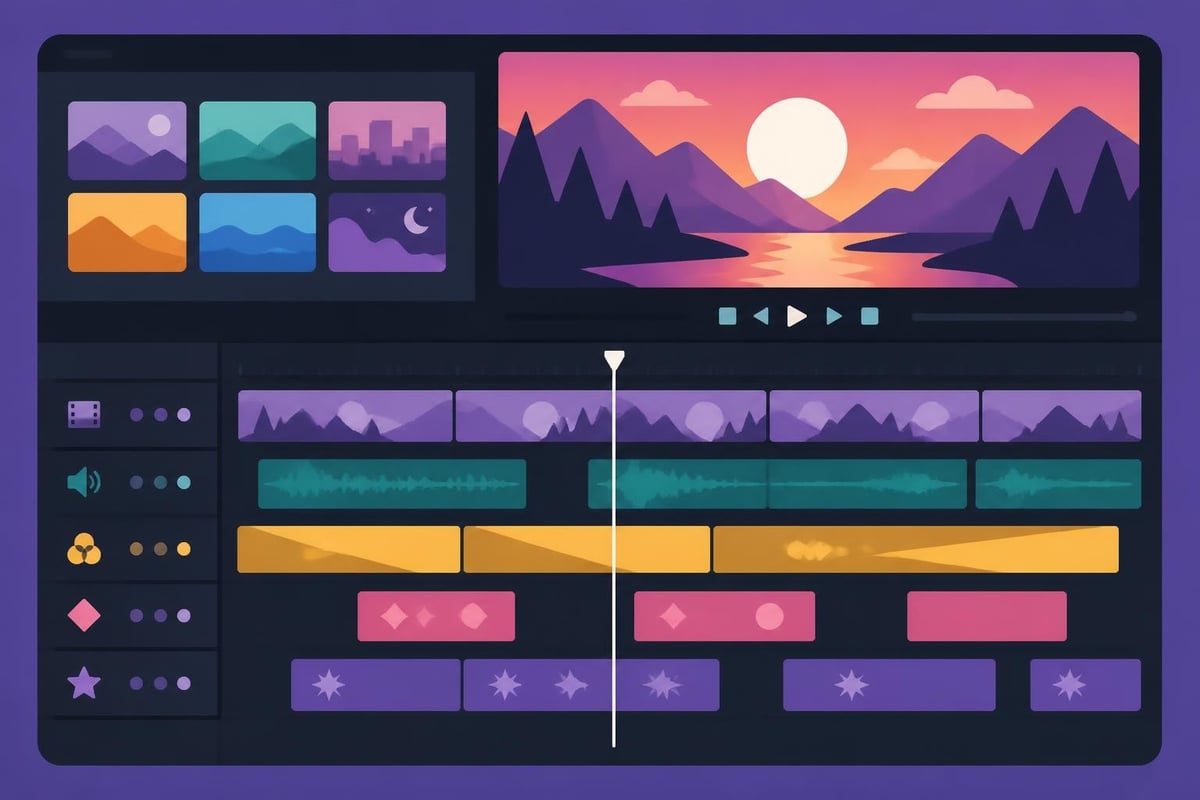
Each element serves a specific purpose in creating content that performs. Color grading sets the mood and ensures visual consistency across shots. Audio mixing balances dialogue, music, and sound effects so viewers stay engaged without distraction. Graphics and text reinforce your message and boost retention, especially crucial for social media where many viewers watch without sound.
Modern post production video editing relies on powerful software ecosystems that handle everything from basic cuts to complex visual effects. DaVinci Resolve, Adobe Premiere Pro, and Final Cut Pro dominate the professional landscape, each offering distinct advantages depending on your workflow needs.
DaVinci Resolve’s color grading capabilities set industry standards, making it the go-to choice for projects requiring sophisticated color work. The platform integrates editing, color, visual effects, and audio post production in a single interface, streamlining collaboration between different specialists.
| Software | Best For | Price Point | Learning Curve |
|---|---|---|---|
| DaVinci Resolve | Color grading, free option | Free/Paid | Moderate-Steep |
| Adobe Premiere Pro | All-around editing, ecosystem | Subscription | Moderate |
| Final Cut Pro | Mac users, fast rendering | One-time | Moderate |
| Avid Media Composer | Broadcast, long-form | Subscription | Steep |
The choice of editing platform impacts your entire post production pipeline. Premiere Pro integrates seamlessly with After Effects for motion graphics and Audition for audio work. Final Cut Pro offers blazing-fast performance on Apple silicon. Understanding these trade-offs helps you build efficient workflows or communicate effectively with dedicated video editors handling your projects.
Workflow efficiency makes the difference between drowning in revisions and delivering content consistently. Professional post production video editing follows structured processes that minimize wasted effort and maximize creative output.
The typical post production pipeline includes these stages:
Breaking post production into distinct phases prevents the common trap of jumping between tasks and losing creative momentum. Picture lock is particularly crucial – it's the point where you commit to the edit structure before investing time in color and sound. Making major edit changes after color grading means redoing expensive work.
Working with 4K and higher resolution footage slows down editing significantly on average systems. Proxy workflows solve this problem by creating lower-resolution copies for editing while maintaining links to the original high-quality files for final export.
Most modern editing platforms automate proxy creation and management. You edit smoothly with lightweight files, then the software automatically swaps in the full-resolution originals when rendering. This approach keeps the creative process fluid without requiring workstation-level hardware investments.
The performance boost matters especially for content creators producing high volumes of material. Faster editing means more content published, better consistency, and improved audience growth. This is why many successful creators and businesses partner with unlimited video editing services rather than bottlenecking their content pipeline with in-house capacity limits.
Color work in post production video editing serves two distinct purposes: correction and grading. Color correction fixes technical issues – balancing exposure, matching shots from different cameras, and ensuring accurate skin tones. Color grading applies creative looks that establish mood and visual identity.
The distinction matters because correction must happen first. You can't build a compelling grade on top of poorly corrected footage. Professional colorists follow methodical approaches, working from primary corrections through secondary adjustments to final creative touches.
Modern post production increasingly adopts standardized color management systems like ACES (Academy Color Encoding System) that ensure consistency from camera through final delivery. ACES provides a scene-referred workflow where colors remain mathematically consistent regardless of display technology.
For most creators, understanding basic color science principles matters more than mastering complex systems. Knowing how to read scopes (waveform, vectorscope, histogram) helps you make objective decisions rather than relying solely on potentially inaccurate monitor displays.
Essential color grading tools include:
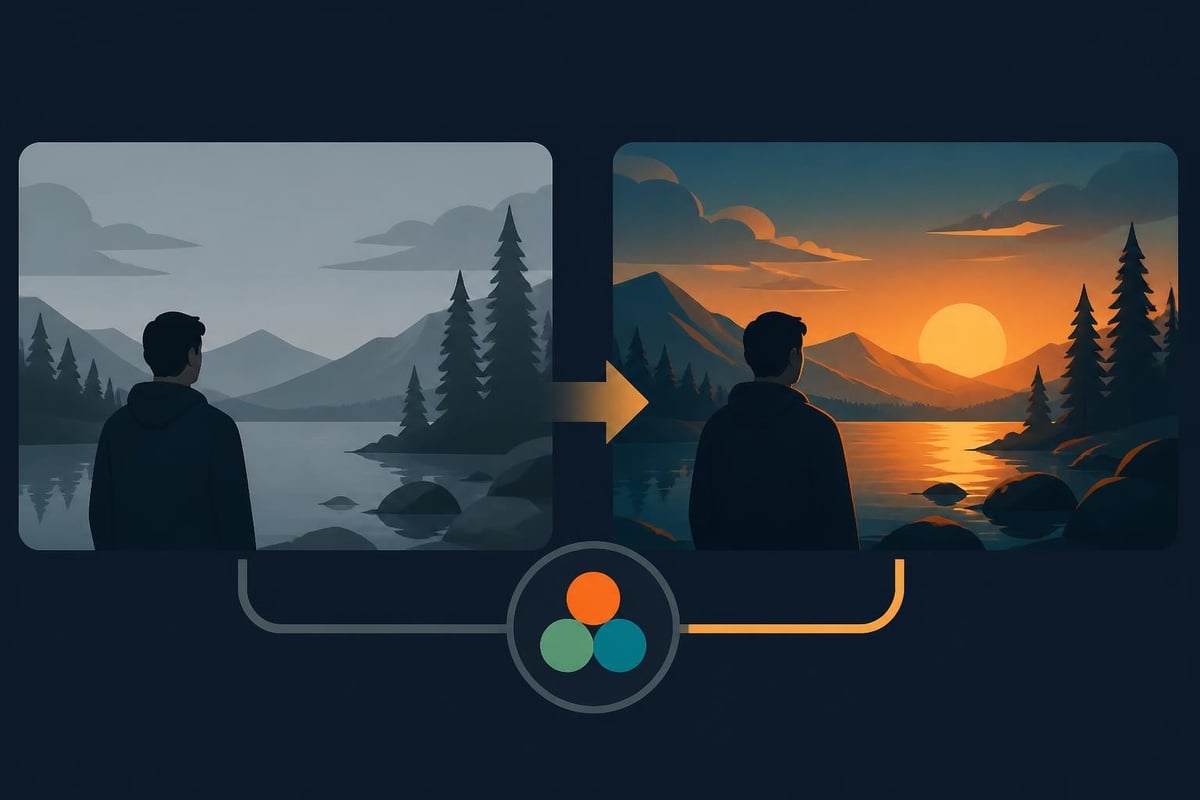
Creating signature looks through color grading strengthens brand recognition. Viewers subconsciously associate specific color palettes with particular creators or channels. This consistency builds trust and makes your content instantly recognizable in crowded feeds.
Poor audio destroys otherwise great video. Viewers forgive mediocre visuals before they forgive bad sound. Post production video editing demands serious attention to audio mixing, cleanup, and design.
The audio post process starts with dialogue cleanup – removing background noise, evening out levels, and enhancing clarity. Noise reduction tools remove hums, buzzes, and environmental sounds that distract from your message. De-essers tame harsh sibilance. Equalization shapes the tonal character for pleasant, professional sound.
Once dialogue sits cleanly in the mix, music and sound effects add emotional impact and production value. The key is balance – music should support without overwhelming, sound effects should enhance without distracting.
Professional mixers work in layers, treating dialogue, music, effects, and ambient sound as separate elements with individual level control. They automate volume throughout the timeline, ducking music beneath speaking and raising it during visual sections. This dynamic mixing keeps every element audible and purposeful.
Many editing platforms now include AI-powered audio tools that automate tedious cleanup tasks. Auto-ducking intelligently lowers music when dialogue appears. Noise reduction algorithms isolate and remove consistent background sounds. These innovations make professional-sounding mixes accessible even without audio engineering expertise.
The official scope of service documentation from professional editing teams typically includes comprehensive audio post production, recognizing that complete post production video editing requires both visual and sonic excellence.
Motion graphics add polish and clarity to video content. Lower thirds identify speakers. Animated text reinforces key points. Logo animations establish brand presence. Call-out graphics direct viewer attention to specific details.
The complexity ranges from simple text overlays to elaborate animated sequences. Most creators need functionality somewhere in the middle – professional-looking graphics that enhance without overwhelming the content itself.
Common motion graphics elements include:
After Effects dominates motion graphics creation for its flexibility and extensive template ecosystem. However, many editors build graphics directly within their editing software using built-in tools. The decision depends on complexity requirements and available time.
Templates accelerate motion graphics production dramatically. Pre-built animations only require customizing text, colors, and timing. For regular content production, developing a library of branded templates ensures consistency while saving hours per project.
Visual effects work typically happens in specialized compositing applications when complexity exceeds what editing tools handle efficiently. Foundry’s Nuke provides enterprise-level compositing capabilities for complex VFX work, though most standard content creation stays within editing platform capabilities.
Post production video editing culminates in export – rendering your finished project into files optimized for specific platforms and viewing contexts. Export settings dramatically impact file size, quality, and playback compatibility.
Understanding codec choices prevents quality loss and compatibility headaches. H.264 remains the workhorse codec for most online delivery, offering excellent quality at manageable file sizes. HEVC (H.265) provides better compression but requires more processing power and faces occasional compatibility issues. AV1 represents the future of online delivery, offering superior efficiency in an open-source format increasingly supported by major platforms.
| Codec | Compression | Quality | Compatibility | Best Use |
|---|---|---|---|---|
| H.264 | Good | Excellent | Universal | General delivery |
| HEVC | Better | Excellent | Good | 4K content |
| ProRes | Minimal | Maximum | Mac-focused | Archival, mastering |
| AV1 | Best | Excellent | Growing | Future streaming |
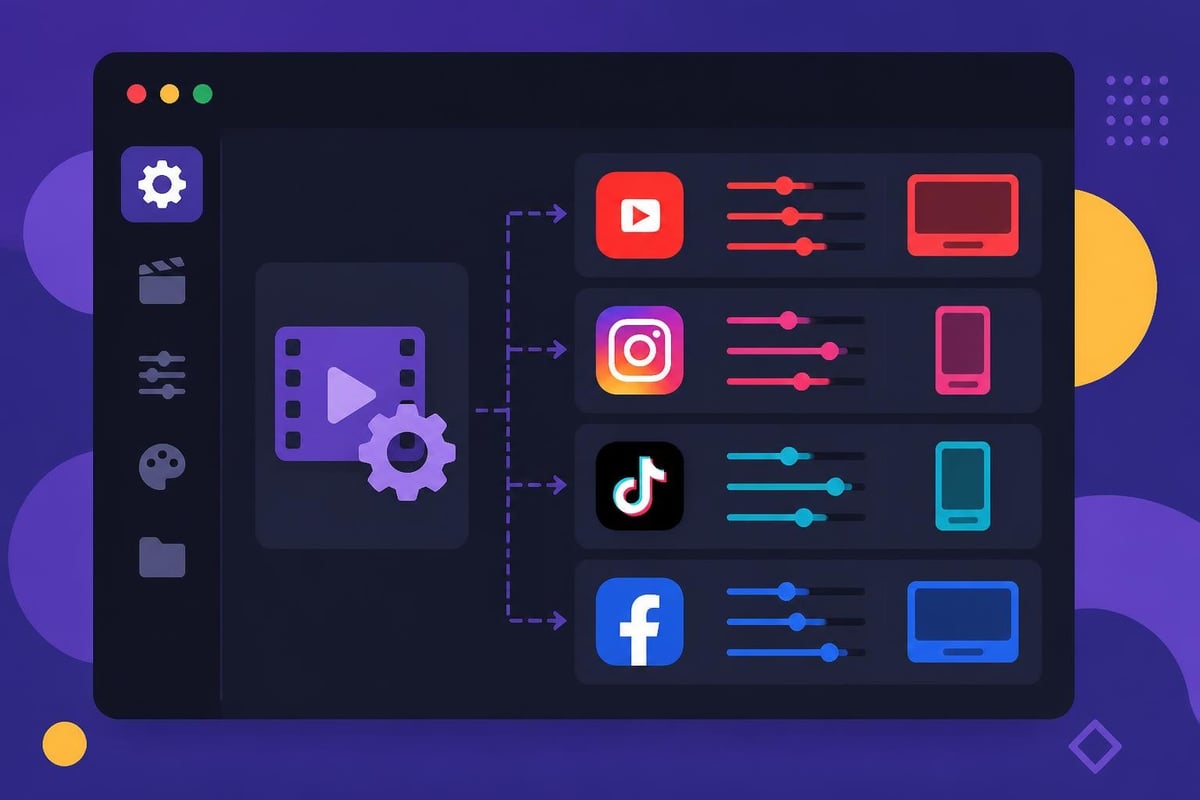
Each platform has specific technical requirements and recommendations. YouTube accepts nearly any format but recommends H.264 with specific settings. Instagram prefers square or vertical formats depending on placement. TikTok demands vertical 9:16 content.
Platform optimization checklist:
Smart creators develop export presets matching their regular distribution channels. One-click exports to platform-optimized files save time and eliminate technical errors. Most professional editing services maintain comprehensive preset libraries covering all major platforms.
The Ultra HD Forum’s codec guidance provides valuable technical context for understanding delivery format choices and their trade-offs in 2026's evolving codec landscape.
Professional post production video editing includes rigorous quality control before final delivery. QC catches technical errors, ensures broadcast compliance, and verifies that finished content meets specifications.
The EBU QC platform provides comprehensive testing frameworks for broadcast deliverables, though most digital content requires less stringent checks. Still, systematic QC prevents embarrassing mistakes from reaching audiences.
Essential QC checkpoints include:
Automated QC tools scan files for technical compliance issues, flagging problems like audio peaks, black frames, or format mismatches. Manual review catches creative issues – awkward edits, continuity errors, or messaging problems.
Establishing QC workflows prevents costly mistakes. Publishing content with errors damages credibility and wastes the effort invested in production. Building QC into your post production process ensures consistency and professionalism.
Post production video editing demands significant time investment. A ten-minute YouTube video might require 6-10 hours of editing. Multiply that across regular content schedules and editing quickly consumes entire work weeks.
The opportunity cost matters tremendously. Hours spent editing are hours unavailable for strategy, audience engagement, business development, or actually filming more content. Many successful creators reach inflection points where continuing to self-edit actively limits growth.
Professional video editing services offer predictable capacity without the overhead of full-time employees. You gain access to experienced editors, professional-grade tools, and established workflows without capital investment in equipment or software.
Simple math reveals the financial logic. If your time generates $100+ per hour through client work, strategy, or business development, spending 8 hours editing a video costs $800 in opportunity cost. Professional editing services often cost less while delivering superior results faster.
The consistency advantage matters equally. In-house editing creates bottlenecks when schedules get busy. Outsourced teams maintain steady output regardless of your other commitments, ensuring your audience sees regular content that maintains visibility and engagement.
The success stories from creators who outsource editing demonstrate how removing production bottlenecks unlocks growth. When editing no longer constrains output, content volume increases, audience growth accelerates, and business results improve.
Modern post production video editing happens increasingly in distributed teams. Cloud-based collaboration tools enable seamless coordination between creators, editors, and stakeholders regardless of location.
Frame.io, Wipster, and similar platforms provide centralized video review with time-stamped comments directly on footage. Stakeholders mark specific frames with feedback, eliminating confusion from vague email descriptions. Version control ensures everyone works from current files.
Cloud storage solutions like Dropbox, Google Drive, and dedicated media platforms handle the massive file sizes inherent in video production. Automatic syncing keeps assets accessible across locations without manual file transfers.
Effective remote collaboration requires:
The shift to remote collaboration expanded the talent pool available to creators and businesses. You're no longer limited to editors in your geographic area. Access global talent, find specialists in specific content types, and build relationships with teams matching your creative vision.
Professional editing services have refined remote workflows extensively. They provide structured communication channels, dedicated project managers, and unlimited revision systems that keep projects moving smoothly without constant back-and-forth.
Post production video editing technology evolves rapidly. AI-powered tools automate tedious tasks. New codecs improve quality and efficiency. Changing platform requirements demand workflow adaptations.
AI integration represents the most significant recent shift. Auto-transcription generates captions instantly. Scene detection automatically identifies cut points. Object removal eliminates unwanted elements without manual masking. These innovations reduce grunt work, freeing editors for creative decisions.
Staying current matters for competitive advantage. Creators using cutting-edge tools produce better content faster. However, constant learning requires time investment that distracts from content creation itself.
This reality makes partnerships with professional editing teams particularly valuable. Established services invest in training, tools, and technology infrastructure. You benefit from their expertise without personally navigating every software update and technique evolution.
The Blackmagic Design support resources provide extensive training materials for those committed to mastering post production themselves, though most creators find their time better spent on strategy and audience building.
Different content types and platforms demand distinct post production approaches. YouTube long-form content requires different pacing, graphics, and structure than TikTok short-form videos. Understanding these nuances optimizes content performance.
YouTube videos benefit from strong opens that hook viewers immediately, chapter markers that improve searchability, and end screens promoting additional content. Post production video editing for YouTube emphasizes retention – keeping viewers watching through strategic pacing, pattern interrupts, and visual variety.
The platform rewards watch time, making edit pacing crucial. Too slow and viewers leave. Too frenetic and they feel overwhelmed. Professional editors develop intuition for platform-specific rhythm through experience.
TikTok, Instagram Reels, and YouTube Shorts demand rapid-fire pacing with minimal setup. The first second determines whether viewers scroll past. Post production focuses on immediate visual impact, tight cuts, and constant momentum.
Specialized short-form video editors understand these unique requirements. They craft punchy opens, maintain energy throughout, and optimize vertical framing for mobile viewing.
Feed posts on Instagram and Facebook perform best at shorter durations with captions embedded for sound-off viewing. Post production emphasizes clear visual storytelling, text overlays that convey key messages, and strong thumbnail frames that stop scrolling.
The variety of platforms and their evolving requirements creates complexity that challenges creators managing post production independently. Services specializing in social media video editing stay current with best practices across all major platforms.
Post production video editing success in 2026 requires strategic thinking beyond technical skills. The creators and businesses winning attention combine production excellence with smart resource allocation.
Key strategic considerations include:
Honest assessment of these factors guides whether self-editing, outsourcing, or hybrid approaches make sense. Early-stage creators with more time than money often self-edit initially. Growing businesses with revenue but constrained time benefit tremendously from outsourcing.
The hybrid approach splits work strategically. You might handle quick social media clips while outsourcing demanding long-form projects. Or you perform rough cuts while professionals handle color grading, sound design, and finishing.
There's no universal right answer. The optimal post production strategy aligns with your specific goals, resources, and growth stage. The critical insight is recognizing that post production video editing represents a strategic choice rather than just a technical necessity.
Post production video editing transforms raw footage into content that drives real business results, but it demands expertise, time, and consistent execution. Whether you're creating YouTube content, social media videos, or marketing campaigns, professional post production makes the difference between content that blends in and content that stands out. If you're ready to maintain consistent visibility without sacrificing your entire schedule to editing, beCreatives provides unlimited video editing with dedicated editors, unlimited storage, and streamlined communication systems that let you focus on creating while professionals handle the post production complexity.
Master video editing HD quality standards, encoding settings, and workflow best practices to deliver professional content in 2026.
Discover what makes a YouTube video editing course worth your time in 2026, plus smarter alternatives for busy creators and agencies.
Looking to hire video editor for YouTube? Discover the best hiring strategies, what to look for, and how to build a winning content team in 2026.
Discover the best music video editing software for 2026. Compare features, pricing, and workflow tools to create stunning music videos faster.
Looking for a video editing company near me? Learn how to choose the right partner, what to expect, and whether local is best in 2026.
Discover how video editing AI online is changing content creation in 2026. Explore smart tools, workflows, and what creators really need to know.
Master wedding videography editing with expert tips on storytelling, pacing, and delivery. Learn how to transform raw footage into cinematic films.
Choosing an HD video editing app in 2026? Discover features, performance tips, and how professionals handle high-definition content.
Discover the best free simple editing software for videos and photos in 2026. Compare features, learn what works, and decide when to DIY or outsource.
Learn how to hire editor for YouTube in 2026. From vetting candidates to pricing models, this guide helps creators scale content without burnout.

Editing videos yourself can take a lot of your precious time, but do not worry – we‘ve got you covered! Our highly skilled Video Editors are here to speed up the process and give you time to create more content.