Post Production Video Editing: Complete Guide for 2026
Discover how post production video editing transforms raw footage into professional content. Learn workflows, tools, and outsourcing tips.
10 Min. ReadRead More
5 dedicated editor spots open this week. Book a call to reserve →

 Kiara WalkerCocktales Podcast
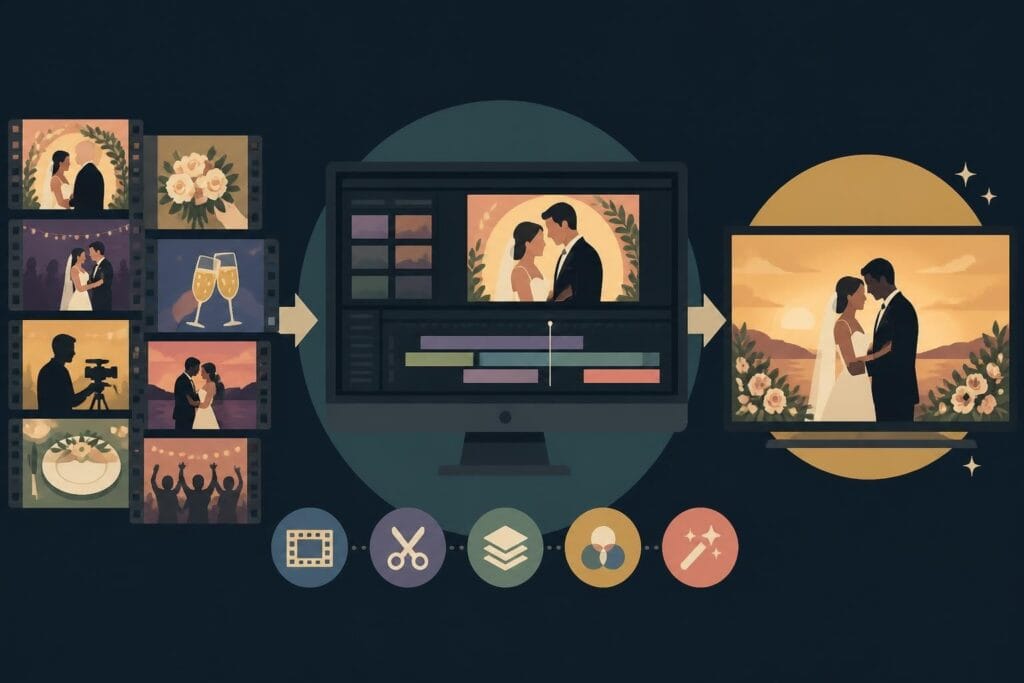
Master wedding videography editing with expert tips on storytelling, pacing, and delivery. Learn how to transform raw footage into cinematic films.
September 27, 2026
Wedding videography editing is where the magic happens. You can capture every beautiful moment on the big day, but it's in the edit where those moments transform into something couples will treasure forever. Whether you're a solo videographer juggling shoots every weekend or an agency managing multiple wedding projects, the editing process can make or break your business. The pressure to deliver cinematic, emotionally resonant films while meeting tight deadlines is real, and honestly, it's exhausting.
Wedding films aren't your average video project. They demand a special blend of technical skill, artistic vision, and emotional intelligence that few other formats require.
Most wedding shoots generate anywhere from 6 to 12 hours of raw footage from multiple cameras. You're dealing with ceremony coverage, getting-ready sequences, reception speeches, dance floor moments, and those candid in-between shots that make films special. Organizing and reviewing all that content is a project in itself.
The typical wedding footage breakdown looks like this:
| Coverage Type | Average Duration | Priority Level |
|---|---|---|
| Ceremony | 45-90 minutes | Critical |
| Getting ready | 2-3 hours | High |
| Reception/Speeches | 3-4 hours | High |
| Portraits/B-roll | 1-2 hours | Medium |
| Miscellaneous/Safety | 1-2 hours | Low |
You need a solid video post-production workflow that handles ingestion, organization, and backup before you even think about making your first cut. Color-coded folders, naming conventions, and metadata tagging aren't glamorous, but they'll save you hours of searching through clips at 2 AM.
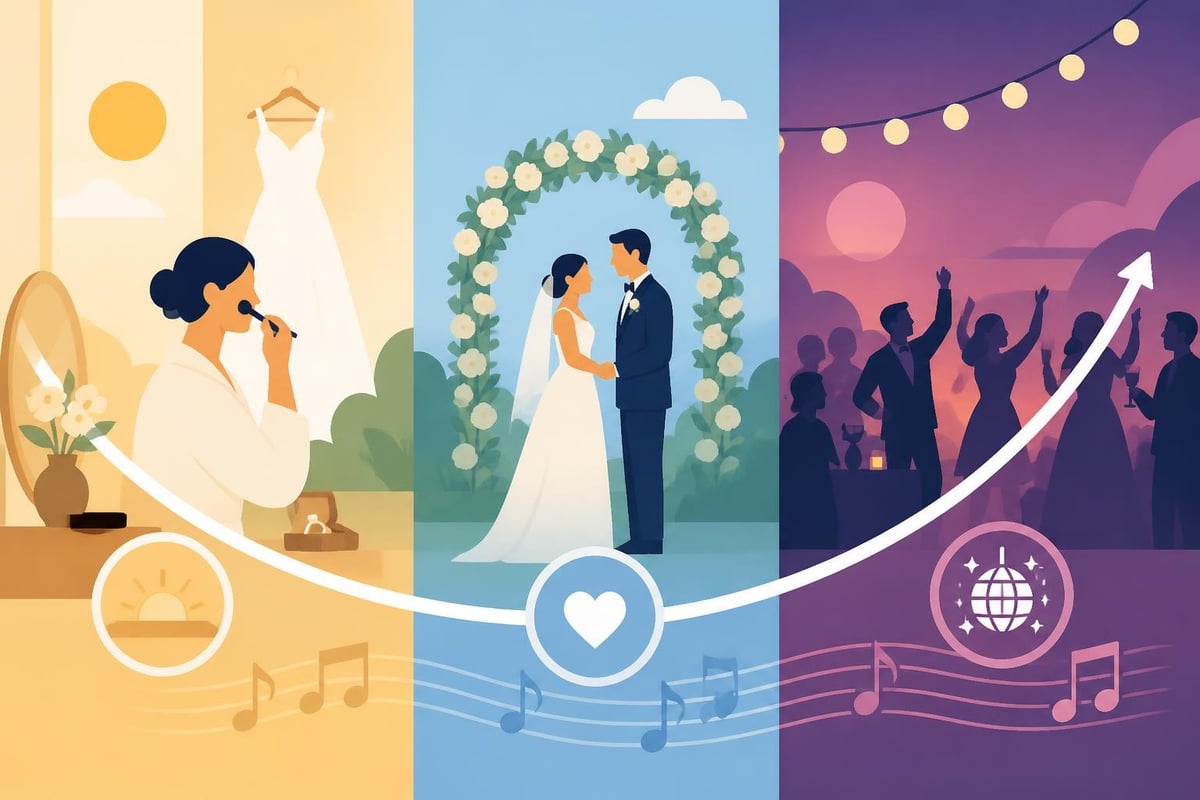
Wedding videography editing isn't just about stringing pretty shots together. You're building a narrative that captures the entire emotional journey of the day. The nervous anticipation in the morning, the tears during vows, the joy of the first dance, the wild energy on the dance floor.
According to insights from professionals on how to become a wedding videographer, storytelling is the cornerstone of memorable wedding films. Your edit needs to feel intentional, not random.
Think about pacing. The ceremony portion should feel reverent and intimate, while reception coverage can be energetic and fast-paced. Transitions matter. Music selection matters. Every cut should serve the story.
Let's break down what separates amateur wedding videos from professional cinematic films that clients rave about.
Bad audio will ruin even the most beautifully shot footage. Vows recorded with wind noise, muffled speeches, or competing background music need serious cleanup work.
The dialogue noise removal techniques used by audio professionals can save seemingly unusable clips. Investing time in audio cleanup pays off massively in perceived production value. Couples remember hearing their vows clearly, and that emotional impact is priceless.
Raw footage from your camera rarely looks cinematic straight out of the gate. Professional color grading transforms flat, neutral clips into rich, film-like imagery that matches your creative vision.
Wedding videography editing requires consistency across multiple cameras, lighting conditions, and locations. The getting-ready shots filmed in dim hotel rooms need to match the bright outdoor ceremony footage and the colorful reception lighting.
Your color workflow should include:
The DaVinci Resolve training resources from Blackmagic Design are industry-standard for learning professional color correction. Even basic grading knowledge elevates your final product dramatically.
Music carries so much emotional weight in wedding films. The right song choice can make viewers cry, laugh, or feel the energy of the celebration. The wrong choice feels generic or worse, legally risky.
You need properly licensed music for wedding videography editing. Period. Clients sharing their film on social media means you can't use copyrighted tracks without clearance. Budget for music licensing or use royalty-free libraries that offer cinematic, emotional tracks suitable for weddings.
Time your edits to the music. Hit emotional beats on musical crescendos. Use quieter moments for intimate dialogue. Let the music breathe during establishing shots.
Understanding what you're delivering helps you structure your wedding videography editing timeline and workflow.
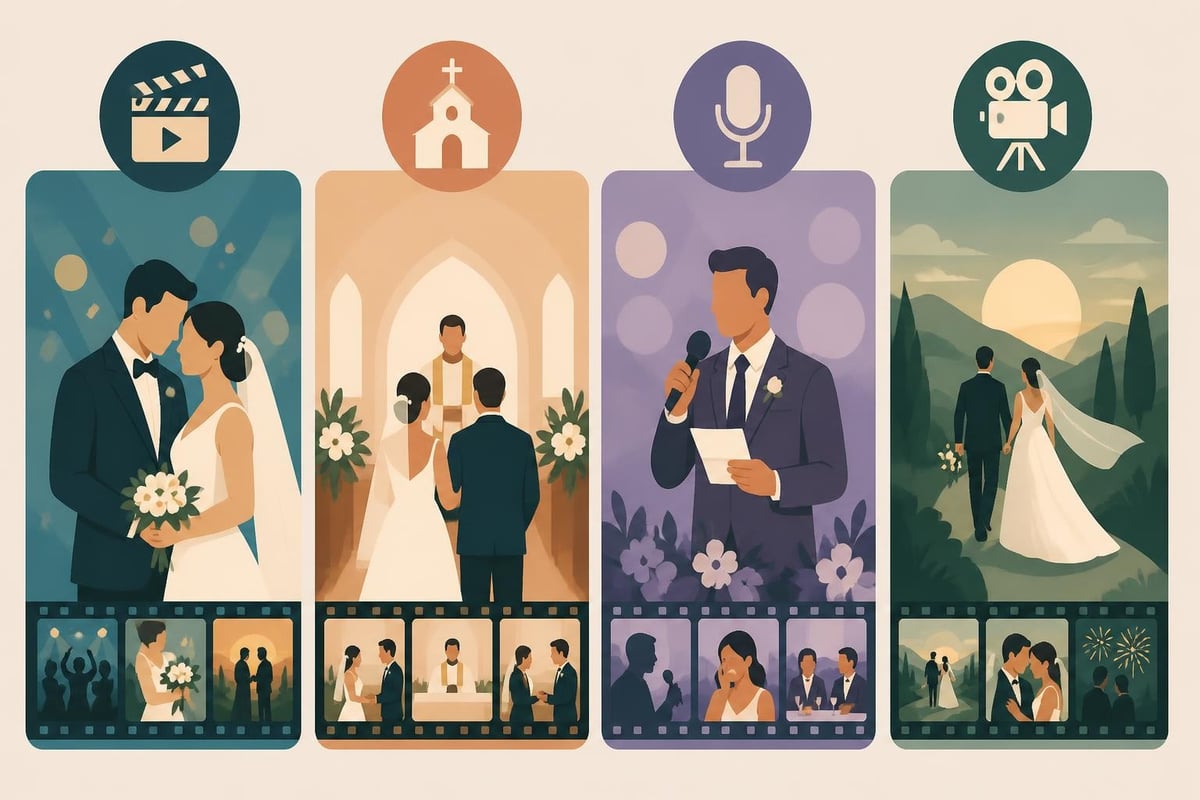
Most wedding videographers provide multiple edit lengths to serve different purposes:
Each format requires different editing approaches. Your highlight reel needs tight pacing and cinematic editing techniques with quick cuts and dynamic music. The ceremony edit should be respectful and comprehensive, preserving the full experience.
Your export settings directly impact how clients experience their wedding film. Poor compression ruins beautiful footage. Wrong specifications cause playback issues.
Follow Vimeo’s compression guidelines for optimal streaming quality. Most wedding films look best at:
| Format | Resolution | Frame Rate | Bitrate | Codec |
|---|---|---|---|---|
| Master | 4K (3840×2160) | 24/30p | 50-80 Mbps | H.264/H.265 |
| Delivery | 1080p (1920×1080) | 24/30p | 10-15 Mbps | H.264 |
| Web | 1080p | 24/30p | 8-10 Mbps | H.264 |
| Social | 1080p (vertical/square) | 30p | 5-8 Mbps | H.264 |
Always deliver an archival master file alongside optimized versions for online sharing. Couples deserve the highest quality preservation of their wedding day.
Time is money, especially when you're editing multiple weddings during peak season. Streamlining your wedding videography editing workflow prevents burnout and improves turnaround times.
Build reusable templates for common sequences:
Templates don't make your work cookie-cutter when you customize them for each couple. They eliminate repetitive technical tasks so you can focus on creative storytelling.
Clear communication prevents endless revision rounds. Send preview links for client review using platforms that allow timestamped comments. Define how many revision rounds are included in your package upfront.
When clients request changes, understand the why behind the request. "Can you make it longer?" might really mean "we want to see more of our family members." Address the underlying need rather than just adding runtime.
If you're drowning in edits and client communication, consider how unlimited video editing services can help manage overflow work. Having a dedicated editing team means you can focus on shooting and client relationships while experts handle the post-production grind.
Wedding footage is irreplaceable. Your backup strategy needs to be bulletproof.
Minimum recommended backup protocol:
The cost of storage is nothing compared to the cost of losing a couple's wedding footage. Budget for proper backup infrastructure from day one.
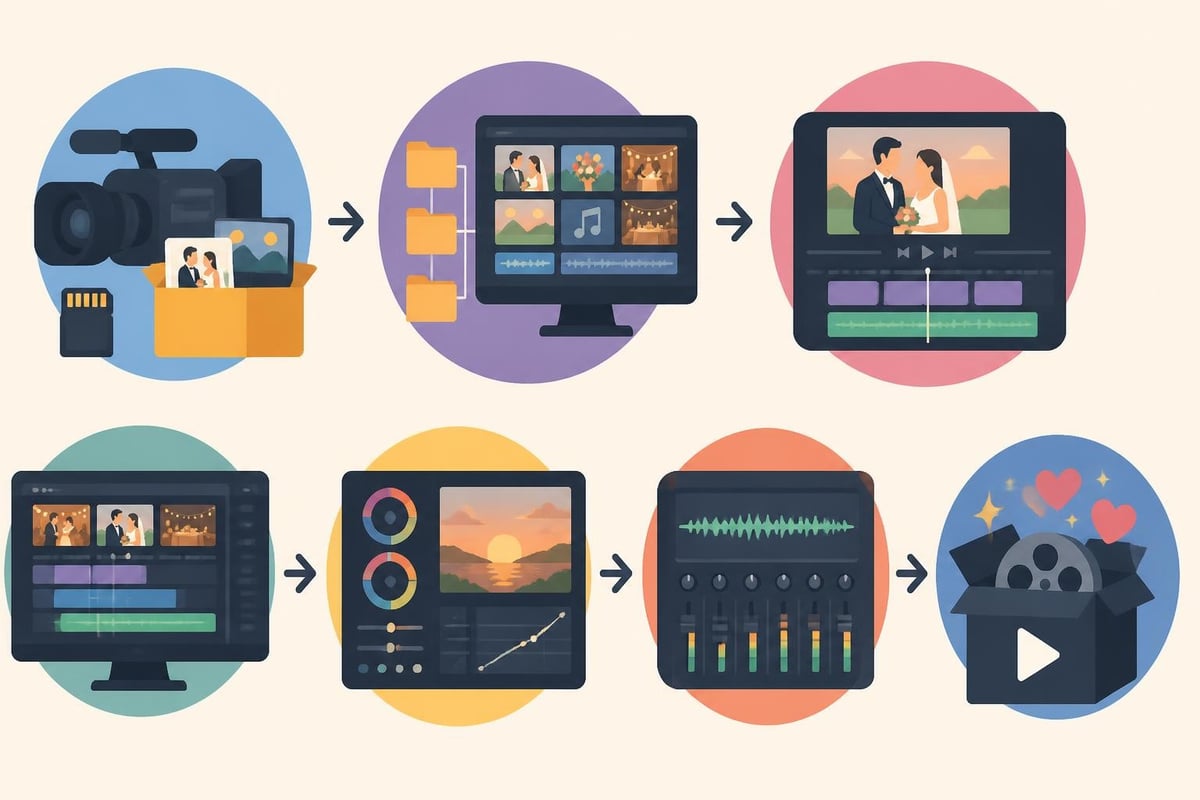
Once you've mastered the fundamentals, these advanced wedding videography editing techniques can differentiate your work in a crowded market.
Most weddings involve at least two camera angles, often more. Professional multi-cam editing creates dynamic coverage that keeps viewers engaged.
Sync all angles using audio waveforms or dedicated sync markers. Build your main timeline, then use the best angle for each moment. Cut between wide establishing shots, medium coverage, and tight emotional closeups. Vary your shot selection to maintain visual interest without being distracting.
During key moments like vows or first dances, having multiple synced angles lets you show different reactions simultaneously or cut to family reactions that add emotional depth.
Tasteful use of effects can enhance wedding films without looking gimmicky:
The key word is subtle. Effects should enhance the story, not distract from it. Your goal is emotional impact, not showing off technical skills.
If you shoot in RAW or LOG formats, you have incredible flexibility in post-production but also additional workflow considerations. Proper RAW processing before editing prevents performance issues and gives you maximum color latitude.
Understanding how to transform raw footage into content efficiently is crucial when dealing with high-volume wedding projects. The right workflow handles RAW transcoding, manages proxy files, and preserves quality through the editing chain.
Here's the honest truth about wedding videography editing: it's time-consuming work that doesn't always require your personal touch on every single frame. You became a videographer to capture beautiful moments and build client relationships, not to spend 40 hours hunched over a computer adjusting audio levels.
Ask yourself these questions:
If you answered yes to multiple questions, you're leaving money and sanity on the table. Professional editing services handle the technical heavy lifting while you focus on what you do best.
Dedicated wedding video editors bring specialized skills and efficiency. They understand wedding videography editing workflows, can match your style guidelines, and deliver consistent quality at scale. Many have niche expertise in specific software, color grading, or audio work that complements your shooting skills.
The business model is straightforward: you shoot, upload footage with basic notes about the couple and their preferences, and receive edited drafts for review. You maintain creative control and client relationships while delegating the time-intensive technical work.
With platforms offering unlimited editing capacity, you can scale your wedding business without hiring full-time staff. That flexibility is perfect for the seasonal nature of wedding work. Learn more about how video editing pricing works to understand the investment.
The concern most videographers have about outsourcing is losing their creative signature. Valid concern. The solution is choosing editing partners who take time to understand your style, provide detailed style guides and reference edits, and use iterative feedback to dial in your preferences.
After a few projects together, a good editor becomes an extension of your creative vision. They know how you like vows edited, your music preferences, your pacing choices. The result feels like your work because it's guided by your direction.
Wedding videography editing involves intellectual property rights that you need to understand.
You own the copyright to the wedding footage you create unless your contract specifies otherwise. This means you control how it's used, displayed, and distributed. According to the U.S. Copyright Office, registering your work provides additional legal protections.
Most wedding videographers grant clients personal-use licenses while retaining commercial rights. Your contract should clearly define what clients can and cannot do with their film.
Clients today expect to share their wedding film on social media, which is totally reasonable. Your contract should allow personal sharing while prohibiting commercial use without permission. Some videographers charge extra for raw footage delivery or extended usage rights.
Be clear upfront about what's included. Mismatched expectations about deliverables, rights, and usage cause most client disputes.
This deserves repeating: use properly licensed music. Unlicensed tracks in wedding films can result in copyright strikes, takedown notices, or even legal action. It's not worth the risk.
Budget for music licensing services or royalty-free libraries. Many offer wedding-specific collections with emotional, cinematic tracks. The cost is minimal compared to the legal and reputational risk of copyright infringement.
The wedding video industry continues evolving with technology and changing client expectations. Staying current keeps your work relevant and competitive.
Emerging trends for 2026:
These trends don't replace fundamental editing skills but add new deliverable expectations. The videographers who adapt fastest capture the premium market.
Technology also makes wedding videography editing more accessible. Tools that once required expensive hardware now run on laptops. Color grading, audio cleanup, and effects that were specialist skills are becoming standardized features.
The democratization of tools means competition increases, but quality storytelling still wins. Technical capability is the baseline; emotional resonance is what couples remember and refer.
Your editing process impacts client satisfaction as much as the final product. How you communicate, set expectations, and handle feedback shapes their entire experience.
Underpromise and overdeliver on turnaround times. If you typically complete edits in four weeks, quote six weeks and deliver early. Clients appreciate surprises in this direction.
Peak wedding season means longer timelines. Communicate this upfront. Couples booking September weddings need to understand that summer backlog might affect delivery dates.
Having backup editing capacity through services like beCreatives helps maintain consistent turnaround times even during your busiest months.
Send preview links rather than large file downloads. Platforms with commenting features let clients provide timestamped feedback. This is way more efficient than vague emails saying "can you change the music?"
Build one or two revision rounds into your package. Additional revisions get charged separately. This prevents scope creep while giving couples reasonable flexibility.
Most requested changes fall into predictable categories:
Address feedback constructively. When clients request changes that would hurt the film's quality, explain why and offer alternative solutions. You're the expert; guide them toward better decisions.
The delivery experience matters. Don't just email a Dropbox link and call it done. Create a delivery presentation that feels special:
This is your last touchpoint with the couple and shapes whether they refer friends. Make it memorable.
Consider including end cards or end screens with your contact information and social media handles. When couples share their film, your brand gets exposure to potential future clients.
The wedding video business is rewarding but demanding. Building sustainable systems prevents burnout and improves profitability.
Track how long each editing phase takes. You'll discover where time disappears and identify bottlenecks. Maybe color grading takes longer than expected, or organizing footage is eating hours.
Data-driven insights help you price accurately, schedule realistically, and identify tasks worth outsourcing. If reviewing raw footage takes six hours per wedding, that's $300-600 of your time at typical hourly rates. Could an assistant handle initial organization?
Growth means handling more projects without proportionally more time investment. The solutions involve:
Each path has tradeoffs. The right choice depends on your goals. Want to shoot 50 weddings annually? You'll need a team. Prefer 20 premium weddings? Raise prices and outsource editing.
There's no single "correct" business model. Design one that supports your lifestyle and financial goals.
Wedding videography editing skills require continuous learning. Software updates, new techniques, and industry trends evolve constantly. Invest in training, follow industry leaders, and connect with other professionals.
Online communities, forums, and groups provide support and knowledge sharing. Check out discussions on platforms like Reddit’s video editing communities where professionals share techniques and solve common challenges.
Networking with other wedding vendors (planners, photographers, venues) generates referrals. Your reputation for quality work and reliable delivery builds your brand more effectively than any marketing campaign.
Modern tools like digital business cards from Spreadly make networking seamless at vendor meetings and industry events. Share your contact details, portfolio links, and social profiles instantly via QR code or NFC card, so potential collaborators can easily follow up and refer clients.
Wedding videography editing transforms raw footage into emotional stories that couples treasure for decades. The technical skills matter, but so does your workflow efficiency, client communication, and business sustainability. If you're spending more time editing than shooting or struggling with seasonal workload spikes, it's time to rethink your approach. beCreatives offers unlimited video editing services with dedicated editors who understand wedding workflows, letting you focus on capturing beautiful moments while experts handle the post-production grind. Get back to doing what you love and let the editing take care of itself.
Discover how post production video editing transforms raw footage into professional content. Learn workflows, tools, and outsourcing tips.
Master video editing HD quality standards, encoding settings, and workflow best practices to deliver professional content in 2026.
Discover what makes a YouTube video editing course worth your time in 2026, plus smarter alternatives for busy creators and agencies.
Looking to hire video editor for YouTube? Discover the best hiring strategies, what to look for, and how to build a winning content team in 2026.
Discover the best music video editing software for 2026. Compare features, pricing, and workflow tools to create stunning music videos faster.
Looking for a video editing company near me? Learn how to choose the right partner, what to expect, and whether local is best in 2026.
Discover how video editing AI online is changing content creation in 2026. Explore smart tools, workflows, and what creators really need to know.
Choosing an HD video editing app in 2026? Discover features, performance tips, and how professionals handle high-definition content.
Discover the best free simple editing software for videos and photos in 2026. Compare features, learn what works, and decide when to DIY or outsource.
Learn how to hire editor for YouTube in 2026. From vetting candidates to pricing models, this guide helps creators scale content without burnout.

Editing videos yourself can take a lot of your precious time, but do not worry – we‘ve got you covered! Our highly skilled Video Editors are here to speed up the process and give you time to create more content.