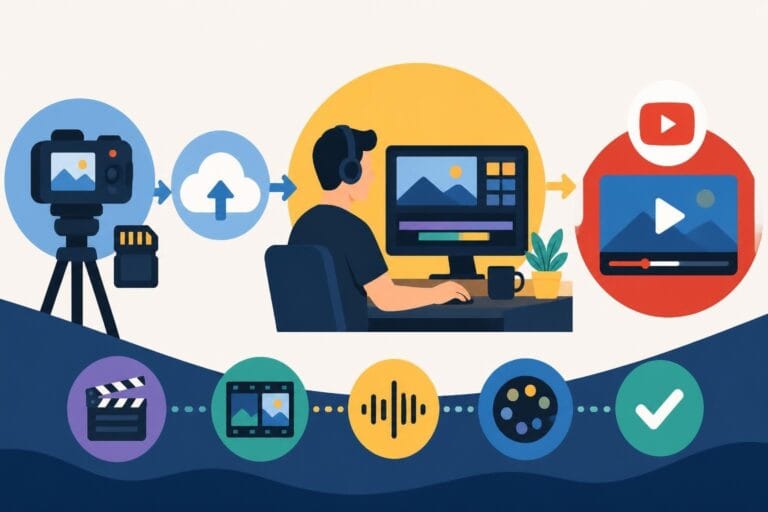
Post Production Video Editing: Complete Guide for 2026
Discover how post production video editing transforms raw footage into professional content. Learn workflows, tools, and outsourcing tips.
10 Min. ReadRead More
5 dedicated editor spots open this week. Book a call to reserve →

 Kiara WalkerCocktales Podcast
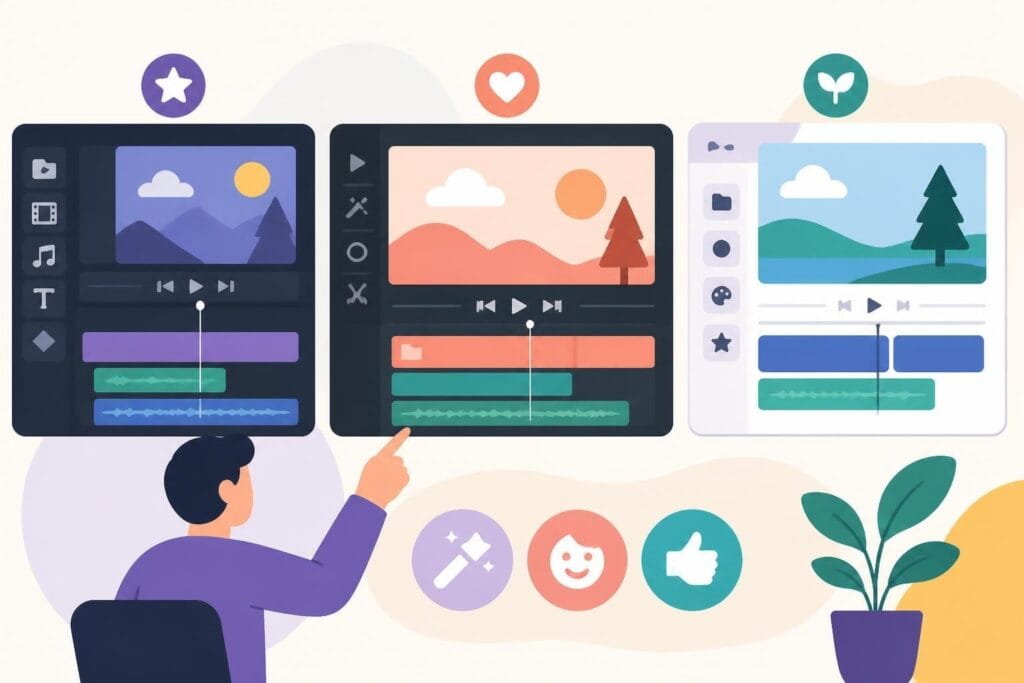
Discover the best free simple editing software for videos and photos in 2026. Compare features, learn what works, and decide when to DIY or outsource.
September 25, 2026
Video content is everywhere in 2026, and if you're creating it, you need editing tools that actually work without draining your bank account or your sanity. Whether you're a solo creator testing the waters, a small business owner building your brand, or a marketer juggling seventeen projects at once, free simple editing software can get you started faster than you think. The trick is knowing which tools deliver real results and when it's smarter to hand the work off to someone who lives and breathes editing. Let's dive into what's actually worth your time.
Not all free tools are created equal, and "simple" doesn't mean wimpy or limited. The best free simple editing software balances power with usability so you're not stuck watching forty-minute tutorials just to trim a clip.
Here's what simple really means:
Tools like Kdenlive and Shotcut have spent years refining their interfaces specifically for people who want results, not complexity. They've stripped away the bloat while keeping the features that actually matter for modern content creation.
Your time is valuable. Period. Every hour you spend wrestling with complicated software is an hour you're not creating content, connecting with your audience, or running your business. Simple tools respect that reality.
The benefits stack up fast:
When software works with you instead of against you, content creation becomes sustainable. That's the difference between posting once and ghosting your audience versus showing up consistently and building real momentum.
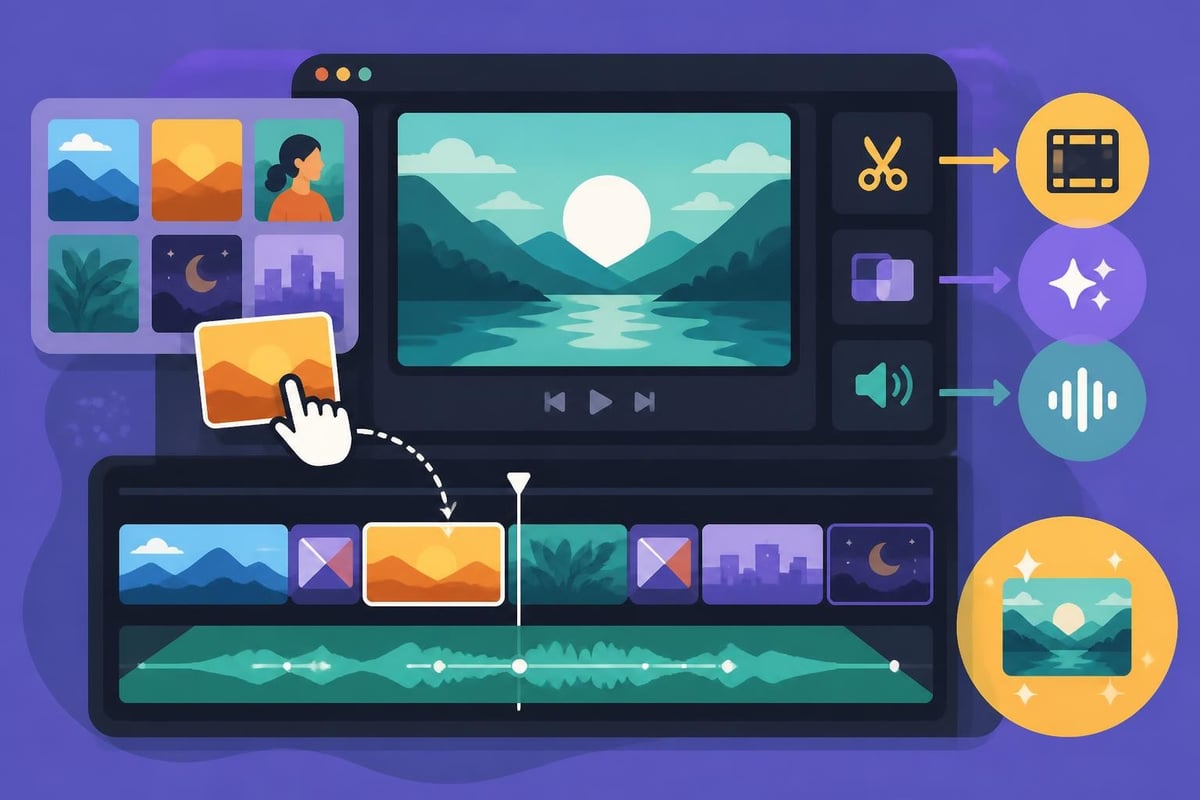
Let's cut through the noise and talk about what's actually working right now. These tools won't cost you a penny, and they're simple enough to start using today.
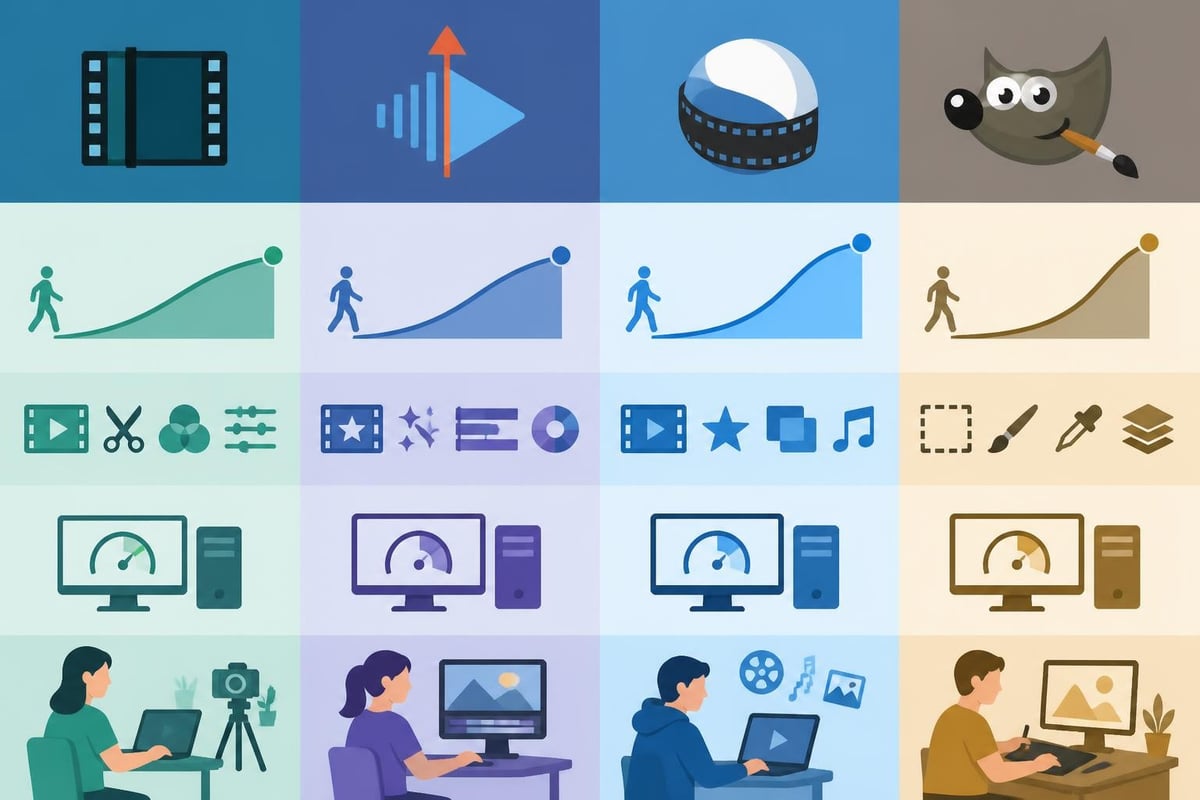
Shotcut continues dominating the beginner-friendly space in 2026. The Shotcut how-to pages walk you through everything from basic trimming to multi-track editing without assuming you have a film degree. Cross-platform support means it works whether you're on Windows, Mac, or Linux.
Kdenlive strikes an impressive balance between simplicity and capability. The detailed documentation covers workflows that help you structure your projects like a pro, even if you're just starting out. It's particularly strong for creators who need multi-track audio mixing and straightforward effects.
| Software | Best For | Learning Time | Export Quality |
|---|---|---|---|
| Shotcut | Absolute beginners | 30 minutes | Excellent (4K supported) |
| Kdenlive | Growing creators | 1-2 hours | Excellent (4K supported) |
| DaVinci Resolve Free | Color grading fans | 2-4 hours | Professional grade |
| OpenShot | Ultra-quick edits | 15 minutes | Good (HD standard) |
DaVinci Resolve's free version deserves mention because it's ridiculously powerful, though slightly less "simple" than the others. If you need professional-grade color correction and you're willing to invest a couple hours learning, it's unbeatable.
Sometimes you need thumbnails, social graphics, or quick photo fixes. Free simple editing software exists here too.
GIMP remains the heavyweight champion of free photo editing. The official documentation has improved dramatically, making it easier to find what you need without getting lost in advanced features. Think Photoshop's scrappy, no-cost cousin who still gets the job done.
Key features that matter:
For creators who need video and photo editing, pairing Kdenlive with GIMP creates a completely free workflow that handles 90% of content creation needs. That's powerful.
Free tools shine in specific situations. Knowing when to use them (and when not to) saves you massive headaches and wasted time.
Ideal scenarios for DIY editing:
The TechRadar roundup highlights how free editors have evolved to handle increasingly complex projects. Many creators successfully build entire YouTube channels using nothing but free simple editing software.
Let's get specific. These tools excel at:
If you're exploring repurposing content strategies, free software lets you experiment without financial commitment. Test what resonates before scaling up production quality.
Not every free tool deserves your attention. Here's what to look for when evaluating free simple editing software options.
Timeline-based editing is non-negotiable. If it doesn't have a visual timeline where you can see your clips arranged sequentially, skip it. This is how modern editing works, and anything else wastes your time.
Format flexibility matters more than you'd think. Your software should import common video formats (MP4, MOV, AVI) without drama and export to formats optimized for YouTube, Instagram, TikTok, and LinkedIn. According to Zapier’s guide, export options directly impact how much time you waste re-encoding videos.
Transition and text tools need to exist and actually work. Basic fades, wipes, and text overlays aren't fancy features anymore, they're baseline expectations for 2026 content.
| Feature | Why It Helps | Which Tools Have It |
|---|---|---|
| Auto-save | Prevents losing hours of work to crashes | Kdenlive, DaVinci Resolve |
| Proxy editing | Keeps timeline smooth with 4K footage | Kdenlive, DaVinci Resolve |
| Keyframe animation | Adds movement to graphics and text | Kdenlive, Shotcut, GIMP |
| Audio visualization | Makes podcast editing significantly easier | Most modern free editors |
| Cloud backup integration | Protects your project files | Requires manual setup usually |
Keyboard shortcuts separate tools that respect your time from tools that waste it. The best free simple editing software includes customizable shortcuts that speed up repetitive tasks exponentially. When you're editing your twentieth video, these shortcuts become absolute lifesavers.
Free software costs zero dollars. Cool. But let's be honest about what it actually costs you in time, energy, and opportunity.
Learning curves aren't created equal. Even simple software requires hours of practice before you're efficient. Conservative estimates for becoming competent:
That's real time you could spend creating content, building relationships with your audience, or actually running your business. The Creative Bloq guide emphasizes how even "beginner-friendly" tools require significant time investment.
Editing isn't just time-consuming, it's mentally draining. Decision fatigue sets in as you make thousands of micro-choices about cuts, pacing, music, and effects. For solopreneurs and small teams, editing becomes the task that always gets pushed to evenings and weekends, slowly killing your work-life balance.
Common stress points:
Many creators eventually realize their hourly rate makes DIY editing financially questionable, even when the software is free. If you bill $100-$200 per hour for your actual expertise, spending six hours editing a video costs $600-$1,200 in opportunity cost. That math shifts perspectives quickly.
Linux users and open-source advocates have excellent free simple editing software choices that rival proprietary options. These tools often run leaner and more stable than their commercial counterparts.
Flowblade deserves attention for its streamlined, single-purpose approach to editing. This opensource.com article details why it works particularly well for creators who want simple, fast editing without feature bloat. The interface focuses on getting work done efficiently rather than impressing you with complexity.
Community support means you're never alone when problems arise. Active forums, Discord channels, and documentation maintained by users who genuinely want to help make troubleshooting significantly easier.
Transparency about what the software does builds trust. No hidden data collection, no surprise subscription walls halfway through your project, no features suddenly disappearing because of licensing changes.
Continuous improvement comes from developers who actually use the tools themselves. Check out this guide on producing video tutorials with open-source tools for practical examples of how these editors handle real-world projects.
Here's where we get real. Free simple editing software is fantastic, but it's not always the smartest choice for every situation or every creator.
You're starting out and need to understand the editing process firsthand. Learning basic editing helps you communicate better with future editors and understand what's possible. Plus, you'll appreciate the work more when you eventually delegate it.
You edit infrequently (monthly or less) and the time investment stays manageable. If editing is occasional rather than constant, the learning curve pays off over time.
You genuinely enjoy the creative process and find editing energizing rather than draining. Some people love it, and that's beautiful. If you're one of them, free simple editing software gives you an amazing creative outlet.
You're publishing multiple times per week and editing becomes a bottleneck preventing consistent content. Speed matters more than saving money when consistency drives your growth.
Your skills are worth more than the time editing requires. If your hourly rate exceeds $50-75, basic math says outsource it. Your time generates better returns elsewhere.
Quality standards exceed hobbyist level because your brand demands professional polish. Free software can produce quality results, but the time required to achieve them multiplies quickly. For insights into when quality becomes critical, explore video editing prices to understand professional standards.
| Scenario | DIY Score | Outsource Score | Best Choice |
|---|---|---|---|
| Starting YouTube channel | 8/10 | 4/10 | DIY initially |
| Established business (5+ videos/month) | 3/10 | 9/10 | Outsource definitely |
| Testing new content format | 7/10 | 5/10 | DIY for experimentation |
| High-stakes client work | 2/10 | 10/10 | Outsource always |
| Personal projects for fun | 9/10 | 2/10 | DIY and enjoy it |
The smartest creators use hybrid approaches. They handle quick, simple edits themselves with free simple editing software while outsourcing anything complex, time-sensitive, or requiring premium polish.
Even the best free simple editing software performs poorly on inadequate hardware. Let's talk minimum specs that actually work in 2026.
RAM is king for video editing. 8GB is the bare minimum, 16GB is comfortable, and 32GB eliminates most performance headaches. Video editing consumes memory aggressively, and insufficient RAM makes everything painfully slow.
Storage speed matters more than capacity for editing performance. Solid-state drives (SSDs) dramatically improve timeline responsiveness, rendering speed, and overall editing flow. If you're still running mechanical hard drives for your editing drive, upgrading to SSD delivers the single biggest performance improvement possible.
Graphics cards help but aren't always necessary for basic editing. Most free simple editing software runs fine on integrated graphics for 1080p editing. Upgrade to dedicated graphics only when you're regularly editing 4K footage or using effects-heavy projects.
Organize your files before importing anything. Create consistent folder structures (raw footage, music, graphics, exports) that make finding assets quick and painless. This seems basic, but disorganization kills editing efficiency faster than slow computers.
Use proxy files when working with high-resolution footage. Most modern free editors support proxy workflows that create low-resolution copies for smooth timeline editing, then automatically swap to high-resolution for final export. This single technique makes 4K editing possible on modest hardware.
Regular backups aren't optional. Free software sometimes crashes (paid software does too). Auto-save helps, but external backups to cloud storage or separate drives protect against catastrophic losses. Losing six hours of editing work teaches this lesson the hard way, every single time.
Getting good with free simple editing software happens faster when you follow structured learning rather than random YouTube rabbit holes.
The Lemoore College digital art resource provides academic context for understanding free editing tools and their appropriate applications. It's particularly useful for understanding licensing considerations and educational use cases.
Start with one tool and learn it thoroughly before exploring alternatives. Tool-hopping wastes time and prevents developing real competency. Pick Shotcut or Kdenlive based on your needs, then commit to it for at least 20-30 projects.
Follow project-based tutorials that build complete videos rather than isolated technique demonstrations. Learning "how to add transitions" means nothing without context. Learning "how to edit a product review video from start to finish" builds real skills.
Study content you admire by deconstructing how editors achieved specific effects. Watch your favorite creators with editing eyes, noticing cuts, pacing, music choices, and text timing. Reverse-engineering great work teaches faster than any tutorial.
Join creator communities focused on your niche rather than software-specific forums. Learning from travel vloggers who use Kdenlive teaches more relevant skills than generic Kdenlive forums. Context matters enormously for practical education.
Share your work early and often to get feedback before bad habits solidify. Communities on Reddit, Discord, and specialized forums provide constructive criticism that accelerates improvement. If you're looking for video editing insights from experienced creators, check out discussions on best video editing subreddits for practical tips.
Different social platforms demand different approaches, and your free simple editing software needs to handle these variations smoothly.
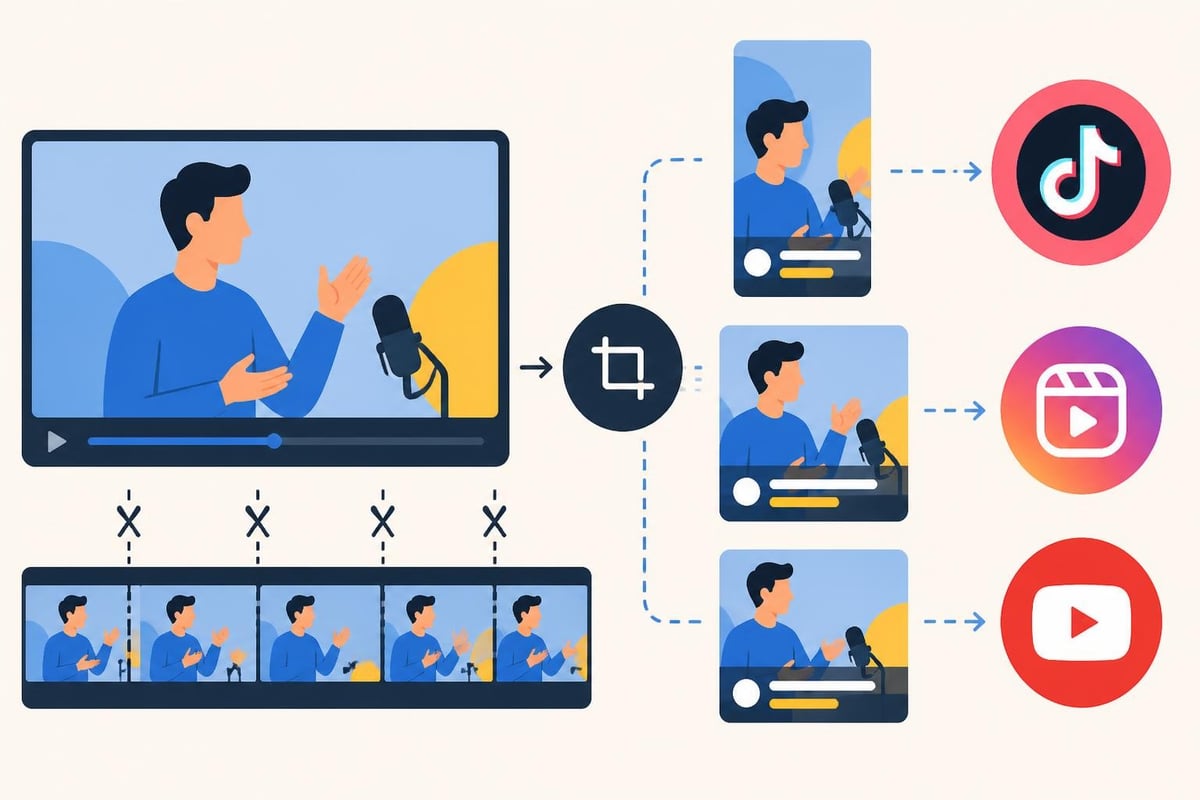
Aspect ratio flexibility determines how easily you can repurpose content across platforms. Your software should handle:
Most free editors handle this, but check before committing. Reformatting videos manually for each platform multiplies your workload unnecessarily.
Understanding what end cards and end screens accomplish helps you design better content finales. Free simple editing software should make adding these elements straightforward through templates or customizable graphics.
Platform quirks to remember:
Different platforms also have varying technical requirements for file size, bitrate, and codec preferences. Your free editor should include export presets for major platforms to eliminate guesswork and technical headaches.
Free simple editing software handles most content creation needs brilliantly, but certain scenarios genuinely require paid tools or professional services.
Advanced color grading beyond basic correction usually requires paid software or professional expertise. If your brand depends on specific color profiles and cinematic looks, free tools hit limitations quickly.
Motion graphics and complex animations exceed what most free editors handle efficiently. Simple text animations work fine, but elaborate logo animations and graphic sequences require specialized tools like After Effects or professional motion designers.
Multi-camera editing becomes tedious in most free editors. If you regularly sync and cut between multiple camera angles (podcasts, interviews, events), professional tools or dedicated editing services dramatically improve efficiency.
Can free simple editing software produce professional results? Absolutely. The video editing software reviews demonstrate that tool choice matters less than editor skill and creative vision.
However, achieving professional quality with free tools requires significantly more time investment than equivalent results from paid software or professional editors. That time difference represents the actual cost of "free" software for serious creators and businesses.
Building sustainable content creation systems means choosing tools and workflows you can maintain long-term without burnout.
Realistic publishing schedules start with honest assessments of editing capacity. If editing one video takes six hours and you want to publish three times weekly, you need eighteen hours of editing time every single week. That's unsustainable for most solo creators juggling multiple responsibilities.
Batch editing helps, but only marginally. Recording multiple videos in one session spreads setup costs, but editing still consumes similar time per video. You'll get faster with practice, but diminishing returns kick in after basic competency.
Scalability questions surface quickly. Free simple editing software scales to your personal capacity limits, which become business growth limits. When content demand exceeds your editing capacity, you either reduce output (losing momentum) or find alternative solutions (outsourcing, hiring, or automation).
Many content creators fall into the trap of treating editing as "can do anytime" work that bleeds into evenings, weekends, and family time. This destroys work-life balance while creating resentment toward content creation itself.
Sustainable approaches include:
If you're constantly stressed about editing, your free simple editing software isn't really free. It's costing you mental health, relationships, and quality of life. Those costs eventually exceed any financial savings.
Certain content types benefit particularly from free simple editing software while others demand professional approaches.
Educational content and tutorials work beautifully with free tools because information delivery matters more than production polish. Viewers prioritize clarity and value over Hollywood effects. Simple screen recordings with basic cuts and text overlays often outperform overproduced alternatives.
Behind-the-scenes and authentic content actually performs better with rough edges intact. Over-polished BTS footage loses authenticity, so free simple editing software's limitations become advantages. Quick edits preserve genuine energy better than extensive post-production.
Sports and action content requires specific approaches that some free editors handle better than others. For creators focused on sports video editing, look for tools with strong slow-motion support, easy highlight compilation, and quick export workflows.
For creators producing content related to home entertainment systems or technical reviews, partnering with specialists like ANR media for custom home cinema installations provides authentic content opportunities. Documenting professional setups offers engaging content that benefits from straightforward editing showcasing the work rather than editing artistry itself.
Event coverage and documentation splits depending on context. Personal events (weddings, parties) work fine with free simple editing software and patient timelines. Professional event coverage for clients demands faster turnarounds and higher polish that usually justifies paid tools or professional services.
Free simple editing software continues improving rapidly as open-source communities grow and development accelerates. Several trends are shaping 2026 and beyond.
AI-assisted features are infiltrating free editors faster than expected. Auto-captioning, background removal, and smart object tracking now appear in tools that cost nothing. These features previously distinguished premium software, but the gap narrows constantly.
Cloud integration and collaboration features lag behind paid alternatives but improve steadily. Expect better cloud storage integration, shared project access, and remote collaboration tools in popular free editors throughout 2026-2027.
Mobile editing capabilities continue expanding, though desktop remains superior for serious work. Free mobile apps complement desktop editors for quick on-the-go adjustments rather than replacing full editing workflows.
Will free simple editing software ever completely match premium alternatives? Probably not across every dimension. Paid software companies employ full-time developers, UX researchers, and support teams that open-source projects can't match.
But for 80-90% of content creation needs in 2026, free tools absolutely deliver professional-quality results. The remaining 10-20% of advanced features matter only for specific use cases, not everyday content creation.
Smart creators use free tools until they clearly hit limitations, then decide whether upgrading software or outsourcing editing makes more sense. That decision point arrives at different times for different creators based on goals, resources, and growth trajectories.
Free simple editing software opens content creation doors for anyone willing to invest time learning, but it's not the only path forward. Whether you choose DIY editing, premium software, or professional services depends entirely on your goals, resources, and priorities. If consistent, high-quality video content matters to your business but editing consumes time you'd rather spend growing your brand, beCreatives offers unlimited video editing with dedicated editors who handle everything from rough cuts to polished finals. Focus on creating amazing content while experienced editors transform your footage into professional videos that actually get watched and drive results.
Discover how post production video editing transforms raw footage into professional content. Learn workflows, tools, and outsourcing tips.
Master video editing HD quality standards, encoding settings, and workflow best practices to deliver professional content in 2026.
Discover what makes a YouTube video editing course worth your time in 2026, plus smarter alternatives for busy creators and agencies.
Looking to hire video editor for YouTube? Discover the best hiring strategies, what to look for, and how to build a winning content team in 2026.
Discover the best music video editing software for 2026. Compare features, pricing, and workflow tools to create stunning music videos faster.
Looking for a video editing company near me? Learn how to choose the right partner, what to expect, and whether local is best in 2026.
Discover how video editing AI online is changing content creation in 2026. Explore smart tools, workflows, and what creators really need to know.
Master wedding videography editing with expert tips on storytelling, pacing, and delivery. Learn how to transform raw footage into cinematic films.
Choosing an HD video editing app in 2026? Discover features, performance tips, and how professionals handle high-definition content.
Learn how to hire editor for YouTube in 2026. From vetting candidates to pricing models, this guide helps creators scale content without burnout.

Editing videos yourself can take a lot of your precious time, but do not worry – we‘ve got you covered! Our highly skilled Video Editors are here to speed up the process and give you time to create more content.