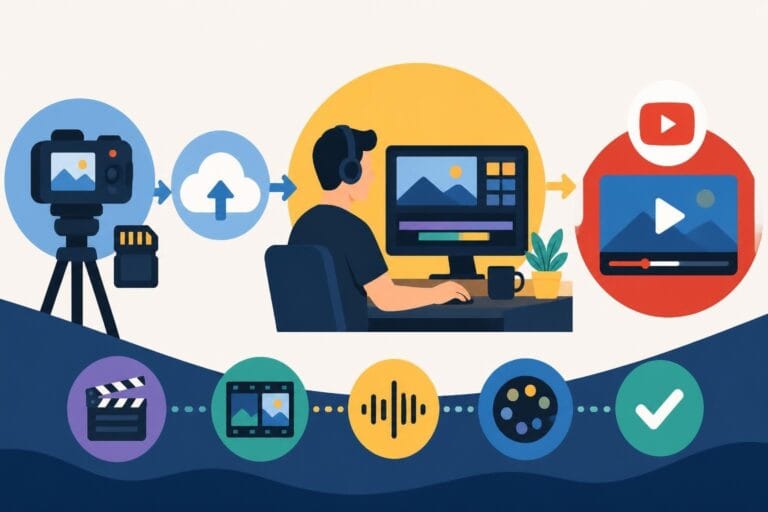
Post Production Video Editing: Complete Guide for 2026
Discover how post production video editing transforms raw footage into professional content. Learn workflows, tools, and outsourcing tips.
10 Min. ReadRead More
5 dedicated editor spots open this week. Book a call to reserve →

 Kiara WalkerCocktales Podcast
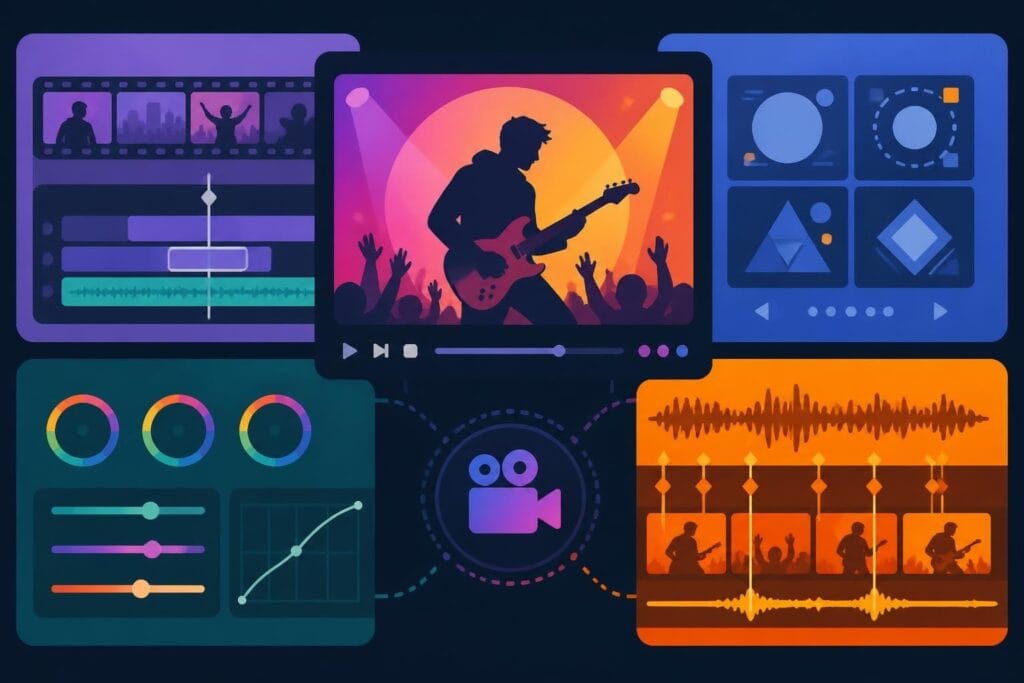
Discover the best music video editing software for 2026. Compare features, pricing, and workflow tools to create stunning music videos faster.
September 30, 2026
Creating stunning music videos requires more than just great footage and a killer track. The software you choose can make the difference between spending days tweaking transitions and delivering polished content in hours. Whether you're a content creator building your personal brand, an agency managing multiple artist clients, or a business owner expanding into video marketing, finding the best music video editing software for your workflow is essential. The right tools help you sync beats perfectly, create eye-catching effects, and deliver professional results without burning out.
Music video editing demands unique features that go beyond standard video production tools. The best music video editing software needs robust audio synchronization capabilities, allowing you to lock visuals to beats with precision. You'll also need advanced color grading tools to create those moody, cinematic looks that make music videos pop.
Performance matters enormously when you're working with high-resolution footage, multiple layers, and complex effects. Software that lags during playback kills your creative flow and wastes valuable time. Modern music video editors also need strong motion graphics capabilities, whether built-in or through integrations with tools like After Effects.
When evaluating options, look for these core capabilities:
The learning curve also matters. If you're running unlimited video editing services for clients, your team needs software they can master quickly without sacrificing creative possibilities.
Premiere Pro remains the top choice for many professional music video editors in 2026. Its seamless integration with After Effects, Audition, and other Creative Cloud apps creates a powerful ecosystem for complex projects. When you need to jump between motion graphics, audio cleanup, and timeline editing, this integration saves hours compared to working with separate tools.
The software's audio capabilities have improved significantly, with enhanced beat detection and automatic music remixing features. You can create dynamic cuts that flow with the rhythm without manually marking every beat. The Essential Sound panel simplifies audio mixing, letting you balance vocals, music, and effects quickly.
Premiere Pro Strengths:
| Feature | Benefit |
|---|---|
| After Effects Integration | Seamless motion graphics workflow |
| Multi-format Support | Handle any camera or codec |
| Team Projects | Collaborate with remote editors |
| Auto Reframe | Quick social media reformatting |
| Lumetri Color | Professional-grade color grading |
One challenge is the subscription cost, which runs $22.99 monthly for individuals or $54.99 for the full Creative Cloud suite. For agencies managing multiple projects, the team pricing model offers better value but requires commitment. Adobe's best practices for Dynamic Graphics Render help optimize motion graphics templates for faster rendering-critical when deadline pressure mounts.
This software shines for teams already invested in the Adobe ecosystem or working on high-budget music videos requiring extensive effects work. If you're transforming raw footage into polished content regularly, the monthly cost becomes negligible compared to the time saved. However, smaller creators or agencies just starting out might find better value elsewhere.
DaVinci Resolve has disrupted the industry by offering professional-grade features completely free. The color grading tools are industry-leading-many colorists working on major music videos prefer Resolve even when they edit in other software. The official Colorist Guide demonstrates the depth of its color science and grading capabilities.
The Fairlight audio page provides comprehensive mixing tools built directly into the editing software. You can clean dialogue, balance levels, add effects, and master your final mix without switching applications. For music videos where audio quality is paramount, this integrated approach streamlines the workflow considerably.
DaVinci Resolve Feature Comparison:
| Version | Cost | Key Limitations |
|---|---|---|
| Free | $0 | No collaboration features, limited export formats, 4K timeline cap |
| Studio | $295 one-time | All features unlocked, lifetime license |
The free version handles most music video projects perfectly well. You only need Studio if you're working with 8K footage, need advanced noise reduction, or require collaboration features for team workflows. The one-time purchase model is refreshing compared to endless subscriptions.
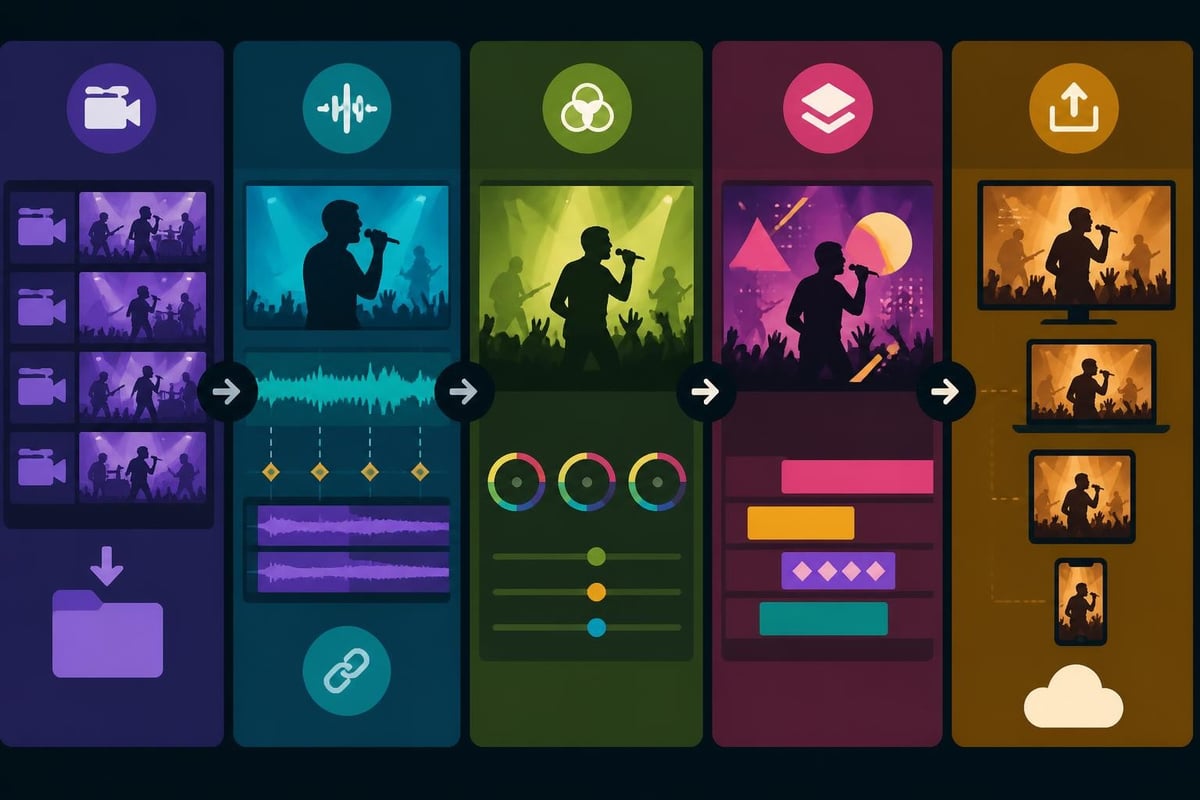
Resolve's interface feels less intuitive initially compared to Premiere Pro or Final Cut. The page-based workflow (Cut, Edit, Color, Fairlight, Deliver) requires mental adjustment if you're used to other editors. However, this separation actually helps once you adapt-you can focus entirely on color without timeline distractions, then switch to audio mixing in a dedicated environment.
For content creators working solo or small teams willing to invest learning time, Resolve offers exceptional value. The best music video editing software doesn't always carry the biggest price tag.
Final Cut Pro delivers blazing performance on Apple Silicon Macs, making it the fastest option for music video editing on macOS. The magnetic timeline takes getting used to, but once you master it, you can rearrange complex edits much faster than traditional track-based timelines. This speed advantage matters enormously when you're cutting music videos on tight deadlines.
The software includes excellent built-in effects and motion graphics tools. While not as extensive as After Effects, Final Cut's Motion app provides solid graphics capabilities for most music video needs. The compound clips feature helps organize complex projects with multiple layers and nested sequences.
At $299.99 for a perpetual license, Final Cut represents significant upfront investment but no ongoing subscription. Updates are free, though major version upgrades occasionally require new purchases. For Mac-based workflows, this pricing model often proves more economical than Premiere Pro over several years.
The main limitation is platform exclusivity-Final Cut only runs on macOS. If you work with clients or team members on Windows, collaboration becomes complicated. The workflow lessons from music videos often emphasize the importance of flexible collaboration, which Final Cut's Mac-only approach can hinder.
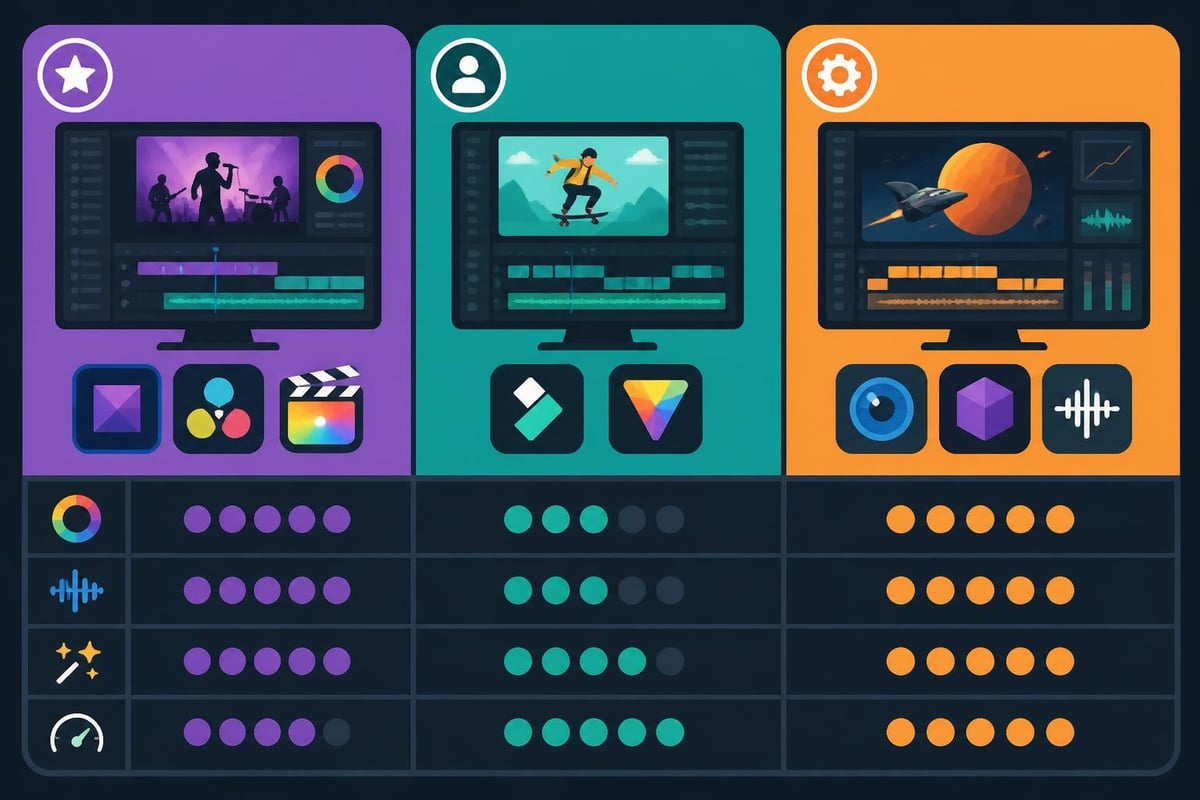
Wondershare Filmora targets creators who need professional-looking results without professional complexity. The interface is intuitive, the effects library is massive, and the beat detection features work surprisingly well for automatic cuts. If you're just starting music video production or running an agency that needs to scale video editing services, Filmora lets less experienced editors contribute effectively.
Recent versions have added impressive AI features:
The perpetual license costs $79.99, while the annual subscription runs $49.99. For the price, you get surprisingly capable software that handles 4K footage, multi-track editing, and decent color grading.
Where Filmora falls short is handling truly complex projects. Advanced colorists will find the grading tools limited. Heavy effects work can bog down performance. The motion tracking is basic compared to professional alternatives. For straightforward music video edits with templates and preset effects, it works great. For cutting-edge visual experimentation, you'll hit the ceiling quickly.
HitFilm Pro combines video editing with visual effects compositing, making it ideal for music videos heavy on effects work. The particle simulator, 3D compositing, and motion tracking rival dedicated VFX software. You can create explosive transitions, add atmospheric elements, and build complex visual sequences without leaving the timeline.
The software bridges the gap between editing and effects work more successfully than most competitors. Instead of round-tripping to After Effects, you can composite green screen footage, add particle effects, and animate graphics directly in your music video timeline.
HitFilm Pro Advantages:
The techniques for speeding up music video edits often recommend separating simple cuts from complex effects shots. HitFilm's integrated approach means you can tackle both efficiently within a single application.
HitFilm demands significant computing power, especially when you're layering multiple effects. Make sure your system meets recommended specifications-minimum specs will leave you frustrated with sluggish playback. The software works on both Windows and Mac, though historically it's run slightly better on Windows machines.
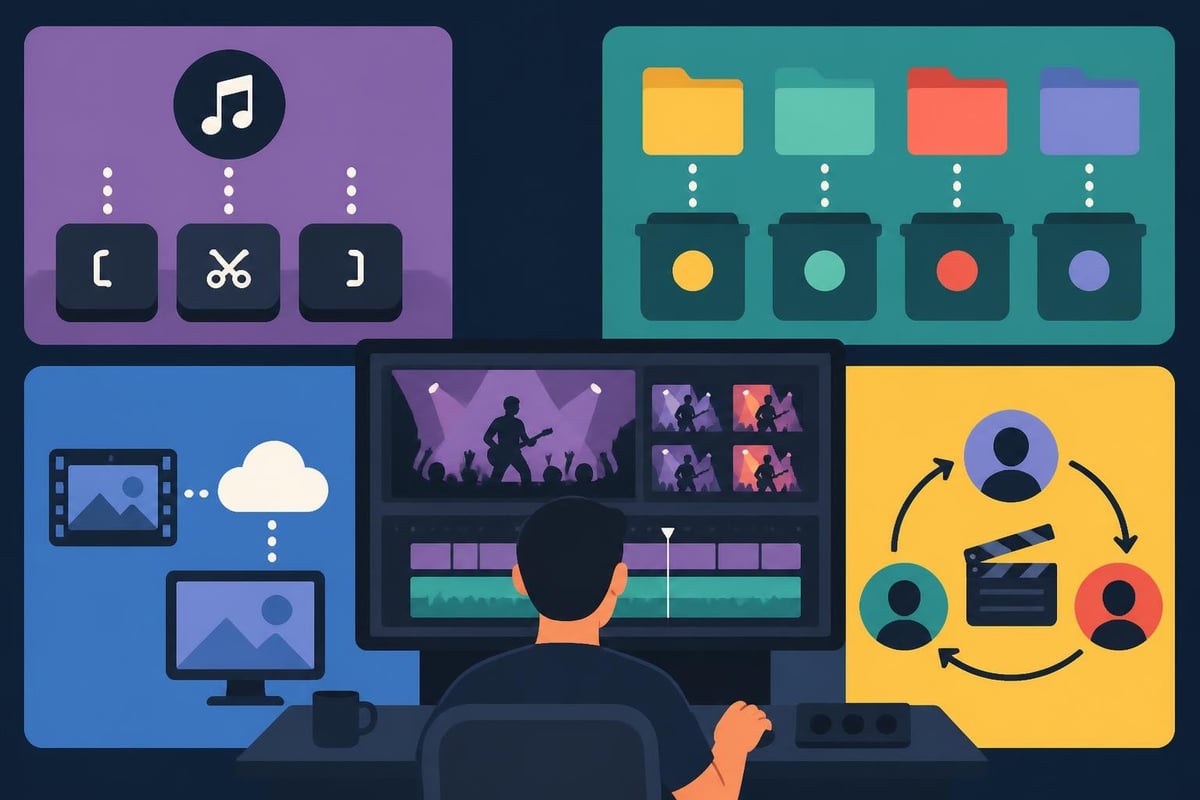
The best music video editing software ultimately depends on your specific situation. Content creators working solo might prioritize different features than agencies managing multiple client projects simultaneously.
Selection Framework:
| Priority | Best Choice | Why |
|---|---|---|
| Budget-conscious beginners | DaVinci Resolve Free | Professional features at zero cost |
| Mac-only workflows | Final Cut Pro | Optimized performance and speed |
| Adobe ecosystem users | Premiere Pro | Seamless Creative Cloud integration |
| Heavy VFX needs | HitFilm Pro | Integrated compositing tools |
| Quick learning curve | Filmora | Intuitive interface with templates |
Consider how the software fits your existing workflow rather than just features lists. If you're already managing sports video editing projects or other content types, consistent software across projects reduces mental switching costs.
Music videos live or die on audio quality. While these editing programs handle basic audio mixing, serious projects often benefit from dedicated audio tools. The iZotope guide to audio cleanup provides techniques for improving vocal recordings and removing unwanted noise-essential when working with location-recorded performance footage.
Many music video editors use a hybrid workflow: rough audio sync and mixing in the video editor, then final polish in dedicated audio software like Pro Tools, Logic, or Audition. This separation ensures both picture and sound receive proper attention without compromise.
Don't forget the legal side of music video production. The SoundExchange guidance on performance royalties helps navigate the complex landscape of music rights when publishing videos online. Your editing software choice won't matter if legal issues prevent distribution.
Every software option discussed offers template libraries, but quality and customization options vary dramatically. Premiere Pro's Essential Graphics templates ecosystem is vast, with thousands of options from Adobe Stock and third-party creators. DaVinci Resolve's Fusion templates provide powerful motion graphics starting points.
Templates aren't cheating-they're smart efficiency tools. When you're producing multiple music videos monthly, starting from pre-built foundations lets you focus creative energy on unique elements rather than rebuilding basic transitions repeatedly. The key is customizing templates enough that your work maintains distinctive style.
For agencies offering video editing services to diverse clients, building an internal template library standardizes quality while accelerating production. Save frequently-used color grades, transition styles, and title treatments as presets to maintain consistent branding across projects.
Professional music video editing requires balancing creative ambition with practical constraints. Tight deadlines, budget limitations, and client revisions all impact software choices. The best music video editing software needs to support not just your creative vision but also your business realities.
Performance optimization becomes crucial when you're working on multiple projects simultaneously. Many editors use proxy workflows-editing with lower-resolution versions of footage, then conforming to full resolution for final export. All major editing platforms support proxies, but implementation varies. Premiere Pro's proxy system is particularly elegant, automatically switching between versions without manual intervention.
The Cinema Audio Society’s professional resources emphasize that sound-for-picture work requires systematic approaches, not just powerful tools. This philosophy applies equally to video editing-your workflow matters more than feature counts.
Switching editing software mid-project is painful. Changing your primary platform affects muscle memory, project compatibility, and team workflows. Before committing to the best music video editing software for your needs, consider running parallel tests on real projects.
Download trial versions of your top two or three choices. Edit the same music video in each platform, timing how long various tasks take. Notice which interfaces feel intuitive and which require constant reference to tutorials. Pay attention to rendering times and playback performance with your typical footage types.
Decision Checklist:
Remember that expensive software won't automatically make better music videos. A skilled editor using mid-range tools will consistently outperform a novice with premium software. Technique, timing, and creative vision matter far more than feature lists.
Even the best music video editing software represents just one piece of successful production. Your complete workflow includes storage solutions for massive video files, backup systems to prevent disaster, and communication tools for client feedback. Many successful content creators and agencies eventually realize that their bottleneck isn't software capability-it's time and bandwidth.
This realization is why unlimited video editing services have gained popularity among creators who'd rather focus on shooting, client relationships, and creative direction while expert editors handle post-production. The software question becomes less critical when experienced professionals are managing the technical execution.
Whether you're building an in-house editing team or considering outsourcing options, understanding these software platforms helps you make informed decisions about your video production strategy.
Finding the best music video editing software depends on balancing features, budget, and workflow fit for your unique needs. The right choice empowers faster production without sacrificing creative quality. If managing post-production is slowing down your content creation or pulling focus from client work, beCreatives offers unlimited professional video editing with dedicated editors who know these platforms inside and out-letting you focus on what you do best while we handle the timeline.
Discover how post production video editing transforms raw footage into professional content. Learn workflows, tools, and outsourcing tips.
Master video editing HD quality standards, encoding settings, and workflow best practices to deliver professional content in 2026.
Discover what makes a YouTube video editing course worth your time in 2026, plus smarter alternatives for busy creators and agencies.
Looking to hire video editor for YouTube? Discover the best hiring strategies, what to look for, and how to build a winning content team in 2026.
Looking for a video editing company near me? Learn how to choose the right partner, what to expect, and whether local is best in 2026.
Discover how video editing AI online is changing content creation in 2026. Explore smart tools, workflows, and what creators really need to know.
Master wedding videography editing with expert tips on storytelling, pacing, and delivery. Learn how to transform raw footage into cinematic films.
Choosing an HD video editing app in 2026? Discover features, performance tips, and how professionals handle high-definition content.
Discover the best free simple editing software for videos and photos in 2026. Compare features, learn what works, and decide when to DIY or outsource.
Learn how to hire editor for YouTube in 2026. From vetting candidates to pricing models, this guide helps creators scale content without burnout.

Editing videos yourself can take a lot of your precious time, but do not worry – we‘ve got you covered! Our highly skilled Video Editors are here to speed up the process and give you time to create more content.
What do you need edits for?


Scratch to see who you got
This is your match, not your assignment.
We confirm your editor once you subscribe.
Pick a time that works and we’ll take it from there.
Open the booking page15 minutes, free