
Josiah@brothainlaw Attorney
This helped me get some perspective on the importance of my scripts, the importance of lighting, the importance of what the editing team can do.
5 dedicated editor spots open this week. Book a call to reserve →

 Kiara WalkerCocktales Podcast
30 min Course To Film AMAZING Videos With Your Phone
Don’t show me more! I am already SOLD!

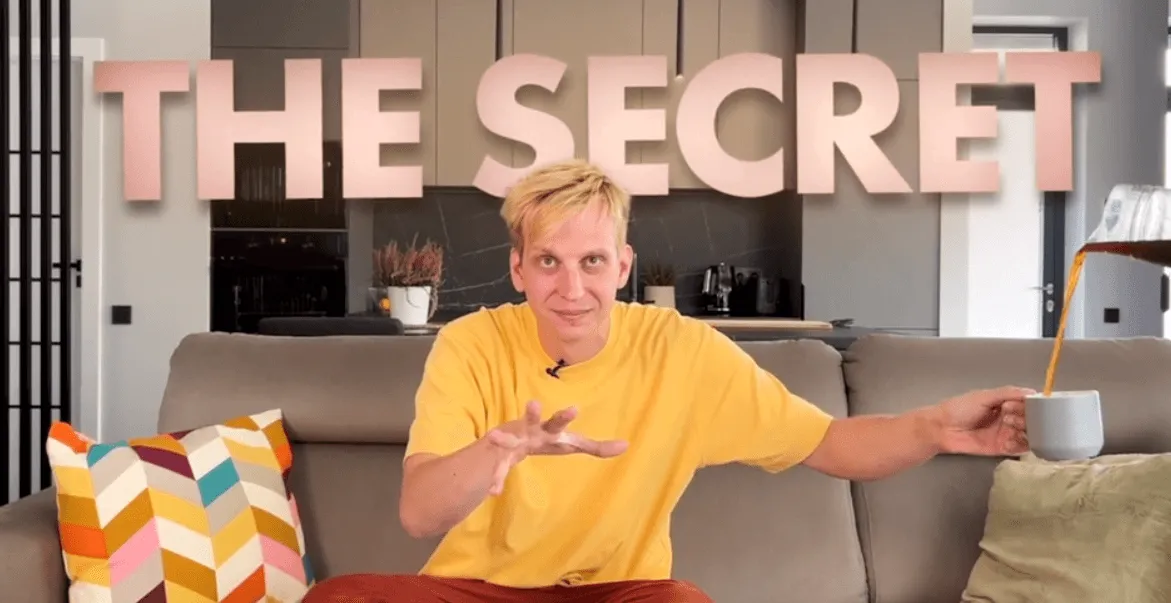
In a world where every creator is leveling up, don't let your poor video quality hold your business back.
Transform your videos from grainy footage to "Wow, did my phone really shoot that?!"
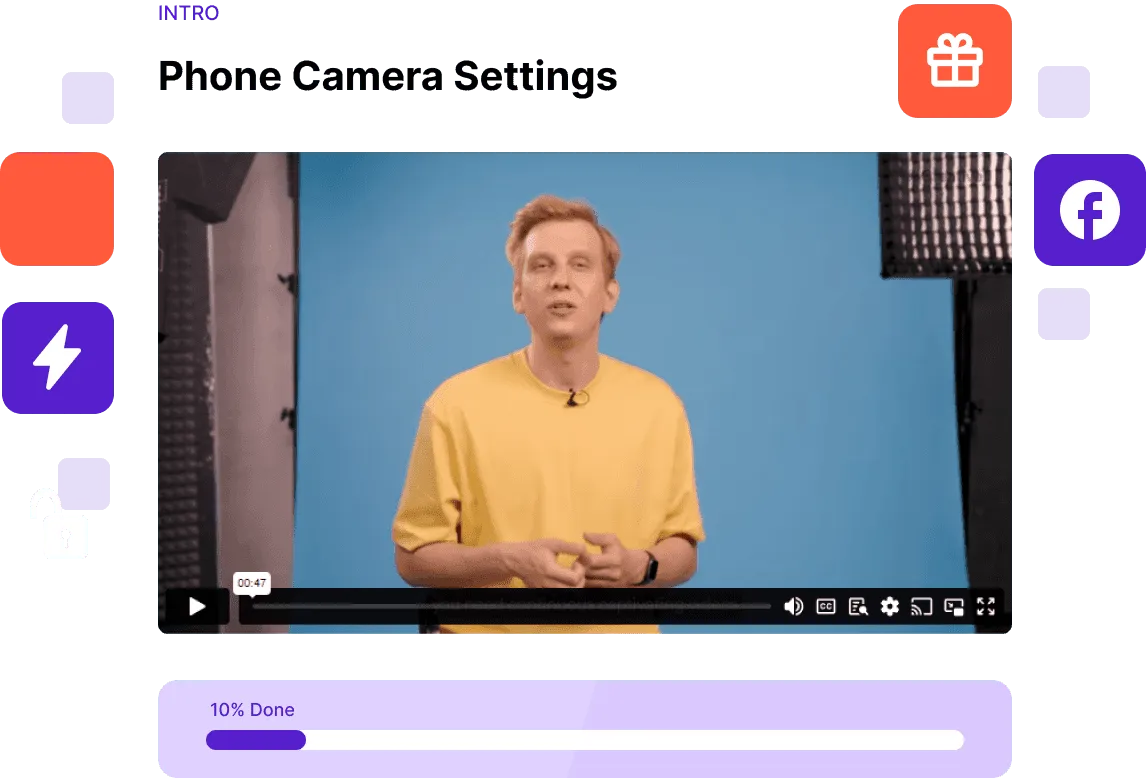
"Aperture", "ISO", "White Balance"... sounds daunting? We've stripped all the techy-talk. Dive into simple, actionable steps.
Switch "Why can't I get the angle right?" to "Framed perfectly!"
Look at what our awesome students achieved!
Josiah@brothainlaw Attorney
This helped me get some perspective on the importance of my scripts, the importance of lighting, the importance of what the editing team can do.

Aria
Can’t believe the entire thing is just 30 minutes. Straight to the point, no fluff. My kind of learning!

Chris
I have to admit, I was skeptical when I enrolled, but the simple solutions you provided for everyday phone filming issues are gold. Never thought I’d find a way around my phone’s storage problems. Your course is worth every penny!

Alexanderscaleyourrealestate.com
There were definitely a lot of little details and a lot of little nuances that you could just tell whether it was from a lighting perspective or from an audio perspective. Things to do. Things not to do. Definitely very knowledgeable.

Tyler
Mykolas was super helpful with sharing how I can make my content better, so engage with people. There’s just a lot of stuff here that I’m really excited to apply to short form content.

Tess
Thought good video meant hours of learning. Nah, 30 mins and I was on my way. Best quick-fix ever!

Amberscaleyourrealestate.com
There’s a lot of things about the deal that I didn’t know that I know now. I think if you are just getting into creating video content, you learn a lot about how to kind of set this up to kind of make yourself do well, right? I feel energetic. I feel like I can do it.

Manny
Honestly, I spent more on takeout. Now my videos are slaying for just 30 bucks! Grab it before the price hike!

Victoria
OMG, Mykolas! That tip about the app for easy footage transfer? Total game-changer! No more emailing clips to myself or waiting forever to download from the cloud.
"Filmed with Phone" is not just another video course. It's your roadmap to creating scroll-stopping content that resonates, engages, and amplifies your message.
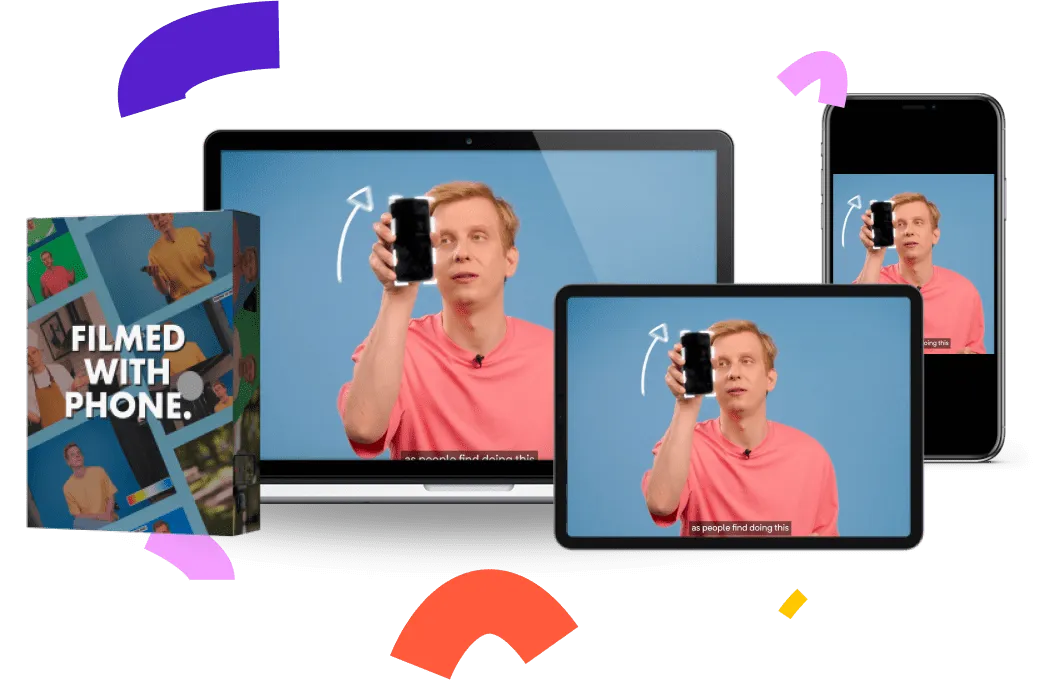
Dive in to discover the untapped potential of your smartphone, learn the secrets to crafting compelling stories, and watch your engagement metrics skyrocket.
 Featured by Justin Schuman
Justin Schuman is a Broadway Performer, Authenticity Strategist, Personal Brand Builder and a Human Creative Director who helps people achieve their hidden talent of performing in front of an audience.
Enroll TodayStarts November 5
Create content that stops users in their scroll, making them hit like, comment, and share.
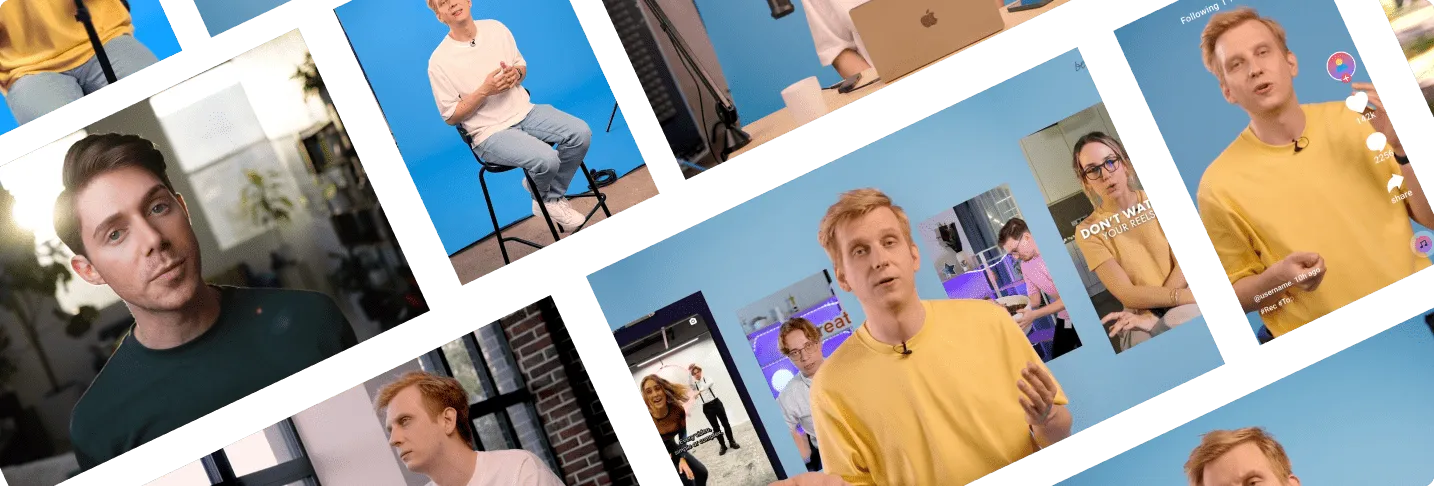
FEATURED GUEST: JUSTIN SCHUMAN
Delve deep inside yourself to understand what stops you from being yourself on camera and how to change that, turning the disadvantages into advantages
Get instant access to our exclusive community. It’s where all the magic happens outside of the course. You’ll find updates, events, live QnA’s and if you ever have a question, that’s the place to ask.
Join The Fun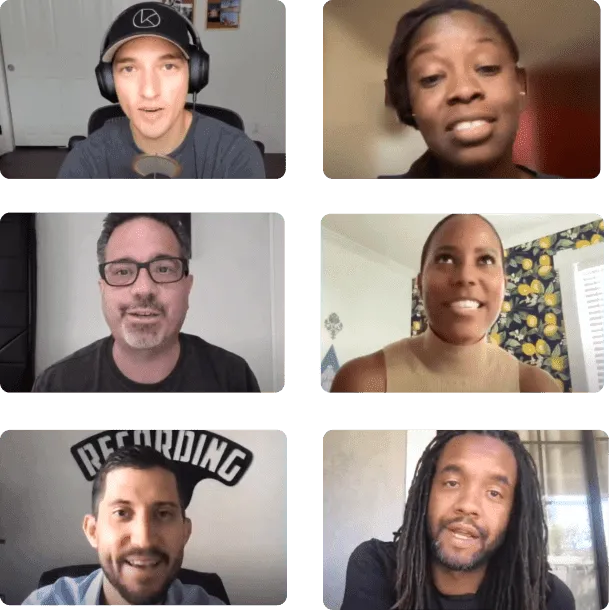
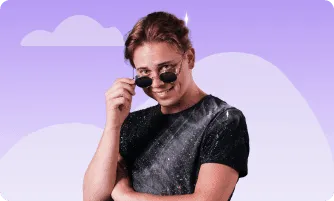
You want to look your best “Got a content creator you’re low-key obsessed with? Let’s get your phone videos match that!
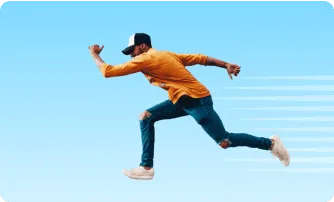
You value efficiency and speed. This course will teach you all the essentials of lighting, framing and sound in just over 30 minutes!
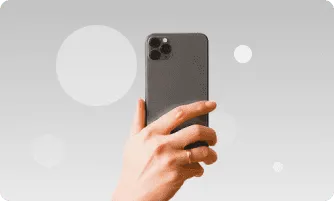
You are a content creator already, but you are having a hard time getting that perfect looking shot.
Discover the Phone Filming Secrets TOP Creators Use!
Enroll TodayStarts November 5
 Mentor Mykolas
Frequently Asked Questions
If you are just starting your content creation journey, this course is a perfect starting point for you. In 30 minutes you will learn all that is needed to create great looking content on all social media platforms. If you want to dig deeper into any lessons of the course, you can always write me an email and I’ll reply with detailed answers.
This course is focused on beginner creators and people who want to improve their video look.
Yes, the techniques tought in this course will work not only for all your social media channels, but also for any videos that you will want to create.
Before starting the course, all you need is your phone. While you go through the course, you will recieve all the necceseray links for other equipment such as sound and lighting. Theres no limit to the course access, so you can always go back and check the graphs and info on how to set up your newly purchased lights and microphone.
This course focuses on filming techniques, so it does not matter what type of lenght or what platform your final video will be.
While this course goes deeper into phone settings and using your phone (because for online content is just as good as a camera) all the lighting, framing and sound techniques tought will apply to any camera too.
There’s no time limit to when you can access this course, so you can always go back and check on some lessons if needed.