
Post Production Video Editing: Complete Guide for 2026
Discover how post production video editing transforms raw footage into professional content. Learn workflows, tools, and outsourcing tips.
10 Min. ReadRead More
5 dedicated editor spots open this week. Book a call to reserve →

 Kiara WalkerCocktales Podcast
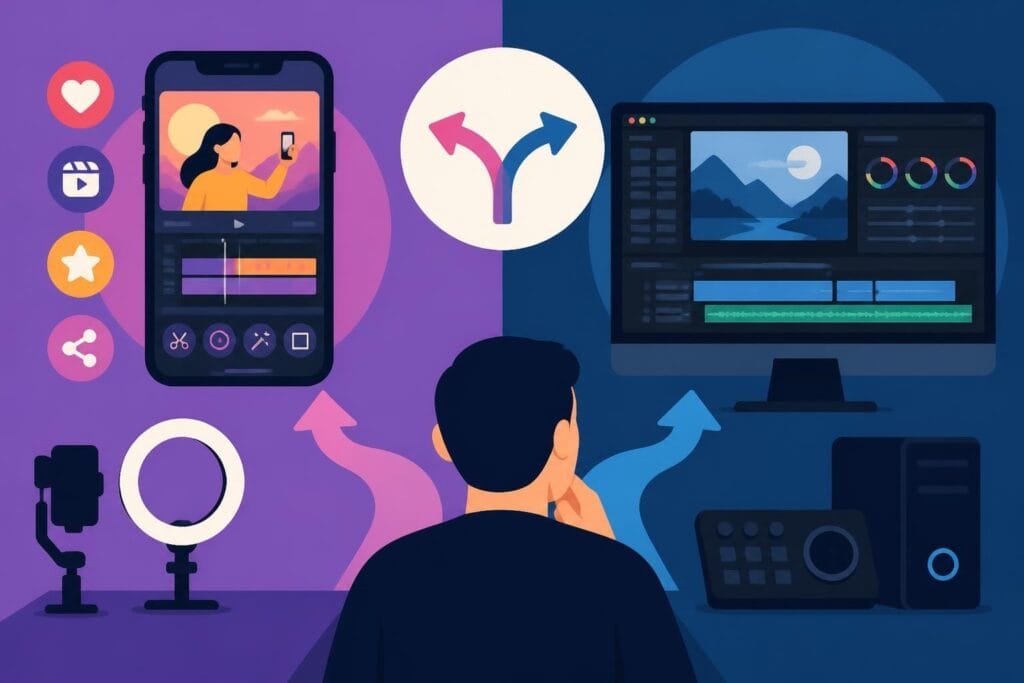
Discover the best video editing app for your content in 2026. Compare features, pricing, and mobile vs desktop options to boost your workflow.
September 10, 2026
Finding the best video editing app isn't about picking the flashiest tool with the most features. It's about matching your workflow, content goals, and sanity level with software that actually helps you ship content faster. Whether you're churning out TikToks at 2 a.m. or cutting long-form YouTube videos for your business, the right app can mean the difference between staying visible online and drowning in your camera roll. In 2026, the landscape has shifted hard toward AI-assisted editing, mobile-first workflows, and cloud collaboration, making it easier than ever to create polished content without becoming a full-time editor. Let's break down what actually matters when choosing your editing tool.
The best video editing app isn't a one-size-fits-all answer. It depends entirely on what you're creating, how often you're posting, and whether you're editing on your phone during commutes or hunched over a desktop rig at midnight.
Short-form creators have different needs than long-form YouTubers. If you're focused on Instagram Reels, TikTok, or YouTube Shorts, you need:
Long-form creators editing vlogs, tutorials, or course content need deeper control:
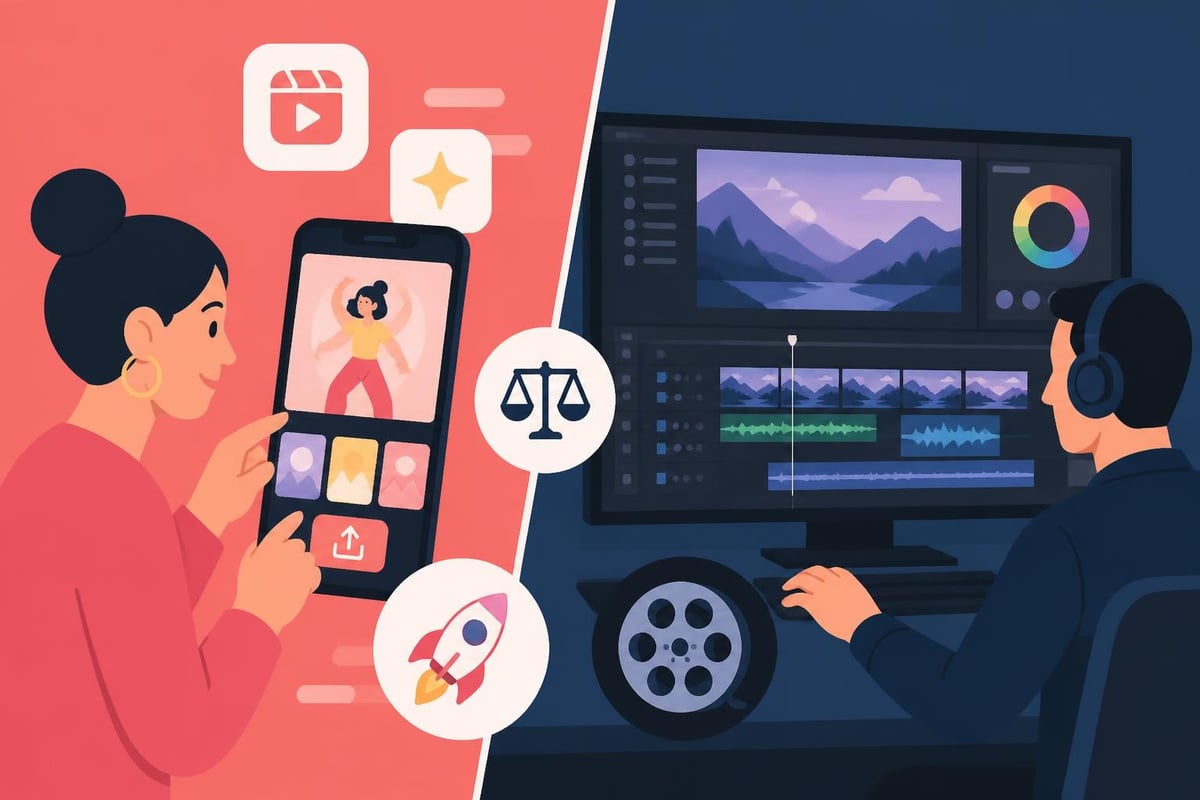
Your posting frequency matters too. Daily posters need speed above all else. Weekly creators can afford more polish time. Monthly producers might want professional-grade tools. Match your app complexity to your publishing cadence, or you'll burn out fast.
The mobile vs desktop debate has evolved. It's no longer "which is better" but "which moments need which tool." According to TechCrunch’s coverage of YouTube Create, platforms are investing heavily in mobile-first editing because that's where creators actually are.
Mobile editing has exploded for good reason. Apps like CapCut, Instagram Edits, and Adobe Premiere Rush handle 80% of social content creation needs right from your phone. Wired’s hands-on guide to Instagram Edits shows how these tools have matured into legitimate editing platforms.
Mobile advantages:
The CreativeBloq guide to mobile video editing apps highlights how apps like VN and InShot have closed the quality gap with desktop tools for most creator needs.
Desktop editing isn't dead – it's just more specialized. You need desktop power for:
| Use Case | Why Desktop Wins | Example Apps |
|---|---|---|
| Color grading | Precision controls, scopes, node-based workflows | DaVinci Resolve, Final Cut |
| Audio mixing | Multi-track audio, VST plugins, noise reduction | Adobe Audition, Logic Pro |
| Effects-heavy work | GPU acceleration, RAM for real-time previews | After Effects, Fusion |
| Multi-cam editing | Syncing 3+ cameras with audio matching | Premiere Pro, Resolve |
| Long-form (60+ min) | Timeline performance, media management | Avid, Premiere, Final Cut |
For marketers and agencies juggling client work, desktop flexibility and professional export options matter. You can't color-match a brand palette or deliver broadcast-spec files from most mobile apps.
Price tags don't tell the whole story. The best video editing app for your budget depends on what limitations you can live with and which ones kill your workflow.
DaVinci Resolve remains the gold standard for free professional editing. TechRadar’s 2026 review of DaVinci Resolve 21 confirms it's still unbeatable for zero-cost power. You get:
The catch? Steeper learning curve and higher hardware demands.
CapCut dominates free mobile editing with surprisingly robust features, AI-powered auto-captions, and trending effect libraries. Perfect for TikTok creators who need speed.
Clipchamp (Microsoft's web editor) works directly in your browser – zero installation, solid for quick corporate videos and video ads.
Subscription apps charge for three things: time savings, creative assets, and collaboration.
| App | Monthly Cost | Best For | Key Premium Features |
|---|---|---|---|
| Adobe Premiere Pro | $22.99 | Professional creators | Dynamic Link, team projects, Adobe Stock integration |
| Final Cut Pro | $299 one-time | Mac users | Magnetic timeline, optimized for Apple Silicon, no subscription |
| CapCut Pro | $9.99 | Mobile-first creators | Watermark removal, 4K export, cloud storage |
| Filmora | $49.99/year | Hobbyists scaling up | Effect libraries, AI tools, perpetual license option |
TechRadar’s software comparison guide breaks down 2026 pricing across 15+ apps if you want to deep-dive specs.
Forget megapixel counts and codec minutiae. Here's what moves the needle for busy creators.
AI tools have graduated from gimmick to genuinely useful:
These features save hours per video. If your app lacks them in 2026, you're working twice as hard.
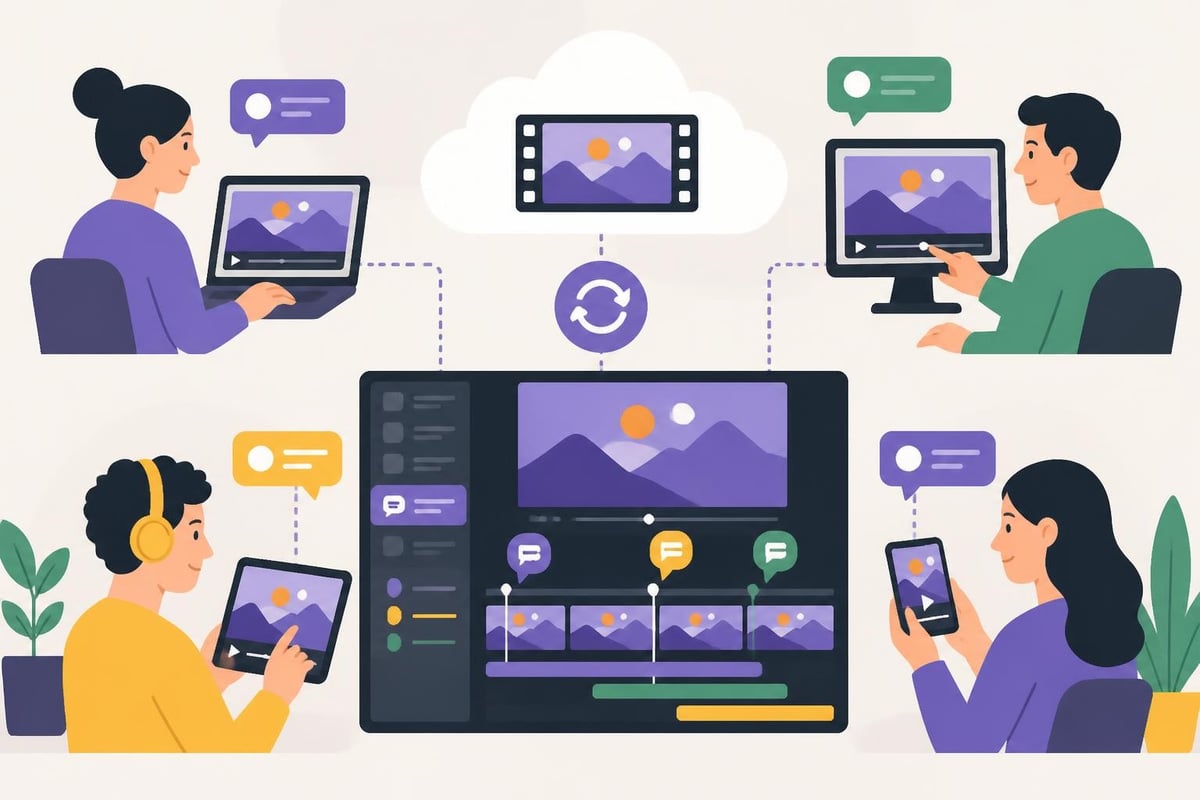
Remote collaboration and device-hopping require cloud-native editing:
Frame.io integration has become table stakes for professional apps. If you're cutting course content or working with clients remotely, cloud workflows aren't optional.
Your best video editing app needs export presets for your actual platforms:
The SMPTE standards overview explains professional delivery specs if you're working with broadcasters or enterprise clients. For most creators, platform-optimized presets handle this automatically.
Let's get specific. Here's how the leading apps stack up for different creator types.
CapCut wins for pure velocity. It's free, mobile-first, and built for viral content. Templates update weekly with trending styles, auto-captions are instant, and you can publish directly to TikTok.
Adobe Premiere Rush offers more control with the same mobile-first philosophy. If you need precise audio mixing or custom animations, Rush bridges mobile and desktop better than CapCut.
Instagram Edits is Instagram's answer to CapCut – still rolling out broadly in 2026 but worth watching if Reels are your primary platform.
DaVinci Resolve gives you professional results for free. The learning curve is real, but once you're fluent, you'll never hit creative limits. Perfect for YouTube gaming editors who need speed and visual punch.
Final Cut Pro remains Mac users' favorite for long-form content. The magnetic timeline speeds up rough cuts dramatically, and Apple Silicon optimization means 4K editing on a MacBook Air.
Premiere Pro dominates professional YouTube studios because it integrates with the full Adobe suite. Dynamic Link means seamless After Effects round-trips for motion graphics.
Camtasia excels at screen recording and tutorial videos. If you're creating product demos or training content, its callout tools and quiz features save massive time.
Filmora balances ease-of-use with business polish. Great for fitness training videos or corporate communications that need templates without complexity.
Descript revolutionizes podcast and interview editing. Transcription-based editing means cutting video by deleting text – wildly fast for talking-head content.
Here's the uncomfortable truth: the best video editing app might be not editing yourself.
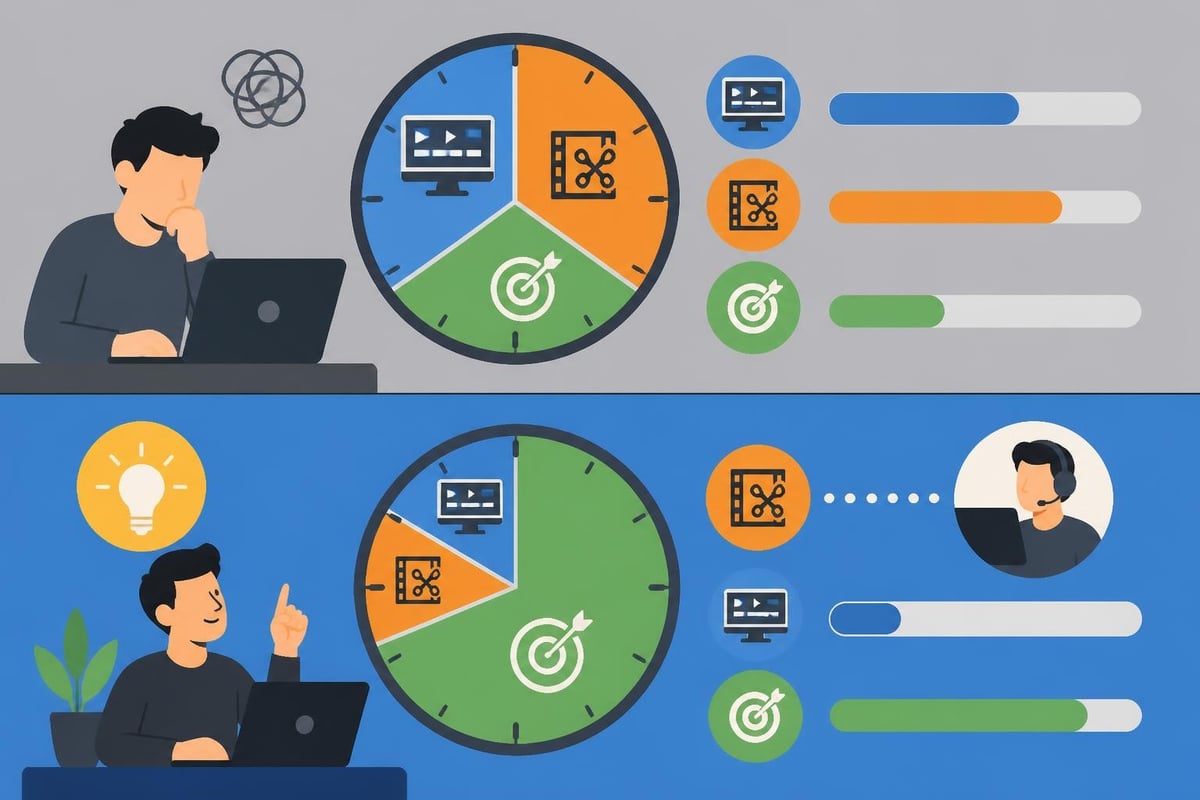
Let's do the math. If you're spending 6 hours editing a 10-minute video every week, that's 312 hours per year in the editing chair. At any reasonable hourly value of your time, you're burning tens of thousands of dollars on a task that isn't your core skill.
Consider the opportunity cost:
Your editing app doesn't solve the time problem – it just rearranges it. Even with AI tools and templates, you're still the bottleneck.
Most creators hit a quality ceiling after 6-12 months of DIY editing. You've learned the basics, your videos look "fine," but they don't pop. Professional editors bring:
If your goal is building a personal brand or growing an agency, your time belongs on camera and with clients – not hunting for the perfect transition plugin.
Some content types need purpose-built tools beyond general editors.
360 video editing requires spatial awareness that standard timelines can't handle. Adobe Premiere with VR workflow plugins or specialized tools like Insta360 Studio handle spherical stitching and horizon leveling.
Reaction video editing needs multi-source sync and picture-in-picture automation. OBS for recording plus Premiere or Resolve for the edit gives you the control you need.
Adding consistent end cards and channel branding requires template systems. Most pro apps support motion graphics templates (MOGRTs in Premiere, generators in Final Cut).
Even the best video editing app won't save you from bad fundamentals.
You don't need to be an encoding expert, but understanding H.264 vs H.265 vs ProRes impacts your workflow. The FFmpeg documentation dives deep into codecs and formats if you're delivering to multiple platforms or working with unusual source footage.
| Editor Type | RAM | GPU | Storage |
|---|---|---|---|
| Mobile-only (1080p) | 4GB+ | Integrated OK | 64GB+ free |
| Desktop casual (1080p) | 16GB | Dedicated 4GB+ | 500GB SSD |
| Professional (4K) | 32GB+ | RTX/Radeon 8GB+ | 1TB+ NVMe SSD |
Don't try running Premiere Pro on a 2015 laptop with 8GB RAM. You'll blame the software when it's really the hardware choking.
Before you even open your editing app:
The Wikipedia comparison of video editing software includes media management features if that's a priority for you.
Your best video editing app rarely stands alone. Think about your full content creation stack.
If you're using:
Switching between disconnected tools kills momentum. Choose apps that talk to the rest of your workflow.
Some apps are built for specific platforms:
These aren't full editors, but they're fast for platform-specific tweaks.
Choosing the best video editing app comes down to four questions:
Test-drive three apps with your actual footage. Don't watch tutorials – import your content and see which interface feels natural. The best video editing app is the one you'll actually use consistently.
If you're serious about growing through video, also consider whether your time is better spent creating content or editing it. For many creators and businesses, the math points toward outsourcing the edit entirely.
Here's the shift that separates hobbyists from professionals: realizing editing is a skill you can hire, not a badge you must earn.
The romantic notion of being a "one-person production studio" sounds empowering until you're editing at midnight for the third week straight. Professional creators, agencies, and businesses don't edit their own videos for the same reason they don't design their own websites or file their own taxes – specialization multiplies results.
If you're choosing a video editing app hoping to finally "master" editing, ask yourself: is that actually your goal? Or do you just want great videos published consistently?
For home cinema enthusiasts looking to elevate their viewing experience with professionally edited content, services like ANR media can help you create the perfect setup for showcasing high-quality video content in custom home theater environments.
The best video editing app for scaling creators isn't software at all – it's a system that removes editing from your plate entirely. When you focus on what you do best (creating, strategizing, appearing on camera) and delegate the technical work to specialists, your content quality and output volume both increase.
The best video editing app ultimately depends on your content type, workflow preferences, and how you value your time. Whether you choose mobile convenience, desktop power, or a hybrid approach, the key is matching tools to your actual posting rhythm and creative goals. If you're ready to stop wrestling with timelines and start scaling your content output, beCreatives offers unlimited video editing with dedicated editors, unlimited storage, and seamless revision workflows – so you can focus on creating while professionals handle the edit. Stop editing, start creating.
Discover how post production video editing transforms raw footage into professional content. Learn workflows, tools, and outsourcing tips.
Master video editing HD quality standards, encoding settings, and workflow best practices to deliver professional content in 2026.
Discover what makes a YouTube video editing course worth your time in 2026, plus smarter alternatives for busy creators and agencies.
Looking to hire video editor for YouTube? Discover the best hiring strategies, what to look for, and how to build a winning content team in 2026.
Discover the best music video editing software for 2026. Compare features, pricing, and workflow tools to create stunning music videos faster.
Looking for a video editing company near me? Learn how to choose the right partner, what to expect, and whether local is best in 2026.
Discover how video editing AI online is changing content creation in 2026. Explore smart tools, workflows, and what creators really need to know.
Master wedding videography editing with expert tips on storytelling, pacing, and delivery. Learn how to transform raw footage into cinematic films.
Choosing an HD video editing app in 2026? Discover features, performance tips, and how professionals handle high-definition content.
Discover the best free simple editing software for videos and photos in 2026. Compare features, learn what works, and decide when to DIY or outsource.

Editing videos yourself can take a lot of your precious time, but do not worry – we‘ve got you covered! Our highly skilled Video Editors are here to speed up the process and give you time to create more content.








