
Post Production Video Editing: Complete Guide for 2026
Discover how post production video editing transforms raw footage into professional content. Learn workflows, tools, and outsourcing tips.
10 Min. ReadRead More
5 dedicated editor spots open this week. Book a call to reserve →

 Kiara WalkerCocktales Podcast
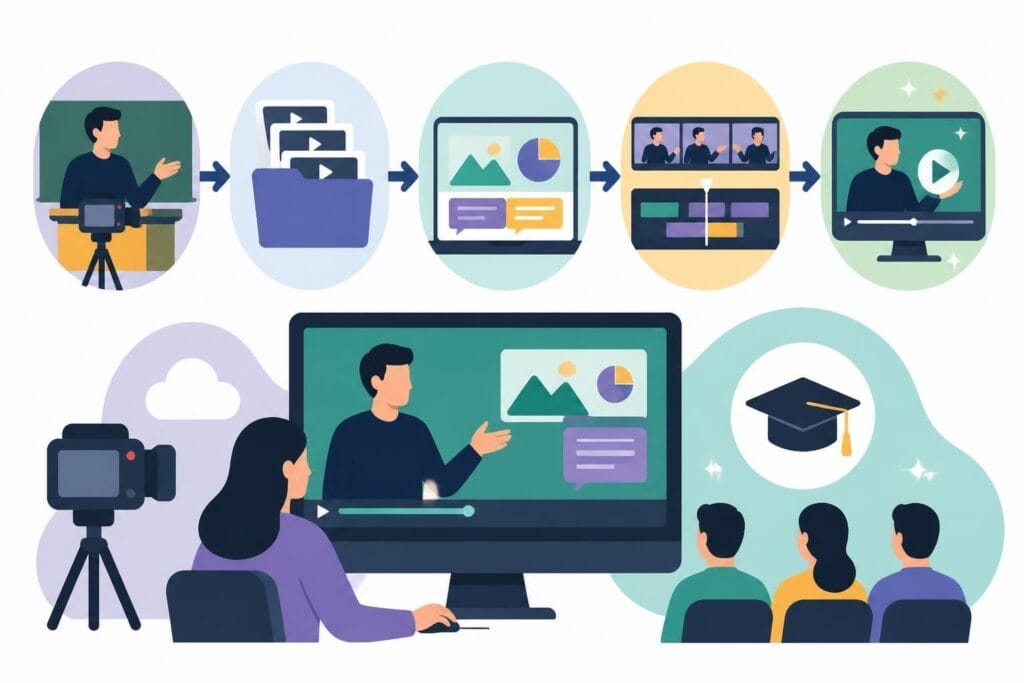
Master course editing video with expert tips on structure, pacing, and engagement. Learn how to create professional educational content efficiently.
 Knowledge Base
June 24, 2026
Creating online courses has never been more popular, but there's a huge gap between recording your knowledge and delivering a polished learning experience. Course editing video is where the magic happens-it's the difference between viewers clicking away after two minutes and students actually finishing your modules. Whether you're a coach packaging your expertise, an agency creating client training programs, or a business building internal educational content, understanding what makes course videos work (and what doesn't) can transform your content from "meh" to must-watch.
The online learning market is absolutely packed right now. Your competition isn't just other experts in your field-it's Netflix, YouTube, and every other platform competing for your students' attention.
Here's what makes course editing video different from regular content:
Think about the last online course you actually completed versus the ones gathering digital dust in your account. The difference probably wasn't the information-it was the delivery.
Most course creators underestimate the editing timeline by about 300%. What seems like a quick cleanup job turns into weeks of tweaking transitions, color correcting, and re-rendering files.
You're not just editing-you're making hundreds of micro-decisions about pacing, visual hierarchy, and learner engagement. Each module might require different approaches depending on whether you're teaching concepts, demonstrating processes, or sharing case studies.
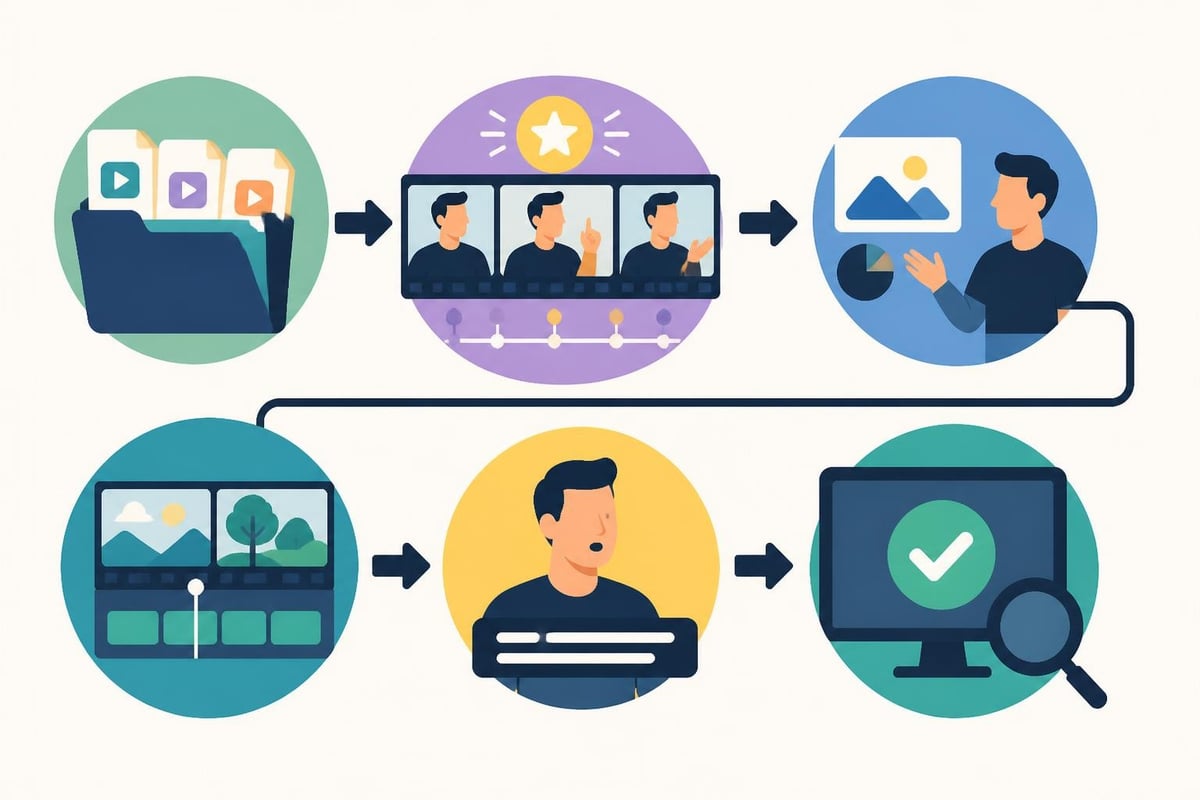
Educational institutions have spent decades figuring out what works. Take Sessions College’s Digital Video Editing course, which emphasizes story structure and editing concepts-principles that apply whether you're editing Hollywood films or training modules.
Breaking content into digestible chunks isn't just nice-it's neuroscience. Your brain can only hold so much new information before it needs processing time.
Effective course editing video includes:
Nobody wants to watch a 45-minute lecture dump. Even if your content is amazing, the format matters just as much as the information.
Here's something most creators miss: even if you're the most charismatic teacher ever, staring at a talking head gets old fast. Course editing video needs strategic visual variation.
| Visual Element | When to Use | Impact on Learning |
|---|---|---|
| Screen recordings | Demonstrating software or processes | High retention for procedural content |
| B-roll footage | Illustrating concepts or providing mental breaks | Reduces cognitive fatigue |
| Graphics and animations | Explaining abstract ideas or data | Increases comprehension by 60% |
| Text overlays | Emphasizing key terms or takeaways | Reinforces verbal information |
| Presenter close-ups | Building connection during stories | Strengthens emotional engagement |
The editing choices you make directly affect whether students actually learn or just watch passively.
Professional course editing video requires way more than slapping clips together. You're managing multiple technical requirements simultaneously while keeping the learning experience smooth.
Students will forgive mediocre video quality, but bad audio is a dealbreaker. Period.
Your course editing video process needs to include:
Programs like Adobe Premiere covered in this course description offer powerful audio tools, but knowing which tools to use when is what separates amateur from professional results.
Here's where most course creators lose their minds: file management. You've got dozens (maybe hundreds) of video clips, graphics, music tracks, and project files.
One disorganized editing project can cost you hours of searching for that one perfect take you recorded three weeks ago. Professional course editing video workflows include naming conventions, folder structures, and backup systems that seem boring until they save your entire project.
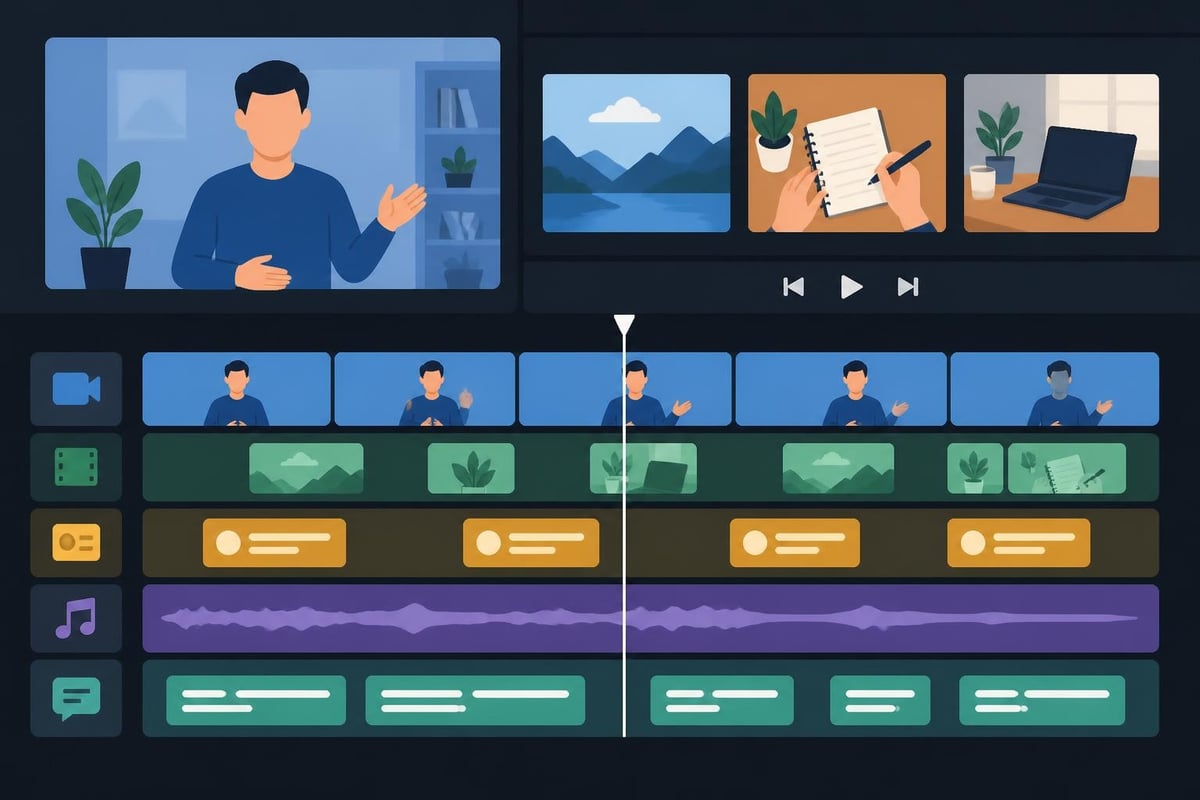
The difference between courses people buy and courses people finish often comes down to editing sophistication. These aren't tricks-they're strategic choices based on how humans actually learn.
Every 7-10 minutes, viewer attention naturally dips. Smart course editing video anticipates this with intentional pattern interrupts.
Effective attention resets include:
Research on instructional video editing explores frameworks that optimize how viewers process and retain educational content through strategic editing choices.
Captions aren't just for accessibility-they increase comprehension for everyone, especially when teaching complex topics or unfamiliar terminology.
Professional course editing video includes:
Your students are watching on phones during commutes, on tablets in coffee shops, and on laptops while juggling kids. Your editing needs to work in all these contexts.
Even experienced creators fall into these traps when editing educational content. Recognizing them early saves massive amounts of revision time.
There's a sweet spot between polished and robotic. If you cut every single "um" and natural pause, you end up sounding like a weird AI version of yourself.
Course editing video should enhance your teaching style, not erase your personality. Students connect with humans, not perfectly scripted robots reading from a teleprompter.
Nothing screams "I got tired of editing" louder than wildly different production quality across your course modules. Maybe module one has custom graphics and smooth transitions, while module six looks like it was edited in 20 minutes before a deadline.
Maintain consistency across:
Students notice these inconsistencies even if they can't articulate what feels "off."
Here's the thing about course editing video: every cut, every graphic, every transition should support the learning objective. If it doesn't help students understand or remember the content, it's decoration at best and distraction at worst.
Before you add that cool transition effect, ask yourself: does this make the concept clearer or just look fancy? Both can be valid reasons, but know which you're doing.
Let's talk about the math that nobody wants to do. If you're billing $200/hour for your expertise but spending 20 hours editing a course module, that's $4,000 in opportunity cost.
Professional course editing video services don't just free up your calendar-they bring specialized expertise you don't have time to develop.
A dedicated editor knows:
They're also not emotionally attached to that brilliant tangent you went on that needs to be cut for pacing. Sometimes you need someone who can make objective decisions about your content.
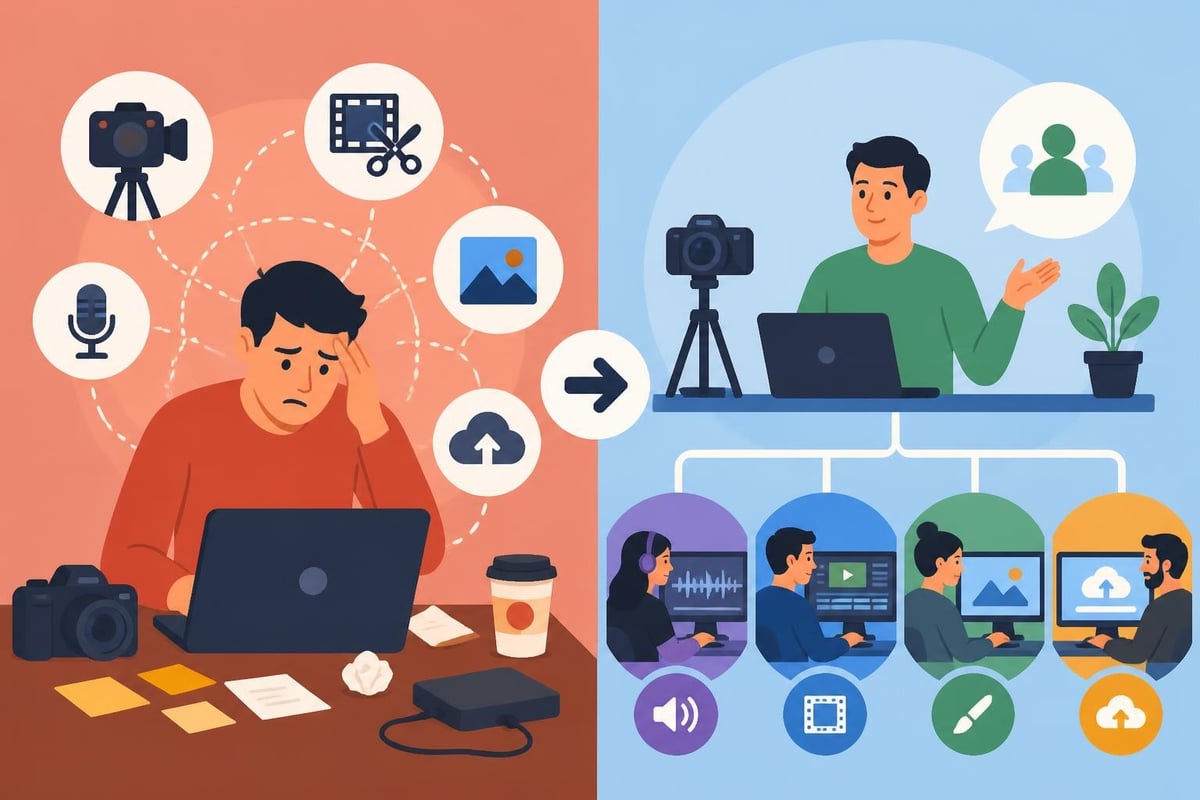
Your genius isn't in trimming video clips-it's in the knowledge you're sharing and your ability to explain complex topics simply. That's what students pay for.
When you outsource course editing video work, you get to spend your energy on:
The coaching and education sector has figured this out-successful educators focus on education, not video production.
Where you're hosting your course affects editing decisions more than most creators realize. Each platform has its own quirks, optimal specs, and viewer expectations.
Different learning platforms handle video differently. What looks perfect on Teachable might have issues on Kajabi or Thinkific.
| Platform | Recommended Format | Max File Size | Optimal Length | Special Considerations |
|---|---|---|---|---|
| Teachable | MP4 (H.264) | 2GB | 5-15 min | Requires specific encoding for mobile |
| Thinkific | MP4 | 5GB | 8-12 min | Best with chapter markers |
| Kajabi | MP4/MOV | 1GB | 10-20 min | Automatic transcoding can affect quality |
| Podia | MP4 | 5GB | Flexible | Handles higher quality well |
Your editing workflow needs to account for these technical requirements upfront, not after you've rendered everything.
A software tutorial needs completely different editing approaches than a mindset coaching course. Course editing video strategies should match your teaching style and subject matter.
Technical/software courses need:
Concept-based courses benefit from:
Understanding these distinctions prevents the cookie-cutter approach that makes courses feel generic.
The educational video landscape changes fast. What looked cutting-edge in 2024 might feel dated by late 2026. Staying current matters if you want your course to feel fresh and professional.
Static video is evolving. Modern course editing video increasingly incorporates interactive elements that turn passive watching into active participation.
Smart creators are adding:
These features require more sophisticated editing but dramatically improve completion rates and learning outcomes.
Full transparency: AI editing tools have gotten surprisingly good at specific tasks. They're not replacing human editors (especially for educational content), but they're changing workflows.
Recent research on video editing models shows how AI can assist with tasks like auto-captioning, scene detection, and even suggesting cuts based on content analysis.
The smart approach? Use AI for time-consuming technical tasks while humans make the creative and pedagogical decisions. Nobody wants an AI making choices about learning objectives.
Whether you're editing yourself or working with an editor, having a clear workflow prevents chaos and ensures consistent quality across all your modules.
Most editing problems start before you hit record. Course editing video becomes exponentially easier when you prepare properly.
Set yourself up for success:
An hour of pre-production planning can save ten hours of editing frustration.
Don't just edit and publish. Professional course editing video includes multiple review stages that catch issues before students see them.
Standard review workflow:
Each stage focuses on different elements so you're not trying to do everything at once.
Once you've got one course edited and published, how do you create more without the timeline spiraling out of control? Course editing video at scale requires systems, not just skills.
Consistency across multiple courses gets easier when you have documented standards. Create templates for intros, outros, lower thirds, and transition styles.
Your style guide should specify:
This documentation means you (or your editor) aren't reinventing the wheel for every single module. Many successful creators working with video editing services provide these guides upfront to ensure brand consistency.
Recording all your courses in random order whenever inspiration strikes might feel creative, but it's editing hell. Batch production makes everything more efficient.
The smart approach:
This approach turns course creation from an overwhelming project into a manageable process.
How do you know if your course editing video choices actually work? Student completion rates matter, but they're not the whole story.
Modern course platforms provide analytics that reveal exactly where students engage and where they bail.
Watch for patterns in:
These insights should directly inform your editing decisions for future content.
The best course editors stay curious about what works. Create simple feedback loops where students can share what they loved and what confused them.
Sometimes the editing choice that seemed brilliant to you is actually creating comprehension barriers. Other times, that simple approach you worried was too basic is exactly what students needed.
Creating compelling course content means balancing educational effectiveness with production quality-and that balance requires time, expertise, and technical skills most educators would rather spend on teaching. If you're ready to focus on what you do best while ensuring your courses look and feel professional, beCreatives offers unlimited video editing services specifically designed for content creators and educators who need reliable, high-quality editing without the headaches of managing it themselves.
Discover how post production video editing transforms raw footage into professional content. Learn workflows, tools, and outsourcing tips.
Master video editing HD quality standards, encoding settings, and workflow best practices to deliver professional content in 2026.
Discover what makes a YouTube video editing course worth your time in 2026, plus smarter alternatives for busy creators and agencies.
Looking to hire video editor for YouTube? Discover the best hiring strategies, what to look for, and how to build a winning content team in 2026.
Discover the best music video editing software for 2026. Compare features, pricing, and workflow tools to create stunning music videos faster.
Looking for a video editing company near me? Learn how to choose the right partner, what to expect, and whether local is best in 2026.
Discover how video editing AI online is changing content creation in 2026. Explore smart tools, workflows, and what creators really need to know.
Master wedding videography editing with expert tips on storytelling, pacing, and delivery. Learn how to transform raw footage into cinematic films.
Choosing an HD video editing app in 2026? Discover features, performance tips, and how professionals handle high-definition content.
Discover the best free simple editing software for videos and photos in 2026. Compare features, learn what works, and decide when to DIY or outsource.

Editing videos yourself can take a lot of your precious time, but do not worry – we‘ve got you covered! Our highly skilled Video Editors are here to speed up the process and give you time to create more content.








