
Post Production Video Editing: Complete Guide for 2026
Discover how post production video editing transforms raw footage into professional content. Learn workflows, tools, and outsourcing tips.
10 Min. ReadRead More
5 dedicated editor spots open this week. Book a call to reserve →

 Kiara WalkerCocktales Podcast
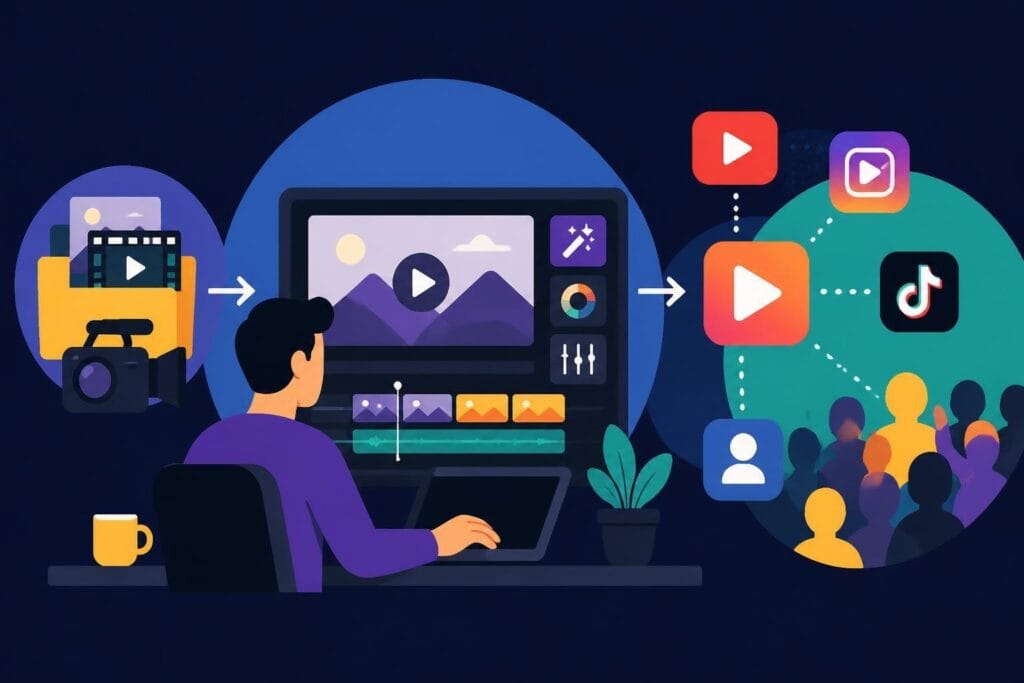
Discover how a video making site can transform your content creation. Compare platforms, features, and find the best fit for your brand in 2026.
 Knowledge Base
June 27, 2026
Choosing the right video making site can feel like dating in your twenties – there are too many options, they all promise the same things, and half of them ghost you when you need support. But here's the truth: not all video creation platforms are built the same, and what works for a solo YouTuber won't necessarily serve a growing agency or business owner. In 2026, the landscape of video creation tools has evolved beyond basic editing software into comprehensive ecosystems that promise everything from AI-powered editing to cloud collaboration. The real question isn't which video making site is the "best" – it's which one actually fits your workflow, budget, and sanity level.
A video making site is more than just software with a timeline and a few transitions. It's essentially your creative partner, and like any good partnership, it needs to pull its weight. The most valuable platforms understand that you're not just trying to edit videos – you're trying to stay visible online, maintain consistency, and (hopefully) enjoy a little work-life balance while doing it.
The non-negotiables include:
What separates decent platforms from exceptional ones is how they handle the boring stuff. Can you quickly resize videos for different platforms? Does it auto-save every three seconds? Can someone else jump in and finish your edit without a three-hour handoff meeting?
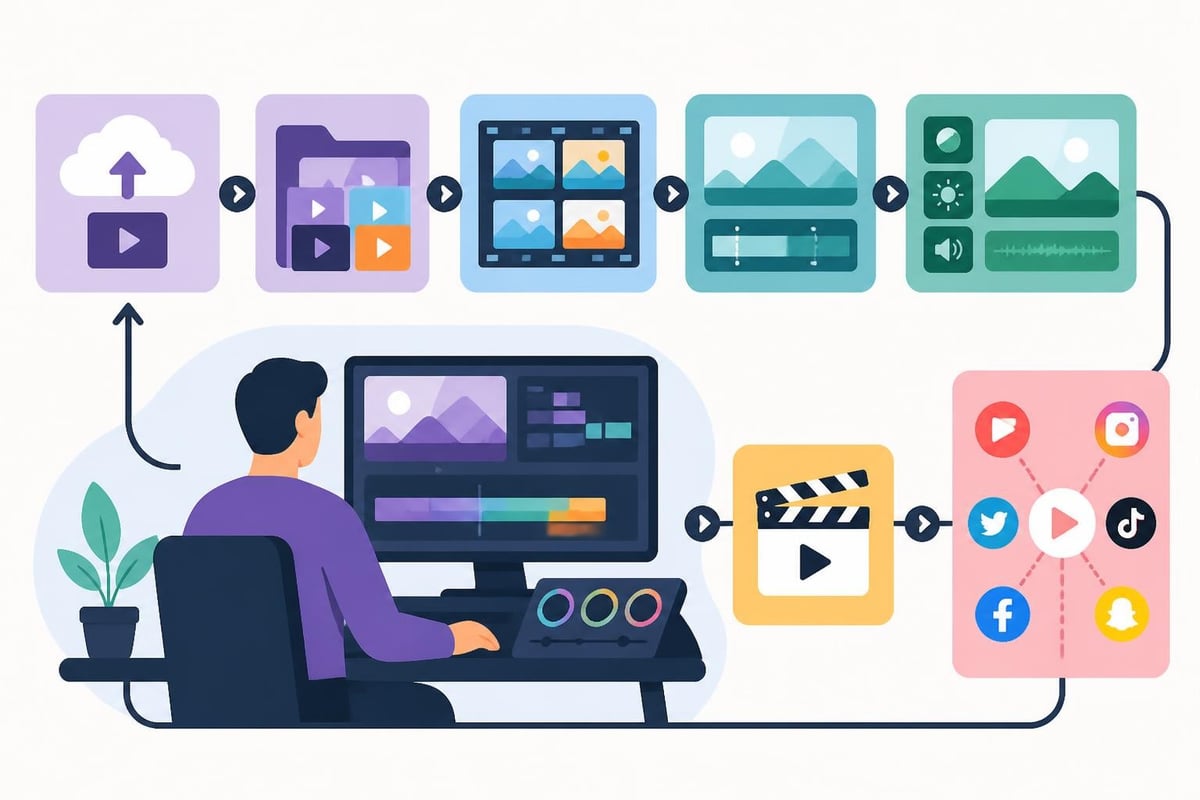
The shift to cloud-based video making sites has been one of the biggest changes in recent years. Desktop software still has its die-hard fans (and honestly, fair enough), but cloud platforms offer something traditional software can't match: access from literally anywhere.
Here's how they stack up:
| Feature | Cloud-Based Sites | Desktop Software |
|---|---|---|
| Accessibility | Any device, anywhere | Single machine only |
| Collaboration | Real-time, multiple users | File sharing required |
| Updates | Automatic, always current | Manual downloads |
| Storage | Unlimited (usually) | Limited by hard drive |
| Processing Power | Server-side rendering | Depends on your computer |
| Offline Work | Limited or none | Full functionality |
The reality? Most professional creators use both. Cloud platforms for quick edits and collaboration, desktop software for heavy-duty projects. It's not about picking sides – it's about picking the right tool for each job.
Not every video making site is trying to do the same thing. Some focus on speed, others on creative control, and a few are basically trying to be everything to everyone (spoiler: they usually fail at all of it). Understanding these categories helps you skip the platforms that were never meant for you in the first place.
These are the "fast fashion" of video creation. You pick a template, drop in your footage, maybe change some text, and boom – you've got a video. They're perfect for social media content when you need to pump out consistent posts without reinventing the wheel every time.
Best for:
The downside? Your videos might look suspiciously similar to your competitors' if you're in the same niche. Templates are great until everyone's using the same ones.
These platforms give you every tool imaginable, which sounds amazing until you realize you need three months just to find the export button. They're powerful, absolutely, but they assume you either know what you're doing or have unlimited time to figure it out.
When they make sense:
For most business owners and personal brands, these are overkill. It's like buying a commercial kitchen when you just need to make breakfast.
Here's what gets glossing over in those cheerful marketing emails: the subscription price is just the beginning. A video making site might advertise $15/month, but by the time you add the features you actually need, you're closer to $50 – or more.
Common surprise charges include:
Then there's the cost of your time. Learning a new platform isn't free. Those hours spent watching tutorials, troubleshooting glitches, and redoing work because you couldn't figure out the interface? That's money, whether you're tracking it or not.
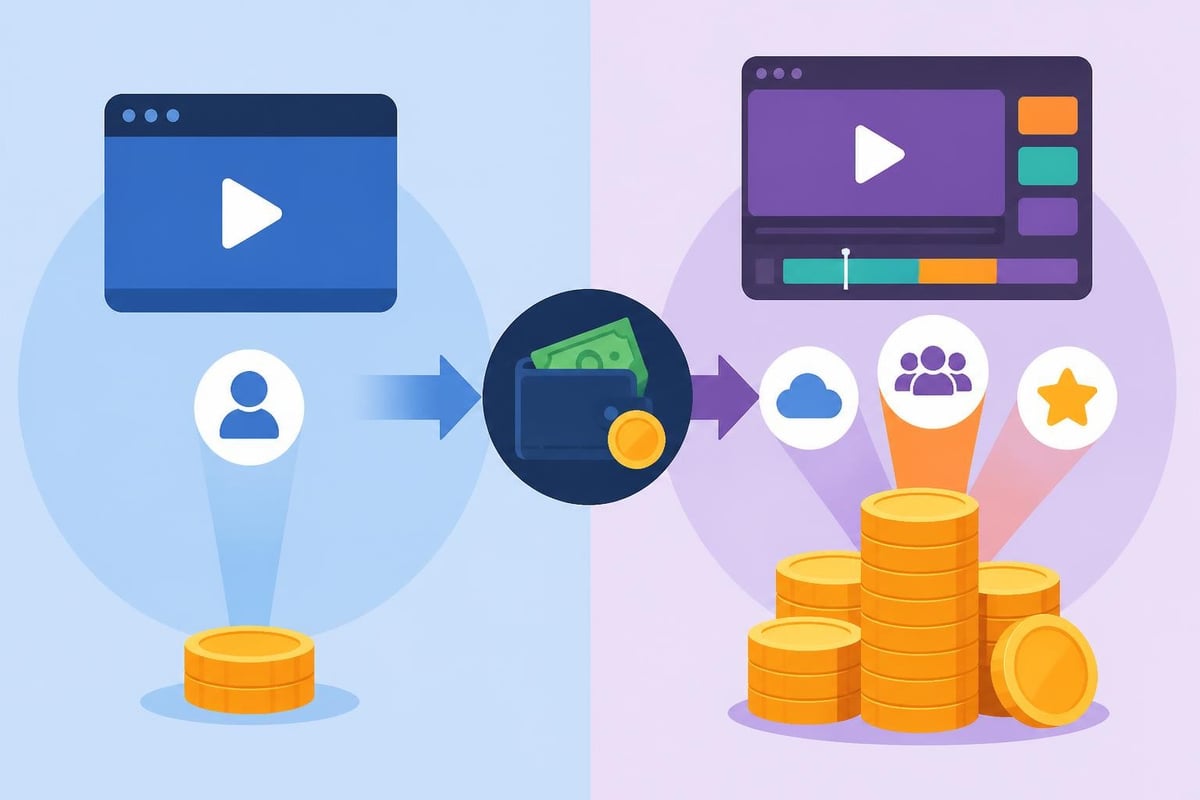
Some video making sites pride themselves on being "powerful," which is marketing speak for "you'll need a manual and a prayer." Others aim for simplicity but sacrifice functionality in the process. The sweet spot is rare but worth finding.
Consider how each platform handles these common tasks:
| Task | Simple Platforms | Complex Platforms | Time Difference |
|---|---|---|---|
| Basic trim/cut | 2 minutes | 2 minutes | None |
| Adding transitions | 5 minutes | 15 minutes | 200% longer |
| Color correction | Limited options | 45 minutes | Incomparable |
| Audio mixing | 10 minutes | 30 minutes | 200% longer |
| Exporting for social | 1 click | Multiple steps | 500% longer |
Notice how simple platforms hold their own until you need specialized features? That's the trade-off. You're faster at basic tasks but limited on advanced ones.
Forget the influencer sponsorships for a minute. When you look at what successful content creators actually rely on, there's a pattern. Most don't use a single video making site – they use a combination based on content type and urgency.
For daily social content like TikTok videos, they lean toward speed-focused platforms or, increasingly, dedicated editors who handle the technical stuff. For flagship content – the YouTube videos, the course materials, the brand films – they invest more time (or delegate to professionals).
The shift toward outsourcing video editing has grown significantly among YouTube creators who realize their time is better spent on strategy and creation rather than technical execution. Understanding video SEO best practices becomes more valuable than mastering every editing feature.
Here's a perspective shift: maybe the question isn't "which video making site should I use" but "should I be editing my own videos at all?" For solopreneurs and small business owners, time spent editing is time not spent on strategy, sales, or actually creating new content.
Questions to ask yourself:
If editing feels like a necessary evil rather than a creative outlet, you might be solving the wrong problem. Some creators thrive in the editing process. Others see their best ROI when they focus on being on camera and let someone else handle post-production.
Every video making site lists system requirements, but they're usually optimistic at best. Here's what you actually need for smooth operation in 2026, based on real-world usage rather than marketing departments.
Minimum specs for cloud-based platforms:
For desktop software:
The technical aspects of web video integration have become more standardized, which helps with export compatibility across platforms. Still, always test your exports before scheduling content.
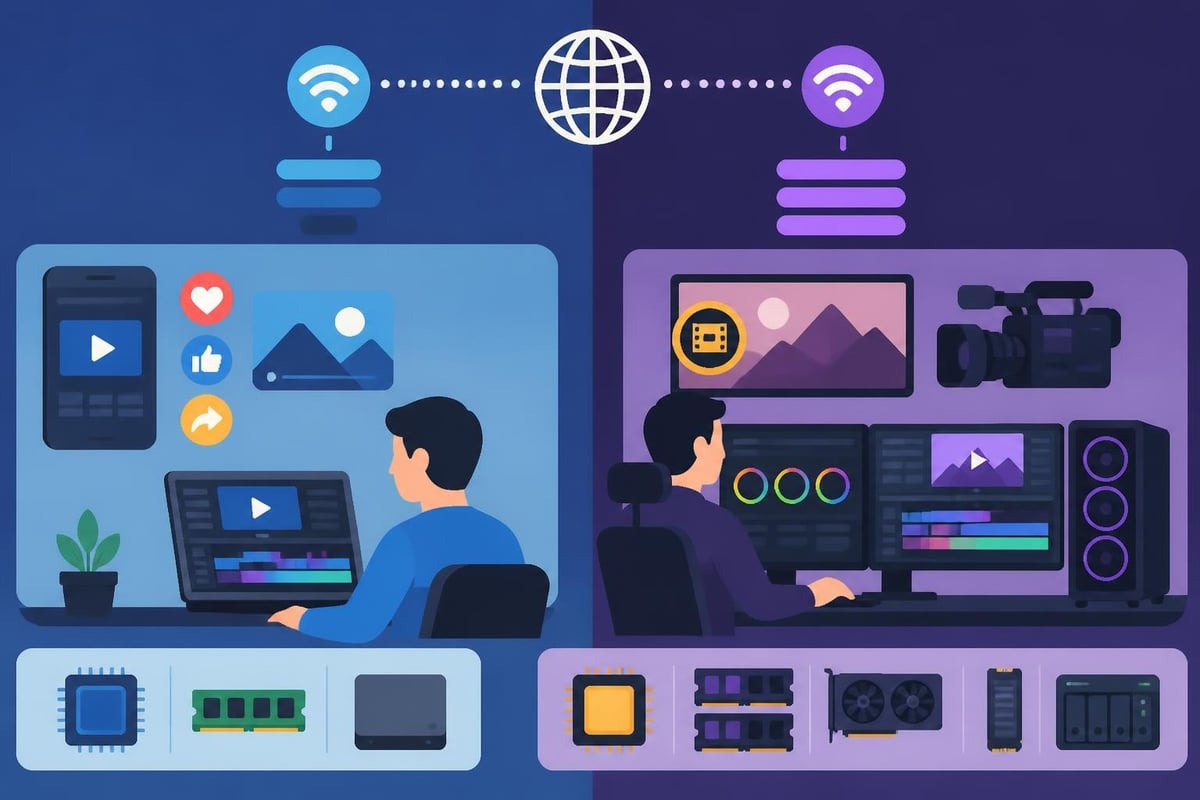
Mobile video making sites have improved dramatically. Some creators now edit entire videos on tablets or phones, which would've been unthinkable five years ago. But "possible" and "practical" aren't the same thing.
Mobile editing works well for:
Where mobile still struggles:
Most professional creators use mobile apps for quick jobs and desktop/cloud solutions for serious projects. The tools have converged significantly, but ergonomics still matter. Try editing a 20-minute video on your phone and your thumbs will send you a strongly worded complaint.
A video making site doesn't exist in a vacuum. It needs to play nice with your camera, your storage system, your project management tools, and wherever your finished videos ultimately live. Integration friction costs time, and time costs money.
Key integration points to verify:
The W3C’s guidelines on video integration emphasize making video a first-class web citizen, which increasingly means seamless workflow between creation and distribution. Platforms that understand this save you countless hours of file juggling.
Everyone focuses on 4K vs. 1080p like it's the only quality metric that matters. In reality, resolution is just one small piece of what makes a video look professional. A video making site that outputs gorgeous 4K files but can't handle proper color correction or audio balancing isn't doing you any favors.
Quality factors that actually affect viewer perception:
| Factor | Impact on Quality | Viewer Notice Level |
|---|---|---|
| Resolution | Medium | Low (on mobile) |
| Color grading | High | Medium |
| Audio clarity | Extreme | Immediate |
| Pacing/cuts | High | Subconscious |
| Aspect ratio | Medium | Platform-dependent |
| Compression artifacts | High | High (when present) |
Audio quality matters more than most creators realize. Viewers will tolerate mediocre video quality, but harsh audio makes them click away within seconds. Your video making site needs solid audio tools, not just visual effects.
Professional videography guidelines cover aspect ratios and HD formats, but the execution matters more than the specs. A well-edited 1080p video beats a poorly edited 4K video every single time.
Using a video making site works brilliantly until it doesn't. There's a tipping point where DIY editing becomes the bottleneck preventing your growth. Recognizing that moment is crucial – wait too long and you've wasted months of potential, jump too early and you've hired help you can't afford.
Signs you've outgrown DIY editing:
Scaling doesn't always mean hiring full-time. Many successful creators use services like beCreatives to access dedicated editors without the overhead of employees. The product video editing and social media video editing needs of growing businesses often exceed what DIY platforms can realistically handle.
If you're working solo, any video making site works as long as it meets your basic needs. Add team members and everything gets complicated. Who can access what? How do you prevent two people from editing the same project simultaneously? What happens when someone accidentally deletes something important?
Critical collaboration features include:
Business owners managing video editing services in Australia or anywhere remotely face additional time zone challenges. Asynchronous collaboration becomes essential when your editor works while you sleep.
Every video making site now advertises AI-powered features. Some are legitimately useful. Others are marketing fluff that sounds impressive but delivers minimal value. Sorting out which is which saves you from paying for features you'll never actually use.
AI features worth having:
AI features that sound better than they work:
The research on video content analysis advancements shows AI improving in understanding context, but we're not at the point where algorithms can match human editorial judgment for brand-specific content.
A good video making site provides access to stock footage, music, and graphics. A great one provides assets you'd actually want to use. The difference is substantial when you're trying to create professional content without hiring videographers for every B-roll shot.
What to look for in asset libraries:
Some platforms partner with major stock libraries, others build their own collections. Quality varies wildly. The free and low-cost video assets available through educational institutions can supplement platform libraries nicely.
Every video making site eventually glitches, crashes, or does something inexplicable at the worst possible time. How the company handles those moments tells you everything about whether they actually care about customers or just count subscribers.
Support quality indicators:
Check reviews specifically mentioning support experiences. A platform might have incredible features, but if support vanishes when you need help, those features don't matter much.
Picking a video making site means trusting them with your content, your brand assets, and potentially your entire content library. What happens if they get acquired? Or shut down? Or have a data breach?
Protection strategies include:
The challenges in maintaining video content integrity extend beyond just technical issues to platform reliability and security practices.
After weighing features, prices, learning curves, and everything else, the decision often comes down to a simple question: which platform fits into your life with the least friction? The "best" video making site is whichever one you'll actually use consistently without it becoming another source of stress.
Your decision checklist:
For many business owners and agencies, the ultimate realization is that mastering video creation platforms is less valuable than mastering the strategy behind what you create. The technical execution – the actual editing – is something you can delegate to professionals while you focus on what actually grows your business.
Finding the right video making site is about matching tools to your specific needs, not chasing the platform with the longest feature list. Whether you're creating daily social content or building a comprehensive video marketing strategy, the goal is the same: consistent, quality content that keeps you visible without burning you out. That's where beCreatives comes in – offering unlimited video editing services with dedicated editors who handle the technical heavy lifting while you focus on creating and growing your brand. When you're ready to stop wrestling with software and start scaling your content, we're here to help.
Discover how post production video editing transforms raw footage into professional content. Learn workflows, tools, and outsourcing tips.
Master video editing HD quality standards, encoding settings, and workflow best practices to deliver professional content in 2026.
Discover what makes a YouTube video editing course worth your time in 2026, plus smarter alternatives for busy creators and agencies.
Looking to hire video editor for YouTube? Discover the best hiring strategies, what to look for, and how to build a winning content team in 2026.
Discover the best music video editing software for 2026. Compare features, pricing, and workflow tools to create stunning music videos faster.
Looking for a video editing company near me? Learn how to choose the right partner, what to expect, and whether local is best in 2026.
Discover how video editing AI online is changing content creation in 2026. Explore smart tools, workflows, and what creators really need to know.
Master wedding videography editing with expert tips on storytelling, pacing, and delivery. Learn how to transform raw footage into cinematic films.
Choosing an HD video editing app in 2026? Discover features, performance tips, and how professionals handle high-definition content.
Discover the best free simple editing software for videos and photos in 2026. Compare features, learn what works, and decide when to DIY or outsource.

Editing videos yourself can take a lot of your precious time, but do not worry – we‘ve got you covered! Our highly skilled Video Editors are here to speed up the process and give you time to create more content.








