Post Production Video Editing: Complete Guide for 2026
Discover how post production video editing transforms raw footage into professional content. Learn workflows, tools, and outsourcing tips.
10 Min. ReadRead More
5 dedicated editor spots open this week. Book a call to reserve →
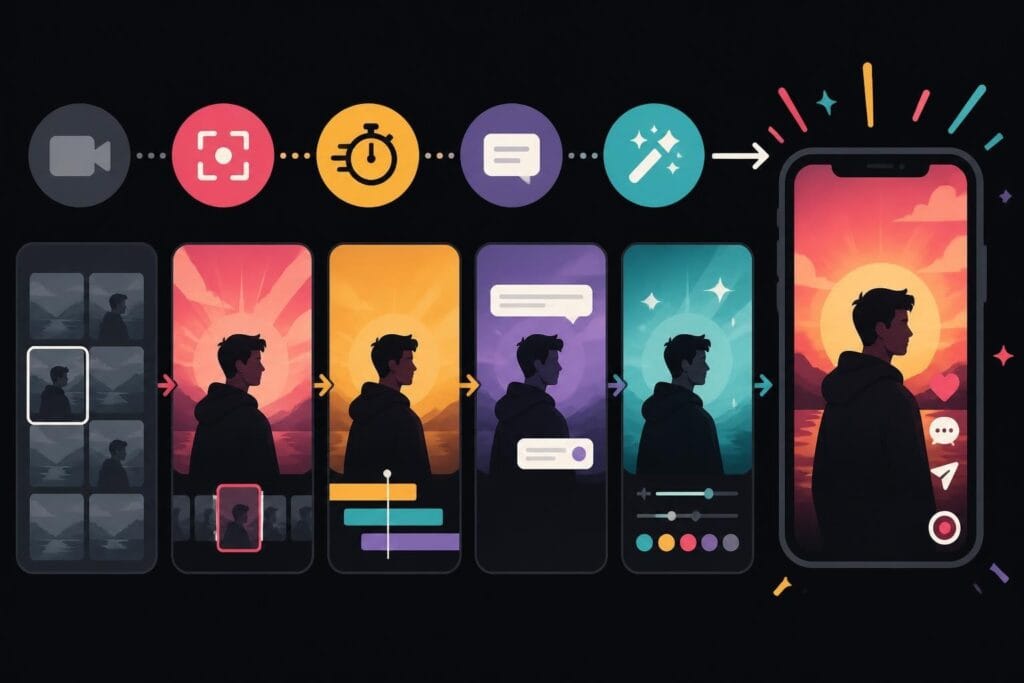
TikTok editing isn’t just about cuts and transitions. Learn what actually drives views, engagement, and growth on TikTok in 2026.
 Knowledge Base
June 10, 2026
TikTok editing has evolved way beyond simple cuts and filters. In 2026, the platform's algorithm favors completion rates, rewatch value, and viewer retention over polished perfection. That means your editing strategy needs to prioritize engagement mechanics over aesthetic appeal. Whether you're a content creator, marketer, or agency managing multiple clients, understanding what makes TikTok content perform isn't optional anymore. It's the difference between posting into the void and building an audience that actually converts. The good news? You don't need to become an editing expert yourself. You just need to understand what works and find the right partner to execute it consistently.
TikTok doesn't reward the same editing techniques that work on YouTube or Instagram. The platform's algorithm analyzes viewer behavior differently, prioritizing watch time percentage over absolute duration.
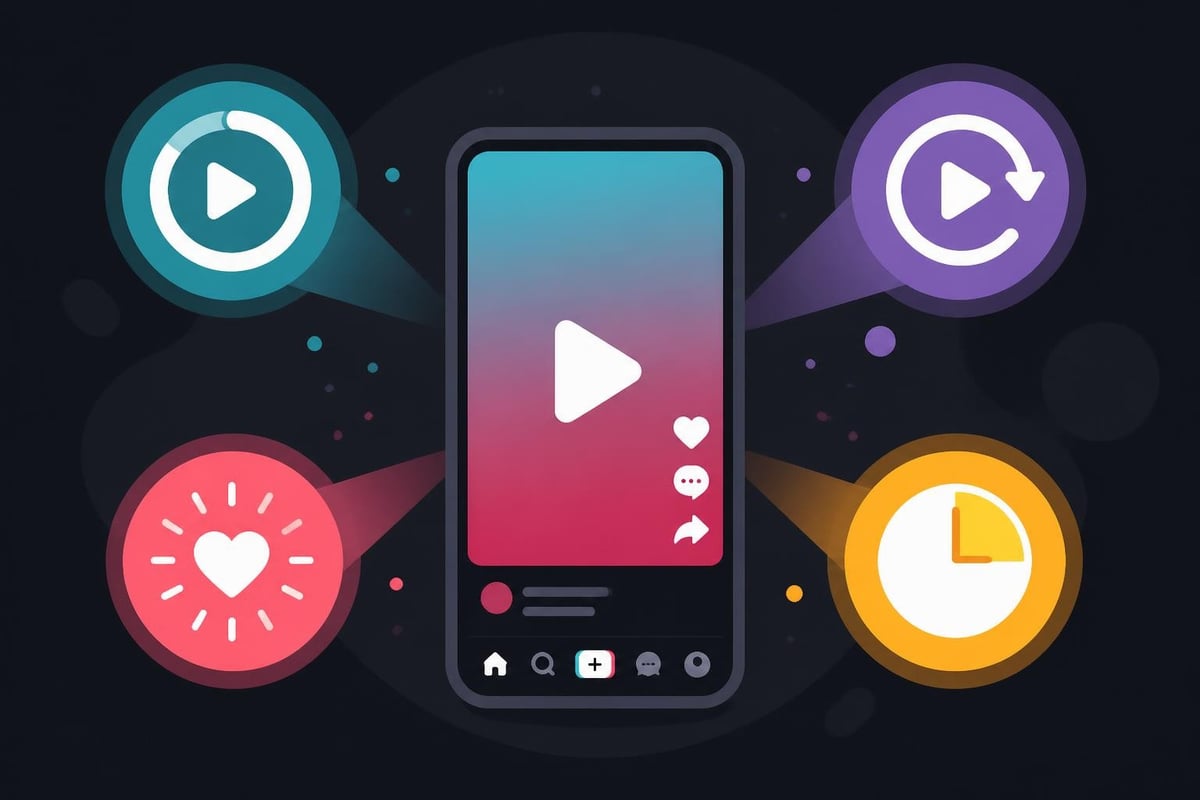
Here's what actually matters:
This means your TikTok editing approach needs to maximize these specific metrics. A beautifully graded, perfectly color-corrected video that loses viewers at the 3-second mark will underperform a "messier" video that keeps people watching until the last frame.
Your hook isn't just important. It's everything. Research analyzing millions of TikTok clips shows that videos losing viewers in the first three seconds rarely recover, regardless of content quality.
The editing technique here is ruthless trimming. Cut everything before the actual hook. Your intro, your setup, your context? It can wait. Start with the payoff, the surprising moment, or the transformation result.
Effective hook patterns in TikTok editing:
If you're managing multiple content streams, this level of precision in every single video becomes exhausting fast. That's exactly why services like beCreatives exist – to handle this relentless optimization while you focus on content strategy and business growth.
TikTok editing isn't about making videos short. It's about making every second earn its place. A 90-second video that maintains attention outperforms a 15-second video that doesn't.
The key is perceived pacing. Your video should feel fast even when it's not objectively quick. This is achieved through specific editing techniques:
| Editing Technique | Purpose | Impact on Retention |
|---|---|---|
| Jump cuts every 2-3 seconds | Eliminates dead air, maintains energy | +23% average completion rate |
| Caption changes synced to speech | Creates visual rhythm, aids comprehension | +31% retention improvement |
| B-roll overlay every 5-7 seconds | Prevents visual fatigue | +18% rewatch rate |
| Audio layers (music + voiceover) | Adds depth, fills silence | +15% engagement velocity |
The human brain habituates to patterns within seconds. Static shots, even with good content, become invisible. TikTok editing counteracts this through deliberate pattern breaks.
Practical pattern interruption methods:
The challenge? Implementing these techniques consistently across dozens or hundreds of videos per month. Most businesses either burn out trying to maintain this pace internally or settle for inconsistent quality. Professional video editing services solve this by building systems that deliver pattern-optimized edits at scale, freeing you to focus on what you actually want to be doing – creating content and growing your business.
Captions aren't optional accessibility features on TikTok. They're primary content elements that directly impact performance. According to data-backed research on TikTok video optimization, videos with strategically placed captions see significantly higher completion rates than those without.
Caption placement rules for 2026:
The editing workflow for captions is tedious. You're not just adding text – you're timing each word, adjusting for reading speed, ensuring legibility across different lighting conditions in your footage, and maintaining brand consistency.
Static captions work, but animated text performs better. The movement creates micro-moments of renewed attention throughout the video.
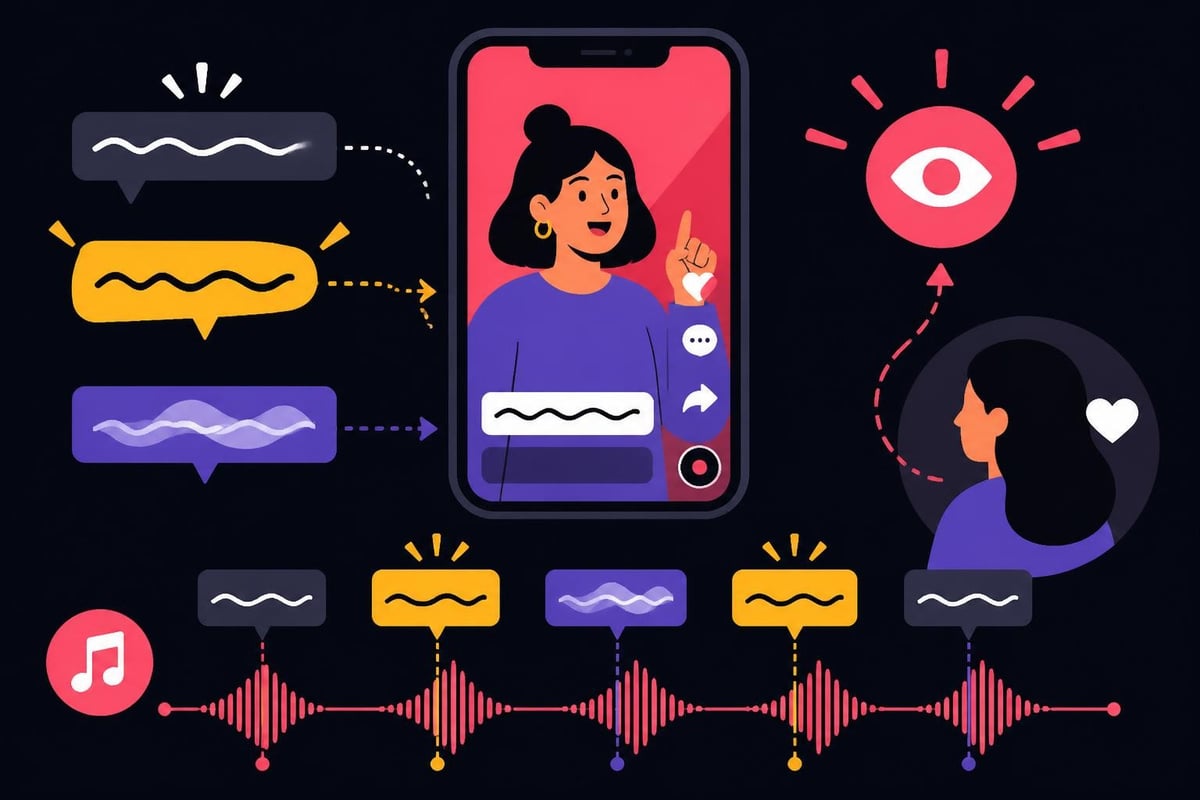
Common animation patterns include:
If you're repurposing content from other platforms, understanding how to repurpose YouTube videos for TikTok becomes critical. The caption strategy completely changes between platforms.
Visual editing gets all the attention, but audio editing often determines whether viewers stick around. TikTok's algorithm appears to favor videos that use trending sounds, but only when they're integrated naturally.
Audio layering best practices:
Many creators focus exclusively on visual elements and wonder why engagement stays flat. Professional TikTok editing treats audio as equally important as visuals. The mix needs to work on phone speakers, with headphones, and even when muted (hence the caption emphasis).
Using trending audio isn't about copying exactly what's popular. It's about fitting trending sounds to your content in unexpected ways. The editing technique here involves:
This level of audio finesse requires both technical skill and time – lots of time. For brands producing daily content, the audio editing workload alone can consume hours. That's the reality driving many successful creators and agencies to outsource to specialized services rather than building in-house editing teams.
TikTok's native effects library is extensive, but effective TikTok editing uses effects sparingly and strategically. Overuse signals amateur production and actually hurts performance.
| Effect Type | When to Use | When to Avoid |
|---|---|---|
| Whip transitions | Scene changes, time jumps | Every single cut (creates visual chaos) |
| Zoom cuts | Emphasis moments, reactions | Dialogue or explanation sequences |
| Text pop-ins | Introducing new points | Continuous narration |
| Green screen | Reaction content, commentary | Primary storytelling (feels detached) |
| Split screen | Before/after, comparisons | General content (reduces visual clarity) |
The best TikTok editing often feels effortless. Viewers shouldn't notice the editing – they should just feel engaged. This requires restraint more than flash.
Invisible editing principles:
Learning these principles is one thing. Applying them consistently across every video while managing a business, creating content, and actually living your life? That's where most people hit the wall. The creators and brands winning on TikTok in 2026 aren't necessarily the best editors – they're the ones who've systematized their production workflow to maintain consistency without burnout.
Individual TikTok editing might take 20-45 minutes per video. Multiply that by 5-7 videos per week (the minimum for algorithm favorability), and you're looking at 3-5 hours weekly just on editing. For agencies managing multiple clients, that number becomes completely unsustainable.
Accelerating the TikTok editing process requires workflow systems, not just faster fingers.
Batch editing workflow structure:
This assembly-line approach reduces context switching and dramatically improves efficiency. But it still requires significant time investment and technical knowledge.
Creating editing templates for recurring content types saves massive time while maintaining brand consistency.
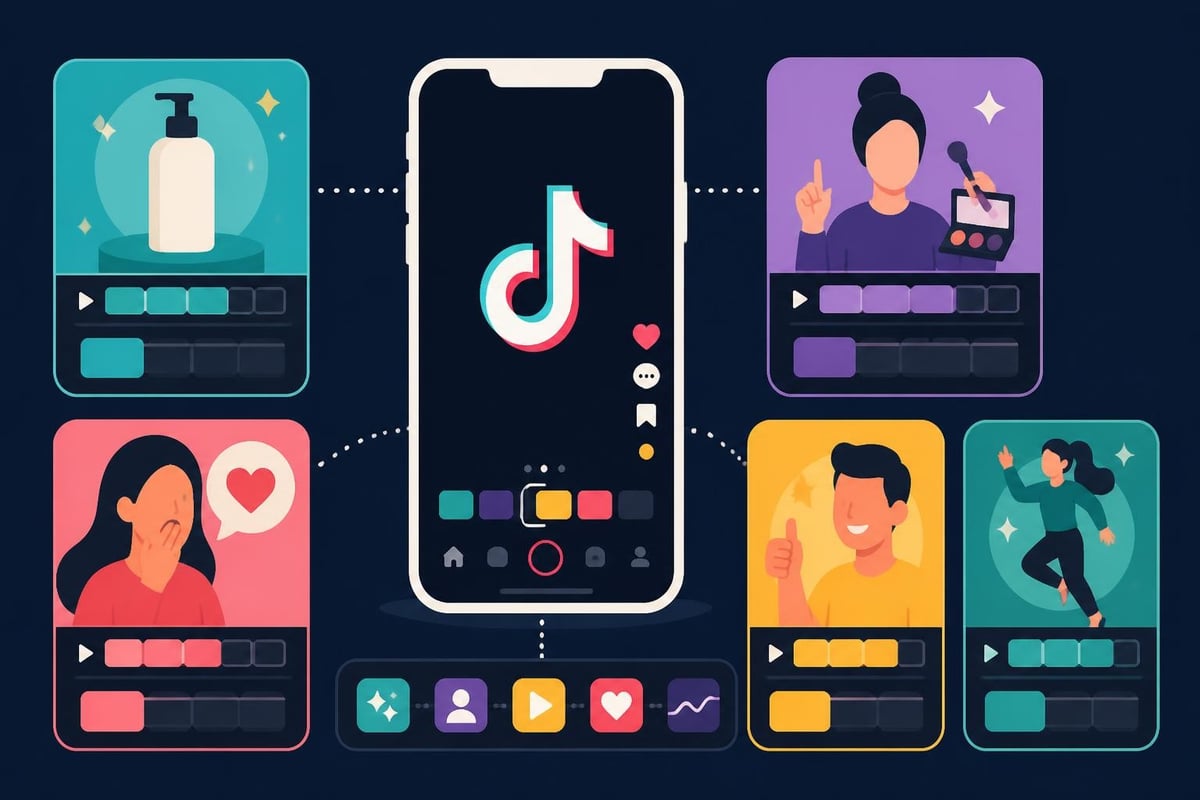
Template categories for TikTok editing:
Templates don't make content boring – they make production sustainable. The creative work happens in the content itself. The editing structure just ensures it reaches people effectively.
TikTok's native editor is surprisingly capable, but desktop editing software offers precision and batch capabilities mobile can't match.
Mobile editing advantages:
Desktop editing advantages:
Most successful TikTok strategies use both. Mobile for spontaneous content and quick posts. Desktop for flagship content, repurposed materials, and batch production. The key is knowing when each approach serves your goals better.
For businesses and agencies, the desktop vs mobile debate often becomes irrelevant when working with professional editing services. You send raw footage, provide brand guidelines, and receive platform-optimized content ready for posting. The technical execution becomes someone else's specialty while you focus on strategy and content creation.
TikTok editing in 2026 isn't set-and-forget. The platform's analytics reveal exactly where viewers drop off, which moments get rewatched, and what drives engagement.
Key metrics to monitor:
Use this data to refine your editing approach. If viewers consistently drop at the 12-second mark, your hook isn't strong enough or your pacing lags. If rewatch rate is high but completion is low, your content is engaging but too long for the value delivered.
Professional TikTok strategies test editing variables systematically:
| Variable to Test | Method | What It Reveals |
|---|---|---|
| Hook style | Post same content with different first 3 seconds | Which hooks drive best completion rates |
| Video length | Trim same content to 15s, 30s, 60s versions | Optimal duration for your content type |
| Caption density | Vary text amount and positioning | Caption preference of your audience |
| Music choice | Same video with different trending sounds | Audio impact on reach and engagement |
This testing requires producing multiple versions of content – exactly the type of volume that makes DIY editing impractical for busy entrepreneurs. Having a dedicated editing team (whether in-house or through a service) makes systematic testing actually achievable rather than theoretically nice.
Let's talk about what nobody mentions: the opportunity cost of editing your own TikTok content. If you're spending 4-6 hours weekly on editing, that's 16-24 hours monthly. That's time not spent on:
The hidden costs:
For creators and businesses with audience-building goals, editing often becomes the bottleneck. You have ideas, you have footage, but the editing backlog keeps growing because there's literally not enough time.
This is precisely why the unlimited video editing model has gained traction. Services like beCreatives remove the editing bottleneck entirely. You create and strategize. They execute and optimize. The result is more content, posted consistently, without burning yourself out learning keyframe animation techniques.
TikTok videos need different technical specs than Instagram Reels or YouTube Shorts, despite similar formats. Getting these details wrong hurts performance even when content is strong.
TikTok technical requirements for 2026:
Beyond technical specs, TikTok's compression algorithm affects how your content looks after upload. Videos edited for other platforms often appear degraded when uploaded to TikTok without optimization.
Editing for TikTok's compression:
Managing these platform-specific optimizations across multiple social channels becomes complex fast. Repurposing content effectively means re-editing for each platform's quirks, not just reformatting dimensions.
Accessibility in TikTok editing isn't just ethical – it's strategic. Captions help viewers in sound-off environments, non-native speakers, and the hearing impaired.
Accessibility editing checklist:
Many trending TikTok formats unfortunately prioritize aesthetics over accessibility. Small text, low contrast, and decoration over clarity might look cool but exclude portions of potential audience.
Making accessibility a default part of your TikTok editing workflow expands reach while demonstrating brand values. It's not extra work when built into templates and systems – it's just how your content gets made.
Not every TikTok account needs the same editing intensity. A personal brand sharing daily thoughts requires different production than a product company launching campaigns.
Editing approach by content type:
Understanding where your content falls helps determine whether you need professional video editing support or if simpler tools suffice.
The mistake most businesses make is trying to maintain agency-quality production with freelancer budgets and in-house timelines. Something always breaks – quality drops, posting frequency decreases, or key people burn out from the workload.
TikTok editing in 2026 rewards strategic thinking over technical perfection, and consistency over occasional brilliance. The brands and creators winning on the platform have figured out how to produce optimized content regularly without sacrificing their sanity or business growth. Whether you're building an audience from scratch or scaling content for multiple clients, the editing workflow either enables or limits everything else you're trying to achieve. That's where beCreatives comes in – providing dedicated video editors, unlimited revisions, and the systematic support that turns content production from a bottleneck into a growth engine.
Discover how post production video editing transforms raw footage into professional content. Learn workflows, tools, and outsourcing tips.
Master video editing HD quality standards, encoding settings, and workflow best practices to deliver professional content in 2026.
Discover what makes a YouTube video editing course worth your time in 2026, plus smarter alternatives for busy creators and agencies.
Looking to hire video editor for YouTube? Discover the best hiring strategies, what to look for, and how to build a winning content team in 2026.
Discover the best music video editing software for 2026. Compare features, pricing, and workflow tools to create stunning music videos faster.
Looking for a video editing company near me? Learn how to choose the right partner, what to expect, and whether local is best in 2026.
Discover how video editing AI online is changing content creation in 2026. Explore smart tools, workflows, and what creators really need to know.
Master wedding videography editing with expert tips on storytelling, pacing, and delivery. Learn how to transform raw footage into cinematic films.
Choosing an HD video editing app in 2026? Discover features, performance tips, and how professionals handle high-definition content.
Discover the best free simple editing software for videos and photos in 2026. Compare features, learn what works, and decide when to DIY or outsource.
Editing videos yourself can take a lot of your precious time, but do not worry – we‘ve got you covered! Our highly skilled Video Editors are here to speed up the process and give you time to create more content.
What do you need edits for?
Scratch to see who you got
This is your match, not your assignment.
We confirm your editor once you subscribe.
Pick a time that works and we’ll take it from there.
Open the booking page15 minutes, free