
Post Production Video Editing: Complete Guide for 2026
Discover how post production video editing transforms raw footage into professional content. Learn workflows, tools, and outsourcing tips.
10 Min. ReadRead More
5 dedicated editor spots open this week. Book a call to reserve →

 Kiara WalkerCocktales Podcast
Editing clips can make or break your content. Learn smart techniques, tools, and outsourcing strategies to create scroll-stopping videos in 2026.
 Knowledge Base
June 13, 2026
Let's be honest: editing clips is where good ideas either become scroll-stopping content or vanish into the abyss of abandoned projects. You've got the footage, you've got the vision, but somewhere between importing files and exporting the final cut, things get complicated. Whether you're a content creator racing to meet daily upload schedules, a marketer trying to squeeze ROI from every campaign, or an agency juggling multiple clients, the clip editing process can feel like a bottleneck that never quite clears. The good news? It doesn't have to be that way.
The digital landscape has shifted dramatically. Attention spans have shrunk, platform algorithms favor snappy content, and audiences expect production quality that used to require entire teams and budgets.
When you're editing clips effectively, you're not just cutting footage. You're crafting stories that stop thumbs mid-scroll, build trust with viewers, and convert passive watchers into engaged followers or customers.
Here's what makes clip editing critical right now:
The challenge? Most video editing software for professionals comes with a steep learning curve, and mastering the technical side takes time you probably don't have.
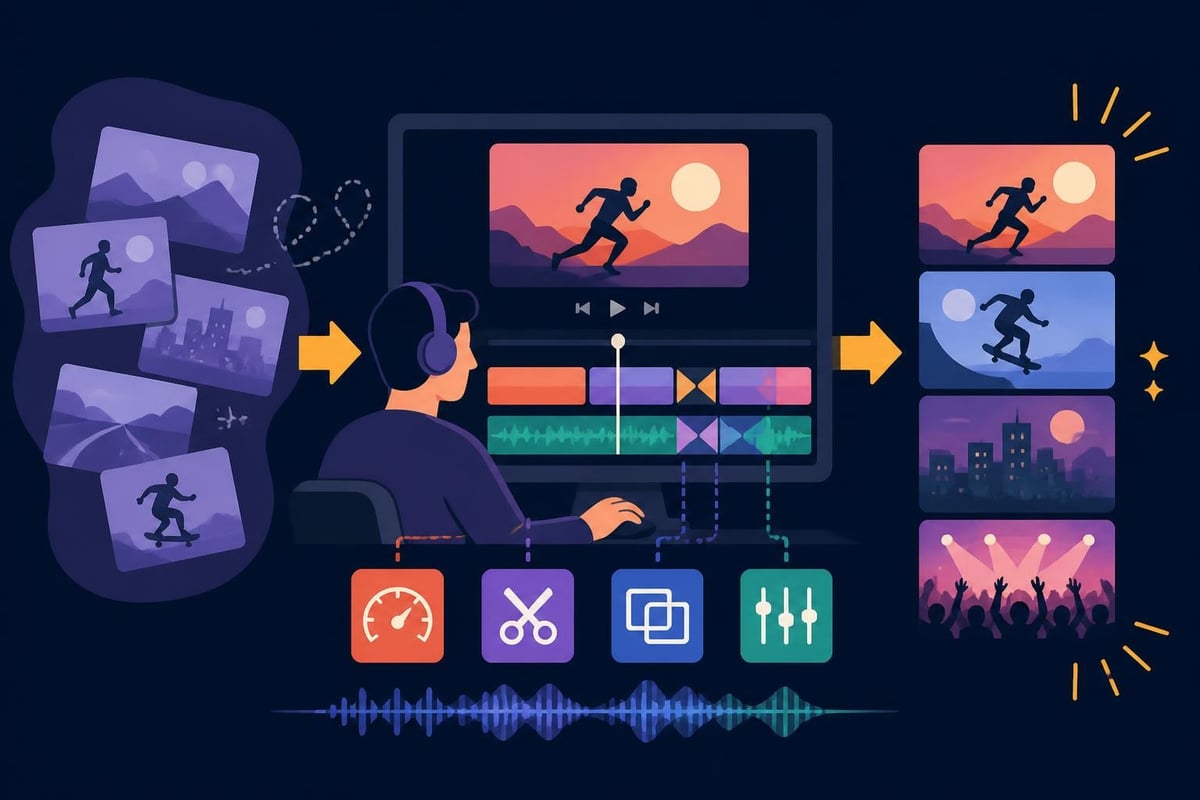
Before diving into techniques, let's break down what separates amateur clips from professional-grade content. It's not always about fancy effects or expensive gear.
Your first three seconds determine everything. When editing clips for social platforms, this opening moment needs to grab attention instantly.
| Element | Purpose | Example |
|---|---|---|
| Visual punch | Stop the scroll | Bold text, dynamic movement, unexpected imagery |
| Audio hook | Engage ears immediately | Music drop, compelling question, intriguing statement |
| Context clarity | Answer "why should I care?" | Clear value proposition within 5 seconds |
Great editing clips means understanding rhythm. Not every moment deserves equal screen time.
Fast cuts work for:
Longer holds work for:
The secret sauce? Variation. Mixing fast and slow creates dynamic content that feels alive rather than robotic.
You don't need to become a professional editor to produce quality content, but understanding a few technical basics helps immensely when communicating with your editing team or evaluating your output.
Different platforms demand different specifications. When editing clips in 2026, you're likely working with multiple formats simultaneously.
Smart creators shoot once and repurpose everywhere. That means planning your framing to accommodate multiple crops or working with editors who understand platform-specific editing requirements.
Most viewers watch with sound on nowadays, especially for educational or entertainment content. When editing clips, audio quality can't be an afterthought.
Audio editing essentials:
Research from proven video editing techniques shows that videos with optimized audio retain viewers 40% longer than those with unpolished sound.
Here's where most people get stuck. The actual editing process becomes a time sink that kills productivity and creativity.
Before touching a timeline, organize your assets. This single step saves hours of frustration.
File organization framework:
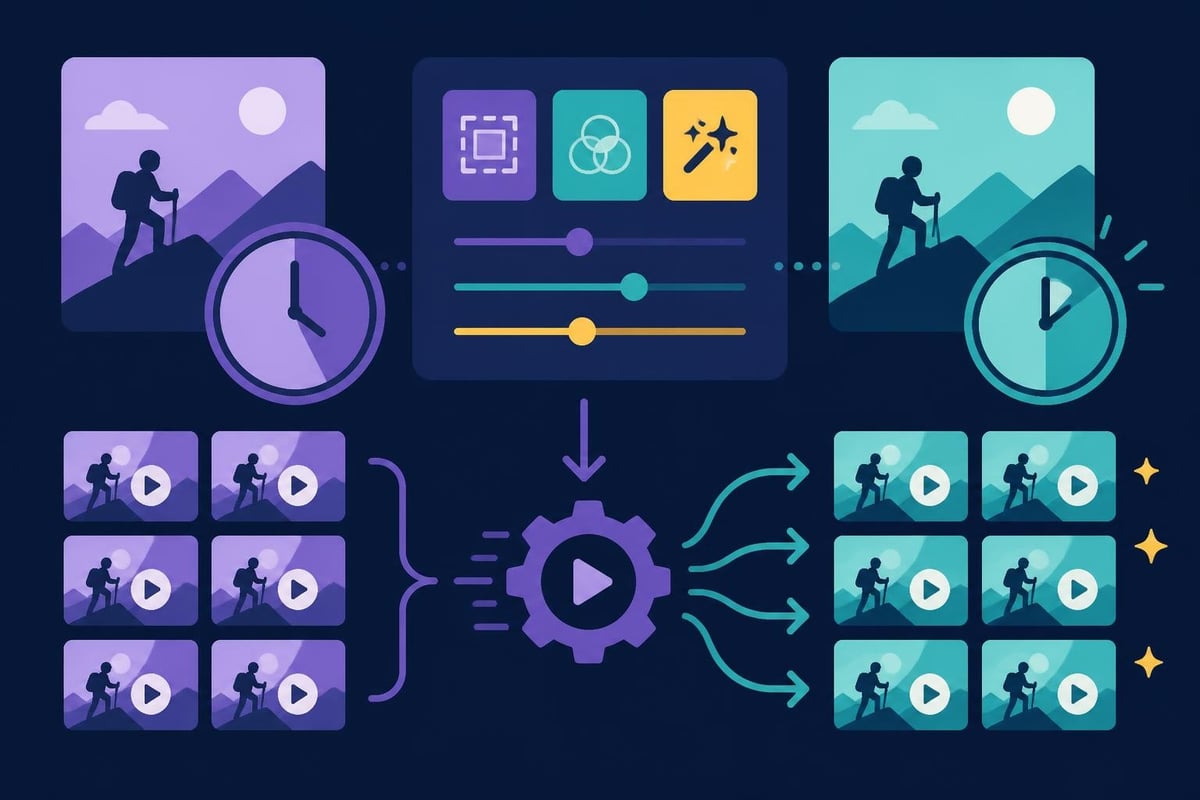
If you're creating multiple similar videos, batch processing is your best friend. This applies whether you're editing video content for TikTok or producing weekly YouTube tutorials.
Batch editing strategies:
Technical skill gets you to competent. Creative choices make content memorable.
Jump cuts used to be considered sloppy editing. Now they're a stylistic choice that speeds up pacing and maintains energy. When editing clips for social platforms, removing dead air and verbal pauses keeps viewers engaged.
When to use jump cuts:
Not every cut needs a fancy transition, but intentional transitions guide viewer attention and smooth jarring changes.
| Transition Type | Best Use Case | Avoid When |
|---|---|---|
| Hard cut | Fast-paced content, matching action | Drastic scene changes without context |
| Crossfade | Time passage, mood shift | High-energy content (slows momentum) |
| Zoom transition | Topic change, emphasis | Overused (becomes distracting) |
| Whip pan | Dynamic scene change | Viewer might get motion sickness |
The creative editing techniques that work best serve the story rather than showcasing your technical ability.
In 2026, on-screen text isn't optional. It improves accessibility, boosts retention, and helps with platform algorithms.
Effective text usage when editing clips:
Color might seem like a finishing touch, but it's actually a powerful branding tool. When people recognize your content before seeing your logo, you've nailed visual consistency.
You don't need expensive color grading software to develop a signature look. Most modern editing platforms include basic color correction tools.
Simple color grading workflow:
Consistent color grading makes your content feel cohesive, whether viewers find you through drone footage edits or standard talking-head videos.
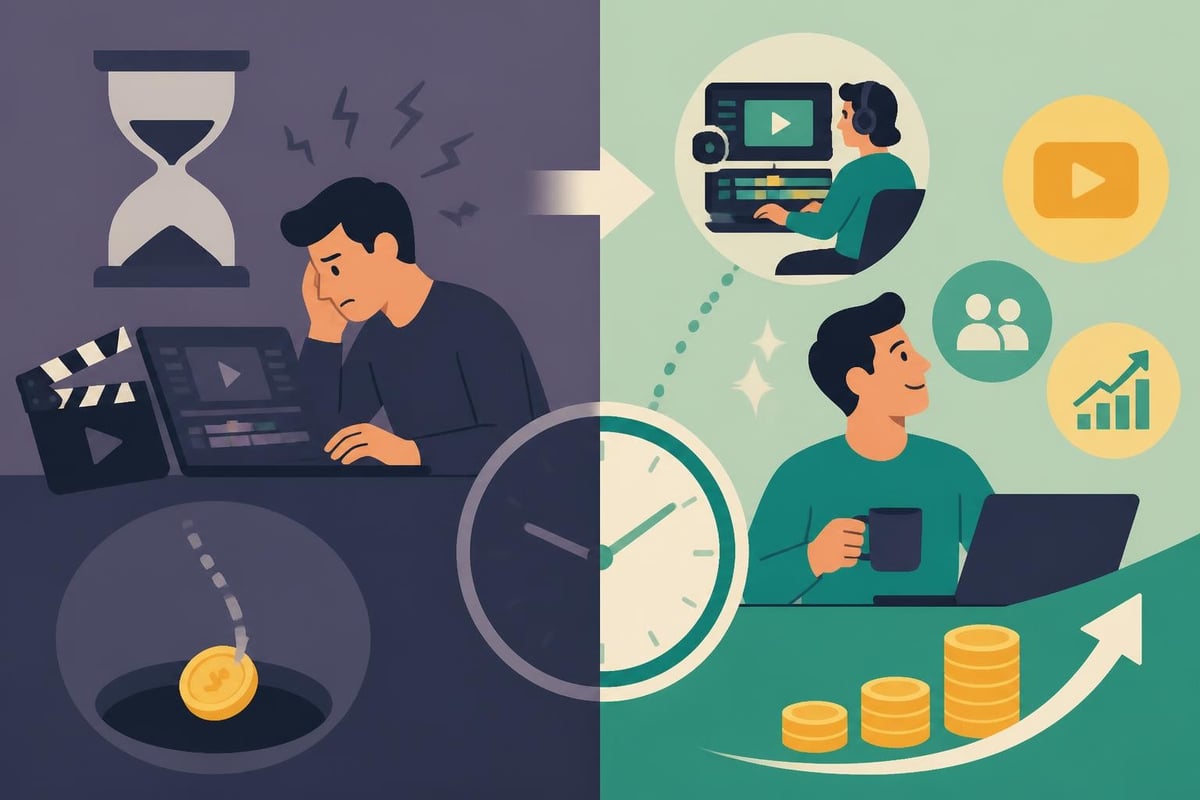
Let's talk numbers for a second. Time is money, especially if you're running a business or building a personal brand.
Average time investment for editing clips:
If your time is worth $50-100+ per hour, spending 4 hours on a single video edit costs you $200-400 in opportunity cost. That's time you could spend creating more content, serving clients, or actually running your business.
Not every creator or business needs to master editing clips personally. Following video editing best practices matters more than who does the actual cutting.
Signs it's time to outsource editing:
Not all clips are created equal. What works on YouTube bombs on TikTok, and vice versa.
These platforms reward fast-paced, hook-driven content. When editing clips for short-form platforms:
YouTube rewards watch time and audience retention. Your editing should encourage viewers to stick around.
YouTube editing priorities:
LinkedIn's audience expects value-first content with professional polish. When editing clips for business platforms:
Professional services like LinkedIn video editing ensure your content matches platform expectations while maintaining your brand voice.
Great editing means nothing if the file won't upload or buffers endlessly. Export settings matter.
Finding the sweet spot between file size and visual quality takes experimentation.
| Platform | Recommended Format | Max Resolution | Bitrate Range |
|---|---|---|---|
| Instagram/TikTok | MP4 (H.264) | 1080p | 5-8 Mbps |
| YouTube | MP4 (H.264) | 4K | 15-25 Mbps |
| MP4 (H.264) | 1080p | 5-10 Mbps | |
| MP4 (H.264) | 1080p | 4-8 Mbps |
Higher isn't always better. Oversized files slow upload times and can cause processing delays on platforms.
In 2026, AI tools have matured significantly. They won't replace human creativity, but they can handle repetitive tasks when editing clips.
AI-assisted editing features worth using:
The key is knowing which tasks benefit from automation and which require human judgment. Video editing software for beginners now includes many AI features that used to require professional-grade tools.
The creators and businesses winning in 2026 aren't necessarily the most talented editors. They're the ones with systems that keep content flowing consistently.
Rather than editing clips one at a time as you film them, batch your production.
Batching workflow example:
This approach reduces context-switching and lets you get into a creative flow state.
Before publishing any edited clip, run through this quick checklist:
Consistency in quality builds audience trust faster than viral moments.
When you invest in quality editing clips, whether through skill development or outsourcing, the returns compound.
Measurable benefits:
Many businesses discover that dedicating budget to specialized editing services delivers better ROI than trying to build in-house expertise, especially when content needs span multiple niches like fitness training videos or e-commerce product showcases.
Even experienced creators fall into these traps when editing clips. Awareness helps you catch and correct them.
More effects don't equal better content. Every transition, graphic, and effect should serve a purpose.
Signs you're over-editing:
We mentioned this earlier, but it's worth repeating: bad audio kills good content faster than mediocre visuals.
If every video looks different, you're building content instead of a brand. Develop style guidelines for:
Over 80% of video content is consumed on mobile devices. If you're editing clips while viewing on a desktop monitor, check the mobile preview before publishing.
The tools and platforms will keep evolving, but core principles remain constant.
Timeless editing principles:
Stay flexible with your tools while remaining committed to these fundamentals.
Editing clips effectively isn't about becoming a technical wizard or spending endless hours in editing software. It's about understanding what makes content engaging, developing efficient systems, and focusing your energy where it creates the most value. If you're ready to maintain consistent content quality without the editing burnout, beCreatives provides dedicated video editors, unlimited storage, and streamlined revision systems designed specifically for creators, marketers, and agencies who need professional results without the professional headaches.
Discover how post production video editing transforms raw footage into professional content. Learn workflows, tools, and outsourcing tips.
Master video editing HD quality standards, encoding settings, and workflow best practices to deliver professional content in 2026.
Discover what makes a YouTube video editing course worth your time in 2026, plus smarter alternatives for busy creators and agencies.
Looking to hire video editor for YouTube? Discover the best hiring strategies, what to look for, and how to build a winning content team in 2026.
Discover the best music video editing software for 2026. Compare features, pricing, and workflow tools to create stunning music videos faster.
Looking for a video editing company near me? Learn how to choose the right partner, what to expect, and whether local is best in 2026.
Discover how video editing AI online is changing content creation in 2026. Explore smart tools, workflows, and what creators really need to know.
Master wedding videography editing with expert tips on storytelling, pacing, and delivery. Learn how to transform raw footage into cinematic films.
Choosing an HD video editing app in 2026? Discover features, performance tips, and how professionals handle high-definition content.
Discover the best free simple editing software for videos and photos in 2026. Compare features, learn what works, and decide when to DIY or outsource.

Editing videos yourself can take a lot of your precious time, but do not worry – we‘ve got you covered! Our highly skilled Video Editors are here to speed up the process and give you time to create more content.








