
Post Production Video Editing: Complete Guide for 2026
Discover how post production video editing transforms raw footage into professional content. Learn workflows, tools, and outsourcing tips.
10 Min. ReadRead More
5 dedicated editor spots open this week. Book a call to reserve →

 Kiara WalkerCocktales Podcast
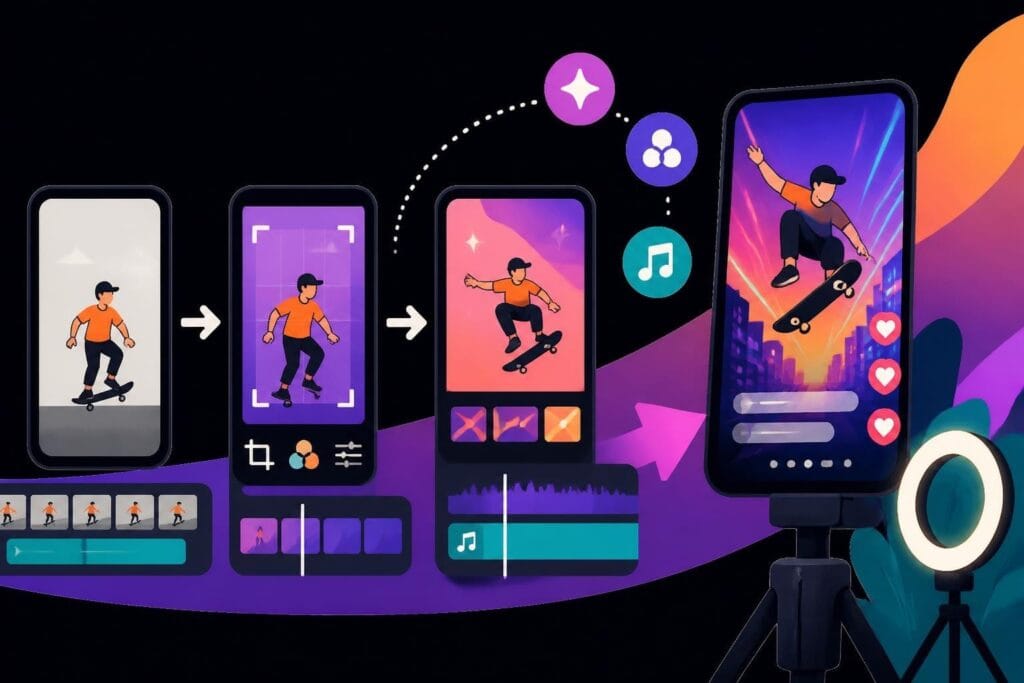
Discover the best video editor TikTok tools and strategies to create viral content that gets noticed. Expert tips for busy creators in 2026.
 Knowledge Base
July 25, 2026
TikTok isn't just another social media platform anymore-it's where brands are built, products go viral, and creators become household names overnight. But here's the catch: your content needs to look polished, move fast, and stop the scroll within the first second. That's where choosing the right video editor TikTok workflow becomes make-or-break for your content strategy. Whether you're a solo entrepreneur juggling ten tasks or an agency managing multiple clients, understanding how to create scroll-stopping TikTok content without spending hours in editing software can transform your entire content game.
TikTok moves differently than YouTube or Instagram. The platform's algorithm rewards specific editing patterns, pacing choices, and visual hooks that keep viewers watching beyond the critical three-second mark.
Traditional video editing approaches don't translate well here. What works for a fifteen-minute YouTube tutorial will absolutely tank on TikTok. The platform demands quick cuts, punchy text overlays, trending audio perfectly synced to visual beats, and transitions that feel native to the app's aesthetic.
The anatomy of a successful TikTok video follows patterns that feel intuitive to platform regulars but mysterious to newcomers:
Research into TikTok’s recommendation algorithms shows that completion rate matters more than raw view counts. This fundamentally changes how you approach editing-every second needs to earn the next second of attention.
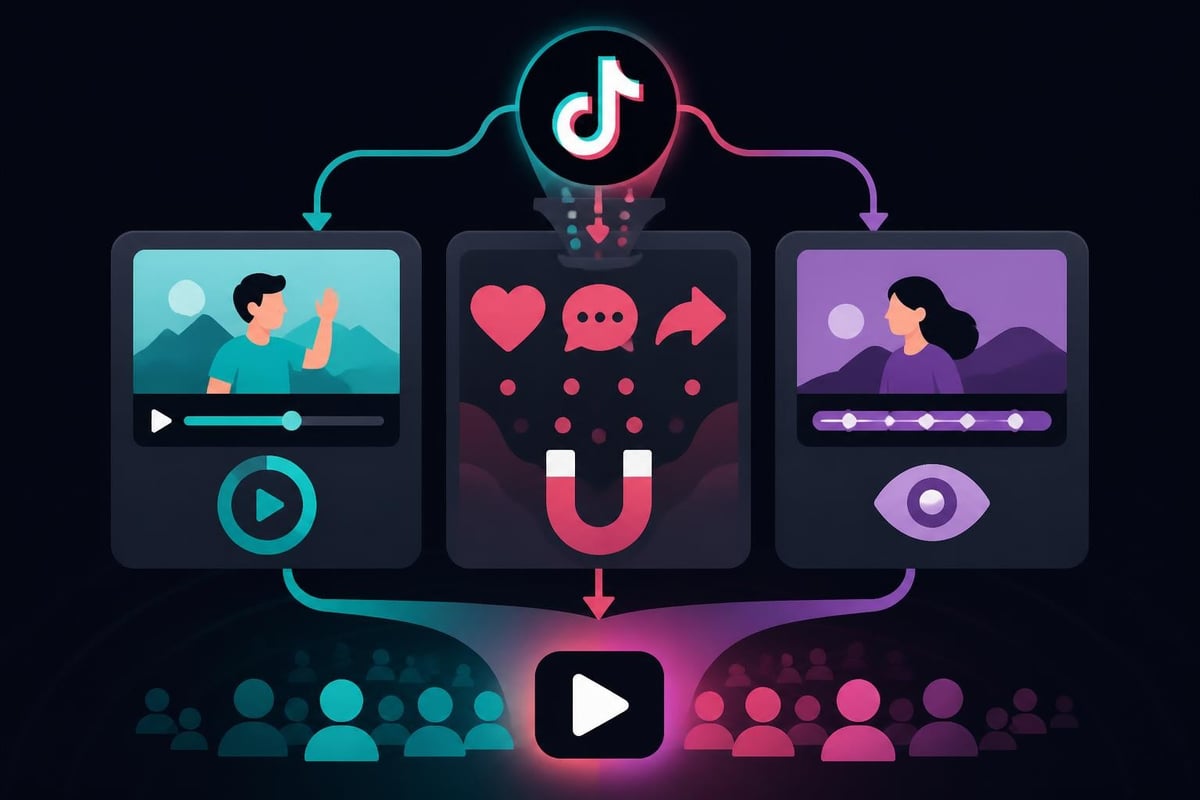
You've got three main paths when it comes to creating TikTok content, and each serves different creator types at different growth stages.
The native app approach works beautifully for spontaneous content and creators who shoot-and-post. TikTok's built-in editing tools have evolved significantly, offering effects, filters, and basic editing capabilities that cover straightforward content needs. Learning to edit within TikTok gives you immediate publishing ability and keeps your workflow simple.
Third-party editing apps like CapCut, InShot, or Videoleap give you more control over timing, transitions, and effects before uploading to TikTok. These tools bridge the gap between TikTok's native editor and full desktop software, offering mobile-friendly interfaces with professional-grade features.
Professional editing services become essential when you're scaling content production, managing multiple accounts, or building a serious brand presence. This is where dedicated TikTok editing services transform your content from "pretty good" to "stops the scroll every time."
| Approach | Best For | Time Investment | Quality Ceiling |
|---|---|---|---|
| Native TikTok Editor | Casual creators, behind-the-scenes | 5-10 min per video | Good for organic content |
| Third-Party Apps | Growing creators, consistent posters | 15-30 min per video | Professional-looking content |
| Professional Service | Brands, agencies, high-volume creators | 5 min review time | Broadcast-quality results |
AI video editing tools have completely changed what's possible for time-strapped creators in 2026. These platforms understand TikTok's content language and can generate edits that follow platform best practices automatically.
Tools like Wondershare Filmora’s AI features now include AI Video Extender and Prompt Video Editing, letting creators describe their vision in plain language and get professional edits in return. Similarly, Kapwing’s AI capabilities enable text-to-video generation that can turn written scripts into TikTok-ready content.
The real game-changer? These tools learn what performs well on TikTok and apply those patterns to your raw footage. They analyze trending formats, optimal cut timing, and effective caption placement-all factors that human editors spend years mastering.
Not all editing tools handle TikTok content equally well. Here's what separates scroll-stopping content from scroll-past mediocrity.
TikTok lives in 9:16 vertical format. Your editing workflow needs to think vertically from the first frame. This means:
Many creators still think horizontally and crop to vertical as an afterthought. That's backward. Vertical-first thinking changes shot composition, text placement, and how you frame subjects in every shot.
Text drives TikTok engagement more than any other platform. Your video editor TikTok workflow needs robust text features:
Strategic caption placement can increase completion rates by over 40% according to data-backed TikTok editing research. Text previews what's coming, keeps viewers engaged during quiet moments, and makes content accessible to sound-off viewers.
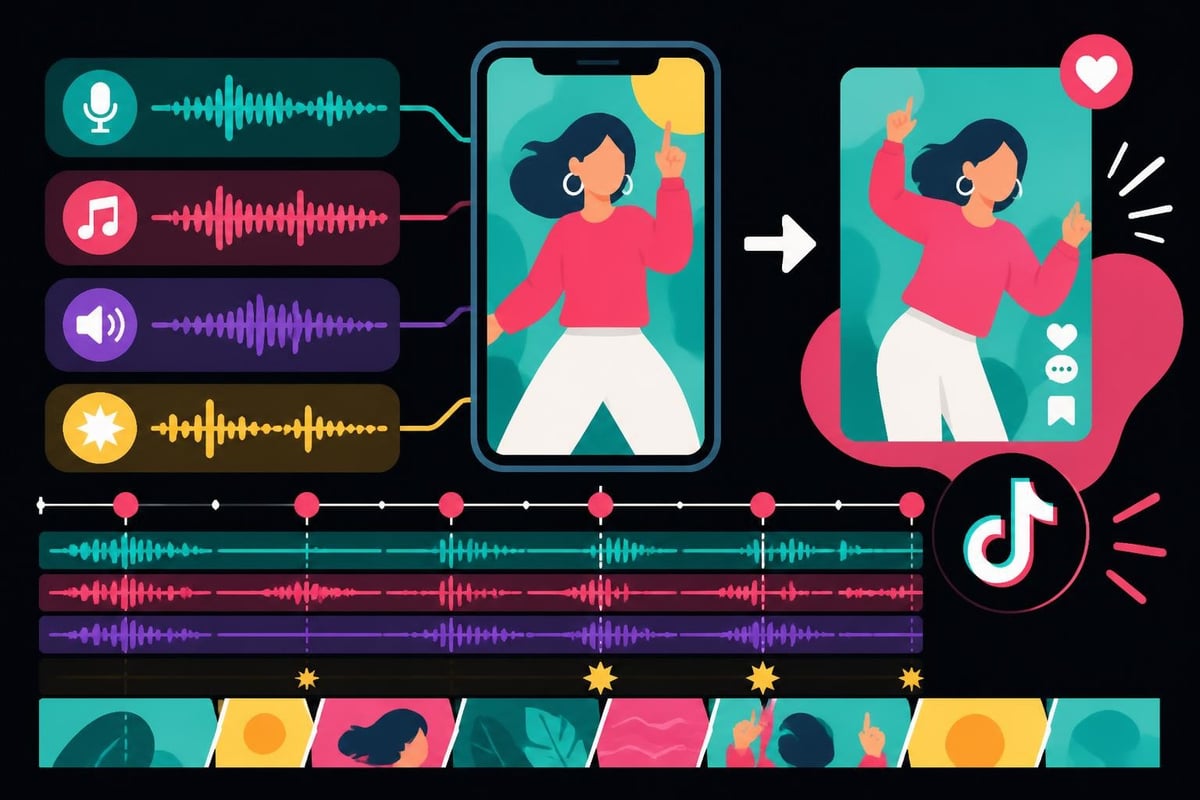
TikTok content succeeds or fails on audio syncing. Your editing setup needs frame-accurate audio control and easy music library access.
The best video editor TikTok workflows include:
Here's what separates creators who post occasionally from those who build real audiences: systematic content production that doesn't consume your entire week.
Recording ten TikToks in one session beats filming one video daily. Same goes for editing-batch processing creates consistency and saves massive amounts of setup time.
A winning batch production workflow looks like this:
This approach reduces context-switching, maintains visual consistency, and frees up mental energy for strategy instead of daily scrambling.
Every successful TikTok creator develops signature styles-specific intro patterns, transition styles, text treatments, and outro formats that become their brand.
Creating reusable templates for these elements speeds up production dramatically. Instead of rebuilding your standard intro from scratch each time, you drop in new footage and adjust timing.
| Template Type | Time Saved Per Video | Consistency Benefit |
|---|---|---|
| Intro Sequence | 8-12 minutes | Immediate brand recognition |
| Text Style Presets | 5-8 minutes | Professional, cohesive look |
| Transition Patterns | 6-10 minutes | Signature editing style |
| Outro/CTA Format | 4-6 minutes | Clear action prompts |
For creators managing multiple accounts or team members, templates ensure every video maintains brand standards without micromanaging each edit.
Your video editor TikTok workflow should include checkpoints that catch problems before publishing. A simple quality checklist prevents embarrassing mistakes:
After publishing, track which editing choices correlate with better performance. Did videos with three text overlays outperform those with five? Do jump cuts every two seconds beat smooth transitions? This data informs your evolving editing strategy.
Let's talk honestly about time. If you're editing TikToks yourself, you're probably spending 20-40 minutes per video once you factor in imports, editing, revisions, and exports. For someone posting daily, that's 10-20 hours weekly just in editing time.
Now multiply that across teams or multiple accounts. The math gets ugly fast.
Professional editing services change this equation completely. Instead of spending hours in editing software, you shoot footage, share it with your editor, and receive platform-optimized content ready to post.
When you work with specialized short-form video editors, you're not just buying back time-you're accessing expertise that typically takes years to develop.
Professional editors understand:
They've edited thousands of videos and know which choices drive results. That pattern recognition can't be replicated by AI tools or learned from YouTube tutorials-it comes from deep platform experience.
Consider this scenario: You spend fifteen hours weekly editing videos yourself. Your billable rate (or value of time) is $75/hour. That's $1,125 weekly in opportunity cost-$58,500 annually.
Professional editing services typically cost $400-800 monthly for unlimited editing. Even at the higher end, you're looking at $9,600 yearly versus $58,500 in your lost time. The $48,900 difference could fund entire marketing campaigns, hire additional team members, or simply give you work-life balance back.
The creators winning on TikTok right now use sophisticated editing techniques that casual users don't notice consciously but respond to instinctively.
Amateur edits maintain constant pacing-every cut happens at the same rhythm. Professional edits vary pace strategically to maintain interest.
A proven pattern:
This rhythmic variation keeps viewers engaged through content's full duration. The research on user engagement patterns confirms that varied pacing significantly impacts completion rates and algorithmic promotion.
B-roll isn't just filler-it's a retention tool. When talking heads get monotonous, cutting to relevant B-roll maintains visual interest without disrupting your message.
Smart B-roll usage in TikTok editing:
The key difference on TikTok versus longer content? B-roll clips last 1-2 seconds maximum, not 5-7 seconds like YouTube. Everything moves faster.
Static text feels dated on TikTok in 2026. Animated text that appears word-by-word, slides in from screen edges, or pulses with audio beats feels native to the platform.
Effective text layering strategies include:
Checking out comprehensive TikTok video editing guides shows how top creators layer text strategically rather than randomly.
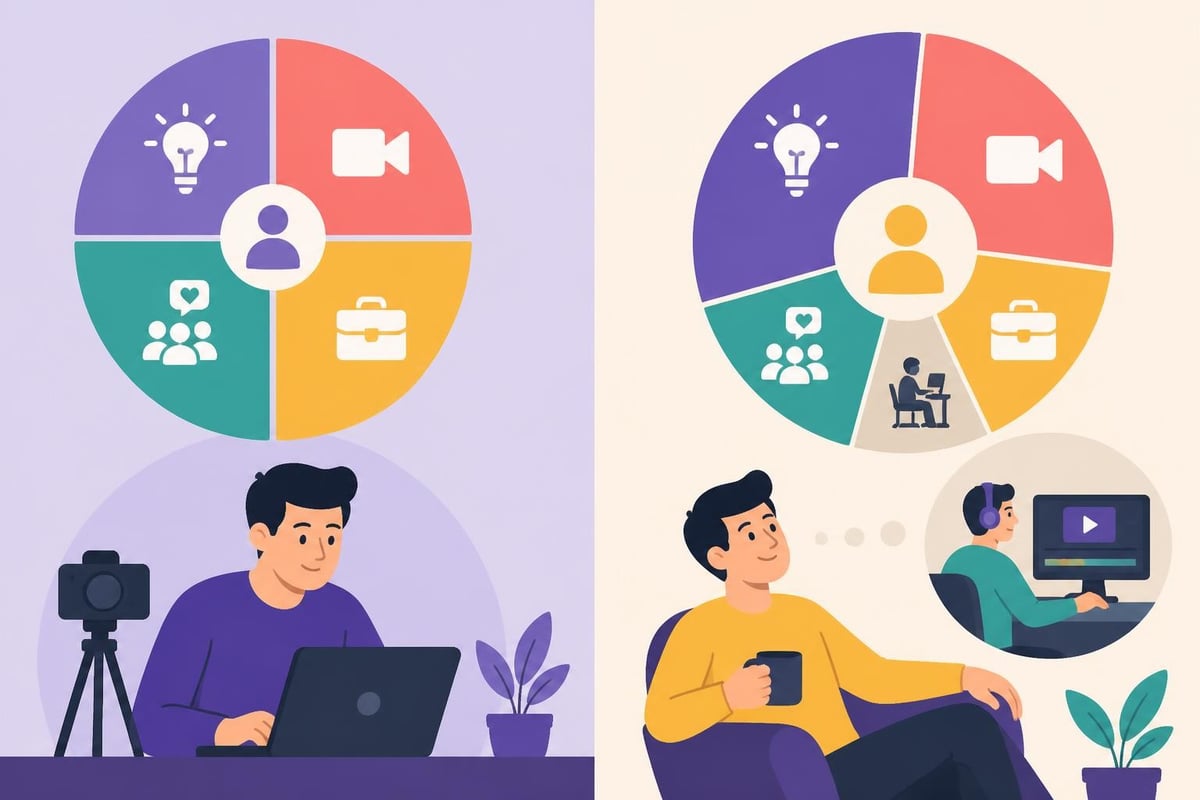
Many creators wonder whether they should master video editor TikTok tools themselves or outsource to professionals. The answer depends entirely on your goals and constraints.
You should handle editing yourself if:
Learning platforms like CapCut or trying AI-powered editing tools can work well for creators in early growth stages who have more time than budget.
Outsourcing editing makes perfect sense when:
This is where services built specifically for content creators-offering unlimited revisions, dedicated editors, and streamlined communication-become force multipliers for your content strategy.
| Consideration | DIY Approach | Professional Service |
|---|---|---|
| Monthly Cost | $20-60 tools | $400-800 service |
| Time Investment | 10-20 hrs/week | 2-3 hrs/week |
| Learning Curve | Steep ongoing | Minimal |
| Quality Consistency | Variable | Reliably high |
| Scalability | Limited by your time | Unlimited capacity |
For agencies managing client accounts or brands treating content as serious marketing investment, professional editing isn't a luxury-it's infrastructure that enables scale.
Choosing your content production approach means honestly evaluating where you are right now and where you're headed.
If you're bootstrapping and building, mastering accessible tools makes sense. Resources like comprehensive video editor comparisons help you choose platforms that match your skill level and budget.
But if content is core to your business model, treating editing as infrastructure rather than a skill to master yourself often accelerates growth dramatically.
Before investing time learning complex editing software or hiring professional services, consider:
How does editing make you feel? If it energizes you creatively, learn it yourself. If it drains you, outsource it immediately.
What's your actual posting frequency goal? Daily content requires different systems than weekly posts.
Is editing your highest-value activity? If an hour of client work or sales calls generates more value than an hour of editing, your choice is clear.
Do you need editing expertise or execution capacity? Sometimes you need strategic guidance on what works. Other times you just need the work done fast.
How important is consistency to your brand? Variable quality signals amateur status. Professional consistency builds credibility.
The honest answers to these questions point toward your right path-whether that's mastering tools yourself, using AI-assisted platforms, or partnering with professional editors who handle production while you focus on strategy and growth.
Creating standout TikTok content that actually grows your brand requires the right editing approach for your situation and goals. Whether you're using native tools, AI-powered platforms, or professional editing services, what matters most is consistent, high-quality content that connects with your audience. If you're ready to scale your content without sacrificing your time or sanity, beCreatives offers unlimited video editing with dedicated editors who understand exactly what makes TikTok content perform-so you can focus on showing up, sharing your message, and growing your business.
Discover how post production video editing transforms raw footage into professional content. Learn workflows, tools, and outsourcing tips.
Master video editing HD quality standards, encoding settings, and workflow best practices to deliver professional content in 2026.
Discover what makes a YouTube video editing course worth your time in 2026, plus smarter alternatives for busy creators and agencies.
Looking to hire video editor for YouTube? Discover the best hiring strategies, what to look for, and how to build a winning content team in 2026.
Discover the best music video editing software for 2026. Compare features, pricing, and workflow tools to create stunning music videos faster.
Looking for a video editing company near me? Learn how to choose the right partner, what to expect, and whether local is best in 2026.
Discover how video editing AI online is changing content creation in 2026. Explore smart tools, workflows, and what creators really need to know.
Master wedding videography editing with expert tips on storytelling, pacing, and delivery. Learn how to transform raw footage into cinematic films.
Choosing an HD video editing app in 2026? Discover features, performance tips, and how professionals handle high-definition content.
Discover the best free simple editing software for videos and photos in 2026. Compare features, learn what works, and decide when to DIY or outsource.

Editing videos yourself can take a lot of your precious time, but do not worry – we‘ve got you covered! Our highly skilled Video Editors are here to speed up the process and give you time to create more content.








