
Post Production Video Editing: Complete Guide for 2026
Discover how post production video editing transforms raw footage into professional content. Learn workflows, tools, and outsourcing tips.
10 Min. ReadRead More
5 dedicated editor spots open this week. Book a call to reserve →

 Kiara WalkerCocktales Podcast
Discover the top free video editor tools for creators and businesses in 2026. Compare features, pros, and when to upgrade to pro solutions.
 Knowledge Base
July 4, 2026
Finding the right top free video editor can feel like searching for a unicorn in 2026. With so many options flooding the market, it's tough to know which tools actually deliver without slapping watermarks on your hard work or limiting you to 30-second clips. Whether you're testing the waters before committing to a paid solution, working on a tight budget, or just need something simple for occasional edits, free video editing software has come a long way. This guide breaks down the genuine contenders worth your time, what they're actually good for, and when it makes sense to consider alternatives that save you even more time.
Not all free editing software is created equal. Some tools call themselves "free" but lock essential features behind paywalls or plaster giant watermarks across your finished videos. A genuinely useful top free video editor needs to offer real functionality without making you feel like you're working with training wheels.
The basics should be genuinely free and functional. Here's what separates the winners from the pretenders:
Most creators hit a wall when they realize their "free" editor won't export in 1080p or limits projects to three minutes. Reading the fine print before investing hours learning a new platform saves massive headaches later.
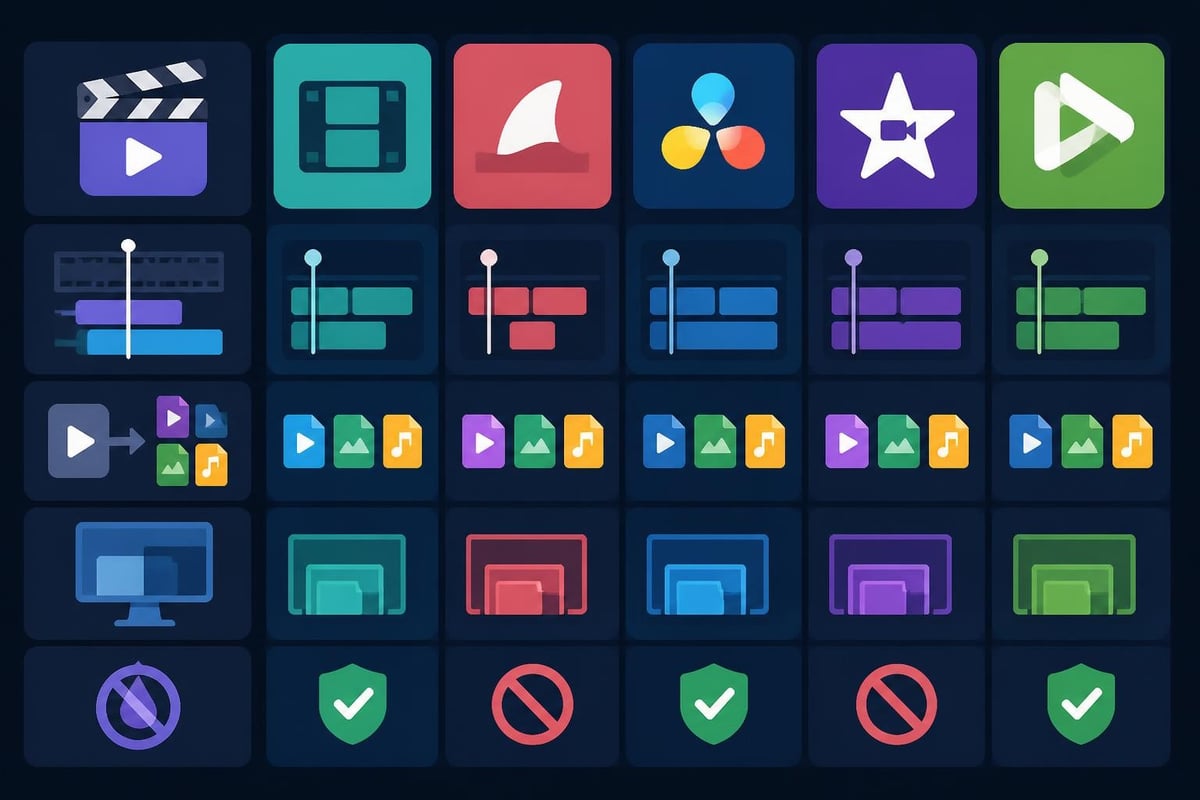
Desktop editors pack more punch than mobile or browser-based options. They handle larger files, offer advanced features, and give you room to grow your skills without switching platforms constantly.
DaVinci Resolve consistently ranks as a top free video editor because it's actually professional software with a free tier. Hollywood colorists use the paid version, but the free version includes about 90% of the features.
What you get for free:
The learning curve is steeper than simpler options, but resources like comprehensive video editing software guides can help you get started. For serious creators planning to scale, this investment in learning pays off quickly.
If your content needs visual effects, HitFilm Express stands out among free options. It combines editing and compositing in one package, making it ideal for YouTube creators who want that extra polish.
| Feature | DaVinci Resolve | HitFilm Express | OpenShot |
|---|---|---|---|
| Color Grading | Professional | Good | Basic |
| VFX Capabilities | Moderate | Excellent | Limited |
| Learning Curve | Steep | Moderate | Gentle |
| Best For | All-around power | Effects-heavy content | Quick edits |
The free version includes over 400 effects and presets. You can purchase additional packs if needed, but the base offering handles most creative projects without extra spending.
Sometimes you don't need Hollywood capabilities. OpenShot delivers a straightforward top free video editor experience perfect for beginners or anyone prioritizing speed over complexity.
It's open-source, cross-platform, and genuinely easy to learn in an afternoon. The interface won't win design awards, but it gets basic projects done without fuss. Great for:
According to detailed free software analyses, OpenShot consistently ranks high for user-friendliness despite lacking advanced features found in premium tools.
Desktop isn't always practical. Mobile apps let you edit directly on your phone, perfect for quick social content or when you're traveling. Mobile video editing apps have evolved significantly in 2026, offering surprisingly robust features in your pocket.
CapCut dominates mobile editing, especially for social media creators. It's completely free (genuinely), offers tons of trendy effects, and exports without watermarks. The interface feels familiar if you've used any social platform, making it incredibly accessible.
Why creators love it:
The connection to ByteDance means new features often appear here first, keeping your content current with platform trends. For businesses focusing on TikTok content specifically, understanding CapCut's capabilities helps inform your content strategy.
Apple users often overlook iMovie, but it remains a solid top free video editor for iPhone and iPad users. It integrates seamlessly with the Apple ecosystem and handles 4K editing smoothly on newer devices.
The templates can feel limiting for experienced editors, but they're perfect for maintaining brand consistency across videos when you're churning out content regularly. Plus, projects start on your phone and finish on your Mac if needed.
Sometimes you need to edit quickly on a computer that isn't yours, or you don't want to commit storage space to software you'll use occasionally. Browser-based editors fill this gap, though they typically offer less power than desktop alternatives.
Microsoft acquired Clipchamp and integrated it into Windows 11, making it a default option for millions of users. The free tier includes:
The catch? Exports at 1080p work fine, but you'll see encouragement to upgrade throughout the interface. Still functional for basic needs without paying.
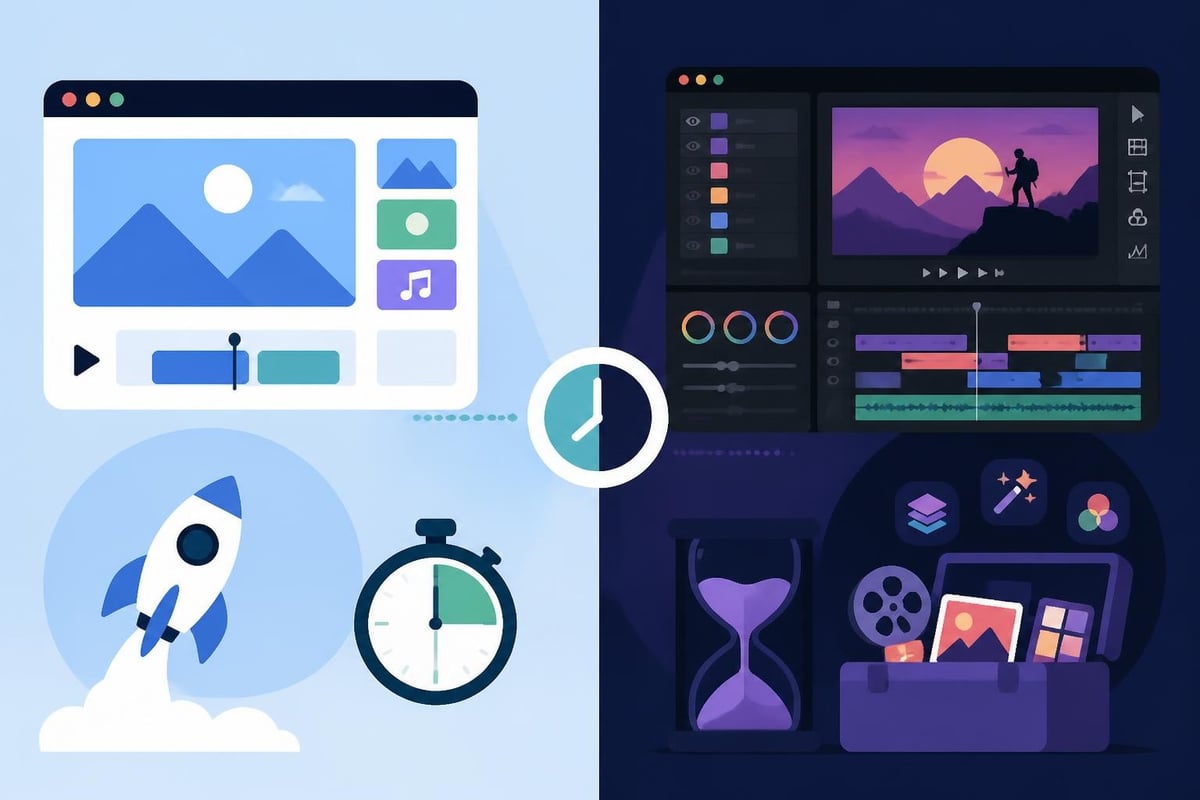
Here's the reality nobody mentions in those "best free editor" listicles: free software costs you time. Lots of time. Learning curves, rendering limitations, crashes at the worst moments, and missing features that force workarounds all add up.
Consider this breakdown for a typical weekly content schedule:
| Task | Free Software Time | Professional Service Time |
|---|---|---|
| Learning/troubleshooting | 3-5 hours/week | 0 hours |
| Actual editing | 8-12 hours/week | 0 hours |
| Revisions and exports | 2-4 hours/week | 1 hour (review) |
| Total | 13-21 hours/week | 1 hour/week |
If your hourly value is $50, that's $650-1,050 per week spent editing instead of growing your business, creating more content, or literally anything else. The math changes dramatically when you factor in opportunity cost.
Free editing software makes sense in specific situations:
But when you're creating multiple videos weekly, serving clients, or building a personal brand where consistency matters, free tools often become bottlenecks rather than solutions.
Here's the plot twist: the actual top free video editor might not be software at all. It might be freeing yourself from editing entirely by working with a dedicated team who handles the technical stuff while you focus on what you do best.
Rather than spending hours in any top free video editor, many successful creators and businesses now use unlimited video editing services. You shoot or outline content, then hand it off to professional editors who know the tools inside and out.
How it actually works:
The model works because editors specialize in editing while you specialize in content creation, business growth, or client delivery. Everyone stays in their zone of genius.
Resources like comprehensive guides to free editing tools help you understand what features matter, even if you're ultimately outsourcing the execution.
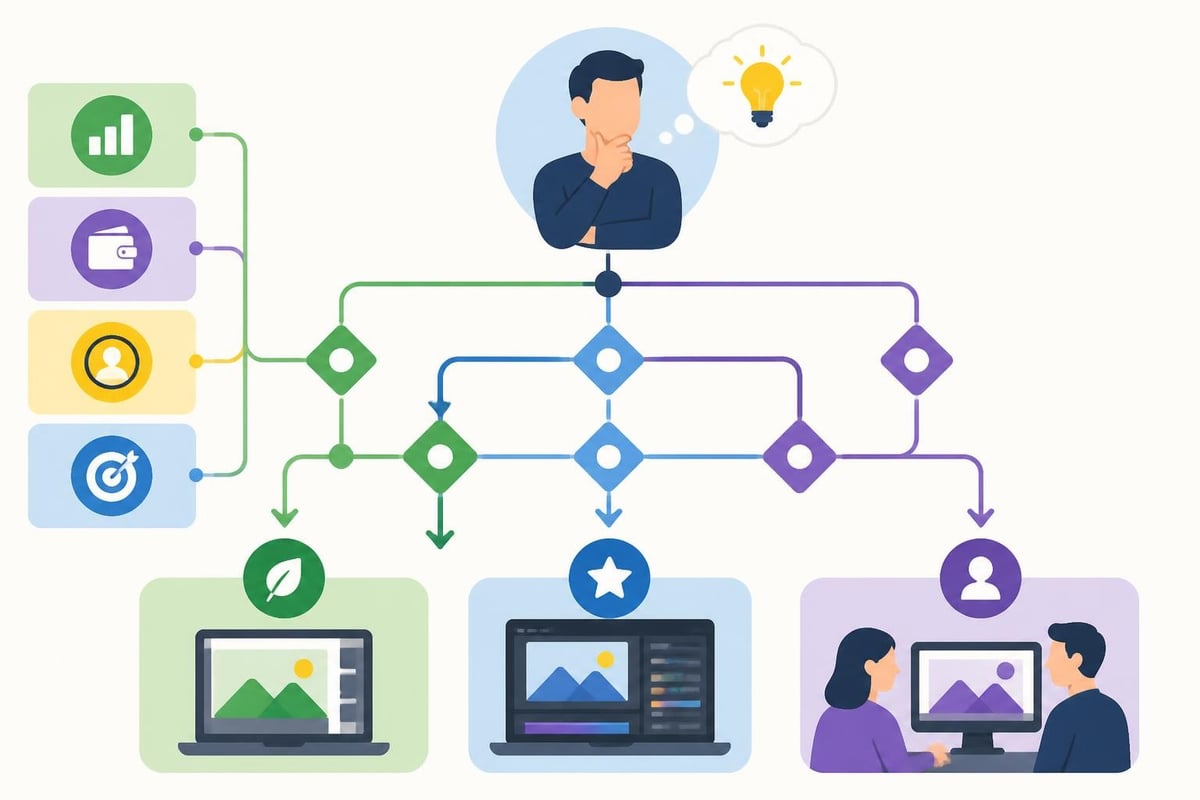
Selecting the right approach to video editing depends on your specific situation, goals, and honest assessment of your time value. There's no universal "best" answer, just the best answer for where you are right now.
Ask yourself these questions before committing to any editing solution:
Budget reality check:
Skill assessment:
Growth plans:
If you've decided a top free video editor fits your current needs, maximize your efficiency with these strategies that working professionals actually use.
Don't start from scratch each time. Create templates for:
Most free editors support some form of preset saving. Spending two hours creating templates saves 15-20 minutes per video going forward. Over a year of weekly content, that's nearly 20 hours reclaimed.
The difference between clicking through menus and using keyboard shortcuts is massive. Dedicate one editing session to learning your software's top 10 shortcuts. Sites like Primal Video’s detailed tutorials break down efficiency techniques for specific platforms.
Editing one video at a time is inefficient. Instead:
This approach keeps you in "editing mode" mentally and reduces the setup/shutdown time that fragments your workflow.
The video editing world has shifted significantly even in the past year. AI features that seemed futuristic in 2024 now appear in free tools regularly, changing what's possible without premium subscriptions.
Many free editors now include:
Research from recent video editing frameworks shows how AI integration is transforming the editing process, making complex tasks accessible to beginners. These features used to require expensive plugins or manual work, now they're often free.
Free editors increasingly offer one-click optimization for different platforms. Upload your 16:9 video, and the software automatically creates vertical versions for Stories, square versions for feeds, and optimized formats for YouTube Shorts.
This multi-format approach matters more in 2026 than ever. Content rarely lives on just one platform, and manually reformatting videos for each destination wastes significant time.
No shame in using free tools, but recognize when they're holding you back instead of helping you forward. Warning signs you've outgrown your current setup:
You spend more time fighting the software than creating. Crashes, limitations, and workarounds shouldn't dominate your editing experience.
Your content quality plateaus. When you can envision edits you can't execute with your current tools, you've hit a ceiling.
Revenue supports better tools. If video contributes to income, reinvesting a portion into better systems just makes business sense.
Client work demands higher standards. Free software can work for personal content, but client projects often need professional polish and reliability.
According to comparative analyses of editing tools, most creators who monetize their content eventually transition to either professional software or editing services within their first year of consistent publishing.
The best top free video editor is the one that actually helps you publish consistently. But editing software is just one piece of a sustainable content creation system.
Successful video creators in 2026 think systematically:
Free editing tools can support this system, but they can also become bottlenecks if you're spending 10+ hours weekly in the timeline instead of planning, filming, or analyzing results.
Resources like comprehensive free editing guides help you understand capabilities, but they can't give you back the hours spent learning and executing.
Here's what changes when you delegate editing to professionals:
You focus on being the face of your content, developing strategy, serving clients, or building your business. Your editor focuses on making your raw footage look incredible, maintaining brand consistency, and handling technical details.
The result? More content published with better quality and less stress. Your calendar fills with revenue-generating activities instead of timeline tweaking.
For businesses and creators serious about growth, this division of labor accelerates results dramatically. Scheduling a strategy call can help clarify whether your current approach supports or hinders your goals.
Whatever editing path you choose, commit fully. Half-hearted attempts with any approach deliver mediocre results. Download that top free video editor and actually learn it, or outsource editing and actually leverage the time saved.
The creators winning in 2026 aren't necessarily using the fanciest tools. They're using the right tools for their situation while staying consistent with publication schedules. Consistency beats perfection, and done beats perfect every single time.
Your editing solution should support your content goals, not become the goal itself. Whether that's DaVinci Resolve, CapCut, or a professional editing team depends entirely on your unique situation, skills, and priorities.
The top free video editor for you is whichever solution actually helps you publish consistently without burning out. Free software offers genuine value for specific situations, but remember that your time and sanity matter too. If you're spending more hours editing than creating, or if video production feels more stressful than exciting, there's a better way. beCreatives provides unlimited video editing with dedicated editors, unlimited storage, and streamlined communication so you can focus on what you do best while we handle the timeline. Stop fighting with software and start publishing more.
Discover how post production video editing transforms raw footage into professional content. Learn workflows, tools, and outsourcing tips.
Master video editing HD quality standards, encoding settings, and workflow best practices to deliver professional content in 2026.
Discover what makes a YouTube video editing course worth your time in 2026, plus smarter alternatives for busy creators and agencies.
Looking to hire video editor for YouTube? Discover the best hiring strategies, what to look for, and how to build a winning content team in 2026.
Discover the best music video editing software for 2026. Compare features, pricing, and workflow tools to create stunning music videos faster.
Looking for a video editing company near me? Learn how to choose the right partner, what to expect, and whether local is best in 2026.
Discover how video editing AI online is changing content creation in 2026. Explore smart tools, workflows, and what creators really need to know.
Master wedding videography editing with expert tips on storytelling, pacing, and delivery. Learn how to transform raw footage into cinematic films.
Choosing an HD video editing app in 2026? Discover features, performance tips, and how professionals handle high-definition content.
Discover the best free simple editing software for videos and photos in 2026. Compare features, learn what works, and decide when to DIY or outsource.

Editing videos yourself can take a lot of your precious time, but do not worry – we‘ve got you covered! Our highly skilled Video Editors are here to speed up the process and give you time to create more content.








