
Post Production Video Editing: Complete Guide for 2026
Discover how post production video editing transforms raw footage into professional content. Learn workflows, tools, and outsourcing tips.
10 Min. ReadRead More
5 dedicated editor spots open this week. Book a call to reserve →

 Kiara WalkerCocktales Podcast

Discover the best free video photo editor options in 2026. Learn which tools deliver professional results without breaking the bank.
September 16, 2026
Finding the right free video photo editor can feel like searching for a unicorn in a field of donkeys. You want professional results, intuitive controls, and zero price tag-all while churning out content faster than your competitors. The good news? 2026 has brought us closer than ever to truly capable free editing tools. The reality check? Understanding when free tools serve your goals and when they're actually costing you time, sanity, and growth opportunities matters more than the software itself.
The creator economy has exploded, and everyone from solo entrepreneurs to established agencies needs video content yesterday. Traditional video editing software can run hundreds or thousands of dollars annually, making free alternatives incredibly appealing.
Free editing tools have evolved dramatically:
But here's the thing: "free" doesn't always mean cost-effective. Time spent learning complex interfaces, wrestling with export limitations, or redoing edits eats into your actual revenue-generating activities.
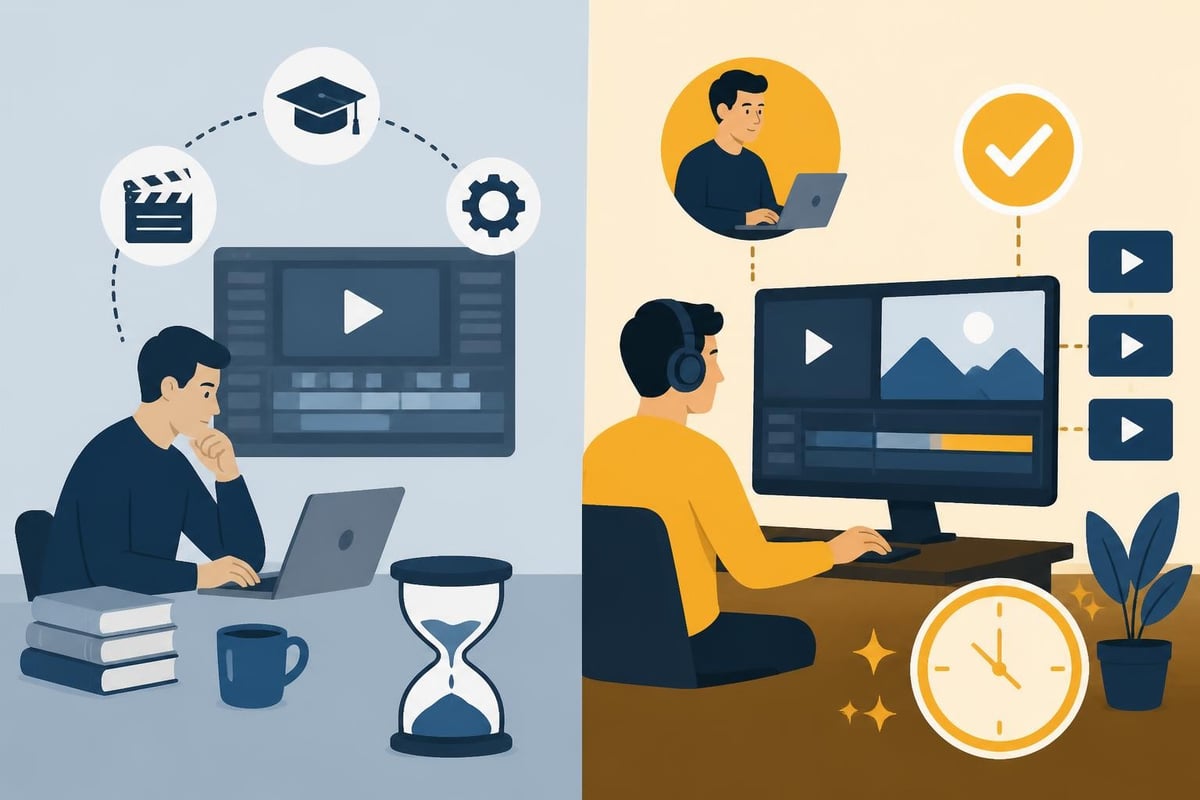
The smartest creators in 2026 understand that tools are just one piece of the puzzle. Your editing workflow, content strategy, and production systems matter infinitely more than whether you're using premium or free software.
Several desktop applications deliver genuine value without subscriptions or watermarks. Shotcut has matured into a legitimately powerful free video photo editor with professional-grade features. The learning curve exists, but the non-linear editing model gives you precise control over every frame.
Top desktop options for 2026:
| Editor | Best For | Platform | Key Limitation |
|---|---|---|---|
| Shotcut | Multi-track projects | Win/Mac/Linux | Steeper learning curve |
| DaVinci Resolve Free | Color grading | Win/Mac/Linux | Export limited to 4K |
| OpenShot | Quick edits | Win/Mac/Linux | Occasional stability issues |
| HitFilm Express | VFX work | Win/Mac | Requires account creation |
These tools genuinely compete with paid alternatives in many scenarios. DaVinci Resolve's free version, for instance, powers professional productions worldwide. The catch? You'll invest serious hours mastering the interface.
For creators producing daily content, that time investment rarely pays off. Understanding FFmpeg command-line tools can automate repetitive tasks, but now you're learning code instead of creating content.
Your phone packs more processing power than editing bays from a decade ago. Mobile free video photo editor apps have become surprisingly capable, perfect for quick social media content.
Mobile editing pros:
Mobile editing cons:
Popular free mobile editors like CapCut and InShot offer solid feature sets with minimal limitations. They're ideal for Instagram Reels, TikTok content, or quick YouTube Shorts-basically anything under 90 seconds.
Every hour you spend editing represents opportunity cost. If your hourly rate equals $75 (conservatively low for many entrepreneurs), spending three hours fighting export settings costs $225 in lost productivity.
Free video photo editor tools come with invisible price tags:
Content creators who produce volume recognize this math quickly. When you need 15 videos monthly, the efficiency equation shifts dramatically.

Here's where free video photo editor limitations become really apparent. Export formats, codecs, and compression settings dramatically impact your final video quality-and many free tools restrict these options.
The MDN guide to video codecs explains how containers (MP4, MOV, WebM) and codecs (H.264, H.265, VP9) work together. Understanding this distinction helps you pick the right export settings.
Common export scenarios:
| Platform | Recommended Format | Why It Matters |
|---|---|---|
| YouTube | H.264 MP4 | Universal compatibility, fast processing |
| H.264 MP4 (square or vertical) | Platform requirements, mobile optimization | |
| Website embedding | WebM with VP9 | Smaller file sizes, better web performance |
| Client deliverables | ProRes or H.264 high bitrate | Quality preservation, professional standard |
Many free tools limit you to basic H.264 encoding without advanced compression options. VP9 encoding offers better compression for web delivery, but requires either premium software or command-line tools like FFmpeg.
The technical rabbit hole goes deep. Do you really want to spend mental energy on bitrate calculations when you could be scripting your next viral video?
Professional video work in 2026 demands more than just cutting clips together. The W3C Web Media Guidelines outline critical considerations for captions, transcripts, and accessible media delivery.
Professional requirements many free tools skip:
If you're creating content for marketers and agencies, these aren't nice-to-haves-they're requirements. Accessibility compliance, brand consistency, and technical specifications matter to clients paying for your services.
Let's be honest: free video photo editor software absolutely has its place. You're just starting out and testing content creation before committing resources? Free tools let you experiment without financial risk.
Ideal scenarios for free editing:
The Creative Bloq roundup of free video editing software highlights genuinely capable options for these use cases. You can absolutely produce quality content with free tools when time isn't your limiting factor.
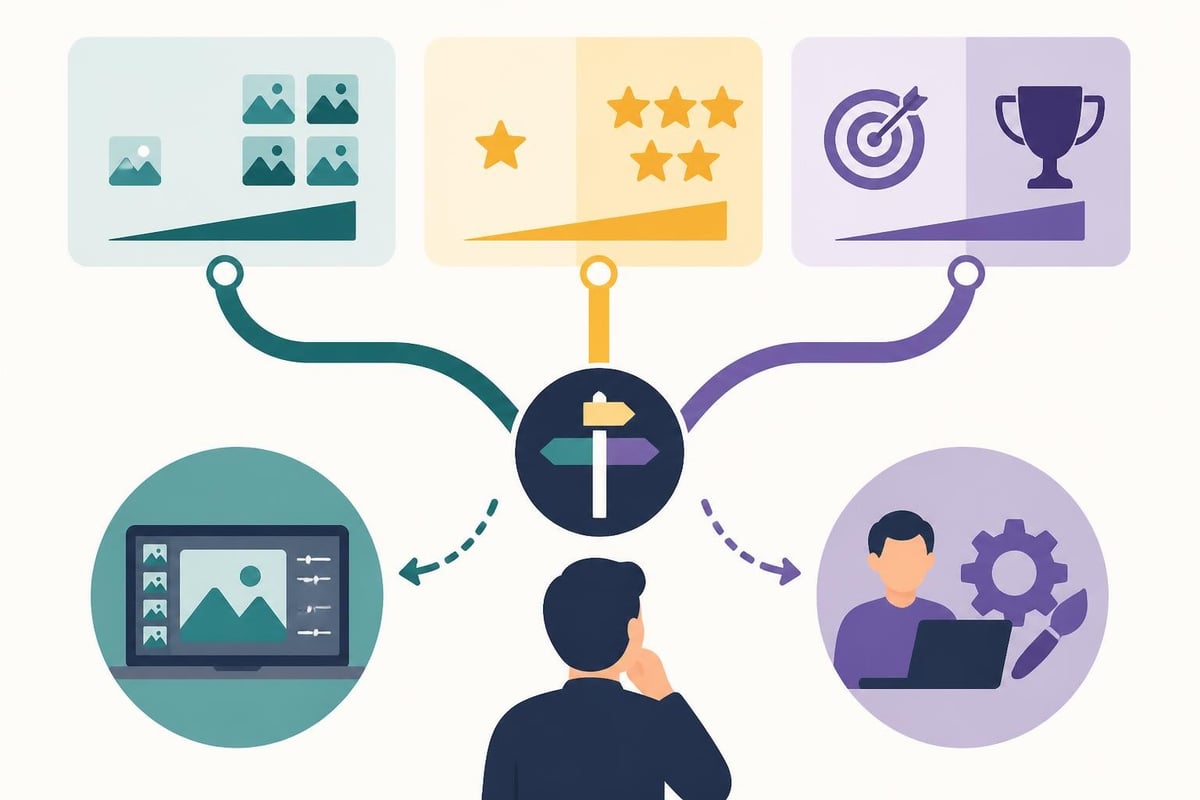
Here's what changed the game for successful creators: realizing that editing isn't their highest-value activity. Your zone of genius lives in ideation, presentation, strategy, and audience connection-not technical timeline manipulation.
Professional video editing services transformed from luxury to necessity as content volume requirements exploded. The math simply works: outsourcing editing at predictable monthly costs beats unpredictable time drains that prevent revenue generation.
What professional editing delivers:
When you're producing content for home cinema clients who demand pristine quality, or building a personal brand requiring daily social media presence, professional editing isn't optional-it's infrastructure.
The SWGDE best practices for digital video authentication highlight how proper media handling preserves quality and maintains provenance. While most creators won't need forensic-grade workflows, the principles matter.
Quality preservation starts with:
Free video photo editor tools often compress or strip metadata during processing. Professional workflows preserve every quality marker from capture through final delivery.
Your editing decision ultimately hinges on answering one question: What's your content creation bottleneck?
If you're drowning in unedited footage while your audience waits for content, free software won't solve that problem-it'll magnify it. If you're experimenting with video for the first time, free tools provide risk-free exploration.
Decision framework questions:
The most successful creators in 2026 treat content creation as a business system, not a hobby. They ruthlessly protect their time for high-value activities and delegate everything else.
Many start with free video photo editor software, hit a growth ceiling, then switch to professional editing. That's perfectly fine-but understanding the pattern lets you skip the frustration and jump straight to scalable solutions.
Whether you edit yourself or outsource, systematization matters more than tools. Documented processes, template workflows, and clear briefs transform chaotic production into predictable output.
System components that work:
| Element | DIY Approach | Outsourced Approach |
|---|---|---|
| Raw footage organization | Cloud storage with naming conventions | Upload portal with automatic organization |
| Editing instructions | Personal notes and presets | Detailed style guides and references |
| Revision process | Self-review and re-edit | Clear feedback loops with editors |
| Asset management | Manual file tracking | Unlimited storage with version control |
| Quality control | Self-QC before publishing | Professional review before delivery |
The right system makes any approach work better. Free tools become more efficient with clear workflows. Professional services deliver better results when you communicate expectations clearly.
Your content strategy deserves the same rigor you apply to your business strategy. Half-measures in either area produce half-results.
Let's run real numbers. Assume you need four edited videos weekly (totally reasonable for modern content marketing):
DIY with free video photo editor:
Professional editing service:
The math becomes absurd at higher volumes. Creators producing daily content physically cannot DIY edit everything without sacrificing sleep, quality, or sanity.
This doesn't even account for the creative benefits. When someone else handles technical execution, you focus entirely on what makes content compelling: storytelling, hooks, calls-to-action, and audience connection.
The best free video photo editor is the one you'll actually use consistently to create content that moves your business forward. For some people, that's Shotcut or DaVinci Resolve. For most scaling creators, it's admitting that editing isn't their job anymore.
Your personal decision checklist:
If you're serious about content creation as a business driver, the editing question resolves itself quickly. Your time belongs in front of the camera and in strategic planning-not wrestling with export settings.
The tools exist to create professionally edited content at any budget level. The question isn't whether you can edit videos for free-it's whether you should.
Free video photo editor tools have never been more capable, but time remains your most valuable asset. While experimenting with free software makes sense when you're starting out, scaling content production demands professional systems that protect your energy for creative strategy and audience connection. beCreatives offers unlimited video editing with dedicated editors, unlimited storage, and streamlined revision workflows-transforming your raw footage into polished content while you focus on what actually grows your business.
Discover how post production video editing transforms raw footage into professional content. Learn workflows, tools, and outsourcing tips.
Master video editing HD quality standards, encoding settings, and workflow best practices to deliver professional content in 2026.
Discover what makes a YouTube video editing course worth your time in 2026, plus smarter alternatives for busy creators and agencies.
Looking to hire video editor for YouTube? Discover the best hiring strategies, what to look for, and how to build a winning content team in 2026.
Discover the best music video editing software for 2026. Compare features, pricing, and workflow tools to create stunning music videos faster.
Looking for a video editing company near me? Learn how to choose the right partner, what to expect, and whether local is best in 2026.
Discover how video editing AI online is changing content creation in 2026. Explore smart tools, workflows, and what creators really need to know.
Master wedding videography editing with expert tips on storytelling, pacing, and delivery. Learn how to transform raw footage into cinematic films.
Choosing an HD video editing app in 2026? Discover features, performance tips, and how professionals handle high-definition content.
Discover the best free simple editing software for videos and photos in 2026. Compare features, learn what works, and decide when to DIY or outsource.

Editing videos yourself can take a lot of your precious time, but do not worry – we‘ve got you covered! Our highly skilled Video Editors are here to speed up the process and give you time to create more content.








