
Post Production Video Editing: Complete Guide for 2026
Discover how post production video editing transforms raw footage into professional content. Learn workflows, tools, and outsourcing tips.
10 Min. ReadRead More
5 dedicated editor spots open this week. Book a call to reserve →

 Kiara WalkerCocktales Podcast
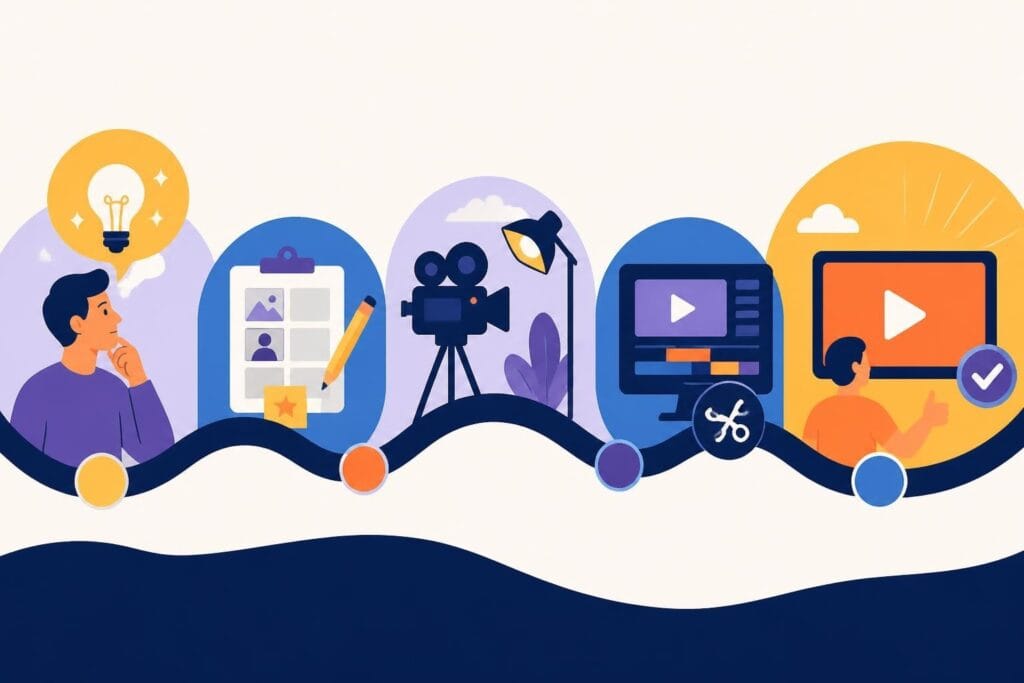
Learn how to create new video content that drives results. Expert tips on planning, production, and outsourcing editing to save time in 2026.
 Knowledge Base
July 14, 2026
Every time you sit down to create new video content, you're not just making another piece for your feed. You're building a direct connection with your audience, boosting your brand visibility, and (hopefully) making your marketing work while you sleep. But let's be honest: the process can feel overwhelming, especially when you're juggling a million other business tasks. The good news? Creating video content in 2026 doesn't have to be the time-sucking nightmare it once was. With the right approach and some smart outsourcing, you can consistently pump out high-quality videos without losing your mind or your weekends.
Video isn't just a nice-to-have anymore. It's the primary way people consume content, learn about products, and decide who to trust with their hard-earned money.
Here's what the numbers tell us:
When you create new video content regularly, you're not just keeping up with trends. You're staying visible, building authority, and creating assets that work for you 24/7.
But consistency is the tricky part. Many creators and business owners struggle to maintain a regular video schedule because production feels too complex or time-consuming.
The tools available to create new video content have exploded in recent years. From professional cameras to smartphones with cinema-grade capabilities, the barrier to entry has never been lower.
Yet somehow, video production still intimidates people. Why? Because it's not just about recording footage anymore. It's about storytelling, editing, optimizing for different platforms, and understanding what resonates with your specific audience.
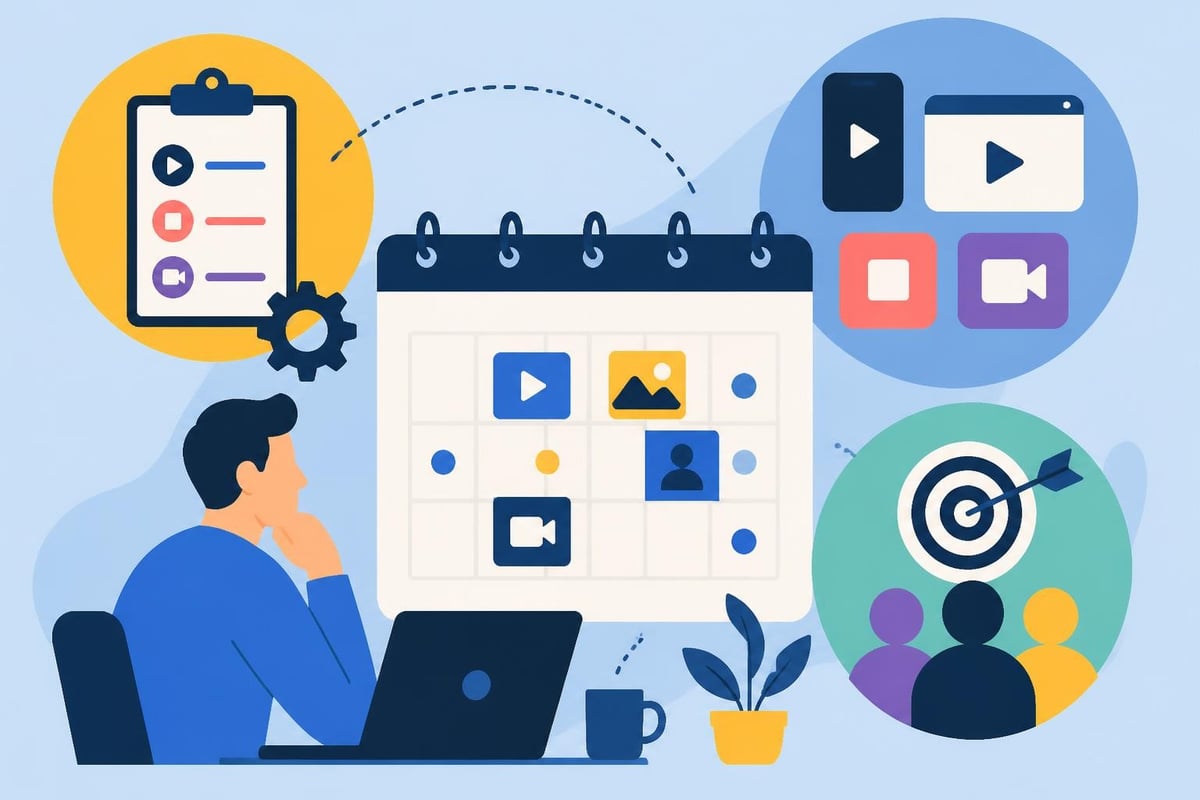
Before you hit record, you need a plan. Random video creation might work for a week or two, but strategic planning keeps you consistent for months and years.
What do you actually want your videos to accomplish? Different goals require different approaches.
| Goal Type | Video Format | Key Metrics |
|---|---|---|
| Brand awareness | Educational, behind-the-scenes | Views, reach, shares |
| Lead generation | How-to, product demos | Click-through rate, sign-ups |
| Sales conversion | Testimonials, case studies | Conversion rate, revenue |
| Community building | Q&A, live streams | Engagement, comments, retention |
When you're clear on your goals, every decision becomes easier. You'll know which platforms to prioritize, what topics to cover, and how to measure success.
Don't guess what your audience wants. Look at the data. Check which videos perform best in your niche, analyze competitor content, and pay attention to comments and questions from your community.
Columbia University's research on video production best practices emphasizes the importance of understanding your audience before you create new video content. Their findings show that effective videos start with solid research and storyboarding.
You can also explore beCreatives' case studies to see how different businesses approach video strategy and what results they're getting.
Pre-production is where most video projects succeed or fail. Skip this step, and you'll waste hours fixing problems that could've been avoided.
Even simple videos benefit from a basic script or outline. You don't need a Hollywood screenplay, but you should know:
For more complex projects, create a shot list. This prevents you from forgetting crucial footage and makes filming day way less stressful.
Where you film matters almost as much as what you film. Your location should:
Arizona State University's video production guidelines highlight how proper pre-production planning, including location selection and interview preparation, dramatically improves final video quality.
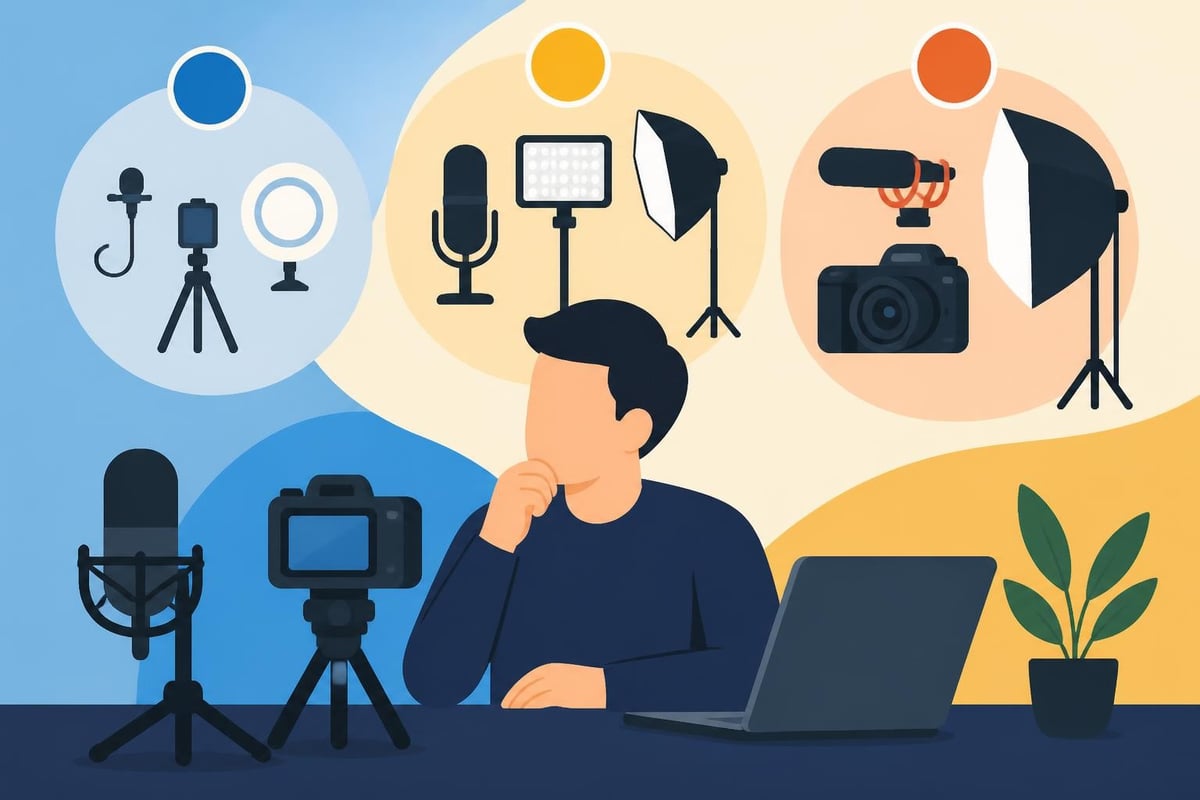
You don't need thousands of dollars in gear to create new video content that looks professional. Start with what you have and upgrade strategically.
Minimum viable setup:
Next-level upgrades:
When it's time to actually create new video content, preparation pays off. You've done the hard thinking already, so now it's about execution.
Bad lighting makes expensive cameras look cheap. Good lighting makes smartphones look professional. It's that simple.
The University of Florida's guide to webcam recording best practices offers practical advice on lighting and framing that applies whether you're using a webcam or a cinema camera.
Quick lighting tips:
People will tolerate mediocre video quality, but bad audio makes them click away instantly. Invest in audio first, cameras second.
Even basic filming techniques dramatically improve your results when you create new video content.
This is where good footage becomes great content. It's also where most creators get stuck or burned out.
Professional editing transforms raw footage into engaging stories. You need to cut dead space, add graphics, color correct, mix audio, and optimize for each platform. It's time-consuming and requires specialized skills.
That's exactly why many successful creators, businesses, and agencies outsource their editing. When you have a dedicated team handling post-production, you can focus on what you do best while still maintaining a consistent video presence.
Whether you edit yourself or work with professionals, understanding the editing workflow helps you create new video content more efficiently.
| Editing Stage | Tasks Involved | Time Investment |
|---|---|---|
| Assembly | Import footage, organize files, create rough cut | 2-4 hours |
| Refinement | Trim clips, adjust pacing, remove mistakes | 3-6 hours |
| Enhancement | Add transitions, graphics, text overlays | 2-5 hours |
| Audio mixing | Balance levels, add music, remove noise | 1-3 hours |
| Color grading | Correct colors, create consistent look | 1-2 hours |
| Platform optimization | Export multiple formats, add captions | 1-2 hours |
For a single 5-minute video, you're looking at 10-22 hours of editing work if you're doing it yourself. And that's assuming you know what you're doing.
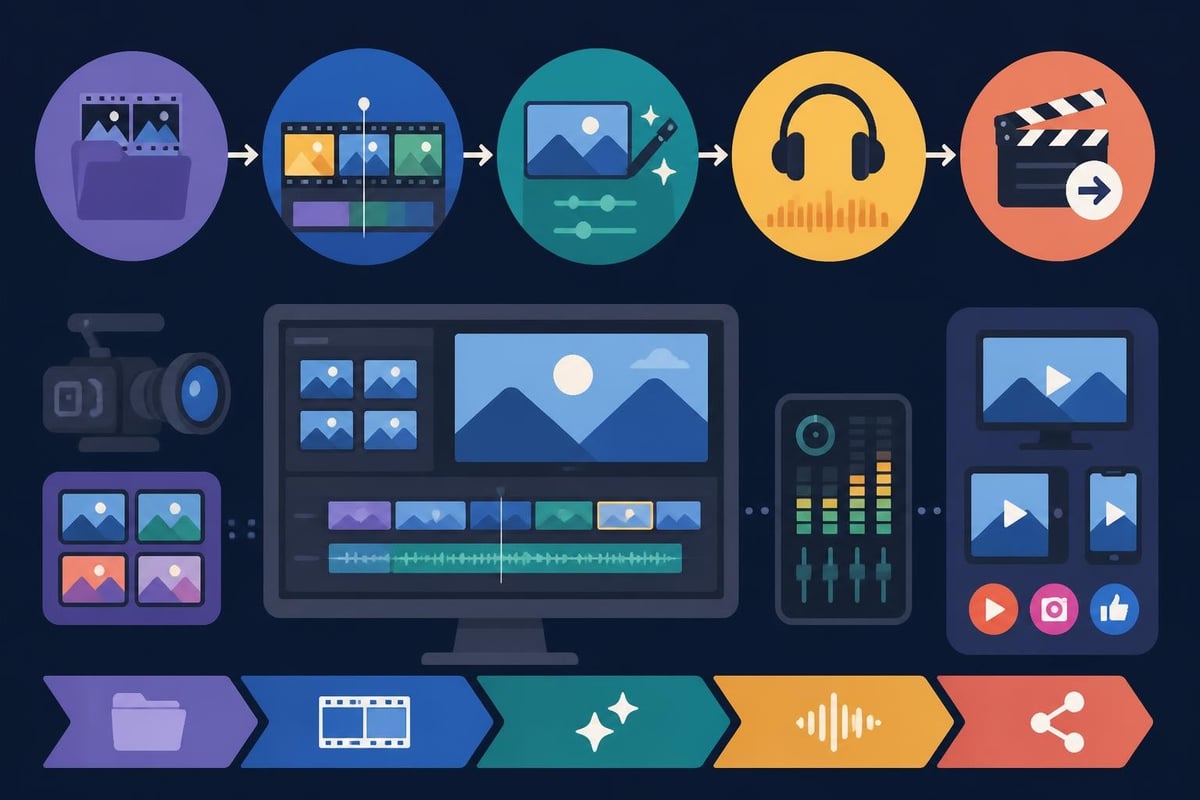
Every platform has different requirements when you create new video content. Instagram prefers vertical 9:16, YouTube wants horizontal 16:9, and LinkedIn performs better with square formats.
For TikTok and Instagram Reels specifically, check out specialized TikTok editing services that understand platform-specific trends and algorithms.
Platform requirements quick reference:
The secret to sustainable video content isn't working harder. It's working smarter and knowing when to delegate.
Instead of creating one video at a time, batch your production. Set aside one day to film multiple videos, and you'll work more efficiently.
Benefits of batching:
Many creators film 4-8 videos in one day, then have content for an entire month.
Build a library of B-roll footage, graphics, music, and templates you can reuse. This speeds up production and creates brand consistency.
Here's the reality: editing videos is a specialized skill that takes years to master. Even with the best video editing software, the learning curve is steep, and the time investment is massive.
Successful creators and businesses don't try to do everything themselves. They focus on their zone of genius and partner with professionals for the rest.
When you work with a service like beCreatives, you get dedicated editors who understand your brand, unlimited revisions, and fast turnaround times. That means you can create new video content consistently without sacrificing your evenings and weekends.
Creating videos is only half the equation. Understanding what works lets you improve with every piece of content.
Different platforms offer different analytics, but these core metrics matter across all channels:
Your first videos won't be perfect. That's okay. The research on video creation by demonstration shows that iterative learning and pattern recognition dramatically improve video creation outcomes over time.
Review your analytics monthly, identify patterns, and adjust your approach. Maybe your audience prefers shorter videos, or perhaps they engage more with certain topics. Let data guide your decisions.
Even experienced creators make these mistakes when they create new video content. Avoid them and you'll save yourself headaches.
Top pitfalls:
The comprehensive guide on video production best practices emphasizes that the most common failure point is inadequate planning, not technical limitations.
Sustainability beats intensity every time. You don't need to create new video content every single day. You need a system that works long-term without burning you out.
Be honest about your capacity. If you can realistically create new video content twice a week, commit to that. Consistency beats quantity.
Create SOPs (standard operating procedures) for your video creation process. This makes it easier to train team members, work with editors, or even just remember what worked last time.
You don't need to hire full-time staff immediately. Start by outsourcing the most time-consuming or skill-intensive parts.
For most creators and businesses, editing is the first thing to outsource because it:
Check out current opportunities if you're interested in the freelance video editor career path, or explore beCreatives' transparent pricing to see how affordable unlimited editing can be.
As you get comfortable with basic video creation, these advanced strategies can multiply your results.
One long-form video can become:
This multiplier effect means you create new video content once but use it across multiple platforms and formats.
AI can help with ideation, script writing, caption generation, and even some editing tasks. But don't let AI replace your authentic voice. Use it to speed up tedious tasks, not to create soulless content.
Series build anticipation and make content planning easier. Examples:
Guest appearances, interviews, and collaborations expose you to new audiences and provide fresh content angles. Plus, they're often more engaging than solo content.
Brand Vision's guide to corporate video production best practices shows how collaboration and proper concept development lead to more impactful business videos.
When done right, video content delivers measurable ROI. But you need to track it properly.
Calculate your true cost per video:
Then measure returns:
For many businesses, professional video editing services pay for themselves within the first month through time savings alone, not even counting the improved results from professional-quality content.
Creating video content that actually moves the needle doesn't require you to become a professional videographer or editing wizard. It requires strategic planning, consistent execution, and smart delegation of the tasks that drain your time and energy. When you're ready to create new video content without the editing headaches, beCreatives offers unlimited video editing with dedicated editors who learn your brand and deliver fast turnarounds. Focus on what you do best while your videos get the professional polish they deserve.
Discover how post production video editing transforms raw footage into professional content. Learn workflows, tools, and outsourcing tips.
Master video editing HD quality standards, encoding settings, and workflow best practices to deliver professional content in 2026.
Discover what makes a YouTube video editing course worth your time in 2026, plus smarter alternatives for busy creators and agencies.
Looking to hire video editor for YouTube? Discover the best hiring strategies, what to look for, and how to build a winning content team in 2026.
Discover the best music video editing software for 2026. Compare features, pricing, and workflow tools to create stunning music videos faster.
Looking for a video editing company near me? Learn how to choose the right partner, what to expect, and whether local is best in 2026.
Discover how video editing AI online is changing content creation in 2026. Explore smart tools, workflows, and what creators really need to know.
Master wedding videography editing with expert tips on storytelling, pacing, and delivery. Learn how to transform raw footage into cinematic films.
Choosing an HD video editing app in 2026? Discover features, performance tips, and how professionals handle high-definition content.
Discover the best free simple editing software for videos and photos in 2026. Compare features, learn what works, and decide when to DIY or outsource.

Editing videos yourself can take a lot of your precious time, but do not worry – we‘ve got you covered! Our highly skilled Video Editors are here to speed up the process and give you time to create more content.








