
Post Production Video Editing: Complete Guide for 2026
Discover how post production video editing transforms raw footage into professional content. Learn workflows, tools, and outsourcing tips.
10 Min. ReadRead More
5 dedicated editor spots open this week. Book a call to reserve →

 Kiara WalkerCocktales Podcast
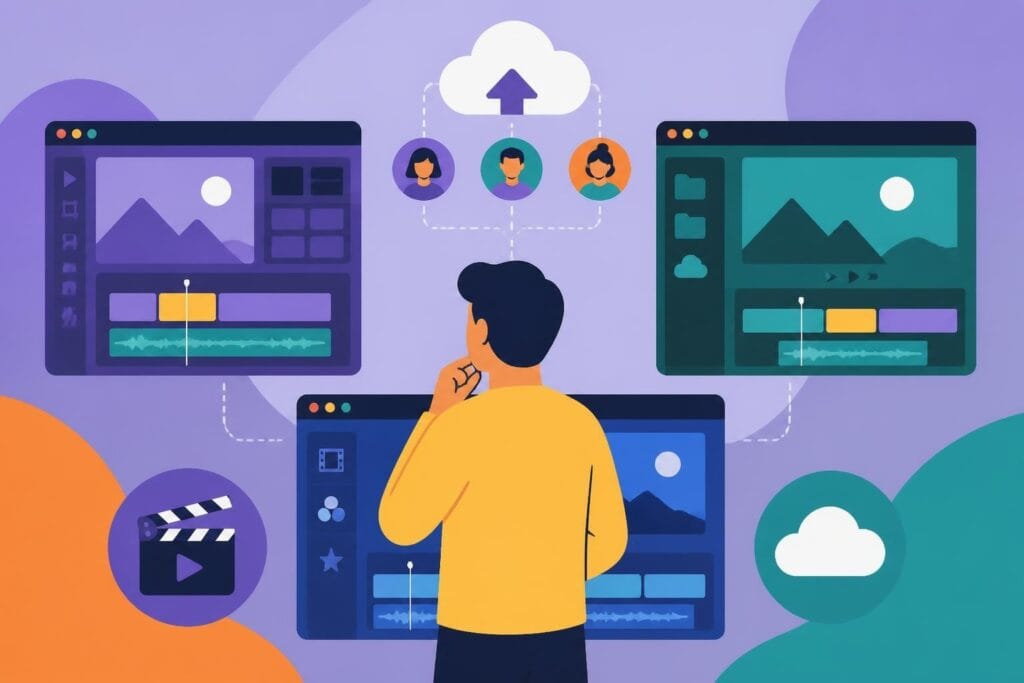
Find the best site to edit videos for your content needs. Compare platforms, features, and pricing to choose the right solution in 2026.
September 14, 2026
Finding the best site to edit videos can feel like searching for a needle in a haystack. With hundreds of platforms promising to transform your raw footage into scroll-stopping content, how do you know which one actually delivers? Whether you're a creator racing against the algorithm, a marketer juggling multiple campaigns, or an agency managing client deadlines, the right editing platform can mean the difference between content that converts and videos that collect dust in your drafts folder. Let's cut through the noise and explore what makes a video editing site truly worth your time (and budget) in 2026.
Not all editing platforms are created equal. Some shine for quick social cuts, while others excel at long-form storytelling. The best site to edit videos for you depends on your specific workflow, technical comfort level, and content goals.
When you're racing to post before trending audio dies or your competitor's campaign launches, every second counts. Cloud-based platforms have revolutionized how fast you can work, eliminating those painful upload and download times that used to eat hours of your day.
Key performance indicators to watch:
Modern browsers now support surprisingly robust editing capabilities. According to TechRadar’s latest roundup of video editing apps, browser-based editors have narrowed the performance gap with desktop software significantly over the past year.
Fancy effects look cool in demos, but what features actually help you publish better content faster? Here's what separates platforms that work from platforms that waste your time:
| Feature Category | Why It Matters | Watch Out For |
|---|---|---|
| Template library | Speeds up repetitive content | Outdated styles, limited customization |
| Auto-captions | Essential for accessibility and engagement | Accuracy issues, language support |
| Stock media integration | Saves research time | Licensing restrictions, search quality |
| Brand kit/presets | Maintains consistency | Export/import limitations |
| Direct publishing | Eliminates extra steps | Platform restrictions, format issues |
The W3C’s guidance on accessible audio and video provides essential standards for captions and transcripts that your editing platform should support natively. Accessibility isn't just good practice anymore. it's expected by audiences and often required for business content.
This conversation has evolved dramatically. Five years ago, suggesting browser-based editing for serious work would've gotten you laughed out of the room. Today? The lines are blurrier than ever.
Browser platforms excel for specific workflows and creator types. If you're constantly switching devices, collaborating with remote team members, or need to make quick edits on the fly, web-based tools offer unmatched flexibility.
Situations where browser editing shines:
For content creators who need to maintain consistent output across platforms, browser-based solutions eliminate the "which version am I working on?" confusion that plagues desktop-only workflows.
Power users and professional editors still lean toward desktop solutions for specific reasons. Complex projects with multiple video layers, advanced color grading, and heavy effects work benefit from dedicated processing power.
Desktop platforms typically offer:
The technical documentation from FFmpeg shows how command-line tools still power many advanced editing workflows, especially for batch processing and automated tasks.
Everyone loves free tools, but understanding the real cost means looking beyond the price tag. The best site to edit videos for free might actually cost you more in time, frustration, and opportunity than a paid solution.
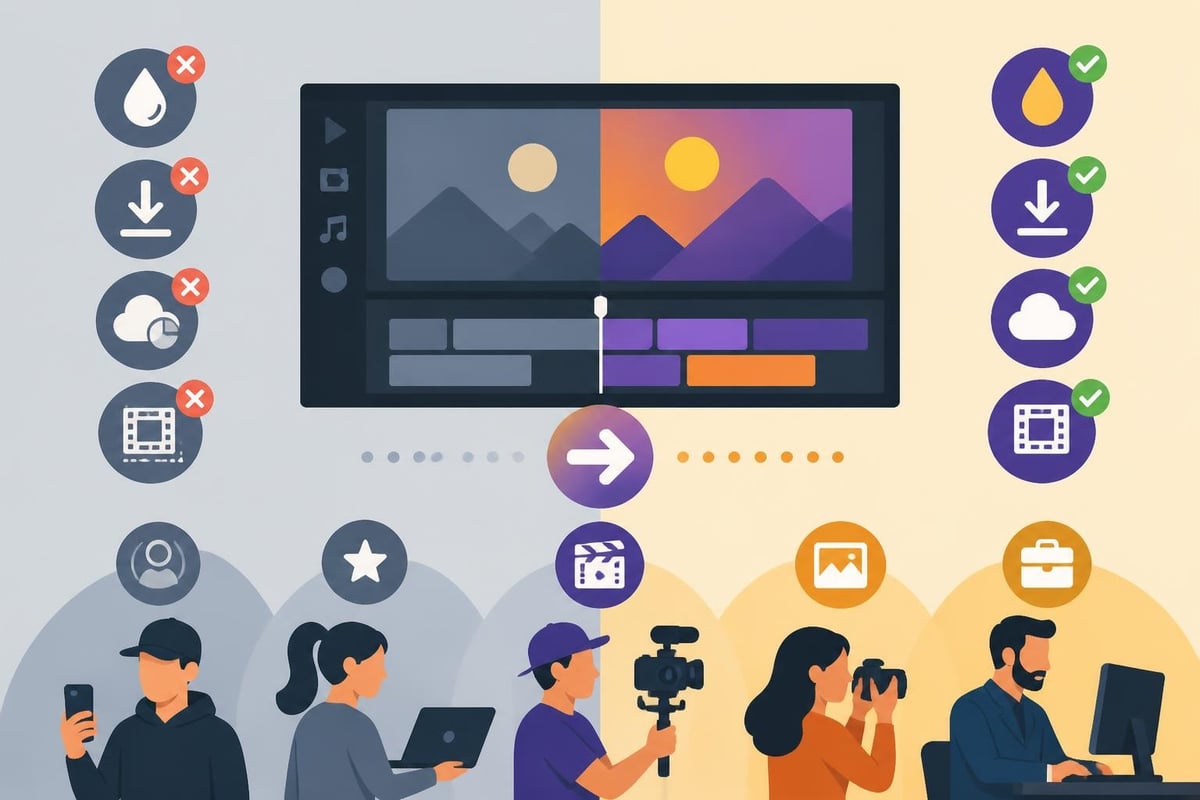
Free editing platforms make money somehow. Usually, that means watermarks, limited exports, feature restrictions, or ads that interrupt your workflow. TechRadar’s free video editing software guide breaks down which free tools actually deliver value and which ones frustrate more than they help.
What free plans typically limit:
For creators testing platforms or working on low-stakes projects, free tiers make perfect sense. But if your content drives revenue, those limitations add up fast.
Investing in editing software becomes smart business when the time saved exceeds the cost. A platform that cuts your editing time from four hours to one hour per video effectively pays you back with three hours you can spend creating more content, pitching clients, or enjoying your life.
| Investment Level | Best For | Typical Monthly Cost | ROI Markers |
|---|---|---|---|
| Free tier | Testing, low-volume content | $0 | Learning platforms, hobby projects |
| Individual plans | Solo creators, consistent output | $15-30 | 4+ videos/month, monetized content |
| Team/business plans | Agencies, brands, collaboration | $50-150 | Multiple editors, client work, brand compliance |
| Custom/enterprise | Large organizations, specific needs | $200+ | Security requirements, advanced features, dedicated support |
Artificial intelligence has transformed video editing from a technical skill to an accessible workflow. But not all AI features deliver equal value, and some create more problems than they solve.
The best AI tools handle tedious tasks that don't require creative judgment. Recent research detailed in this survey of AI-driven video editing approaches shows how machine learning can accelerate specific editing workflows without replacing human creativity.
AI features worth your attention:
These tools work best as assistants, handling the grunt work so you can focus on storytelling and strategy. For marketers and agencies managing multiple clients, AI-powered batch processing can transform productivity.
Despite impressive advances, AI struggles with context, brand voice, and creative decisions that require understanding your specific audience. Auto-generated cuts often miss the emotional beats that make videos engaging. AI color grading can look generic compared to intentional creative choices.
The limitation isn't the technology. it's that great editing requires understanding what your content needs to accomplish. An AI doesn't know your brand guidelines, your audience's preferences, or the subtle timing that makes a joke land versus fall flat.
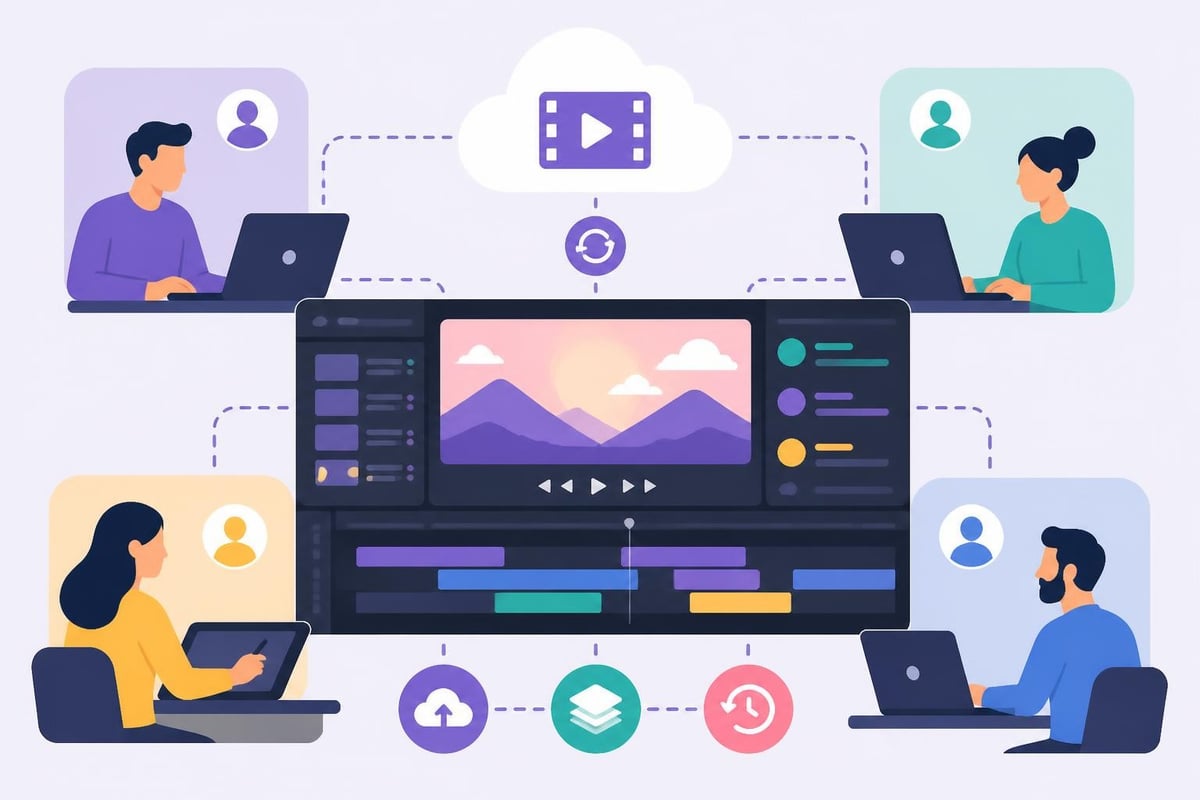
If you're working with others, collaboration capabilities can make or break your workflow. The best site to edit videos for teams goes beyond just sharing files.
Traditional editing meant downloading a project, making changes, uploading, and hoping nobody else edited the same section. Modern platforms enable simultaneous editing with conflict resolution built in.
Essential collaboration features:
The NIST guidance on security for active content offers important considerations when evaluating cloud-based collaboration platforms, especially for business-sensitive content.
Your editing platform should understand where your content will live. Instagram Reels require different treatment than YouTube essays, and TikTok content follows different rules than LinkedIn videos.
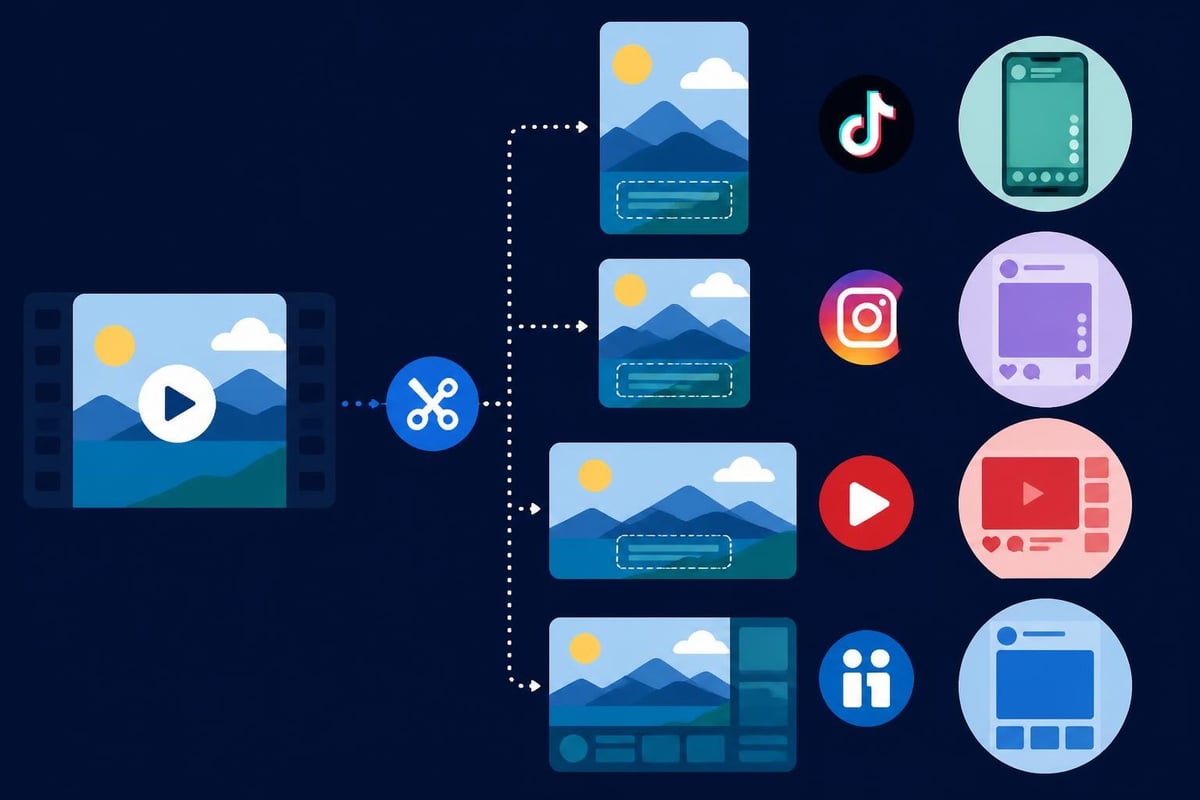
Some editors have built their entire value proposition around social content. They understand vertical video, trending templates, platform-specific aspect ratios, and audio requirements without making you manually adjust settings.
The VidSpark playbook from Poynter provides excellent guidance on social video strategy that your editing platform should support natively. Features like auto-resizing for multiple platforms, built-in trending sounds libraries, and direct publishing to social channels eliminate hours of manual work.
Platform-specific considerations:
Here's the truth most editing platforms won't tell you: sometimes the best site to edit videos is one you don't use yourself. If editing drains your energy, kills your creativity, or takes time away from revenue-generating activities, outsourcing might be your smartest move.
Content creators often underestimate what editing actually costs them. Yes, paying for software or services costs money. But what about the hours spent learning, troubleshooting, and tweaking effects instead of creating more content or serving clients?
Hidden costs of DIY editing:
Research on accessible video editing workflows shows how even advanced creators benefit from specialized tools and services that remove technical barriers to publishing consistently.
New service models have emerged that change the economics entirely. Instead of paying per project or learning complex software, unlimited editing subscriptions provide dedicated editors who handle everything from first cut to final export.
This approach makes sense when:
Understanding your video editing costs and options helps you make informed decisions about which approach serves your business best.
Mobile editing has evolved from emergency backup to legitimate primary workflow for many creators. Smartphones now capture professional-quality footage, so why not edit on the same device?
For creators who shoot on phones, editing on mobile creates the smoothest workflow. You skip transfers, uploads, and format conversions. Some of the best mobile editing apps now rival desktop software for social content creation.
Mobile editing wins for:
Battery life, screen size, and processing power still constrain what's practical on mobile. Complex projects with multiple layers, precise timing adjustments, or heavy effects benefit from larger screens and more robust hardware.
Often overlooked until it becomes a problem, how a platform handles your content matters enormously. The best site to edit videos should protect your work and respect your privacy.
Cloud platforms offer automatic backups and device-agnostic access. But they also mean your content lives on someone else's servers, subject to their security practices, terms of service, and potential service interruptions.
Questions to ask about storage:
The comprehensive comparison of video editing software on Wikipedia includes storage and backup information for major platforms.
If you handle client work or confidential business content, security becomes critical. Some platforms offer business-tier security features like two-factor authentication, encrypted storage, and audit logs that free tiers lack.
Professional services often provide dedicated secure storage as part of comprehensive editing solutions, eliminating security concerns while providing unlimited storage capacity for growing content libraries.
With dozens of options claiming to be the best site to edit videos, you need a systematic way to evaluate what works for your specific situation.
| Evaluation Factor | Weight (1-5) | Your Priority | Platform Scores |
|---|---|---|---|
| Ease of use | ___ | Quick learning curve | Compare options |
| Feature completeness | ___ | All tools you need | Rate platforms |
| Speed/performance | ___ | Fast rendering | Test with sample |
| Collaboration tools | ___ | Team workflows | Check capabilities |
| Platform compatibility | ___ | Where content lives | Verify exports |
| Price vs. value | ___ | Budget fit | Calculate ROI |
| Customer support | ___ | Help when stuck | Research reviews |
Weight each factor based on your priorities, then score platforms against your specific needs. This removes emotional decision-making and focuses on what actually matters for your workflow.
Most platforms offer free trials. Use them strategically:
Track your time investment honestly. If a "powerful" platform takes you three hours to do what another accomplishes in thirty minutes, the simpler tool wins.
The best site to edit videos isn't the one with the most features or the flashiest interface. It's the one that helps you publish consistent, quality content without stealing your life force.
Begin with free or low-cost platforms that handle the basics well. Focus on learning video storytelling before getting distracted by advanced features you don't need yet. Consider how the video content creation guide recommends building skills progressively.
When you've proven your content model and need to increase output, evaluate based on time savings rather than feature lists. If a platform or service cuts your editing time in half, it pays for itself through increased publishing capacity.
Prioritize collaboration features, security, and brand consistency tools. The ability to manage multiple clients with separate brand kits, approval workflows, and asset libraries becomes more valuable than any individual editing feature.
Agencies often find that combining powerful editing platforms with dedicated editing services provides the best of both worlds. explore how professional video editing services can complement your in-house capabilities.
Some content types benefit from specialized editing platforms designed specifically for their requirements.
Fitness and training videos often require specific features like speed ramping, slow-motion controls, and tools for analyzing movement. Platforms that understand these needs save enormous time versus forcing general editors to work for specialized content.
Working with 360-degree video content requires editors that handle spherical video natively. Standard platforms struggle with the unique stitching, orientation, and export requirements this format demands.
Video ads editing needs platforms optimized for testing multiple versions, creating platform-specific exports, and often integrating with analytics to measure performance. Generic editors lack these workflow considerations.
Even the most intuitive platform comes with a learning curve. The best editing solutions include robust support systems that help you succeed.
Free platforms often rely on community forums where you might get answers… eventually. Paid platforms typically offer direct support, but quality varies wildly. Premium services provide dedicated assistance that treats your success as their priority.
Consider how comprehensive help resources and responsive support teams reduce frustration when you're stuck on deadline.
Platforms that invest in quality tutorials, templates, and onboarding materials help you succeed faster. The best ones go beyond basic "how to" guides to teach effective workflows and creative techniques that improve your content quality.
The editing platform is just one piece of your content production puzzle. The best systems consider how editing integrates with creation, distribution, and performance tracking.
Efficient workflows minimize friction between shooting and publishing. Consider how your editing choice connects to:
Services that help you transform raw footage into polished content streamline this entire workflow, not just the editing step.
Smart creators extract maximum value from each piece of content. One long video becomes multiple short clips, quote graphics, blog posts, and social updates. Platforms that facilitate this content repurposing multiply your content ROI without requiring additional shooting days.
Technology evolves rapidly. The platform that serves you today should adapt to tomorrow's requirements without forcing you to rebuild your entire workflow.
Emerging trends worth watching include:
Platforms that invest in ongoing development and respond to user feedback tend to remain competitive as technology shifts.
Learning sophisticated editing software builds valuable skills but creates dependency on that specific platform. Service-based approaches free you from technical limitations while letting you focus on creative strategy and content performance.
Consider whether you want to become a better editor or a better content creator. They're related but different paths that require different investments of time and energy.
The right editing solution depends entirely on your workflow, technical comfort, and business goals. Whether you choose powerful software, accessible browser tools, or professional editing services, the key is matching the solution to your actual needs rather than impressive feature lists. If you'd rather focus on creating great content than mastering editing software, beCreatives offers unlimited video editing services with dedicated editors, seamless revision systems, and unlimited storage to help you publish consistently without the editing headaches.
Discover how post production video editing transforms raw footage into professional content. Learn workflows, tools, and outsourcing tips.
Master video editing HD quality standards, encoding settings, and workflow best practices to deliver professional content in 2026.
Discover what makes a YouTube video editing course worth your time in 2026, plus smarter alternatives for busy creators and agencies.
Looking to hire video editor for YouTube? Discover the best hiring strategies, what to look for, and how to build a winning content team in 2026.
Discover the best music video editing software for 2026. Compare features, pricing, and workflow tools to create stunning music videos faster.
Looking for a video editing company near me? Learn how to choose the right partner, what to expect, and whether local is best in 2026.
Discover how video editing AI online is changing content creation in 2026. Explore smart tools, workflows, and what creators really need to know.
Master wedding videography editing with expert tips on storytelling, pacing, and delivery. Learn how to transform raw footage into cinematic films.
Choosing an HD video editing app in 2026? Discover features, performance tips, and how professionals handle high-definition content.
Discover the best free simple editing software for videos and photos in 2026. Compare features, learn what works, and decide when to DIY or outsource.

Editing videos yourself can take a lot of your precious time, but do not worry – we‘ve got you covered! Our highly skilled Video Editors are here to speed up the process and give you time to create more content.








