
Post Production Video Editing: Complete Guide for 2026
Discover how post production video editing transforms raw footage into professional content. Learn workflows, tools, and outsourcing tips.
10 Min. ReadRead More
5 dedicated editor spots open this week. Book a call to reserve →

 Kiara WalkerCocktales Podcast
Discover the best and easiest editing software for creators in 2026. Compare features, pricing, and usability to find your perfect match.
 Knowledge Base
July 17, 2026
Finding the right video editing software shouldn't feel like rocket science, but with dozens of options flooding the market in 2026, it's easy to feel overwhelmed. Whether you're a content creator pumping out daily TikToks, a business owner building your brand through video, or a marketer managing multiple campaigns, you need software that's powerful enough to deliver professional results but simple enough to actually use. The best and easiest editing software strikes that perfect balance between functionality and user-friendliness, letting you focus on creativity instead of wrestling with complicated interfaces. Let's cut through the noise and find the tools that'll actually make your life easier.
Easy doesn't mean basic anymore. The landscape has shifted dramatically, and the best and easiest editing software now packs professional-grade features into interfaces that feel intuitive from day one.
Modern editing tools have embraced artificial intelligence in ways that genuinely save time. We're talking about:
These AI features have become the new baseline. If you're still manually syncing audio or typing out subtitles character by character, you're working way harder than necessary.
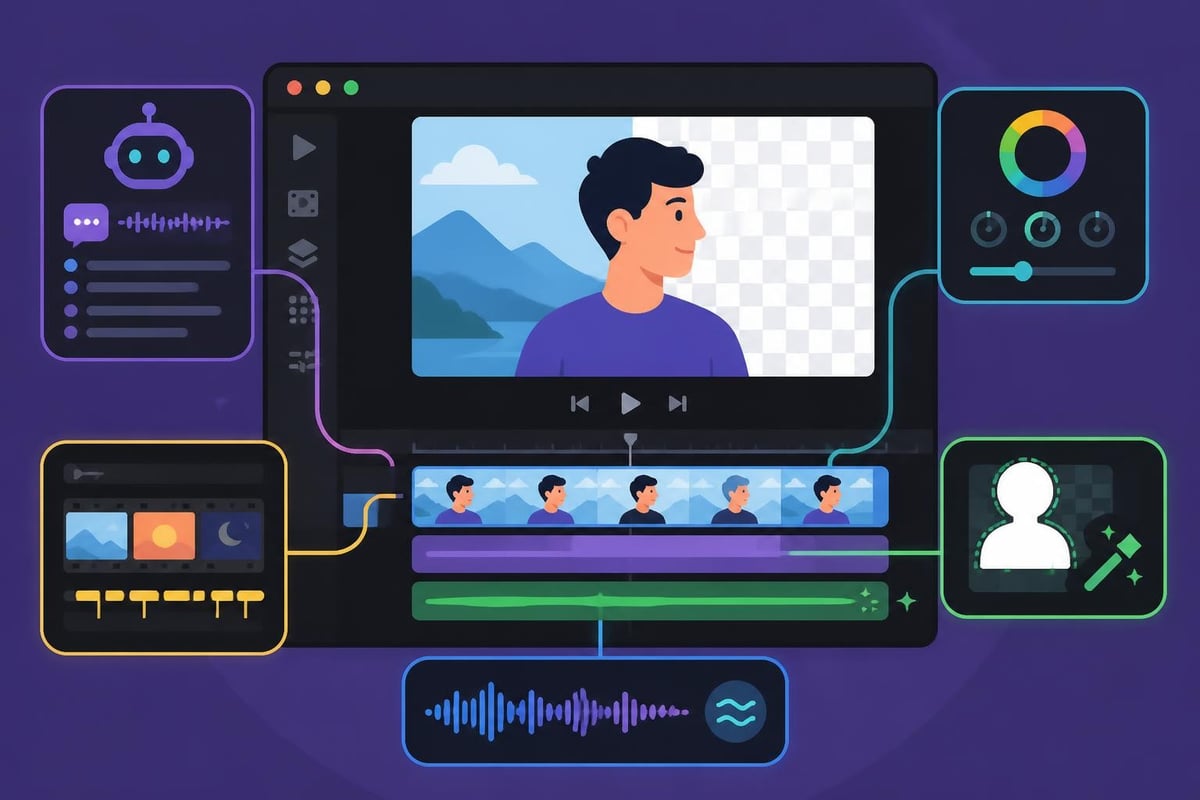
The days of needing a YouTube tutorial just to find the export button are over. Top video editing software in 2026 prioritizes clean layouts with logical workflows that mirror how people actually think about editing.
Look for software with customizable workspaces where you can arrange panels based on your preferred workflow. Drag-and-drop functionality should be everywhere, not just on the timeline. And honestly? Dark mode should be standard because staring at a bright screen for hours is nobody's idea of fun.
| Feature | Browser-Based | Desktop Software |
|---|---|---|
| Installation | None needed | Download required |
| Hardware Requirements | Minimal | More demanding |
| Processing Speed | Depends on internet | Consistently faster |
| Storage | Cloud-based | Local or hybrid |
| Collaboration | Built-in | Often limited |
| Offline Access | Usually unavailable | Full functionality |
Browser-based editors have exploded in popularity because they remove friction. No downloads, no updates, no compatibility issues. You can literally start editing from any device with an internet connection.
Desktop software still wins for heavy-duty projects and offline work, but the gap is narrowing fast. Some platforms now offer hybrid approaches where you get the best of both worlds.
If you're working with a team or outsourcing your video editing, cloud integration isn't optional anymore. The ability to share projects, provide feedback directly on the timeline, and access footage from anywhere has become essential.
Key collaboration features to look for:
You don't need to spend a fortune to get professional results. Several platforms have emerged as champions of the "best and easiest editing software" category while keeping prices reasonable.
The subscription model dominates 2026, but some alternatives still exist. Adobe Premiere Elements 2026 offers a one-time purchase option that appeals to creators who hate monthly fees.
Subscription benefits:
One-time purchase advantages:
Think about your usage patterns. If you're editing regularly, subscriptions often provide better value. Occasional editors might prefer the one-time purchase route.
| Platform | Best For | Limitations |
|---|---|---|
| Windows | Widest software selection | None significant |
| Mac | Premium creative tools | Higher hardware costs |
| iPad/Tablet | Mobile editing | Limited power |
| Chromebook | Browser-based tools | No heavy desktop apps |
Your device choice matters more than you'd think. Mac users get access to Final Cut Pro and DaVinci Resolve optimizations that run incredibly smooth on Apple Silicon. Windows users enjoy the widest selection overall, from budget options to professional suites.
Mobile editing has matured dramatically. iPads running LumaFusion or even desktop-class apps through cloud services can handle surprisingly complex projects. Not ideal for feature films, but perfect for social media content and quick turnarounds.
Free options like Kdenlive and DaVinci Resolve's free tier offer legitimate professional capabilities. The catch? Steeper learning curves and sometimes limited support resources.
Free doesn't always mean easy. If you value your time, a paid option with better tutorials and customer support might cost less in the long run when you factor in the hours saved figuring things out.
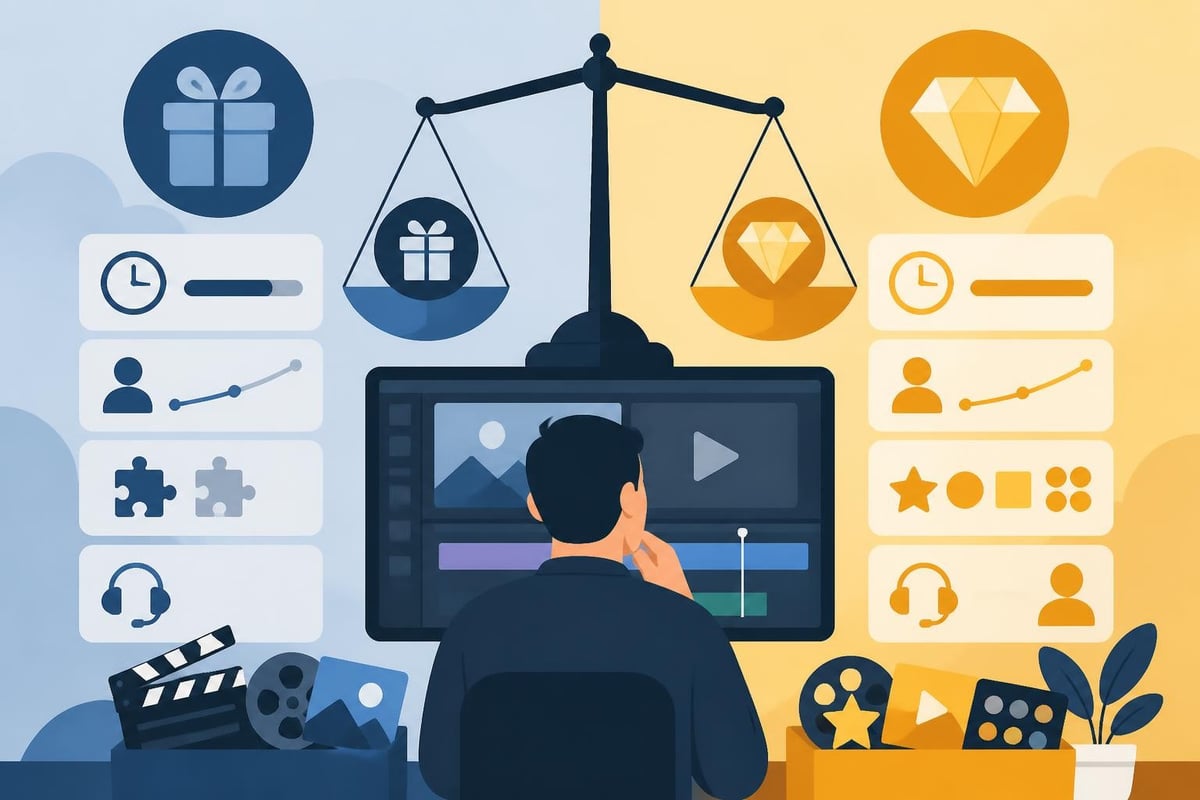
Let's get real about what you'll actually use versus what sounds cool in marketing materials.
Pre-built templates for intros, outros, lower thirds, and transitions are game-changers. The best and easiest editing software includes extensive template libraries that you can customize to match your brand.
Look for templates that cover:
Many TikTok editing services rely heavily on templates because they allow rapid production without sacrificing polish. You should too.
Export presets for YouTube, Instagram, TikTok, and Facebook should be one-click operations. No more googling "best export settings for Instagram Reels" every single time.
Advanced users can still dive into codec specifications and bitrate settings, but beginners should get platform-optimized exports without touching a single technical setting.
Even the easiest software requires some learning. Understanding the video editing process helps set realistic expectations about what you can accomplish and how quickly.
Good software onboarding includes:
Movavi Video Editor 2026 exemplifies user-friendly design with guided modes that walk you through projects step-by-step. This approach dramatically reduces the intimidation factor.
The truth? Most people never become editing experts, and that's completely fine. You need enough knowledge to communicate with editors or handle quick fixes yourself. For everything else, working with professional video editors makes more business sense than spending weeks mastering software.
Software can only be "easy" if it runs smoothly. Nothing kills creativity faster than waiting for previews to render or dealing with constant crashes.
Minimum specs listed by software companies are often wildly optimistic. Plan to exceed them by a comfortable margin, especially for 4K editing.
Real-world requirements for smooth editing:
If your computer struggles, proxy workflows help. The software creates low-resolution copies for editing, then swaps in high-res files for export. Most modern platforms handle this automatically.
| Task | Entry Hardware | Professional Hardware |
|---|---|---|
| 1080p editing | 8GB RAM, integrated graphics | 16GB RAM, mid-range GPU |
| 4K editing | 16GB RAM, dedicated GPU | 32GB RAM, high-end GPU |
| Multicam editing | 32GB RAM, SSD storage | 64GB RAM, NVMe drives |
Smartphones have become surprisingly capable editing stations. Apps like CapCut, InShot, and VN have earned their place among the best and easiest editing software options for mobile creators.
Mobile advantages:
Mobile limitations:
For short-form video creators, mobile apps often provide the fastest path from concept to published content. But for anything requiring multiple revisions or complex effects, desktop remains king.
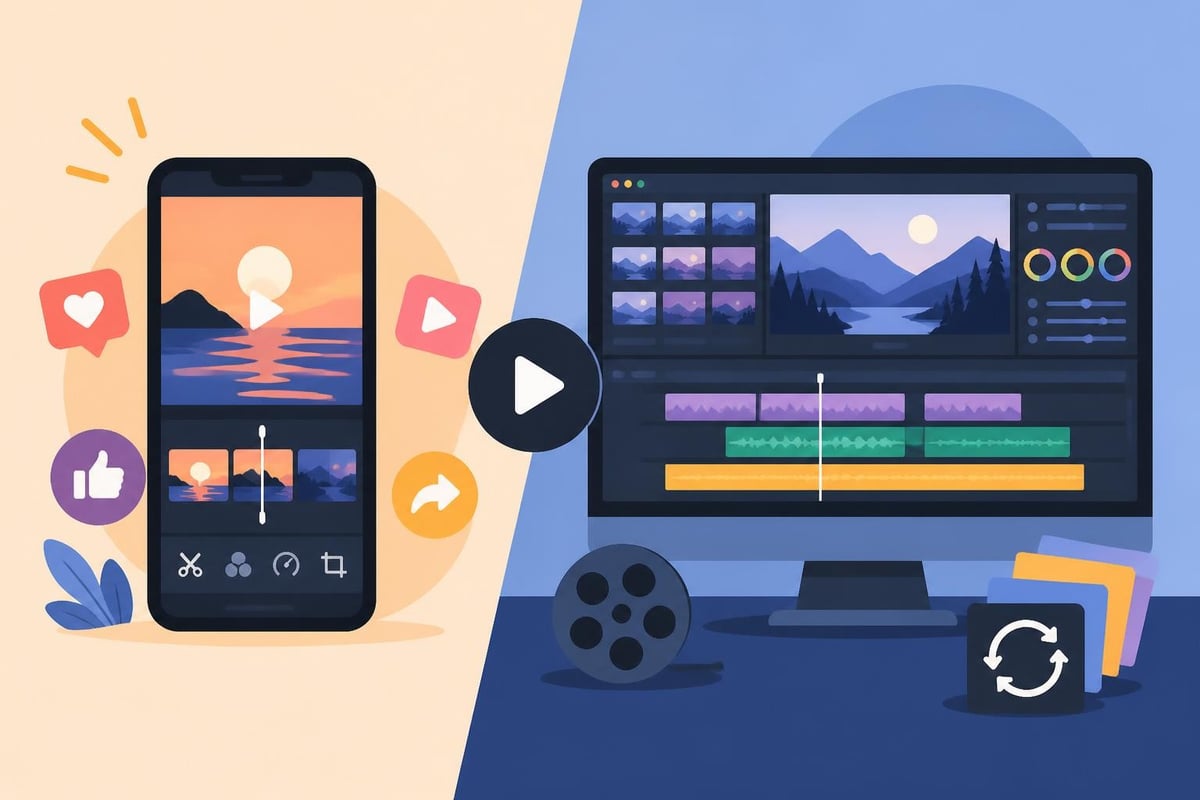
Here's something most articles won't tell you: mastering editing software might not be the best use of your time at all.
If you're a business owner, marketer, or agency professional, every hour spent learning keyboard shortcuts is an hour not spent on strategy, client relationships, or revenue-generating activities.
Calculate your real editing cost:
Often, the math points toward outsourcing as the smarter financial decision, even with "easy" software.
The editing software industry wants you to believe you need to do everything yourself. The reality? Professional video editing services have evolved to be incredibly accessible and affordable.
With unlimited editing services, you submit raw footage and get polished videos back without touching software at all. Your creative energy stays focused on content strategy, filming, and growing your business.
Different creators have different needs. The best and easiest editing software for a beauty vlogger looks different from what a corporate marketer requires.
Speed matters most. Look for platforms with:
Consistency and collaboration win. Prioritize:
Scalability becomes critical. You need:
This might seem contradictory in an article about the best and easiest editing software, but hear me out. The "best" tool is the one you'll actually use consistently to achieve your specific goals.
Ask yourself these questions:
Your answers will guide you toward different solutions than someone with different priorities. A comprehensive comparison of professional options reveals that each platform excels in specific scenarios rather than dominating across the board.
Technology moves fast. Software that seems cutting-edge today might feel dated in twelve months.
AI video editing capabilities continue advancing rapidly. Features coming soon include:
Choose software from companies actively investing in AI development. Those playing catch-up might struggle to compete as these features become expected rather than impressive.
Software that hasn't updated in months is software dying slowly. Check release notes and update frequency before committing. Active development signals a healthy product with longevity.
Also review the company's track record. Do they abandon products after a few years? Force users onto new versions with paid upgrades? Understanding their business model helps predict your future costs and experience.
You've absorbed a lot of information. Time to turn knowledge into action.
Decision-making framework:
The software that feels most natural during your trial is probably your best choice, regardless of what reviews say. Trust your own experience.
The best and easiest editing software only solves part of the equation. Sustainable content production requires systems, not just tools.
Components of a complete video workflow:
Software fits into this ecosystem. It's important but not everything. Many creators find that streamlining their editing process through professional services provides more dramatic results than switching software ever could.
Think about the full picture. Your video creation process should support your business goals, not consume all your energy and leave nothing for actual business building.
Choosing the best and easiest editing software ultimately depends on your unique needs, budget, and workflow preferences, but the right choice should make video creation feel less overwhelming, not more complicated. If you're ready to skip the software learning curve entirely and focus on what you do best, beCreatives offers unlimited video editing services with dedicated editors who handle everything from rough cuts to final polish, complete with unlimited revisions and storage-so you can create consistently without the stress.
Discover how post production video editing transforms raw footage into professional content. Learn workflows, tools, and outsourcing tips.
Master video editing HD quality standards, encoding settings, and workflow best practices to deliver professional content in 2026.
Discover what makes a YouTube video editing course worth your time in 2026, plus smarter alternatives for busy creators and agencies.
Looking to hire video editor for YouTube? Discover the best hiring strategies, what to look for, and how to build a winning content team in 2026.
Discover the best music video editing software for 2026. Compare features, pricing, and workflow tools to create stunning music videos faster.
Looking for a video editing company near me? Learn how to choose the right partner, what to expect, and whether local is best in 2026.
Discover how video editing AI online is changing content creation in 2026. Explore smart tools, workflows, and what creators really need to know.
Master wedding videography editing with expert tips on storytelling, pacing, and delivery. Learn how to transform raw footage into cinematic films.
Choosing an HD video editing app in 2026? Discover features, performance tips, and how professionals handle high-definition content.
Discover the best free simple editing software for videos and photos in 2026. Compare features, learn what works, and decide when to DIY or outsource.

Editing videos yourself can take a lot of your precious time, but do not worry – we‘ve got you covered! Our highly skilled Video Editors are here to speed up the process and give you time to create more content.








