
Post Production Video Editing: Complete Guide for 2026
Discover how post production video editing transforms raw footage into professional content. Learn workflows, tools, and outsourcing tips.
10 Min. ReadRead More
5 dedicated editor spots open this week. Book a call to reserve →

 Kiara WalkerCocktales Podcast
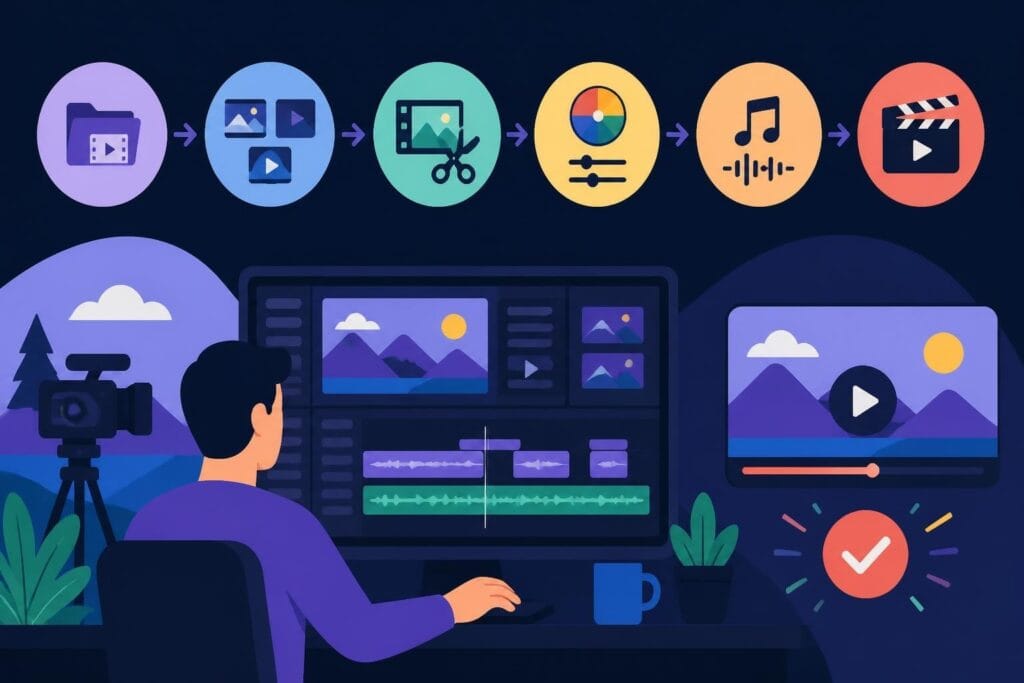
Discover how online YouTube video editing tools and services can transform your content creation workflow in 2026. Expert tips for creators.
 Knowledge Base
July 9, 2026
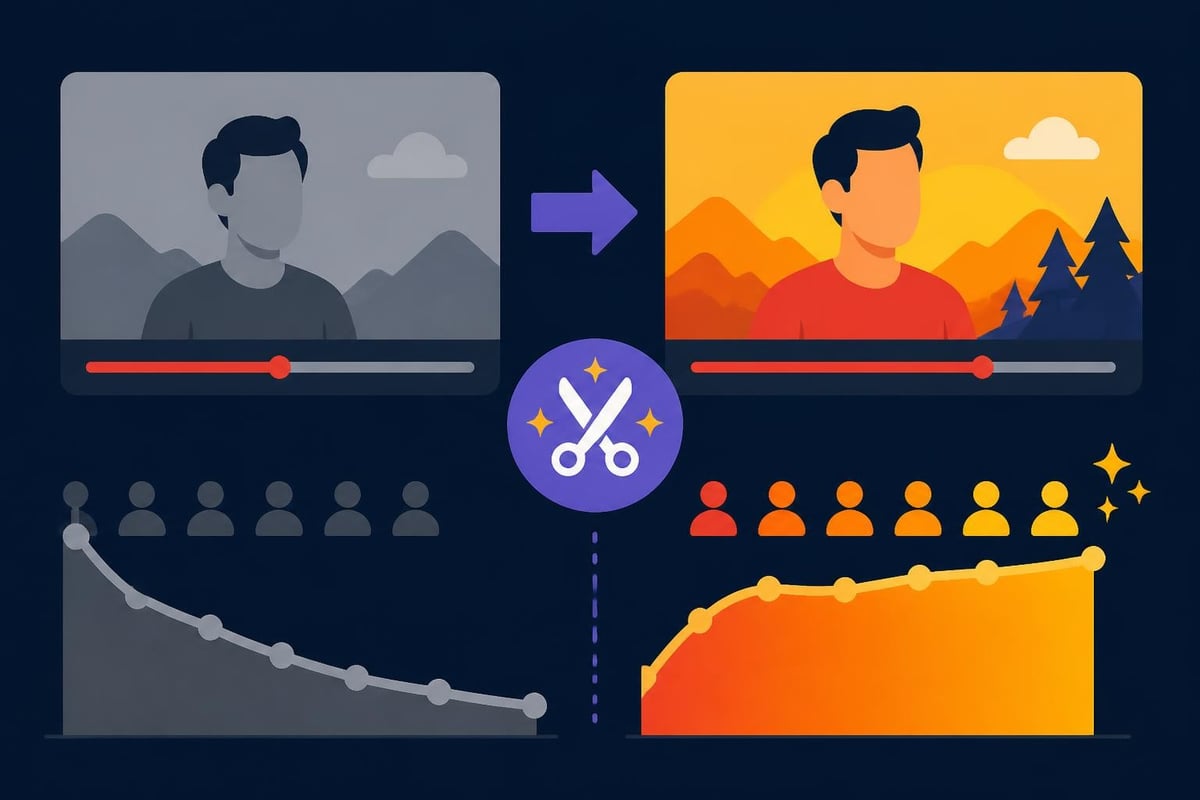
Creating YouTube content in 2026 means competing with millions of creators, yet only a fraction understand the power of strategic online youtube video editing. The right editing approach doesn't just make your videos look prettier (though that's a nice bonus). It transforms casual viewers into subscribers, increases watch time, and turns your channel into a revenue-generating machine. Whether you're a solopreneur filming product reviews or a marketing agency managing multiple client channels, understanding how to approach online video editing is your secret weapon for growth.
YouTube isn't the platform it was five years ago. The algorithm now prioritizes retention over raw views, meaning that first 30 seconds of your video needs to hook viewers instantly. That's where professional editing makes the difference.
Think about the last video you clicked away from within seconds. Chances are, it had slow pacing, poor audio, or missed the point entirely. Now think about channels you can't stop watching. They've mastered the art of rhythm, visual interest, and story flow.
Here's what effective online youtube video editing delivers:
The beauty of online solutions is they've democratized access to professional-quality editing. You don't need a $3,000 workstation or years of Adobe Premiere experience anymore.
The online youtube video editing landscape splits into two main paths: do-it-yourself browser tools and professional editing services. Both have their place, depending on where you are in your creator journey.
Free video editing software has come incredibly far. Tools like Clipchamp, Kapwing, and FlexClip let you trim clips, add text overlays, and export directly to YouTube without downloading anything.
These work brilliantly for:
But here's the reality check. These tools still require YOU to do the work. You're still spending 3-4 hours editing a 10-minute video. You're still learning transitions, color grading, and audio mixing. You're still not creating content while you're editing.
| Feature | Browser Tools | Professional Services |
|---|---|---|
| Learning curve | Moderate | None |
| Time investment | 3-5 hours per video | Zero |
| Consistency | Varies | Guaranteed |
| Scalability | Limited by your time | Unlimited |
| Cost | Free to $30/month | Subscription-based |
This is where creators serious about growth make the leap. Instead of learning software, you focus on what you do best: creating content, building relationships, and growing your brand.
Services like beCreatives handle the entire post-production process. You film your content, upload the raw footage, and receive polished videos ready to publish. The time you save translates directly into more videos, which means more visibility and faster channel growth.
The math is simple. If you're earning (or could be earning) $50+ per hour on revenue-generating activities, spending 4 hours editing a video costs you $200 in opportunity cost. A professional service eliminates that tradeoff entirely.
Online youtube video editing requires specific approaches that don't apply to other platforms. YouTube viewers have different expectations than Instagram or TikTok audiences.
YouTube rewards videos that keep people watching. Every second counts, but especially:
Professional editors use pattern interrupts (visual changes, camera angles, B-roll) every 3-5 seconds in high-retention videos. They cut dead air ruthlessly. They add motion graphics precisely when verbal explanations need reinforcement.
Research on user engagement with online video content shows view duration depends heavily on editing quality and pacing decisions made in post-production.
Audio quality matters more than visual quality on YouTube. Viewers tolerate mediocre footage but abandon poor audio instantly.
Critical audio elements in online youtube video editing:
Many creators film great content but lose viewers because their audio jumps between whisper-quiet and ear-blasting loud. Professional editing fixes this before upload.
Video editing apps for mobile have revolutionized how creators approach content. Apps like CapCut, InShot, and Adobe Premiere Rush put surprisingly powerful tools in your pocket.
These shine for specific scenarios:
The limitation? Mobile apps work great for basic edits but struggle with complex projects. Try managing 20+ video layers, advanced color grading, or detailed motion graphics on a phone screen. It's technically possible but practically frustrating.
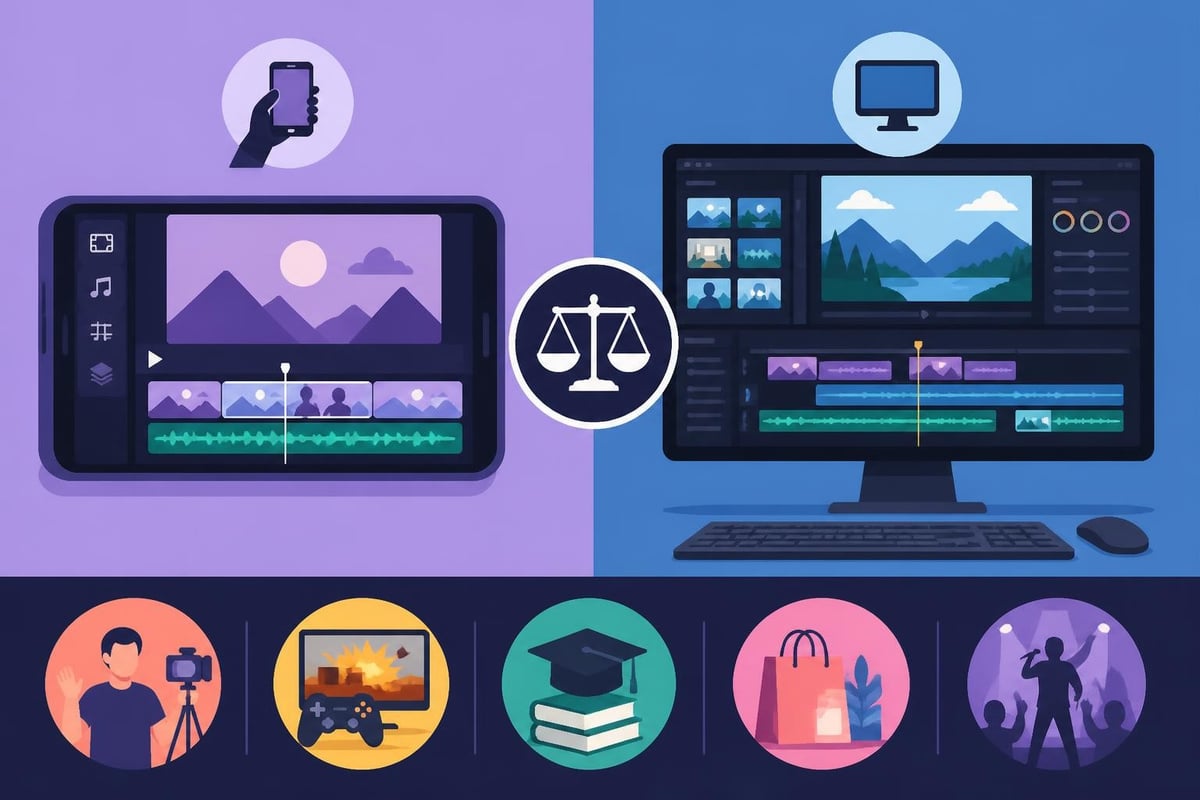
Some creators prefer professional video editing software while outsourcing only specific tasks. DaVinci Resolve, Final Cut Pro, and Adobe Premiere Pro offer maximum control for those willing to invest learning time.
This hybrid approach works when:
But be honest about the tradeoff. Those 15+ hours per week editing could go toward filming more content, engaging with your audience, securing sponsorships, or literally anything else that grows your channel.
Artificial intelligence has transformed online youtube video editing in ways that seemed impossible two years ago. Tools now automatically generate:
YouTube’s integration with AI tools shows where the platform is heading. Shorts can now be generated from text prompts, though nothing beats human-edited content for quality and authenticity.
The limitation? AI excels at mechanical tasks but can't replace human creative judgment. It doesn't understand your brand voice, your audience's preferences, or the emotional arc of your story. This is why the best results combine AI efficiency with human expertise.
Not all YouTube videos need the same editing treatment. Your approach should match your content style and audience expectations.
These videos prioritize clarity over flash. Viewers want information, not distraction.
Key editing elements:
Personal connection drives these channels. Editing should enhance authenticity, not hide it.
These require detailed close-ups, comparison graphics, and professional presentation to build trust.
Services specializing in e-commerce video editing understand the specific needs of product-focused content, including overlay graphics for specs and side-by-side comparisons.
Fast-paced editing keeps energy high. Think memes, reaction clips, and rapid-fire jokes.
| Content Type | Editing Priority | Average Edit Time |
|---|---|---|
| Educational | Clarity and structure | 4-6 hours |
| Vlog | Authenticity and flow | 3-5 hours |
| Product Review | Visual detail | 5-7 hours |
| Entertainment | Energy and pacing | 6-10 hours |
The smartest creators view online youtube video editing as a business decision, not a creative necessity. Here's the framework for deciding when to outsource.
Outsource when:
Keep in-house when:
The middle path? Start by outsourcing your most time-consuming videos while handling quick content yourself. Many creators using services like those for TikTok editing apply the same approach to YouTube, outsourcing flagship content while handling spontaneous uploads independently.
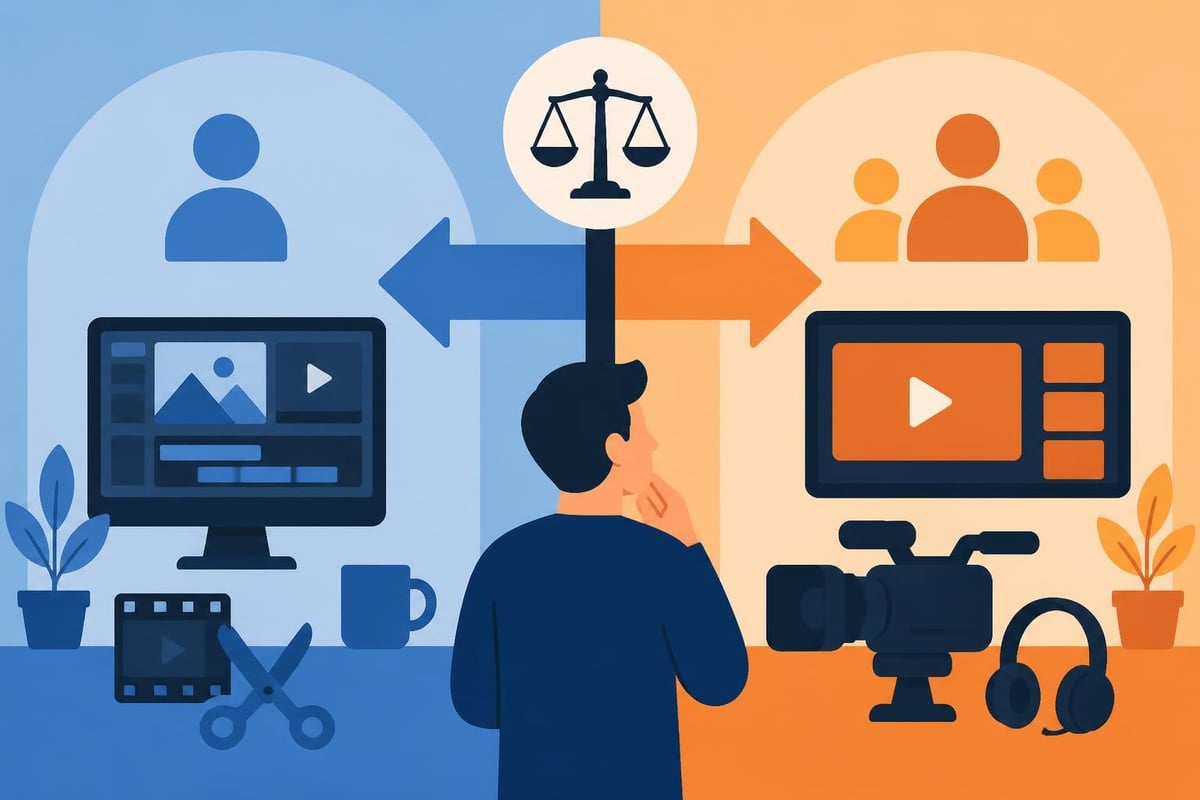
Whether you're using online youtube video editing services or training an in-house editor, clear communication determines quality. A solid editing brief includes:
The more specific your brief, the faster you'll get exactly what you envision. Vague instructions like "make it pop" waste everyone's time.
Smart online youtube video editing doesn't stop at uploading to YouTube. Your long-form content becomes raw material for an entire content ecosystem.
From one YouTube video, create:
Professional services increasingly offer this repurposing as part of their packages. You film once, and your editor transforms that footage into weeks of multi-platform content. The ROI multiplies when one filming session generates 20+ pieces of content.
Even perfectly edited videos fail if technical settings are wrong. Online youtube video editing needs to account for YouTube's specific requirements and best practices.
YouTube accepts everything from 360p to 8K, but optimal settings matter:
Balance quality with upload time. Overly compressed videos look terrible on large screens. Massive files take forever to upload and process.
Recommended export settings:
Let's talk numbers, because online youtube video editing is an investment that should generate returns.
Assume you currently publish one video weekly, spending 5 hours editing each. That's 260 hours annually spent on editing.
Scenario A (DIY): 52 videos, inconsistent quality, limited time for audience engagement or strategic growth
Scenario B (Outsourced): 104+ videos, consistent professional quality, 260 hours freed for revenue generation
If those 260 hours go toward activities generating even $25/hour in value (sponsorships, product sales, consulting, course creation), you've created $6,500 in opportunity. That easily covers professional editing services while doubling your content output.
Channels that invest in professional editing typically see:
Even with access to online youtube video editing tools or services, creators make avoidable mistakes that hurt performance.
The biggest editing sins:
Professional editors catch these issues before upload. DIY creators often don't notice until comments point them out.
The online youtube video editing landscape evolves constantly. Staying ahead means understanding where technology and viewer preferences are heading.
Cloud-based editing platforms now enable multiple team members to work on the same project simultaneously. This matters for agencies managing numerous client channels or creators building teams.
With YouTube Shorts competing against TikTok and Instagram Reels, editors increasingly need to deliver both horizontal and vertical versions of the same content efficiently.
YouTube's expanding interactive features (polls, chapters, cards) require editors who understand how to implement these elements for maximum engagement.
Captions are moving from "nice to have" to essential. Many viewers watch with sound off, and accessibility regulations are tightening globally.
Online youtube video editing isn't just about making pretty videos. It's about maximizing the return on every hour you invest in content creation, maintaining consistency that builds audience trust, and scaling your output without sacrificing quality or burning out. Whether you choose browser tools, professional software, or outsourced services, the key is matching your approach to your goals and resources. If you're ready to stop spending nights hunched over editing software and start focusing on what actually grows your channel, beCreatives offers unlimited professional video editing designed specifically for creators who value their time and their audience's experience.
Discover how post production video editing transforms raw footage into professional content. Learn workflows, tools, and outsourcing tips.
Master video editing HD quality standards, encoding settings, and workflow best practices to deliver professional content in 2026.
Discover what makes a YouTube video editing course worth your time in 2026, plus smarter alternatives for busy creators and agencies.
Looking to hire video editor for YouTube? Discover the best hiring strategies, what to look for, and how to build a winning content team in 2026.
Discover the best music video editing software for 2026. Compare features, pricing, and workflow tools to create stunning music videos faster.
Looking for a video editing company near me? Learn how to choose the right partner, what to expect, and whether local is best in 2026.
Discover how video editing AI online is changing content creation in 2026. Explore smart tools, workflows, and what creators really need to know.
Master wedding videography editing with expert tips on storytelling, pacing, and delivery. Learn how to transform raw footage into cinematic films.
Choosing an HD video editing app in 2026? Discover features, performance tips, and how professionals handle high-definition content.
Discover the best free simple editing software for videos and photos in 2026. Compare features, learn what works, and decide when to DIY or outsource.

Editing videos yourself can take a lot of your precious time, but do not worry – we‘ve got you covered! Our highly skilled Video Editors are here to speed up the process and give you time to create more content.








