
Post Production Video Editing: Complete Guide for 2026
Discover how post production video editing transforms raw footage into professional content. Learn workflows, tools, and outsourcing tips.
10 Min. ReadRead More
5 dedicated editor spots open this week. Book a call to reserve →

 Kiara WalkerCocktales Podcast
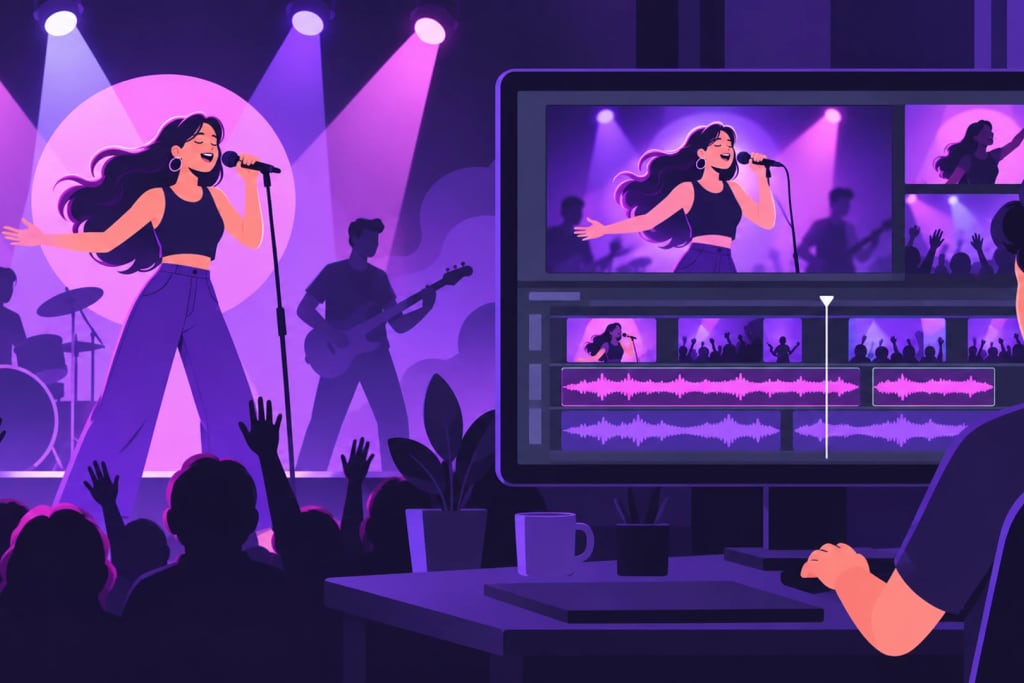
Discover the best music video editing software for 2026. Compare tools, features, and workflows to create stunning videos without the headache.
 Knowledge Base
May 28, 2026
Creating music videos that actually stop the scroll isn't just about having great audio anymore. You need visuals that match the energy, transitions that hit every beat, and colors that make people feel something. Whether you're a solo artist building your brand, a content creator making performance videos, or an agency managing multiple musicians, the right music video editing software makes all the difference between "nice try" and "holy wow, play that again."
Music video editing isn't your typical corporate video project. You're not just cutting talking heads or B-roll. You're syncing visuals to beats, creating rhythm through cuts, and building energy that matches the music's vibe.
The core challenges you'll face:
Traditional video editing tools can handle these tasks, but music video editing software often includes features specifically designed for rhythm-based editing. Think waveform displays, auto-beat detection, and audio-reactive effects that pulse with your track.
Here's the reality: learning music video editing software takes time you probably don't have. Between writing songs, rehearsing, promoting shows, and managing social media, when exactly are you supposed to master keyframe animation?
Most musicians and content creators download software with big dreams, spend three hours figuring out how to sync audio, get frustrated with render times, and end up with something that looks… fine. Not amazing. Just fine.
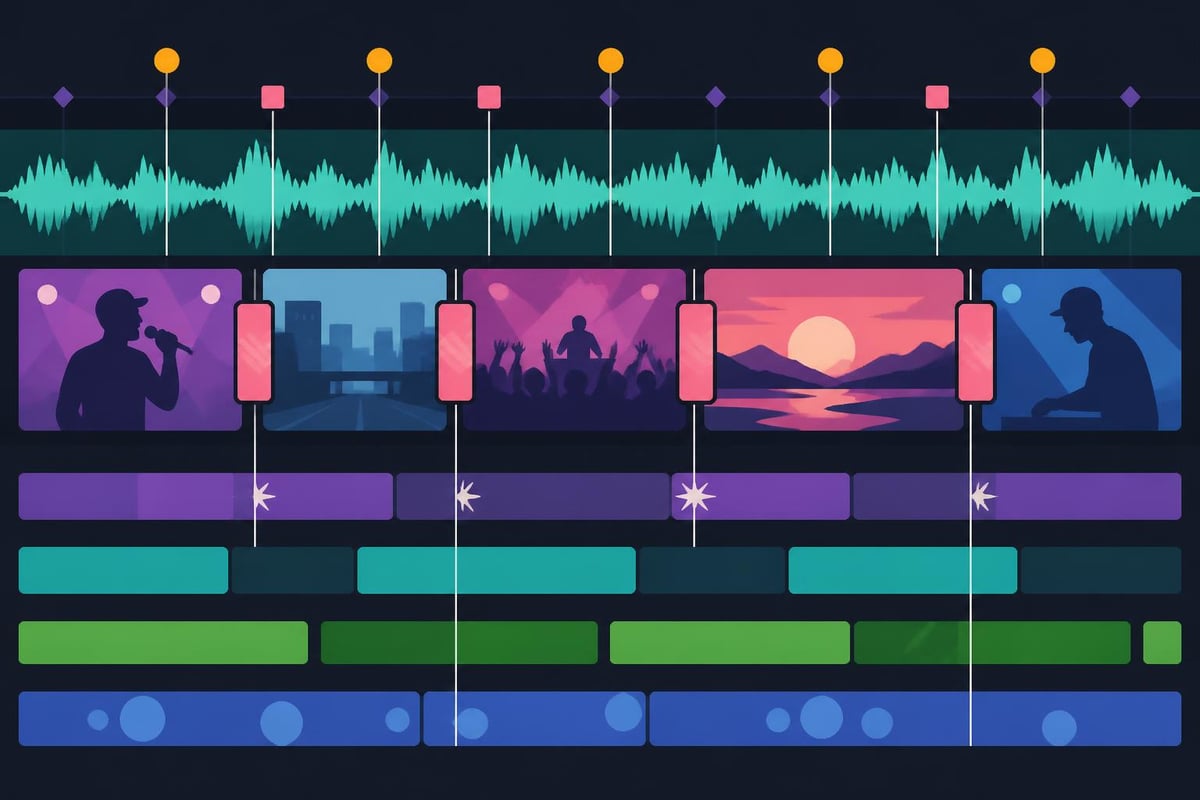
The music video editing software landscape has evolved dramatically. Here's what actually matters when you're choosing tools:
| Feature | Why It Matters | Best For |
|---|---|---|
| Audio waveform display | Visual beat matching without guessing | All music videos |
| Multi-cam editing | Switching between angles smoothly | Live performances |
| Color grading tools | Creating consistent mood and style | Narrative videos |
| Motion graphics templates | Quick text and graphic overlays | Lyric videos, social media |
| GPU acceleration | Faster rendering and playback | High-resolution projects |
| Cloud collaboration | Working with team members remotely | Agency workflows |
Free and Open Source:
Shotcut offers solid capabilities without the price tag. Their tutorial library covers everything from basic cuts to advanced effects, making it approachable for beginners who want to experiment before investing.
Mid-Range Professional Tools:
CyberLink PowerDirector 365 has become increasingly popular for music video work. According to recent reviews, its interface balances power with usability, perfect for creators who need professional results without a massive learning curve.
Industry Standard Options:
The usual suspects (you know which ones) dominate professional music video production. They're powerful, sure. They're also expensive, complicated, and require significant time investment to master.
When researching the best video editing software available in 2026, you'll notice a pattern: more features doesn't always mean better results. Sometimes it just means more buttons to confuse you.
Let's get real about what music video editing software actually costs beyond the subscription fee.
Time investment breakdown:
That's potentially 44-97 hours per music video. If your time is worth $50/hour (and it probably should be), that's $2,200 to $4,850 in opportunity cost. What else could you be doing with those hours? Writing songs? Booking shows? Actually sleeping?
Here's where it gets sneaky. You buy music video editing software thinking you're set. Then you discover the base version doesn't include the specific effect you need. So you buy a plugin. Then another. Then a template pack. Then a color grading preset bundle.
Before you know it, you've spent more on add-ons than the original software cost, and you're still watching YouTube tutorials at 2 AM trying to figure out why your footage looks oversaturated.
From footage to finished music video: the steps in this guide
Hours per music video, doing it yourself
The magic of great music videos happens when visuals and audio feel like they were born together. This requires understanding both your music video editing software and music production principles.
Manual marker placement:
Drop markers on every beat, then align your cuts. Time-consuming but precise. Great for when you need surgical accuracy on specific moments.
Automated beat detection:
Modern music video editing software can analyze your track and suggest cut points. It's faster but requires manual adjustment because algorithms don't understand artistic intent.
Waveform visual editing:
This is where having proper audio integration matters. If you're curious about the best DAWs for music production, you'll notice how audio-focused software handles waveforms differently than video editors.
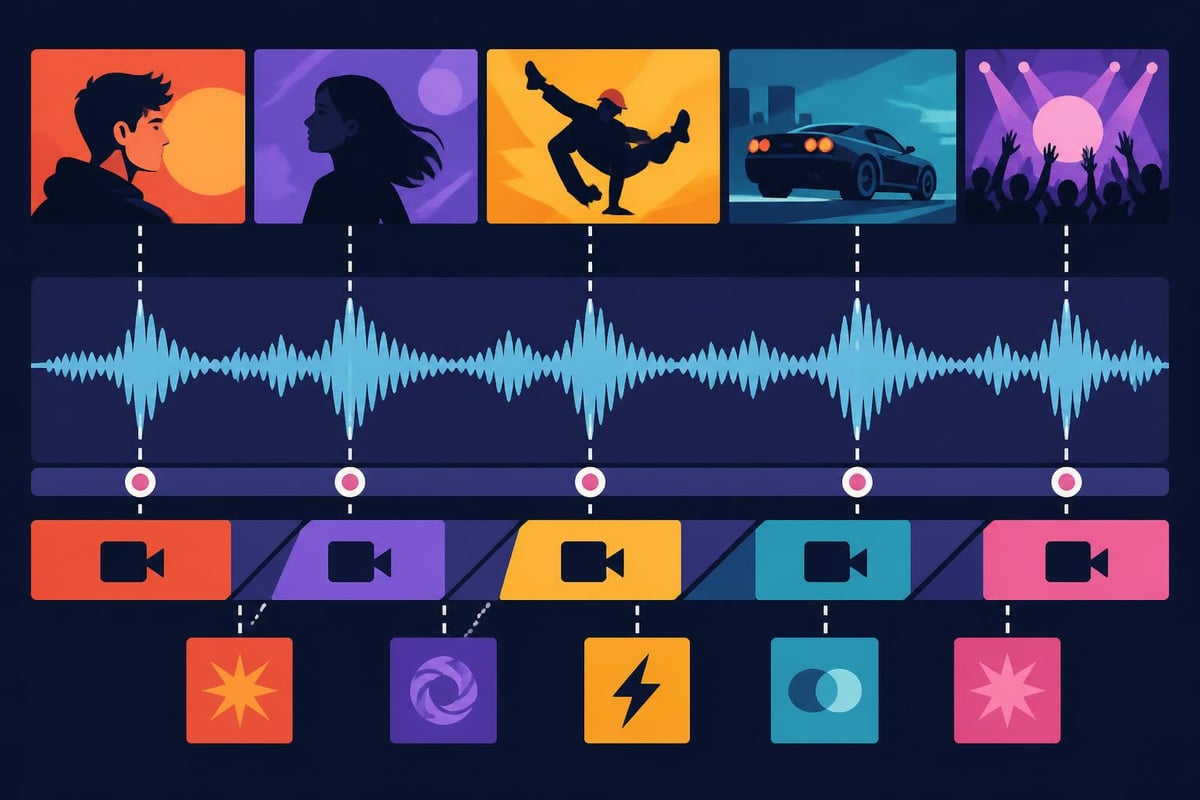
Your cuts create rhythm just like drums create groove. Fast cuts build energy. Longer shots create space for emotion. The transition between these paces tells the story.
Pacing strategies:
This isn't just technical work. It's storytelling through rhythm, and it requires both understanding your music video editing software capabilities and trusting your creative instincts.
Color isn't just making things look pretty. It's emotional communication. Your color palette tells viewers how to feel before a single lyric hits.
| Mood | Color Palette | Common Genres |
|---|---|---|
| Energetic/Upbeat | Warm oranges, bright yellows | Pop, dance, hip-hop |
| Melancholic | Desaturated blues, cool grays | Indie, alternative, R&B |
| Aggressive | High contrast, deep reds | Rock, metal, trap |
| Dreamy/Ethereal | Soft pastels, hazy highlights | Bedroom pop, ambient |
| Vintage | Faded tones, warm grain | Soul, jazz, folk |
Your music video editing software's color tools matter here. Some offer basic correction only. Others include advanced grading with curves, wheels, and masks. The question is: do you have time to learn the difference between gamma and gain?
Here's where editing gets tedious. You've got footage from three different cameras, shot at different times of day, with varying white balance settings. Making everything match requires either significant skill with color tools or the kind of patience usually reserved for monks.
Professional editors spend years developing their eye for color. They understand how to match skin tones across shots, how to balance highlights without crushing shadows, and how to create looks that feel intentional rather than accidental.
Modern music videos blend live footage with graphics, text, and effects. Your music video editing software needs to handle both seamlessly.
Essential motion graphics capabilities:
Creating these from scratch requires understanding keyframes, masking, tracking, and composition. Or you can use templates, which look… like templates. Everyone recognizes that same title animation from the free pack.
If you're focusing on short-form content, approaches to Instagram Reels editing or TikTok video editing often require quicker turnarounds with platform-specific formatting considerations that complicate your workflow even further.
You've spent hours editing. Everything looks perfect on your timeline. Then you export, upload to YouTube, and… why does it look muddy? Welcome to codec hell.
YouTube:
Instagram Reels/TikTok:
Facebook:
Each platform crushes your video differently during their compression process. What looks crisp in your music video editing software might look terrible after Instagram's algorithm gets done with it. You need to understand compression, bitrates, and preview your exports on actual devices before publishing.
Professional editors don't work harder. They work smarter. Here's how they maximize their music video editing software:
Even with perfect workflow optimization, you're still looking at significant time investment per video. And that's assuming everything goes smoothly, which it rarely does.
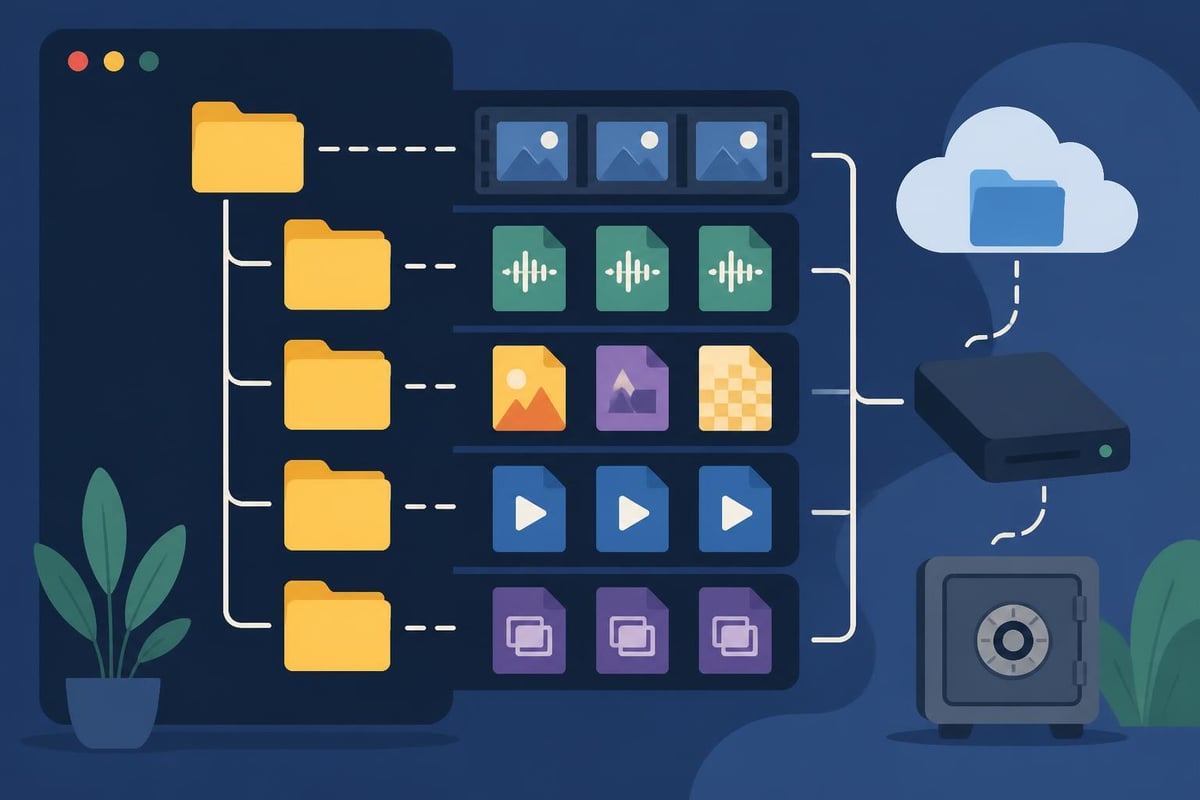
Here's what nobody tells you about music video editing software: owning it doesn't mean you should be the one using it.
Think about it differently. You wouldn't necessarily record your own album just because you could buy Pro Tools, right? You'd work with an engineer who knows what they're doing. Video editing deserves the same respect.
What you gain by outsourcing:
When you're exploring video editing ideas or checking out what Reddit recommends for video editing, you'll notice a pattern: successful creators focus on creation, not technical execution.
If you're working with other musicians, dancers, or creative collaborators, your music video editing software needs to support teamwork.
Modern platforms offer cloud collaboration where multiple people can access projects, leave feedback, and make changes. Sounds great until you're troubleshooting sync issues, managing version control, and trying to figure out who changed what.
Music videos typically go through multiple revision rounds. Your artist wants the blue tint warmer. The label wants tighter cuts in the chorus. Your manager thinks the intro is too long. Each change requires opening the project, making edits, exporting, sharing, waiting for feedback, and repeating.
Without proper systems, you end up with files named "Music_Video_FINAL_v3_ACTUALLY_FINAL_v2_USE_THIS_ONE.mp4" and nobody knows which version is current.
The music video editing software landscape keeps evolving. Here's what's shaping 2026 and beyond:
AI-assisted editing:
Research on automated music video creation, like MV-Crafter, shows how AI can generate music-guided videos. While still experimental, these technologies hint at future possibilities.
Autonomous editing frameworks:
Studies on systems like CutClaw demonstrate frameworks for editing long footage into synchronized music videos automatically. The technology exists but requires significant refinement for artistic control.
Audio-visual synchronization:
Research into Foley Music synthesis reveals innovations in audio-visual relationships that could transform how music video editing software handles rhythm and timing.
These advances sound exciting, but they also mean constantly learning new features, adapting to interface changes, and staying current with industry trends. That's another full-time job on top of making music.
Can you edit music videos on your phone? Technically, yes. Should you? That's complicated.
Mobile apps have impressive capabilities now. You can cut footage, add transitions, color grade, and export. But for complex music video work with multiple angles, detailed color matching, and precise audio sync, you're fighting against small screens and limited processing power.
Mobile editing works great for quick social media content. For full music videos you plan to release officially, professional desktop music video editing software (or professional editors) makes more sense.
Choosing music video editing software isn't really about comparing feature lists. It's about honestly evaluating your goals, skills, and time availability.
Ask yourself:
If editing energizes you and you genuinely want to master the craft, invest in good music video editing software and commit to the learning process. Take courses, watch tutorials, practice regularly.
But if you're being honest and editing feels like an obstacle between you and releasing music, there's zero shame in delegating it. The most successful musicians often focus on what they do best and trust professionals for everything else.
For creators managing social media video editing alongside music videos, the workload multiplies quickly. Each platform needs different formats, aspect ratios, and approaches. That's where having editing support becomes less luxury and more necessity.
The music video editing software industry wants you to believe you need every feature. You probably don't.
For lyric videos:
Basic cutting, text animation, and simple effects suffice. You don't need Hollywood-level compositing.
For performance videos:
Multi-cam support and color matching matter most. Fancy transitions less so.
For narrative concept videos:
You'll use more advanced features like masking, tracking, and effects. This is where software choice significantly impacts results.
Match your tool to your actual project types rather than buying capabilities you'll never use. Or better yet, partner with editors who already have the right tools and skills for whatever you throw at them.
The smartest creators in 2026 aren't necessarily the ones with the most sophisticated music video editing software. They're the ones who've built systems that let them stay visible, consistent, and creative without burning out. Sometimes that means mastering software yourself. Often it means building a team that lets you focus on what you do best while professionals handle the rest.
Finding the right music video editing software matters, but having time to actually make music matters more. If you're tired of choosing between creative work and technical execution, beCreatives offers unlimited video editing services designed specifically for creators, artists, and agencies who need professional results without the editing headache. Get dedicated editors who understand rhythm, pacing, and visual storytelling, so you can focus on making the music while we handle making it look amazing.
Discover how post production video editing transforms raw footage into professional content. Learn workflows, tools, and outsourcing tips.
Master video editing HD quality standards, encoding settings, and workflow best practices to deliver professional content in 2026.
Discover what makes a YouTube video editing course worth your time in 2026, plus smarter alternatives for busy creators and agencies.
Looking to hire video editor for YouTube? Discover the best hiring strategies, what to look for, and how to build a winning content team in 2026.
Discover the best music video editing software for 2026. Compare features, pricing, and workflow tools to create stunning music videos faster.
Looking for a video editing company near me? Learn how to choose the right partner, what to expect, and whether local is best in 2026.
Discover how video editing AI online is changing content creation in 2026. Explore smart tools, workflows, and what creators really need to know.
Master wedding videography editing with expert tips on storytelling, pacing, and delivery. Learn how to transform raw footage into cinematic films.
Choosing an HD video editing app in 2026? Discover features, performance tips, and how professionals handle high-definition content.
Discover the best free simple editing software for videos and photos in 2026. Compare features, learn what works, and decide when to DIY or outsource.

Editing videos yourself can take a lot of your precious time, but do not worry – we‘ve got you covered! Our highly skilled Video Editors are here to speed up the process and give you time to create more content.








