
Post Production Video Editing: Complete Guide for 2026
Discover how post production video editing transforms raw footage into professional content. Learn workflows, tools, and outsourcing tips.
10 Min. ReadRead More
5 dedicated editor spots open this week. Book a call to reserve →

 Kiara WalkerCocktales Podcast
Looking for the free best video editing app in 2026? Discover top-rated tools, features, and how to choose the right editor for your content needs.
September 9, 2026
Finding the right free best video editing app can feel like hunting for a needle in a haystack. Between flashy promises, limited features, and confusing interfaces, it's tough to know which tool will actually deliver professional results without costing a dime. Whether you're a content creator testing the waters, a small business owner on a tight budget, or a marketer needing quick edits, the good news is that 2026 has brought us some seriously powerful free options. This guide breaks down the top contenders, what makes them stand out, and how to pick the perfect fit for your workflow.
Let's get real about what "free" actually means in the video editing world. Not all free tools are created equal, and some come with strings attached that might surprise you.
True free editors give you unlimited access to core features without watermarks, time limits, or forced upgrades. Then there are freemium models that offer basic features for free but lock advanced tools behind a paywall. Finally, you've got trial versions that let you test premium software for a limited time before requiring payment.
The best free video editing apps in 2026 fall into the first category. They're often open-source projects maintained by passionate communities, or established companies offering genuinely useful free tiers to build their user base.
When evaluating any free best video editing app, focus on these essentials:
The expert-reviewed guide to video editing software highlights how these features separate truly capable free editors from limited alternatives.
After testing dozens of options, these stand out as the most capable free editors available right now.
DaVinci Resolve consistently ranks as the free best video editing app for serious creators who need professional-grade tools. Originally a color grading powerhouse, it's evolved into a complete editing suite that rivals premium software.
What makes it special:
The learning curve is steeper than simpler alternatives, but the payoff is massive. You're essentially getting software that's used on major film productions, completely free.
| Feature | Free Version | Studio Version |
|---|---|---|
| Timeline editing | Full access | Full access |
| Color grading | Advanced | Advanced |
| Export resolution | Up to 4K | Unlimited |
| Collaboration tools | Limited | Full |
| Neural effects | Basic | Extended |
For content creators who want to maintain complete creative control, DaVinci Resolve offers unmatched depth without spending a penny.
Kdenlive represents the best of open-source video editing, offering a surprisingly polished experience that rivals commercial software. The comprehensive user guide walks you through everything from installation to advanced techniques.
This free best video editing app shines for creators who value stability and straightforward workflows. The interface feels intuitive once you spend 20 minutes exploring, and the effects library covers most standard editing needs.
Standout features:
The main limitation? Kdenlive focuses on traditional editing workflows rather than flashy templates or one-click effects. If you're after substance over style, that's actually a strength.
Shotcut takes a different approach as a free best video editing app built around simplicity and reliability. The official how-to guides demonstrate how quickly you can start editing, even as a complete beginner.
Why creators choose Shotcut:
The trade-off is fewer advanced features compared to DaVinci Resolve. For quick social media edits, YouTube content, or learning the basics, Shotcut hits the sweet spot between capability and simplicity.
OpenShot earned its reputation as the friendliest free best video editing app for newcomers. The step-by-step user guide proves how approachable video editing can be when software prioritizes user experience.
This editor excels at:
The rendering speed won't win any races, and the feature set stays relatively basic. But for marketers and agencies who need quick turnarounds on simple edits, OpenShot delivers without the headaches.
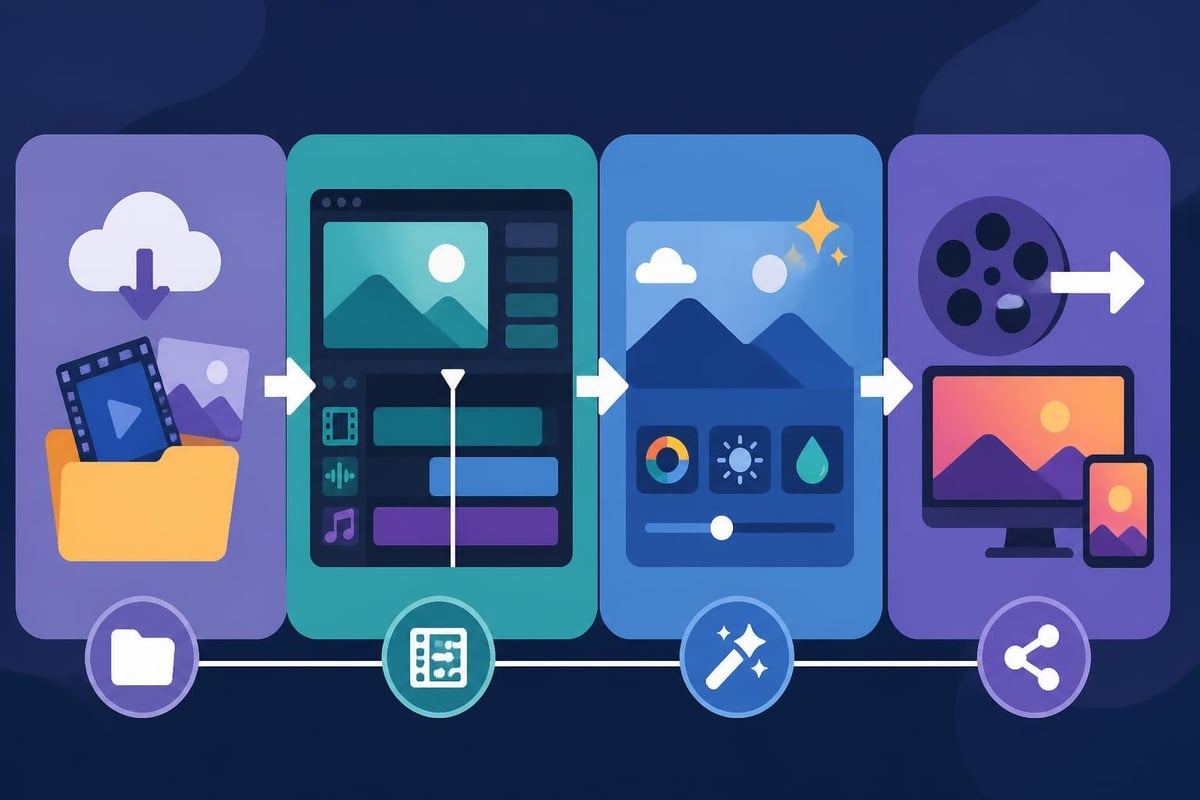
The gap between free and paid video editing software has narrowed dramatically in 2026. Some capabilities that used to require expensive subscriptions now come standard in the best free options.
DaVinci Resolve sets the bar impossibly high here, but even simpler free editors now include basic color wheels, curves, and LUT support. These tools let you match clips shot in different lighting, create consistent brand aesthetics, or add cinematic looks to your footage.
Professional video editing services typically spend hours perfecting color grades because they make such a dramatic difference in perceived quality. Having these tools available for free removes a major barrier to professional-looking content.
Every free best video editing app now includes multi-track audio mixing, but the depth varies wildly. Look for these features:
The Blender Video Sequence Editor documentation shows how even 3D animation software now includes surprisingly capable video and audio tools.
Creating engaging TikTok videos or Instagram Reels often requires text animations, lower thirds, and visual effects. The best free editors include:
These features used to justify premium software prices. Now they're table stakes for any free best video editing app worth considering.
Having powerful editing tools means nothing if you can't export your finished video properly. Understanding formats, codecs, and compression makes the difference between crisp uploads and pixelated messes.
The MDN media formats guide breaks down which codecs work where, but here's the practical summary:
| Platform | Recommended Format | Notes |
|---|---|---|
| YouTube, Vimeo | H.264 (MP4) | Best compatibility |
| Instagram, TikTok | H.264 (MP4) | Square or vertical |
| H.264 (MP4) | File size limits apply | |
| Professional archive | ProRes or DNxHD | Editing-friendly |
Every free best video editing app supports H.264 export. Some also offer H.265 (HEVC) for smaller file sizes at the same quality, though compatibility can be trickier.
HandBrake documentation provides deep dives into transcoding and compression. The key principles apply whether you're using HandBrake or exporting directly from your editor:
The FFmpeg documentation goes even deeper into command-line encoding options. Most free editors use FFmpeg under the hood, so understanding these settings helps you troubleshoot export issues.
Honesty time: even the free best video editing app has limitations compared to dedicated editing services or premium software. Knowing these boundaries helps you decide when to stick with free tools versus when to invest differently.
Free editors save money but cost time. Learning curves range from a few hours (Shotcut, OpenShot) to several weeks (DaVinci Resolve). Then there's the actual editing time, which multiplies when you're handling your own footage instead of focusing on your core business.
Transforming raw footage into polished content requires skills in pacing, audio mixing, color correction, and storytelling. Building those skills takes practice, and practice takes time away from growing your business or creating more content.
While free software doesn't cost money, it still demands computing power. Editing 4K footage or applying real-time effects requires:
If your computer struggles, you'll spend hours waiting for previews to render or exports to finish. That's time you could spend on video ad creation or other revenue-generating activities.
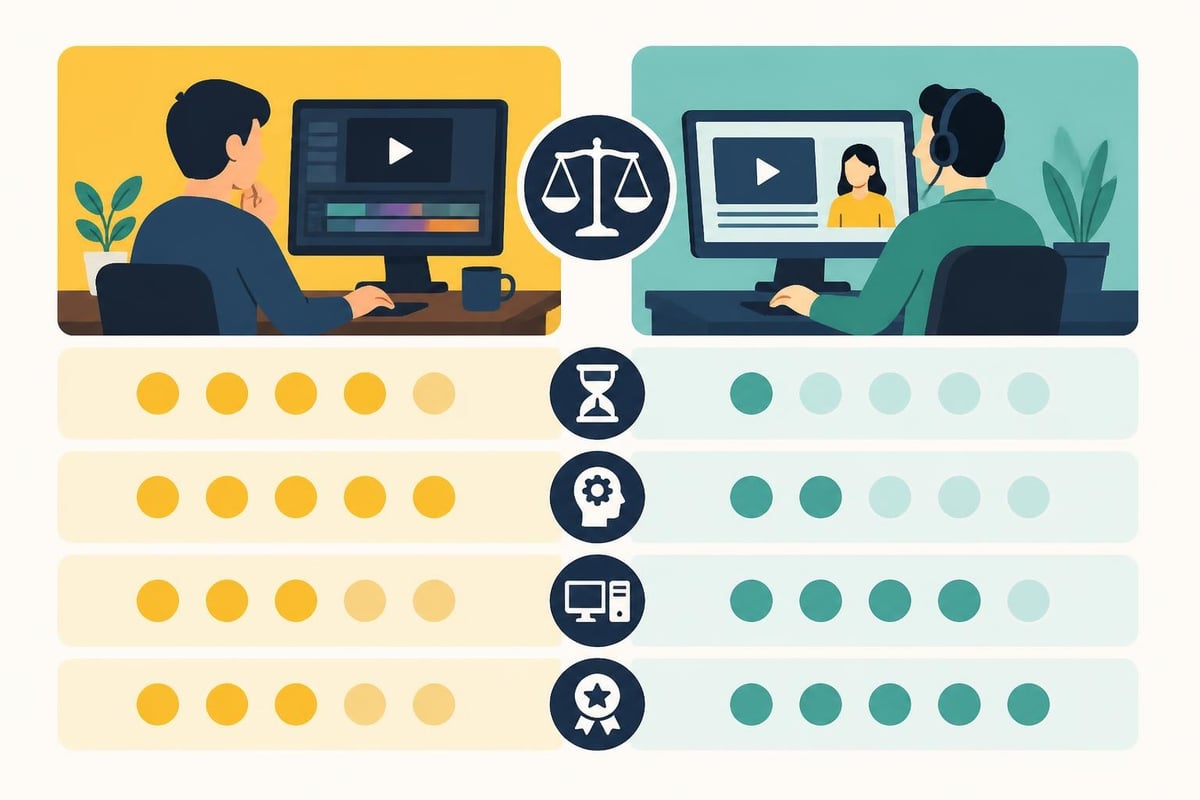
Some content types demand specific features that general-purpose free editors might not prioritize.
Video game editing needs smooth handling of high frame rate footage (60fps or higher), quick cuts, and picture-in-picture for webcam overlays. DaVinci Resolve and Kdenlive both handle these requirements well, though rendering times can stretch if you're editing hour-long gameplay sessions.
360 video editing requires specialized tools for stitching and reframing. Most free editors can handle standard GoPro footage beautifully, but spherical video often demands purpose-built software or professional services.
Course creators need clean screen recordings, synchronized slide presentations, and polished end screens. The free best video editing app for this work usually comes down to DaVinci Resolve or Kdenlive, both capable of multi-cam editing and precise audio sync.
Picking the right free best video editing app depends on your specific situation, not abstract feature comparisons.
Choose DaVinci Resolve if:
Choose Kdenlive if:
Choose Shotcut if:
Choose OpenShot if:
For creators and agencies publishing multiple videos weekly, even the best free editor becomes a bottleneck. The time spent learning, editing, and troubleshooting often exceeds the cost of unlimited video editing services.
Modern content creation rarely happens in isolation. The ability to add captions, share projects, and incorporate feedback matters as much as editing capabilities.
The W3C WebVTT specification outlines caption standards for web video. Most free editors let you import SRT subtitle files, but creating and timing captions manually is tedious work. This accessibility feature is crucial for platform algorithms and viewer retention, yet it's one more task eating into your production time.
Unlike cloud-based premium tools, most free desktop editors struggle with team workflows. You can't easily share projects between editors without matching software versions and file paths. For production companies managing multiple clients, this creates friction.
Before publishing any video, you'll want to verify it plays correctly across devices. The VideoLAN documentation explains codec compatibility and playback issues, which become important when your exported video doesn't look right on certain platforms.
Smart testing workflow:
This process catches problems before you waste time rendering a full project with incorrect settings. It's especially important when learning a new free best video editing app, as each has quirks in how it handles exports.
"Free" software eliminates licensing fees but introduces other costs that aren't always obvious upfront.
Opportunity cost is the big one. Every hour spent editing is an hour not spent on strategy, content creation, business development, or personal time. For established creators and businesses, this trade-off rarely makes financial sense beyond the early experimental phase.
Learning cost compounds over time. Software updates change interfaces and workflows. Troubleshooting technical issues burns hours. Searching tutorials and forums for solutions to specific problems adds up quickly.
Quality cost varies by skill level. Even with professional tools, amateur editors produce amateur results until they develop an eye for pacing, color, and storytelling. Your early videos might not represent your brand the way you'd hoped.
These aren't arguments against using free editors, they're just honest considerations. For some creators, building editing skills pays dividends. For others, especially those focused on personal brand growth or scaling content production, outsourcing makes more sense.
Where you plan to publish affects which free best video editing app serves you best.
YouTube channels benefit from DaVinci Resolve's strong color grading and audio tools. The platform's longer format justifies investing time in polished edits. Make sure you understand aspect ratios (16:9), upload resolution (1080p minimum), and YouTube's compression to maintain quality.
TikTok, Reels, and Shorts demand vertical video (9:16), punchy pacing, and quick turnarounds. Shotcut's simplicity works well here. Export at 1080×1920 resolution, keep files under your platform's size limit, and prioritize the first three seconds to hook viewers.
If you're delivering videos for paying clients or employers, free software works but creates perception challenges. Clients may question your professionalism if you mention free tools. More importantly, you'll need reliable customer support and predictable rendering times that free software doesn't always guarantee.
Video editing technology evolves constantly. Choosing tools that receive active development and community support ensures you won't hit dead ends as formats and standards change.
All four recommended editors receive regular updates in 2026. DaVinci Resolve gets quarterly feature releases. Kdenlive, Shotcut, and OpenShot benefit from active open-source communities contributing improvements and bug fixes.
Stay aware of emerging trends:
The free best video editing app landscape will shift as these technologies mature. Building skills on actively developed platforms ensures your knowledge transfers to newer versions and alternatives.
Finding and mastering a free best video editing app gives you creative control and valuable skills without upfront costs. But for creators and businesses serious about consistent, high-quality video content, the time investment eventually outweighs the licensing savings. That's where beCreatives transforms your workflow, giving you unlimited professional edits, dedicated editors who understand your brand, and the freedom to focus on creating rather than editing. Skip the learning curve and get back to what you do best while we handle the editing.
Discover how post production video editing transforms raw footage into professional content. Learn workflows, tools, and outsourcing tips.
Master video editing HD quality standards, encoding settings, and workflow best practices to deliver professional content in 2026.
Discover what makes a YouTube video editing course worth your time in 2026, plus smarter alternatives for busy creators and agencies.
Looking to hire video editor for YouTube? Discover the best hiring strategies, what to look for, and how to build a winning content team in 2026.
Discover the best music video editing software for 2026. Compare features, pricing, and workflow tools to create stunning music videos faster.
Looking for a video editing company near me? Learn how to choose the right partner, what to expect, and whether local is best in 2026.
Discover how video editing AI online is changing content creation in 2026. Explore smart tools, workflows, and what creators really need to know.
Master wedding videography editing with expert tips on storytelling, pacing, and delivery. Learn how to transform raw footage into cinematic films.
Choosing an HD video editing app in 2026? Discover features, performance tips, and how professionals handle high-definition content.
Discover the best free simple editing software for videos and photos in 2026. Compare features, learn what works, and decide when to DIY or outsource.

Editing videos yourself can take a lot of your precious time, but do not worry – we‘ve got you covered! Our highly skilled Video Editors are here to speed up the process and give you time to create more content.








