
Post Production Video Editing: Complete Guide for 2026
Discover how post production video editing transforms raw footage into professional content. Learn workflows, tools, and outsourcing tips.
10 Min. ReadRead More
5 dedicated editor spots open this week. Book a call to reserve →

 Kiara WalkerCocktales Podcast
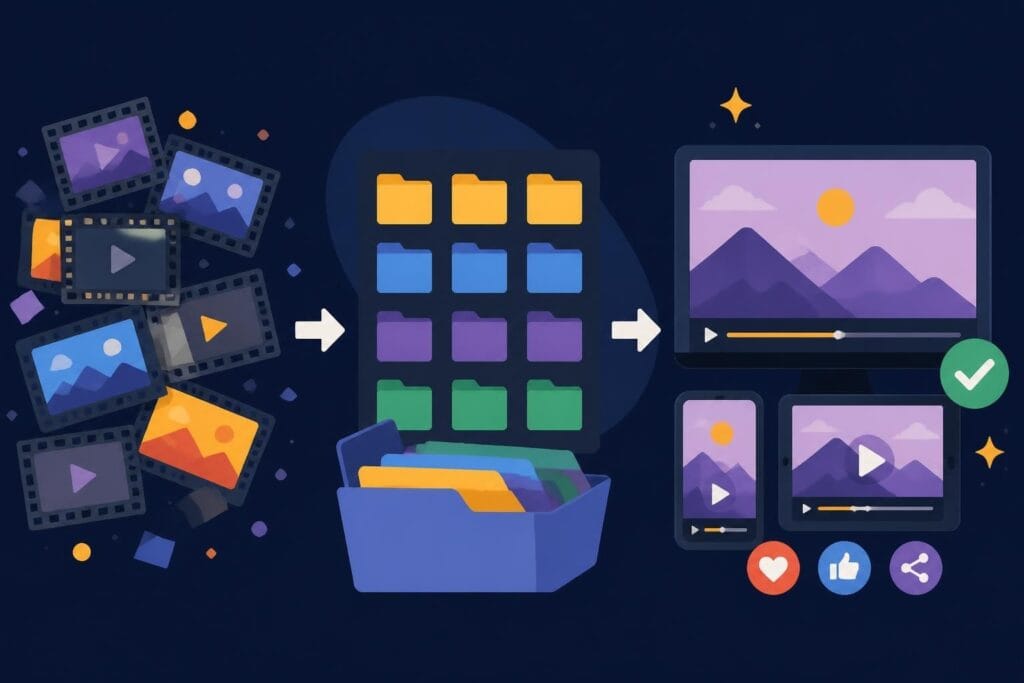
Struggling with footage to edit? Learn how to organize, manage, and maximize your raw video content without the editing headaches.
 Knowledge Base
July 2, 2026
You've got footage to edit sitting on your hard drive. Maybe it's from last week's product launch, that amazing client testimonial, or three months of TikTok attempts that never made it out of your camera roll. Sound familiar? Here's the truth: having tons of raw footage doesn't mean you're winning at content creation. It actually means you're stuck in the messy middle between filming and publishing. Let's talk about how to handle all that footage to edit without losing your mind or your momentum.
Most creators and business owners face the same problem: filming is the fun part, editing is where dreams go to die.
You record everything with the best intentions. You're motivated, camera-ready, and pumped about your content strategy. Then reality hits. The footage to edit starts accumulating because:
The result? Gigabytes of unused footage sitting there, guilt-tripping you every time you open your computer.
Here's what that pile of footage to edit is actually costing you:
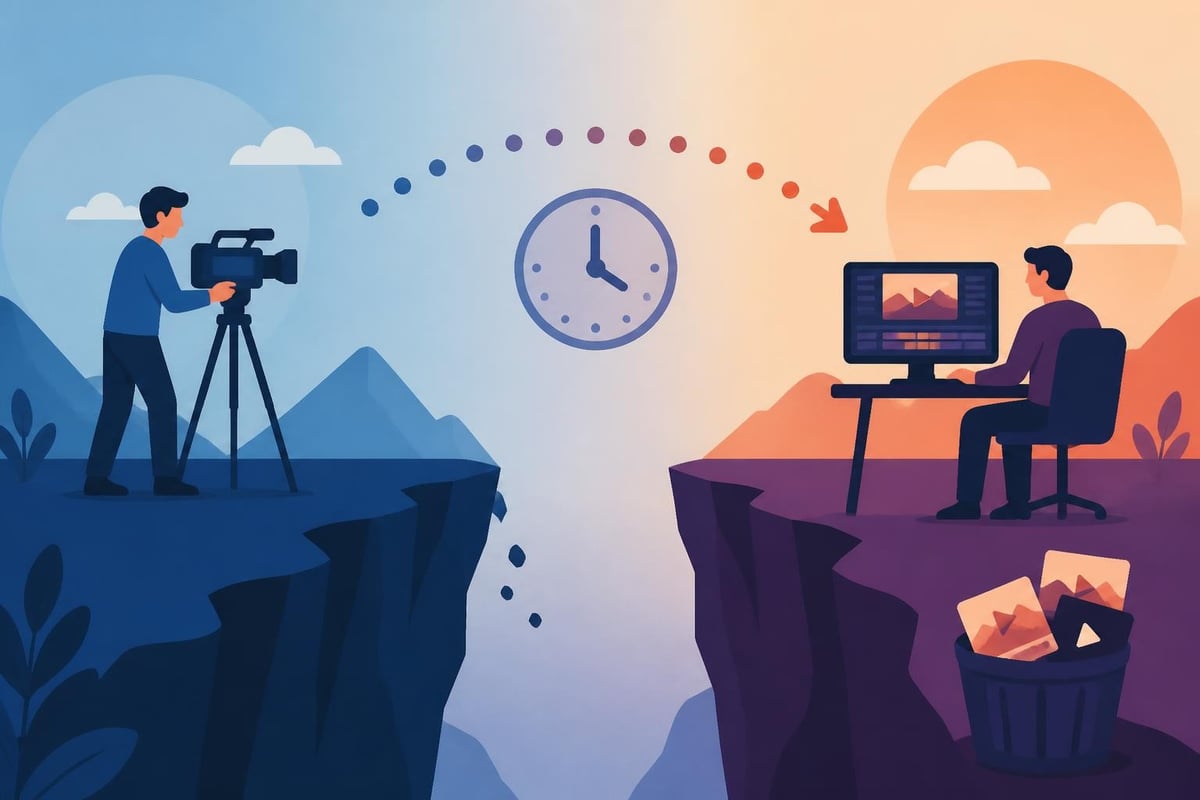
Organization isn't sexy, but it's the difference between creators who publish consistently and those who drown in their own content.
Your footage to edit needs a home before it needs an editor. Set up a structure like this:
| Folder Type | Purpose | Example |
|---|---|---|
| RAW FOOTAGE | Untouched original files | 2026_July_ProductDemo_Raw |
| READY TO EDIT | Organized and labeled clips | ProductDemo_BRoll_Selected |
| IN PROGRESS | Currently being edited | ProductDemo_V1_Draft |
| FINAL EXPORTS | Completed, published videos | ProductDemo_Final_1080p |
Name your files with dates, project names, and clip types. Future you will thank current you when you're searching for that perfect B-roll from three months ago.
Not all footage to edit deserves equal attention. Be ruthless about what makes the cut.
Ask yourself these questions:
Sometimes the best decision is deleting footage that's never going to serve your goals. That's not failure, that's focus.
If you're handling footage to edit yourself, you need systems that prevent editing from consuming your entire week.
Instead of editing one video at a time, process your footage to edit in batches:
This approach cuts down on context-switching and keeps you in flow state longer. When selecting video editing software, look for tools that support batch operations and project templates.
If you're creating series content (weekly vlogs, product reviews, tutorials), templates are game-changers for managing footage to edit.
Create master templates with:
Now you're just dropping in new footage to edit rather than starting from scratch each time.
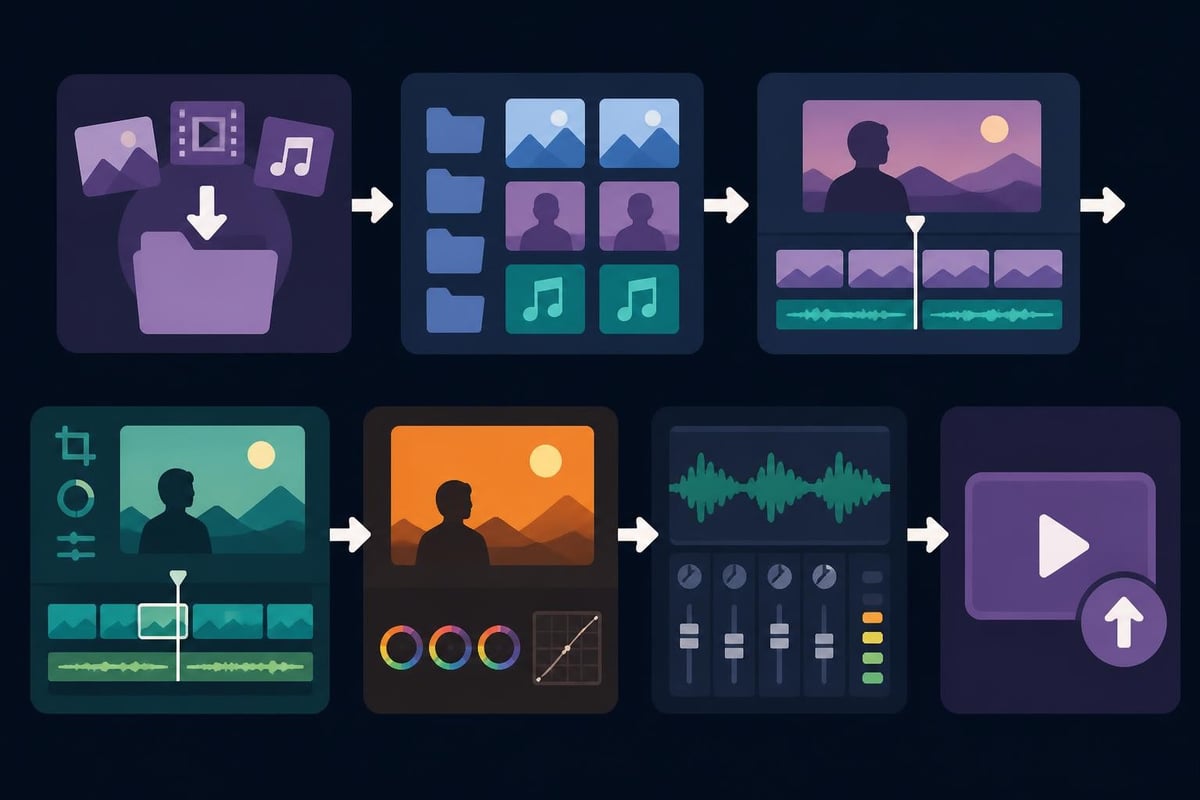
Here's the uncomfortable truth: just because you CAN edit your own footage doesn't mean you SHOULD.
Let's do some quick math. Say you're a business owner or content creator who values their time at $100 per hour (conservative for most entrepreneurs). You've got footage to edit that takes 6 hours to turn into a polished video.
That's $600 of your time spent on editing. Could that same 6 hours generate more than $600 if you spent it on:
Probably yes.
This is where services like those offered through beCreatives change the game. When you've got dedicated editors handling your footage to edit, you stay in your zone of genius instead of fumbling through software tutorials.
You know it's time to delegate when:
Smart creators extract multiple pieces of content from a single filming session. That footage to edit you're sitting on? It's probably worth way more than one video.
One 20-minute recording session can become:
Specialized services like TikTok editing can repurpose your footage to edit across multiple platforms, each optimized for where it'll be published.
| Content Type | Typical Length | Best Platforms | Editing Complexity |
|---|---|---|---|
| Long-form video | 8-20 minutes | YouTube, website | High |
| Short-form vertical | 15-60 seconds | TikTok, Reels, Shorts | Medium |
| Stories/BTS | 5-15 seconds | Instagram, Facebook | Low |
| Ads | 15-30 seconds | Paid social, YouTube | High |
When reviewing footage to edit, maintain a running list of:
This bank ensures you're constantly thinking about content potential, not just checking boxes.
You can't edit what you can't access. Storage and file management matter more than you think.
As your content library grows, so does your footage to edit pile. Here's how to handle it:
Cloud storage works great for:
External drives are better for:
For insights on organizing video files efficiently, check out these practical video editing tips that cover workflow management.
Your footage to edit probably comes in various formats depending on your camera or phone. Understanding the basics helps:
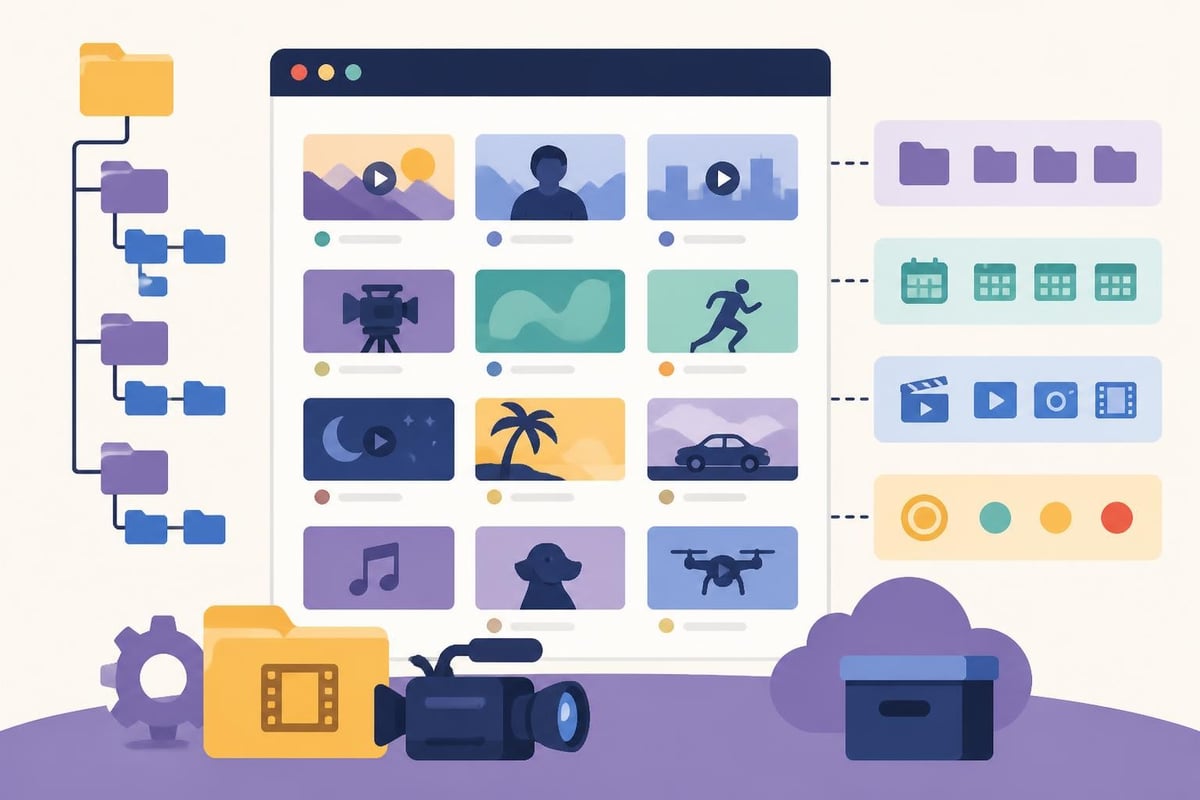
Once you've got organization handled, it's time to think about how editing choices affect your final content.
Your footage to edit tells a story, but only if you assemble it with intention. Professional editors use techniques like:
These creative video editing techniques can elevate basic footage into compelling narratives.
Bad audio kills good footage to edit faster than anything else. When processing your content:
Sound design is where amateur edits and professional results really separate.
Color grading transforms the mood and professionalism of your footage to edit:
The goal isn't just to clear your current footage to edit backlog. It's to never build that backlog again.
Here's a sustainable rhythm that keeps footage to edit moving:
Monday-Tuesday: Planning, scripting, and prep
Wednesday-Thursday: Filming sessions
Friday: Review footage and prioritize editing queue
Weekend: Either batch edit yourself OR send to your editing team
This creates predictable workflows where content flows from concept to publication without bottlenecks.
Track these numbers to optimize your footage to edit workflow:
| Metric | What It Tells You | Action Threshold |
|---|---|---|
| Days from filming to publish | Workflow efficiency | Over 7 days = problem |
| Percentage of filmed footage published | Content waste | Under 50% = filming too much |
| Editing hours per finished minute | Time efficiency | Track trends over time |
| Engagement rate by content type | What resonates | Focus on high performers |
Whether you're a solopreneur or running an agency, your footage to edit needs a clear ownership structure:
If you're editing yourself:
If you're outsourcing:
For those ready to scale without the headaches, exploring unlimited video editing services can provide the support system that keeps content flowing consistently.
Different platforms demand different editing approaches. Your footage to edit should be optimized for where it lives.
When editing footage to edit for YouTube:
For TikTok, Reels, and Shorts, your footage to edit needs:
When your footage to edit is teaching something:
Technology is changing how we handle video content, making it easier to manage footage to edit without extensive technical skills.
Modern editing solutions now include:
These tools speed up the mechanical parts of editing, letting you (or your editor) focus on creative decisions. For data-backed approaches to editing, these 50 proven video editing tips offer insights from millions of analyzed clips.
Instead of starting from scratch with every piece of footage to edit, creators now access:
This dramatically reduces editing time while maintaining professional quality.
Managing your footage to edit doesn't have to be the bottleneck that kills your content strategy. With the right systems for organization, prioritization, and workflow, you can transform raw clips into published content that actually grows your business. But here's the real secret: the most successful creators don't do it all themselves. They focus on what they do best and delegate the rest. If you're ready to stop drowning in unedited footage and start publishing consistently, beCreatives offers unlimited editing services with dedicated editors, unlimited storage, and seamless revision systems designed specifically for creators and businesses who want results without the editing headaches.
Discover how post production video editing transforms raw footage into professional content. Learn workflows, tools, and outsourcing tips.
Master video editing HD quality standards, encoding settings, and workflow best practices to deliver professional content in 2026.
Discover what makes a YouTube video editing course worth your time in 2026, plus smarter alternatives for busy creators and agencies.
Looking to hire video editor for YouTube? Discover the best hiring strategies, what to look for, and how to build a winning content team in 2026.
Discover the best music video editing software for 2026. Compare features, pricing, and workflow tools to create stunning music videos faster.
Looking for a video editing company near me? Learn how to choose the right partner, what to expect, and whether local is best in 2026.
Discover how video editing AI online is changing content creation in 2026. Explore smart tools, workflows, and what creators really need to know.
Master wedding videography editing with expert tips on storytelling, pacing, and delivery. Learn how to transform raw footage into cinematic films.
Choosing an HD video editing app in 2026? Discover features, performance tips, and how professionals handle high-definition content.
Discover the best free simple editing software for videos and photos in 2026. Compare features, learn what works, and decide when to DIY or outsource.

Editing videos yourself can take a lot of your precious time, but do not worry – we‘ve got you covered! Our highly skilled Video Editors are here to speed up the process and give you time to create more content.








