
Post Production Video Editing: Complete Guide for 2026
Discover how post production video editing transforms raw footage into professional content. Learn workflows, tools, and outsourcing tips.
10 Min. ReadRead More
5 dedicated editor spots open this week. Book a call to reserve →

 Kiara WalkerCocktales Podcast
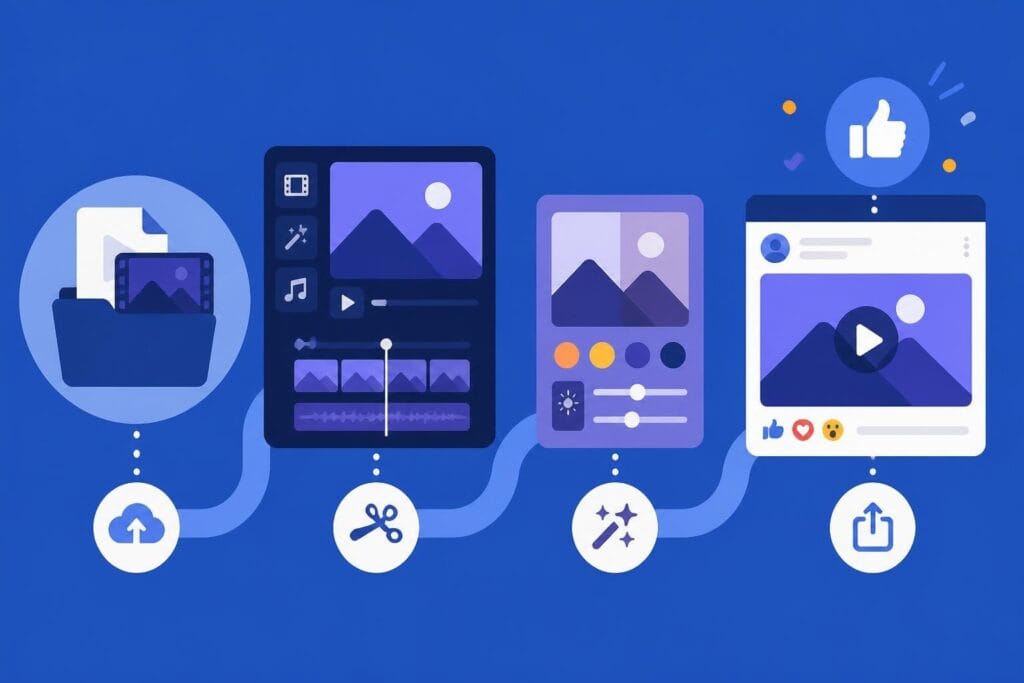
Discover the best facebook video editor tools and strategies for 2026. Learn specs, formats, and why professional editing matters for your brand.
 Knowledge Base
July 24, 2026
Creating videos for Facebook in 2026 isn't just about hitting record and hoping for the best. With over 2.9 billion active users scrolling through their feeds daily, your video content needs to stop thumbs, hold attention, and drive results. Whether you're a solopreneur building your personal brand, a marketer crafting campaigns, or an agency managing multiple clients, choosing the right facebook video editor and workflow can make or break your social media strategy. The good news? You don't need a film degree or expensive software to create scroll-stopping content. You just need the right approach, tools, and maybe a little help along the way.
Not all video editing tools are created equal, especially when it comes to Facebook's specific requirements and audience behavior. A great facebook video editor needs to handle the platform's unique specs while keeping your workflow fast and efficient.
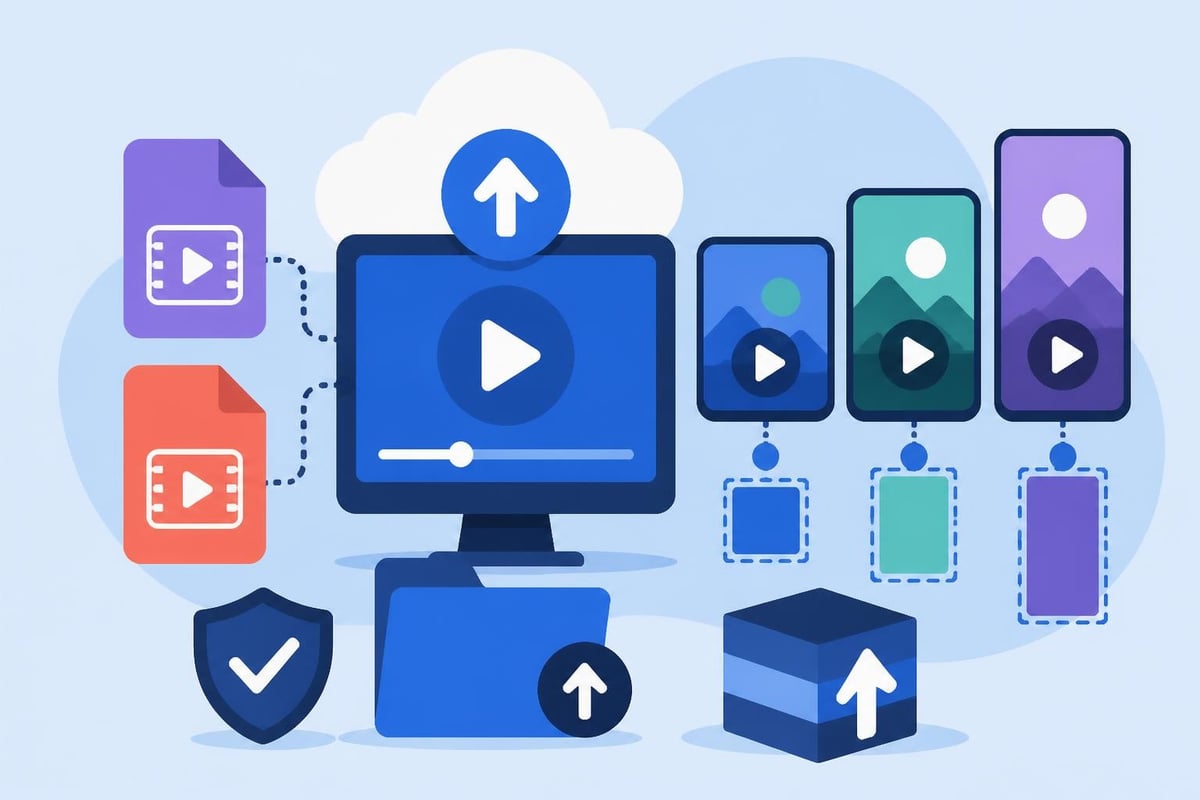
Facebook has strict video specifications that directly impact how your content performs. According to Sprout Social’s comprehensive video specs guide, getting these details right from the start saves you from frustrating re-uploads and quality issues.
Here's what your facebook video editor needs to handle:
The catch? Most generic editing tools don't optimize for these specs automatically. You're left manually adjusting settings, exporting multiple versions, and crossing your fingers that the quality holds up after Facebook's compression.
Facebook offers its own built-in editing features, and they're honestly pretty basic. PostBase’s guide on editing Facebook videos walks through the native options available directly on the platform.
What Facebook's built-in editor offers:
| Feature | What You Can Do | Limitations |
|---|---|---|
| Trimming | Cut start/end points | No multi-clip editing |
| Text overlays | Add captions manually | Time-consuming, limited fonts |
| Filters | Apply basic color adjustments | Few creative options |
| Music | Add from Facebook library | Limited selection, licensing restrictions |
These tools work fine for quick fixes. But if you're serious about creating content that converts, you need more firepower. Professional facebook video editor software gives you multi-track editing, advanced color grading, motion graphics, and the ability to create templates for consistent branding.
The question isn't whether professional tools are better. It's whether you have the time and energy to learn them, use them, and still run your business.
Understanding technical specs is one thing. Creating videos that people actually watch and engage with? That's where strategy meets execution.
Here's a stat that changes everything: 85% of Facebook videos are watched without sound. Your facebook video editor workflow needs to account for this from day one.
Brandwatch’s analysis of Facebook video ads emphasizes that the first 3 seconds determine whether someone keeps watching or scrolls past. Without audio, you need visual hooks that grab attention immediately.
Essential elements for sound-off viewing:
This is where professional short-form video editing makes a massive difference. Adding captions isn't just typing words on screen. It's timing, styling, positioning, and making sure every frame communicates your message clearly.
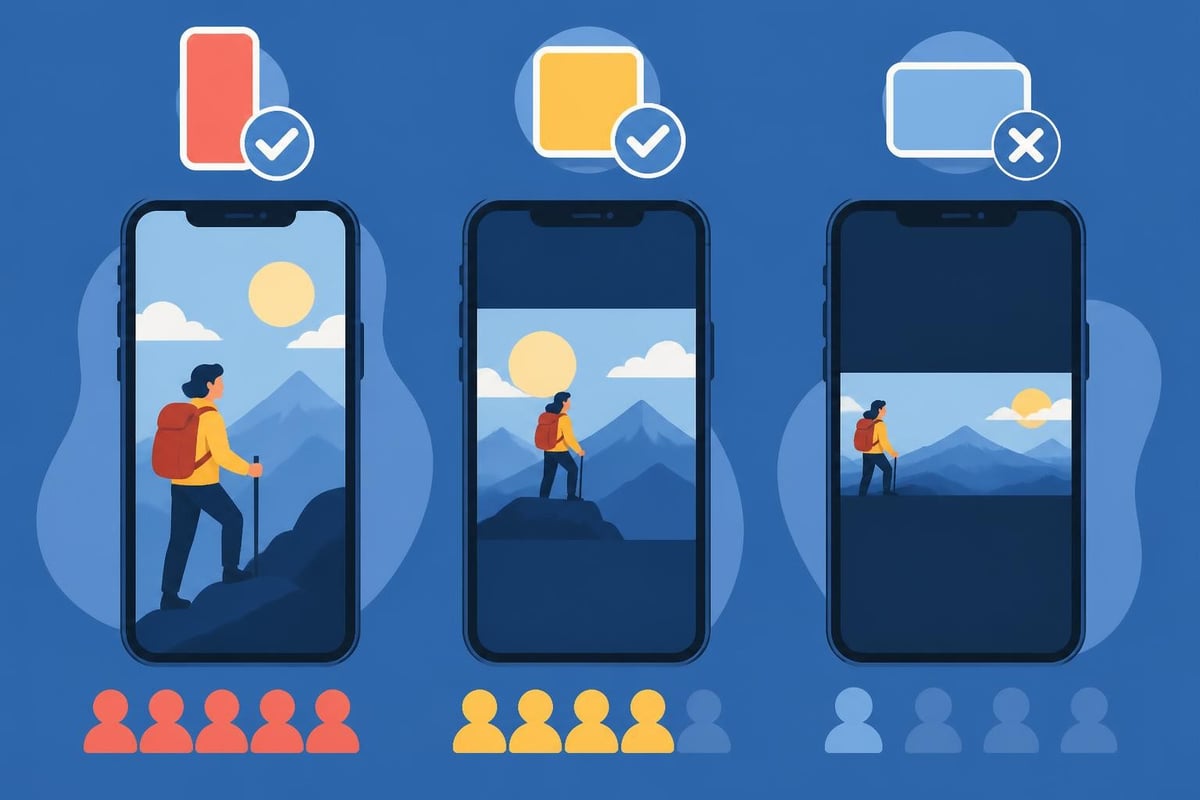
Your viewers aren't watching on cinema screens. They're scrolling on phones during commutes, lunch breaks, and those precious minutes before bed. Cybertegic’s best practices for Facebook videos highlight that mobile optimization isn't optional anymore, it's mandatory.
What mobile-first editing looks like:
Your facebook video editor needs to preview how content looks on actual mobile devices, not just desktop monitors. That slick landscape video might look gorgeous on your computer but cramped and hard to read on a phone screen.
Once you've nailed the basics, these advanced strategies separate amateur content from scroll-stopping videos that drive real results.
Different content types perform better with specific aspect ratios. Your facebook video editor should make it easy to repurpose content for multiple formats without starting from scratch.
| Content Type | Best Aspect Ratio | Why It Works |
|---|---|---|
| Product demos | 1:1 (Square) | Maximizes feed space, works in all placements |
| Stories/Reels | 9:16 (Vertical) | Full-screen mobile experience, immersive |
| Tutorials/Webinars | 16:9 (Landscape) | Familiar format, good for detailed content |
| Testimonials | 4:5 (Vertical) | Takes up more feed space than landscape |
The smartest approach? Edit once in vertical format, then adapt. Most professional workflows start with 9:16 and crop down to square or landscape as needed. This saves massive amounts of time compared to editing each version separately.
Facebook's algorithm favors videos that keep people on the platform longer. Research on optimal posting strategies shows that engagement patterns directly impact content distribution.
What the algorithm loves:
Your facebook video editor workflow should prioritize creating tight, engaging content over long, meandering videos. A 45-second video with 80% average watch time beats a 5-minute video where people drop off after 30 seconds.
Here's where professional editing really shines. Building templates for intros, outros, lower thirds, and transitions means you're not reinventing the wheel every single time you create content.
Templates accelerate your workflow by:
But here's the thing, creating these templates takes specialized knowledge and time. Most business owners don't have either. That's exactly why unlimited video editing services have become game-changers for busy entrepreneurs and agencies who need consistent output without the learning curve.
Even with the best facebook video editor, certain mistakes can tank your results. Let's talk about what not to do.
There's a sweet spot between polished and authentic. Over-produced videos can feel disconnected from your audience, while sloppy editing makes you look unprofessional.
Signs you're over-editing:
Signs you're under-editing:
The solution isn't finding perfect balance yourself. It's working with editors who understand your brand voice and can make those judgment calls quickly. Check out real results from beCreatives’ client testimonials to see how the right editing partner transforms content.
Your facebook video editor is just the production tool. The real magic happens when you analyze what's working and adjust accordingly.
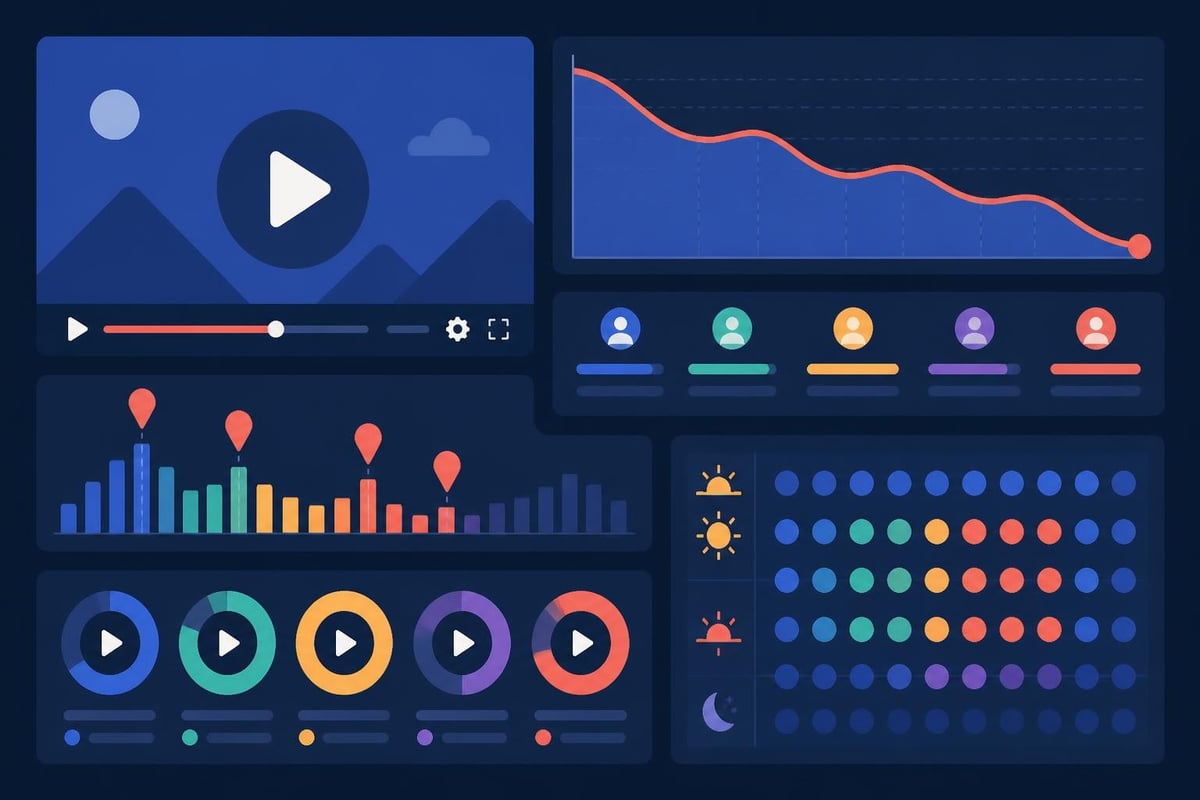
Facebook's native analytics show you:
Use this data to inform your next videos. If people consistently drop off at 15 seconds, your hook isn't strong enough. If engagement spikes when you show behind-the-scenes content, make more of that. Your facebook video editor workflow should evolve based on real performance, not gut feelings.
Creating one great video is manageable. Creating consistent, high-quality content week after week while running your actual business? That's where things get complicated.
Let's be honest about what professional facebook video editing actually requires. For a single 60-second polished video:
Total time investment: 3-4 hours minimum for someone who knows what they're doing. For beginners learning a new facebook video editor? Multiply that by 2-3x.
Now multiply that by the 3-5 videos per week you should be posting for consistent Facebook presence. You're looking at 12-20 hours of editing time weekly. That's not a side task. That's a part-time job.
There's a reason the most successful content creators, agencies, and businesses don't edit their own videos. It's not because they can't learn. It's because their time is worth more elsewhere.
The math that changes everything:
| Your Time Investment | Your Hourly Value | Weekly Cost | Annual Cost |
|---|---|---|---|
| 15 hours editing | $100/hour | $1,500 | $78,000 |
| 15 hours editing | $200/hour | $3,000 | $156,000 |
| 15 hours editing | $500/hour | $7,500 | $390,000 |
Even if you "enjoy" editing, can you honestly say it's the best use of your time? What could you accomplish with an extra 15 hours per week focused on strategy, client work, or revenue-generating activities?
Professional video editing services aren't an expense. They're an investment in your time, sanity, and business growth. When you have a dedicated editor who knows your brand, understands Facebook's requirements, and can turn around polished content in 24-48 hours, everything changes.
The best facebook video editor in the world won't help you if your content creation process is chaotic. You need systems that work even when you're busy, traveling, or just need a break.
Components of a sustainable video system:
This is exactly what beCreatives’ onboarding process solves. You get dedicated editors who learn your brand, unlimited revisions until it's perfect, and a project management system that keeps everything organized without adding to your workload.
Organic reach is great, but paid Facebook video ads are where serious ROI happens. Your facebook video editor strategy for ads needs to be even more precise.
AdCreate’s analysis of Facebook video ads confirms what top marketers already know: you have 3 seconds to hook viewers before they scroll past your ad.
Winning opening strategies:
Your facebook video editor needs to prioritize these opening seconds above everything else. It doesn't matter how brilliant your call-to-action is if nobody watches long enough to see it.
The most successful Facebook ad campaigns don't rely on a single perfect video. They test multiple variations to find what resonates.
Elements to test:
Your facebook video editor workflow should make creating variations fast and efficient. Starting from a master edit and creating alternate versions takes minutes when you have proper systems and templates in place.
Facebook isn't slowing down its video push. In 2026 and beyond, video content will only become more critical for brand visibility and audience connection.
AI-assisted editing is transforming workflows. Research on AI-assisted video editing shows how machine learning can handle repetitive tasks, but human creativity still drives the strategy and storytelling.
Interactive video features are expanding beyond polls and questions. Facebook is testing shoppable videos, branching narratives, and AR integration that changes how viewers engage with content.
Live video integration continues growing. Studies on live social broadcasts reveal that live content drives 6x more engagement than pre-recorded videos, but requires different editing approaches for highlights and repurposing.
The takeaway? Your facebook video editor skills and tools need to evolve constantly. Unless you're dedicating serious time to staying current with platform changes, you're already falling behind.
The best facebook video editor today might be obsolete tomorrow. What doesn't change is the need for strategic, engaging content that serves your audience and business goals.
Focus on building relationships with editing partners who adapt to platform changes for you. When Facebook rolls out new features, video specs, or algorithm updates, you want editors who are already testing and implementing best practices, not scrambling to figure things out.
That's the beCreatives difference. Your dedicated editing team stays on top of platform changes, tests new features, and adjusts your content strategy accordingly, all included in your subscription. No extra fees, no learning curves, no stress.
Creating powerful Facebook videos doesn't require you to become a facebook video editor expert yourself. It requires smart decisions about where to invest your time and energy. The most successful entrepreneurs and agencies recognize that professional editing isn't a luxury, it's a strategic necessity that frees them to focus on what they do best. If you're ready to stop trading your valuable time for editing tasks and start creating consistent, professional video content that actually grows your business, beCreatives offers unlimited editing with dedicated editors who learn your brand and deliver results fast. Your audience is waiting for your next video, make it count without burning yourself out in the process.
Discover how post production video editing transforms raw footage into professional content. Learn workflows, tools, and outsourcing tips.
Master video editing HD quality standards, encoding settings, and workflow best practices to deliver professional content in 2026.
Discover what makes a YouTube video editing course worth your time in 2026, plus smarter alternatives for busy creators and agencies.
Looking to hire video editor for YouTube? Discover the best hiring strategies, what to look for, and how to build a winning content team in 2026.
Discover the best music video editing software for 2026. Compare features, pricing, and workflow tools to create stunning music videos faster.
Looking for a video editing company near me? Learn how to choose the right partner, what to expect, and whether local is best in 2026.
Discover how video editing AI online is changing content creation in 2026. Explore smart tools, workflows, and what creators really need to know.
Master wedding videography editing with expert tips on storytelling, pacing, and delivery. Learn how to transform raw footage into cinematic films.
Choosing an HD video editing app in 2026? Discover features, performance tips, and how professionals handle high-definition content.
Discover the best free simple editing software for videos and photos in 2026. Compare features, learn what works, and decide when to DIY or outsource.

Editing videos yourself can take a lot of your precious time, but do not worry – we‘ve got you covered! Our highly skilled Video Editors are here to speed up the process and give you time to create more content.








