
Post Production Video Editing: Complete Guide for 2026
Discover how post production video editing transforms raw footage into professional content. Learn workflows, tools, and outsourcing tips.
10 Min. ReadRead More
5 dedicated editor spots open this week. Book a call to reserve →

 Kiara WalkerCocktales Podcast
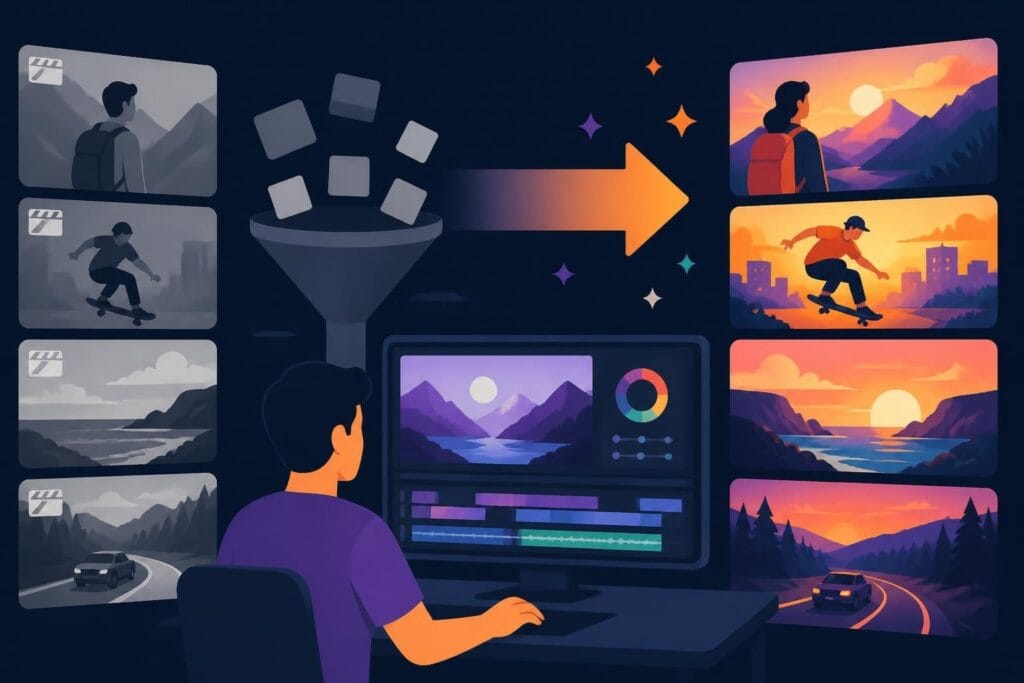
Discover how creative video editing transforms ordinary footage into engaging content that captures attention and drives results in 2026.
 Knowledge Base
August 5, 2026
Video content without creative polish is like a restaurant serving ingredients instead of meals. Sure, the raw materials are there, but nobody's excited to consume them. That's exactly what happens when you skip the creative editing process. Your footage might be great, but without the right cuts, transitions, pacing, and visual storytelling, it's just… footage. In 2026, when attention spans are measured in seconds and your audience has infinite scrolling options, creative video editing isn't optional anymore. It's the difference between getting watched and getting scrolled past.
Let's talk numbers for a second. The average person scrolls past content in 1.7 seconds if it doesn't immediately grab them. That's not even enough time to say "subscribe to my channel." Your first three seconds need to hit differently, and that's where creative video editing becomes your secret weapon.
But here's what most people get wrong: they think creative editing means throwing every transition and effect at the wall to see what sticks. Nope. Real creative video editing is about intentional choices that serve your story and keep eyeballs glued to the screen.
When you nail these elements, your content doesn't just look professional. It feels professional. There's a massive difference.
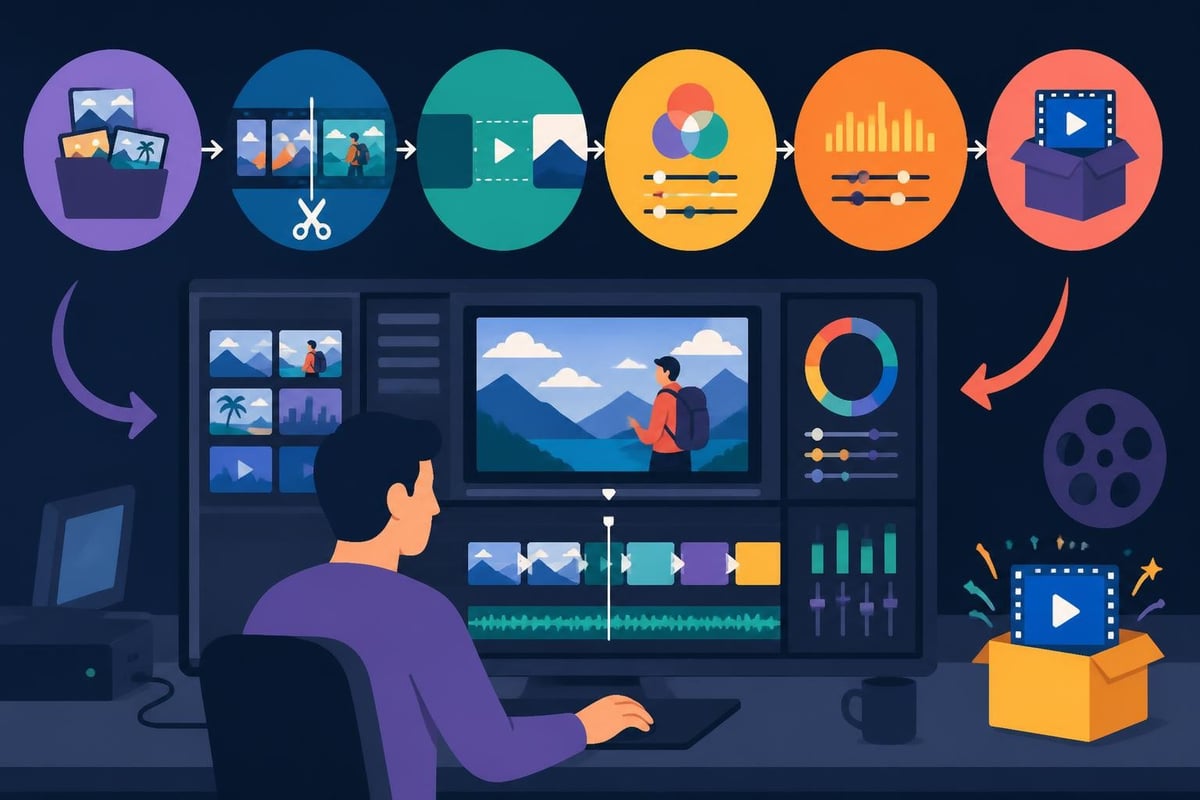
Here's where things get interesting. Anyone can learn to cut clips together. That's basic editing. Creative video editing is about understanding why you're making each choice and what psychological impact it has on your viewer.
Jump cuts used to be editing mistakes. Now they're a deliberate style choice that keeps content moving at internet speed. But there's an art to it. Bad jump cuts feel jarring and confusing. Good ones create rhythm and energy while maintaining clarity.
The trick? Cut on action or speech emphasis, not randomly. Your brain naturally fills in small gaps when something interesting is happening, but it gets confused when cuts interrupt the flow without reason.
B-roll isn't just pretty footage to cover up boring talking heads anymore. In 2026, creative video editing means using B-roll strategically to:
Check out video editing tutorials and techniques to see how professionals layer B-roll for maximum impact.
| Editing Technique | Best For | Viewer Impact |
|---|---|---|
| Quick cuts | High-energy content, tutorials | Maintains attention, creates urgency |
| Slow transitions | Emotional storytelling, lifestyle | Builds atmosphere, allows reflection |
| Match cuts | Comparisons, transformations | Creates visual connections, surprises |
| L-cuts and J-cuts | Interviews, documentaries | Smooths dialogue flow, feels natural |
Let's get real about something: having expensive software doesn't automatically make your edits creative. That said, the right tools absolutely expand what's possible. In 2026, the best video editing software options range from beginner-friendly to Hollywood-grade.
But here's the thing most people miss. The software is just the paintbrush. You still need to know what you're painting and why.
Modern editing platforms offer wild capabilities that weren't possible even two years ago. We're talking AI-powered features that speed up tedious work so you can focus on the creative decisions:
These aren't cheating. They're freeing up your mental energy for the stuff that actually requires human creativity and taste.
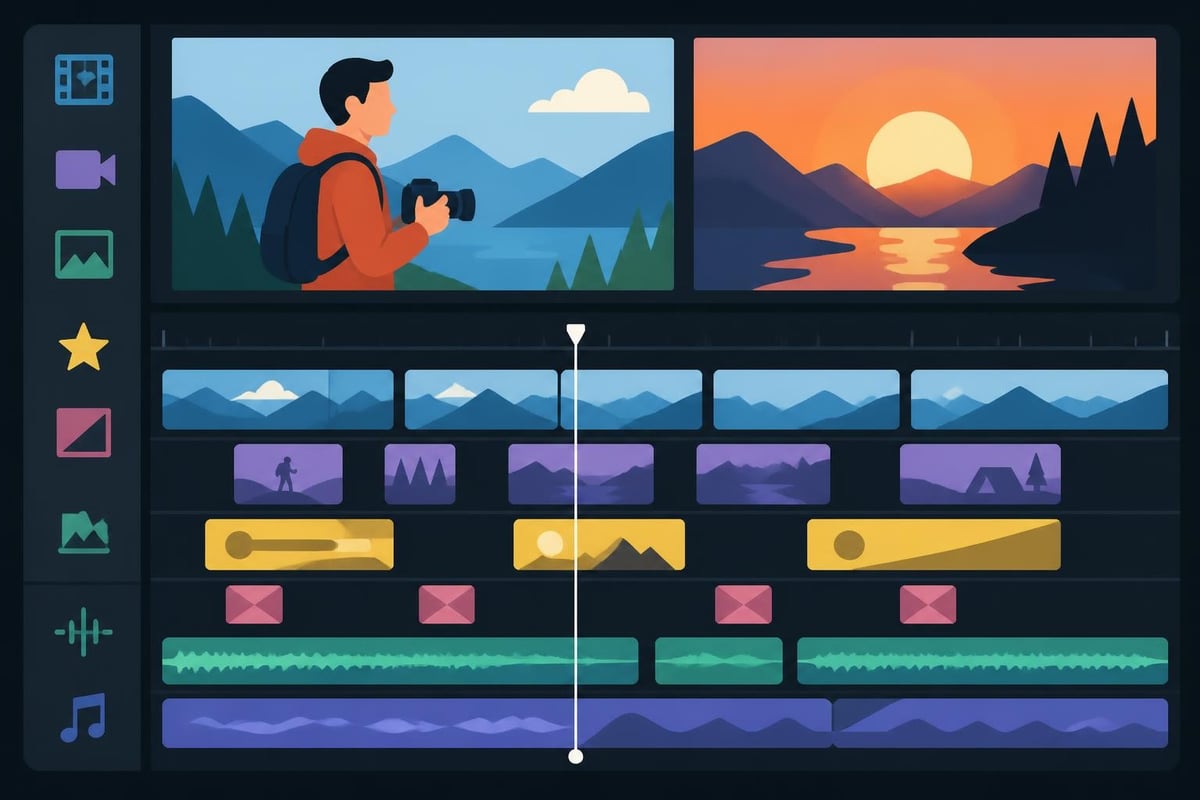
This is where creative video editing gets really interesting. Your editing choices trigger specific psychological responses in viewers, whether they consciously notice or not.
Fast cuts increase arousal and attention. Your brain perks up because it's processing more visual information per second. That's why trailer editors use rapid cuts to build excitement.
Slow, lingering shots do the opposite. They create space for emotional processing and contemplation. Think about how different a cooking video feels with quick, snappy cuts versus slow, deliberate shots of ingredients being prepared.
Audio is 50% of the video experience, but most creators spend 90% of their time thinking about visuals. Big mistake. Creative video editing means treating sound as an equal partner in storytelling.
Layering ambient sound creates realistic environments. Strategic silence builds tension or emphasizes important moments. Music selection sets emotional tone before a single word is spoken. Sound effects punctuate actions and transitions, guiding attention.
If you're working on social media video content, remember that many viewers watch without sound at first. Your creative editing needs to work both ways.
Color isn't just about making things look pretty. It's a powerful storytelling tool that most people underuse. Creative video editing involves intentional color choices that support your message and brand.
Warm tones create intimacy and nostalgia. Cool tones suggest professionalism or detachment. High contrast delivers drama and urgency. Low contrast feels softer and more accessible.
Look at any major brand's video content and you'll notice consistent color treatment. That's not accident. It's strategic creative video editing that reinforces brand identity in every frame. For specialized content like beauty and fashion videos, color accuracy can make or break the final product.
| Color Approach | Emotional Effect | Best Use Cases |
|---|---|---|
| Warm grading | Friendly, approachable, energetic | Lifestyle, personal brand, tutorials |
| Cool grading | Professional, trustworthy, calm | Corporate, tech, educational |
| Desaturated | Serious, documentary-style, raw | Testimonials, behind-scenes, journalism |
| High saturation | Bold, attention-grabbing, fun | Entertainment, kids content, celebrations |
Slapping text on screen isn't creative. Using text strategically to enhance understanding and engagement? That's creative video editing.
In 2026, viewers expect visual text reinforcement of key points. Not because they can't hear you, but because multi-sensory input improves retention. Studies show people remember 65% of information when they see and hear it versus 10% when they only hear it.
But here's the catch: bad text is worse than no text. If your graphics distract from your message, you've failed. Creative editing means text that:
For product videos and e-commerce content, strategic text overlays can highlight features, prices, and calls-to-action without feeling pushy.
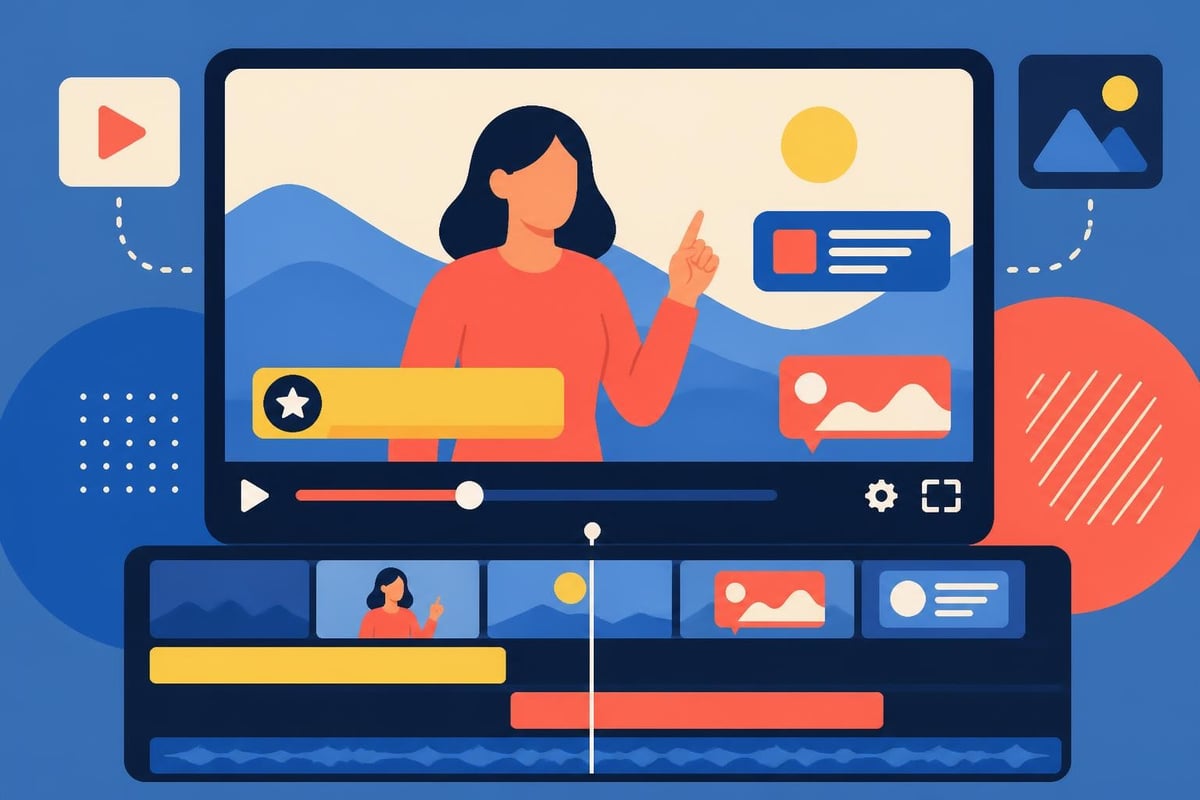
Nobody consciously thinks "wow, the pacing in this video is excellent" while watching. But everyone feels it when pacing is wrong. Too slow and they're bored. Too fast and they're overwhelmed. Creative video editing finds the sweet spot that matches your content type and audience expectations.
Different content demands different rhythms. YouTube video editing for entertainment channels needs faster pacing than educational deep-dives. Understanding these nuances separates amateur edits from professional work.
A good rule: match your pacing to how your audience would naturally engage with the topic. Excited about something? Quick cuts. Explaining something complex? Slower, more deliberate pacing that gives processing time.
Once you've mastered the fundamentals, creative video editing opens up even more possibilities. These techniques require more skill but deliver standout results.
Speed ramping creates dramatic emphasis by slowing down or speeding up specific moments. Seamless transitions make cuts invisible by matching motion or shapes between shots. Split screens allow simultaneous storytelling or comparisons. Creative text animations turn information delivery into visual entertainment.
Research into AI-assisted video editing frameworks shows how technology is expanding creative possibilities, but the human eye for storytelling remains irreplaceable.
Here's the uncomfortable truth: becoming great at creative video editing takes thousands of hours. Even if you have natural talent, developing professional-level skills means less time running your actual business.
That's why smart creators, agencies, and businesses are outsourcing to dedicated professionals. When you work with unlimited video editing services, you get consistent quality without the learning curve or time investment.
Consider what your time is actually worth. If you bill $100+ per hour for your expertise, spending 10 hours editing a video costs you $1,000 in opportunity cost. Professional editing services often cost less than that while delivering better results.
Creative video editing in 2026 means understanding platform nuances. What works on YouTube doesn't necessarily work on TikTok or LinkedIn. Each platform has different audience expectations, viewing contexts, and algorithm preferences.
YouTube rewards watch time, so creative editing should hook viewers early but sustain interest throughout longer content. Instagram and TikTok demand immediate impact in the first second. LinkedIn viewers expect more professional, straightforward editing without excessive flair.
For specialized content like GoPro and action footage, the editing style needs to match the high-energy nature of the content while maintaining visual stability.
| Platform | Ideal Length | Editing Style | Key Focus |
|---|---|---|---|
| YouTube | 8-15 minutes | Varied pacing, strong hooks | Retention, watch time |
| TikTok | 15-60 seconds | Fast, punchy, trend-aware | Immediate hook, completion |
| Instagram Reels | 15-90 seconds | Visually striking, on-brand | Aesthetic, shareability |
| 1-3 minutes | Professional, clear value | Credibility, business value |
The editing style that's hot today might feel dated next month. Creative video editing means finding the balance between staying current and maintaining timeless quality.
Some trends are worth adopting because they genuinely improve viewer experience. Others are fleeting gimmicks that'll make your content feel old fast. The difference? Ask whether the technique serves your story or just shows off.
Looking at advanced editing techniques and tutorials can help you distinguish between lasting improvements and temporary fads.
Here's something nobody talks about enough: you can't be creative when you're drowning in tedious tasks. Efficient workflows free up mental space for actual creative decisions.
Organize footage immediately instead of hunting through hundreds of random clips. Create templates for recurring elements like intros and outros. Use proxies for smooth editing of high-resolution footage. Batch similar tasks instead of constantly switching between different types of work.
When technical obstacles disappear, creativity flows naturally. That's why professional editors invest heavily in workflow optimization. It's not about working faster-it's about having more energy for creative problem-solving.
How do you know if your creative video editing is actually working? Unlike raw editing quality, creativity's impact shows up in viewer behavior and business results.
Watch your analytics. Are people watching longer? Engaging more? Converting at higher rates? If your creative editing choices aren't moving these numbers in the right direction, something needs adjustment.
Retention graphs show exactly where viewers drop off. Engagement rates reveal which content resonates. Click-through rates on calls-to-action indicate whether your creative choices successfully guide viewer action.
For businesses offering services, check how video editing pricing compares to the ROI your edited content generates. If creative editing drives sales, it's worth the investment.
AI tools are getting scary good at automating editing tasks. But they can't replace human creativity, taste, and emotional intelligence. Creative video editing requires understanding context, subtext, and nuance that machines can't grasp yet.
Research on AI-assisted video editing systems shows impressive capabilities in organizing footage and suggesting cuts, but the final creative decisions still need human judgment.
That's actually good news. It means the truly creative aspects of editing become more valuable, not less, as automation handles the technical grunt work.
Every editor develops a signature style over time. It's not about copying what's popular-it's about finding what authentic creative expression looks like for you or your brand.
Your creative voice emerges from the cumulative effect of thousands of small decisions. Which transitions feel right? How long do you hold on emotional moments? What music matches your energy? How much do you prioritize polish versus raw authenticity?
If you're setting up a professional home cinema system for video review and editing, you'll notice details in color, sound, and pacing that most viewers miss on phone screens-but still subconsciously feel.
Creative video editing isn't a one-time skill. It's an ongoing investment in connecting with your audience more effectively. Every video is a chance to refine your approach, test new techniques, and better understand what resonates.
Whether you're editing yourself or working with professionals, treating creative editing as a strategic priority transforms your content's impact. The difference between mediocre and memorable content often comes down to those creative choices in the editing room.
Creative video editing transforms raw footage into content that actually gets watched, remembered, and acted upon. But mastering these techniques takes time most busy creators and business owners simply don't have. That's where having a dedicated editing partner changes everything. beCreatives provides unlimited video editing with professional editors who handle the creative heavy lifting while you focus on running your business. No more spending weekends in editing software or posting inconsistent content because you ran out of time.
Discover how post production video editing transforms raw footage into professional content. Learn workflows, tools, and outsourcing tips.
Master video editing HD quality standards, encoding settings, and workflow best practices to deliver professional content in 2026.
Discover what makes a YouTube video editing course worth your time in 2026, plus smarter alternatives for busy creators and agencies.
Looking to hire video editor for YouTube? Discover the best hiring strategies, what to look for, and how to build a winning content team in 2026.
Discover the best music video editing software for 2026. Compare features, pricing, and workflow tools to create stunning music videos faster.
Looking for a video editing company near me? Learn how to choose the right partner, what to expect, and whether local is best in 2026.
Discover how video editing AI online is changing content creation in 2026. Explore smart tools, workflows, and what creators really need to know.
Master wedding videography editing with expert tips on storytelling, pacing, and delivery. Learn how to transform raw footage into cinematic films.
Choosing an HD video editing app in 2026? Discover features, performance tips, and how professionals handle high-definition content.
Discover the best free simple editing software for videos and photos in 2026. Compare features, learn what works, and decide when to DIY or outsource.

Editing videos yourself can take a lot of your precious time, but do not worry – we‘ve got you covered! Our highly skilled Video Editors are here to speed up the process and give you time to create more content.








