
Post Production Video Editing: Complete Guide for 2026
Discover how post production video editing transforms raw footage into professional content. Learn workflows, tools, and outsourcing tips.
10 Min. ReadRead More
5 dedicated editor spots open this week. Book a call to reserve →

 Kiara WalkerCocktales Podcast
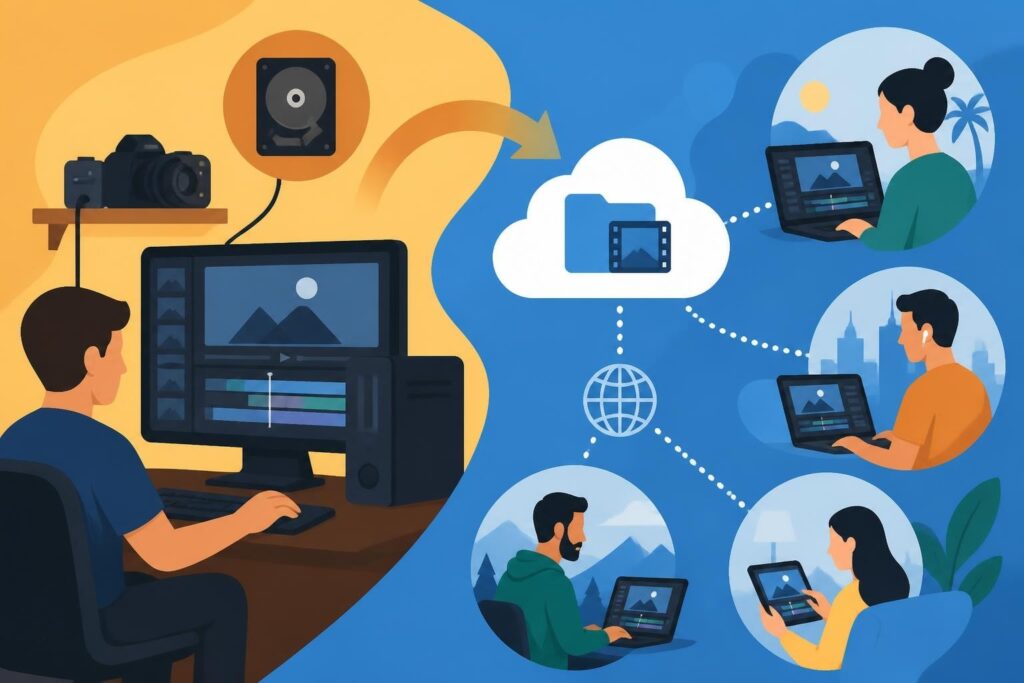
Cloud video edit platforms are transforming how creators, agencies, and businesses produce content. Discover benefits, workflows, and trends.
 Knowledge Base
July 19, 2026
The video editing landscape has shifted dramatically. What once required expensive hardware, dedicated workstations, and local storage now happens entirely in the cloud. Cloud video edit technology has become the backbone of modern content creation, enabling teams to collaborate in real-time, access projects from anywhere, and scale production without the traditional infrastructure headaches. For content creators, agencies, and business owners juggling multiple projects, this shift isn't just convenient – it's transformative.
The numbers tell a compelling story. Recent industry surveys show that 90% of video professionals have adopted cloud production and remote editing workflows, marking a fundamental change in how video content gets made. This isn't a trend – it's the new standard.
Traditional editing setups created bottlenecks:
Cloud video edit platforms solve these pain points by moving the entire workflow online. Your footage lives in secure cloud storage, your editing happens through browser-based or cloud-connected applications, and your team can collaborate from different time zones without missing a beat.
This shift affects more than just technical workflows. It changes what's possible for content-driven businesses.
Imagine running a marketing agency where your video editor in Austin can seamlessly pick up where your motion designer in Brooklyn left off, all while your client reviews progress in real-time from Miami. That's not futuristic – it's happening right now with cloud video edit systems.
The cost benefits stack up quickly. No more purchasing high-end editing workstations for every team member. No expensive local storage arrays. No IT headaches managing software licenses across multiple machines. The cloud handles it all through subscription models that scale with your needs.
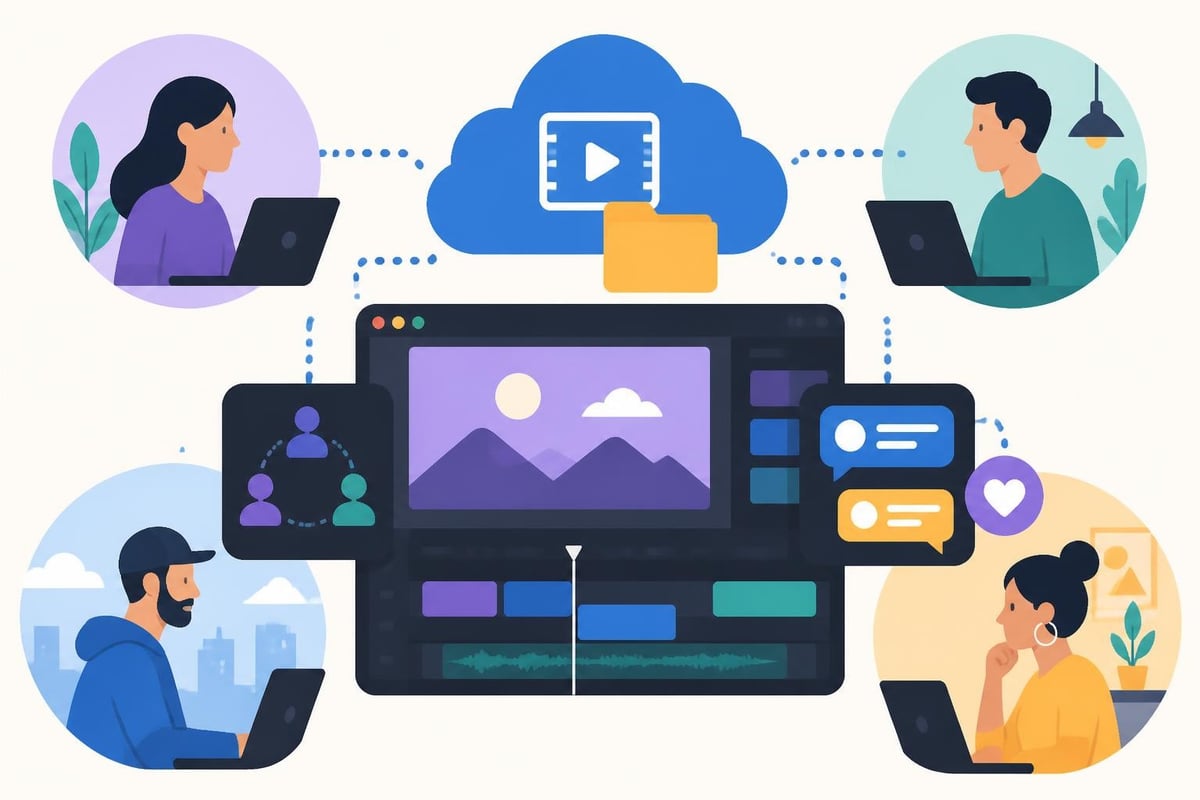
Not all cloud video edit platforms are created equal. Understanding what actually matters helps you choose tools that enhance rather than complicate your workflow.
| Feature | Why It Matters | What to Look For |
|---|---|---|
| Real-time Collaboration | Multiple team members work simultaneously | Live cursor tracking, instant updates, comment systems |
| Cloud Storage Integration | No manual file transfers or version conflicts | Automatic syncing, unlimited or scalable storage, backup systems |
| Browser Accessibility | Edit from any device, anywhere | No software installation required, cross-platform compatibility |
| Rendering Power | Fast exports without taxing local hardware | Cloud-based processing, parallel rendering capabilities |
| AI Features | Automate repetitive tasks | Auto-captioning, scene detection, smart asset tagging |
The evolution of cloud-based video editing platforms has introduced sophisticated features that were impossible with traditional editing setups. AI-powered tools now handle tasks like automatic color grading, audio cleanup, and even rough cuts based on script analysis.
One of the biggest advantages? Never worrying about running out of disk space again.
Traditional editing meant constantly juggling projects, archiving old files, and praying your external drives didn't fail. Cloud video edit systems flip that script entirely. Your footage, project files, and renders live in the cloud with built-in redundancy.
This creates powerful new workflows:
For agencies juggling multiple clients and creating content like TikTok videos at scale, this organizational power becomes indispensable.
The shift to cloud video edit doesn't just change where your files live – it fundamentally restructures how teams create content together.
Consider the old way: an editor downloads footage, works on it locally, exports a draft, uploads it for review, waits for feedback, downloads the file again, makes changes, and repeats. Each cycle burns hours and creates confusion about which version is current.
Now watch what happens with cloud workflows. Footage uploads once to cloud storage. Your editor accesses it directly through the cloud video edit platform. They work on the timeline while stakeholders can preview progress in real-time. Feedback happens through timestamped comments right in the interface. The editor sees notes instantly and makes adjustments without ever downloading or re-uploading files.
For video professionals working with multiple clients, cloud video edit platforms solve the nightmare of managing different editing systems and file formats across projects.
Freelance video editors can jump between client projects without reconfiguring workstations or transferring massive files. Everything stays organized in the cloud, accessible through a single interface.
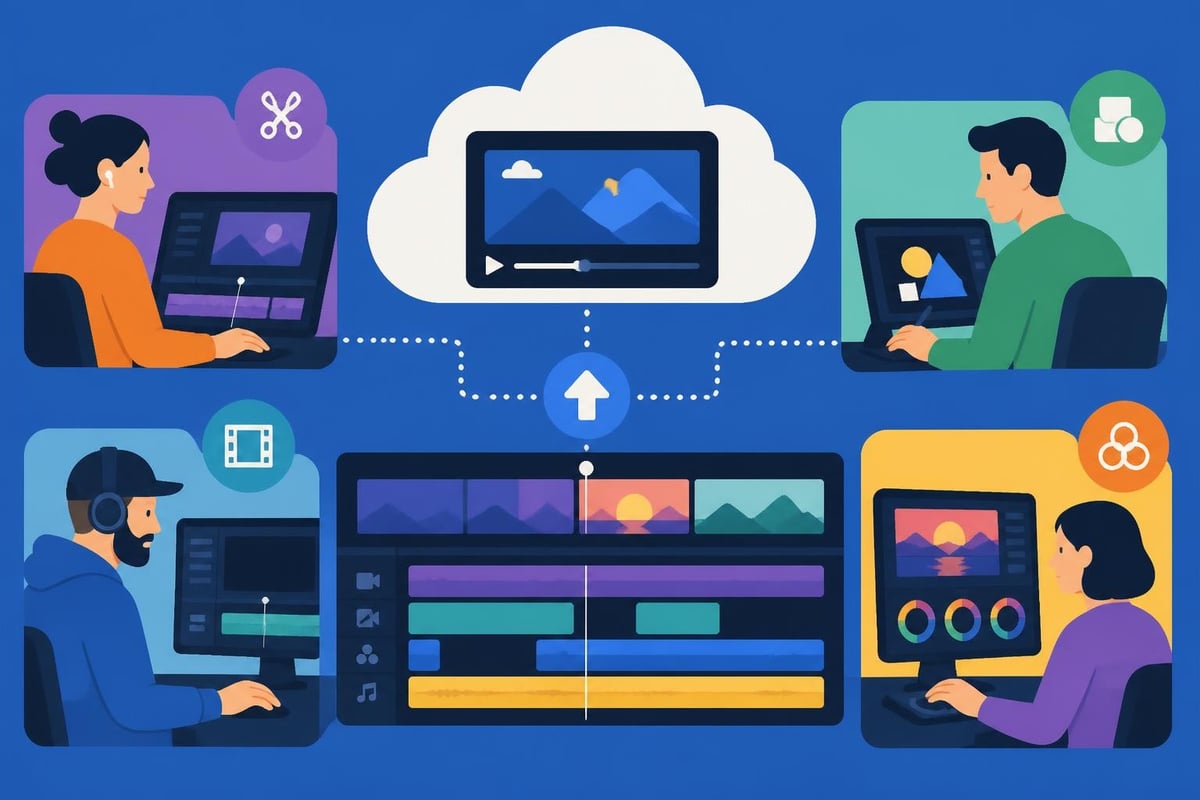
Agencies benefit even more dramatically. A team of editors can work on different aspects of the same project simultaneously. One person handles A-roll, another works on graphics, a third manages color grading – all in the same cloud video edit environment without stepping on each other's toes.
This parallel workflow approach:
Understanding what makes cloud video edit platforms tick helps you evaluate options and troubleshoot when issues arise.
The evolution of KVM systems for IP and cloud-based media reflects broader changes in how video infrastructure operates. Modern cloud platforms leverage distributed processing, where rendering tasks get split across multiple servers for faster completion.
Here's what actually happens when you edit in the cloud:
Your editing interface connects to powerful server infrastructure handling the heavy lifting. When you apply an effect or make a cut, those commands go to the cloud where processing happens on enterprise-grade hardware. The results stream back to your screen as proxy previews, letting you work smoothly even on modest local hardware.
| Local Editing | Cloud Video Edit |
|---|---|
| Processing speed limited by your computer | Processing distributed across server farms |
| Effects preview lags on complex timelines | Smooth playback through proxy streaming |
| Exports tie up your machine for hours | Background rendering while you keep working |
| Hardware upgrades required every 2-3 years | Always access to latest processing power |
This architecture means a creator working on a basic laptop can handle the same complex projects as someone on a $5,000 workstation. The cloud levels the playing field.
Moving your entire video library to the cloud naturally raises security questions. Reputable cloud video edit platforms address these through enterprise-grade measures.
Look for platforms offering:
The reliability question matters just as much. What happens if the platform goes down mid-project? Leading services maintain 99.9% uptime through redundant infrastructure and automated failover systems. Your work stays safe even if individual servers experience issues.
The surging business demand for AI video creation is pushing cloud video edit platforms to integrate increasingly sophisticated AI capabilities. These aren't gimmicks – they genuinely speed up tedious tasks.
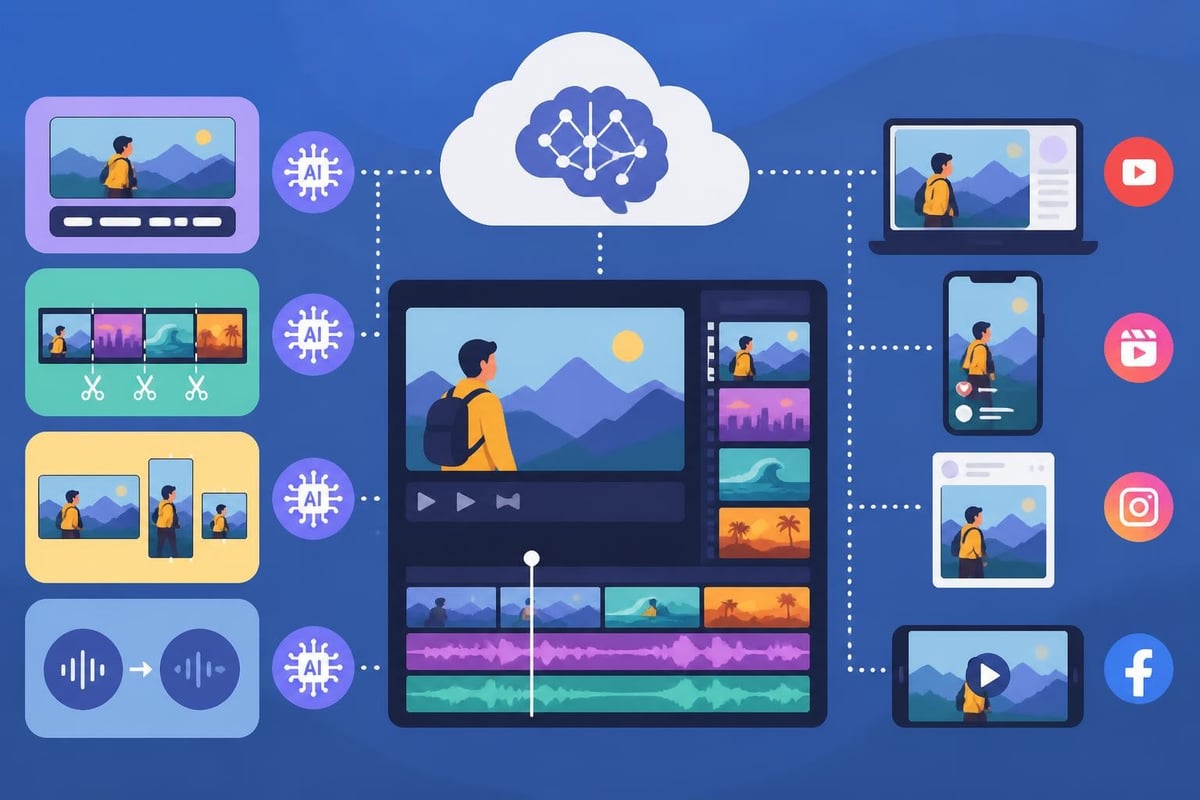
Modern cloud editing platforms now include:
AI video editing trends for 2026 point toward even more advanced features like agentic editing systems that can assemble rough cuts from raw footage based on creative briefs.
These AI features shine brightest in repetitive workflows. Creating a series of 100 video ideas becomes far less daunting when AI handles caption generation, formatting adjustments, and basic assembly.
A marketing team producing daily social content can use AI to automatically generate multiple aspect ratios from a single edit. One timeline becomes optimized versions for YouTube, Instagram Stories, TikTok, and LinkedIn – all processed in the background while editors focus on creative decisions.
The key is understanding AI as an assistant, not a replacement. It handles the mechanical tasks so human editors can focus on storytelling, pacing, and the creative choices that make content connect with audiences.
Let's talk real numbers. The financial case for cloud video edit platforms depends on your specific situation, but the math typically favors cloud approaches for most modern workflows.
Traditional editing setup costs:
Cloud video edit platform costs:
The savings multiply with each additional team member. Add a second editor to a traditional setup and you're doubling those capital costs. With cloud platforms, adding editors means just another subscription.
The numbers above only tell part of the story. Factor in the time saved through cloud workflows and the financial impact grows larger.
Consider collaboration friction costs. In traditional setups, how many hours get burned on file transfers, version confusion, and coordination overhead? Cloud video edit platforms eliminate most of that waste. For an agency billing $150/hour, saving just two hours per week per editor adds up to $15,600 annually.
Storage costs deserve special attention. Local storage seems cheaper initially – a 10TB drive costs less than cloud storage of the same size. But cloud storage includes redundancy, backup, accessibility from anywhere, and no risk of drive failure. Factor in the value of never losing a project and cloud storage becomes the obvious choice.
The cloud video edit market has exploded with options ranging from simple browser-based tools to sophisticated platforms like Avid’s Content Core cloud platform designed for enterprise workflows.
Your choice should align with your specific needs and workflow complexity.
| User Type | Platform Needs | Key Features to Prioritize |
|---|---|---|
| Solo Creators | Simple, affordable, fast | Quick exports, template library, social media formatting |
| Small Teams | Collaboration tools, scalable storage | Real-time editing, comment systems, version control |
| Agencies | Advanced features, client portals | Custom branding, approval workflows, robust asset management |
| Enterprises | Integration, security, support | API access, SSO, dedicated support, compliance features |
Test platforms with your actual workflow before committing. Most offer free trials – use them to run a real project through the system and identify friction points.
How does the cloud video edit platform fit into your broader content ecosystem? Look for integrations with tools you already use.
The best platforms connect seamlessly with:
These connections eliminate manual work transferring files between systems and keep your entire team working from a single source of truth.
Switching from traditional editing to cloud workflows feels daunting, but the process doesn't have to disrupt your production schedule.
A smart transition strategy:
The onboarding process matters tremendously. Platforms with strong onboarding support help teams adapt faster and avoid costly mistakes during the learning curve.
Expect some resistance and friction as teams adjust. The most common challenges include:
Internet dependency anxiety – Yes, cloud video edit requires reliable internet. But modern platforms handle intermittent connections gracefully through auto-save features and offline modes for certain tasks. Most teams find internet reliability less problematic than expected.
Workflow habit changes – Editors accustomed to traditional approaches sometimes struggle with new cloud-based organizational systems. Give the transition time and create clear guidelines for where files go and how projects get structured.
Learning curve investment – Budget time for training. Even intuitive platforms require adjustment periods. Plan for reduced productivity initially, but that investment pays dividends through faster long-term workflows.
The cloud video edit landscape continues evolving rapidly. Industry forecasts for Pro AV revenue through 2030 and emerging technology trends point toward several key developments reshaping how we'll create video content.
Emerging capabilities to watch:
The line between editing and publishing continues to blur. Future cloud video edit platforms will likely integrate directly with distribution channels, letting creators publish finished content to multiple platforms simultaneously from the editing interface.
Faster internet speeds through 5G deployment will make cloud video edit even more practical, especially for mobile creators. Edge computing – processing data closer to users rather than in distant data centers – promises to reduce latency issues that sometimes affect cloud editing responsiveness.
These infrastructure improvements will enable features currently impossible, like editing 8K footage smoothly through mobile devices or live-editing broadcasts with zero delay between changes and viewer experience.
Cloud video edit platforms have fundamentally changed what's possible in video production, making professional workflows accessible to creators at every level while enabling teams to collaborate more effectively than ever before. If you're ready to streamline your video production without the headaches of managing editors, storage, and technical infrastructure, beCreatives provides unlimited video editing services with dedicated editors, unlimited cloud storage, and seamless communication systems designed specifically for modern content creators and agencies who need to maintain consistent output without the operational complexity.
Discover how post production video editing transforms raw footage into professional content. Learn workflows, tools, and outsourcing tips.
Master video editing HD quality standards, encoding settings, and workflow best practices to deliver professional content in 2026.
Discover what makes a YouTube video editing course worth your time in 2026, plus smarter alternatives for busy creators and agencies.
Looking to hire video editor for YouTube? Discover the best hiring strategies, what to look for, and how to build a winning content team in 2026.
Discover the best music video editing software for 2026. Compare features, pricing, and workflow tools to create stunning music videos faster.
Looking for a video editing company near me? Learn how to choose the right partner, what to expect, and whether local is best in 2026.
Discover how video editing AI online is changing content creation in 2026. Explore smart tools, workflows, and what creators really need to know.
Master wedding videography editing with expert tips on storytelling, pacing, and delivery. Learn how to transform raw footage into cinematic films.
Choosing an HD video editing app in 2026? Discover features, performance tips, and how professionals handle high-definition content.
Discover the best free simple editing software for videos and photos in 2026. Compare features, learn what works, and decide when to DIY or outsource.

Editing videos yourself can take a lot of your precious time, but do not worry – we‘ve got you covered! Our highly skilled Video Editors are here to speed up the process and give you time to create more content.








