
Post Production Video Editing: Complete Guide for 2026
Discover how post production video editing transforms raw footage into professional content. Learn workflows, tools, and outsourcing tips.
10 Min. ReadRead More
5 dedicated editor spots open this week. Book a call to reserve →

 Kiara WalkerCocktales Podcast
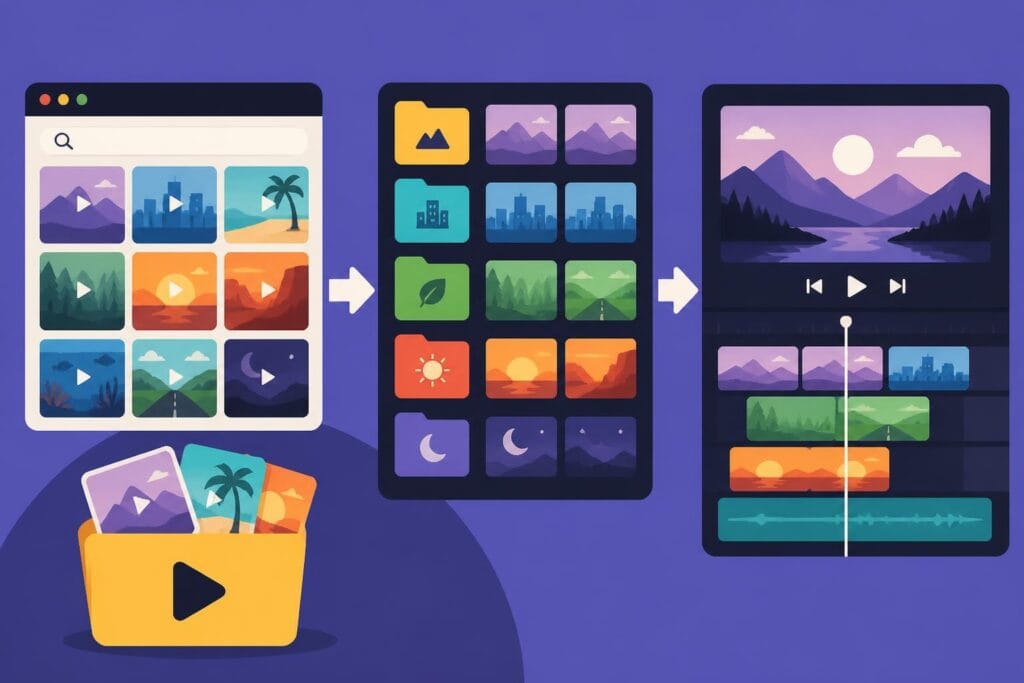
Discover how to source, select, and use videos for video editing projects. Expert tips on stock footage, B-roll, and building a content library.
 Knowledge Base
May 25, 2026
Finding the right videos for video editing projects has become more critical than ever as content creators, marketers, and agencies face increasing demands for high-quality video production. Whether you're producing marketing campaigns, educational content, or social media posts, having access to diverse video assets can transform your editing workflow and elevate your final output. Understanding where to source these materials, how to organize them effectively, and which types of videos work best for different projects will significantly impact your creative process and production efficiency.
The landscape of video assets available to editors has expanded dramatically in recent years. Stock footage, user-generated content, B-roll, and custom-shot material each serve distinct purposes in the editing process.
Stock footage represents one of the most accessible sources of videos for video editing projects. These professionally shot clips cover virtually every subject imaginable, from corporate environments to natural landscapes. MotionElements provides a library of over 8,000 free stock video footage clips compatible with various video editing software, making it an excellent starting point for editors building their asset libraries.
Premium stock footage typically offers higher resolution options, including 4K and even 8K content. These clips come with clear licensing terms that protect both creators and users from copyright complications.
Key benefits of stock footage include:
B-roll footage serves as the backbone of engaging video narratives. These supplementary shots provide context, illustrate concepts, and maintain visual interest throughout longer pieces. When searching for videos for video editing projects, B-roll should represent a significant portion of your asset collection.
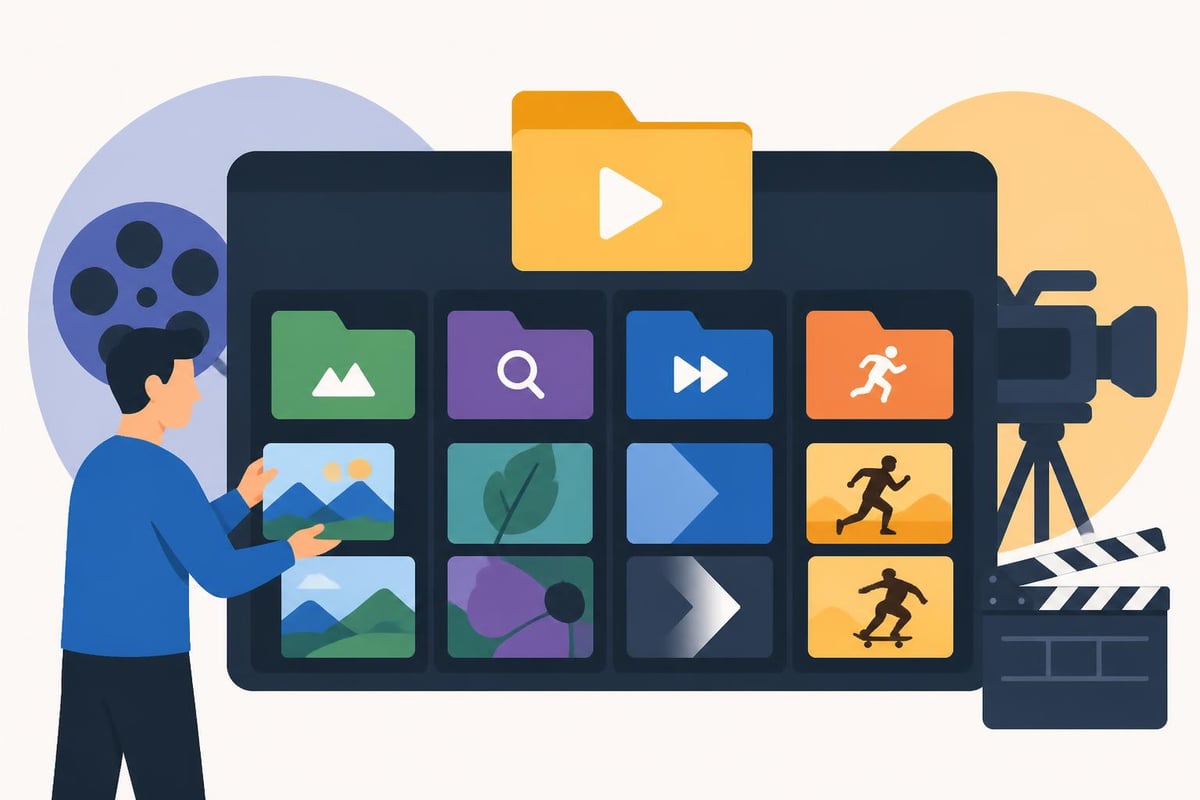
Research indicates that B-roll video editing via interactive transcripts can be enhanced through recommendation systems that suggest appropriate B-roll positions and content based on expert-annotated data. This technological advancement helps editors make more informed decisions about which clips to incorporate.
| B-Roll Type | Primary Use | Best For |
|---|---|---|
| Establishing Shots | Setting context | Documentaries, travel content |
| Detail Shots | Emphasizing specifics | Product videos, tutorials |
| Transition Footage | Connecting scenes | All video types |
| Action Sequences | Adding energy | Marketing, social media |
Building a comprehensive library requires knowing where to find high-quality assets that match your creative vision and technical requirements.
Budget-conscious creators can access impressive collections of free videos for video editing without sacrificing quality. Dareful offers hundreds of open-source 4K and HD royalty-free stock video clips available for free download and use in commercial or personal projects. Similarly, Mixkit provides unique, high-quality stock video footage in 4K and HD without watermarks, ready for immediate integration into editing projects.
These platforms democratize access to professional-grade content, enabling creators at all levels to produce polished work. However, free resources often have limitations in terms of unique content and exclusive rights.
Paid stock footage services offer distinct advantages for professional productions. These platforms typically provide:
When selecting videos for video editing from premium sources, consider your project's specific needs, budget constraints, and licensing requirements. Many services offer subscription models that provide better value for frequent users.
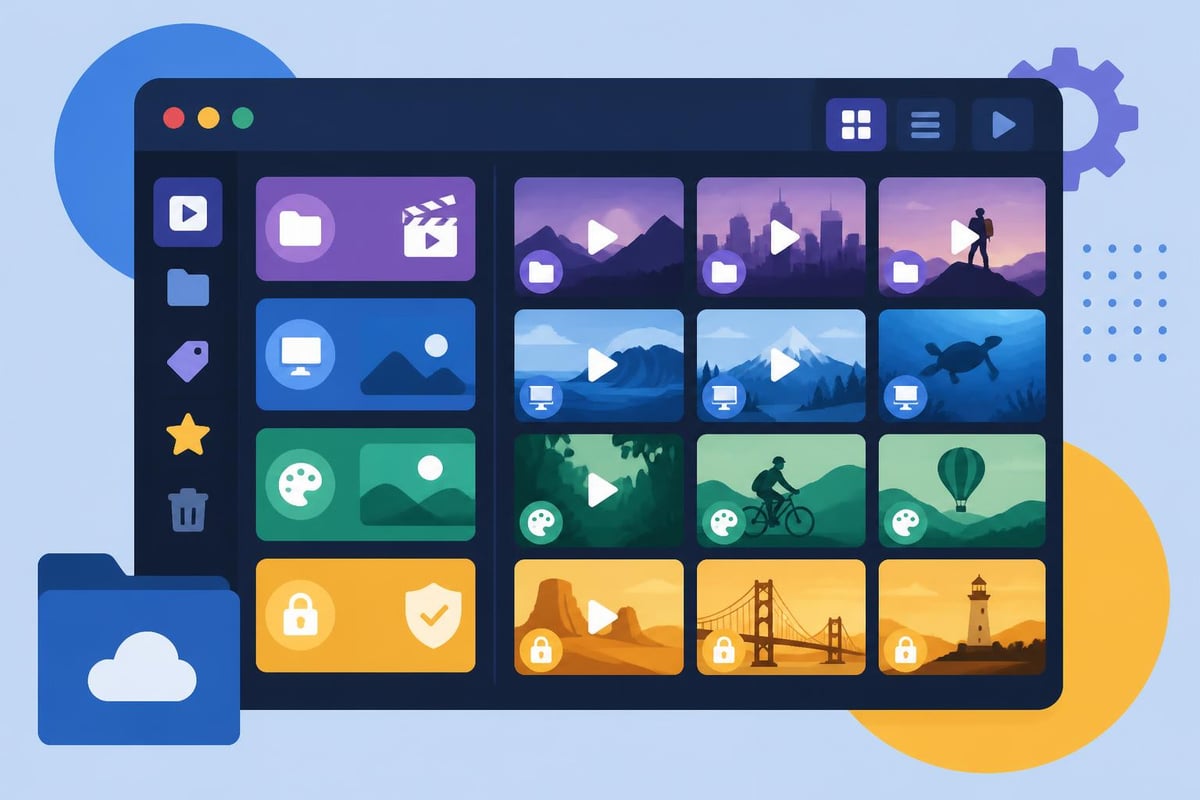
Effective organization of videos for video editing dramatically improves workflow efficiency and creative productivity. A well-structured library saves hours of searching and enables faster project turnaround.
Implement consistent naming conventions that include relevant details:
Example: CLIENT_BROLL_20260523_cityskyline_v01.mp4
Modern asset management relies heavily on searchable metadata. Tag your videos for video editing with descriptive keywords covering:
This systematic approach becomes increasingly valuable as your library grows. Social media video editing projects particularly benefit from robust tagging systems, enabling quick retrieval of platform-specific content.
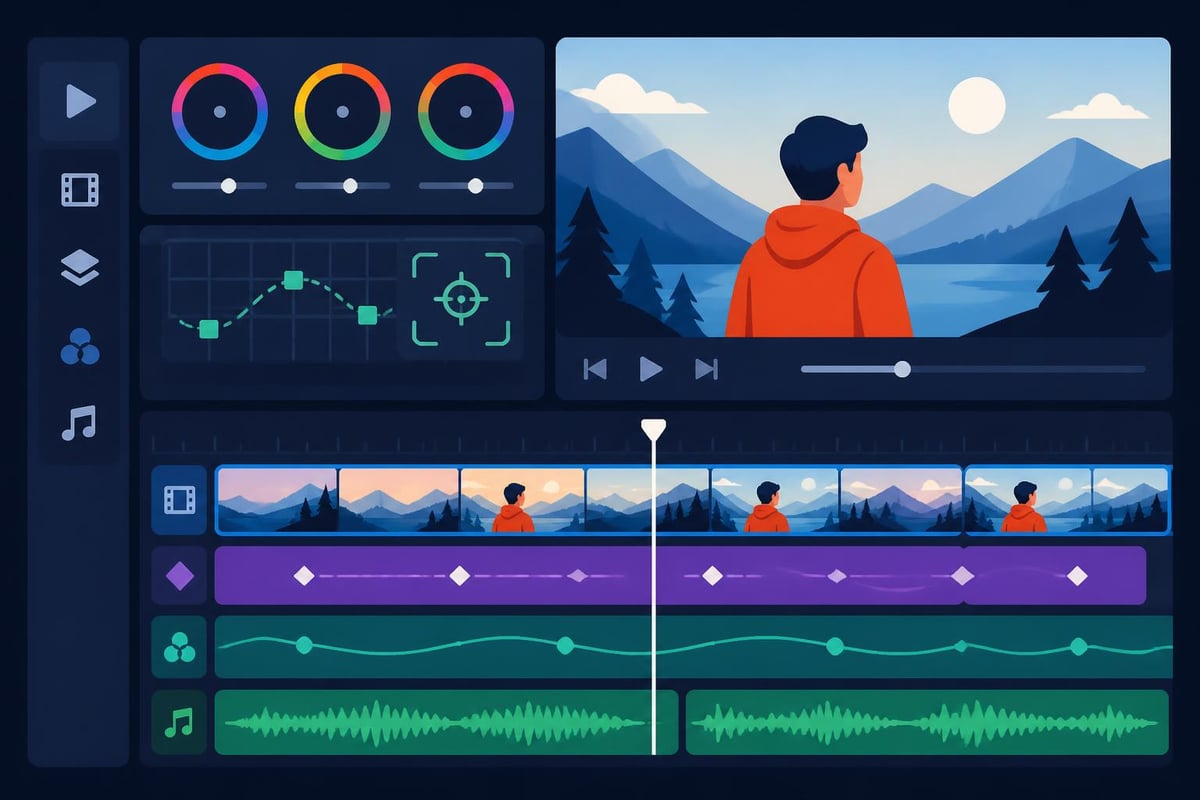
Successfully blending videos for video editing requires technical skill and creative judgment. The goal is seamless integration that enhances rather than distracts from your narrative.
Color grading represents the most critical factor in making stock footage feel cohesive with original material. Tips on using stock footage effectively emphasize the importance of matching color and tone to maintain visual consistency throughout your project.
Color matching workflow:
Technical compatibility ensures smooth playback and professional results. When selecting videos for video editing, prioritize clips that match your project specifications:
| Specification | Recommendation | Reason |
|---|---|---|
| Resolution | Match or exceed timeline | Prevents upscaling artifacts |
| Frame Rate | Identical to project FPS | Avoids motion judder |
| Codec | Production-friendly formats | Smoother editing performance |
| Bit Depth | 10-bit or higher | Greater color grading flexibility |
Working with dedicated video editing services can help ensure technical consistency across all footage sources, as professional editors understand the nuances of integrating diverse video assets.
Modern editing tools and techniques have revolutionized how creators work with videos for video editing, offering unprecedented control and creative possibilities.
Recent advancements in video editing technology enable sophisticated modifications across entire clips. Videoshop introduces a training-free video editing algorithm for localized semantic edits, allowing users to modify the first frame and automatically propagate changes throughout remaining frames. This technology streamlines repetitive editing tasks and ensures visual consistency.
For creators working with complex compositions, VideoHandles presents a method for editing 3D object compositions in videos using video generative priors, enabling editing of 3D object positions across all frames in a temporally consistent manner. While still emerging, these techniques point toward the future of sophisticated video manipulation.
Different distribution platforms require tailored approaches when selecting and editing videos for video editing projects.
Social platforms each have unique specifications and audience expectations. YouTube Shorts editing demands vertical formatting and rapid pacing, while traditional YouTube content allows more varied approaches. Similarly, Instagram Reels editing and TikTok video editing require attention to trending formats and platform-specific features.
Platform-specific considerations:
Business videos for video editing often require more formal approaches and brand consistency. Marketing materials, training videos, and corporate communications demand professional polish and adherence to brand guidelines.
Understanding best practices for blending stock footage into video edits helps maintain professional standards while working within budget constraints. This resource emphasizes matching color and tone, choosing purposeful B-roll, and syncing with sound.
Efficiency in working with videos for video editing comes from establishing repeatable processes and leveraging appropriate resources.
Implement systematic quality checks before finalizing any project:
Modern video production often involves distributed teams requiring seamless collaboration. Cloud-based systems enable multiple editors to access videos for video editing simultaneously, streamlining revision processes and reducing project turnaround times.
Professional services understand these workflow requirements. Platforms offering unlimited storage and easy communication systems help teams coordinate effectively across projects and time zones.
Understanding licensing terms for videos for video editing protects creators from legal complications and financial liability.
Different license structures govern how you can use video assets:
| License Type | Permitted Use | Restrictions |
|---|---|---|
| Royalty-Free | Pay once, use multiple times | May limit distribution scale |
| Rights-Managed | Specific use case pricing | Limited to agreed parameters |
| Creative Commons | Free with attribution | Varies by CC license version |
| Editorial | News and educational only | No commercial use |
| Commercial | Business and marketing | May require extended license |
Always verify licensing terms before incorporating any footage into client work or commercial projects. Documentation of licensing agreements protects both creators and clients.
Some free resources require attribution in your final product or project credits. Track these requirements during asset selection to ensure compliance and avoid last-minute complications during final delivery.
The landscape of videos for video editing continues evolving with technological advancement and changing creator needs.
Artificial intelligence now generates increasingly sophisticated video content, offering new possibilities for creators. These tools can produce custom B-roll, transitions, and effects tailored to specific project requirements. However, current AI-generated content still requires careful integration and often benefits from professional editing refinement.
Brands increasingly incorporate authentic user-generated content into marketing materials. This trend requires editors to work with diverse technical quality levels, necessitating strong color correction and stabilization skills.
Immersive video formats demand specialized editing approaches and unique source materials. As virtual and augmented reality adoption grows, the need for appropriate videos for video editing in these formats will expand correspondingly.
Strategic thinking about video asset acquisition and usage extends project budgets and improves creative outcomes.
Well-organized libraries enable creative repurposing of videos for video editing across multiple projects. Generic B-roll of cityscapes, nature, or common business scenarios can serve numerous clients when properly cataloged and maintained.
Repurposing strategies:
Rather than accumulating vast libraries of mediocre footage, invest in fewer high-quality clips that offer versatility and professional polish. Premium videos for video editing provide better creative foundation and require less corrective work during post-production.
Mastering the selection, organization, and integration of videos for video editing elevates your creative output and streamlines production workflows. Whether sourcing stock footage, organizing B-roll libraries, or implementing advanced editing techniques, strategic approaches to video assets drive professional results. When you need dedicated expertise and unlimited capacity to handle your video editing projects, beCreatives provides professional editors, unlimited storage, and streamlined revision systems designed specifically for content creators, marketers, and agencies seeking to maximize their video production efficiency.
Discover how post production video editing transforms raw footage into professional content. Learn workflows, tools, and outsourcing tips.
Master video editing HD quality standards, encoding settings, and workflow best practices to deliver professional content in 2026.
Discover what makes a YouTube video editing course worth your time in 2026, plus smarter alternatives for busy creators and agencies.
Looking to hire video editor for YouTube? Discover the best hiring strategies, what to look for, and how to build a winning content team in 2026.
Discover the best music video editing software for 2026. Compare features, pricing, and workflow tools to create stunning music videos faster.
Looking for a video editing company near me? Learn how to choose the right partner, what to expect, and whether local is best in 2026.
Discover how video editing AI online is changing content creation in 2026. Explore smart tools, workflows, and what creators really need to know.
Master wedding videography editing with expert tips on storytelling, pacing, and delivery. Learn how to transform raw footage into cinematic films.
Choosing an HD video editing app in 2026? Discover features, performance tips, and how professionals handle high-definition content.
Discover the best free simple editing software for videos and photos in 2026. Compare features, learn what works, and decide when to DIY or outsource.

Editing videos yourself can take a lot of your precious time, but do not worry – we‘ve got you covered! Our highly skilled Video Editors are here to speed up the process and give you time to create more content.
What do you need edits for?


Scratch to see who you got
This is your match, not your assignment.
We confirm your editor once you subscribe.
Pick a time that works and we’ll take it from there.
Open the booking page15 minutes, free








