
Post Production Video Editing: Complete Guide for 2026
Discover how post production video editing transforms raw footage into professional content. Learn workflows, tools, and outsourcing tips.
10 Min. ReadRead More
5 dedicated editor spots open this week. Book a call to reserve →

 Kiara WalkerCocktales Podcast
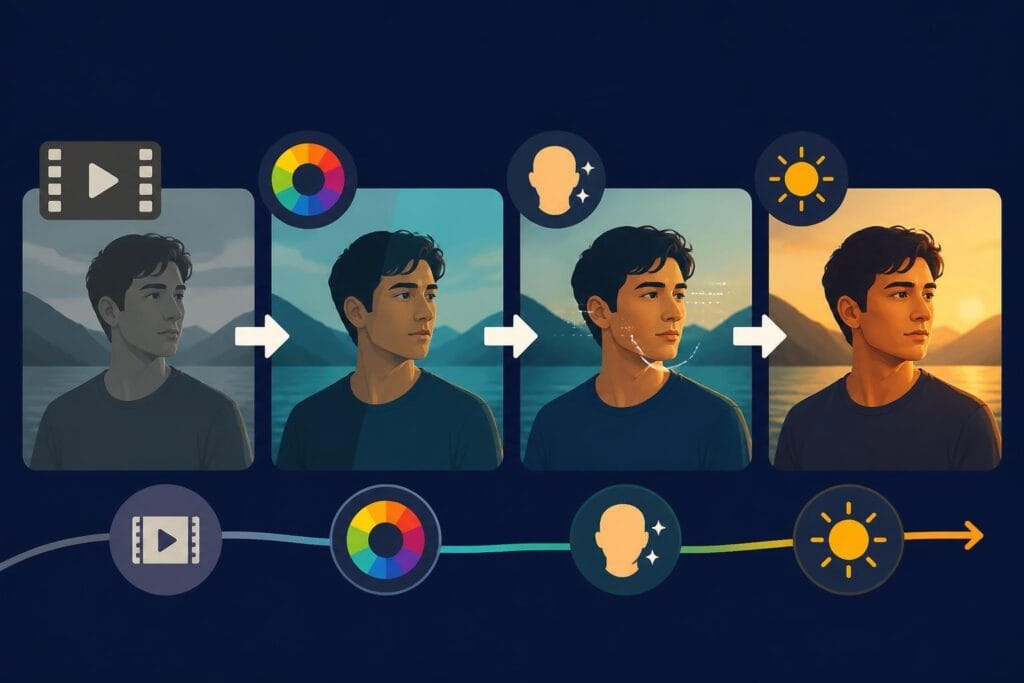
Discover how video retouch transforms raw footage into polished content. Learn techniques, tools, and workflows for professional results.
 Knowledge Base
May 25, 2026
Video content dominates digital marketing and social media in 2026, but raw footage rarely tells the complete story. Professional video retouch has become essential for content creators, marketers, and agencies who want their visual narratives to stand out. This post-production technique involves refining visual elements, correcting imperfections, and enhancing overall aesthetic quality to deliver content that captures attention and maintains viewer engagement. Whether you’re producing brand videos, YouTube content, or social media reels, understanding the fundamentals of video retouching will transform your production quality.
Video retouch encompasses multiple techniques that work together to polish your final product. Unlike simple filters or one-click adjustments, professional retouching requires a systematic approach to various visual elements.
Color correction forms the foundation of any video retouch workflow. This process ensures consistent color temperature, balanced exposure, and accurate skin tones across all footage. The significance of video retouching extends beyond mere aesthetics-it directly impacts viewer perception and brand consistency.
Professional editors focus on several key areas when performing video retouch work:
Each element requires specific tools and techniques. Modern software solutions offer unprecedented control over these variables, allowing editors to achieve results that were impossible just a few years ago.
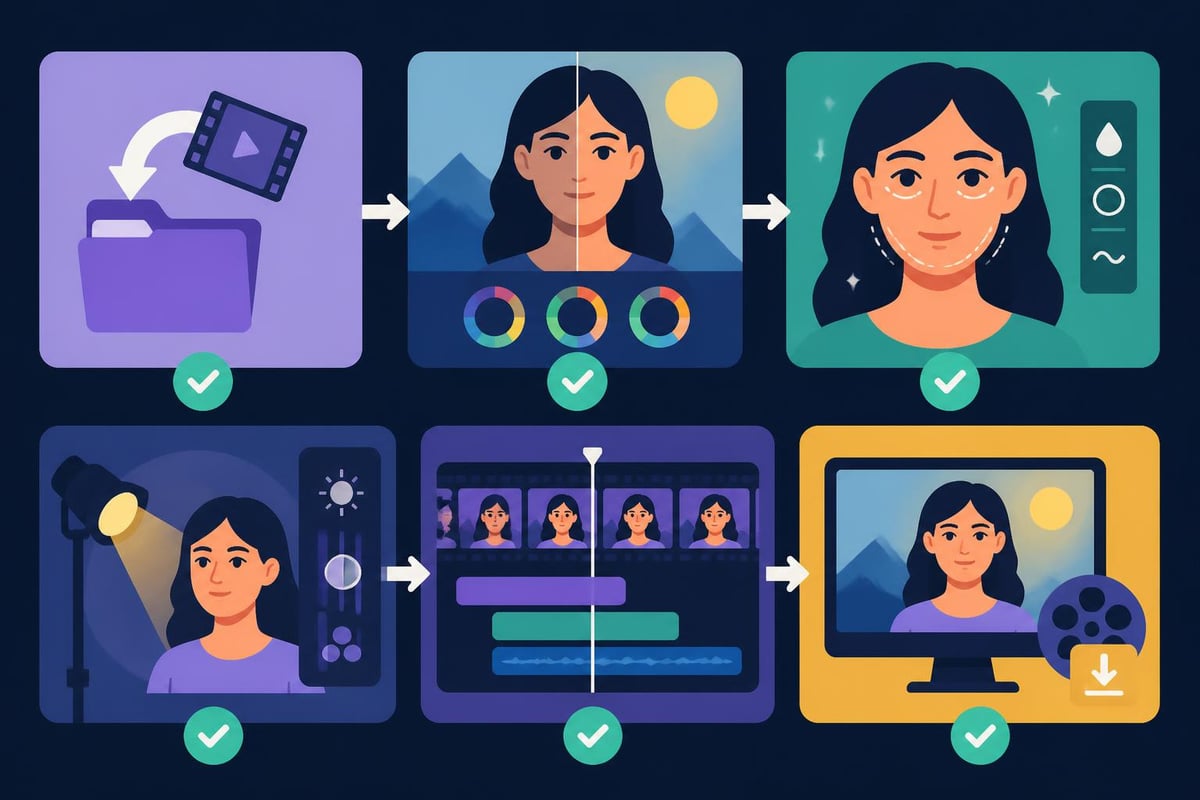
The technical aspects of video retouch have evolved dramatically with artificial intelligence and machine learning integration. Video skin retouching now utilizes algorithms that identify and correct imperfections while preserving natural skin texture and detail.
Achieving natural-looking skin retouching in video presents unique challenges compared to still photography. Motion requires frame-by-frame consistency, which manual retouching cannot efficiently provide at scale.
Modern neural networks can track facial features across thousands of frames, applying adjustments that remain consistent through movement and lighting changes. The Retouch4me Dust OFX plugin exemplifies this technological advancement by automatically removing particles from footage using AI.
| Technique | Best Use Case | Skill Level Required | Time Investment |
|---|---|---|---|
| Manual frame retouching | Close-up beauty shots | Advanced | High |
| AI-assisted correction | General skin smoothing | Intermediate | Low |
| Plugin automation | Dust and particle removal | Beginner | Minimal |
| Color-based masking | Selective skin refinement | Advanced | Medium |
For content creators producing daily or weekly videos, efficiency becomes paramount. Balancing quality with turnaround time requires strategic decisions about which retouching techniques deliver the highest impact for invested effort.
The video retouch ecosystem includes professional-grade applications and accessible mobile solutions. Your choice depends on project complexity, budget constraints, and desired output quality.
Industry-standard software provides comprehensive toolsets for advanced video retouch operations:
The review of Evoto AI demonstrates how specialized software can streamline retouching workflows through batch processing and intelligent automation, though its focus remains primarily on still images rather than video.
Not every project requires desktop-level power. Top video editing apps now include sophisticated retouching features accessible to creators without extensive technical backgrounds.
These applications typically provide:
The accessibility revolution in video retouch tools has democratized professional-quality output, though mastery still requires understanding fundamental principles rather than relying solely on automated features.
Systematic approaches separate professional video retouch operations from amateur efforts. Establishing repeatable processes ensures consistent quality across multiple projects while reducing production time.
Quality retouching begins during filming. Proper lighting, camera settings, and subject preparation reduce post-production requirements significantly.
Shoot with retouching in mind by maintaining consistent lighting setups, using higher bitrate codecs that preserve color information, and capturing test footage to establish baseline correction parameters. These preparatory steps streamline the video retouch process considerably.
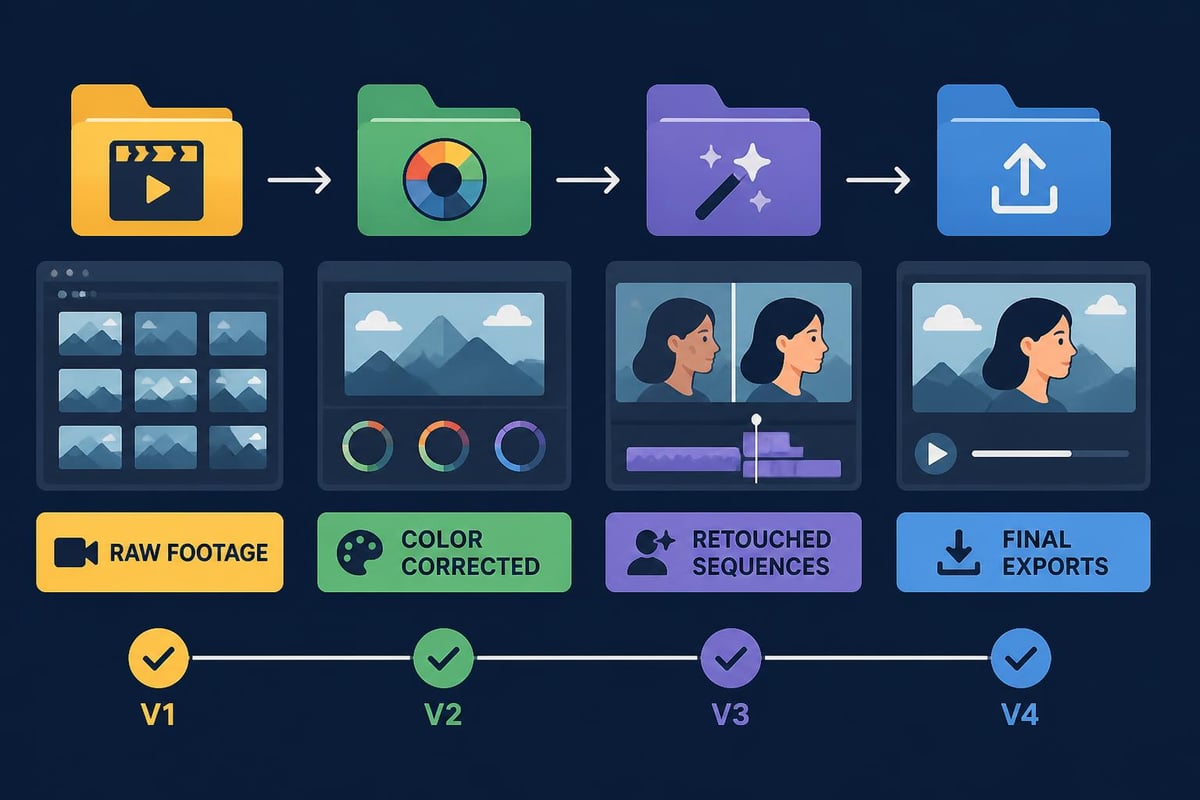
Efficient workflows follow logical sequences that build upon previous corrections:
The techniques demonstrated for natural-looking portraits translate effectively to video when applied across temporal sequences rather than single frames.
Different content categories require varying retouching approaches. Understanding these distinctions helps editors prioritize efforts and select appropriate techniques.
Corporate video production demands flawless presentation. Product launches, testimonial videos, and brand campaigns cannot afford distracting imperfections or inconsistent color representation.
Professional agencies leverage dedicated teams to handle video retouch requirements at scale. Services like beCreatives provide unlimited editing resources specifically designed for businesses requiring consistent, high-volume output.
Short-form vertical video dominates platforms like TikTok, Instagram Reels, and YouTube Shorts. These formats demand quick turnarounds while maintaining visual appeal that stops mid-scroll viewers.
The video game editing services sector exemplifies specialized retouching needs where gameplay footage requires color enhancement, UI cleanup, and performance optimization.
Product demonstration videos combine multiple retouching challenges. Background removal, color accuracy for merchandise representation, and lighting consistency across SKUs require meticulous attention.
For e-commerce merchants leveraging video content, communities like Talk Shop provide valuable insights into conversion-optimized video strategies where retouching quality directly impacts sales performance. The platform’s extensive resources help Shopify merchants understand how professional video presentation influences customer purchasing decisions.
| Content Type | Priority Retouching Areas | Typical Turnaround | Quality Standard |
|---|---|---|---|
| Brand commercials | Complete refinement | 2-4 weeks | Broadcast |
| Social media clips | Skin, color, stabilization | 24-48 hours | High digital |
| Product demos | Color accuracy, backgrounds | 3-5 days | Commercial |
| Tutorial videos | Clarity, consistency | 1-2 days | Professional |
The video retouch landscape continues evolving through artificial intelligence integration and computational photography advances. Understanding emerging capabilities helps creators prepare for upcoming workflow changes.
Research initiatives like VeraRetouch demonstrate how vision-language models can interpret retouching intent from natural language descriptions. This technology promises to simplify complex corrections by allowing editors to describe desired outcomes rather than manually adjusting parameters.
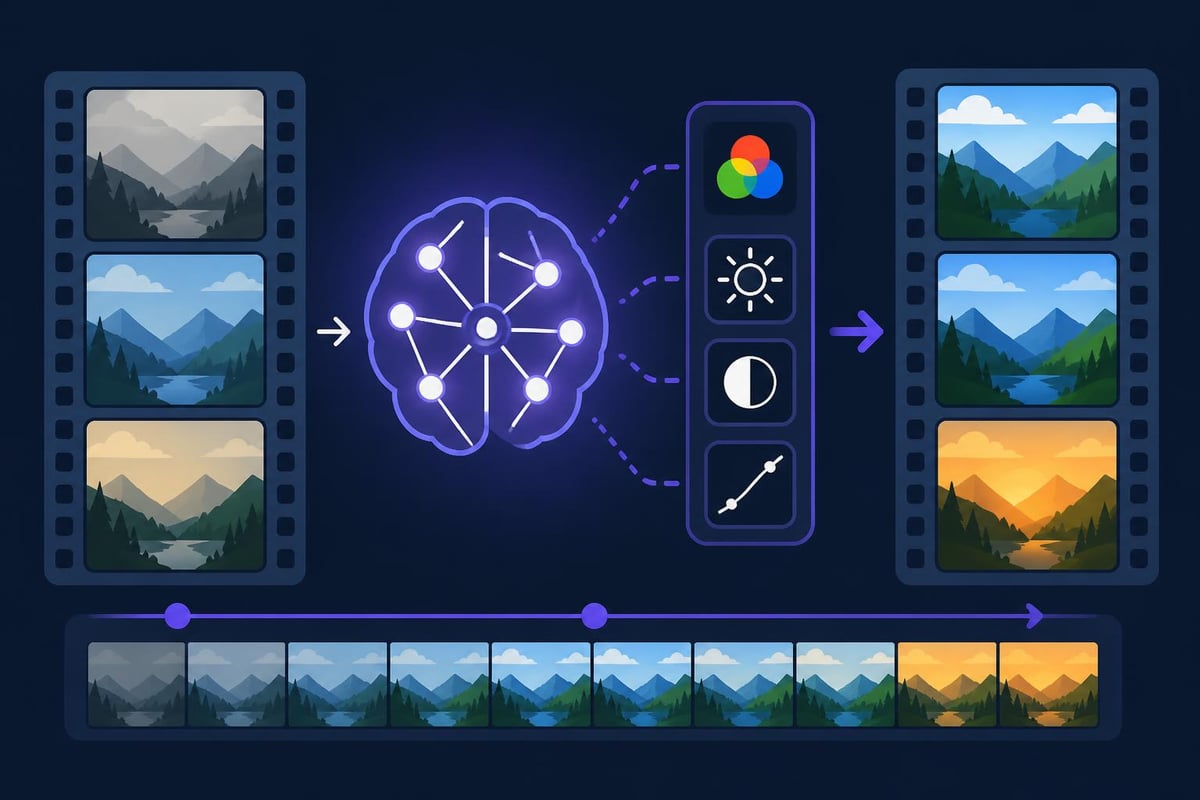
Similarly, NCST neural color style transfer methods enable predictive color grading that maintains interpretable controls for fine-tuning. These innovations bridge the gap between automated efficiency and creative control.
Hardware acceleration through GPU computing and specialized neural processing units enables real-time video retouch during capture. This capability reduces post-production timelines while providing immediate feedback to content creators.
Live streaming applications particularly benefit from real-time retouching, allowing broadcasters to present polished appearances without traditional post-production delays. The technology integrates seamlessly into webcam software and streaming platforms.
Organizations producing video content at scale must balance quality expectations against resource constraints. Strategic planning around video retouch capabilities determines sustainable production capacity.
Building internal retouching expertise requires significant time and training investments. Staff must continuously update skills as software evolves and new techniques emerge.
Alternatively, platforms offering unlimited video editing services provide dedicated editors with specialized expertise across diverse retouching requirements. This model delivers consistent quality without overhead associated with hiring, training, and retaining full-time specialists.
Establishing clear retouching standards ensures consistency across content producers and prevents over-processing that appears artificial. Documentation should specify:
Documented workflows accelerate onboarding for new team members while maintaining quality standards as production scales. The beCreatives platform exemplifies this approach through standardized processes that accommodate unlimited revision requests.
Translating theoretical knowledge into production practice requires attention to technical details and workflow optimization.
Effective video retouch operations demand organized asset management:
Storage requirements escalate quickly with high-resolution footage and multiple revision cycles. Cloud-based solutions provide accessibility for distributed teams while ensuring data security.
Clear communication between stakeholders prevents wasted effort on misaligned expectations. Structured revision processes should define:
Platforms designed for video collaboration streamline these exchanges through integrated commenting, version control, and approval workflows.
Video retouch operations consume substantial computational resources. Optimizing workflows reduces processing time and hardware strain:
Technical efficiency directly impacts project turnaround capacity, especially for teams managing concurrent productions.
Data-driven decision-making extends to video retouch investments. Tracking performance metrics justifies resource allocation and identifies improvement opportunities.
Compare performance between retouched and unretouched content:
A/B testing different retouching intensities reveals optimal approaches for specific content types and audience demographics.
Operational metrics assess workflow effectiveness:
These measurements identify bottlenecks and training opportunities while establishing realistic timeline expectations for stakeholders.
Professional video retouch transforms adequate footage into compelling visual narratives that engage audiences and strengthen brand presence. The techniques, tools, and workflows outlined above provide frameworks for elevating content quality systematically. Whether you’re producing daily social media content or quarterly brand campaigns, partnering with specialists who understand the nuances of modern video retouching ensures consistent results without the overhead of building internal capabilities. beCreatives delivers unlimited video editing with dedicated professionals, streamlined revision systems, and scalable capacity designed specifically for content creators and agencies requiring reliable, high-quality output.
Discover how post production video editing transforms raw footage into professional content. Learn workflows, tools, and outsourcing tips.
Master video editing HD quality standards, encoding settings, and workflow best practices to deliver professional content in 2026.
Discover what makes a YouTube video editing course worth your time in 2026, plus smarter alternatives for busy creators and agencies.
Looking to hire video editor for YouTube? Discover the best hiring strategies, what to look for, and how to build a winning content team in 2026.
Discover the best music video editing software for 2026. Compare features, pricing, and workflow tools to create stunning music videos faster.
Looking for a video editing company near me? Learn how to choose the right partner, what to expect, and whether local is best in 2026.
Discover how video editing AI online is changing content creation in 2026. Explore smart tools, workflows, and what creators really need to know.
Master wedding videography editing with expert tips on storytelling, pacing, and delivery. Learn how to transform raw footage into cinematic films.
Choosing an HD video editing app in 2026? Discover features, performance tips, and how professionals handle high-definition content.
Discover the best free simple editing software for videos and photos in 2026. Compare features, learn what works, and decide when to DIY or outsource.

Editing videos yourself can take a lot of your precious time, but do not worry – we‘ve got you covered! Our highly skilled Video Editors are here to speed up the process and give you time to create more content.
What do you need edits for?


Scratch to see who you got
This is your match, not your assignment.
We confirm your editor once you subscribe.
Pick a time that works and we’ll take it from there.
Open the booking page15 minutes, free








