
Post Production Video Editing: Complete Guide for 2026
Discover how post production video editing transforms raw footage into professional content. Learn workflows, tools, and outsourcing tips.
10 Min. ReadRead More
5 dedicated editor spots open this week. Book a call to reserve →

 Kiara WalkerCocktales Podcast
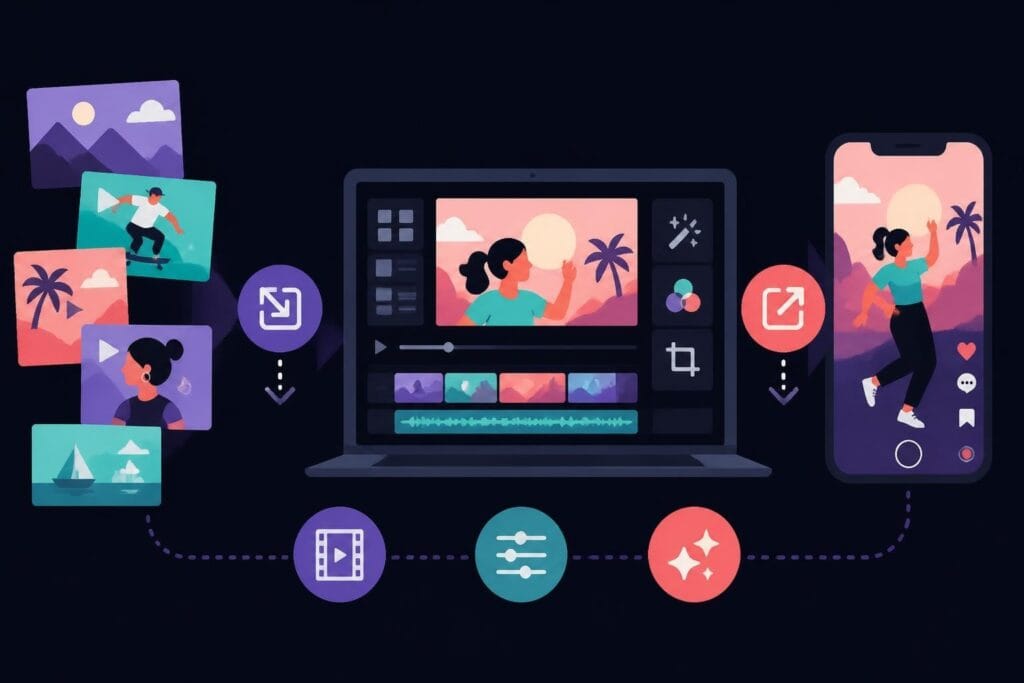
Discover the best online video editor for TikTok in 2026. Learn editing strategies, platform features, and how to create scroll-stopping content faster.
 Knowledge Base
August 9, 2026
Creating TikTok content that actually stops the scroll isn't about having fancy equipment or spending hours learning complicated software. It's about working smarter, not harder. Whether you're a business owner trying to stay visible, a marketer juggling multiple clients, or a creator building your personal brand, finding the right online video editor for TikTok can transform your content game without eating up your entire day. The platform moves fast, trends change overnight, and your editing process needs to keep up while you focus on what you actually do best – running your business.
Browser-based editing tools have completely changed the game for TikTok creators who don't have time to mess around with complex desktop software. You can jump in from anywhere, collaborate with team members in real-time, and get your video published while the trend is still hot.
The speed advantage is real. When a trending sound drops or a challenge goes viral, you've got maybe 24-48 hours to ride that wave. Desktop software means downloads, updates, and learning curves. An online video editor for TikTok means you're editing in minutes, not hours.
Here's what makes browser-based editing perfect for TikTok:
The best TikTok video editors in 2026 understand that creators need speed and simplicity. They've built features specifically for the platform's unique requirements.
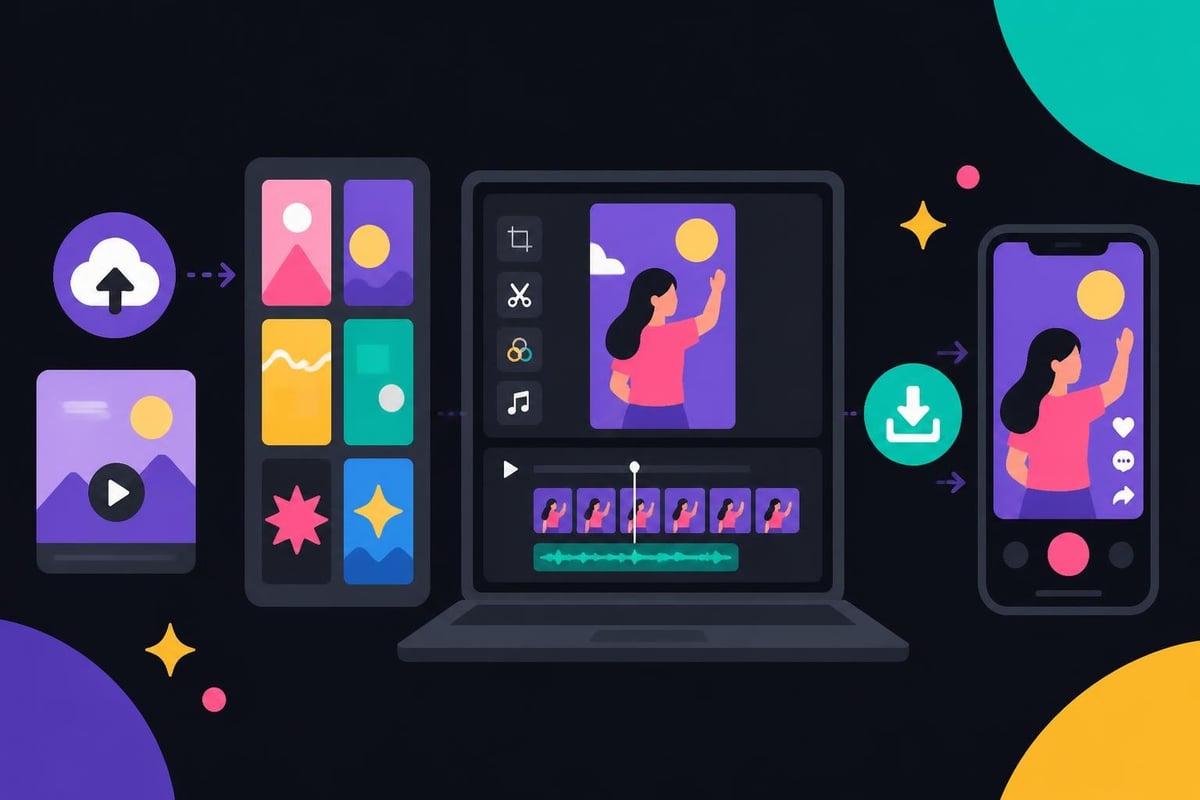
Not all online video editors are built for TikTok's fast-paced environment. You need specific capabilities that align with how the platform works and what actually performs well.
TikTok lives in vertical format (9:16 aspect ratio), and your editor needs to handle this natively. Look for platforms that default to vertical dimensions and offer TikTok-specific export presets following platform specifications for optimal quality.
Captions aren't optional anymore. Research shows that over 80% of TikTok users watch without sound at least some of the time. Your online video editor for TikTok should offer automatic transcription with customizable styling that matches your brand.
| Feature | Why It Matters | What to Look For |
|---|---|---|
| Auto-transcription | Saves hours of manual typing | High accuracy (95%+) |
| Custom fonts | Brand consistency | Multiple font options |
| Animation styles | Engagement boost | Trendy text effects |
| Color customization | Platform visibility | Brand color presets |
Templates aren't cheating – they're smart business. A solid template collection means you can maintain consistency across videos while cutting editing time by 70% or more. The best editing platforms offer industry-specific templates that you can customize.
TikTok has specific technical requirements for best performance. Your editor should offer one-click export that automatically formats videos to:
Research into TikTok’s recommendation algorithms shows that video quality impacts how the platform distributes your content. Poor export settings can hurt your reach before anyone even sees your video.
Having the right online video editor for TikTok is only half the battle. You need to know what editing choices actually drive results on the platform.
The first three seconds determine whether someone scrolls past or sticks around. Your editing needs to front-load the most compelling visual or statement immediately.
Winning hook patterns:
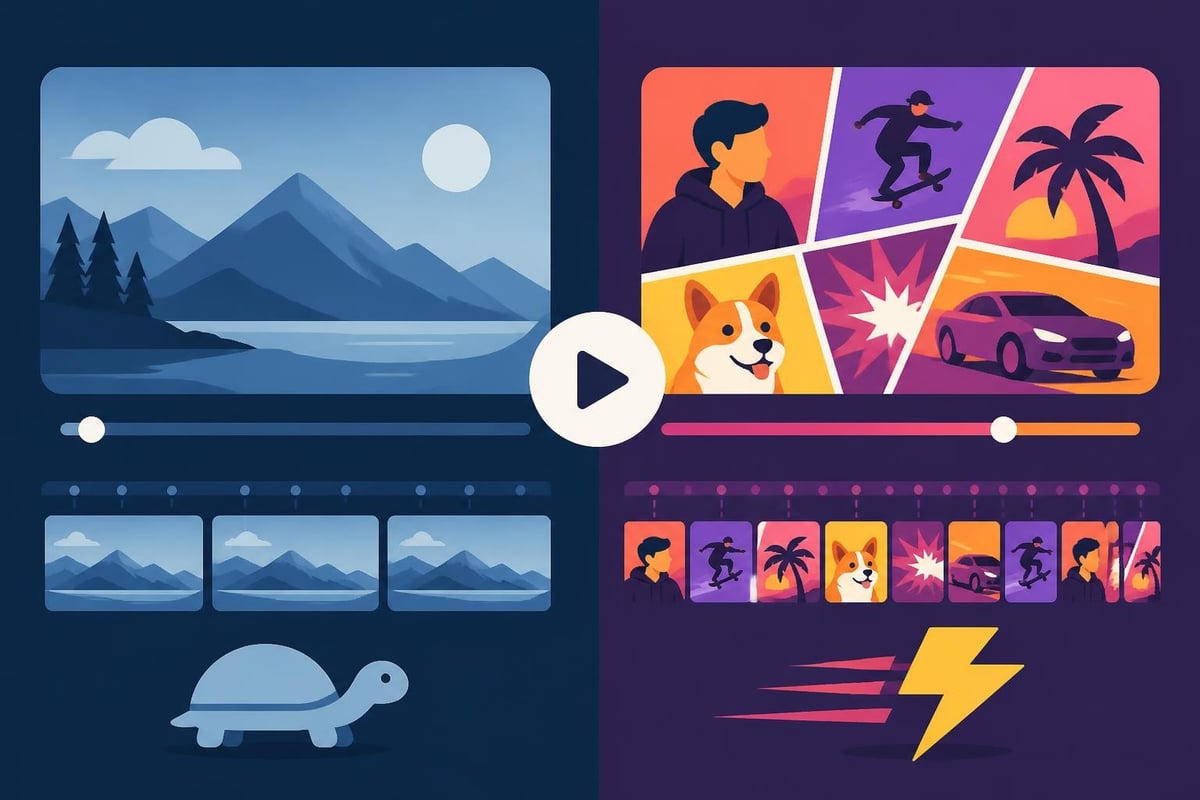
TikTok viewers expect quick cuts and dynamic movement. Static shots longer than 3-4 seconds feel slow. Your editor should make it easy to trim clips, add transitions, and maintain energy throughout.
The comprehensive editing guide from OpusClip analyzed millions of successful videos and found that top-performing content averages a cut every 2-3 seconds.
Trending sounds boost discoverability, but you need an editor that makes audio swapping effortless. Look for platforms with integrated audio libraries or easy upload options for sounds you've saved from TikTok.
Pro audio editing tips:
Visual text overlays drive engagement and watch time. Your online video editor for TikTok should offer:
| Text Element | Best Use Case | Engagement Impact |
|---|---|---|
| Opening question | Hook viewers immediately | High retention |
| Key points | Break down complex ideas | Increased shares |
| CTAs | Drive specific actions | Higher conversion |
| Captions | Accessibility and sound-off viewing | 40% longer watch time |
The reality for most creators and business owners? You're juggling ten things at once. Your editing workflow needs to be bulletproof and fast.
Film multiple videos in one session, then use your online video editor for TikTok to edit them throughout the week. This approach cuts setup time by 60% and maintains consistent posting without daily filming stress.
Efficient batch workflow:
Build your own template library within your editor for different video types you create regularly. Product showcases, tips, behind-the-scenes – each should have a preset structure you can duplicate and customize.
If you're working with clients or team members, built-in commenting and approval features save countless email threads. Look for editors that support real-time collaboration and version history.
Understanding how users engage with short-form video helps you structure your editing workflow around what actually keeps people watching. The data shows that variety in visual pacing matters more than raw production quality.
Here's the truth most creators don't want to admit: editing takes forever, and it's probably not the best use of your time. If you're spending 3-4 hours editing a single TikTok video, you're bleeding money and energy that could go toward growing your actual business.
Let's do the math. If your time is worth $100/hour (and it probably should be), and you spend four hours editing two TikTok videos per week, that's $1,600 per month in opportunity cost. You could be selling, strategizing, or literally anything else that actually generates revenue.
Signs you should outsource editing:
Services offering unlimited video editing let you hand off raw footage and get back polished, platform-optimized content without the headache. You stay in your zone of genius while editors handle the technical execution.
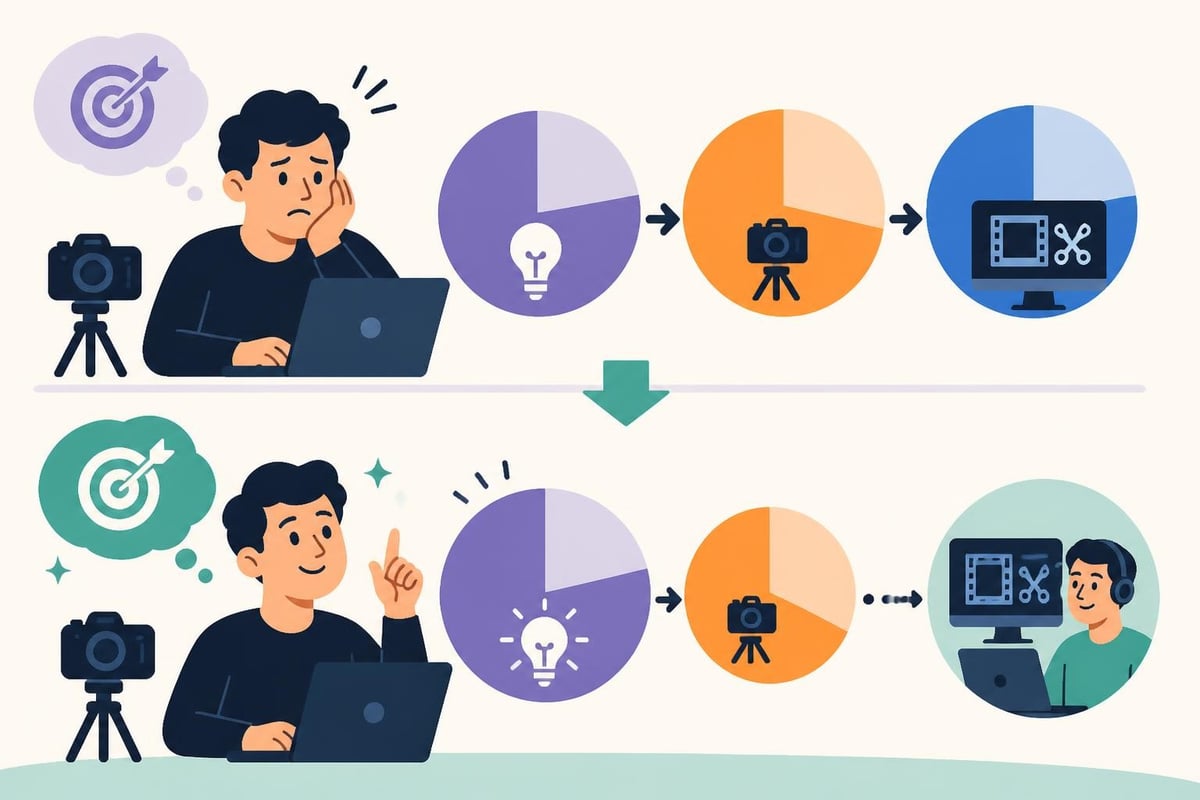
Beyond just saving time, working with dedicated editors means your content looks consistently professional. They understand platform trends, technical requirements, and what actually performs well.
Professional video editing teams stay current with:
The investment in video editing services often pays for itself through better performance and the time you reclaim for revenue-generating activities.
Getting technical settings right makes a measurable difference in how TikTok treats your content. Your online video editor for TikTok needs to handle these specifics automatically.
TikTok allows uploads up to 287.6 MB for videos up to 10 minutes, but smaller file sizes upload faster and process quicker. Smart compression maintains visual quality while optimizing file size.
Optimal export settings:
While TikTok accepts various resolutions, sticking to 1080 x 1920 ensures your video looks crisp on all devices without unnecessary file bloat that slows down uploads.
Since most TikTok consumption happens on mobile devices, your editor should preview how videos will look on smaller screens. Text needs to be readable, faces need to be visible, and key visual elements shouldn't get lost.
Budget-conscious creators often start with free tools, and there are solid options available. Understanding what you're sacrificing helps you make smart decisions.
Many free video editors for TikTok provide basic functionality that works fine if you're just starting out or posting occasionally.
Typical free plan features:
As your content strategy matures and consistency matters, paid plans typically offer better ROI through time savings and professional results.
| Factor | Free Plan | Paid Plan |
|---|---|---|
| Export quality | 720p max | Full 1080p |
| Watermarks | Yes | No |
| Storage | 1-2 GB | 100+ GB |
| Templates | 10-20 | Hundreds |
| Support | Community only | Direct support |
| Rendering speed | Slow | Priority processing |
Understanding video editing pricing helps you budget appropriately for tools or services that actually move your business forward.
Once you've mastered the basics, certain advanced capabilities can give your TikTok content a competitive edge without overwhelming your workflow.
Modern platforms like those reviewed by TechRadar incorporate AI features that automate tedious tasks and suggest creative improvements.
Useful AI capabilities:
The smartest creators repurpose their content across platforms. Look for editors that can resize and reformat the same video for TikTok, Instagram Reels, YouTube Shorts, and LinkedIn simultaneously.
Some advanced online video editors for TikTok connect with analytics tools to show which editing choices correlate with better performance. This data-driven approach helps you refine your strategy over time.
While many creators edit directly in TikTok's native app, a dedicated online video editor for TikTok offers significantly more control and professional results.
TikTok's built-in editor is convenient but limited. You can't save projects, your editing precision is rough, and you're missing advanced features like multi-layer timelines and detailed audio mixing.
Desktop browser editing (which still counts as an online video editor for TikTok) gives you precision, larger workspace, and serious multi-tasking capability. You can research trending sounds while editing, reference competitor videos, and manage multiple projects simultaneously.
The best mobile video editing apps offer middle-ground solutions for quick edits on the go, but they can't match the power and efficiency of full browser-based platforms for consistent, high-volume content creation.
Many successful creators use a hybrid approach: film on mobile for authentic feel and convenience, transfer to online editor for detailed editing, then upload the finished product. This combines the best of both worlds.
Your online video editor for TikTok can only work with what you give it. While you don't need expensive gear, understanding basic filming fundamentals saves editing headaches.
Natural window light or a simple ring light dramatically improves your raw footage quality. Good lighting means less color correction time in editing and more professional-looking results.
If you're serious about production quality, resources like choosing the right camera for TikTok can help, though most modern smartphones capture perfectly acceptable footage.
Poor audio tanks engagement faster than anything else. Even a $20 lapel mic beats built-in phone audio and gives your editor clean sound to work with.
For home setups where you're creating content regularly, specialists like ANR media can help optimize your recording environment with proper audio solutions that make editing easier and results more professional.
Shaky footage is difficult to watch and hard to edit. Use:
Long-term TikTok success isn't about individual viral videos – it's about sustainable systems that let you show up consistently without burning out.
Plan your TikTok content alongside your overall marketing strategy. Your online video editor for TikTok should fit into a larger workflow that includes content ideation, filming, editing, and posting.
Weekly content system example:
Create 5-7 core video templates that align with your content pillars. Rotate through them to maintain variety while keeping editing efficient.
Monitor which editing styles and video types perform best for your specific audience. Double down on what works, adjust what doesn't. Your online video editor for TikTok should produce consistent enough results that you can accurately test variables.
TikTok will evolve, algorithms will change, and new features will emerge. The creators who thrive are those who focus on sustainable systems rather than chasing every trend.
Your editing process should serve your business goals, not consume your entire schedule. Whether you choose to master an online video editor for TikTok yourself or work with professional editing teams, the goal remains the same: consistent, engaging content that builds your brand and drives results.
The platform rewards consistency, authenticity, and quality. Your editing workflow should enable all three without requiring you to become a professional video editor. Focus on your unique value, your message, and your audience. Let the technical execution be as effortless as possible.
Smart creators in 2026 understand that time is their most valuable asset. Every hour spent wrestling with editing software is an hour not spent on strategy, sales, or actually living your life. Build systems that work for you, invest in tools and services that multiply your efforts, and stay focused on creating content that genuinely connects with your audience.
Finding the right online video editor for TikTok transforms your content creation from a time-consuming struggle into a streamlined, sustainable system. Whether you choose browser-based tools or decide that outsourcing makes more business sense, the key is getting your content out consistently without sacrificing quality or burning out. If you're ready to stop spending hours editing and start focusing on what actually grows your business, beCreatives offers unlimited video editing with dedicated editors who understand platform requirements and deliver polished content fast – so you can stay visible, consistent, and sane.
Discover how post production video editing transforms raw footage into professional content. Learn workflows, tools, and outsourcing tips.
Master video editing HD quality standards, encoding settings, and workflow best practices to deliver professional content in 2026.
Discover what makes a YouTube video editing course worth your time in 2026, plus smarter alternatives for busy creators and agencies.
Looking to hire video editor for YouTube? Discover the best hiring strategies, what to look for, and how to build a winning content team in 2026.
Discover the best music video editing software for 2026. Compare features, pricing, and workflow tools to create stunning music videos faster.
Looking for a video editing company near me? Learn how to choose the right partner, what to expect, and whether local is best in 2026.
Discover how video editing AI online is changing content creation in 2026. Explore smart tools, workflows, and what creators really need to know.
Master wedding videography editing with expert tips on storytelling, pacing, and delivery. Learn how to transform raw footage into cinematic films.
Choosing an HD video editing app in 2026? Discover features, performance tips, and how professionals handle high-definition content.
Discover the best free simple editing software for videos and photos in 2026. Compare features, learn what works, and decide when to DIY or outsource.

Editing videos yourself can take a lot of your precious time, but do not worry – we‘ve got you covered! Our highly skilled Video Editors are here to speed up the process and give you time to create more content.








