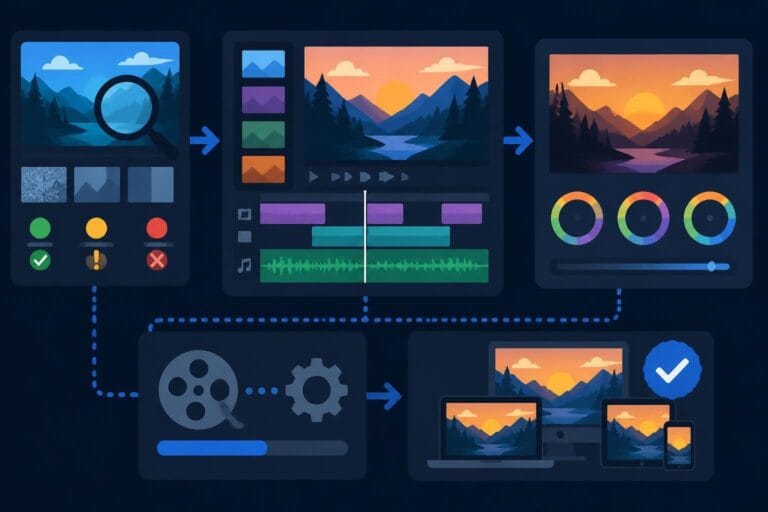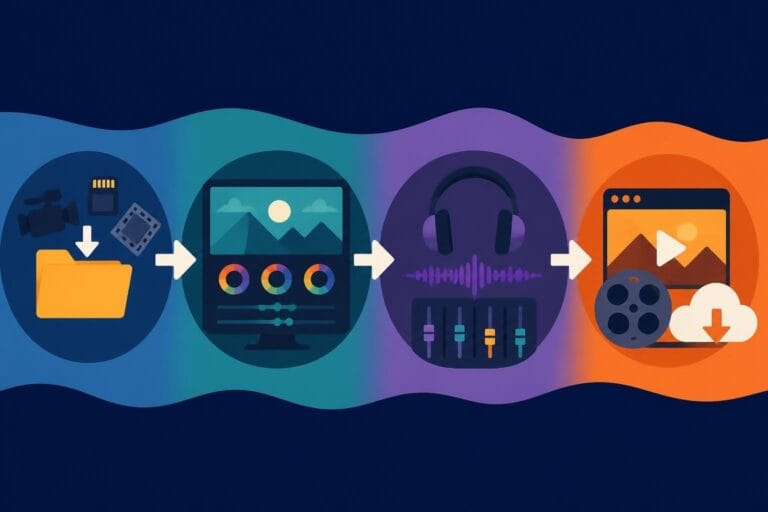
Post Production Video Editing: Complete Guide for 2026
Discover how post production video editing transforms raw footage into professional content. Learn workflows, tools, and outsourcing tips.
10 Min. ReadRead More
5 dedicated editor spots open this week. Book a call to reserve →
Explore Microsoft 365 video editing with Clipchamp and discover why content creators need more than built-in tools to scale efficiently.
 Knowledge Base
July 3, 2026
Microsoft 365 has evolved from spreadsheets and presentations into a comprehensive productivity suite that now includes video editing capabilities. For business owners, marketers, and content creators looking to produce video content without buying expensive standalone software, microsoft 365 video editing through Clipchamp offers a surprisingly capable starting point. But here's the real question: does it actually solve the problem of creating consistent, high-quality videos at scale? Let's dig into what Microsoft brings to the table and where you might need something stronger.
Microsoft's approach to video editing centers around Clipchamp, their integrated video editor that comes bundled with most Microsoft 365 subscriptions. Instead of building video editing from scratch, Microsoft acquired Clipchamp in 2022 and wove it into their ecosystem alongside Word, Excel, and Teams.
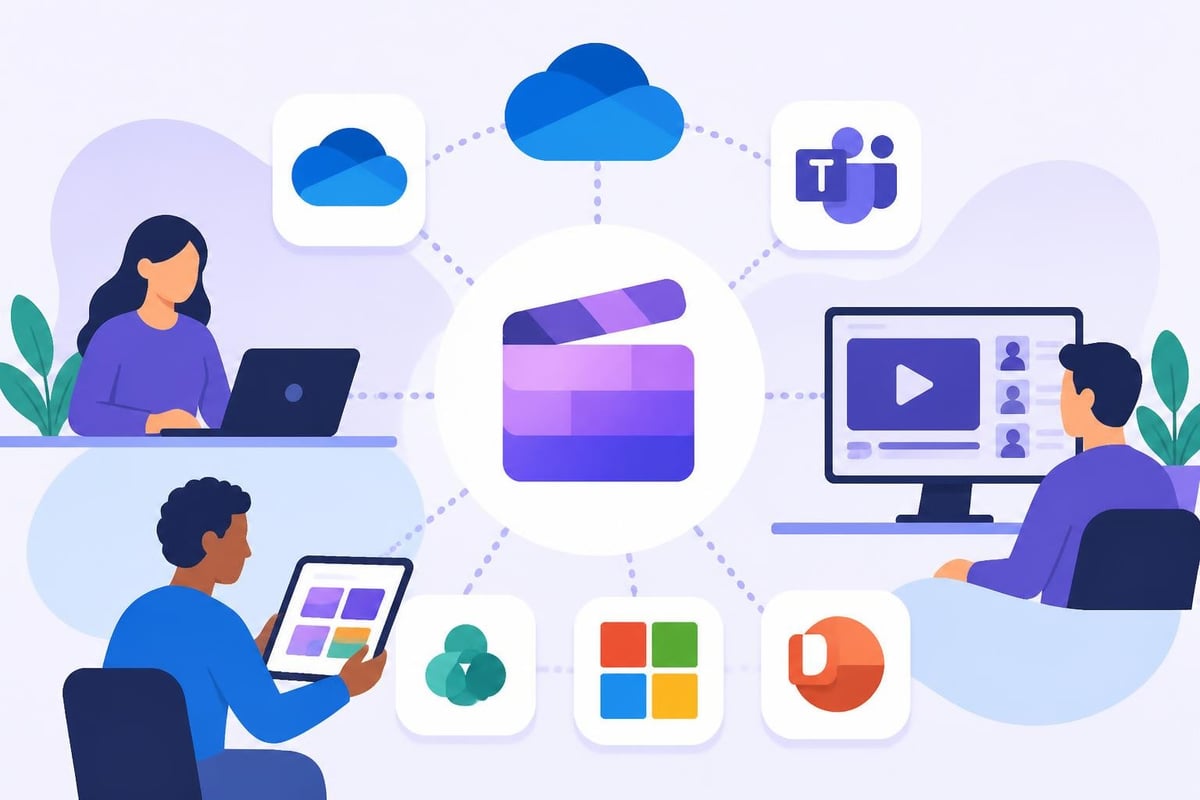
The platform handles basic to intermediate editing tasks through a browser-based interface. You can trim clips, adjust colors, add text overlays, incorporate transitions, and export videos without downloading bulky software. For teams already living in the Microsoft ecosystem, this integration means less app-switching and more streamlined workflows.
When evaluating microsoft 365 video editing capabilities, focus on what you can realistically accomplish:
The real advantage? Everything syncs automatically. No more "which version did I save where?" chaos that plagues traditional editing setups.
However, recent changes have made OneDrive integration mandatory. As Windows Central reports, you now must sync projects to OneDrive to create or edit videos, eliminating the option for local-only editing. This might frustrate creators who prefer keeping projects offline or have limited cloud storage.
Microsoft designed Clipchamp for specific use cases. Understanding these helps you decide whether microsoft 365 video editing meets your needs or falls short.
Internal communications shine with Clipchamp. Need a quick training video for your team? A product announcement for stakeholders? These scenarios play to Clipchamp's strengths. The integration with Teams means you can edit and share without leaving your collaboration hub.
Social media snippets work well too. Creating short clips for LinkedIn posts, Instagram stories, or quick Facebook updates fits within Clipchamp's capabilities. You can resize videos for different platforms and add captions without much fuss.
Educational content benefits from the text-to-speech features and screen recording tools. Teachers, trainers, and course creators can produce straightforward instructional videos efficiently.
Here's where reality hits: microsoft 365 video editing wasn't built for professional content creators running channels, agencies managing multiple clients, or businesses that need polished, brand-consistent videos daily.
| Requirement | Clipchamp Capability | Professional Alternative |
|---|---|---|
| Advanced color grading | Basic filters only | Full HSL controls |
| Multi-track audio mixing | Limited layers | Unlimited tracks |
| Custom motion graphics | Template-based only | Frame-by-frame control |
| Batch processing | Manual, one-by-one | Automated workflows |
| Revision management | No version control | Full history tracking |
The learning curve, while gentler than Adobe Premiere, still exists. Every feature you need requires figuring out where Microsoft tucked it in the interface. For busy entrepreneurs, that's time you don't have.
Microsoft hasn't stayed static. They're pushing hard into AI-powered video creation, which could reshape microsoft 365 video editing significantly. Recent integrations with OpenAI’s Sora 2 bring AI-generated video capabilities to Microsoft 365 Copilot users.
This means you could theoretically describe a video concept and have AI generate clips, transitions, and even full scenes. Sounds magical, right? But here's the catch: AI-generated content still needs human oversight, editing, and brand alignment. The AI gives you raw materials, not finished products.
Current AI features in the Microsoft 365 ecosystem help with:
These features save time on tedious tasks. But they don't replace the creative decisions that make videos engaging. You still need to understand pacing, storytelling, and brand voice.

Let's talk money because microsoft 365 video editing appears "free" if you already subscribe to Microsoft 365. That's partially true but misleading.
Microsoft 365 Personal ($69.99/year) includes Clipchamp essentials. Microsoft 365 Business plans range from $6 to $22 per user monthly. These get you basic editing features.
Want the premium Clipchamp features like premium filters, content backup, and brand kits? That's an additional subscription starting at $11.99/month.
Here's what most articles won't tell you: the real expense isn't the subscription. It's your time. Every hour you spend learning Clipchamp, troubleshooting exports, or tweaking transitions is an hour not spent running your business, creating content strategy, or connecting with your audience.
For solopreneurs wearing twelve hats already, adding "video editor" to that list rarely makes financial sense. Your hourly value likely exceeds what you'd pay for professional editing services that deliver faster, better results.
Consider this scenario:
What could you accomplish with those 50 hours in your zone of genius instead?
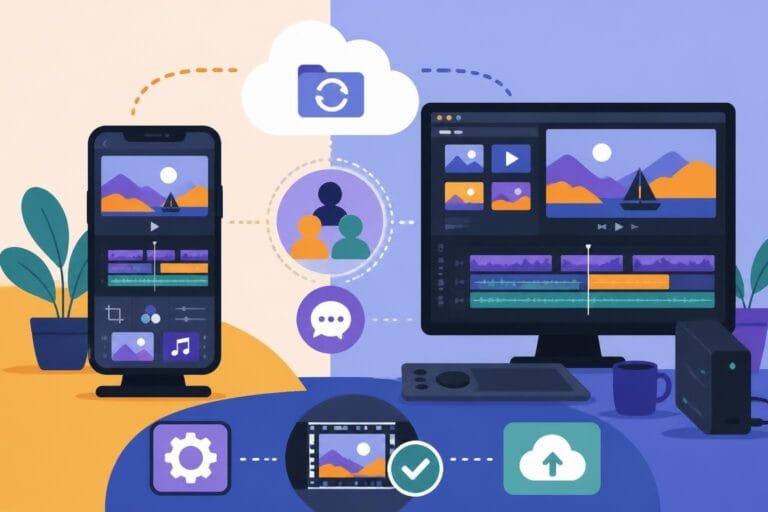
Microsoft's strength lies in how everything connects. When you're already using Outlook, Teams, SharePoint, and OneDrive, adding video editing to that ecosystem creates workflow efficiencies.
You can record a Teams meeting, pull the recording into Clipchamp, edit out the awkward starts and technical difficulties, add captions, and post the polished version to SharePoint for your team. All without leaving the Microsoft universe.
For enterprise teams with strict security requirements, this matters enormously. Everything stays within Microsoft's security framework. No uploading sensitive footage to third-party platforms.
But integration comes with lock-in. Your videos, projects, and assets live in Microsoft's ecosystem. Switching to another platform later means migrating everything or starting fresh.
The official overview details how Clipchamp integrates with Microsoft Stream and other services, but it also reveals the closed nature of the system. Unlike professional editing platforms that play nicely with any storage solution or collaboration tool, Clipchamp works best when you're all-in on Microsoft.
Here's the uncomfortable truth about microsoft 365 video editing and DIY approaches generally: they work until they don't. The breaking point usually arrives when you need consistent video output to stay visible and competitive.
One video per month? Manageable with DIY tools. Three videos per week across multiple platforms? That's where DIY crumbles.
Successful content strategies require volume and consistency. Your audience expects regular uploads. Algorithms reward frequent posting. Competitors publish daily.
Can you realistically edit three to five videos weekly while running your business? Most entrepreneurs quickly realize the answer is no.
You face several bottlenecks:
This is where smart business owners recognize that doing everything yourself isn't growth, it's a ceiling.

Microsoft 365 video editing works for specific situations. But if video content drives your business, marketing, or personal brand, you need solutions built for creators who mean business.
Professional video editing services like beCreatives flip the entire equation. Instead of spending your time learning software and tweaking timelines, you focus on strategy, content creation, and business growth while experienced editors handle the technical execution.
The advantages go beyond just saved time:
Dedicated editors who learn your brand voice, style preferences, and audience expectations. No explaining your vision repeatedly to different people.
Unlimited revisions mean your videos match your standards without nickel-and-diming you for changes.
Faster turnaround because professional editors work efficiently with tools they've mastered over thousands of hours.
Consistent quality across all your content, strengthening brand recognition and audience trust.
Don't take our word for it. Case studies show how content creators, agencies, and business owners scale their video output dramatically by outsourcing editing.
One entrepreneur secured three $20,000 deals directly attributed to the professional quality and consistency of his video content after switching to dedicated editing support. That's ROI you can't ignore.
Evaluate microsoft 365 video editing honestly against your actual needs, not theoretical possibilities.
Ask yourself:
For occasional videos, one-off projects, or internal communications, Microsoft's tools suffice. The investment is minimal, and the learning curve manageable for simple projects.
For content-driven businesses, personal brands building audiences, or agencies managing clients, professional editing services deliver better ROI. Your expertise lies in creating compelling content and building relationships, not mastering editing software.
The math becomes clear when you calculate opportunity cost. If your effective hourly rate is $100 and editing takes 5 hours per video, you're paying $500 in opportunity cost for each video. Professional editing services typically cost far less while delivering superior results.
One often-overlooked aspect of microsoft 365 video editing involves storage management. Video files consume massive amounts of space. OneDrive storage limits (1TB for most Microsoft 365 plans) fill quickly with raw footage, project files, and exports.
You'll face constant decisions about what to keep, what to delete, and whether to pay for additional storage. Professional services typically include unlimited storage, eliminating this headache entirely.
Even with solid tools, DIY editing creates workflow friction:
These friction points add up. Each delay compounds, turning what should be a streamlined process into a frustrating time sink.
| Workflow Element | DIY Approach | Professional Service |
|---|---|---|
| File organization | Your responsibility | Managed for you |
| Backup and security | Configure yourself | Built-in protection |
| Software updates | Manual, potentially breaking projects | Transparent to you |
| Format compatibility | Your problem to solve | Handled automatically |
| Multi-platform delivery | Export each version | One upload, all formats |
Microsoft will continue improving its video capabilities. AI features will get smarter. Integration will deepen. Understanding what Clipchamp offers helps you stay informed about these developments.
But here's what won't change: creating quality video content at scale requires time, skill, and consistent execution. Technology makes editing more accessible, but it doesn't eliminate the work or the expertise required for results that drive business outcomes.
The winning approach combines your unique insights, personality, and content strategy with professional execution that delivers polished, on-brand videos consistently. You don't need to choose between quality and quantity when you delegate technical execution to experts.
Think about every successful business you admire. They focus on core competencies and outsource everything else. Video editing rarely qualifies as a core competency unless you're a production company. For everyone else, it's a distraction from what actually grows your business.
Microsoft 365 video editing offers legitimate value for basic needs, but content creators serious about growth quickly outpace its capabilities. The real question isn't whether Clipchamp works but whether spending your time editing serves your bigger goals. If you're ready to scale your video content without the DIY headaches, beCreatives provides unlimited editing services with dedicated editors, unlimited storage, and streamlined revision workflows that let you focus on creating content that connects while we handle the technical heavy lifting.
Discover how post production video editing transforms raw footage into professional content. Learn workflows, tools, and outsourcing tips.
Master video editing HD quality standards, encoding settings, and workflow best practices to deliver professional content in 2026.
Discover what makes a YouTube video editing course worth your time in 2026, plus smarter alternatives for busy creators and agencies.
Looking to hire video editor for YouTube? Discover the best hiring strategies, what to look for, and how to build a winning content team in 2026.
Discover the best music video editing software for 2026. Compare features, pricing, and workflow tools to create stunning music videos faster.
Looking for a video editing company near me? Learn how to choose the right partner, what to expect, and whether local is best in 2026.
Discover how video editing AI online is changing content creation in 2026. Explore smart tools, workflows, and what creators really need to know.
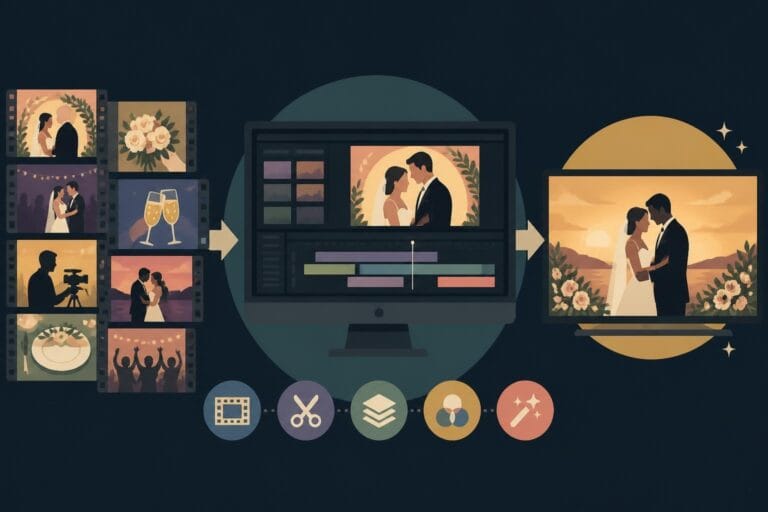
Master wedding videography editing with expert tips on storytelling, pacing, and delivery. Learn how to transform raw footage into cinematic films.
Choosing an HD video editing app in 2026? Discover features, performance tips, and how professionals handle high-definition content.
Discover the best free simple editing software for videos and photos in 2026. Compare features, learn what works, and decide when to DIY or outsource.

Editing videos yourself can take a lot of your precious time, but do not worry – we‘ve got you covered! Our highly skilled Video Editors are here to speed up the process and give you time to create more content.
What do you need edits for?



Scratch to see who you got
This is your match, not your assignment.
We confirm your editor once you subscribe.
Pick a time that works and we’ll take it from there.
Open the booking page15 minutes, free