
Post Production Video Editing: Complete Guide for 2026
Discover how post production video editing transforms raw footage into professional content. Learn workflows, tools, and outsourcing tips.
10 Min. ReadRead More
5 dedicated editor spots open this week. Book a call to reserve →

 Kiara WalkerCocktales Podcast

Discover the best low cost video editor options for 2026. Compare software, subscription services, and strategies to produce professional videos.
 Knowledge Base
May 25, 2026
Video production has become essential for businesses and creators, but professional editing tools often strain budgets. Finding the right low cost video editor solution balances quality output with financial constraints. Whether you're producing YouTube content, marketing materials, or social media clips, affordable editing options have evolved significantly in 2026, offering professional-grade features without enterprise-level pricing.
The video editing landscape has transformed dramatically over the past few years. Traditional software licensing models that required thousands of dollars in upfront investment have given way to flexible subscription services and even free alternatives that rival premium options.
Budget considerations extend beyond software costs. Modern video editors must account for hardware requirements, storage solutions, plugin ecosystems, and learning curves that impact productivity. A truly low cost video editor strategy considers the total cost of ownership rather than just the sticker price.
When evaluating editing solutions, professionals should examine several financial factors:
Many creators discover that expensive software doesn't automatically translate to better results. According to industry analysis, affordable video editing software options have narrowed the quality gap considerably in recent years.
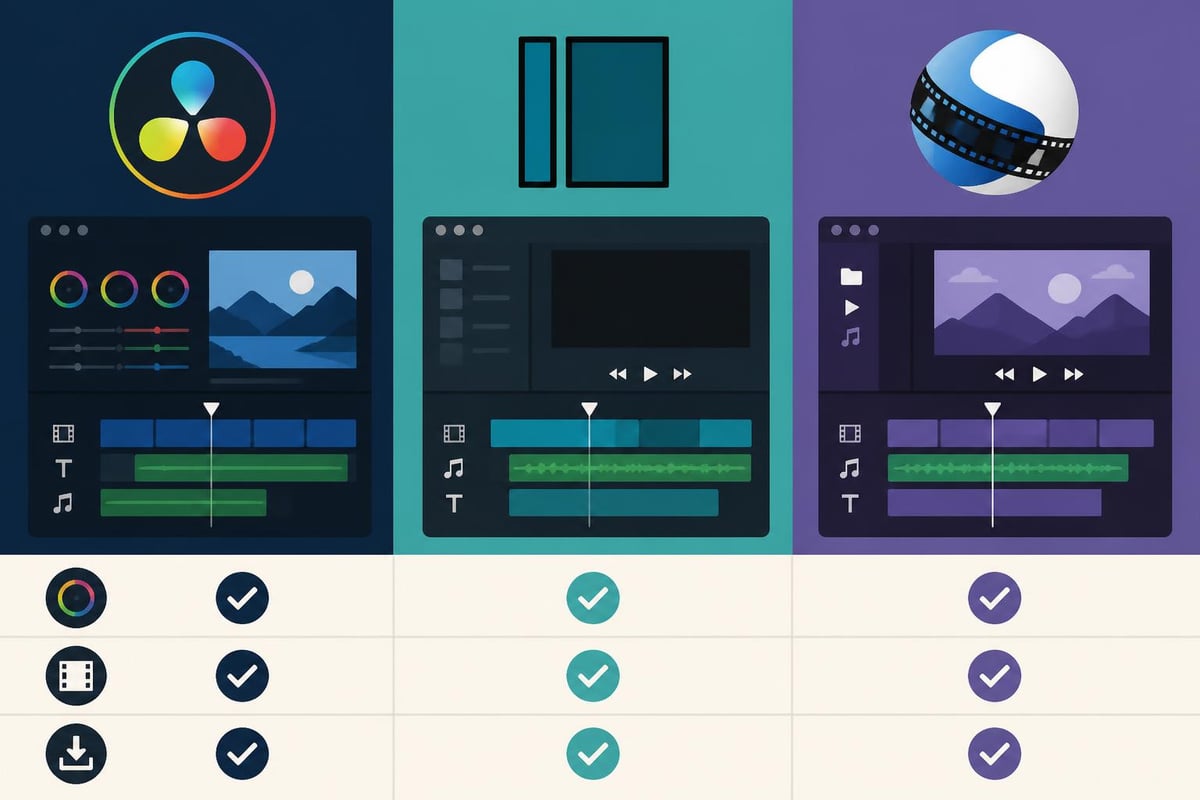
The free and open-source category represents perhaps the most compelling low cost video editor options available in 2026. These platforms have matured significantly, offering capabilities that were exclusive to premium software just a few years ago.
DaVinci Resolve stands out as the industry leader in free professional editing. Blackmagic Design's platform includes advanced color grading, audio post-production, visual effects, and collaboration tools. The free version imposes few limitations that would affect most content creators.
| Software | Best For | Key Limitation | Export Options |
|---|---|---|---|
| DaVinci Resolve | Color grading, professional projects | No collaboration features in free version | All formats up to 4K |
| Shotcut | Cross-platform editing, beginners | Limited effects library | Unlimited exports |
| OpenShot | Simple projects, quick edits | Performance with large files | Standard formats |
| Kdenlive | Linux users, open-source advocates | Occasional stability issues | Comprehensive format support |
Resources like Shotcut’s tutorial library demonstrate how these platforms support users through comprehensive educational materials.
Free software often requires greater initial time investment to master. However, the active communities surrounding these tools provide extensive documentation, forums, and video tutorials. Basic video editing concepts remain consistent across platforms, making skills transferable.
Professional editors increasingly recommend starting with free tools to build foundational skills before investing in premium software. This approach allows creators to understand their specific needs before committing financially.
Subscription models have democratized access to professional editing tools. Instead of $500-800 upfront costs, creators can access powerful platforms for $20-50 monthly, making it easier to manage cash flow.
Adobe Premiere Elements provides a simplified version of Premiere Pro at approximately $100 for a perpetual license. This one-time purchase offers guided edits, automated features, and enough power for small business video production.
Filmora has evolved into a comprehensive low cost video editor with AI-powered features. AI video editing capabilities have enhanced Filmora's appeal, though creators should understand its credit-based pricing for certain advanced features.
For businesses creating video ads for social media, specialized platforms like AdsRaw offer AI-powered solutions that generate user-generated content style videos without traditional editing software, representing an alternative approach to the low cost video editor challenge.
Corel VideoStudio maintains its position as an affordable editing solution with a straightforward interface designed for Windows users. The software costs significantly less than Adobe products while delivering robust editing capabilities.
Free tools, paid tools or a service: three ways to edit on a budget
Free tools
Paid tools
A service
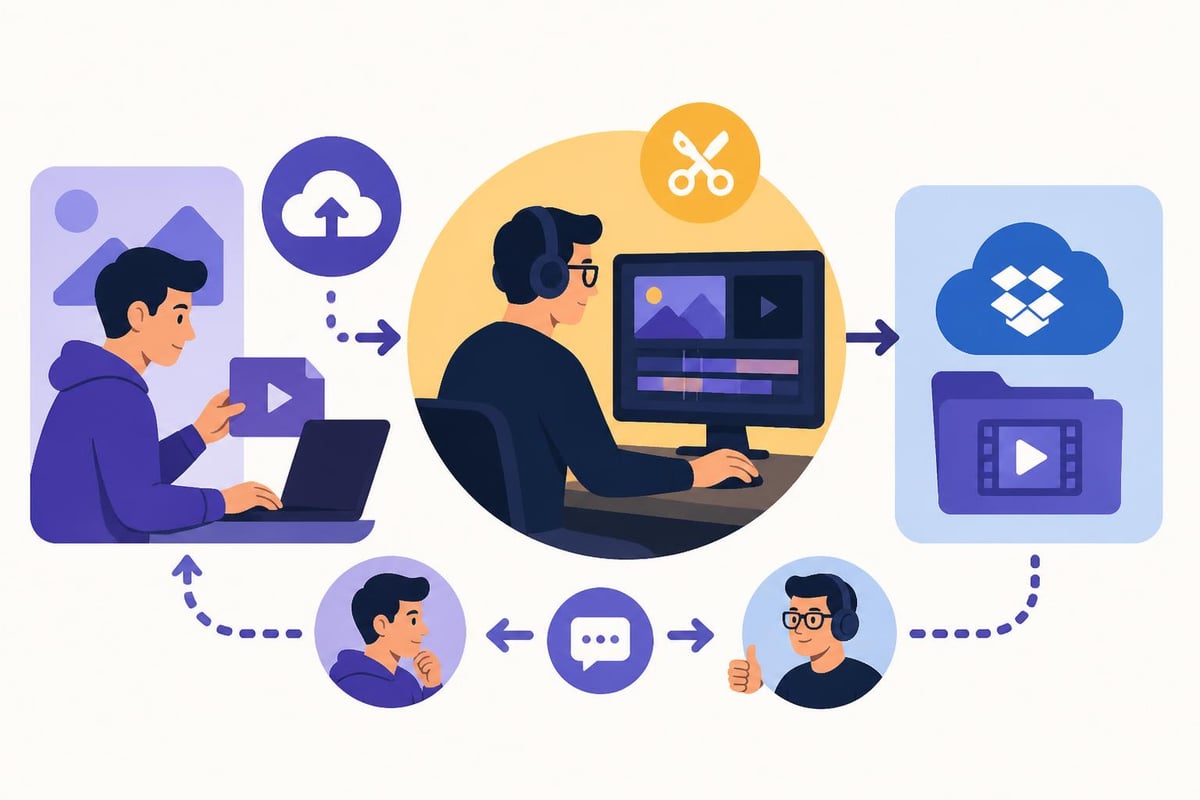
The rise of unlimited video editing services has created an entirely different approach to the low cost video editor equation. Rather than purchasing software and developing in-house expertise, businesses can outsource their entire editing workflow.
| Approach | Monthly Cost | Time Investment | Scalability | Quality Consistency |
|---|---|---|---|---|
| DIY Software | $20-80 | 20+ hours weekly | Limited by individual capacity | Variable, depends on skill growth |
| Freelance Editors | $300-1500 | 10 hours coordination | Requires hiring multiple freelancers | Inconsistent between editors |
| Unlimited Service | $400-800 | 2-3 hours review | Unlimited requests | Professional baseline guaranteed |
Platforms offering dedicated video editors eliminate the learning curve entirely while providing professional-quality output. For businesses producing consistent content volumes, this model often proves more cost-effective than traditional software investment.
Business owners and marketers increasingly recognize that their time carries value. Spending hours learning editing techniques might save software costs but represents significant opportunity cost when compared to revenue-generating activities.
Unlimited editing services excel in specific scenarios:
For specialized niches like YouTube video editing, dedicated service providers understand platform-specific requirements including optimal lengths, pacing, thumbnail integration, and audience retention strategies.
Not all editing needs require comprehensive software suites. Specialized tools targeting specific workflows often deliver better value for focused applications.
CapCut dominates the mobile and desktop social media editing space with its free platform optimized for TikTok, Instagram Reels, and YouTube Shorts. The software includes trending effects, templates, and direct platform integration.
InVideo focuses on template-based editing for marketers creating promotional content. Its browser-based interface eliminates installation requirements while providing text-to-video capabilities and extensive stock media libraries.
Camtasia specializes in screen recording and presentation videos, making it ideal for tutorial content, software demonstrations, and educational materials. The $299 one-time cost represents solid value for businesses focused on this content type.
Descript revolutionizes editing through text-based workflows, allowing editors to modify videos by editing transcripts. This approach dramatically reduces editing time for interview content, podcasts, and talking-head videos.
Creators exploring various techniques can benefit from comprehensive video editing tutorials that demonstrate platform-specific workflows and optimization strategies.
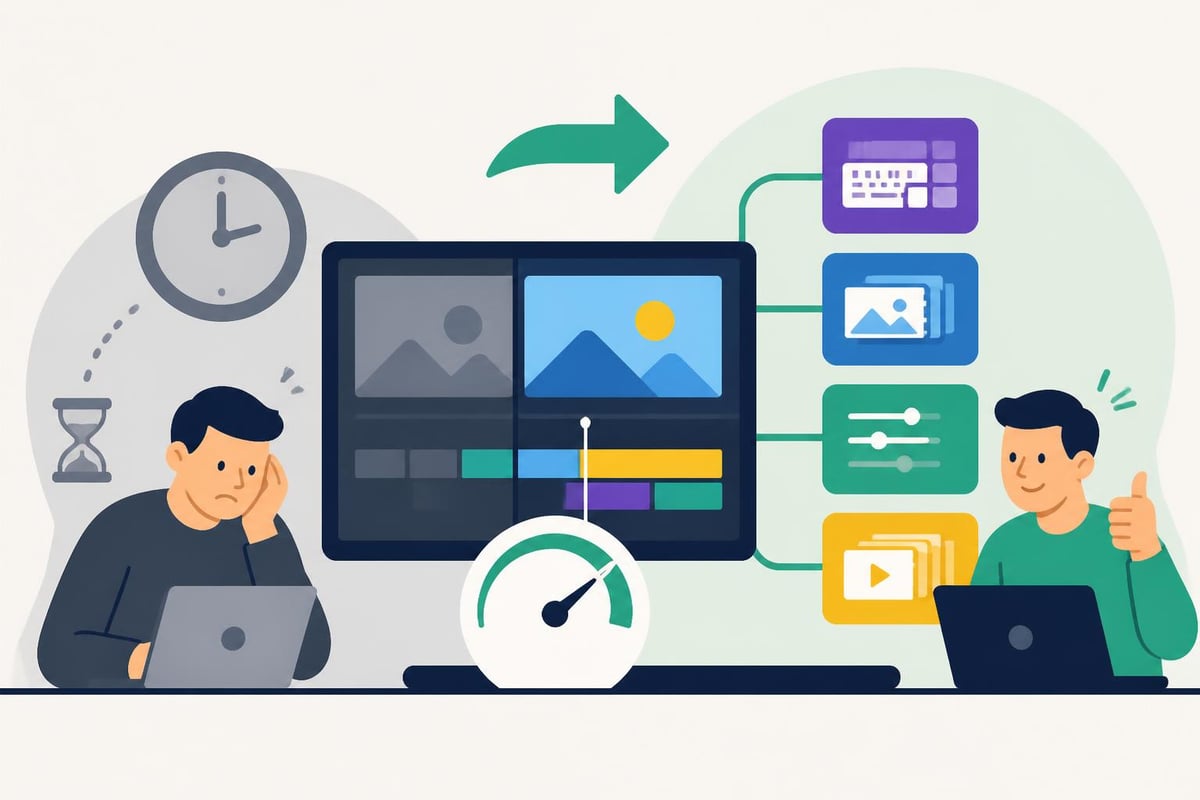
Selecting a low cost video editor represents just the first step. Extracting maximum value requires strategic implementation and workflow optimization.
Creating reusable assets dramatically reduces per-project editing time. Develop branded templates for:
These investments pay dividends across dozens or hundreds of projects, effectively reducing per-video costs regardless of your chosen software.
Professional editors complete tasks 3-5 times faster than beginners using identical software. This efficiency gap stems from mastery of keyboard shortcuts, optimized workspace layouts, and systematic approaches to common tasks.
Dedicate two weeks to deliberately practicing shortcuts and efficiency techniques. Resources like DaVinci Resolve and Adobe tutorials demonstrate professional workflows that minimize mouse usage and streamline repetitive operations.
Budget software runs poorly on inadequate hardware, creating false economy. Strategic hardware investments amplify low cost video editor effectiveness:
Long-term success with budget editing tools requires systematic approaches that prioritize consistency and scalability over feature abundance.
Batch filming sessions followed by batch editing sessions create economies of scale that reduce per-video costs. Schedule dedicated production days where you capture multiple videos, then process them systematically during editing blocks.
This approach works particularly well for:
Additional support through platforms like MAGIX tutorial resources helps editors master specific software capabilities that enhance these systematic workflows.
Professional output from a low cost video editor demands attention to fundamental principles that transcend software capabilities:
These production-side improvements deliver better results than any amount of post-production correction, making them essential considerations regardless of editing budget.
Choosing the right low cost video editor requires matching capabilities to actual requirements rather than pursuing feature checklists that exceed realistic needs.
Many creators purchase software based on advanced capabilities they rarely use. Focus evaluation on features directly supporting your content strategy:
For tutorial and educational content:
For marketing and promotional videos:
For narrative and creative projects:
Most paid software offers trial periods ranging from 7-30 days. Maximize these opportunities by:
This disciplined evaluation prevents expensive mistakes while ensuring your selected low cost video editor genuinely meets operational requirements. Reviews like those found in cheap video editing software comparisons provide starting points, but hands-on testing remains irreplaceable.
Video editing exists within broader content production and marketing ecosystems. Effective low cost video editor selection considers these connections.
Even solo creators benefit from organized asset management. Budget solutions should support:
Businesses scaling beyond individual contributors need collaboration features including shared timelines, comment systems, and approval workflows. Some unlimited editing services provide these through custom platforms designed specifically for client-editor communication.
Different distribution channels demand distinct specifications. Your low cost video editor should efficiently export to:
| Platform | Optimal Resolution | Aspect Ratio | Length Considerations |
|---|---|---|---|
| YouTube | 1080p-4K | 16:9 | 8-15 minutes for algorithm |
| Instagram Feed | 1080×1080 | 1:1 | 30-60 seconds maximum |
| Instagram Reels | 1080×1920 | 9:16 | 15-90 seconds optimal |
| 1080p | 16:9 or 1:1 | 30-90 seconds engagement peak | |
| TikTok | 1080×1920 | 9:16 | 21-34 seconds highest completion |
Software with custom export presets streamlines this multi-platform distribution, eliminating tedious manual configuration for each upload.
Finding the right low cost video editor solution in 2026 means balancing software capabilities, learning investment, and total workflow costs against your specific production requirements and business goals. Whether you choose free software, budget subscriptions, or unlimited editing services, success depends on systematic workflows and fundamental production quality. For businesses ready to eliminate the editing learning curve entirely while accessing professional-quality output, beCreatives provides unlimited video editing with dedicated editors, streamlined revision systems, and scalable capacity that grows with your content needs.
Article written using RankPill.
Discover how post production video editing transforms raw footage into professional content. Learn workflows, tools, and outsourcing tips.
Master video editing HD quality standards, encoding settings, and workflow best practices to deliver professional content in 2026.
Discover what makes a YouTube video editing course worth your time in 2026, plus smarter alternatives for busy creators and agencies.
Looking to hire video editor for YouTube? Discover the best hiring strategies, what to look for, and how to build a winning content team in 2026.
Discover the best music video editing software for 2026. Compare features, pricing, and workflow tools to create stunning music videos faster.
Looking for a video editing company near me? Learn how to choose the right partner, what to expect, and whether local is best in 2026.
Discover how video editing AI online is changing content creation in 2026. Explore smart tools, workflows, and what creators really need to know.
Master wedding videography editing with expert tips on storytelling, pacing, and delivery. Learn how to transform raw footage into cinematic films.
Choosing an HD video editing app in 2026? Discover features, performance tips, and how professionals handle high-definition content.
Discover the best free simple editing software for videos and photos in 2026. Compare features, learn what works, and decide when to DIY or outsource.

Editing videos yourself can take a lot of your precious time, but do not worry – we‘ve got you covered! Our highly skilled Video Editors are here to speed up the process and give you time to create more content.








