
Post Production Video Editing: Complete Guide for 2026
Discover how post production video editing transforms raw footage into professional content. Learn workflows, tools, and outsourcing tips.
10 Min. ReadRead More
5 dedicated editor spots open this week. Book a call to reserve →

 Kiara WalkerCocktales Podcast
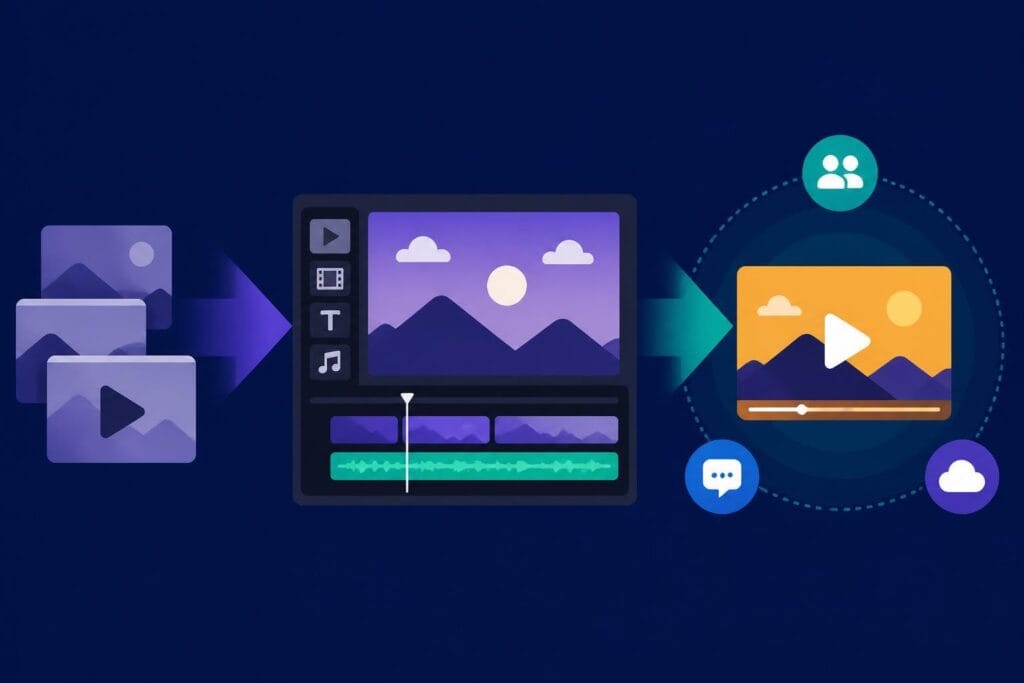
Discover how an edit making app can revolutionize your video production workflow. Expert insights on choosing tools that streamline editing.
 Knowledge Base
May 25, 2026
Video content dominates the digital landscape in 2026, and the tools we use to create it have evolved dramatically. An edit making app has become essential for content creators, marketers, and businesses looking to produce engaging videos efficiently. Whether you're crafting short-form content for social platforms or developing long-form educational videos, understanding the landscape of editing applications and how they integrate into your workflow can significantly impact your production quality and efficiency. The right editing solution combines powerful features, intuitive interfaces, and seamless collaboration tools to help you meet the increasing demands of modern video content creation.
The term "edit making app" encompasses a broad range of software solutions designed to help users transform raw footage into polished, engaging video content. These applications range from mobile-first platforms optimized for quick social media edits to comprehensive desktop solutions offering advanced color grading, multi-track editing, and professional-grade effects.
Modern editing applications must deliver specific capabilities to meet the demands of today's content creators. The essential features include:
Performance matters significantly when evaluating any edit making app. The software should handle 4K and even 8K footage without excessive rendering times or system crashes. Memory management, GPU acceleration, and efficient codec handling separate professional-grade applications from consumer-level tools.
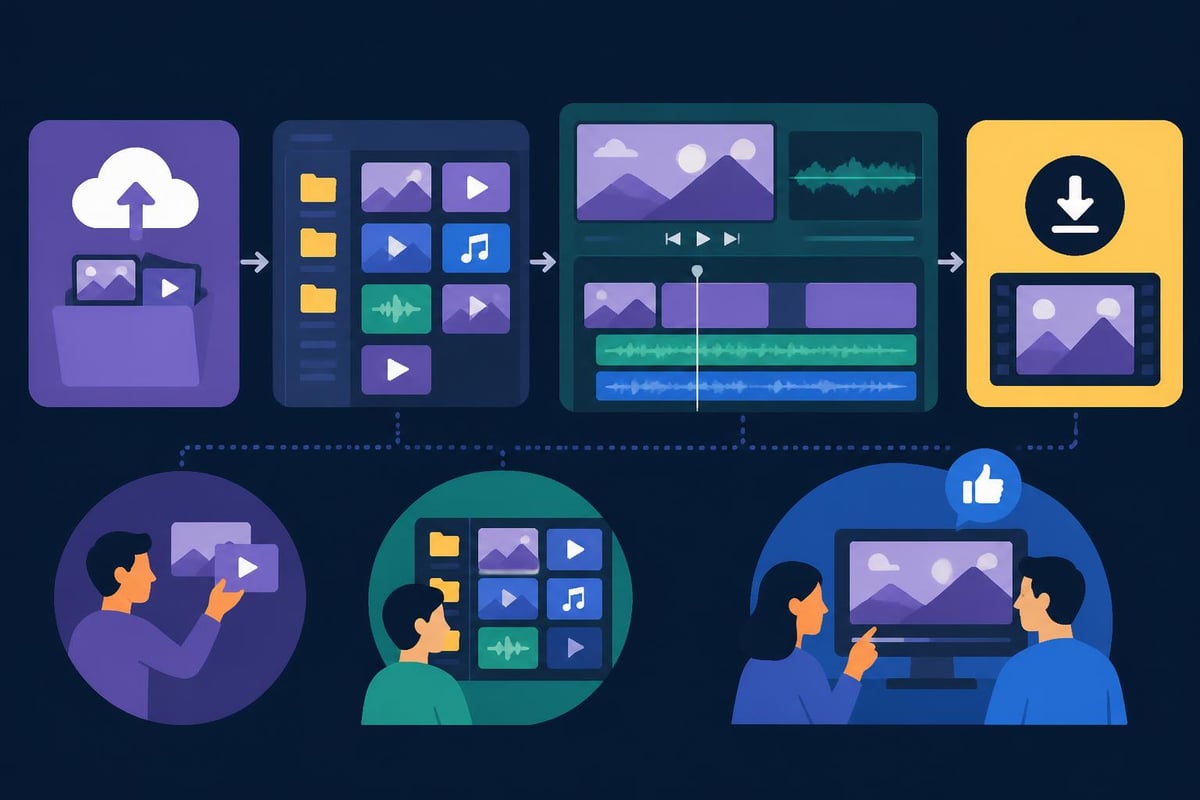
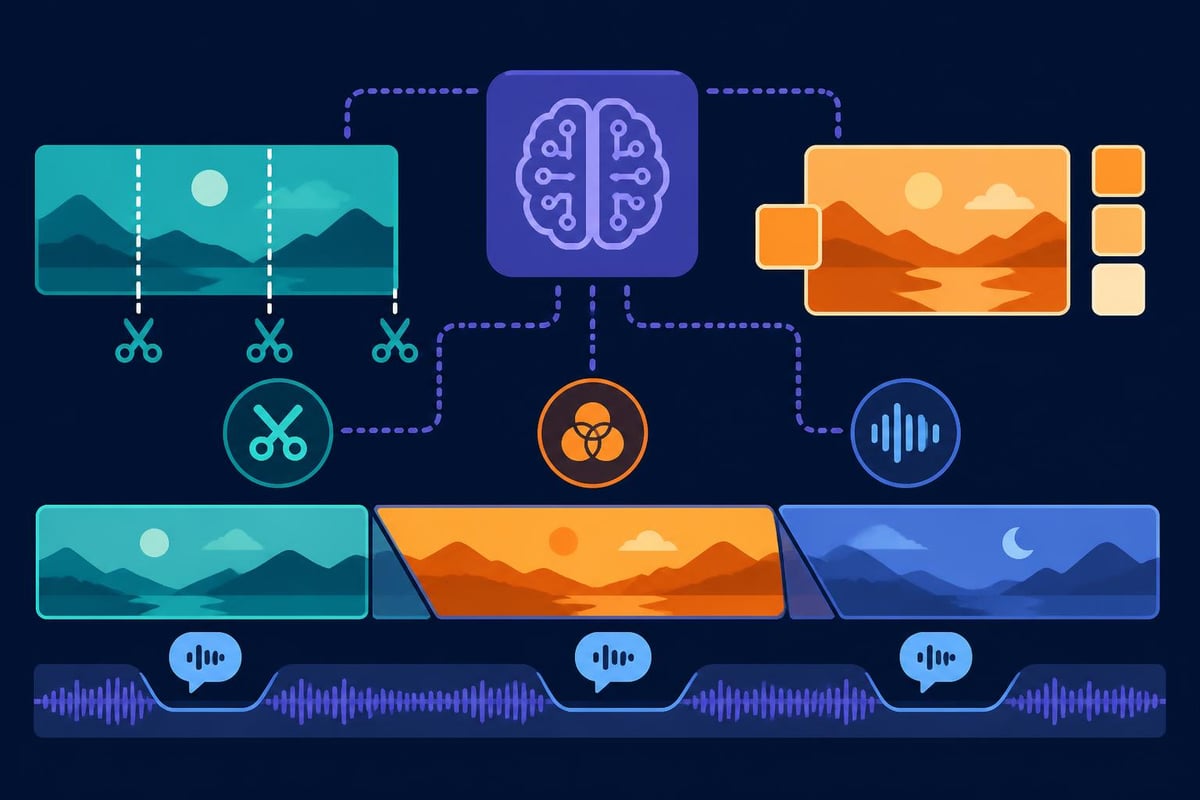
Artificial intelligence has revolutionized video editing in 2026, with AI-driven video creation tools becoming increasingly sophisticated. These technologies automate time-consuming tasks such as scene detection, audio syncing, and even basic color correction. AI capabilities now include automatic captioning, smart cropping for different aspect ratios, and intelligent content-aware editing that can identify and remove filler words or awkward pauses.
The integration of generative AI models has pushed the boundaries even further. Google’s Gemini Omni AI demonstrates how users can create and edit videos from various inputs, including text descriptions, audio files, or existing video clips. This technology represents a fundamental shift in how creators approach video production.
Not all editing solutions serve the same purpose. Understanding the distinctions helps you select the right tool for your specific needs.
| Application Type | Best For | Key Advantages | Limitations |
|---|---|---|---|
| Mobile Apps | Quick edits, social content | Portability, ease of use | Limited features, smaller screen |
| Desktop Software | Professional projects | Full feature set, precision | Steep learning curve, hardware requirements |
| Cloud-Based Platforms | Team collaboration | Accessibility, automatic backups | Internet dependency, subscription costs |
| AI-Assisted Tools | High-volume production | Speed, consistency | Less creative control, quality variations |
Mobile editing has matured significantly, with applications offering surprisingly robust feature sets. Instagram’s Edits app competes directly with TikTok’s CapCut, showcasing the importance of mobile-first editing in the social media ecosystem. These platforms prioritize speed and convenience, allowing creators to shoot, edit, and publish content within minutes.
For businesses focused on social media video editing, mobile applications provide the agility needed to capitalize on trending topics and real-time opportunities. The best mobile edit making app solutions now include professional features like keyframe animation, chroma keying, and multi-layer compositing.
Desktop applications remain the gold standard for projects requiring precision, advanced effects, or lengthy timelines. These platforms offer:
Professional editors and studios rely on desktop software when quality cannot be compromised. The processing power available on modern workstations enables real-time playback of complex effects and faster rendering of final deliverables.
Choosing an appropriate editing solution requires evaluating your specific needs against available options. Consider these factors when making your decision:
Your edit making app must integrate seamlessly with your existing production workflow. This includes compatibility with your camera formats, storage solutions, and collaboration platforms. File format support is particularly critical, as incompatibility can create bottlenecks and require time-consuming transcoding processes.
Consider how the application handles:
Professional video editing services often employ multiple applications within a single workflow, using specialized tools for specific tasks while maintaining a primary editing platform for assembly and finishing.
The cost structure of editing applications varies significantly. Understanding different pricing models helps you make financially sound decisions:
| Pricing Model | Typical Cost Range | Advantages | Best For |
|---|---|---|---|
| One-Time Purchase | $100 – $1,000+ | Permanent access, no recurring fees | Stable workflows, budget predictability |
| Monthly Subscription | $10 – $100/month | Regular updates, lower initial cost | Testing tools, flexible budgets |
| Annual Subscription | $100 – $800/year | Cost savings vs. monthly, consistent access | Committed long-term users |
| Free/Freemium | $0 – $50/month | Low barrier to entry | Beginners, low-volume creators |
Budget isn't just about software licensing. Factor in hardware requirements, training time, and potential productivity differences between platforms. An expensive edit making app that doubles your output efficiency quickly justifies its cost compared to a cheaper alternative that slows your workflow.
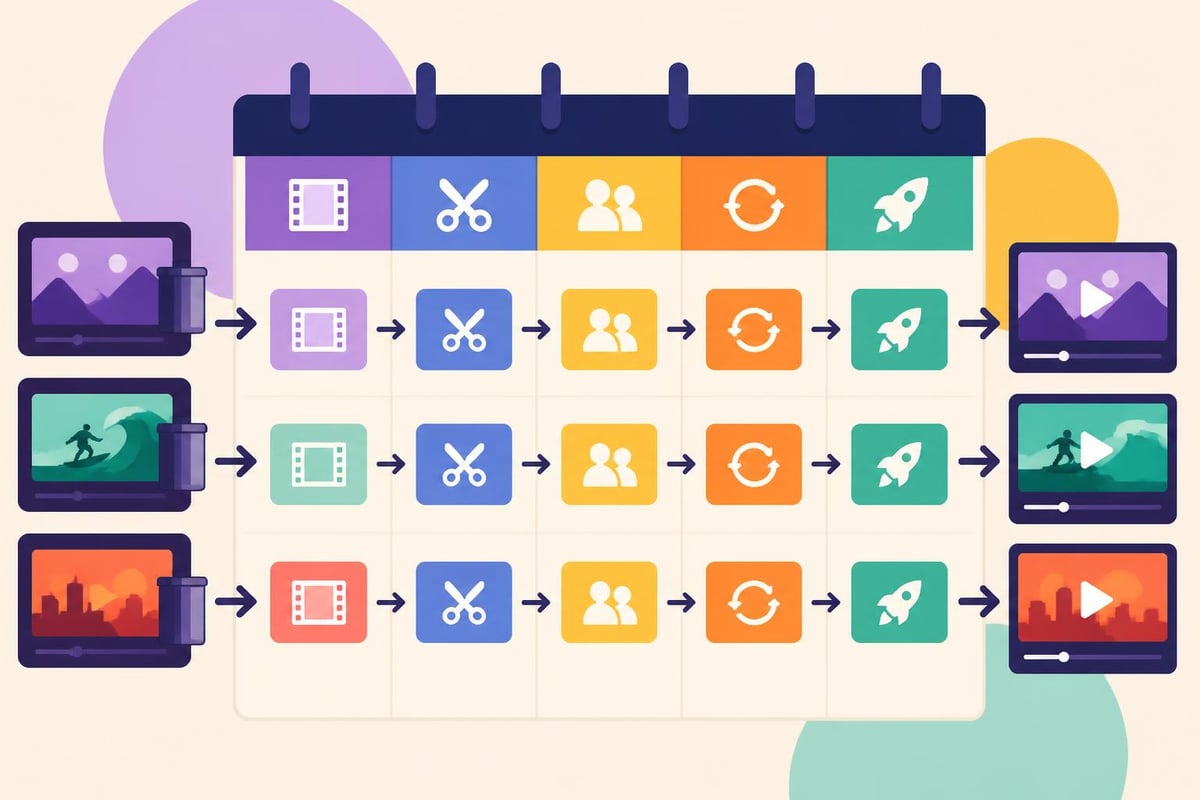
Having the right edit making app is only part of the equation. Optimizing how you use it dramatically impacts your productivity and output quality.
Structured workflows prevent common bottlenecks and maintain consistency across projects. Implement these practices:
For creators producing YouTube Shorts or Instagram Reels, developing templates that accommodate your brand style while allowing creative flexibility accelerates production significantly.
Modern edit making apps increasingly emphasize collaboration, recognizing that video production often involves multiple stakeholders. Cloud-based platforms enable:
These features prove invaluable for agencies, marketing teams, and businesses managing high-volume content production. The ability to iterate quickly based on stakeholder feedback without endless email chains and file transfers streamlines the revision process.
The video editing landscape continues evolving rapidly, with several trends defining the next generation of applications.
Beyond basic AI features, generative technologies are reshaping what's possible. These systems can:
While human creativity remains irreplaceable, AI handles repetitive tasks and provides starting points that editors refine. This hybrid approach, combining AI efficiency with human judgment, defines modern professional workflows.
The shift toward distributed teams has accelerated cloud-based editing platforms. Google’s Flow suite demonstrates advanced AI integration within collaborative creative tools, enabling seamless remote workflows. These platforms eliminate the traditional download-edit-upload cycle, allowing editors to work directly with cloud-stored assets.
Real-time collaboration means multiple team members can review, comment, and even edit simultaneously, dramatically reducing project timelines. For businesses managing content across time zones, this capability proves essential.
As social platforms evolve their algorithms and formats, edit making apps increasingly offer platform-specific tools. Features include:
For content focused on TikTok video editing, applications now include trend libraries, sound matching features, and effect presets aligned with current platform trends.
Investing in an edit making app represents just the beginning. Maximizing return requires strategic implementation and continuous skill development.
Even the most intuitive edit making app requires time to master. Structured learning accelerates proficiency:
The time invested in learning compounds over your career. Features you master today save minutes on every project, accumulating into hours and eventually weeks of increased productivity.
Track metrics to understand how your edit making app impacts business outcomes:
| Metric | Measurement Method | Target Improvement |
|---|---|---|
| Editing Speed | Minutes per finished minute | 20-30% reduction |
| Revision Cycles | Average rounds before approval | 50% fewer revisions |
| Client Satisfaction | Survey scores or ratings | 90%+ satisfaction |
| Content Performance | Views, engagement, conversions | Platform-dependent goals |
Regular assessment identifies bottlenecks and opportunities. If revision cycles remain high, perhaps your edit making app lacks sufficient collaboration tools. If rendering takes excessive time, hardware upgrades might deliver better ROI than software changes.
Long-term success requires systems that scale with your business growth. An edit making app sits within a broader production ecosystem encompassing planning, shooting, editing, reviewing, and distribution.
As video demands increase, your processes must accommodate higher volumes without proportional increases in time or cost. Scalable systems include:
When production volumes exceed internal capacity, partnering with professional video editing services provides flexibility without the commitment of hiring full-time staff. This hybrid model maintains quality while managing cost fluctuations.
Technology evolves rapidly in the video space. Future-proof investments by:
The best edit making app for 2026 might not hold that position in 2028. Maintaining flexibility and willingness to adapt ensures you leverage the most effective tools available rather than clinging to legacy systems.
Different industries have unique requirements that influence which edit making app best serves their needs.
Educational videos prioritize clarity and engagement over stylistic flourishes. Key requirements include:
The edit making app should facilitate producing large volumes of similar content efficiently while maintaining pedagogical effectiveness.
Marketing content balances creativity with strategic messaging. Successful promotional editing requires:
Marketing teams benefit from edit making apps that streamline producing multiple versions of core content, adapting messaging for different audiences without starting from scratch each time.
Social content demands speed, platform-specific formatting, and trend responsiveness. Download data for photo and video apps reveals user preferences and market dynamics in this competitive space. Essential features include:
The best edit making app for social content often differs from traditional video production tools, prioritizing mobile workflows and platform-specific features over comprehensive professional capabilities.
Selecting and mastering the right edit making app transforms your video production capabilities, enabling you to create engaging content efficiently while maintaining quality standards. Whether you're leveraging mobile applications for quick social edits, desktop software for complex projects, or AI-assisted tools for high-volume production, the key lies in matching capabilities to your specific workflow requirements. If managing video editing internally stretches your resources thin, beCreatives offers unlimited video editing services with dedicated editors, unlimited storage, and streamlined revision systems designed specifically for content creators, marketers, and agencies looking to scale their video production without expanding overhead.
Discover how post production video editing transforms raw footage into professional content. Learn workflows, tools, and outsourcing tips.
Master video editing HD quality standards, encoding settings, and workflow best practices to deliver professional content in 2026.
Discover what makes a YouTube video editing course worth your time in 2026, plus smarter alternatives for busy creators and agencies.
Looking to hire video editor for YouTube? Discover the best hiring strategies, what to look for, and how to build a winning content team in 2026.
Discover the best music video editing software for 2026. Compare features, pricing, and workflow tools to create stunning music videos faster.
Looking for a video editing company near me? Learn how to choose the right partner, what to expect, and whether local is best in 2026.
Discover how video editing AI online is changing content creation in 2026. Explore smart tools, workflows, and what creators really need to know.
Master wedding videography editing with expert tips on storytelling, pacing, and delivery. Learn how to transform raw footage into cinematic films.
Choosing an HD video editing app in 2026? Discover features, performance tips, and how professionals handle high-definition content.
Discover the best free simple editing software for videos and photos in 2026. Compare features, learn what works, and decide when to DIY or outsource.

Editing videos yourself can take a lot of your precious time, but do not worry – we‘ve got you covered! Our highly skilled Video Editors are here to speed up the process and give you time to create more content.
What do you need edits for?


Scratch to see who you got
This is your match, not your assignment.
We confirm your editor once you subscribe.
Pick a time that works and we’ll take it from there.
Open the booking page15 minutes, free








