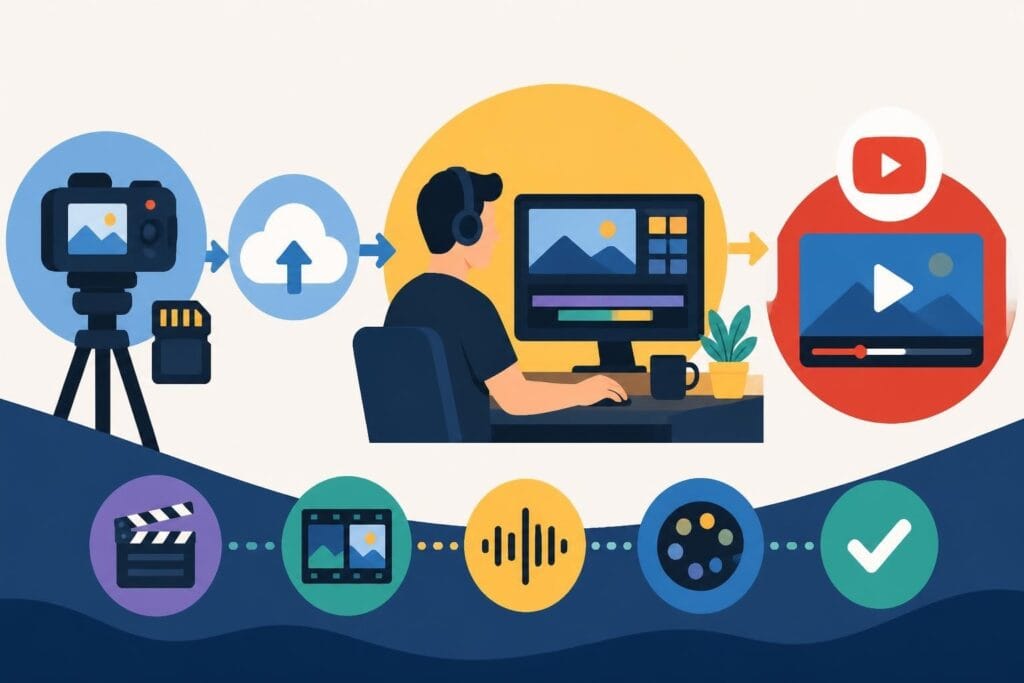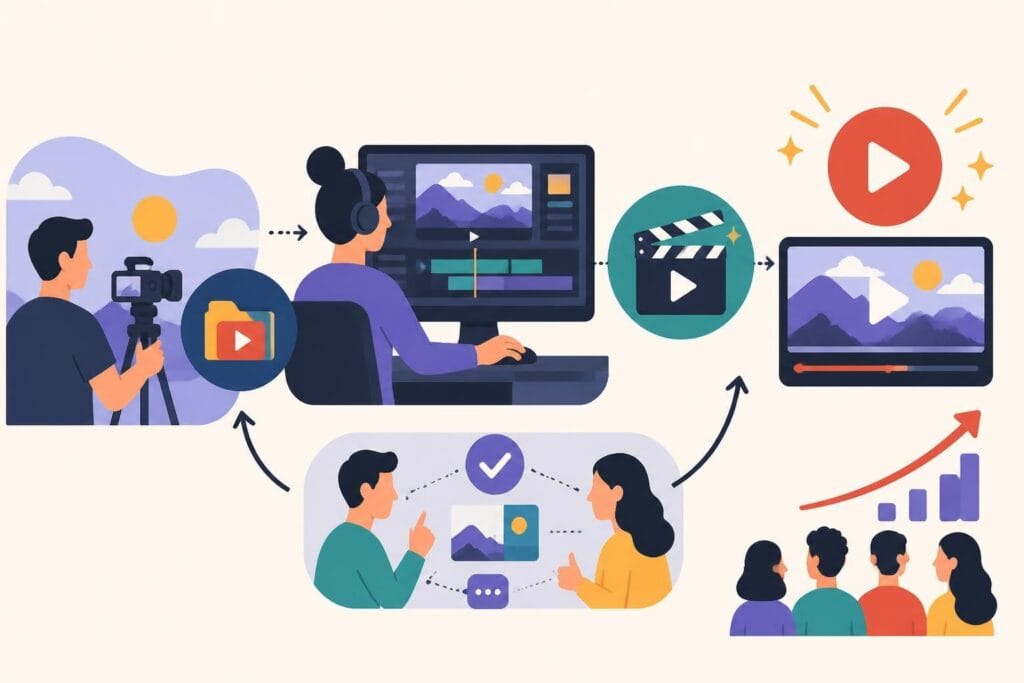
Growing a YouTube channel in 2026 means keeping up with relentless content demands, algorithm shifts, and audience expectations. You're juggling filming, scripting, promoting, and somehow finding time to actually edit everything. That's where the decision to hire video editor for YouTube becomes a game-changer. Whether you're a solo creator ready to scale or an agency managing multiple clients, bringing on the right editing talent transforms your workflow from overwhelming to actually sustainable. Let's break down exactly how to find, vet, and work with video editors who'll help you stay consistent, visible, and sane.
Why YouTube Creators Are Choosing to Hire Video Editors
The economics of YouTube have shifted. What worked in 2020 doesn't cut it anymore. Channels posting once a month get buried while consistent creators dominate recommendations and search results.
Here's what changed:
- Algorithm rewards watch time and consistency over everything
- Viewers expect cinematic quality even from mid-sized channels
- Short-form clips (YouTube Shorts) add another layer of work
- Thumbnails and packaging matter as much as the content itself
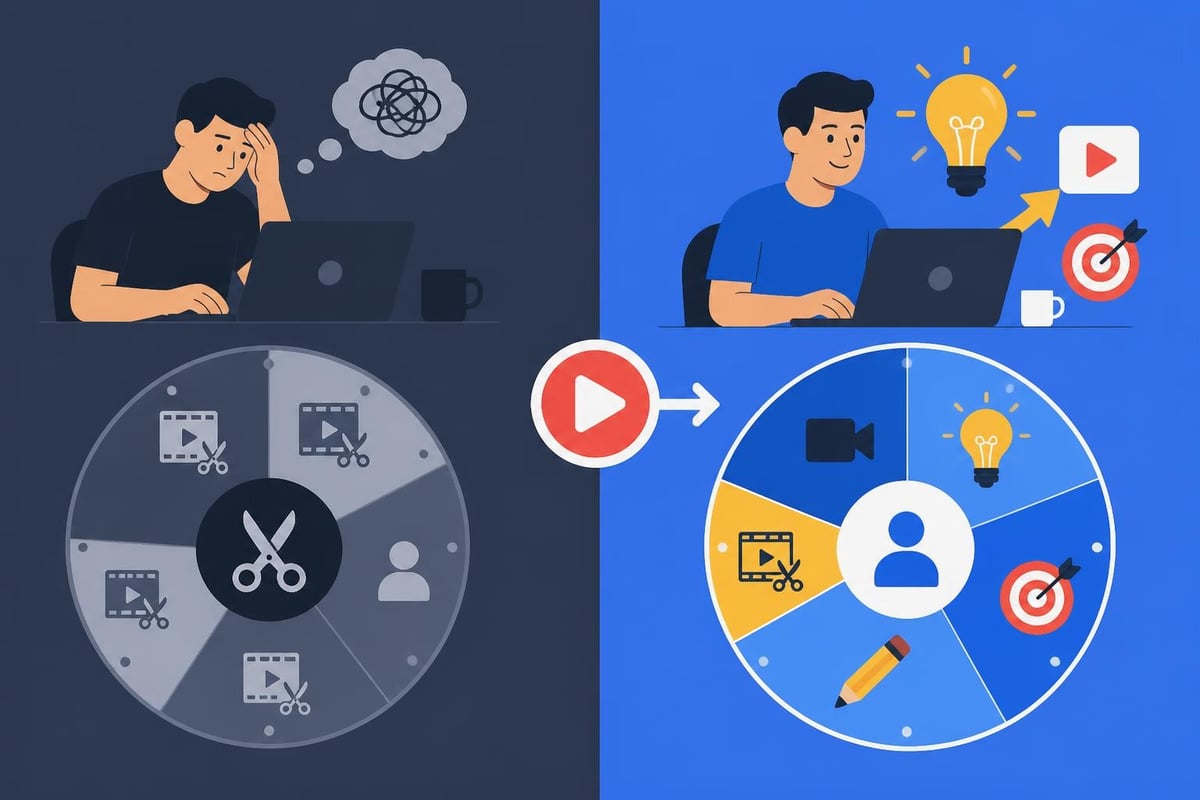
When you hire video editor for YouTube, you're not just offloading tasks. You're buying back time to focus on what actually grows your channel: creating better content, engaging your community, and developing your unique voice. The editing bottleneck disappears, and suddenly you can maintain the upload schedule that keeps you relevant.
The Real Cost of Doing It All Yourself
Let's talk numbers. A typical YouTube video takes 3-6 hours to edit if you're decent with software. Post twice weekly and you're spending 24-48 hours per month just editing. That's a full-time job on top of filming, scripting, and promotion.
Compare that to understanding video editing prices for professional services. Most creators find they're actually losing money by editing themselves when they calculate their hourly rate against what they could earn creating more content or serving clients.
What Skills to Look For When You Hire Video Editor for YouTube
Not all video editors understand YouTube. Someone brilliant at wedding films or corporate videos might completely miss what makes YouTube content work. The platform has its own language, pacing, and expectations.
Technical Fundamentals That Matter
Your editor needs rock-solid skills in industry-standard software. Adobe Premiere Pro, Final Cut Pro, and DaVinci Resolve are the big three. They should also understand:
| Skill Category | Why It Matters | Red Flags |
|---|---|---|
| Color grading | Professional look, brand consistency | Oversaturated, inconsistent tones |
| Audio mixing | Viewer retention, professionalism | Clipping, uneven levels, no music beds |
| Motion graphics | Engagement, visual interest | Overused templates, laggy animations |
| Compression & export | Upload quality, file sizes | Pixelated exports, huge file sizes |
But technical chops are just the foundation. YouTube-specific skills separate decent editors from channel-growing partners.
YouTube-Specific Expertise
A YouTube editor needs to understand retention graphs, pacing for the algorithm, and how viewers actually watch. They should know:
- Hook editing: First 30 seconds determine if viewers stay
- Pattern interrupts: Visual changes every 3-5 seconds to maintain attention
- B-roll integration: Covering jump cuts and adding context
- End screen optimization: Keeping viewers on your content
- Thumbnail thinking: Editing moments that'll work as thumbnails
HubSpot’s research on hiring creators emphasizes evaluating candidates on niche-specific expertise, not just general ability. A YouTube editor should show you work similar to your content style and prove they understand your audience.
Where to Find YouTube Video Editors
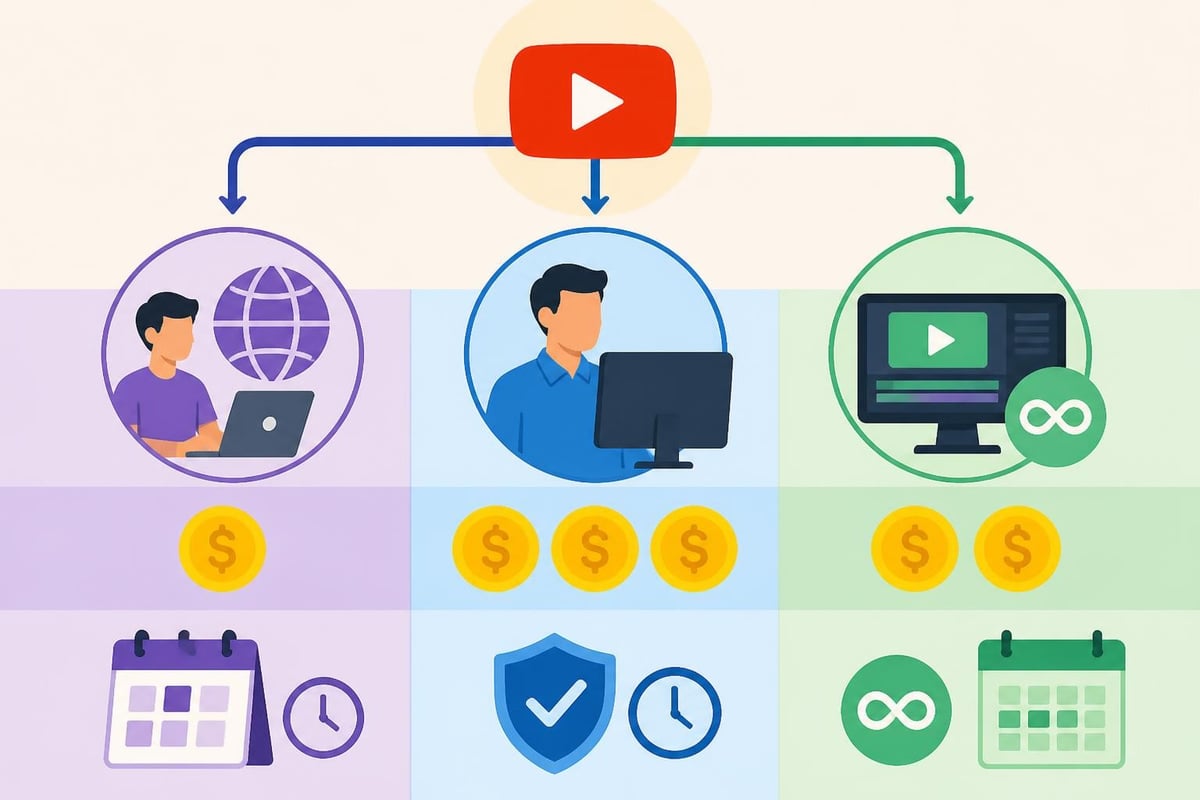
You've got more options than ever to hire video editor for YouTube roles. Each channel has trade-offs between cost, quality, and management overhead.
Freelance Platforms and Marketplaces
Upwork, Fiverr, and Freelancer offer massive talent pools with every skill level and price point. You can find editors from $15/hour to $150/hour depending on experience and location.
Pros:
- Huge selection of candidates
- Transparent reviews and portfolios
- Built-in payment protection
- Easy to test multiple editors
Cons:
- Quality varies wildly
- Time-consuming to vet candidates
- No guarantee of availability
- Communication can be challenging across time zones
Specialized platforms like ProductionHub or Stage 32 attract more experienced video professionals. Expect higher rates but generally better quality and reliability.
Building an In-House Team
Hiring a full-time editor makes sense once you're producing enough content to justify the cost. Indeed’s guide to hiring video editors walks through writing job descriptions, screening candidates, and structuring interviews.
Full-time employees give you consistency and deep brand knowledge. They learn your style, anticipate your needs, and become true collaborators. The downsides? Fixed costs whether you need 10 hours of editing or 40, plus benefits, equipment, and office space.
Unlimited Editing Services
Services like beCreatives flip the traditional model. Instead of hiring per project or per hour, you get unlimited editing for a flat monthly rate. You're assigned dedicated editors who learn your channel, and you submit as many projects as you need.
This model works brilliantly for creators and agencies with consistent volume. No contract negotiations, no hourly tracking, no worrying about editor availability. Just streamlined workflows and predictable costs.
How to Evaluate Editor Candidates
You've found potential editors. Now comes the crucial part: figuring out who'll actually deliver. Here's a practical framework that cuts through the fluff.
Portfolio Review Checklist
Watch for these green flags:
- Variety within YouTube content: Different formats, lengths, and styles
- Understanding of pacing: No dead air, smooth transitions, engagement hooks
- Clean audio work: Professional sound mixing and music selection
- Personality preservation: Edited content that feels authentic, not over-produced
- Technical polish: Color consistency, stable footage, professional exports
Don't just watch the highlight reel. Ask for full videos they've edited, especially recent work. YouTube editing trends evolve quickly, and you want someone current.
The Test Project Approach
Always run a paid test project before committing. Send raw footage that's representative of your typical content and see what comes back.
Structure your test to evaluate:
- Turnaround time and communication
- How well they follow your brief
- Creative choices they make independently
- Revision responsiveness
- File organization and delivery
Pay fairly for test work. Good editors are busy and won't spec work for free. A 5-10 minute test edit should cost $50-150 depending on complexity.
Interview Questions That Actually Matter
Skip the "where do you see yourself in five years" nonsense. Ask questions that reveal how they work:
- "Walk me through your editing process from receiving footage to final delivery"
- "How do you handle tight deadlines when you've got multiple client projects?"
- "What's your revision policy, and how many rounds do you typically need?"
- "How do you stay current with YouTube trends and editing styles?"
- "What tools do you use for file sharing, feedback, and project management?"
Their answers show you whether they're organized, professional, and genuinely understand the YouTube creator world.
Setting Up Workflows When You Hire Video Editor for YouTube
Hiring the right editor is half the battle. The other half is building systems that make collaboration smooth, efficient, and drama-free.
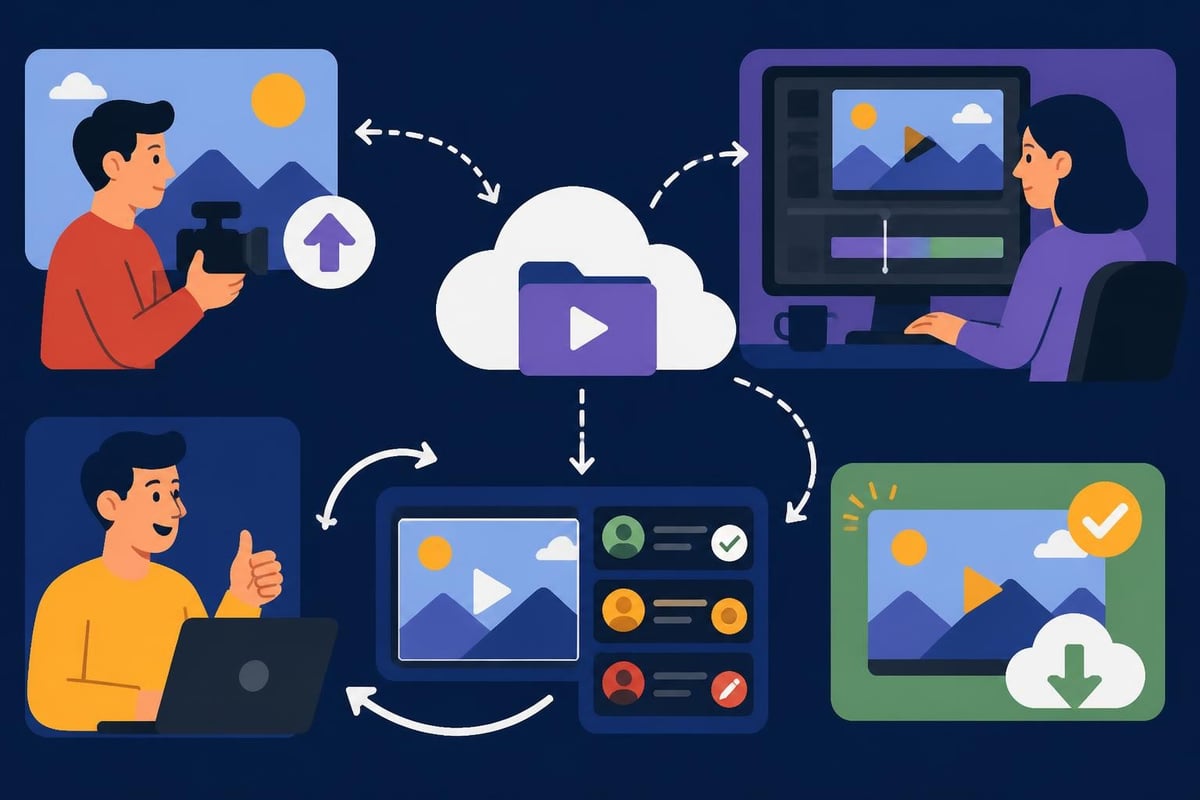
File Organization and Transfer
Nothing kills productivity faster than messy file management. Before your editor touches a single clip, establish clear protocols.
Your workflow should define:
- Naming conventions: Consistent file names (YYMMDD_ProjectName_Version)
- Folder structure: Separate folders for raw footage, project files, exports, assets
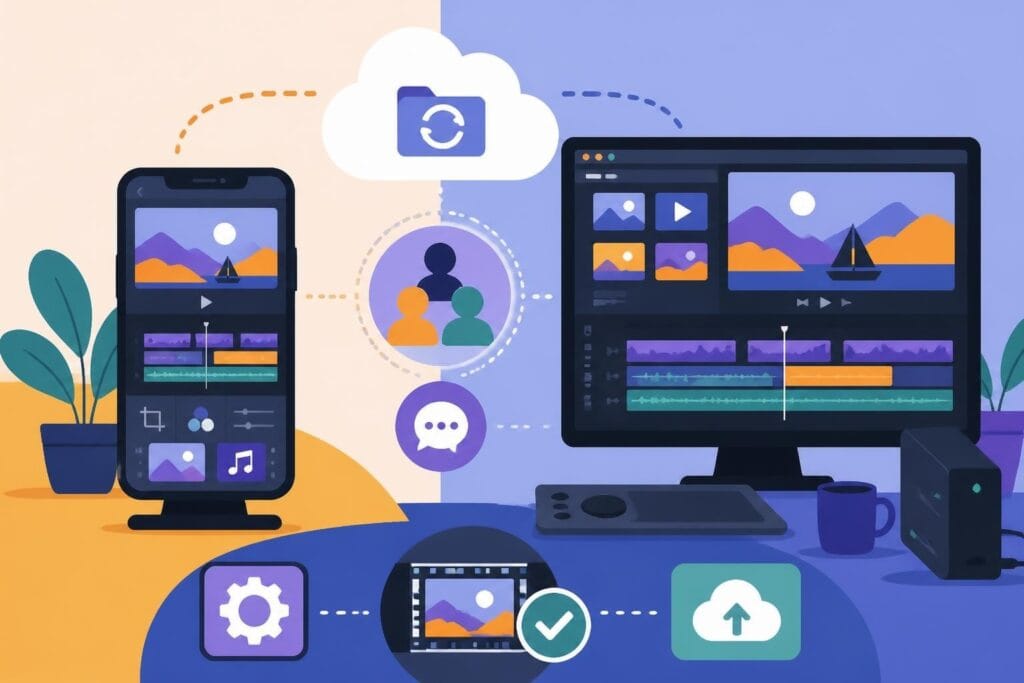
- Transfer method: Cloud storage (Dropbox, Google Drive, Frame.io) or physical drives
- Backup procedures: Who's responsible for archiving finished projects
LucidLink’s guide to remote video editing covers modern cloud-based workflows that solve version control headaches and make collaboration seamless. Tools like Frame.io let you leave time-stamped comments directly on video, eliminating the "can you change that thing at around 2:34?" confusion.
Communication and Revision Systems
Clear communication prevents 90% of editing conflicts. Set expectations upfront about:
- Turnaround times: How long from receiving footage to first draft?
- Revision rounds: How many included, what constitutes a major vs. minor change?
- Feedback format: Written notes, video recording, annotated screenshots?
- Availability: What hours can you expect responses, especially across time zones?
Many creators find that transforming raw footage into content works best with dedicated project management tools like Trello, Asana, or Monday.com tracking each video through production stages.
Brand Guidelines and Style Documentation
Your editor can't read your mind. Document everything about your visual brand:
- Color grading presets or LUTs
- Intro/outro templates
- Font choices and text animation styles
- Music preferences and royalty-free libraries
- Lower third designs
- Transition preferences
- Thumbnail requirements
Create a simple style guide document with examples and share it during onboarding. Update it as your brand evolves. This reference eliminates constant back-and-forth and helps editors work independently.
Legal and Copyright Considerations
When you hire video editor for YouTube, you're creating legal relationships that need proper documentation. Don't skip this part, even if paperwork feels boring.
Work-for-Hire Agreements
Who owns the edited video? Without a clear contract, there's potential confusion. U.S. Copyright Office guidelines explain that work-for-hire agreements ensure you own all rights to the final product.
Your contract should specify:
- All edited content becomes your property
- Editor cannot reuse your footage or final videos
- You can modify, republish, or monetize freely
- Editor retains right to use work in portfolio (with your permission)
Independent contractors need especially clear agreements. Nolo’s contractor resources provide templates and guidance on protecting both parties.
Music, Footage, and Asset Licensing
Your editor might add stock footage, music, or graphics. Make sure licensing is bulletproof to avoid copyright strikes that can kill your channel.
Establish clear rules:
- Only royalty-free or properly licensed music (Epidemic Sound, Artlist, etc.)
- No copyrighted clips without permission
- Stock footage from licensed sources (Storyblocks, Pexels, Unsplash)
- Attribution requirements for Creative Commons assets
If you're using Creative Commons licensed materials, understand the attribution and modification requirements. Some licenses prohibit commercial use, which includes monetized YouTube videos.
Budget Planning for Video Editing Services
Money talk time. What should you actually expect to pay when you hire video editor for YouTube?
Freelance Editor Rates in 2026
Rates vary wildly based on experience, location, and project complexity:
| Experience Level | Hourly Rate | Per-Video Rate (10-15 min) |
|---|---|---|
| Entry-level | $15-30 | $75-150 |
| Mid-level | $30-75 | $150-400 |
| Expert/Specialized | $75-150+ | $400-1000+ |
Geographic location affects pricing significantly. Editors in lower-cost countries often charge less while delivering excellent quality. Don't assume higher prices automatically mean better work.
Subscription vs. Per-Project Costs
Running the numbers might surprise you. If you're publishing 8+ videos monthly, unlimited editing subscriptions often cost less than freelance per-project rates.
Example monthly costs:
- Freelance route: 8 videos × $200 each = $1,600
- Unlimited service: $1,000-2,000 flat rate for unlimited videos
- Full-time editor: $3,500-6,000+ (salary + benefits)
Services offering unlimited editing shine for high-volume creators and agencies. You avoid per-project negotiations, get predictable budgeting, and scale production without scaling costs.
Understanding how video editing pricing works helps you compare options fairly and spot red flags (suspiciously cheap rates often mean inexperience or outsourced work to unknown parties).
Training Your Editor on Your Channel
Even experienced editors need onboarding. YouTube channels have unique personalities, and translating your vision takes intentional effort.
Creating Effective Style Guides
We touched on this earlier, but it's worth expanding. Your style guide is your editor's bible when you're not available to answer questions.
Include these sections:
- Channel overview: Target audience, content pillars, upload frequency
- Editing style: Pacing examples, preferred cuts, transitions
- Audio standards: Music volume, voiceover mixing, sound effects
- Graphics package: Intro/outro, lower thirds, text styles
- Color grading: Reference videos, mood preferences
- Don'ts list: Specific things you hate seeing
The more detailed your guide, the faster editors reach independence. Frame.io’s best practices for working with editors emphasize that great collaborations start with crystal-clear creative direction.
The First Three Projects
Expect heavy involvement in early projects. This is normal. You're calibrating expectations and teaching your specific style.
Project one: Provide detailed feedback on everything
Project two: Note improvements, address remaining issues
Project three: Should require minimal revisions if communication was solid
If you're still doing major overhauls by project five, there's a fundamental mismatch. Either your feedback isn't clear enough, or this editor doesn't fit your needs.
Scaling Content Production with Editing Support
Once you've got solid editing support, new opportunities open up. Creators who hire video editor for YouTube often discover they can finally execute strategies they'd been putting off.
Multi-Platform Repurposing
Your long-form YouTube video contains dozens of short clips perfect for Instagram Reels, TikTok, and YouTube Shorts. A skilled editor can create 5-10 short-form pieces from each main video, multiplying your content output without additional filming.
Repurposing workflow:
- Edit main YouTube video (10-20 minutes)
- Extract highlight moments (60-90 seconds each)
- Reformat for vertical 9:16 aspect ratio
- Add platform-specific captions and hooks
- Export optimized versions for each platform
This approach requires minimal extra work from editors who understand short-form video editing but dramatically increases your visibility across platforms.
Building Content Systems
Successful creators treat content like a production line, not a one-off craft project. When editing is handled, you can systematize filming days, batch-create content, and build queues that keep you ahead of schedule.
Many creators filming one day weekly can generate 4-8 weeks of content when they've got reliable editing support. This buffer reduces stress, improves consistency, and protects you when life gets chaotic.
Common Mistakes to Avoid
Learn from others' expensive lessons. These mistakes cost creators time, money, and sanity when they hire video editor for YouTube.
Underpaying for Quality
The cheapest option is rarely the best value. $50 videos from inexperienced editors often need so much revision that you'd have saved money paying $200 for quality work upfront.
Budget appropriately for your channel's maturity. If you're monetized and generating revenue, investing in professional editing pays for itself through better viewer retention and growth.
Micromanaging Every Cut
Hiring editors but hovering over every decision defeats the purpose. Yes, maintain quality standards. But constantly second-guessing choices or demanding changes to personal preference (not quality issues) burns out good editors fast.
Trust your editor's expertise. They know pacing, engagement, and technical execution. If something bothers you, explain why it doesn't work for your audience, not just that you don't like it.
Ignoring Editor Retention
Finding and training great editors takes effort. Once you've got someone who understands your channel, keeping them happy matters.
Editor retention strategies:
- Pay fairly and on time (obvious but often ignored)
- Give creative freedom within brand guidelines
- Recognize excellent work publicly
- Provide growth opportunities as your channel scales
- Maintain consistent work volume so they can count on income
The best editor relationships last years, not weeks. Treat editors as creative partners, and you'll build a content team that grows with your channel.
Skipping Contracts
Verbal agreements create problems. Always use written contracts, even with friends or small projects. Define scope, payment terms, revision policies, ownership rights, and termination clauses.
Good contracts protect both parties and prevent misunderstandings from destroying working relationships.
When to Hire Multiple Editors
As channels grow, one editor might not be enough. Knowing when to expand your team prevents bottlenecks that slow your growth.
Signs You Need Additional Support
Watch for these indicators:
- Turnaround times creeping up: Editor can't maintain pace
- Quality declining: Rushing to meet deadlines affects work
- You're limiting content: Holding back because editing can't keep up
- Editor expressing stress: Unsustainable workload leads to burnout
Adding a second editor doesn't have to mean doubling costs. Many creators assign different content types to different editors: main videos to one, shorts to another, or divide by topic area.
Team Structure Options
Specialized roles approach:
- Primary editor handles main content
- Secondary editor focuses on shorts and repurposing
- Motion graphics specialist creates custom animations
- Thumbnail designer handles packaging
Content stream approach:
- Editor A: Your main channel
- Editor B: Second channel or podcast clips
- Editor C: Client work if you're an agency
Both structures work. Choose based on your content diversity and volume.
The beCreatives Approach
While individual freelancers and in-house teams have their place, many creators find the subscription model hits the sweet spot between flexibility and consistency.
Unlimited editing services eliminate the hiring headache entirely. No job postings, no contract negotiations, no wondering if your editor will be available next month. You get dedicated editors who learn your style, unlimited revisions, cloud storage, and streamlined communication, all for a predictable monthly rate.
This model works exceptionally well for creators, personal brands, and agencies pushing consistent content. Instead of managing contractors or employees, you focus entirely on creating while professionals handle everything post-production.
Deciding to hire video editor for YouTube is one of the smartest investments growing creators make. Whether you choose freelancers, build an in-house team, or opt for unlimited editing services, the right support transforms content creation from overwhelming to sustainable. The key is finding editors who understand YouTube specifically, establishing clear workflows, and treating the relationship as a true creative partnership. Ready to reclaim your time and scale your channel without burning out? beCreatives offers unlimited video editing designed specifically for creators who need consistent, high-quality content without the hiring hassle.