Short form video content isn't just trending-it's dominating. TikTok, Instagram Reels, YouTube Shorts, and LinkedIn video are where your audience lives in 2026, and getting your content to stand out requires more than just hitting record. You need the right approach, the right tools, and honestly, the right help. Whether you're a content creator building your personal brand, a business owner trying to stay visible, or an agency juggling multiple clients, finding the perfect short form video editor solution can make or break your content strategy.
Why Short Form Video Editing Matters More Than Ever
The numbers don't lie. Short form video generates 2.5x more engagement than long form content, and platforms are pushing these formats harder than ever. Your competitors are posting daily. Your audience scrolls for hours. And if you're not showing up consistently with polished, engaging clips, you're invisible.
But here's the catch: creating multiple short videos every week is exhausting. Filming is one thing. Editing? That's where most creators burn out.
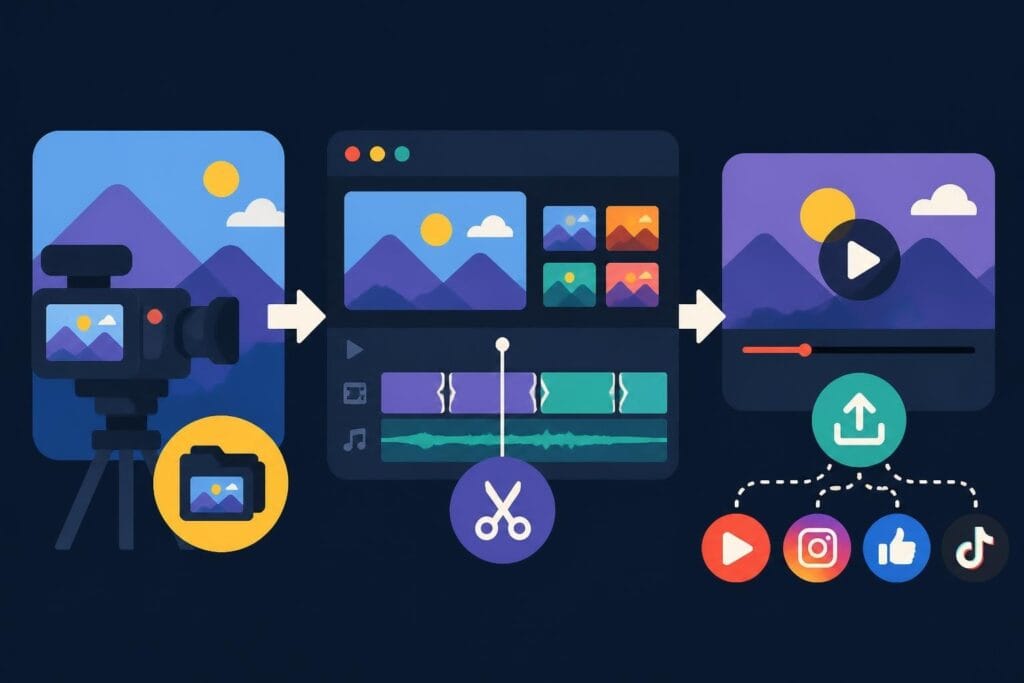
A solid short form video editor workflow solves this. It transforms your raw footage into scroll-stopping content without eating up your entire day. The challenge is figuring out what approach actually works for your specific situation.
The Real Cost of DIY Editing
Let's talk about what happens when you try to do everything yourself:
- Time drain: Editing a single 60-second clip can take 2-3 hours when you're learning
- Inconsistent quality: Your first video looks different from your tenth, confusing your audience
- Burnout risk: The creative work you love becomes administrative drudgery
- Opportunity cost: Every hour editing is an hour not filming, strategizing, or selling
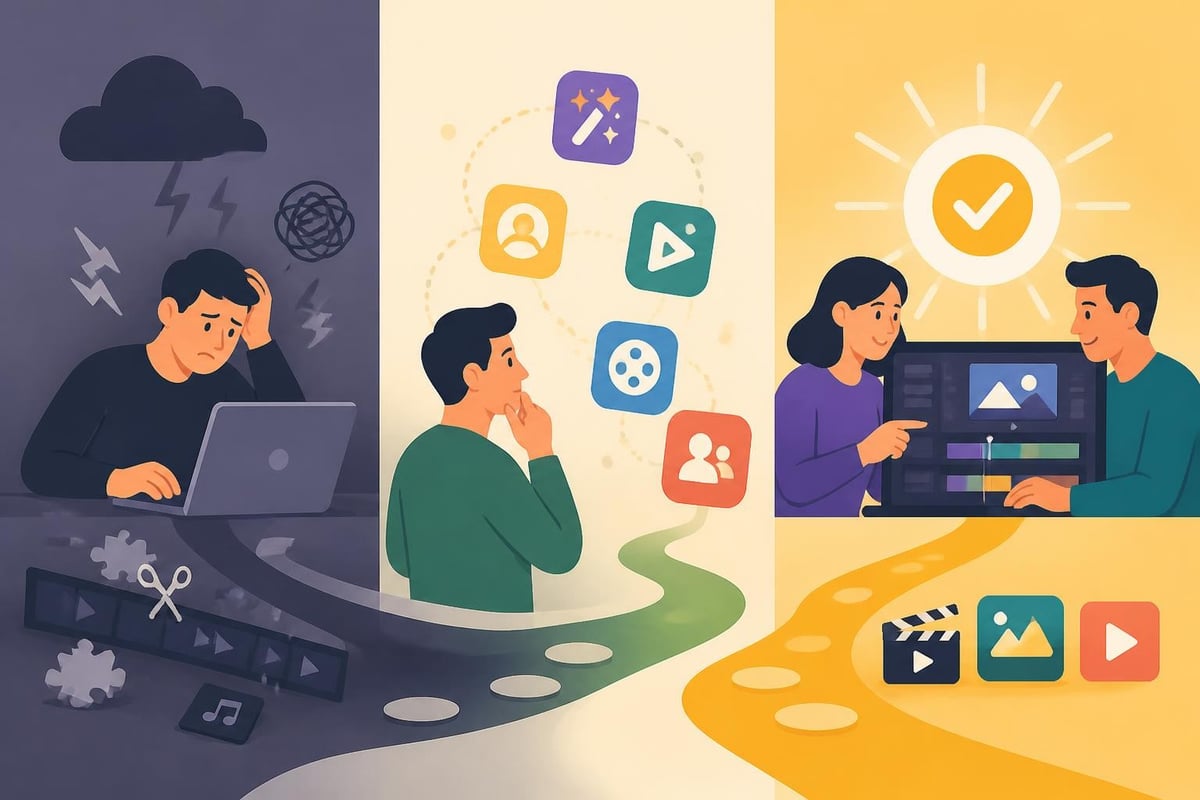
Most creators start DIY. That's normal. But the successful ones recognize when it's time to level up their process.
Top Short Form Video Editor Tools for 2026
The software landscape has exploded. Some tools focus on speed, others on AI automation, and some try to do everything. Here's what actually matters when you're choosing your toolkit.
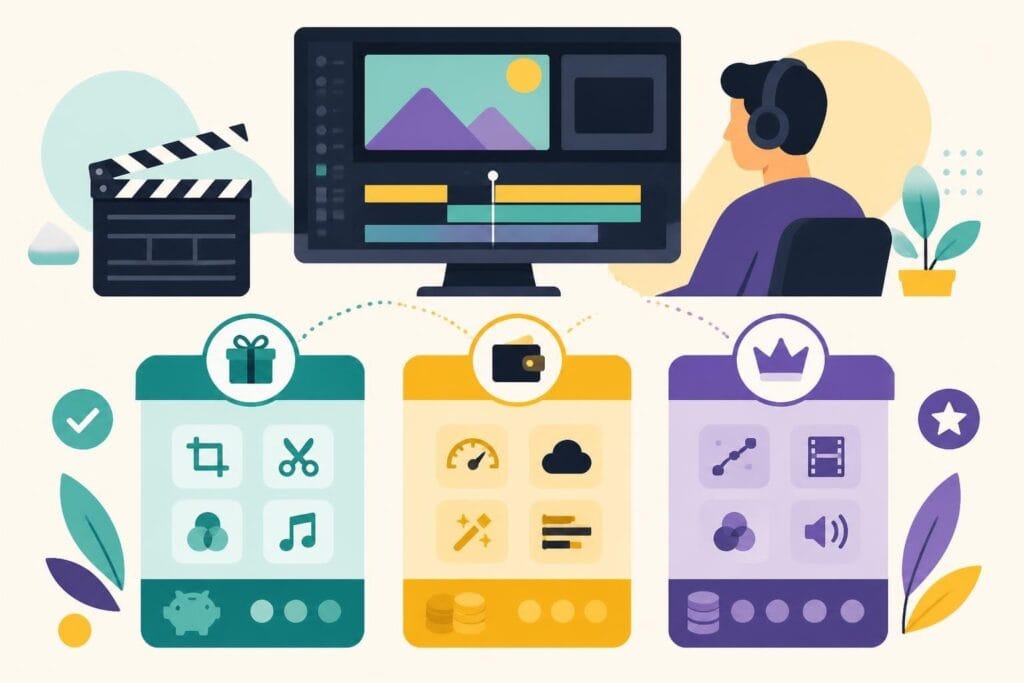
| Tool Type | Best For | Key Features | Price Range |
|---|---|---|---|
| Mobile Apps | On-the-go editing | Templates, quick exports, platform integration | Free – $15/month |
| Desktop Software | Complex projects | Advanced effects, multi-track editing | $0 – $50/month |
| AI Editors | Repurposing long content | Auto-clipping, caption generation | $20 – $100/month |
| Professional Services | Consistent brand quality | Dedicated editors, unlimited revisions | $500+ /month |
Mobile Editing Apps
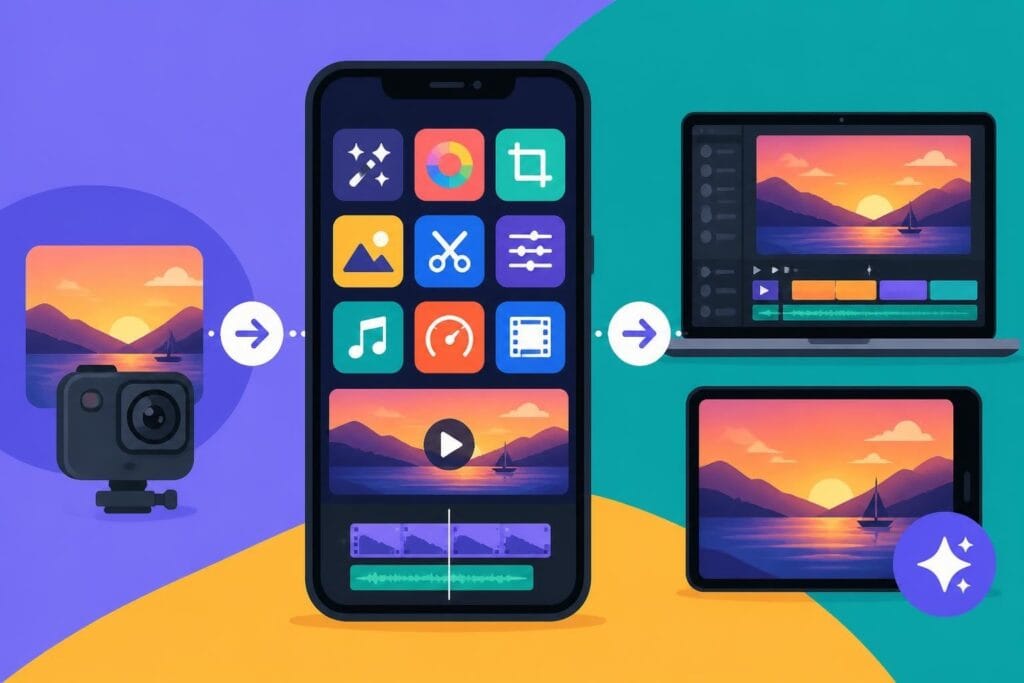
If you're editing on your phone, video editing apps for mobile have become incredibly powerful in 2026. CapCut, InShot, and Adobe Express dominate this space.
Pros of mobile editing:
- Edit anywhere, anytime
- Platform-native features (Instagram stickers, TikTok effects)
- Quick turnaround times
- Lower learning curve
Cons to consider:
- Limited screen space for precision work
- Battery drain during complex edits
- Storage limitations on devices
- Harder to maintain consistent branding
Mobile works great when you're starting out or need something quick. But if you're posting daily or managing multiple content pillars, you'll hit limitations fast.
Desktop Software Solutions
Traditional desktop editing gives you more control. Free video editing software like DaVinci Resolve and Clipchamp offer professional features without the price tag.
The learning curve is steeper, but the results show it. You get:
- Multi-track timelines for complex sequences
- Advanced color grading that makes your brand colors pop
- Custom motion graphics beyond basic templates
- Batch export options for multiple platform formats
The trade-off? You need to invest serious time learning the software. And if you're running a business, that time might be better spent elsewhere.
AI-Powered Short Form Video Editor Revolution
Artificial intelligence has changed the game completely. Tools like Choppity and VoxCut.ai automatically identify the best moments from long videos, add captions, and prepare clips for posting.
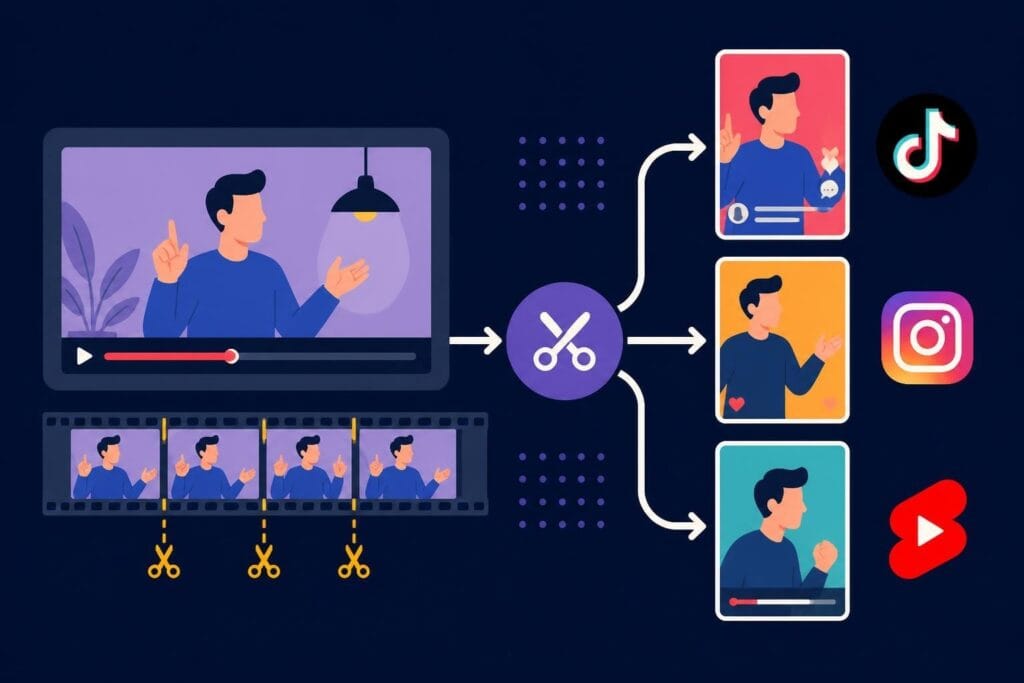
This technology solves a huge problem: repurposing existing content. Got a 30-minute podcast interview? AI can extract 10 shareable clips in minutes.
How AI Editing Actually Works
The process is surprisingly straightforward:
- Upload your long-form video to the platform
- AI transcribes and analyzes the content
- System identifies high-engagement moments using speech patterns and sentiment analysis
- Auto-generates captions with customizable styles
- Exports in multiple aspect ratios (vertical, square, horizontal)
Research on video summarization systems shows these tools are getting scarily good at understanding context and picking viral-worthy moments.
But here's the reality check: AI tools are fantastic assistants, not replacements for creative judgment. They can cut clips and add captions. They can't understand your brand voice, audience nuances, or strategic goals.

Platform-Specific Editing Strategies
Each social platform has different requirements, and your short form video editor approach needs to adapt. What works on TikTok bombs on LinkedIn. Here's the breakdown:
TikTok Editing Essentials
TikTok viewers scroll fast and have zero patience. Your editing needs to reflect that:
- Hook in 0.5 seconds: Start with movement, text, or a question
- Jump cuts every 2-3 seconds: Maintain rapid pacing
- Trending audio integration: Use popular sounds correctly
- Text overlays: 70% watch with sound off
If you're focusing on TikTok content, check out our guide on how to edit video for TikTok for platform-specific techniques.
Instagram Reels Approach
Reels favor polished aesthetics over raw authenticity:
- Smooth transitions between clips
- Color-coordinated brand palettes
- Template-based consistency
- Strategic caption placement (avoiding center screen)
YouTube Shorts Differences
Shorts viewers often come from traditional YouTube, so they expect slightly higher production value. Add:
- Clear verbal CTAs to your main channel
- Subscribe reminders in the first 3 seconds
- End screens that actually work in vertical format
| Platform | Ideal Length | Pacing | Audio Priority | Text Overlay |
|---|---|---|---|---|
| TikTok | 7-21 seconds | Rapid | Critical | Heavy |
| Instagram Reels | 15-30 seconds | Moderate | Important | Moderate |
| YouTube Shorts | 30-60 seconds | Balanced | Optional | Light |
| 30-90 seconds | Slower | Optional | Professional |
The Professional Short Form Video Editor Advantage
Here's what nobody talks about: the most successful content creators don't edit their own videos. They focus on what they're actually good at-creating, strategizing, showing up-and delegate the technical work.
Professional video editing services offer something DIY and AI tools can't: strategic creative partnership. A dedicated editor learns your brand, understands your audience, and makes decisions that align with your goals.
What Professional Editors Actually Do
Beyond technical cutting and transitions, professional editors:
- Maintain consistent brand aesthetics across all content
- Spot storytelling opportunities you might miss
- Optimize pacing based on platform algorithms
- A/B test different editing styles to maximize engagement
- Handle multiple aspect ratios and versions simultaneously
- Manage content calendars and posting schedules
The beCreatives pricing model reflects this reality: unlimited editing means you can test, iterate, and post without worrying about per-video costs eating your budget.
When to Outsource Your Editing
You'll know it's time when:
- You're filming content but it sits unedited for weeks
- The thought of opening editing software makes you procrastinate
- Your posting consistency has dropped significantly
- You're spending more time editing than creating strategy
- Growth has plateaued because you can't keep up with content demand
Real talk: Outsourcing feels like a big step. But compare the monthly cost of professional editing to the opportunity cost of not showing up consistently. The ROI becomes obvious fast.
Building Your Short Form Video Editor Workflow
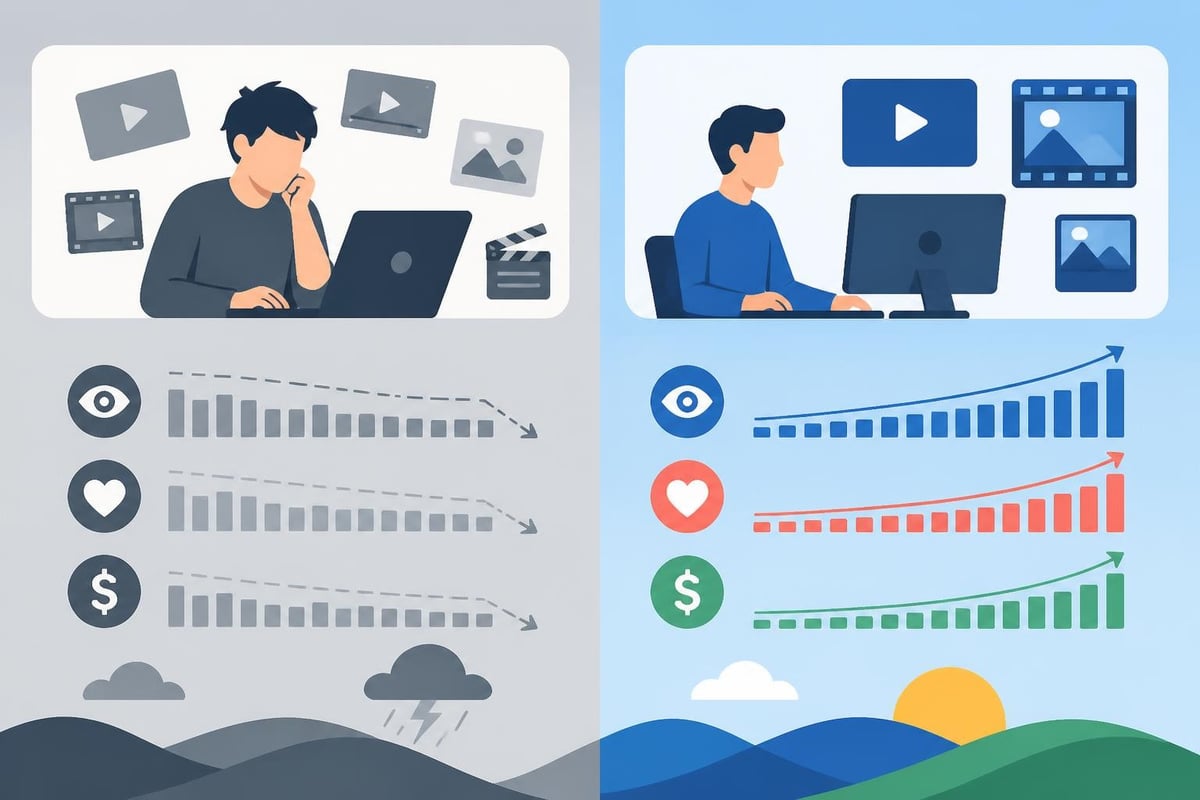
Whether you're editing yourself or working with a team, you need a system. Here's a workflow that actually scales:
Phase 1: Content Capture
- Film multiple pieces of content in batches
- Record in highest quality your device allows
- Capture B-roll and alternate angles
- Save raw files with clear naming conventions
Phase 2: Organization
- Sort footage by content pillar or theme
- Note timestamp highlights during filming
- Create rough shot lists or scripts
- Store everything in cloud-based systems
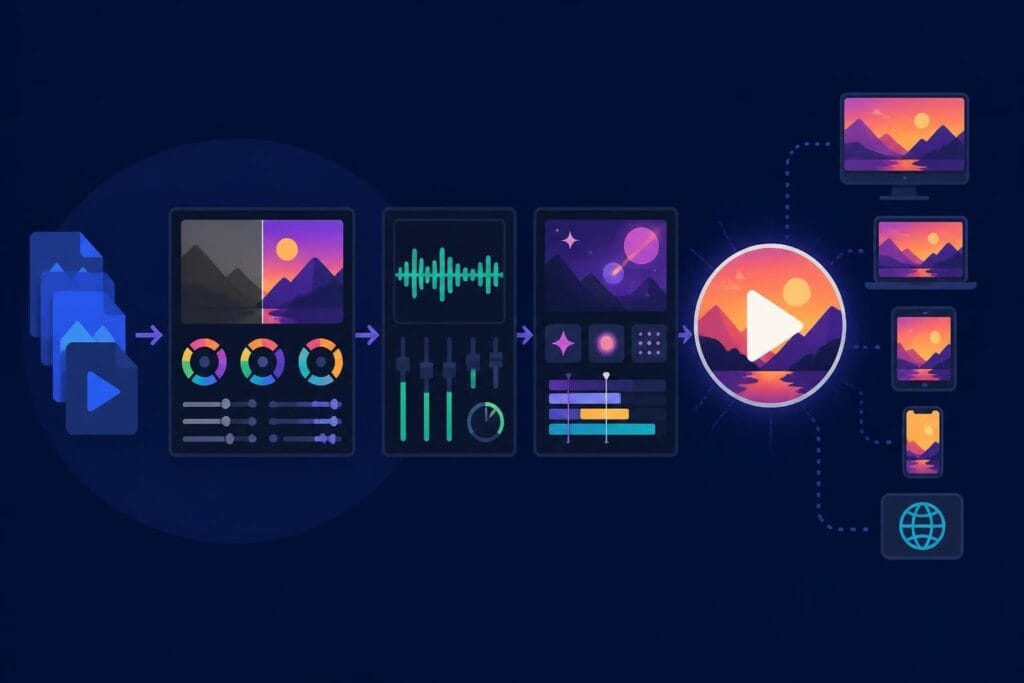
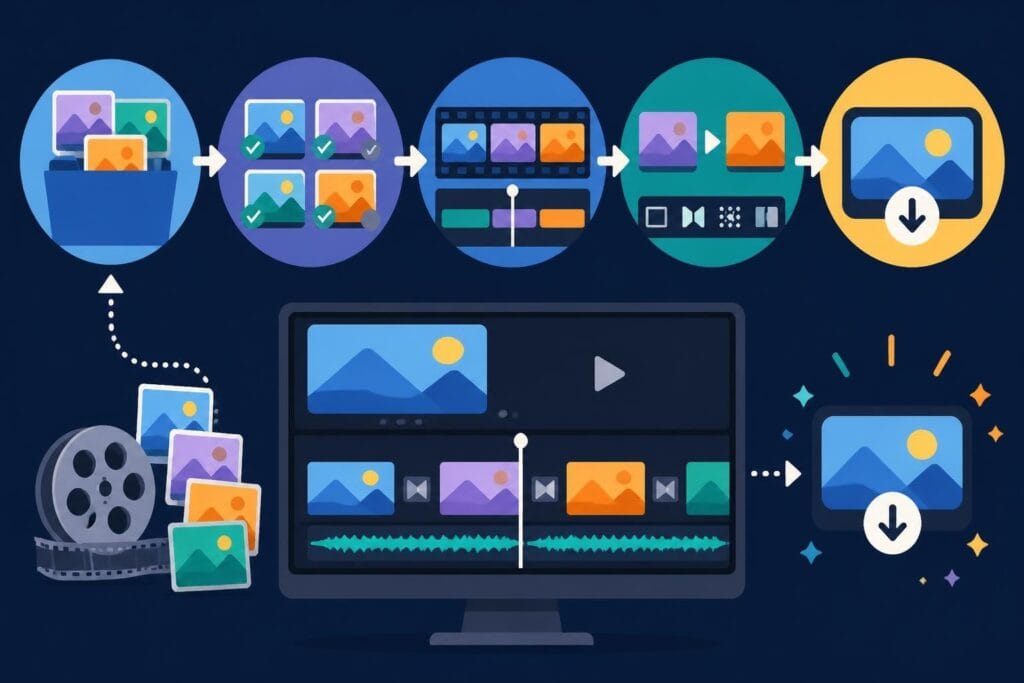
Phase 3: Editing Process
- Cut rough assemblies first
- Add music and sound effects
- Layer in graphics and text
- Color grade for brand consistency
- Export multiple platform versions
Phase 4: Review and Refinement
- Watch on actual mobile devices
- Check caption accuracy and timing
- Test different thumbnail options
- Get feedback from team or audience sample
Phase 5: Publishing and Analysis
- Schedule posts at optimal times
- Track performance metrics
- Note what editing styles perform best
- Iterate based on data
This workflow works whether you're using mobile apps, desktop software, AI tools like Slice Vid, or professional services. The key is consistency.
Common Short Form Video Editor Mistakes to Avoid
Even with the right tools, creators sabotage themselves with these errors:
Over-Editing Syndrome
More effects don't equal better content. Viewers want authentic connection, not epileptic seizure-inducing transitions. Strip back to what serves the message.
Ignoring Platform Specs
Uploading horizontal video to vertical platforms kills your reach. Each network has specific requirements:
- Aspect ratios: 9:16 for Stories/Reels/TikTok, 1:1 for feed posts
- File sizes: Stay under platform limits to avoid compression
- Caption formats: Use platform-native caption tools when possible
- Hashtag placement: Description vs. comments varies by platform
Inconsistent Branding
Your audience should recognize your videos instantly, even with sound off. Establish:
- Color palette (2-3 primary colors)
- Font choices (title and body text)
- Logo placement and sizing
- Intro/outro templates
- Music style or signature sounds
Skipping Accessibility Features
Captions aren't optional in 2026. Research on video accessibility shows that proper captioning and visual descriptions dramatically expand your audience reach and engagement.
Measuring Your Short Form Video Success
Editing matters, but only if it drives results. Track these metrics:
- Completion rate: What percentage watch to the end?
- Share rate: Are viewers sending your content to friends?
- Save rate: Do they bookmark for later?
- Comment quality: Surface-level reactions or meaningful conversations?
- Profile visits: Does video content drive discovery?
- Conversion actions: Clicks to website, DM inquiries, purchases
Studies on short-form video behavior reveal that strong editing directly impacts these metrics-particularly completion and share rates.
Don't just chase views. A video with 1,000 views and 50% completion rate outperforms one with 10,000 views and 10% completion.
The Future of Short Form Video Editing
Looking ahead, several trends are reshaping how we approach short form content:
AI will get smarter, not replace editors: Automation handles tedious tasks, but creative storytelling remains human work.
Platform consolidation of editing tools: Social networks are building better native editors to keep creators in-app.
Personalization at scale: AI-powered editing will create multiple versions of the same video tailored to audience segments.
Interactive short form content: Choose-your-own-adventure style videos are coming to mainstream platforms.
Cross-platform optimization: One source file, automatically adapted for every platform with appropriate edits.
The creators who win aren't those with the fanciest tools-they're the ones who show up consistently with quality content. And that requires systems, whether that's mastering your own short form video editor workflow or partnering with professionals who handle the technical heavy lifting.
Your content strategy shouldn't depend on how much free time you have on weekends. It should run like a well-oiled machine, producing engaging videos that grow your brand while you focus on what you do best.
Finding the right short form video editor approach transforms your content game from exhausting to sustainable. Whether you're exploring AI tools, mastering software, or ready to delegate entirely, the goal stays the same: consistent, engaging content that connects with your audience. If you're tired of the editing grind and ready for unlimited professional video editing without the per-project hassle, beCreatives pairs you with dedicated editors who understand your brand and deliver scroll-stopping content on your schedule-so you can focus on creating, not editing.