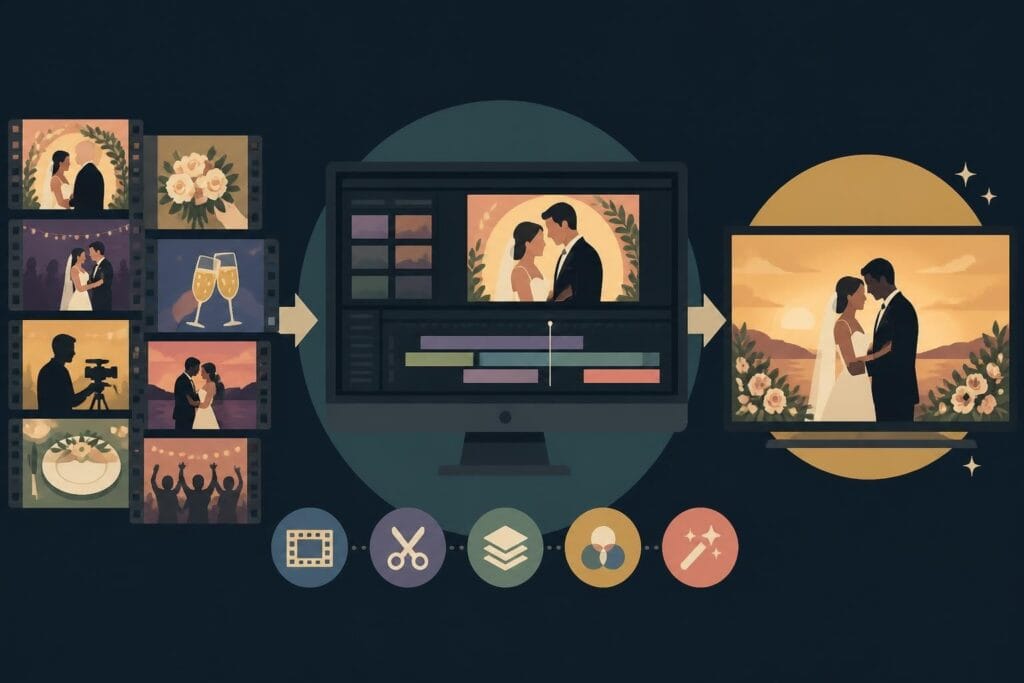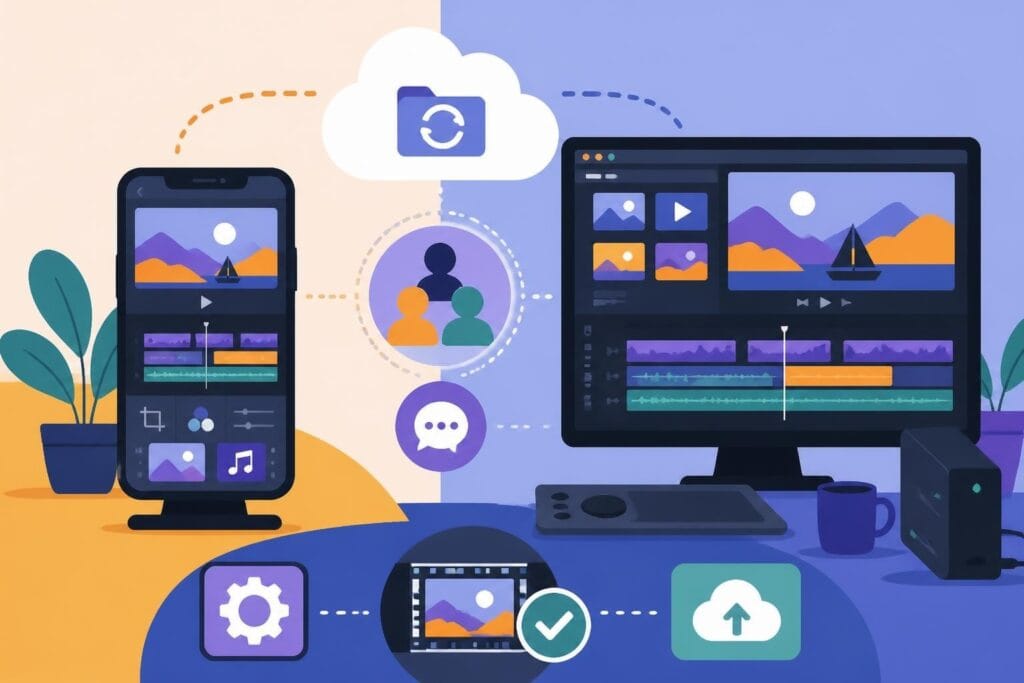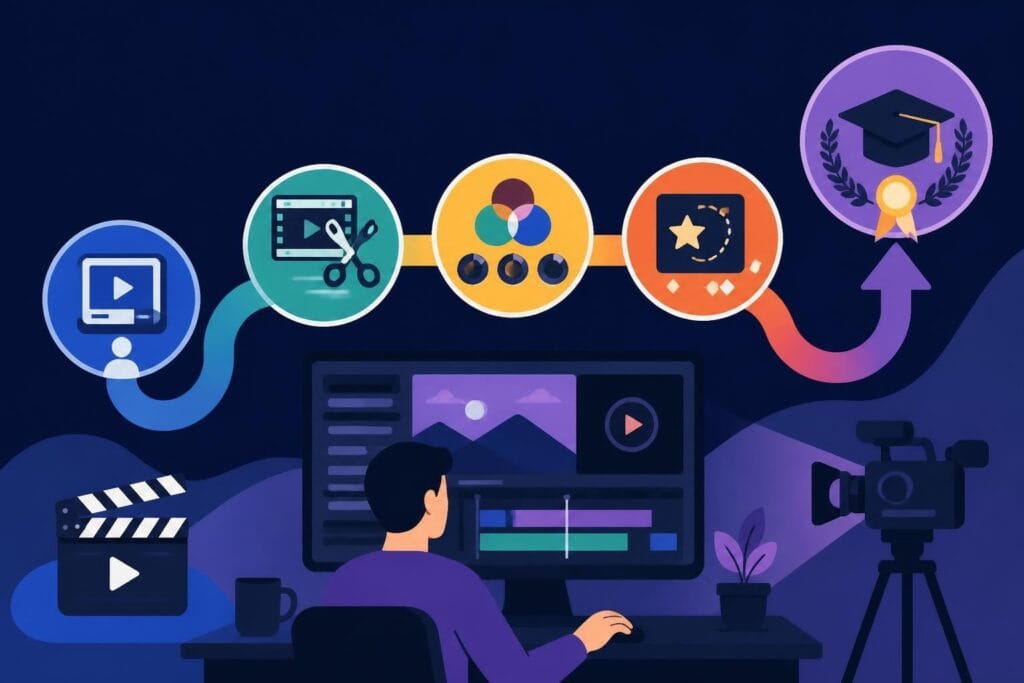
So you're thinking about investing in a professional video editing course. Maybe you're a creator looking to level up, a business owner wanting to understand the process better, or a marketer curious about what makes top-tier editing tick. Here's the thing: not all courses are created equal, and in 2026, the landscape has shifted dramatically. The best professional video editing courses don't just teach you to push buttons – they bridge the gap between software tutorials and real-world production demands. Whether you're exploring a career change, building in-house capabilities, or simply want to speak the same language as your editing team, understanding what separates good courses from great ones saves you time, money, and a whole lot of frustration.
What Actually Makes a Course "Professional"
The word "professional" gets thrown around a lot. In the context of video editing education, it means more than fancy software and slick marketing. A true professional video editing course prepares you for industry demands – tight deadlines, client revisions, format specifications, and the creative problem-solving that happens when a project doesn't go as planned.
Here's what separates pro-level training from beginner tutorials:
- Industry-standard software focus – Premiere Pro, DaVinci Resolve, Final Cut Pro, or Avid Media Composer
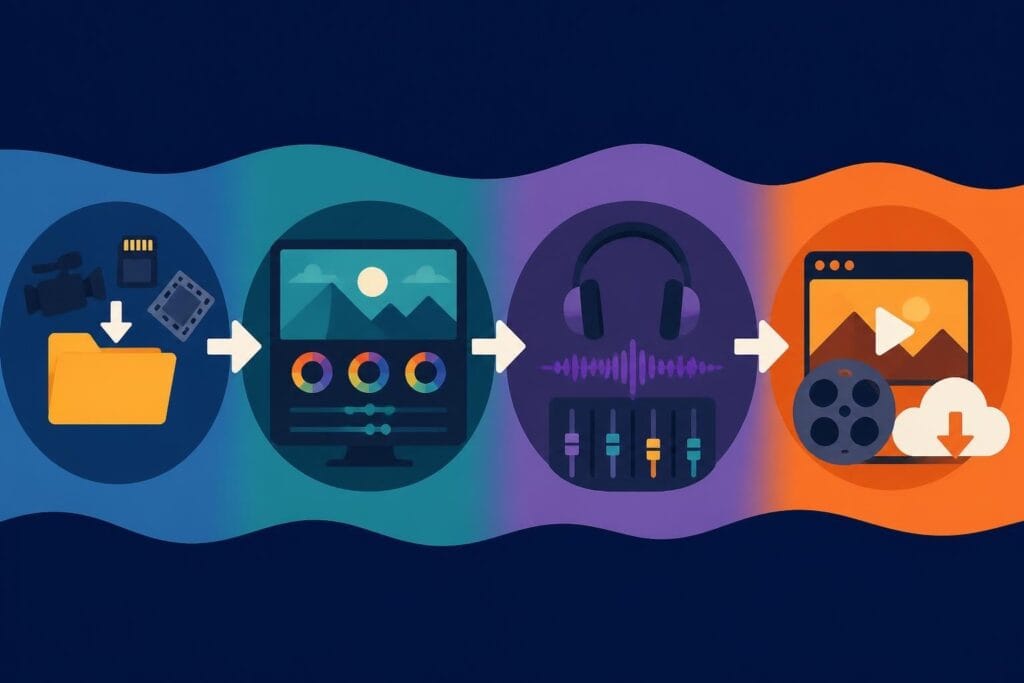
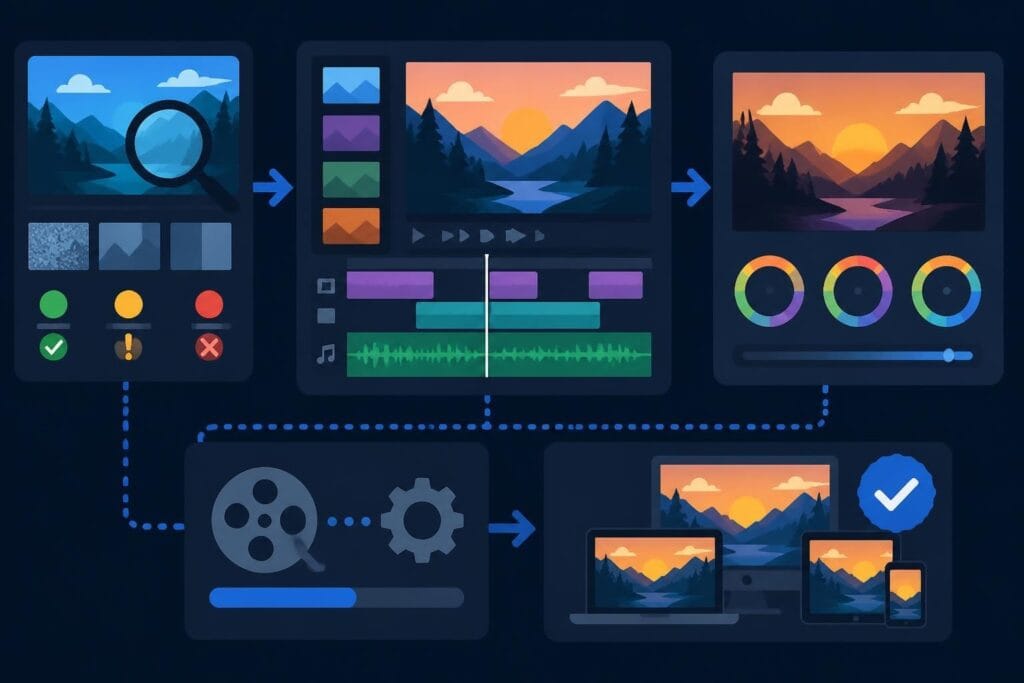
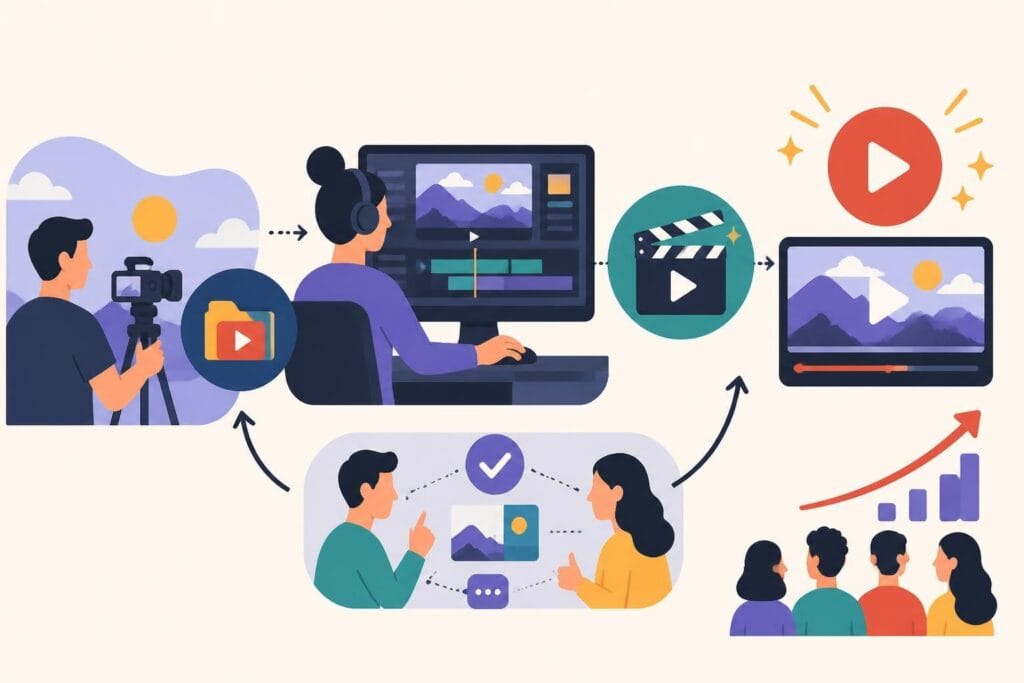
- Workflow-based teaching – not just isolated techniques, but how real projects flow from ingest to delivery
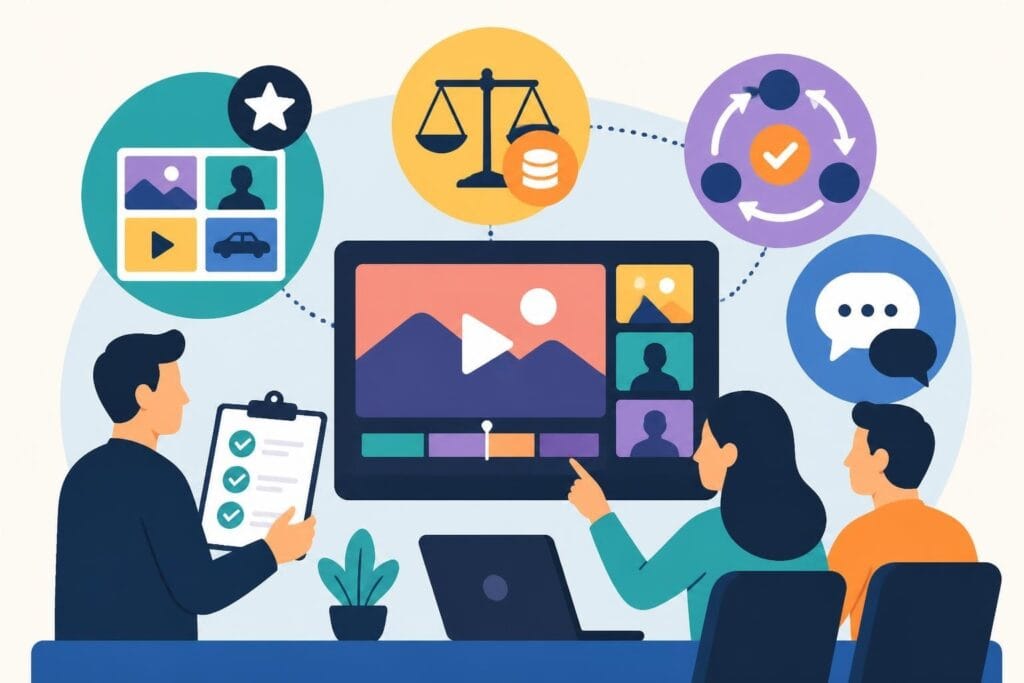
- Client communication skills – handling feedback, managing expectations, and delivering on brief
- File management and organization – unsexy but essential for working on multi-editor teams
- Delivery specs and formats – broadcast standards, streaming requirements, social media optimization
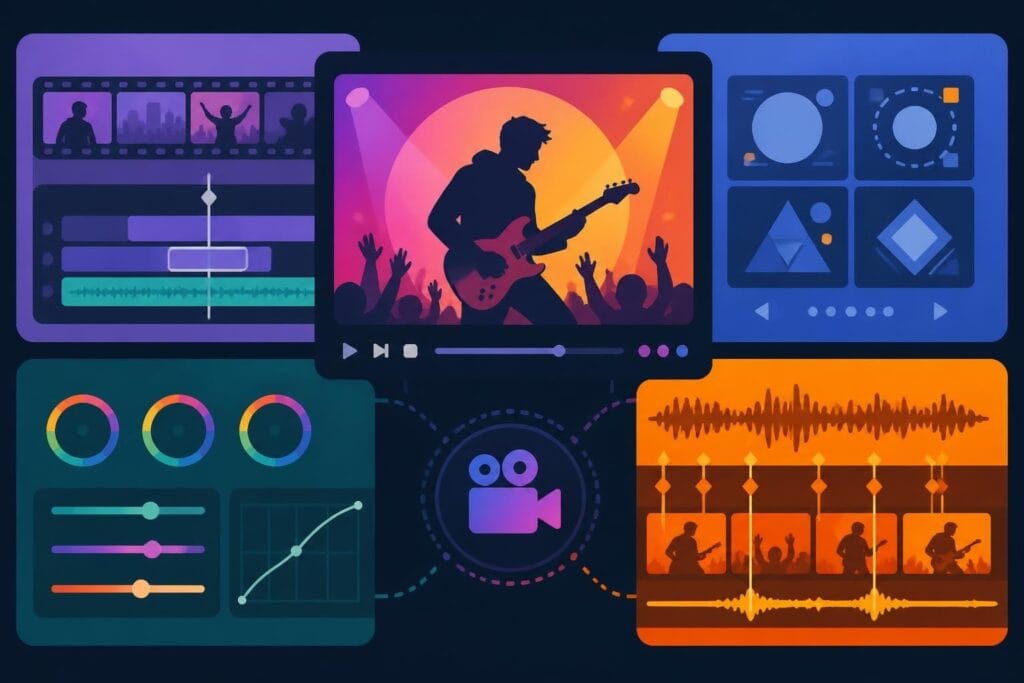
A professional video editing course also acknowledges that editing isn't done in a vacuum. You'll learn color grading basics, audio cleanup, motion graphics fundamentals, and how all these pieces fit together. The official DaVinci Resolve training is a perfect example – it covers editing, color, audio (Fairlight), and VFX (Fusion) in one comprehensive system.
Certification vs. Skills: What Matters More?
One of the biggest questions students face: should I chase a certificate or just build my portfolio?
Honest answer? It depends on your goals.
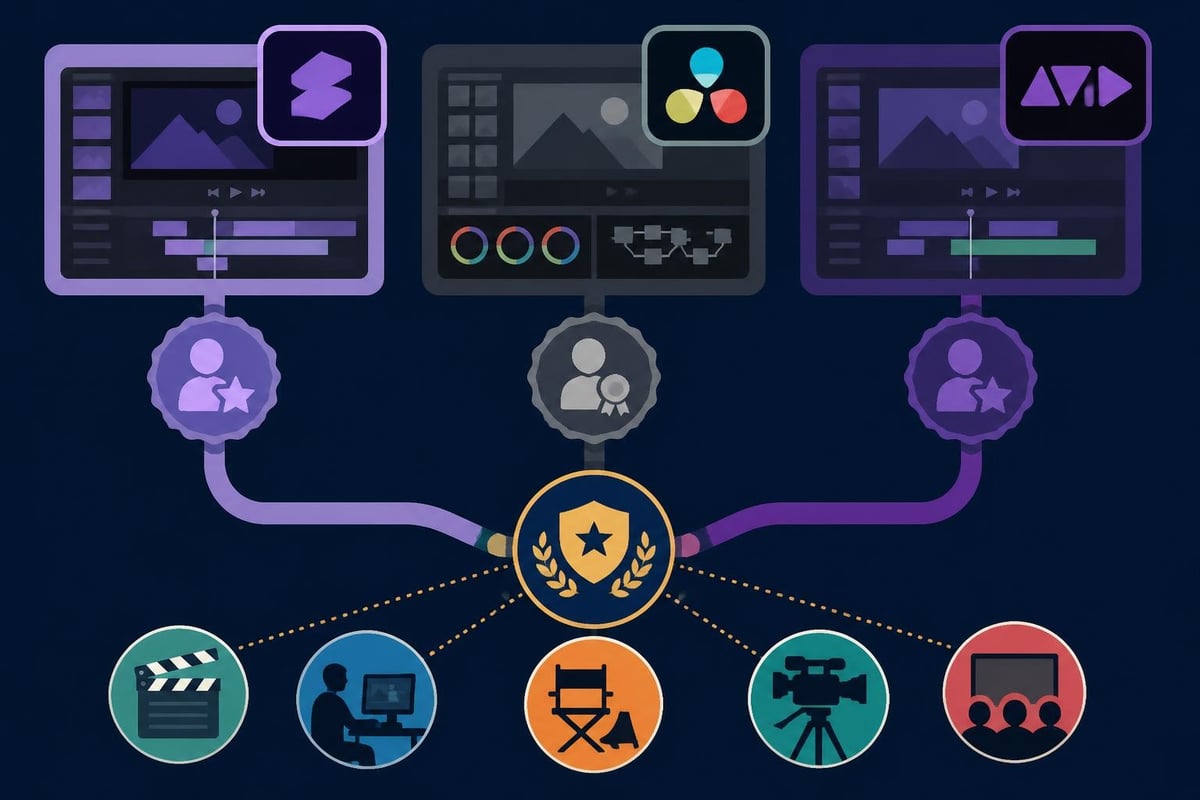
If you're entering a traditional production house or agency environment, credentials matter. Adobe certifications, Avid credentials, and university-backed programs open doors. The Adobe Certified Professional for Premiere pathway validates your skills in a way employers recognize immediately.
But if you're building a freelance business, working with creators, or joining a modern content team? Your reel speaks louder than your diploma. Clients care about results – can you make their content look amazing and deliver on time?
Core Curriculum: What You Should Actually Learn
Let's break down what a comprehensive professional video editing course should cover in 2026. Not the fluff, not the "nice to haves" – the must-haves.
Software Mastery and Fundamentals
This is table stakes. You need hands-on time with at least one professional NLE (non-linear editor). Most courses focus on Premiere Pro because of its market dominance, but DaVinci Resolve is gaining serious ground thanks to its free version and powerful color tools.
Essential technical skills:
- Interface navigation and workspace customization – efficiency matters when you're on the clock
- Import, organization, and proxy workflows – handling 4K and 6K footage without melting your computer
- Three-point editing, ripple, roll, slip, and slide tools – the mechanics of assembling a story
- Multi-camera editing – interviews, events, and podcasts all demand this skill
- Audio mixing, cleanup, and sync – bad audio kills good video every time
- Color correction and basic grading – matching shots and creating mood
- Titles, graphics, and effects – essential for social content and branding
- Export settings and delivery – the right codec, bitrate, and format for every platform
The Avid Media Composer certification program remains the gold standard for film and broadcast work, while LinkedIn Learning’s video editing paths offer broader, platform-agnostic approaches that help you understand principles before diving deep into one tool.
Post-Production Workflow and Project Management
Here's where most courses fall short. They teach you to edit a scene but not to manage a project with 50 scenes, three clients, and a delivery deadline that moved up by a week.
Professional workflow includes:
- Pre-production planning – understanding scripts, shot lists, and creative briefs
- Asset management – folder structures, naming conventions, and backup strategies
- Version control – managing multiple cuts without losing your mind
- Collaboration tools – Frame.io, Google Drive, project sharing, and team workflows
- Revision protocols – tracking changes, client notes, and iteration management
| Workflow Stage | What You Learn | Why It Matters |
|---|---|---|
| Pre-Edit Planning | Asset organization, folder structures | Saves hours during editing |
| Assembly Edit | Story structure, pacing fundamentals | Foundation for all refinement |
| Rough Cut | Client communication, feedback loops | Sets expectations early |
| Fine Cut | Detail work, polish, transitions | Where good becomes great |
| Color & Audio | Technical polish, delivery specs | Professional finish |
| Export & Delivery | Platform requirements, formats | Client satisfaction |
This is the stuff that determines whether you're stressed and scrambling or calm and in control. Business owners and marketers especially benefit from understanding these workflows – even if you're not doing the editing yourself, knowing the process helps you brief better, communicate clearly, and set realistic timelines.
Advanced Skills and Specializations
Once you've got the fundamentals locked in, a professional video editing course should push you into specialized territory. This is where you develop your unique value and charge premium rates (or understand why your editing team should).
Color Grading and Visual Storytelling
Color isn't decoration – it's storytelling. A professional video editing course worth its salt includes substantial color theory, grading workflows, and look development. DaVinci Resolve has become the industry standard here, and many editors now work in Resolve just for the color tools, even if they assemble in Premiere.
Key color skills include:
- Scopes and technical color – waveforms, vectorscopes, RGB parade
- Primary corrections – exposure, white balance, contrast
- Secondary corrections – isolating and adjusting specific elements
- LUT management – applying and creating custom looks
- Shot matching – consistency across scenes and lighting conditions
- Stylistic grading – cinematic looks, brand-specific color palettes
Motion Graphics and Visual Effects
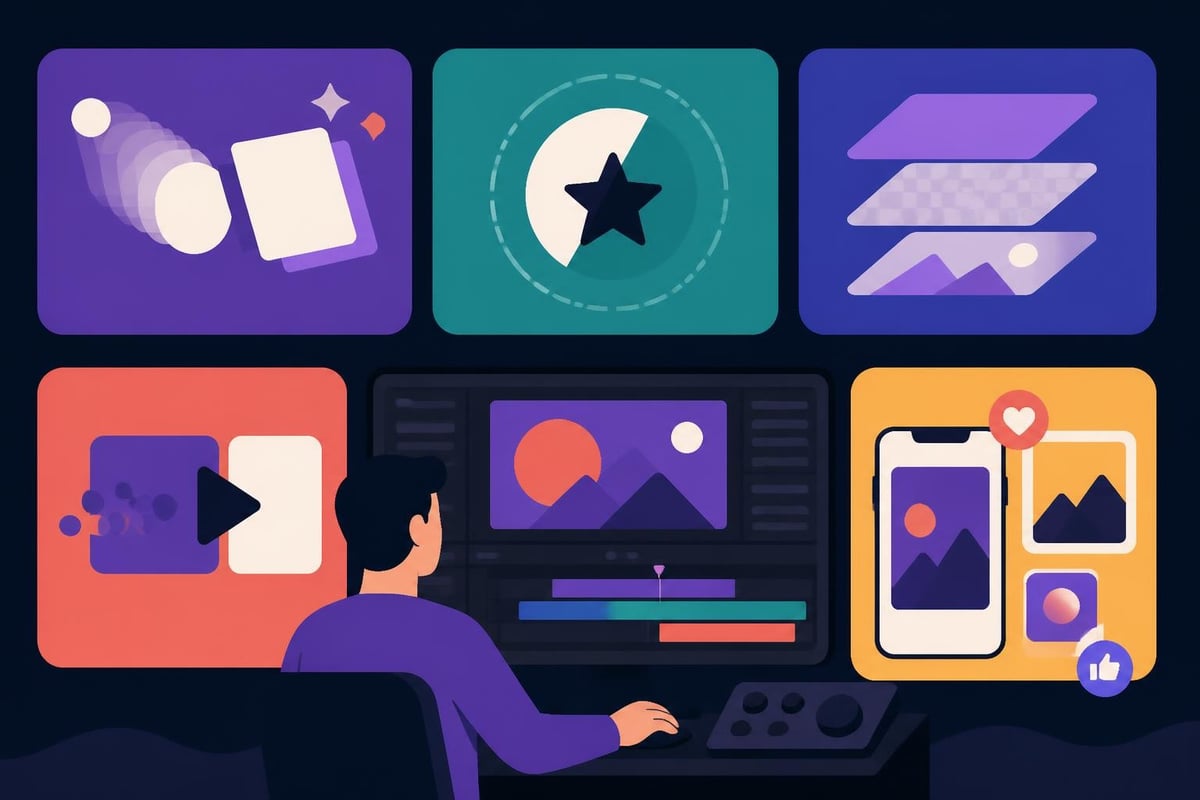
You don't need to become a full-time motion designer, but basic After Effects skills are now expected in most professional editing roles. The Adobe Certified Professional for After Effects program outlines what "professional competency" actually means in motion graphics.
This includes:
- Lower thirds and text animation
- Logo reveals and brand elements
- Simple compositing and green screen work
- Transitions and wipes beyond the basic cross-dissolve
- Data visualization and infographic animation
For content creators, agencies, and businesses producing social media content, these motion graphics skills directly impact engagement. Viewers scroll past static content but stop for smooth, professional animation.
Audio Post-Production Essentials
Most editors are terrified of audio. That's a problem, because poor audio is the fastest way to look unprofessional. A comprehensive professional video editing course includes dedicated audio modules covering dialogue editing, music mixing, sound design, and loudness standards.
The Audio Engineering Society’s guidance on dialogue intelligibility is essential reading for anyone serious about professional audio post-production. Understanding LUFS, dynamic range, and broadcast standards isn't optional anymore – it's baseline professional competency.
Core audio skills:
- Noise reduction and dialogue cleanup
- EQ and compression for voice
- Music editing and ducking
- Sound effects and layering
- Mixing for different platforms (theatrical vs. streaming vs. social)
- Loudness normalization and delivery specs
Legal, Ethical, and Accessibility Considerations
This is the section most courses skip, and it's a huge mistake. Professional editors need to understand copyright, licensing, accessibility requirements, and industry standards that keep projects legally sound and universally accessible.
Copyright and Licensing Fundamentals
Every professional video editing course should include basic copyright education. Using unlicensed music, stock footage, or graphics can sink a project and expose your client to legal risk. The U.S. Copyright Office’s copyright essentials provides authoritative guidance every editor should understand.
What you need to know:
- Fair use principles (and when they actually apply)
- Music licensing – royalty-free vs. sync licensing vs. creative commons
- Stock footage and image rights
- Client assets and usage rights
- Attribution requirements
- Work-for-hire agreements
Accessibility and Inclusive Design
In 2026, accessibility isn't optional. Captions, descriptive audio, and inclusive design practices are legal requirements in many contexts and best practices everywhere else. The WCAG 2.2 standards cover time-based media accessibility in detail, including caption timing, contrast requirements, and audio description standards.
Professional editors should know:
- How to create accurate, properly-timed captions
- SDH (Subtitles for the Deaf and Hard of Hearing) vs. standard subtitles
- When descriptive audio is required
- Color contrast and readability standards
- Platform-specific accessibility tools (YouTube auto-captioning, Facebook closed captions, etc.)
This isn't just compliance checkbox work. Accessible content reaches bigger audiences and performs better across platforms. If you're a business owner or marketer, understanding these requirements helps you brief projects correctly and avoid costly revisions.
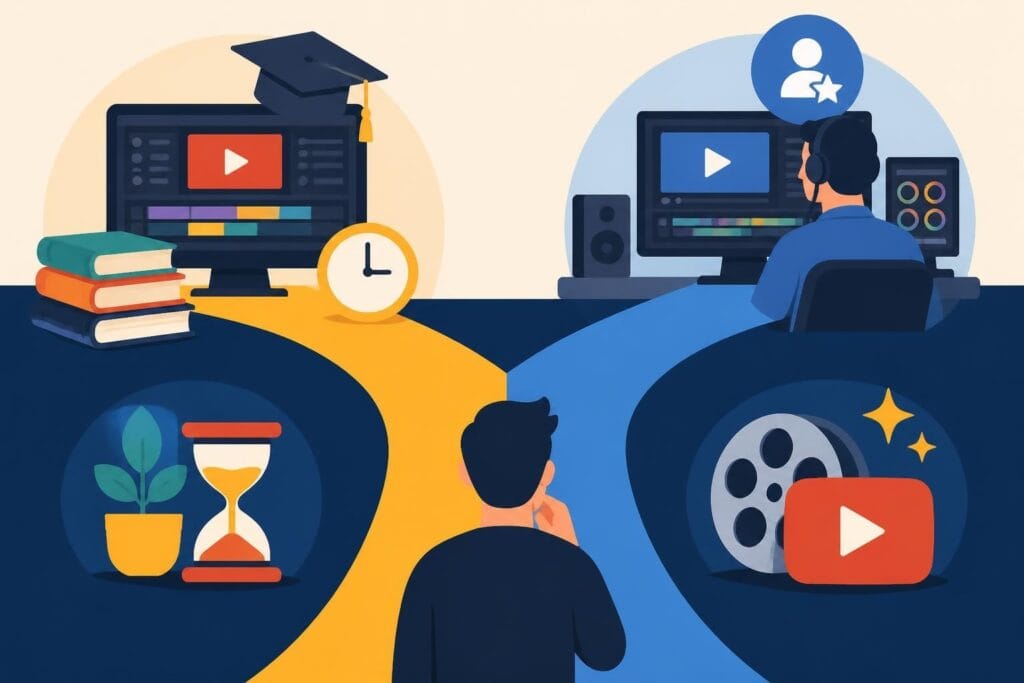
Course Formats: Finding Your Learning Style
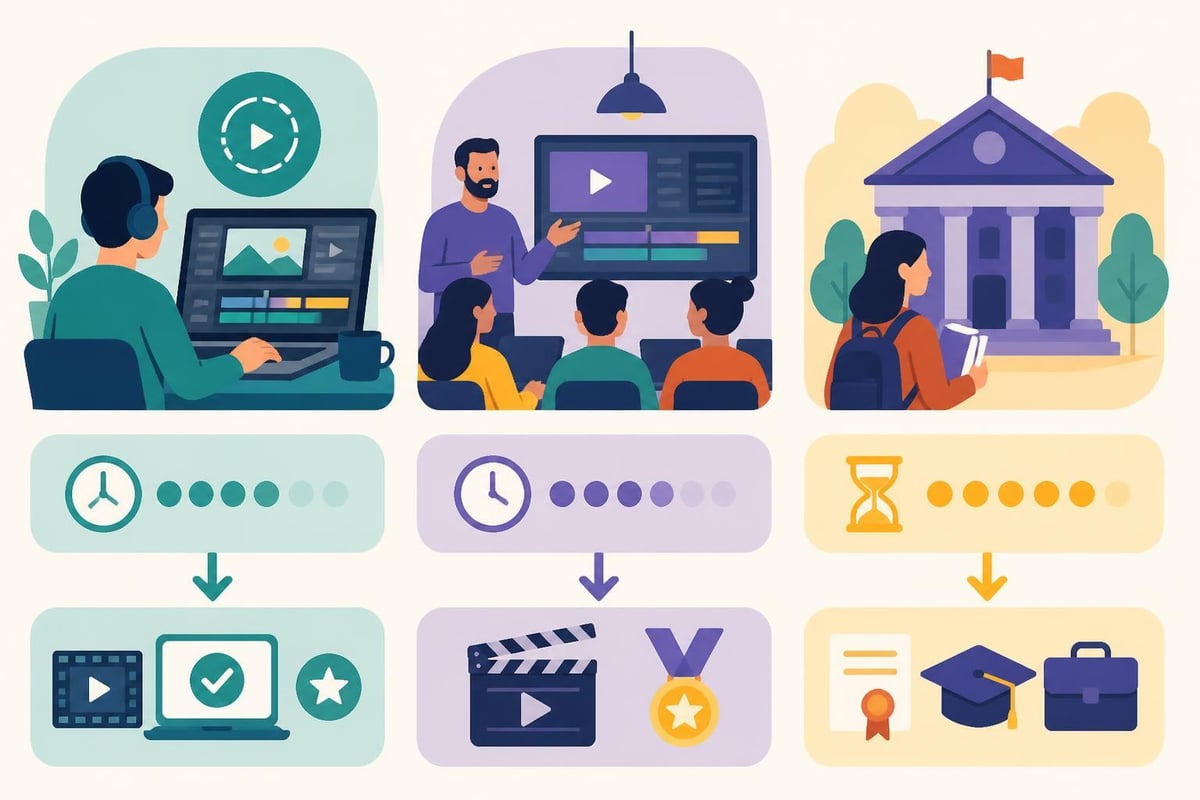
Professional video editing courses come in wildly different formats. Picking the wrong format for your learning style and schedule is the fastest way to waste money and give up halfway through.
Self-Paced Online Courses
Pros: Flexibility, lower cost, learn on your schedule, repeat lessons as needed
Cons: Requires self-discipline, limited feedback, no networking, easy to get stuck
Best for: Self-motivated learners, people with unpredictable schedules, budget-conscious students
Platforms like LinkedIn Learning, Skillshare, and Udemy offer hundreds of options. The quality varies dramatically, so check for recent publication dates (software updates constantly), instructor credentials, and student reviews focused on real-world application.
Instructor-Led Bootcamps and Intensive Programs
Pros: Structured curriculum, direct feedback, networking opportunities, accountability
Cons: Higher cost, fixed schedule, fast-paced, limited flexibility
Best for: Career changers, people who learn best with structure, those who can commit full-time for 8-12 weeks
These intensive programs promise job-ready skills in 2-3 months. They work, but only if you can dedicate 40+ hours weekly and thrive in high-pressure learning environments.
University and College Programs
Pros: Comprehensive education, formal credentials, equipment access, industry connections
Cons: Expensive, time-consuming (1-4 years), may include unrelated coursework, slower to adapt to industry changes
Best for: Traditional students, those seeking broad media education, career paths requiring formal degrees
If you're starting from scratch and want broadcast, film, or agency work, formal education still opens doors. But for content creation, digital marketing, or freelance work, it's often overkill.
ROI and Career Outcomes: Is It Worth It?
Here's the question everyone's thinking but not everyone asks: what's the actual return on investment for a professional video editing course?
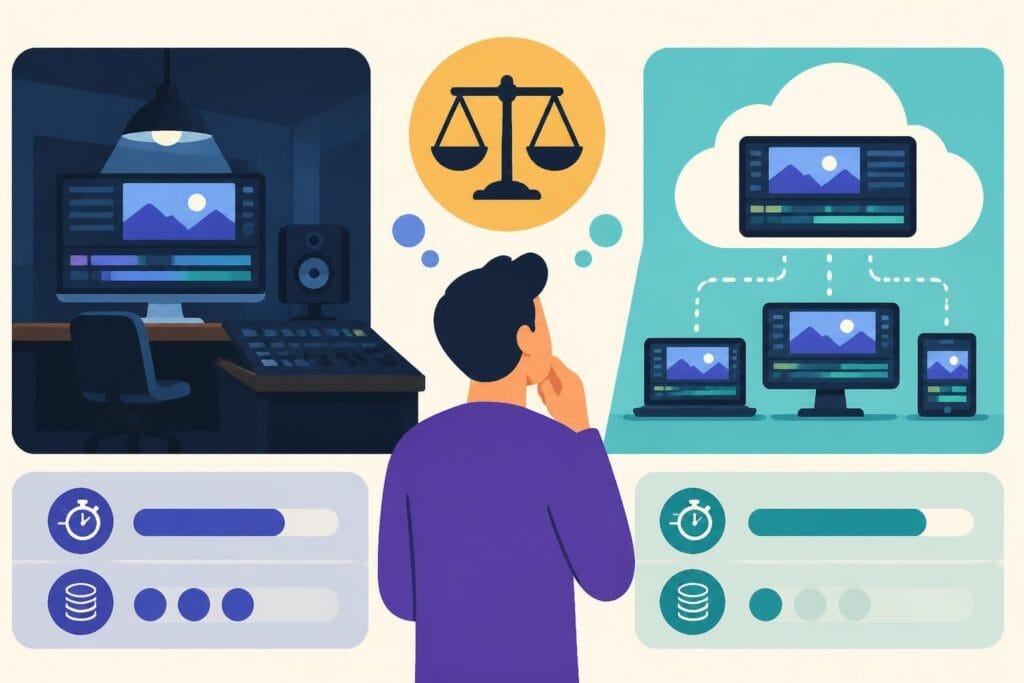
The answer depends on what you're optimizing for. If you're a business owner or marketer, the ROI isn't about becoming an editor yourself – it's about understanding the process well enough to manage teams, set realistic budgets, and communicate effectively with creative partners. You might discover it's more cost-effective to work with dedicated video editing services than building in-house capabilities.
For aspiring editors, the math is different. Entry-level editors typically earn $35,000-$50,000 annually, while experienced professionals command $60,000-$100,000+ depending on location and specialization. Freelance rates vary wildly but $50-$150/hour is common for competent professionals.
Realistic timeline expectations:
| Experience Level | Time Investment | Typical Earnings | Skill Focus |
|---|---|---|---|
| Learning basics | 3-6 months | $0-$25/hour | Software fundamentals, basic cuts |
| Job-ready junior | 6-12 months | $35-$50K salary or $30-$50/hour freelance | Workflow proficiency, portfolio pieces |
| Mid-level pro | 1-3 years | $50-$75K salary or $50-$100/hour freelance | Specialization, client management |
| Senior editor | 3-5+ years | $75-$100K+ salary or $100-$200/hour freelance | Creative leadership, complex projects |
The fastest path to paid work? Build a killer portfolio while you learn. Take on small projects (even free ones initially), document your process, and focus on results clients care about – views, engagement, conversions, and emotional impact.
What Courses Won't Teach You (But You Need to Know)
Even the best professional video editing course has gaps. Here are the skills and realities you'll only learn through experience – but knowing they're coming helps you prepare.
Client management and communication – Courses teach technical editing but not how to handle a client who says "make it pop" or wants infinite revisions. Learning to set boundaries, manage expectations, and educate clients without sounding condescending is an art form.
Business and pricing strategy – If you're going freelance, knowing how to edit is baseline. Understanding how to price projects, write proposals, handle contracts, and manage cash flow determines whether you succeed or burn out. Our guide to video editing prices offers a realistic look at market rates and pricing strategies.
Stress and deadline management – Real projects come with impossible timelines, changing specs, and last-minute client requests. Courses use sanitized examples with clean footage and clear briefs. Reality is messy, and learning to stay calm and problem-solve under pressure is purely experiential.
The business case for outsourcing – Here's something most courses won't tell you: for many businesses, becoming editing-proficient is the wrong goal. The time investment to reach professional competency often exceeds the cost of hiring skilled editors. Understanding when to build in-house capabilities versus when to outsource is a strategic decision, not a default.
Content creators, agencies, and growing brands often find better ROI working with unlimited video editing services than training staff or struggling with freelancer roulette. A professional video editing course gives you the knowledge to evaluate quality and communicate effectively – but it doesn't obligate you to become a full-time editor.
Choosing the Right Course for Your Goals
With hundreds of options available, picking the right professional video editing course requires clarity about your actual goals. Here's a decision framework that cuts through the marketing noise.
Ask Yourself These Questions First
What's your primary motivation?
- Career change into editing → comprehensive bootcamp or degree program
- Understanding the process as a client → shorter, overview-focused courses
- Adding editing to existing creative skillset → specialized, software-specific training
- Building in-house team capabilities → workflow and management-focused courses
What's your realistic time commitment?
Be honest. A course requiring 20 hours weekly won't work if you have 5. Better to choose a longer, slower-paced program you'll actually complete than an intensive you'll abandon.
What's your learning style?
Do you learn best by doing, watching, reading, or being coached? Match course format to your actual learning preferences, not your aspirational ones.
What's your budget – really?
Factor in total costs: course fees, software subscriptions (Adobe Creative Cloud runs $60/month), hardware upgrades, and opportunity cost of your time. A $5,000 course that gets you working in 3 months might be cheaper than a $500 course you drag out over 18 months.
Red Flags to Watch For
Not all courses deliver on their promises. Watch for these warning signs:
- Outdated software versions – if they're teaching Premiere Pro 2022 in 2026, run
- No portfolio or work examples from graduates – where are the success stories?
- Vague learning outcomes – "master video editing" means nothing
- No revision or update schedule – software changes constantly
- Instructor credentials that don't check out – has this person actually worked professionally?
- Pressure tactics and false scarcity – "only 3 spots left!" usually means poor enrollment
The best courses have clear syllabi, transparent instructor backgrounds, and verifiable student outcomes. They also acknowledge what they don't cover – comprehensive honesty beats overpromising every time.
The Hybrid Approach: Learning + Delegation
Here's a perspective most professional video editing courses won't share: the smartest approach for busy entrepreneurs, agencies, and brands often isn't becoming fully self-sufficient – it's knowing enough to delegate effectively.
Understanding the editing process, terminology, and workflow makes you a better client. You can communicate clearly, brief projects accurately, and evaluate quality work. You know what's reasonable to request and what's scope creep. You appreciate the skill involved and respect your editor's time.
But you don't have to become the editor yourself.
This hybrid model – professional education plus strategic outsourcing – delivers the best of both worlds. You maintain creative control and quality standards while freeing your time for high-value activities only you can do. Growing businesses realize that founder time spent learning complex software rarely generates optimal ROI when expert editing teams are accessible and affordable.
Services offering unlimited video editing with dedicated editors provide the consistency and quality of in-house capabilities without the training time, software costs, or management overhead. You get professional results while investing your learning energy in strategy, client acquisition, and business growth.
Building Your Learning Path Forward
Whether you decide to dive deep into a professional video editing course or take the strategic outsourcing route, the important thing is matching your education to your actual goals. In 2026, video isn't optional for businesses, creators, or marketers – but becoming a professional editor yourself might be.
The courses and certifications we've covered provide real, market-valuable skills. The Adobe certification programs and DaVinci Resolve training paths are particularly strong for building credible, job-ready competency. But they require serious time commitment and ongoing practice to maintain.
For many reading this, the smarter play is understanding video editing deeply enough to manage it effectively, then building relationships with talented editors who make your content shine while you focus on distribution, audience building, and business growth.
The video creation landscape has never been more accessible, but it's also never been more competitive. Professional quality isn't optional anymore – it's baseline. The question isn't whether you need professional editing, but how you're going to get it: learn it yourself or partner with people who already have.
A professional video editing course can transform your technical skills and career prospects – but only if it matches your real goals and learning style. If you're a business owner, creator, or marketer who needs professional video results without the steep learning curve, beCreatives offers unlimited video editing services with dedicated editors who handle everything from concept to final delivery. Focus your energy on growing your audience and business while experienced editors make your content look incredible.