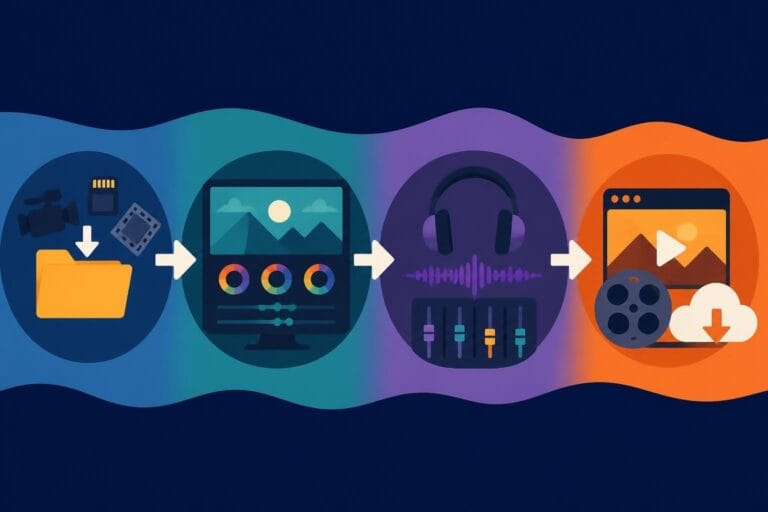
Post Production Video Editing: Complete Guide for 2026
Discover how post production video editing transforms raw footage into professional content. Learn workflows, tools, and outsourcing tips.
10 Min. ReadRead More
5 dedicated editor spots open this week. Book a call to reserve →
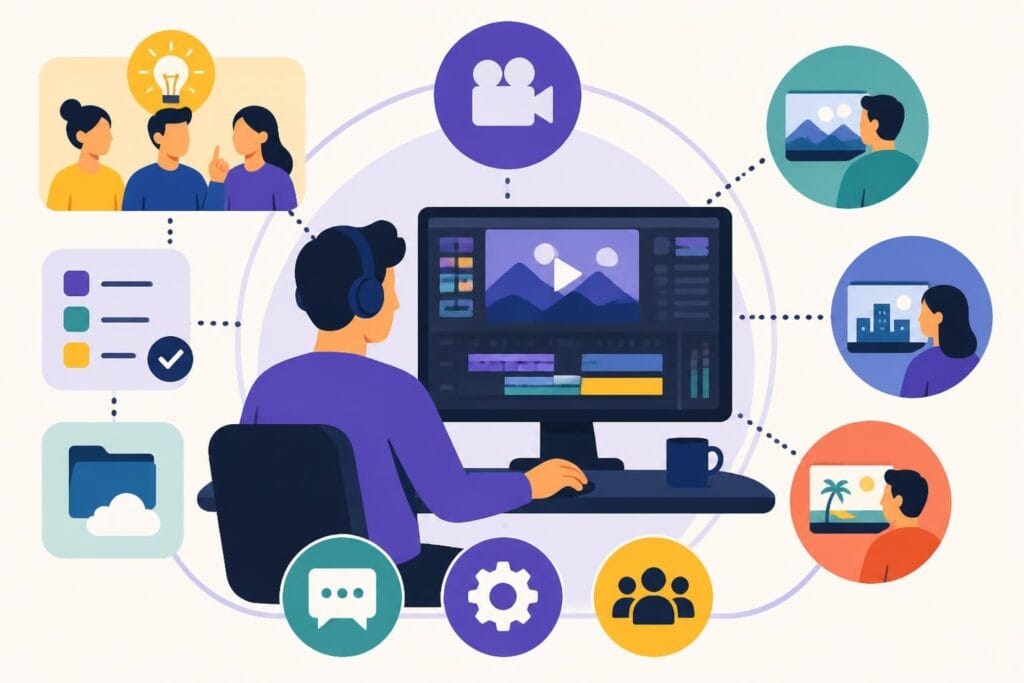
Find the right agency video editor for your team. Learn hiring strategies, workflow tips, and how to scale your video production effortlessly.
 Knowledge Base
June 28, 2026
Finding the perfect agency video editor can feel like searching for a unicorn. You need someone who gets your brand, crushes deadlines, communicates like a pro, and somehow makes your clients' raw footage look incredible every single time. Whether you're running a marketing agency juggling multiple brands, a creative studio producing content at scale, or a growing team that's drowning in edit requests, the right video editing support can transform how you deliver work. But here's the thing: the traditional hiring route is expensive, time-consuming, and risky. The good news? There are smarter ways to build your editing team that don't involve endless job postings, expensive overhead, or crossing your fingers that your new hire works out.
Video isn't optional anymore. It's the backbone of modern marketing.
Your clients expect polished reels, snappy ads, educational content, and eye-catching social media clips. All of it needs to look professional, stay on brand, and get delivered yesterday. That's a lot of pressure on your in-house team, especially if video editing is just one of many hats they're wearing.
An agency video editor brings focus, speed, and expertise that generalists simply can't match. They understand pacing, color grading, sound design, motion graphics, and all those technical details that turn decent footage into scroll-stopping content.
Here's what a dedicated editor brings to your agency:
When you have someone focused solely on editing, your strategists can strategize, your account managers can manage accounts, and everyone operates in their zone of genius. That's when agencies really start to hum.
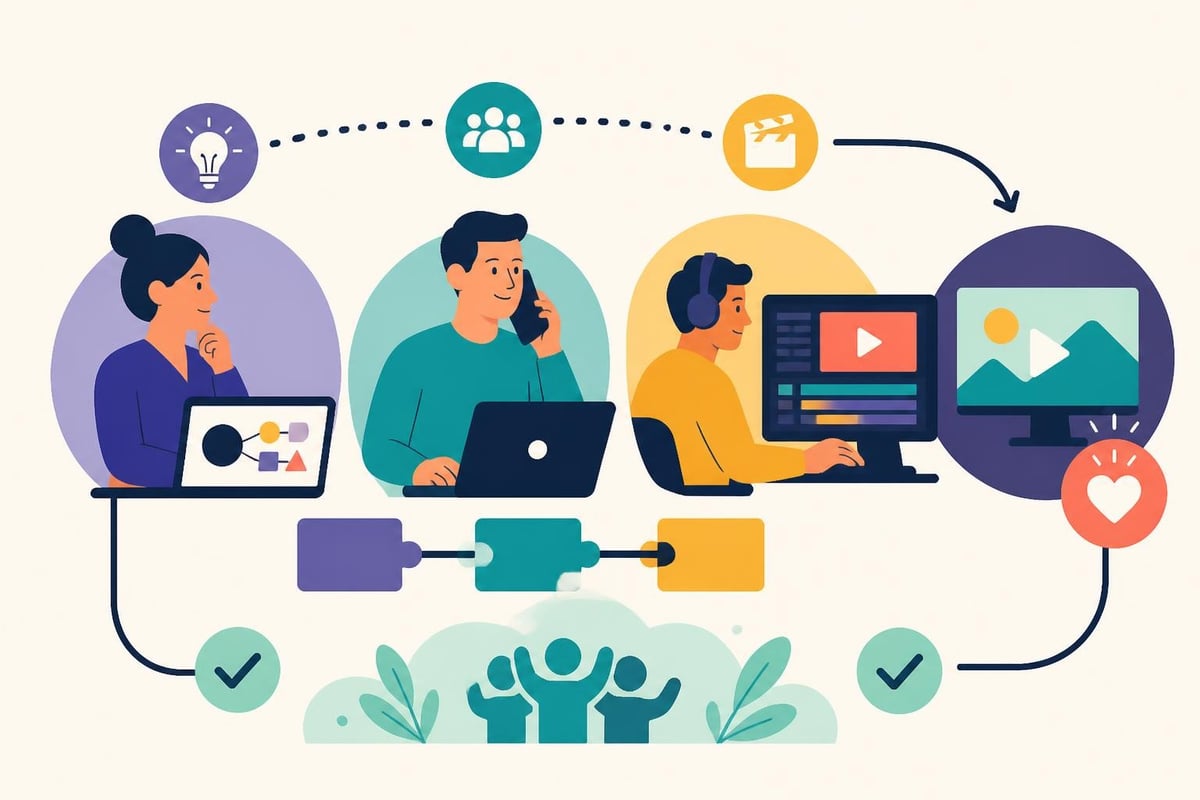
Let's break down your options for getting editing support.
In-House Editor:
| Pros | Cons |
|---|---|
| Always available during business hours | Expensive (salary, benefits, equipment, software) |
| Deeply integrated with your team culture | Limited to one person's skill set and capacity |
| Direct communication | Sick days, vacations, and turnover create gaps |
Freelance Editor:
| Pros | Cons |
|---|---|
| Pay only for what you need | Availability issues when they're booked |
| Access to diverse styles and specializations | Quality inconsistency across different freelancers |
| No overhead costs | Project management becomes your job |
Unlimited Editing Service:
| Pros | Cons |
|---|---|
| Consistent quality and turnaround | Less control over who edits each project |
| Predictable monthly cost | Requires clear communication systems |
| Built-in backup editors | May need adjustment period for brand alignment |
| Unlimited revisions and storage | Subscription commitment |
The best video editing software won't matter if you don't have someone skilled using it consistently. That's why choosing the right model for your agency's size, budget, and workflow is critical.
Not all editors are created equal, especially in an agency environment.
You need someone who thrives under deadline pressure, communicates proactively, and understands that client work requires a different mindset than passion projects. Here are the non-negotiables:
Your agency video editor should be comfortable with industry-standard tools like Adobe Premiere Pro, Final Cut Pro, DaVinci Resolve, and After Effects. They should understand codecs, frame rates, aspect ratios, and export settings for different platforms.
But here's what matters more: adaptability.
Platforms change their specs constantly. TikTok wants vertical 9:16, YouTube prefers 16:9, Instagram has multiple format options, and LinkedIn video has its own quirks. A great editor stays current and knows how to optimize content for each destination without you having to explain it every time.
Technical skills are table stakes. The magic happens when an editor brings creative vision to the table.
They should know when to cut for pacing, how to use B-roll effectively, where to add motion graphics for clarity, and how to create emotional impact through music and sound design. When you're working with TikTok editing projects, they need to understand platform-specific trends and editing styles that resonate with younger audiences.
The best agency video editors don't just follow instructions. They make your footage better than you imagined.
This is where many talented editors fall short.
An agency video editor needs to ask the right questions upfront, provide realistic timelines, flag potential issues early, and explain revisions in language clients understand. They should be comfortable on Slack, email, project management tools, and video calls.
Essential communication behaviors:
When communication flows smoothly, projects stay on track and clients stay happy. It's that simple.
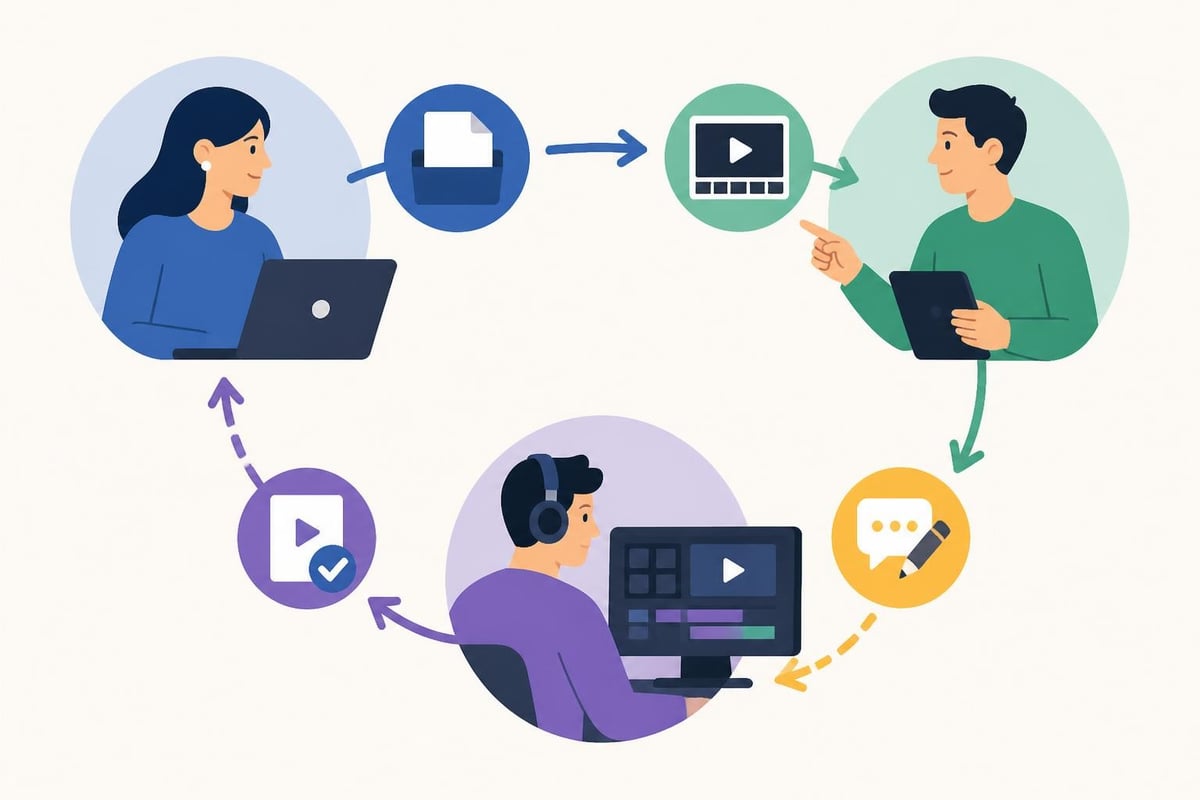
Even the most talented agency video editor will struggle without solid systems.
Your workflow determines whether projects flow smoothly or turn into chaotic fire drills. Here's how successful agencies structure their video production process:
Create a detailed creative brief template that captures everything your editor needs:
When briefs are thorough, editors spend less time guessing and more time creating. Adobe Premiere Pro offers robust collaboration features, but they only work when your team uses consistent project structures.
Because it does.
Use cloud storage with clear folder hierarchies. Name files descriptively. Keep raw footage, project files, music, graphics, and final exports in separate, labeled folders. Your future self (and your editor) will thank you when revisions come in three months later.
Define exactly how feedback happens:
Agencies that nail this process finish projects faster with fewer headaches. Those that don't end up in endless revision loops that kill profitability.
Smart agencies don't reinvent the wheel every time.
Build libraries of lower thirds, transitions, title cards, outros, and branded elements that your agency video editor can drop into projects. This speeds up production while maintaining consistency across all client work.
Here's the growth challenge every agency faces: your clients want more video, but hiring more full-time editors is expensive and risky.
What if demand drops? What if you hire someone who doesn't work out? What if you're stuck paying salaries during slow months?
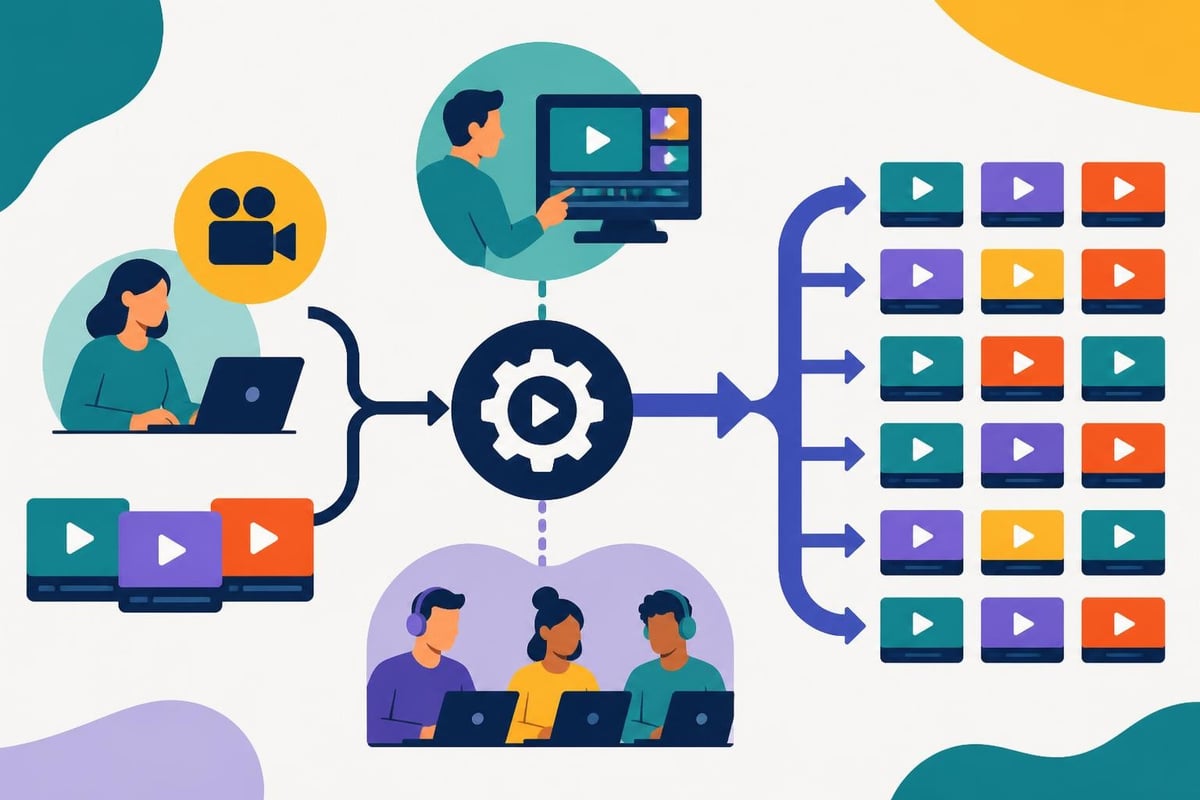
This is where the service model shines. Instead of hiring individual editors, you partner with a platform that provides dedicated editing support at a predictable monthly cost.
How it works:
For agencies managing multiple clients, this model eliminates the feast-or-famine stress of traditional hiring. You pay one flat rate whether you submit five projects or fifty, making budgeting predictable and scaling effortless.
Companies like beCreatives have built entire platforms around this model, offering dedicated editors, unlimited storage, and streamlined communication specifically designed for agencies and busy content creators.
Even with unlimited services, some agencies eventually need in-house support. Here are signs it's time:
But here's the smart move: hybrid models work brilliantly. Keep an in-house editor for rush jobs and specialized work, while outsourcing high-volume, routine editing to a service. This gives you flexibility without overwhelming fixed costs.
Your agency video editor is only as effective as their toolkit.
While specific software preferences vary, certain capabilities are non-negotiable in 2026:
Editing platforms: Adobe Premiere Pro remains the industry standard for agencies because of its integration with other Creative Cloud apps. Final Cut Pro is popular among Mac-focused shops for speed and stability.
Motion graphics: After Effects for complex animations, or simpler tools like Apple Motion for quick graphics work.
Color grading: DaVinci Resolve offers professional-grade color correction, often used even by Premiere editors for finishing work.
Audio cleanup: Adobe Audition or standalone tools like iZotope RX for removing background noise and enhancing voice clarity.
If your team is exploring more accessible options, check out the best free video editing software as backup tools for quick edits or team members who aren't primary editors.
The pandemic changed video editing forever. Remote workflows are now standard, which means cloud-based tools are essential.
Cloud-based video editing software like Blackbird enables real-time collaboration and instant access to footage from anywhere. This is particularly valuable when your agency video editor works remotely or you're managing teams across different locations.
Key features to prioritize:
The right technology stack reduces friction, speeds up delivery, and makes everyone's job easier.
Agency life means juggling competing priorities constantly.
Your agency video editor might be working on a real estate promo, a nonprofit fundraising video, a TikTok series for a fashion brand, and corporate training modules all in the same week. Without strong project management, chaos ensues.
Not all projects are equally urgent. Establish clear priority levels:
Level 1 (Rush): Client-paid rush fees, immovable deadlines, high-value clients
Level 2 (Standard): Normal turnaround, scheduled delivery dates
Level 3 (Ongoing): Evergreen content, flexible timing, when-possible projects
Your editor should always know which projects take precedence when conflicts arise. This prevents the common mistake of spending hours perfecting a low-priority video while an urgent client project sits in the queue.
Some clients need fast, scrappy content. Others demand meticulous perfection. Smart agencies batch similar work:
This approach helps your agency video editor shift mindsets appropriately instead of constantly context-switching between different quality standards and pacing requirements.
Create one-page style guides for each major client covering:
New editors can get up to speed faster, and consistency improves across all deliverables. Check out how other agencies have implemented these systems in real client case studies showing measurable results from streamlined video workflows.
Even experienced agency video editors need ongoing development.
Platform algorithms change, design trends evolve, and new tools emerge constantly. Agencies that invest in editor growth see better retention and higher quality output.
Monthly trend reviews: Dedicate an hour each month to analyzing viral videos, noting what editing techniques are gaining traction.
Software training: Budget for courses on new features in Premiere, After Effects, or emerging AI tools that can speed up workflows.
Creative challenges: Run internal competitions where editors try new techniques or styles on practice projects without client pressure.
Cross-training: Let editors learn aspects of strategy, shooting, or color grading to build more well-rounded skills.
The best agencies treat their video editing team as creative partners, not just production workers. This mindset shift improves both quality and job satisfaction.
Vague feedback kills creativity and wastes time. "Make it pop" or "I don't love it" gives editors nothing actionable.
Better feedback includes:
When your agency video editor understands the "why" behind changes, they learn faster and make better creative decisions independently on future projects.
AI is already reshaping how video editing works, and the changes are accelerating.
Tools powered by artificial intelligence can now auto-transcribe, suggest cuts based on pacing analysis, remove filler words, generate subtitles, and even create rough cuts from raw footage. Research on autonomous video editing frameworks shows how far the technology has come.
But here's what AI can't replace: creative judgment, brand understanding, emotional intelligence, and client communication.
The most successful agency video editors in 2026 and beyond will be those who leverage AI tools to handle tedious tasks while focusing their human creativity on storytelling, brand alignment, and emotional impact.
Platform-specific optimization: As each social platform develops unique content preferences, editors who deeply understand platform nuances will command premium rates.
Interactive video: Shoppable videos, branching narratives, and choose-your-own-adventure content require new editing approaches.
Vertical-first thinking: With TikTok, Reels, and Shorts dominating, editors must think vertically by default, not as an afterthought crop of horizontal footage.
Accessibility features: Captions, audio descriptions, and accessible design aren't optional anymore. They're essential for reach and legally required in many contexts.
Agencies that stay ahead of these trends position themselves as industry leaders rather than followers playing catch-up.
How do you know if your agency video editor is actually moving the needle for clients?
Smart agencies track metrics beyond just "video completed on time." Here's what matters:
Track how the actual videos perform:
When you can show clients that your editing quality directly drives their business results, pricing conversations get much easier and client retention soars.
Even with great talent and systems, agencies make predictable mistakes with video editing.
Pitfall 1: Skipping the brief
Rushing into editing without a detailed brief leads to missed expectations and endless revisions.
Pitfall 2: Underestimating revision time
Always build revision rounds into your timeline and budget. They will happen.
Pitfall 3: Poor file management
Lost footage or project files cost hours of reconstruction work. Invest in organized storage from day one.
Pitfall 4: Inconsistent brand application
Without clear guidelines and quality checks, videos feel disjointed even if individually well-edited.
Pitfall 5: Ignoring platform specifications
A beautifully edited 16:9 video that gets cropped poorly on Instagram Stories wastes everyone's effort.
Learn from these mistakes before they cost you clients or profitability. Many agencies serving markets like Australia have refined their processes through trial and error. You can skip straight to what works.
Building a video editing operation that consistently delivers quality work while keeping your team sane requires the right combination of talent, systems, and technology. Whether you hire an in-house agency video editor, work with freelancers, or partner with an unlimited editing service, success comes down to clear communication, efficient workflows, and treating editors as creative partners rather than production machines. If you're ready to scale your agency's video output without the overhead and hassle of traditional hiring, beCreatives offers unlimited editing with dedicated editors who become extensions of your team, complete with unlimited storage and seamless revision systems designed specifically for agencies like yours.
Discover how post production video editing transforms raw footage into professional content. Learn workflows, tools, and outsourcing tips.
Master video editing HD quality standards, encoding settings, and workflow best practices to deliver professional content in 2026.
Discover what makes a YouTube video editing course worth your time in 2026, plus smarter alternatives for busy creators and agencies.
Looking to hire video editor for YouTube? Discover the best hiring strategies, what to look for, and how to build a winning content team in 2026.
Discover the best music video editing software for 2026. Compare features, pricing, and workflow tools to create stunning music videos faster.
Looking for a video editing company near me? Learn how to choose the right partner, what to expect, and whether local is best in 2026.
Discover how video editing AI online is changing content creation in 2026. Explore smart tools, workflows, and what creators really need to know.
Master wedding videography editing with expert tips on storytelling, pacing, and delivery. Learn how to transform raw footage into cinematic films.
Choosing an HD video editing app in 2026? Discover features, performance tips, and how professionals handle high-definition content.
Discover the best free simple editing software for videos and photos in 2026. Compare features, learn what works, and decide when to DIY or outsource.

Editing videos yourself can take a lot of your precious time, but do not worry – we‘ve got you covered! Our highly skilled Video Editors are here to speed up the process and give you time to create more content.
What do you need edits for?


Scratch to see who you got
This is your match, not your assignment.
We confirm your editor once you subscribe.
Pick a time that works and we’ll take it from there.
Open the booking page15 minutes, free