
Post Production Video Editing: Complete Guide for 2026
Discover how post production video editing transforms raw footage into professional content. Learn workflows, tools, and outsourcing tips.
10 Min. ReadRead More
5 dedicated editor spots open this week. Book a call to reserve →

 Kiara WalkerCocktales Podcast
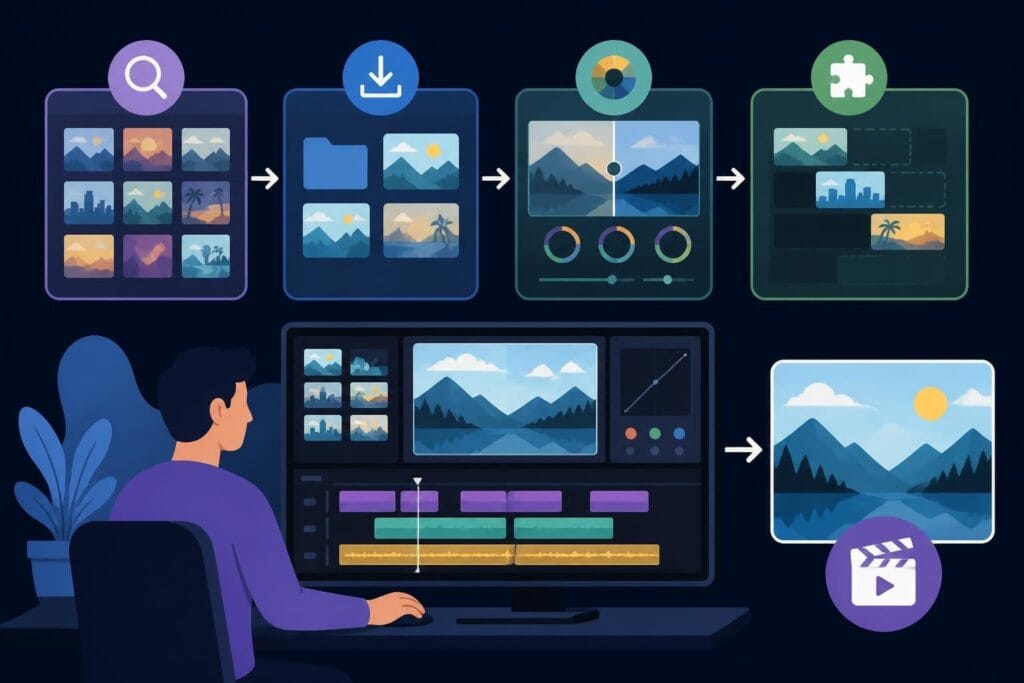
Learn how to edit stock footage seamlessly into your videos. Expert tips for blending, matching, and maximizing stock clips in your content.
 Knowledge Base
July 16, 2026
Stock footage has become the secret weapon for content creators who want professional-looking videos without the Hollywood budget. Whether you're crafting marketing content, building social media campaigns, or producing explainer videos, knowing how to edit stock footage properly can transform your projects from amateur to amazing. The real skill isn't just finding the right clips – it's blending them so seamlessly that your audience never notices they weren't part of your original shoot. Let's break down exactly how to make stock footage work harder for your content in 2026.
Stock footage serves multiple purposes in contemporary video editing. It fills gaps in your narrative, provides visual variety, and saves countless hours of production time. When you edit stock footage effectively, you're essentially giving yourself access to cinematography that would cost thousands to produce yourself.
The beauty of stock footage lies in its versatility:
But here's the thing – throwing random stock clips into your timeline won't cut it. You need strategy, technical skills, and an eye for detail to make everything gel together.
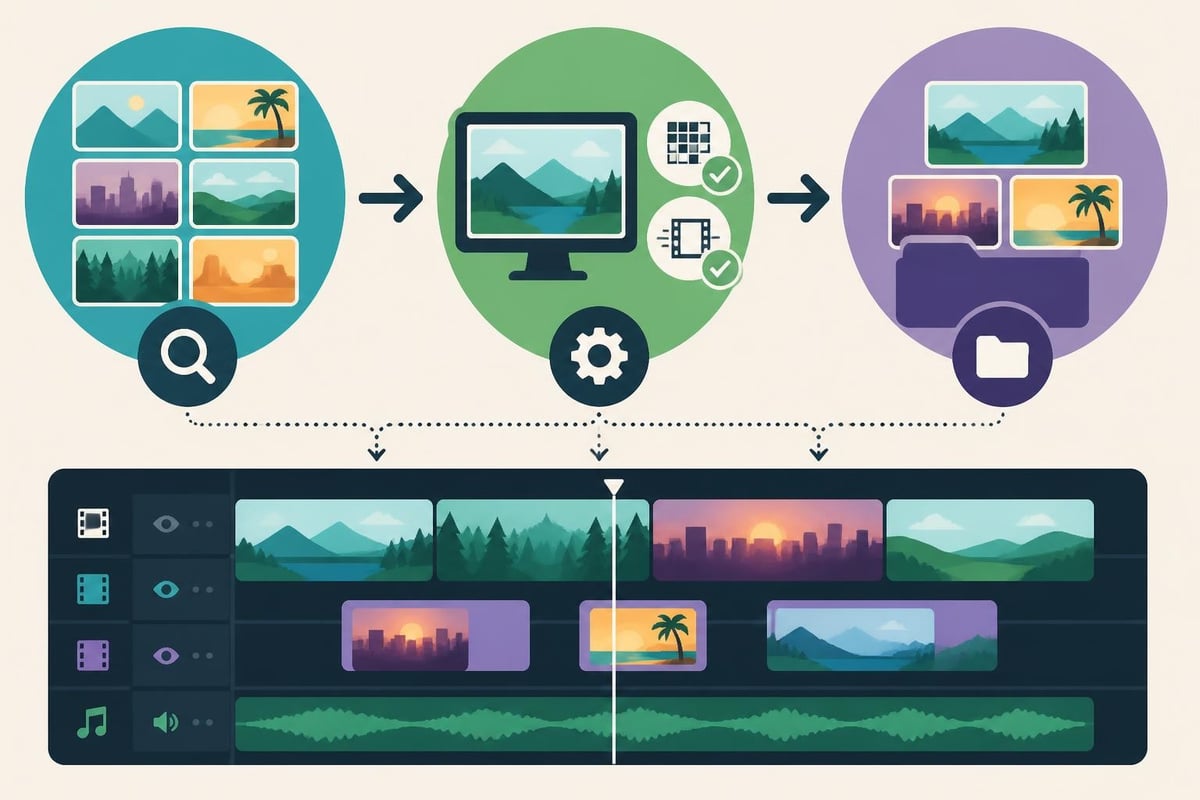
Before you edit stock footage into your project, check the technical specs. Mismatched frame rates, resolutions, or color spaces will make your final video look disjointed. If your primary footage is shot in 4K at 24fps, your stock footage should match those specifications whenever possible.
| Specification | What to Match | Why It Matters |
|---|---|---|
| Resolution | 1080p, 4K, 8K | Prevents quality inconsistencies |
| Frame Rate | 24, 30, 60fps | Ensures smooth motion continuity |
| Color Space | Rec.709, Log | Simplifies color grading workflow |
| Aspect Ratio | 16:9, 9:16, 1:1 | Maintains composition integrity |
Most stock libraries now offer multiple format options. Download the version that best matches your project settings. If you're creating content for platforms like TikTok, consider specialized editing approaches that optimize vertical formats.
Color grading is where most people struggle when they edit stock footage. Even clips from the same library can have wildly different color temperatures, contrast levels, and saturation. Your job is to create visual harmony across all footage sources.
Start by analyzing the color palette of your primary footage. What's the overall temperature – warm or cool? How saturated are the colors? What about contrast and black levels? When you understand these characteristics, you can adjust your stock footage to match.
Step one: Apply basic color correction to normalize exposure and white balance. This creates a neutral starting point.
Step two: Match the color temperature and tint. Use your editing software's color wheels or temperature sliders to align the overall warmth or coolness.
Step three: Fine-tune saturation, contrast, and luminance to achieve perfect harmony. This is where you make micro-adjustments until everything feels cohesive.
Professional video editors use reference frames – placing your original footage and stock footage side-by-side in split-screen view. This comparison reveals subtle color differences your eye might miss in isolation. Techniques for matching stock video to original content can dramatically improve your results.
When you edit stock footage into your sequence, pay attention to motion characteristics. A slow, dreamy drone shot won't fit well next to fast-paced action footage. The movement style, speed, and energy level should complement your surrounding clips.
Consider these motion elements:
Think about pacing like music. Fast cuts create energy and excitement. Longer holds build tension or allow reflection. When integrating stock footage, match the rhythmic pattern of your existing edit. A jarring change in pace signals to viewers that something doesn't belong.
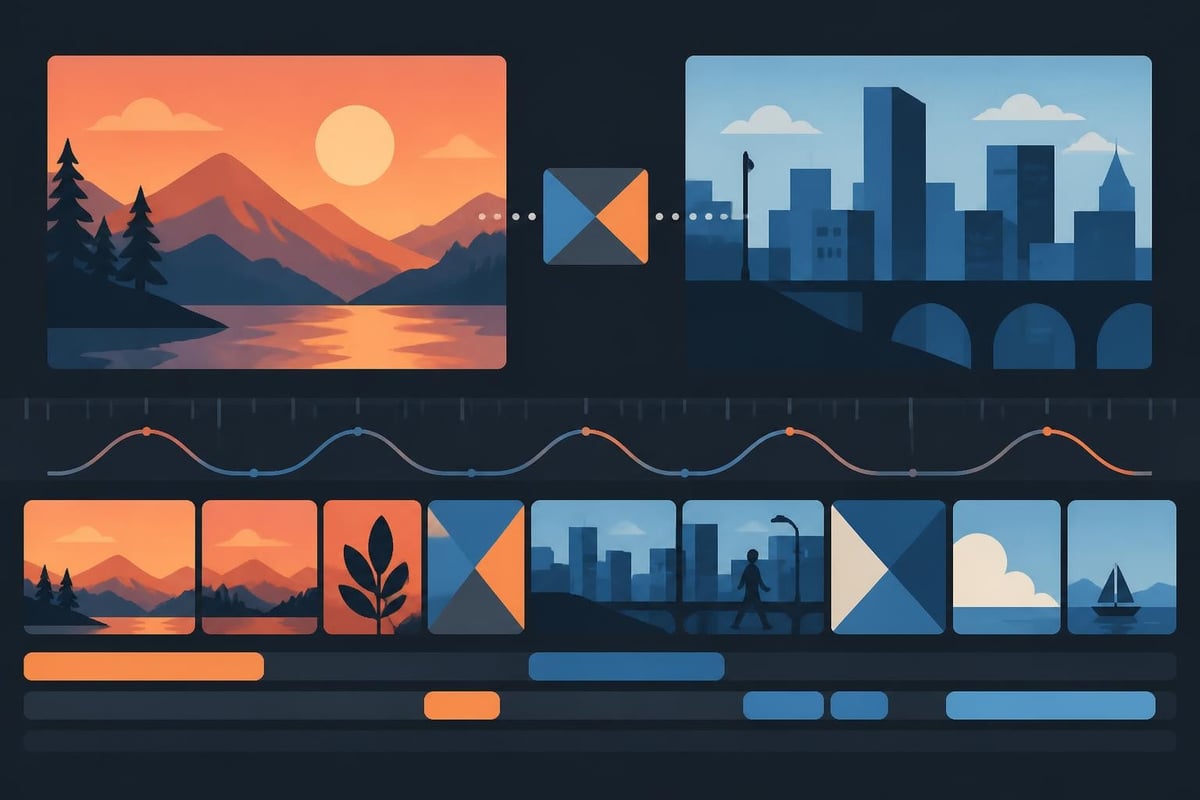
Transitions between your footage and stock clips need special attention. Hard cuts work when there's strong visual or conceptual connection. But sometimes you need smoother bridges.
Match cuts based on shape, color, or movement can disguise the transition. For example, cutting from a circular object in your original footage to a circular element in stock footage creates visual continuity.
Action cuts work beautifully when timed properly. If someone in your footage looks left, cut to stock footage of something in that direction. You're creating implied spatial relationships.
Sound design is your secret weapon. A well-placed sound effect or music beat can mask imperfect visual transitions. Audio creates emotional and temporal bridges that help viewers accept the footage change.
The best way to edit stock footage successfully is choosing the right clips from the start. Spend more time in the selection phase and you'll spend less time fixing problems later.
When browsing stock libraries, look beyond the obvious. Everyone grabs the first result. Dig deeper into search results to find unique angles and perspectives. Best practices for creating videos using stock footage emphasize purposeful selection over random collection.
Ask yourself these questions before downloading:
Building a personal library of go-to stock clips saves time on future projects. When you find footage that works well with your style, bookmark it or download it for your archive.
Stock footage should feel like it belongs in your narrative. Random beautiful shots that don't serve your story actually weaken your video. Every clip needs a reason to exist.
| Integration Method | Use Case | Example |
|---|---|---|
| Illustrative B-roll | Supporting spoken content | Product benefits explained with usage shots |
| Metaphorical imagery | Abstract concepts | Growth visualized through nature time-lapses |
| Location establishment | Setting the scene | City skylines before interview segments |
| Process demonstration | How-to content | Step-by-step manufacturing sequences |
The most effective approach is integrating stock footage strategically based on narrative needs rather than availability. Your story dictates the footage, not the other way around.
Overusing stock footage is the fastest way to make your video feel generic. If your entire project consists of stock clips, you've created a compilation, not original content. Balance is essential.
Watch for these red flags:
Also be cautious with people-focused stock footage. If you're building a brand, using different stock actors throughout your content library creates inconsistency. Consider investing in custom footage for recurring people or characters.
Once you've mastered the basics of how to edit stock footage, advanced techniques take your work to the next level. These approaches require more skill but deliver noticeably superior results.
Speed ramping can help sync stock footage to your audio or create emphasis. Gradually changing playback speed within a clip adds dynamism and helps match the energy of surrounding footage.
Masking and compositing allow you to combine elements from multiple stock clips or blend stock footage with original content. You might mask out a sky from your footage and replace it with a more dramatic stock sunset.
Grain matching is often overlooked. If your original footage has natural film grain or digital noise, stock footage might look too clean by comparison. Adding subtle grain helps everything blend together.
Understanding licensing is crucial when you edit stock footage for client work or commercial projects. Most stock libraries offer different license tiers with varying usage rights.
Standard licenses typically cover:
Extended licenses usually include:
Always verify licensing requirements before finalizing projects. The last thing you want is legal complications because you used footage outside its permitted scope.
When you're producing content regularly, efficiency becomes critical. Developing systems for how to edit stock footage quickly without sacrificing quality separates pros from amateurs.
Create templates with color correction presets, favorite transitions, and standard compositions. When new stock footage arrives, apply these templates as starting points.
Build a keyword system for organizing your stock library. Tag clips by mood, color palette, location type, and content category. You'll find what you need in seconds instead of scrolling endlessly.
Batch processing works wonders when you have multiple similar clips. Apply color corrections, speed adjustments, or other modifications to entire groups simultaneously.
Working with professional video editing services means accessing editors who've mastered these efficiency techniques. They've edited thousands of hours of stock footage and know exactly how to maximize quality while minimizing turnaround time.
Different platforms have different requirements when you edit stock footage. What works for a YouTube video might fail on Instagram Reels or LinkedIn.
Aspect ratios vary significantly:
Duration expectations also differ. TikTok viewers expect punchy content under 60 seconds. YouTube audiences tolerate longer formats. Edit stock footage pacing to match platform norms.
Safe zones matter for mobile viewing. Important visual elements should stay within the center 80% of the frame, avoiding areas where interface elements might cover content.
Consider creating multiple versions of your video optimized for each platform. This might seem like extra work, but it dramatically improves engagement and performance.
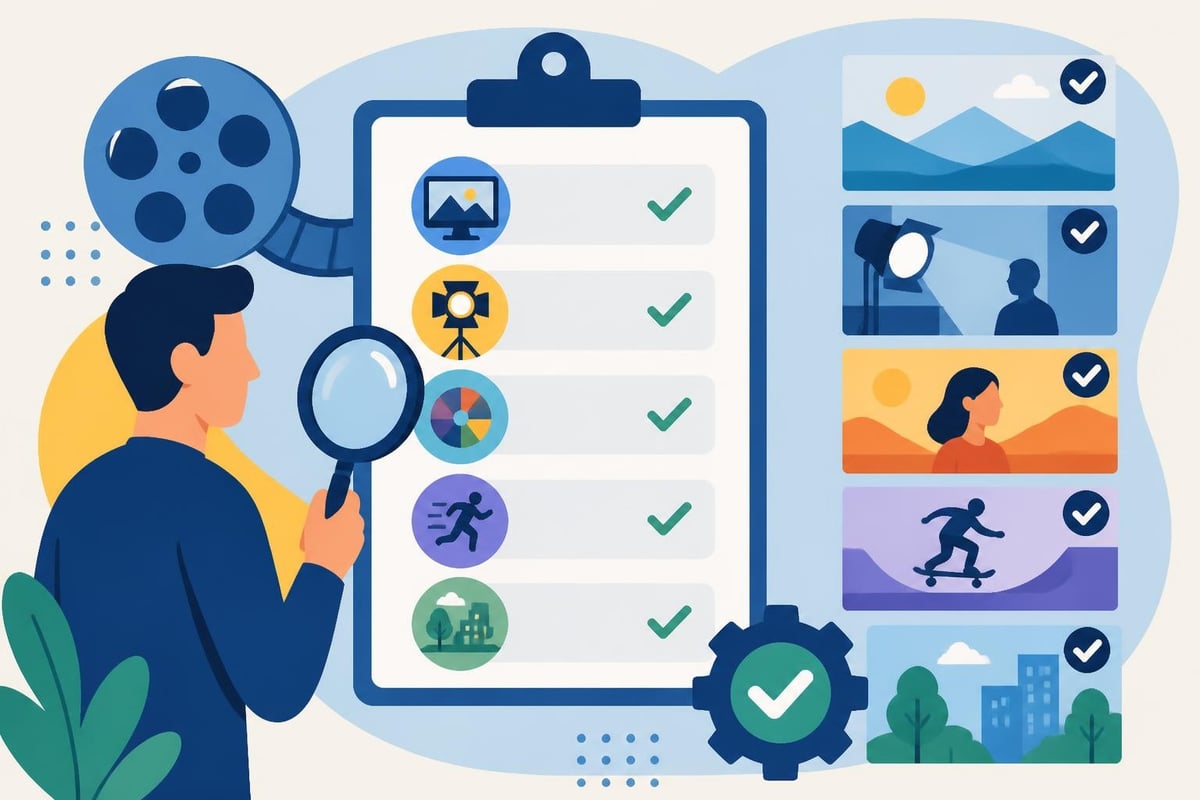
Before exporting, conduct thorough quality checks on all stock footage integration. Watch your video multiple times, specifically looking for issues you might have missed during editing.
Review checklist items:
Get feedback from others. You've been staring at this footage for hours. Fresh eyes catch problems you've become blind to. Share a draft with colleagues or clients before finalizing.
As your content needs grow, you'll face a choice: expand your internal capabilities or partner with specialists who already have the infrastructure, expertise, and systems in place.
Many successful creators, businesses, and agencies discover that outsourcing video editing frees them to focus on strategy, creativity, and growth. When you're not spending hours trying to edit stock footage perfectly, you can concentrate on what drives actual business results.
The right editing partner brings more than technical skills. They offer dedicated support, unlimited storage for your growing content library, streamlined revision processes, and expertise across multiple video formats and platforms. Check out case studies showing how businesses have transformed their content output through strategic partnerships.
Mastering how to edit stock footage opens up incredible creative possibilities without requiring massive production budgets or extensive filming time. The techniques and strategies covered here will help you blend stock clips seamlessly into professional-quality videos. If managing the entire editing process yourself feels overwhelming, beCreatives provides unlimited video editing services with dedicated editors who handle everything from stock footage integration to final delivery, letting you focus on growing your business while maintaining consistent, high-quality video output.
Discover how post production video editing transforms raw footage into professional content. Learn workflows, tools, and outsourcing tips.
Master video editing HD quality standards, encoding settings, and workflow best practices to deliver professional content in 2026.
Discover what makes a YouTube video editing course worth your time in 2026, plus smarter alternatives for busy creators and agencies.
Looking to hire video editor for YouTube? Discover the best hiring strategies, what to look for, and how to build a winning content team in 2026.
Discover the best music video editing software for 2026. Compare features, pricing, and workflow tools to create stunning music videos faster.
Looking for a video editing company near me? Learn how to choose the right partner, what to expect, and whether local is best in 2026.
Discover how video editing AI online is changing content creation in 2026. Explore smart tools, workflows, and what creators really need to know.
Master wedding videography editing with expert tips on storytelling, pacing, and delivery. Learn how to transform raw footage into cinematic films.
Choosing an HD video editing app in 2026? Discover features, performance tips, and how professionals handle high-definition content.
Discover the best free simple editing software for videos and photos in 2026. Compare features, learn what works, and decide when to DIY or outsource.

Editing videos yourself can take a lot of your precious time, but do not worry – we‘ve got you covered! Our highly skilled Video Editors are here to speed up the process and give you time to create more content.








