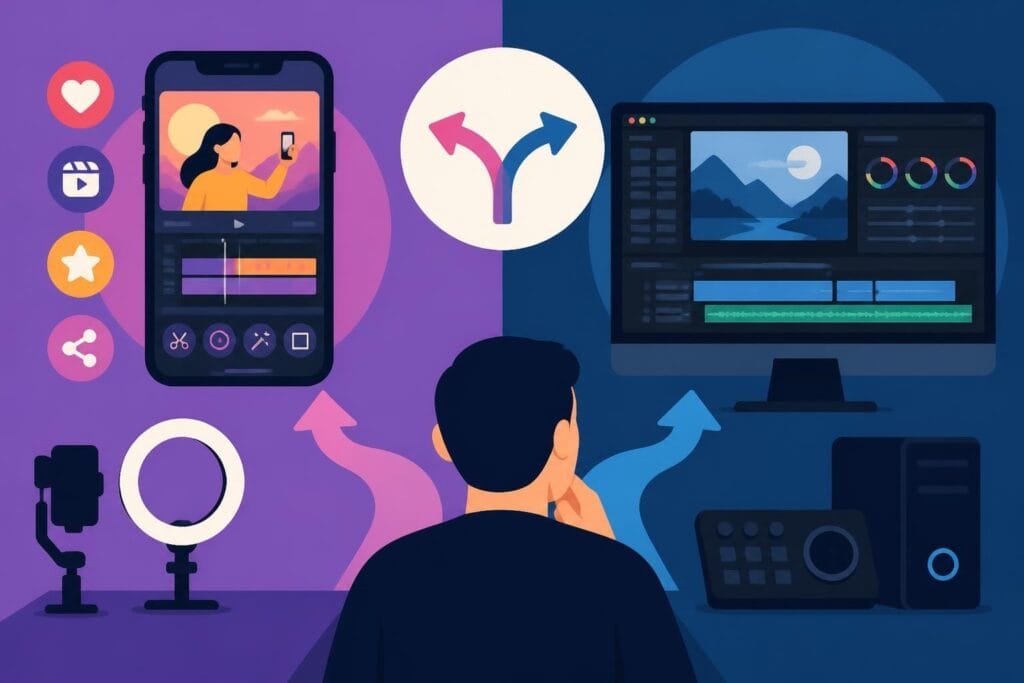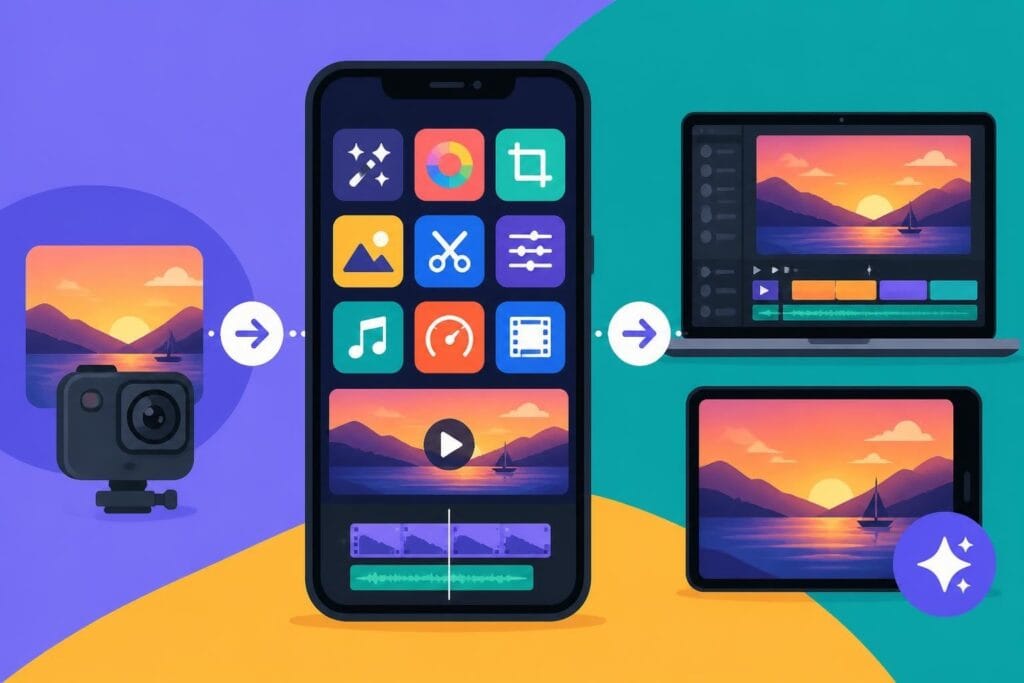
Finding the right photo video editing app free of charge can feel like searching for a unicorn in a haystack. With hundreds of options flooding the app stores in 2026, creators face a new challenge: not finding tools, but finding the right ones that won't slow them down. Whether you're a business owner juggling multiple platforms, a marketer pushing out daily content, or a creator trying to maintain consistency without burning out, the free editing landscape has both incredible opportunities and hidden traps. According to recent research on smartphone ownership, mobile content creation continues to dominate how people engage with media, making free mobile editing apps more relevant than ever.
Why Free Photo and Video Editing Apps Matter in 2026
The demand for quick, polished content has never been higher. Social platforms reward consistency, and audiences expect professional-looking videos even from small businesses and solo creators.
Free editing tools democratize content creation by removing the barrier of expensive software subscriptions. But here's the catch: free doesn't always mean fast, and it definitely doesn't mean stress-free.
The Real Cost of Free Editing Apps
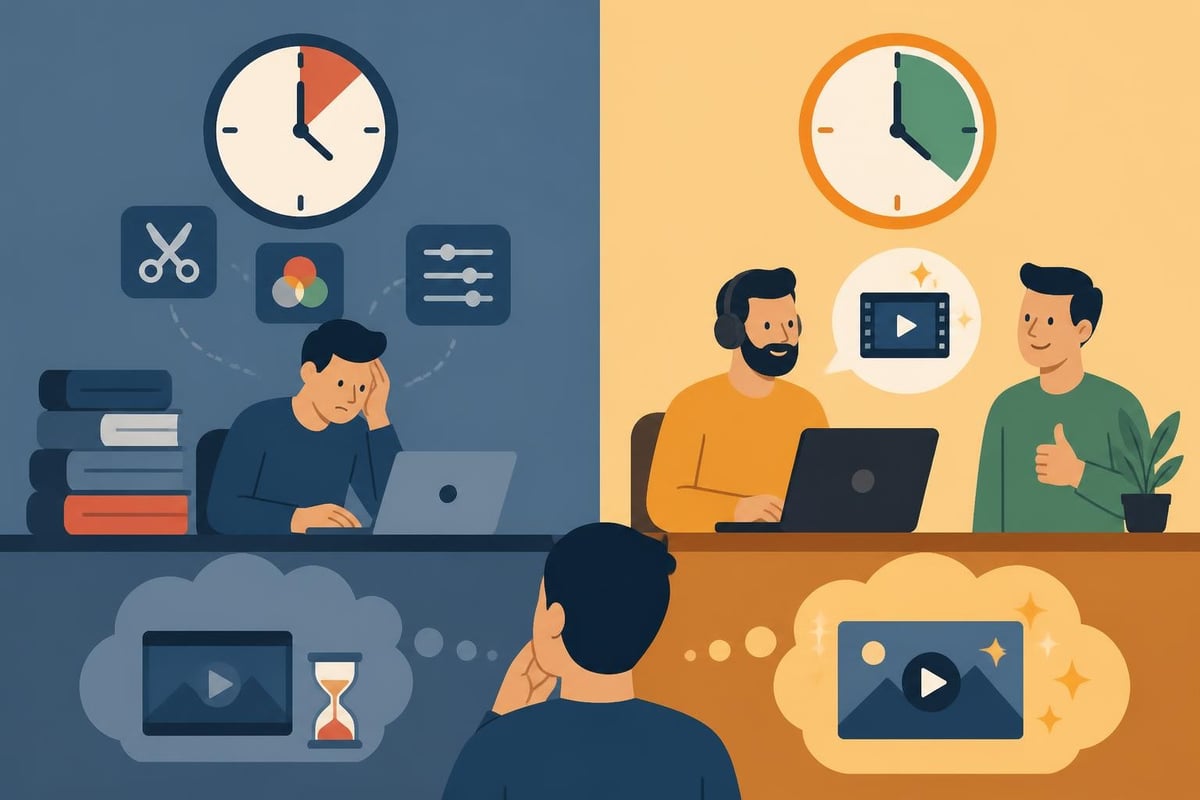
When you download a photo video editing app free version, you're typically trading money for something else:
- Your time – Learning curves, trial and error, and troubleshooting eat hours
- Features – Watermarks, export limits, or locked premium effects
- Quality – Compression artifacts, limited resolution, or clunky workflows
- Mental energy – Decision fatigue from too many options and settings
For content creators producing videos weekly or daily, these trade-offs add up quickly. The question isn't just "Is this app free?" but "What is this free app actually costing me?"
Top Free Photo and Video Editing Apps Worth Your Time
Not all free tools are created equal. Some genuinely deliver professional results without the usual headaches.
Mobile-First Editing Solutions
CapCut has dominated the free mobile editing space since 2023. It's TikTok's editing baby, which means it's built specifically for vertical video, quick cuts, and trending effects. The app handles basic color correction, transitions, and text overlays without watermarks on exports.
InShot balances simplicity with power. Its interface makes sense on first launch, which is rare in editing apps. Great for Instagram Reels and Stories, with solid music library integration and speed controls.
Adobe Premiere Rush offers a streamlined version of Premiere Pro for mobile and desktop. The free tier limits exports, but the sync across devices and simplified timeline make it worth considering for creators already in the Adobe ecosystem.
Google Photos includes surprisingly capable built-in editing tools for both photos and short videos, perfect for quick adjustments without downloading another app.
Desktop Free Editing Powerhouses
If you're serious about video editing and want desktop-level control without the cost, these open-source options deliver:
| Software | Best For | Learning Curve | Export Quality |
|---|---|---|---|
| Shotcut | All-around editing | Moderate | Excellent |
| Kdenlive | Multi-track projects | Moderate | Excellent |
| Blender VSE | Advanced compositing | Steep | Professional |
| DaVinci Resolve (free) | Color grading | Steep | Professional |
Shotcut provides a solid middle ground. It's genuinely free (no paid tiers to upsell you), handles 4K footage smoothly, and offers extensive how-to documentation that actually helps. The interface feels dated compared to commercial software, but it gets the job done without crashes or watermarks.
Kdenlive brings professional multi-track editing to the free tier. The comprehensive official manual walks you through everything from basic cuts to advanced effects. It's particularly strong for creators who need subtitle workflows and detailed color correction.
For creators willing to invest serious learning time, Blender goes beyond basic editing. Its video editing documentation shows how the Video Sequence Editor handles compositing, 3D integration, and motion graphics-all free.
Photo Editing Apps That Handle Video Too
Some apps blur the line between photo and video editing, which works perfectly for creators managing both:
- VSCO – Primarily known for photo filters, but handles short video clips with the same aesthetic presets
- Snapseed – Google's photo editor with basic video trimming and adjustment tools
- Canva – Web-based design platform that's expanded into video with templates and quick edits
GIMP remains the gold standard for free photo editing on desktop, though its video capabilities are limited. For photographers who occasionally need video edits, pairing GIMP with a dedicated video tool creates a complete free workflow.
When Free Apps Actually Work (And When They Don't)
Let's be honest about what a photo video editing app free tier can and cannot do for your content strategy.
Free Apps Work When:
You're just starting out. Testing content formats and platforms before investing makes total sense. Use free tools to find your voice and audience without financial pressure.
You have time to learn. If you genuinely enjoy the editing process and have hours to spare each week, free tools offer creative control without cost. Some creators find editing meditative and relaxing.
Your content needs are simple. A weekly Instagram post with basic cuts and a trending audio track? Free apps handle that smoothly.
You're creating personal content. Family videos, travel recaps, or hobby documentation don't require professional polish or tight deadlines.
Free Apps Become Expensive When:
- Consistency matters – Publishing daily or multiple times weekly makes every hour count
- Quality reflects your brand – Professional services, courses, or products need polished video
- Time is literally money – Your hourly rate exceeds the cost of hiring an editor
- Stress affects creativity – Fighting software kills the joy of creating content
Many marketers and agencies discover that free tools create a false economy. Spending six hours editing what a professional could finish in ninety minutes doesn't save money when you calculate opportunity cost.
Advanced Free Editing Workflows for Power Users
If you're committed to the free editing path, understanding professional workflows helps you work smarter.
Command-Line Power with FFmpeg
For creators comfortable with terminal commands, FFmpeg automates batch processing like nothing else. It's not an app with buttons and sliders-it's a command-line tool that converts, trims, watermarks, and processes video files faster than any graphical interface.
Common FFmpeg use cases:
- Batch converting files from one format to another
- Trimming multiple clips to exact timestamps
- Adding watermarks or overlays to entire folders of videos
- Extracting audio from video files
- Creating thumbnails automatically
The learning curve is real, but once you grasp the basics, FFmpeg handles repetitive tasks that would take hours in traditional editing apps.
Raw Photo Workflows
Serious photographers working with RAW files need specialized tools. darktable offers professional-grade nondestructive editing completely free, handling everything from lens correction to advanced color grading. While it doesn't edit video directly, it's essential for creators who shoot photos and video on the same projects.
Accessibility Considerations
Creating accessible content isn't optional in 2026-it's essential. The W3C Web Accessibility Initiative guidance covers caption standards and audio description requirements. Most free editing apps now include subtitle tools, but quality varies wildly.
Accessibility checklist for edited videos:
- Accurate captions with proper timing
- Clear audio without background noise overwhelming speech
- Sufficient color contrast for text overlays
- Descriptive audio for visual-only information (when possible)
Platform-Specific Free Editing Options
Different platforms come with built-in editing that's actually useful.
Apple's Ecosystem
iMovie ships free on every iPhone, iPad, and Mac. For Apple users, it's often the best starting point because it syncs projects across devices seamlessly. The templates and themes make professional-looking videos possible in minutes, though experienced editors find the simplified interface limiting.
Android's Fragmented Landscape
Android users don't get a universal free editor, which pushes most creators toward third-party apps like CapCut or InShot. The upside? More choice and often more features in free tiers compared to iOS equivalents.
Web-Based Editors
Browser-based editing apps like Clipchamp (now owned by Microsoft) and Canva Video work across any operating system. They're perfect for quick edits on borrowed computers or when you can't install software, though internet speed affects performance.
The Hidden Costs Nobody Talks About
Every photo video editing app free version has costs that don't show up in the download button.
| Hidden Cost | Impact | Mitigation |
|---|---|---|
| Update breaks | Features change or disappear | Export backups regularly |
| Format compatibility | Files don't work across apps | Stick to standard formats |
| Cloud storage limits | Projects exceed free tier | Local storage or paid upgrade |
| Export time | Rendering takes hours | Work during off-hours |
| Mental overhead | Tool-switching exhaustion | Commit to one primary app |
The biggest hidden cost? Creative burnout from technical frustration. When you spend more time fighting export settings than creating content, something's broken in the workflow.
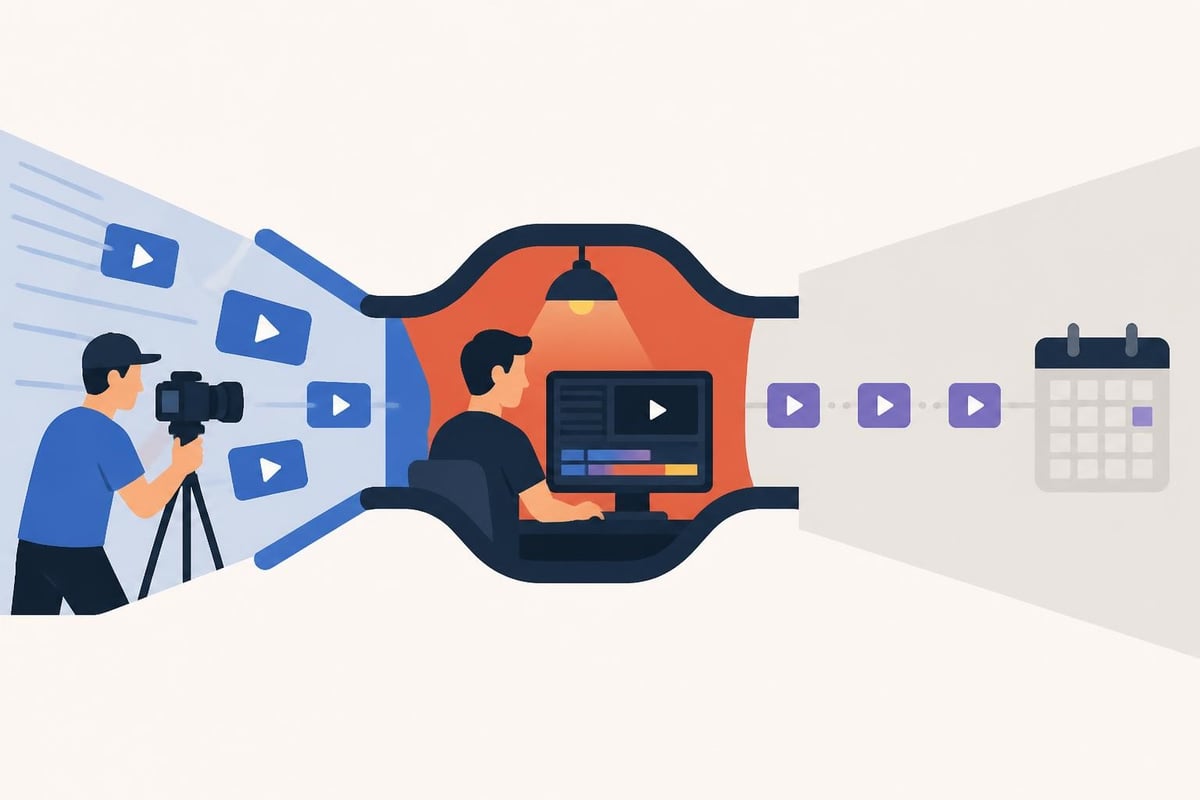
Many creators discover that transforming raw footage into content requires different skills than shooting it. Editing is its own craft, and being good at one doesn't automatically make you good at the other.
Comparing Free Apps to Professional Editing Services
Here's where things get interesting. The math on free versus paid editing services surprises most creators.
The True Cost Calculation
Let's say you spend five hours weekly editing videos with a photo video editing app free tier. That's 260 hours annually-over six full work weeks.
If your hourly rate is $50:
- 260 hours × $50 = $13,000 in opportunity cost
- Professional editing often costs $200-400 per video
- At 50 videos annually, that's $10,000-20,000
- The break-even point arrives faster than expected
For creators whose primary value comes from being on camera, creating content, or serving clients, editing yourself rarely makes financial sense once you're established.
What Professional Services Actually Provide
Services like beCreatives flip the entire model. Instead of paying per video, you get unlimited editing for a flat monthly rate with dedicated editors who learn your style.
Beyond just editing, professional services offer:
- Consistent turnaround times you can plan content calendars around
- Fresh creative perspectives on how to present your footage
- Technical quality that free apps struggle to match
- Mental space to focus on what you're actually good at
- Scalability when content demands increase
The comparison between free apps and professional services isn't really about money-it's about where you want to spend your limited time and energy. When you're evaluating whether to invest in editing help, check out the detailed platform comparison to understand modern editing service workflows.
Making the Free Editing Decision Work for You
Not everyone should outsource editing, and not everyone should DIY it with free apps. The right choice depends on your specific situation.
Choose Free Apps If You:
- Enjoy the editing process itself – Some people find it genuinely relaxing
- Have predictable free time – A few dedicated hours weekly works fine
- Create low-volume content – One or two videos monthly is manageable
- Want complete creative control – You have a specific vision only you can execute
- Are building editing skills intentionally – Learning for future career opportunities
Choose Professional Editing If You:
- Publish daily or multiple times weekly – Volume overwhelms free tools
- Run a business or service – Your time generates revenue elsewhere
- Struggle with consistency – Editing backlogs kill momentum
- Feel technically overwhelmed – Software stress affects creativity
- Value work-life balance – Evenings and weekends matter
For business owners specifically, the decision often comes down to ROI. Would those editing hours generate more value spent on client work, content strategy, or actual rest?
Hybrid Approaches That Actually Work
You don't have to choose all-or-nothing. Smart creators blend approaches based on content type.
Sample hybrid workflow:
- Quick social updates – Edit yourself with mobile apps (15 min per video)
- Long-form content – Outsource to professional editors (YouTube videos, courses)
- Time-sensitive posts – Self-edit for speed
- Cornerstone content – Professional polish for evergreen pieces
This approach maximizes flexibility while keeping costs predictable. You maintain day-to-day control but get professional help where it matters most.
Some creators use unlimited video editing services as a bridge-handling simple edits themselves while sending complex projects to their dedicated editor. The unlimited model means you're not calculating per-video costs and can test different content formats without budget stress.
The Future of Free Editing Apps
AI is transforming what's possible in free photo video editing app tiers. In 2026, features that required professional software just three years ago now appear in free mobile apps.
AI-powered features hitting free apps:
- Automatic b-roll selection and placement
- Voice-to-caption transcription
- Background noise removal
- Auto-color correction based on scene analysis
- Smart cropping for different aspect ratios
These advancements make free apps more capable than ever, but they also raise the quality bar. When everyone has access to AI color grading, basic color grading stops being a differentiator. The competitive advantage shifts to creativity, strategy, and consistency-areas where human editors still dominate.
For home cinema enthusiasts and content creators looking to enhance their video setups, working with specialists like ANR media for display optimization ensures your edited content looks its absolute best on high-end viewing systems.
Making Your Choice and Moving Forward
The photo video editing app free landscape in 2026 offers incredible tools that would have cost thousands just a decade ago. You can absolutely create professional-quality content without spending money on software.
But professional-quality content and sustainable content creation are two different goals. The first is about technical capability. The second is about building a workflow you can maintain long-term without burning out.
Questions to ask yourself:
- Does editing energize or drain you?
- Could those editing hours create more value elsewhere?
- Is your content calendar suffering from editing bottlenecks?
- Would consistency improve if editing wasn't your responsibility?
- What would you create with an extra 5-10 hours weekly?
Your answers reveal whether free editing apps serve your goals or hold you back. There's no shame in either choice-only honest assessment of what actually works for your situation, your business, and your sanity.
Free editing apps have never been more powerful, but they're still just tools-and tools work best when they match your actual needs. Whether you choose to master a photo video editing app free tier or hand your footage to professionals depends on where you want to invest your time and energy. If you're finding that editing has become the bottleneck keeping you from consistent content, beCreatives offers unlimited video editing with dedicated editors who learn your style and turn your raw footage into publish-ready content while you focus on what you do best. Sometimes the smartest investment isn't in better tools-it's in getting your time back.