If you've spent any time researching video editing services in 2026, you've probably stumbled across Video Husky. Their promise sounds almost too good to be true: unlimited video editing requests for a flat monthly fee. No per-project quotes, no surprise invoices, just a straightforward subscription. For content creators and agencies drowning in raw footage, it's a tempting pitch. But does video husky actually deliver on that promise, or is it just clever marketing? Let's break down how this service works, who it's really built for, and whether it stacks up against other editing solutions like beCreatives. We'll dig into the pricing, the workflow, the hidden limitations, and real-world use cases so you can decide if this model fits your content pipeline.
How Video Husky's Unlimited Model Actually Works
The video husky platform operates on a queue-based system. You submit editing requests one at a time, and their team works through your queue in order. This is the critical detail most people miss: "unlimited" doesn't mean you can submit 50 videos on Monday and get them all back by Friday. According to Video Husky’s FAQ explaining their unlimited offer, you'll typically receive one completed video every 24-48 hours depending on complexity.
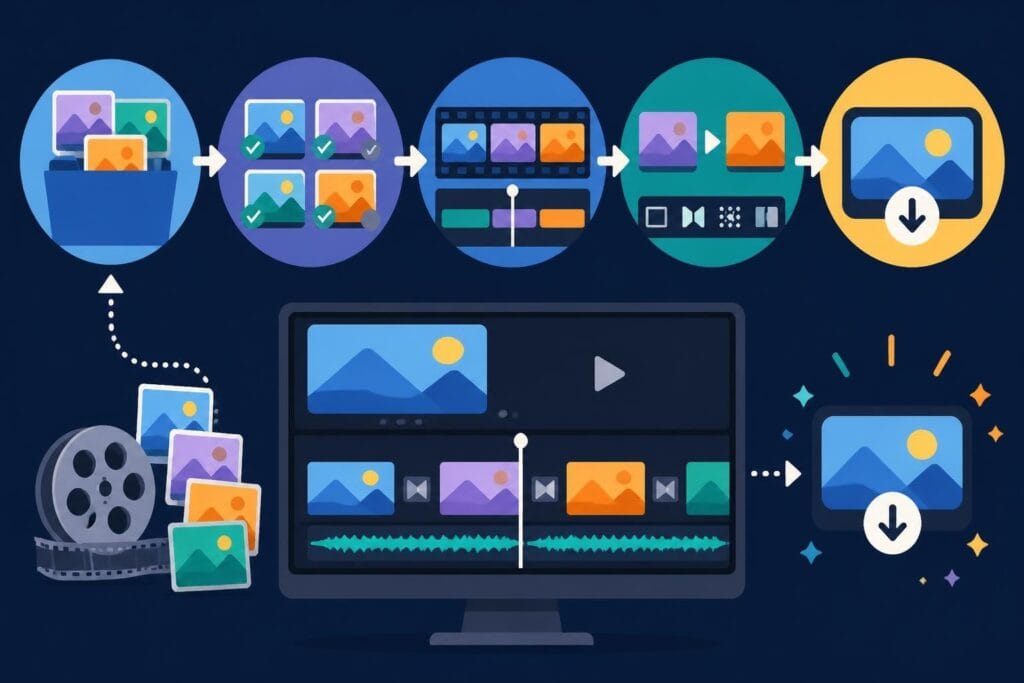
Here's how the workflow breaks down:
- Upload your raw footage through their dashboard
- Fill out a creative brief with editing instructions, brand guidelines, and reference examples
- Wait in the queue while your editor works on the current request
- Review the first draft and submit revision notes
- Receive the final video and move to your next project
The model makes sense for creators who have a steady stream of content but don't need everything edited simultaneously. If you publish three YouTube videos per week, video husky can handle that rhythm smoothly. Where it breaks down is when you need five videos edited by tomorrow for a product launch.
The Real Cost of "Unlimited"
Video Husky's pricing sits around $699-$999 per month depending on which plan you choose. That's comparable to hiring a part-time freelancer, but with more predictability. The Starter Story interview with Video Husky’s founder reveals their original pricing experiments started much lower before settling on their current model.
But here's where you need to read the fine print. The subscription model works brilliantly when you have consistent volume. According to research on B2B video editing pricing models, unlimited subscriptions become cost-effective when you're producing at least 8-12 edited videos monthly. Below that threshold, you're probably overpaying compared to project-based services.
| Monthly Video Output | Video Husky Cost Per Video | Traditional Editor Cost Per Video | Breakeven Point |
|---|---|---|---|
| 4 videos | $175-$250 | $150-$300 | Borderline |
| 8 videos | $87-$125 | $150-$300 | Profitable |
| 12 videos | $58-$83 | $150-$300 | Very profitable |
| 16+ videos | $44-$62 | $150-$300 | Extremely profitable |
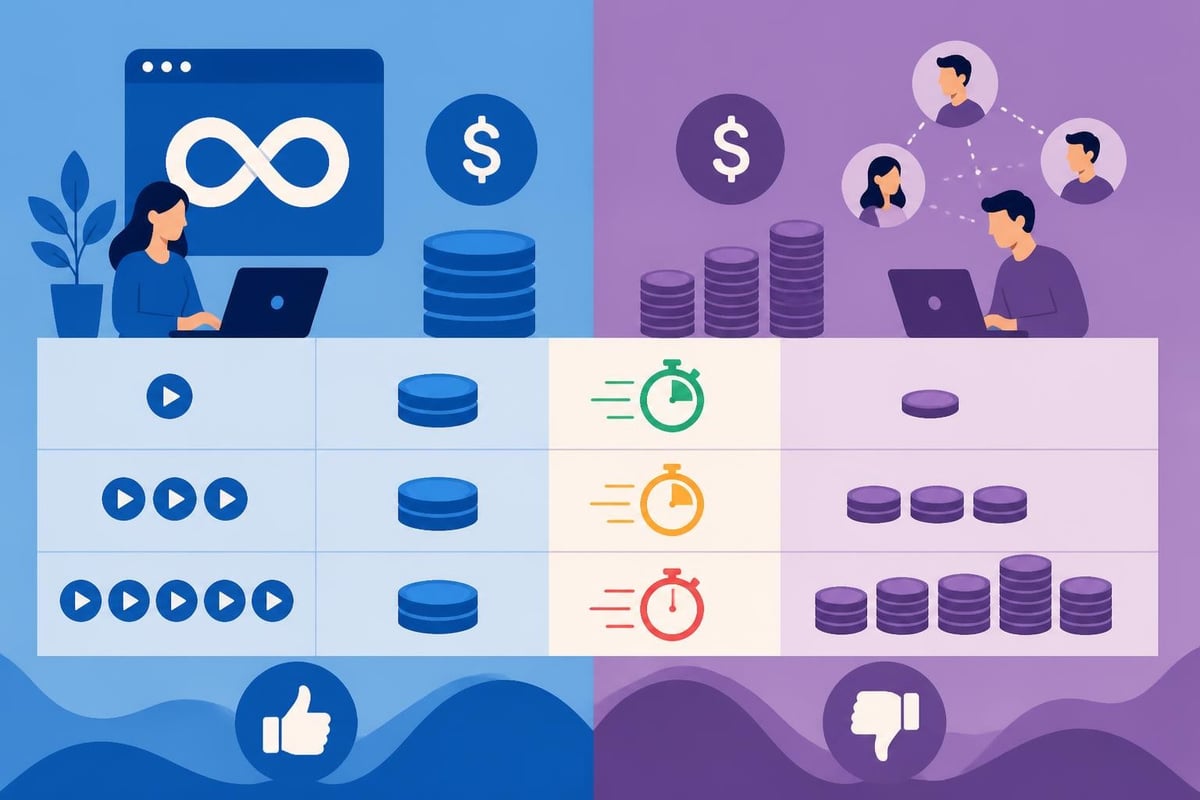
The math changes completely when you're a high-volume agency. At beCreatives, we work with marketing teams pushing out 30-50 pieces of content monthly across multiple platforms. For those workflows, you'd need multiple video husky subscriptions or a platform designed for agency-level volume.
Who Video Husky Works Best For
After analyzing the service model and talking to editors who've worked in similar systems, video husky fits a specific creator profile. You're probably a good match if you're a:
- Solo YouTuber publishing 2-4 long-form videos weekly with consistent formatting
- Course creator who needs lesson videos edited in batches with repeatable templates
- Podcast producer converting interview recordings into video clips for social distribution
- Small business owner maintaining a regular content calendar without urgent deadlines
You're probably NOT a good fit if you're:
- An agency managing multiple clients with competing deadlines
- A brand launching seasonal campaigns that require bulk editing in tight windows
- A creator with wildly inconsistent video needs month to month
- Someone who needs same-day turnarounds or weekend rush jobs
The queue system inherently limits flexibility. When Wistia analyzed video repurposing workflows, they found modern creators typically need one long-form piece cut into 8-12 short clips for different platforms. That's where services offering unlimited video editing with parallel processing become essential.
Comparing Video Husky to Other Editing Solutions
The subscription editing space has gotten crowded in 2026. Video husky competes with freelancer platforms, in-house hiring, and agency services like beCreatives. Each approach has distinct tradeoffs:
Freelance Platforms (Upwork, Fiverr)
Pros: Pay only for what you use, access to global talent, negotiate custom rates
Cons: Quality inconsistency, onboarding time for each project, communication gaps, no guaranteed availability
In-House Editor
Pros: Dedicated resource, deep brand knowledge, immediate collaboration
Cons: $45,000-$75,000 annual salary plus benefits, underutilized during slow periods, single point of failure
Video Husky
Pros: Predictable monthly cost, no hiring hassle, unlimited requests in queue
Cons: Limited to one-at-a-time workflow, less flexibility for rush jobs, may not suit complex motion graphics
beCreatives
Pros: Unlimited storage, dedicated editor team, parallel project processing, built for content creators and agencies
Cons: Higher price point than solo subscriptions (but better value at scale)
The CB Insights profile on Video Husky positions them firmly in the creator economy space, targeting individual YouTubers and solopreneurs. That's a deliberate market focus, but it means agencies and high-volume brands quickly outgrow the platform.

The Hidden Limitations of Queue-Based Editing
Here's what most reviews won't tell you about video husky: the queue system creates artificial scarcity. It's designed to prevent abuse of "unlimited" by forcing sequential processing. Smart business model, but frustrating when reality doesn't cooperate.
Imagine this scenario: You batch-record six podcast episodes on Sunday. You upload them all to video husky on Monday morning, each needing intros, outros, captions, and social cutdowns. Even with a 24-hour turnaround, you're looking at six business days before everything's finished. Meanwhile, your publishing calendar needs three of those episodes live by Wednesday.
This is where understanding how unlimited offers actually work becomes critical. The service works beautifully for predictable, consistent workflows. It breaks when you need burst capacity.
Turnaround Time Reality Check
Video husky advertises 24-48 hour turnarounds. In practice, here's what that means:
- Simple cuts (podcast uploads, talking heads): 24 hours realistic
- Social media clips with captions and graphics: 36-48 hours
- YouTube videos with B-roll, transitions, color grading: 48-72 hours
- Complex motion graphics or animation: 3-5 days or may be declined
Compare that to services offering dedicated editor teams who can work on multiple projects simultaneously. When you're transforming raw footage into content at scale, parallel processing isn't a luxury, it's a necessity.
What Video Husky Does Really Well
Let's give credit where it's due. Video husky excels in several areas that matter to solo creators:
Template-based editing: If your content follows repeatable formats, their editors build templates that speed up future projects. Your intro sequence, lower thirds, outro CTA-all saved and reusable.
Communication system: Their project dashboard keeps feedback organized. No more digging through email threads trying to find revision notes from three weeks ago.
Brand consistency: Once you've onboarded and established style guidelines, you get the same editor (or small team) familiar with your preferences.
No contract commitments: Monthly subscriptions with cancel-anytime flexibility. This aligns with research from Harvard Business Review on subscription business practices, showing that creator-focused services benefit from low friction exit policies.
For creators maintaining consistent publishing schedules, this combination creates genuine value. The challenge comes when your needs evolve beyond one-video-at-a-time processing.
When You've Outgrown Video Husky
There's a natural evolution most content businesses follow. You start editing videos yourself. Then you hire occasional freelancers. Maybe you try video husky or a similar subscription. Eventually, you hit a ceiling where the queue system can't keep pace with your content ambitions.
The warning signs you've outgrown video husky:
- You're subscribing to multiple accounts to increase throughput
- You're constantly frustrated by turnaround limitations during launches
- Your content needs have expanded beyond standard cuts into motion graphics and animation
- You're managing content for multiple brands or clients and need better project segregation
- You need white-label editing services to deliver to your own clients
This is exactly the transition point where agencies and serious creators explore platforms like beCreatives. Our model handles the parallel project chaos that subscription services can't address.

The Economics of Outsourcing Your Editing
Whether you choose video husky, beCreatives, or another solution, the fundamental question is the same: does outsourcing make financial sense? According to Wistia’s State of Video insights, 73% of businesses report that video content delivers better ROI than any other content format. But only when you can actually produce and publish consistently.
Let's break down the real cost of DIY editing:
| Task | Time Required | Your Hourly Value | Opportunity Cost |
|---|---|---|---|
| Basic YouTube edit (10-min video) | 3-4 hours | $100-$300/hr | $300-$1,200 |
| Social media clips (5 variations) | 2-3 hours | $100-$300/hr | $200-$900 |
| Podcast video with captions | 2 hours | $100-$300/hr | $200-$600 |
| Monthly total (12 videos) | 40-50 hours | $100-$300/hr | $4,000-$15,000 |
When you compare that opportunity cost to a $700-$1,000 monthly subscription, the math becomes obvious. Even at video husky's price point, you're "saving" $3,000-$14,000 monthly by redirecting those hours to revenue-generating activities.
The official Video Husky homepage emphasizes this exact value proposition: free up your time to create, film, and strategize while editors handle the technical execution.
Video Editing for Specialized Content Types
One area where video husky shows limitations is specialized editing. If you're producing standard YouTube content, podcast clips, or social media posts, you're golden. But venture into niche content formats and you'll hit walls.
For example, if you're editing 360-degree video content for virtual tours or immersive experiences, you need editors with specific technical expertise. Platforms like beCreatives offer 360 video editing services with editors trained in spatial audio and equirectangular workflows.
Similarly, fitness and sports content often requires specialized knowledge. Cutting training videos means understanding exercise form, pacing for instruction, and safety disclaimers. beCreatives' fitness training video editing services cater specifically to these requirements.
Other specialized formats that may exceed video husky's scope:
- Course content with complex screen recordings, multi-camera angles, and integrated graphics
- Real estate video tours requiring stabilization, color correction, and drone footage integration
- Product demonstrations with precise timing, close-up details, and branded overlays
- Webinar recordings needing presentation slides synced with speaker footage and audience Q&A
Making the Final Decision on Video Husky
So should you sign up for video husky? The honest answer depends entirely on your current situation and near-term growth trajectory.
Choose video husky if:
You're a solo creator or small team publishing 8-15 videos monthly with predictable formats and reasonable deadlines. You value simplicity over flexibility and don't anticipate major growth spurts in the next 3-6 months.
Look elsewhere if:
You're an agency, manage multiple brands, need burst capacity for launches, or your content demands specialized editing skills. You'll quickly find yourself either paying for multiple subscriptions or frustrated by queue limitations.
Consider hybrid approaches:
Many successful creators use video husky for routine weekly content while maintaining relationships with specialized editors for complex projects. Or they use subscription services during consistent periods and switch to project-based services during slower months.
The subscription model isn't inherently better or worse than alternatives-it's about finding the right tool for your specific workflow. Understanding video editing prices across different service models helps you make informed comparisons.
Alternative Workflows That Might Serve You Better
Before committing to any subscription service, consider whether other workflows might better suit your content strategy. Modern video production often benefits from specialized solutions at different stages.
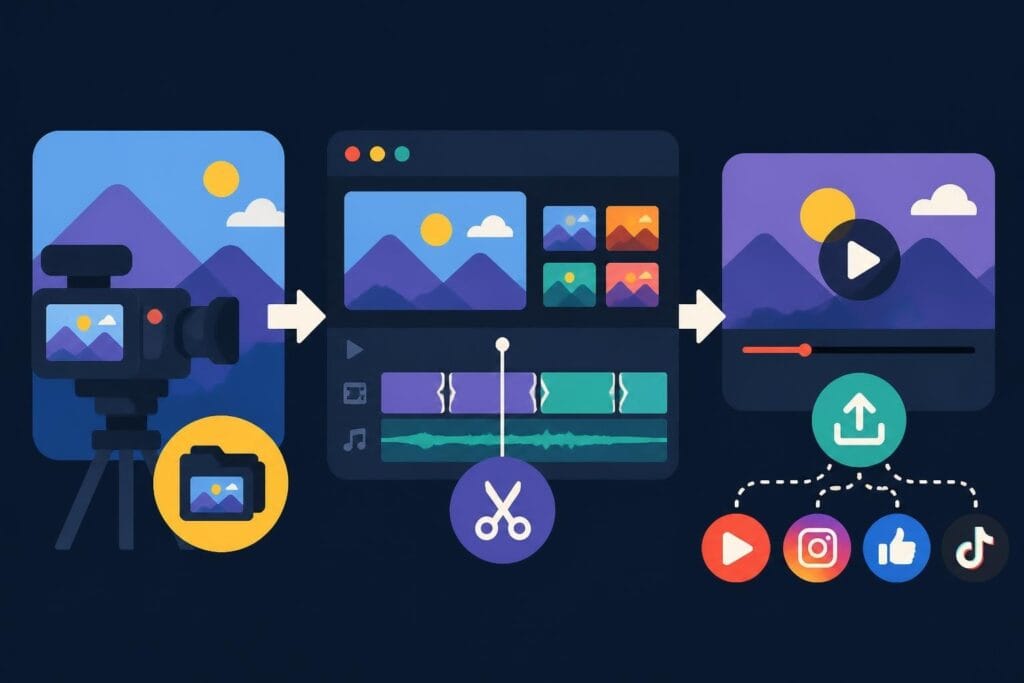
For instance, if you're primarily focused on repurposing long-form content into short clips, you need editors who understand platform-specific requirements for TikTok, Instagram Reels, YouTube Shorts, and LinkedIn videos. This isn't just cutting 60-second chunks-it's reformatting aspect ratios, adding captions, creating custom thumbnails, and optimizing hooks for each platform.
Similarly, course creators have unique requirements that generic editing services often miss. When you're producing educational content, you need editors who understand pacing for learning, can integrate quizzes and worksheets, and know how to structure modules for student retention. beCreatives' course editing services address these specific pedagogical requirements.
And if you're building a personal brand, your editing needs go beyond technical execution. You need editors who become extensions of your brand team, understanding your voice, your audience, and your strategic positioning. They should know which moments showcase your expertise, which stories resonate emotionally, and how to cut content that builds authority.
The Future of Video Editing Services
Looking ahead in 2026, the video editing service landscape continues evolving rapidly. AI-assisted editing tools are becoming more sophisticated, but they still can't replace human editorial judgment for nuanced content. Services like video husky sit in an interesting middle ground: leveraging technology for efficiency while maintaining human editors for quality control.
The trend we're seeing is increasing specialization. Generic "we edit anything" services are giving way to platforms focused on specific creator types, content formats, or industries. This creates better outcomes for creators because editors develop deep expertise in your particular content style.
For technical enthusiasts who want to understand the equipment behind professional video workflows, companies like VCR Supply provide rental and repair services for specialized video decks used in digitization and archival work. While most modern creators won't need MiniDV or Betamax equipment, understanding the legacy formats helps when repurposing older content or working with clients who have archive footage.
And for businesses investing in premium video experiences, specialists like ANR Media create custom home cinema and multi-room audio-video solutions that showcase your content in its best light. The viewing experience matters as much as the editing quality when presenting to clients or internal stakeholders.
Questions to Ask Before Subscribing
Before you commit to video husky or any editing subscription, ask yourself these critical questions:
Volume questions:
- How many videos do I actually need edited per month?
- Is my volume consistent or does it spike seasonally?
- Am I batch-creating content or producing throughout the month?
Complexity questions:
- Are my videos mostly similar (talking heads, interviews) or highly varied?
- Do I need motion graphics, animation, or advanced color grading?
- How much creative direction do I provide versus expecting editors to make creative choices?
Timeline questions:
- What's my typical deadline from filming to publishing?
- Can I plan a week ahead, or do I often need same-day turnarounds?
- How important is it that multiple videos get edited simultaneously?
Growth questions:
- Where do I see my content volume in 6 months? 12 months?
- Am I planning to expand into new content formats or platforms?
- Will I need to scale editing capacity quickly for launches or campaigns?
Your answers will reveal whether a queue-based subscription like video husky fits your workflow or whether you need something more flexible.
The video husky model works well for specific creator profiles, but it's far from universal. If you're producing consistent, template-friendly content at moderate volume, it's worth testing. But for agencies, high-volume creators, or businesses needing specialized editing expertise, you'll likely outgrow the limitations quickly. That's where beCreatives steps in-offering unlimited storage, dedicated editor teams, and the parallel processing capacity that modern content strategies demand. Whether you're publishing across multiple platforms or managing content for several brands, we're built to handle the chaos so you can focus on creating content that actually grows your business.