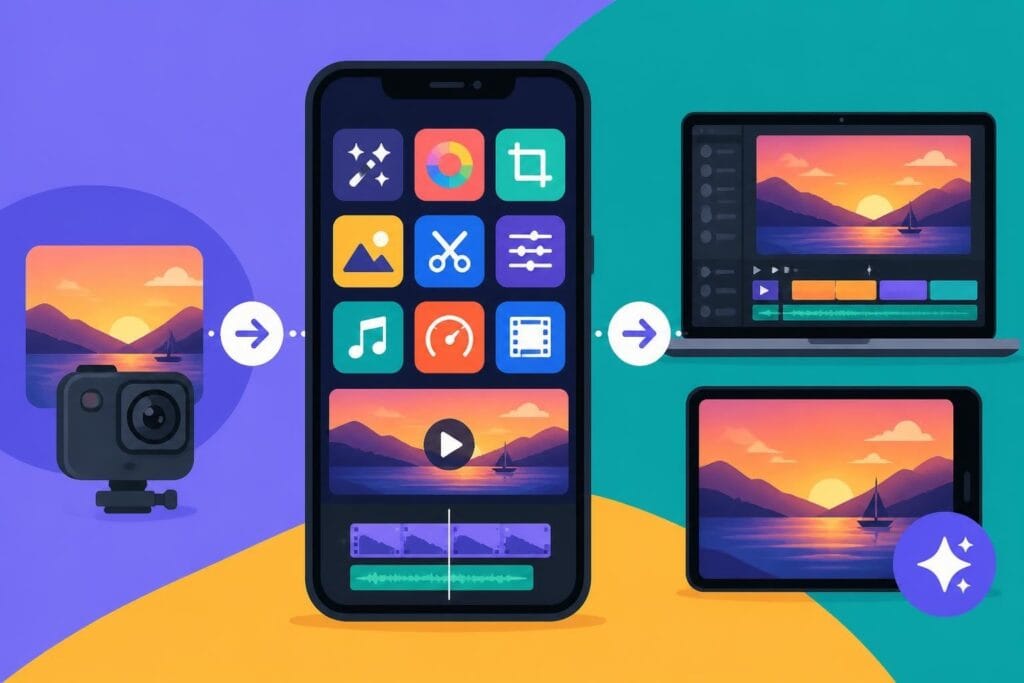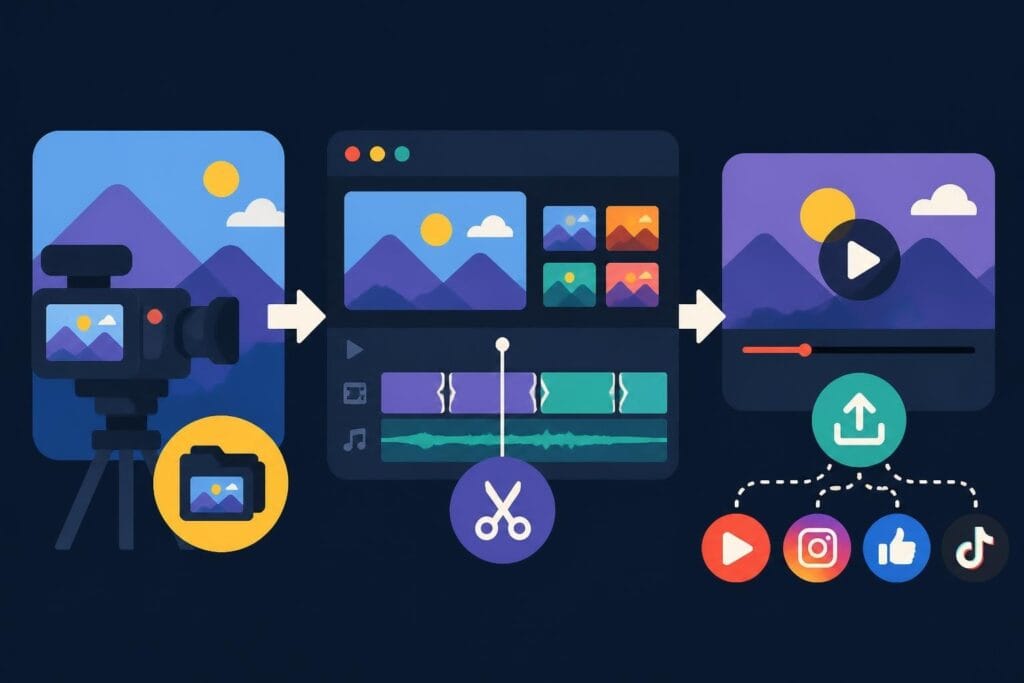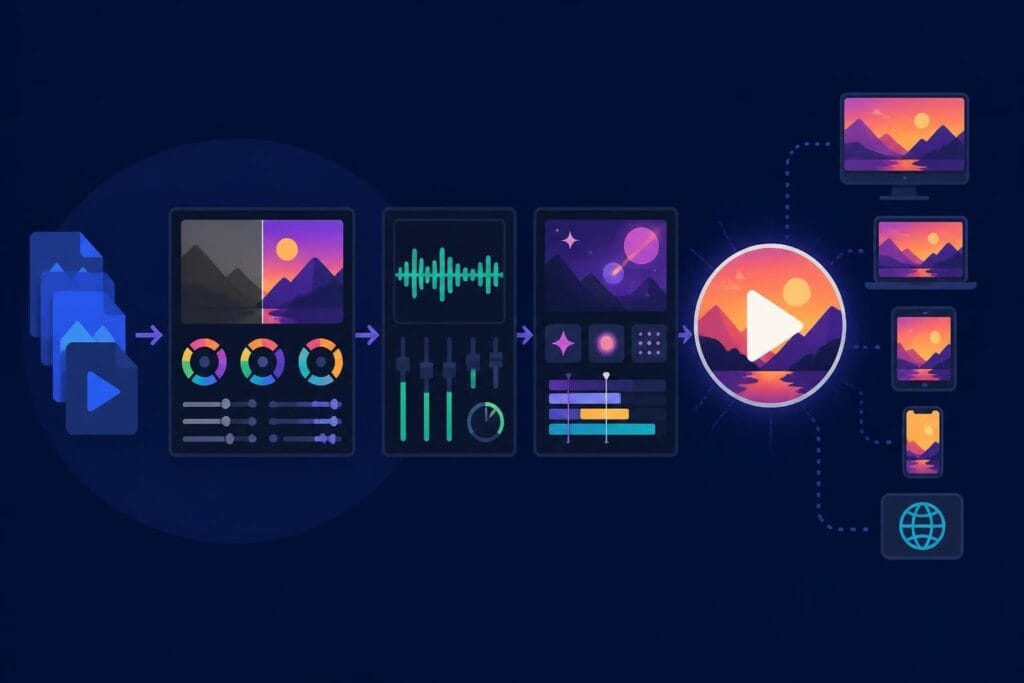
Postproduction video is where raw footage transforms into polished content that actually converts. It's the difference between scattered clips gathering digital dust and engaging videos that build your brand, drive sales, and keep your audience coming back. Whether you're a YouTuber, agency creative, or business owner, understanding postproduction workflows helps you make smarter decisions about your content strategy – and more importantly, figure out what to keep in-house and what to hand off to pros.
What Postproduction Video Actually Means in 2026
Postproduction video encompasses everything that happens after you stop recording. It's the editing, color correction, sound design, motion graphics, visual effects, and final delivery that turns your footage into finished content.
Think of it as the construction phase. You've got your raw materials (footage), now you need skilled craftspeople to build something people want to watch.
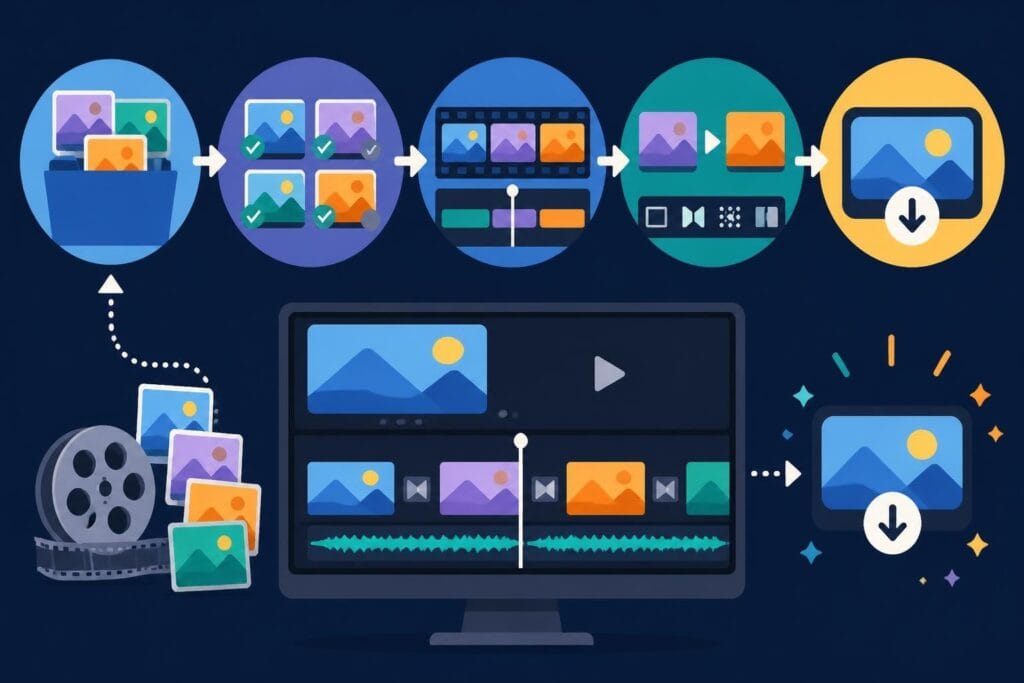
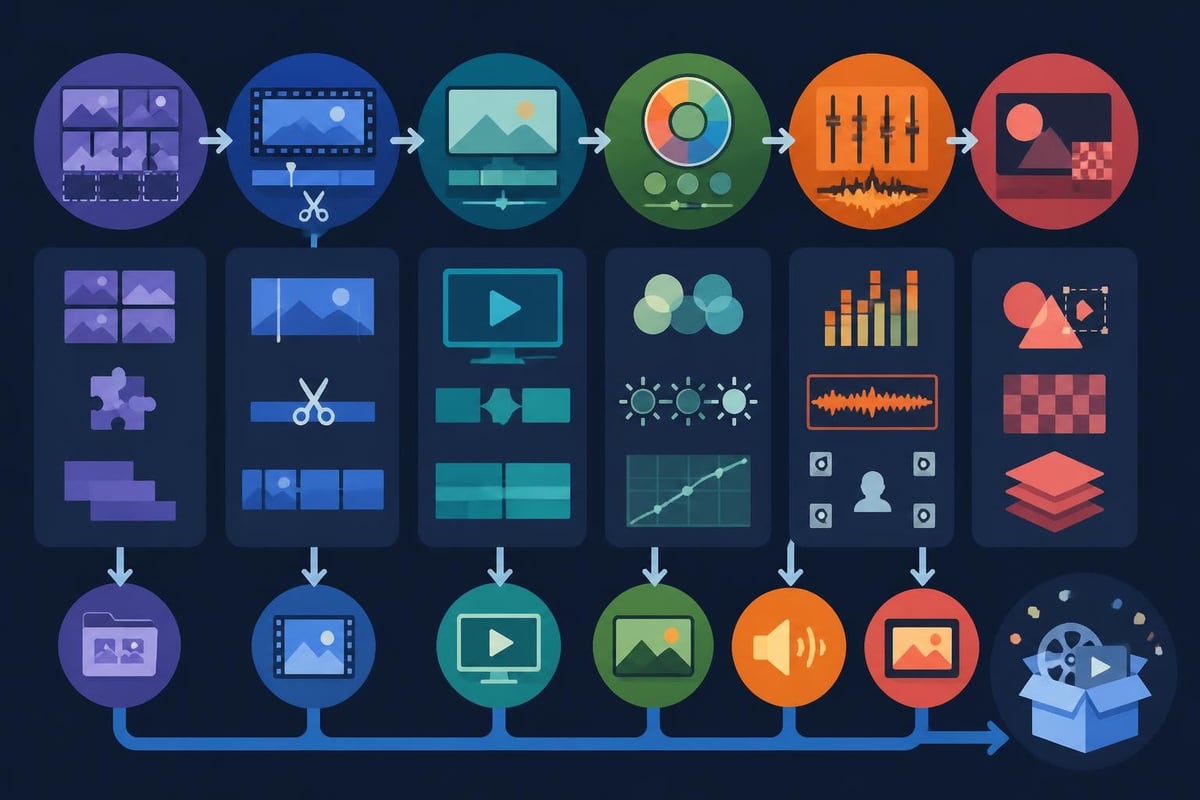
The core stages include:
- Assembly editing – organizing clips, removing mistakes, building the rough structure
- Fine-cut editing – refining pacing, adding transitions, tightening the story
- Color grading – enhancing mood, matching shots, creating visual consistency
- Audio post – cleaning dialogue, mixing music, adding sound effects
- Graphics and effects – titles, lower thirds, animations, VFX if needed
- Export and delivery – rendering final files optimized for each platform
Modern postproduction video workflows now integrate AI-assisted tools for transcription, rough cuts, and even preliminary color matching. But here's the thing: the technology only speeds up the technical stuff. The creative decisions – pacing, emotional beats, storytelling choices – still need a human brain.
Why Postproduction Takes Longer Than Shooting
Your two-hour shoot might produce 90 minutes of footage. Turning that into a tight three-minute video? That's easily 4-6 hours of editing work, sometimes more.
Here's why postproduction video work is time-intensive:
- Selection and organization – reviewing every clip, tagging the good takes, building a structured timeline
- Problem-solving – fixing audio issues, stabilizing shaky shots, matching color between different cameras
- Creative iteration – trying different cuts, testing music options, refining until it feels right
- Technical precision – ensuring frame accuracy, audio sync, proper codecs for delivery
- Revisions – incorporating feedback, making changes, re-exporting
Many creators underestimate postproduction video time and end up drowning in their editing queue. That's exactly why unlimited video editing services have become game-changers for busy content creators who need consistent output without the editing bottleneck.
The Technical Side of Postproduction Video Workflows
Modern postproduction video relies on sophisticated technical infrastructure, especially for agencies and production companies handling multiple projects simultaneously.
File Formats and Codecs
Your footage arrives in various formats – probably H.264 or H.265 from your camera. But professional postproduction video workflows typically transcode to intermediate codecs like ProRes or DNxHR for editing. Why? These formats maintain quality through multiple renders and make timeline playback smoother.
For final delivery, you're usually exporting back to H.264/H.265 (MP4), but increasingly also preparing streaming-optimized formats like CMAF for multi-platform distribution.
The FFmpeg documentation provides comprehensive guidance on transcoding between formats – essential knowledge for any serious postproduction workflow, though honestly, most editors just want their software to handle this automatically.
| Codec Type | Best Use | Pros | Cons |
|---|---|---|---|
| H.264/H.265 | Camera recording, final delivery | Small file sizes, universal playback | Heavy processing during editing |
| ProRes/DNxHR | Editing workflow | Smooth playback, maintains quality | Large file sizes |
| RAW formats | High-end production | Maximum flexibility, no compression | Massive storage needs |
Storage and Asset Management
Postproduction video gobbles up storage. A single 4K project can easily hit 50-100GB. Multiply that across dozens of active projects and you're looking at serious infrastructure.
Smart storage strategies:
- Working storage – fast SSDs for active projects
- Archive storage – slower HDDs or cloud for completed work
- Backup redundancy – at least two copies, preferably three (local, external, cloud)
Professional platforms offer unlimited storage as part of their service. It's one less headache when you're transforming raw footage into content at scale.
Quality Control and Standards
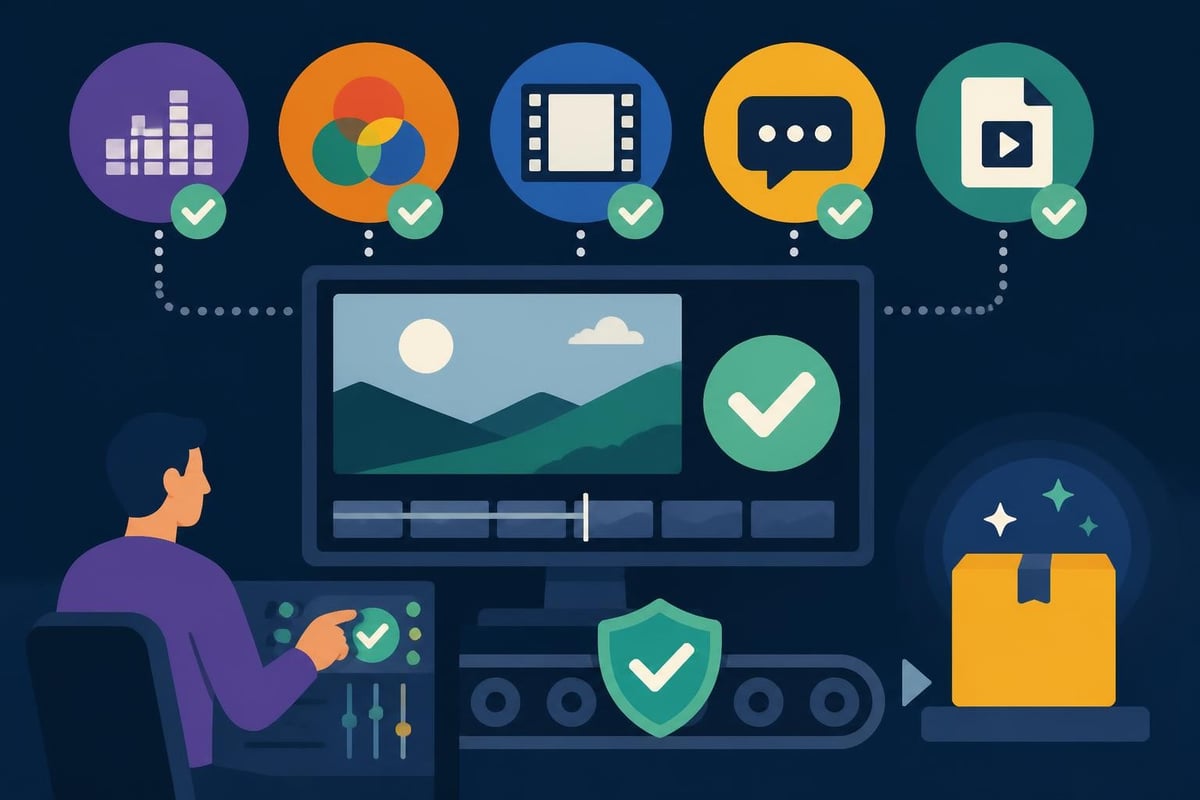
Broadcast and streaming platforms have strict technical requirements. Postproduction video workflows need QC (quality control) checks before delivery to catch issues like:
- Audio levels exceeding broadcast standards
- Color gamut problems that cause clipping
- Frame rate inconsistencies
- Subtitle sync errors
- Codec or wrapper incompatibilities
The EBU QC documentation outlines automated quality checks used by broadcasters worldwide. Even if you're not delivering to TV networks, these standards represent best practices worth following.
Creative Decisions That Define Great Postproduction Video
Technical proficiency keeps your videos functional. Creative choices make them compelling.
Pacing and Rhythm
The single biggest difference between amateur and professional postproduction video? Pacing. Pros know when to linger and when to cut tight.
Pacing considerations:
- Platform expectations – TikTok demands fast cuts; YouTube allows more breathing room
- Content type – tutorials need clarity over speed; brand stories benefit from emotional beats
- Audience retention – analytics show exactly where viewers drop off, informing future editing choices
Good editors develop an intuitive sense for rhythm. They feel when a shot has overstayed its welcome or when a transition is jarring. It's like music – technically correct notes don't guarantee a song anyone wants to hear.
Color Grading for Mood and Brand
Color grading in postproduction video does more than make footage look pretty. It establishes mood, directs attention, and reinforces brand identity.
Think about it: warm, saturated colors feel energetic and optimistic. Cool, desaturated tones feel serious or melancholic. Consistent color treatment across your content builds visual brand recognition faster than you'd think.
Professional colorists can spend hours on a single grade, but for most content creators, what matters is:
- Consistency across clips and videos
- Platform optimization (different compression on different platforms affects color)
- Brand alignment with your established visual identity
Sound Design and Audio Post
Viewers forgive mediocre visuals faster than bad audio. Seriously. Postproduction video audio work includes dialogue cleanup, music mixing, sound effects, and ensuring consistent levels throughout.
Common audio fixes:
- Removing background noise, hums, and hisses
- Matching volume levels between different shots or locations
- Adding room tone to cover jump cuts
- Ducking music under dialogue automatically
- Compressing and limiting to broadcast standards
Many creators overlook audio until they notice viewers bouncing. Don't be that person. Invest in audio quality from the start, or ensure your editing team prioritizes it.
Platform-Specific Postproduction Video Strategies
Each platform has its own personality, technical specs, and audience expectations. Smart postproduction video adapts content for each destination rather than uploading identical files everywhere.
Social Media Video Editing
Social platforms favor:
- Vertical or square formats – forget landscape for Instagram Stories or TikTok
- Captions baked in – 85% of social video plays with sound off
- Hook in first 3 seconds – you've got no time to waste
- Platform-native features – stickers, polls, interactive elements
Marketers and agencies particularly need efficient postproduction video workflows for social, where volume matters. Posting consistently beats posting perfectly.
YouTube and Long-Form Content
YouTube postproduction video focuses on:
- Retention optimization – pattern interrupts, visual variety, pacing changes
- Thumbnail and intro alignment – delivering on the promise your thumbnail makes
- Chapter markers – helping viewers navigate longer content
- End screens and cards – driving views to other videos
The editing style can be more relaxed than social, but retention analytics should directly inform your editing decisions. Watch your audience retention graph and ask yourself why viewers left at specific points.
Broadcast and High-End Production
Professional broadcast postproduction video requires adherence to technical standards like SMPTE ST 2110 for IP-based workflows and delivery in formats like IMF (Interoperable Master Format) for versioning and long-term archival.
Unless you're working with broadcast clients regularly, this level of complexity probably isn't your concern. But it illustrates how deep postproduction video can go when stakes and budgets are high.
| Platform | Aspect Ratio | Max Length | Key Priority |
|---|---|---|---|
| TikTok | 9:16 | 10 min | Hook + retention |
| Instagram Reels | 9:16 | 90 sec | Visual impact |
| YouTube | 16:9 | Unlimited | Watch time |
| 1:1 or 16:9 | 10 min | Professional value |
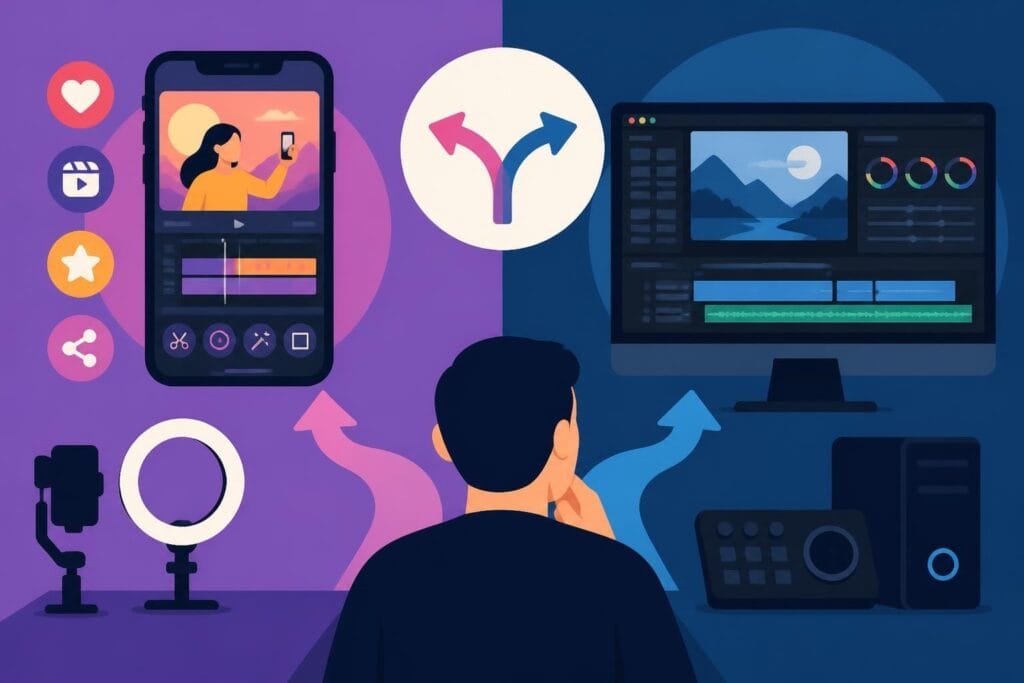
Outsourcing vs. In-House Postproduction Video
Here's the uncomfortable truth: most entrepreneurs and content creators spend way too much time editing their own videos.
When DIY Editing Makes Sense
You should handle your own postproduction video if:
- You genuinely enjoy editing and it energizes you
- You're still learning your brand voice and need creative control
- Your content volume is low (1-2 videos monthly)
- You have abundant time and minimal competing priorities
Even then, consider whether those editing hours could generate more revenue doing literally anything else in your business.
When Professional Editing Is Smarter
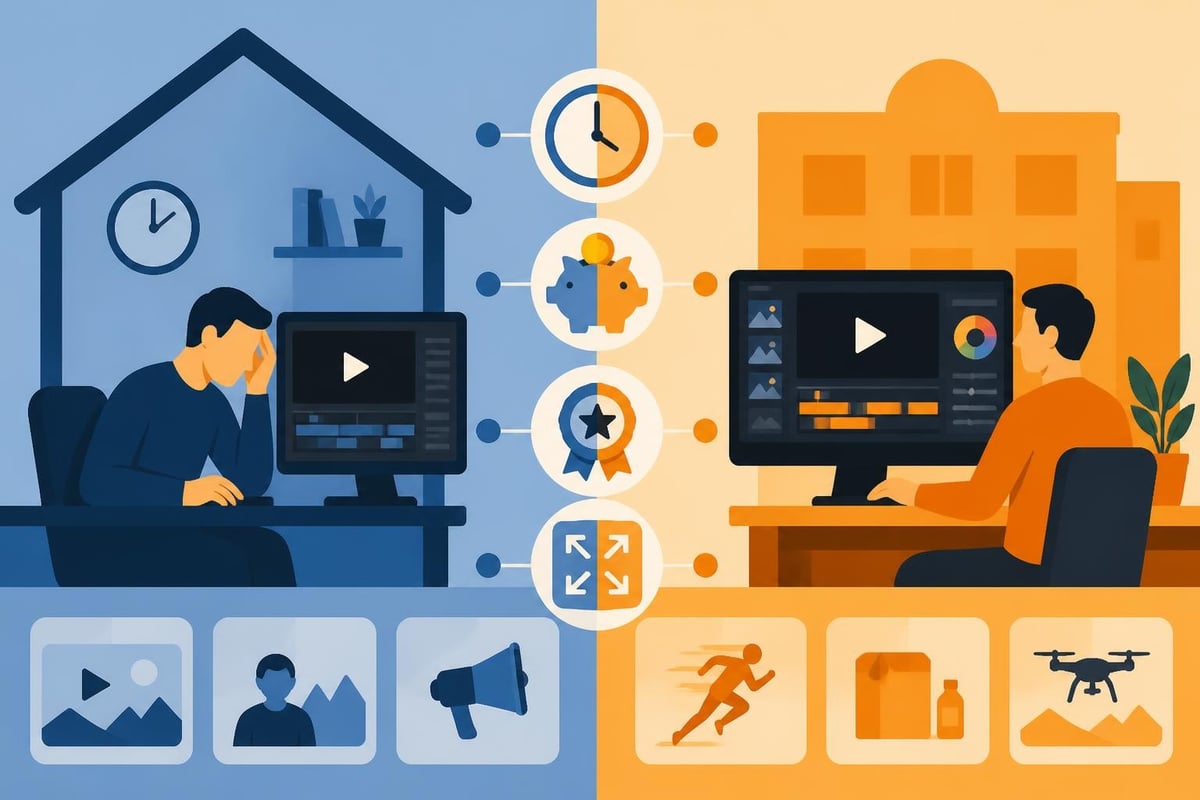
Professional postproduction video services make sense when:
- Volume outpaces your capacity – you're filming faster than you can edit
- Quality inconsistency – your editing skills plateau and videos look amateurish
- Time opportunity cost – those editing hours could close deals or create new content
- Technical complexity – your projects require skills you don't have (advanced color, VFX, etc.)
The math is simple. If you charge $200/hour for your actual expertise but spend 5 hours editing a video, that's $1,000 in opportunity cost. Quality editing services cost far less than your billable time.
The Unlimited Editing Model
Traditional editing services charge per project or per hour, which creates budget unpredictability. The unlimited model flips this: pay a flat monthly rate, submit unlimited projects, get unlimited revisions.
This works brilliantly for content creators and businesses with consistent video needs. No more rationing edits or skipping videos because the editing budget ran out.
Emerging Trends in Postproduction Video for 2026
The postproduction video landscape evolves fast. Here's what's shaping workflows this year.
AI-Assisted Editing Tools
AI now handles rough cuts, transcription, and preliminary color matching surprisingly well. But – and this is important – AI can't yet understand story, emotion, or brand nuance. It's a powerful assistant, not a replacement for human judgment.
Smart postproduction video workflows use AI for:
- Auto-transcription and caption generation
- Rough assembly based on shot selection
- Basic color correction across similar shots
- Audio noise reduction and enhancement
Then humans refine, add creative choices, and ensure the final video actually connects with real people.
Remote Collaboration and Cloud Workflows
Postproduction video is increasingly cloud-based. Editors, clients, and collaborators review, comment, and approve work without sending massive files back and forth.
Modern platforms enable:
- Real-time collaboration on shared timelines
- Version control so no one overwrites someone else's work
- Integrated feedback with timestamped comments on specific frames
- Automated backup eliminating the terror of lost project files
The NMOS specifications define standards for networked media systems, enabling interoperability across different tools and facilities – crucial for complex multi-vendor postproduction environments.
Mobile-First and Vertical Video Workflows
Vertical video isn't a compromise anymore; it's the primary format for a huge chunk of online content. Postproduction video workflows now start vertical-first rather than cropping from horizontal.
This means:
- Shooting vertical natively when possible
- Designing graphics for 9:16 ratios
- Considering how compositions work in vertical framing
- Understanding platform-specific best practices for vertical content
If you're still treating vertical as an afterthought, you're behind.
Preserving Your Postproduction Video Assets
Once you've invested time and budget into postproduction video, protect that investment through proper archival and preservation.
Master File Preservation
Always keep the highest-quality master files. These should be:
- Uncompressed or minimally compressed formats
- Stored redundantly across multiple locations
- Documented thoroughly with metadata, version notes, source information
- Regularly verified to ensure files haven't corrupted
The Library of Congress preservation guidelines offer detailed recommendations for long-term video archival – probably more depth than most creators need, but valuable if you're building a significant content library.
Project File Organization
Save your actual editing project files (Premiere projects, Final Cut libraries, DaVinci Resolve databases) alongside your media. Future you will thank past you when you need to revisit or repurpose old content.
Organized archive structure:
Project Name/
  ├── Media/
  │   ├── Original footage/
  │   ├── Graphics/
  │   └── Audio/
  ├── Project files/
  ├── Exports/
  └── Documentation/
Advanced Postproduction Video Techniques
Multi-Camera Editing
Postproduction video for events, interviews, or performances often involves syncing and switching between multiple camera angles. Modern editing software makes this easier with automatic audio-based sync.
Multi-cam workflow:
- Import all camera angles
- Sync by audio waveform or timecode
- Create multi-cam clip
- Edit by switching angles in real-time
- Refine individual cuts afterward
This technique dramatically speeds up coverage-heavy projects while maintaining visual variety.
VFX and Motion Graphics Integration
Some postproduction video projects require visual effects or complex motion graphics. This might mean:
- Removing unwanted objects or people
- Adding screen replacements for devices
- Creating animated lower thirds and titles
- Compositing green screen footage
- Building 3D elements or environments
These specialized skills often justify bringing in dedicated motion designers rather than expecting your editor to do everything. Knowing your team's strengths and limitations prevents bottlenecks.
Specialized Formats and Immersive Video
360 video editing and immersive formats require unique postproduction video approaches. The spatial nature means traditional editing rules don't always apply – cuts feel more jarring, viewers control perspective, and stitching errors can break immersion.
Similarly, fitness training videos need specific postproduction choices like rep counters, form cues, and timing overlays that generic editing doesn't address.
Building Efficient Postproduction Video Systems
Whether handling postproduction video in-house or outsourcing, systems and processes determine success more than individual talent.
Standard Operating Procedures
Document your preferences:
- Brand color palettes and fonts
- Music style and licensing sources
- Intro/outro templates
- Typical video structures
- Revision process and approval workflow
Benefits of documented SOPs:
- New editors get up to speed faster
- Consistency across all content
- Fewer miscommunications and revisions
- Scalability as volume increases
Communication and Feedback Loops
Clear feedback prevents endless revision cycles. Instead of "make it poppier," try:
- Timestamp-specific comments – "At 0:47, the music overpowers the dialogue"
- Reference examples – "The pacing should feel like [link to example]"
- Priority levels – "Must fix vs. nice to have"
- Consolidated rounds – gather all feedback before sending revision requests
Professional video editing platforms include built-in feedback tools that keep everything organized and prevent the dreaded "feedback scattered across email, Slack, and text messages" nightmare.
Measuring Postproduction Video ROI
How do you know if your postproduction video investment is paying off?
Track:
- Content output volume – videos published per month
- Production timeline – days from shoot to publish
- Engagement metrics – retention, completion rate, shares
- Conversion metrics – clicks, leads, sales from video content
- Time reclaimed – hours saved by outsourcing
If professional postproduction video enables you to publish 3x more content with better quality, the ROI calculation becomes pretty straightforward.
Common Postproduction Video Mistakes to Avoid
Even experienced creators make these errors:
Over-Editing
More transitions, more effects, more everything doesn't equal better. Sometimes the cleanest cut is barely noticeable. Trust simplicity.
Ignoring Platform Specs
Uploading 4K to platforms that compress to 1080p wastes bandwidth and upload time. Know each platform's optimal specs and export accordingly.
Skipping Audio Cleanup
Background noise, inconsistent levels, and harsh sibilance scream amateur. Spend time on audio or ensure your editing team prioritizes it.
Poor File Management
Losing project files or working media because of disorganized storage is tragically common. Build systems before you need them.
Endless Revision Loops
At some point, you're not making the video better – just different. Set revision limits and trust the creative process.
Postproduction Video Resources and Learning
Want to dive deeper? These resources help:
- Professional communities – editing discussions on Reddit offer real-world insights
- Software-specific tutorials – every major NLE has extensive learning resources
- Platform analytics – your own performance data is your best teacher
- Professional development – workshops, courses, and mentorship accelerate growth
For businesses and agencies, scheduling strategy calls with experienced teams provides customized insights faster than generic online learning.
The Business Impact of Professional Postproduction Video
Polished postproduction video affects your business in measurable ways:
Brand perception improves. Professional editing signals competence and credibility. Viewers subconsciously judge your business capability by your content quality.
Conversion rates increase. Well-edited explainer videos hold attention better, communicate value clearer, and drive more action than rough cuts.
Content efficiency multiplies. Skilled editors can repurpose content into multiple formats, extracting maximum value from every shoot.
Marketing performance compounds. Better videos get more engagement, which boosts algorithmic distribution, which brings more viewers, creating a virtuous cycle.
If your video content represents your business to the world, postproduction video quality directly impacts revenue. It's not a luxury; it's infrastructure.
For those looking to outfit their viewing spaces with the same professionalism as their content production, specialists like ANR media create custom home cinema experiences that do justice to high-quality video content.
Postproduction video separates content that gets scrolled past from content that drives real business results. Whether you're optimizing workflows in-house or finally admitting that editing isn't your zone of genius, understanding these principles helps you make smarter content decisions. If you're ready to scale your video output without drowning in editing queues, beCreatives offers unlimited video editing with dedicated editors who handle the postproduction heavy lifting while you focus on what actually grows your business.