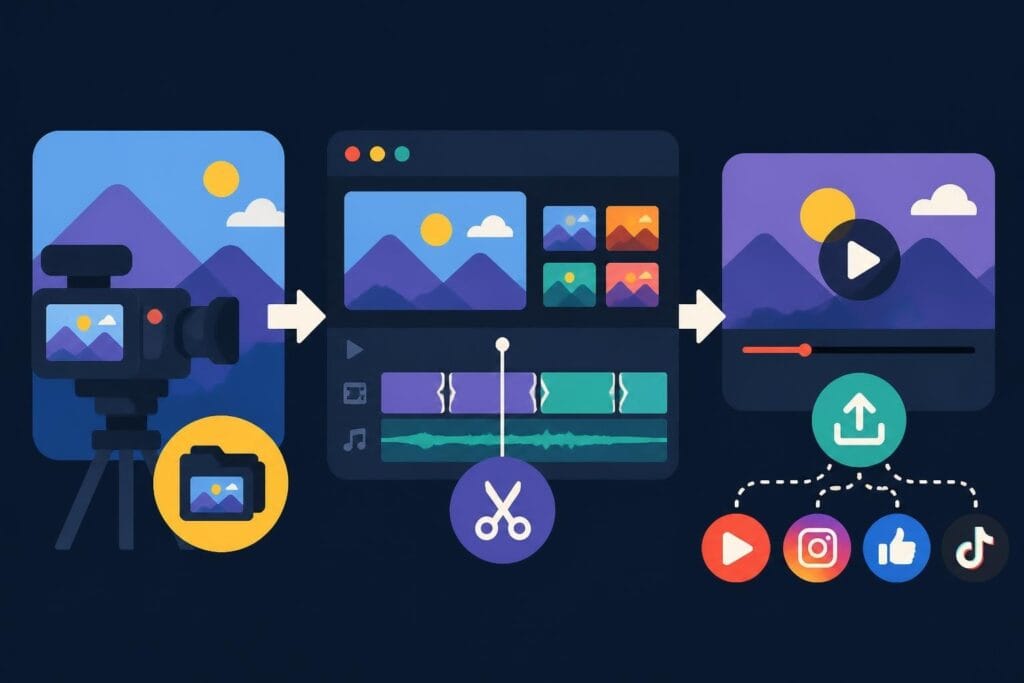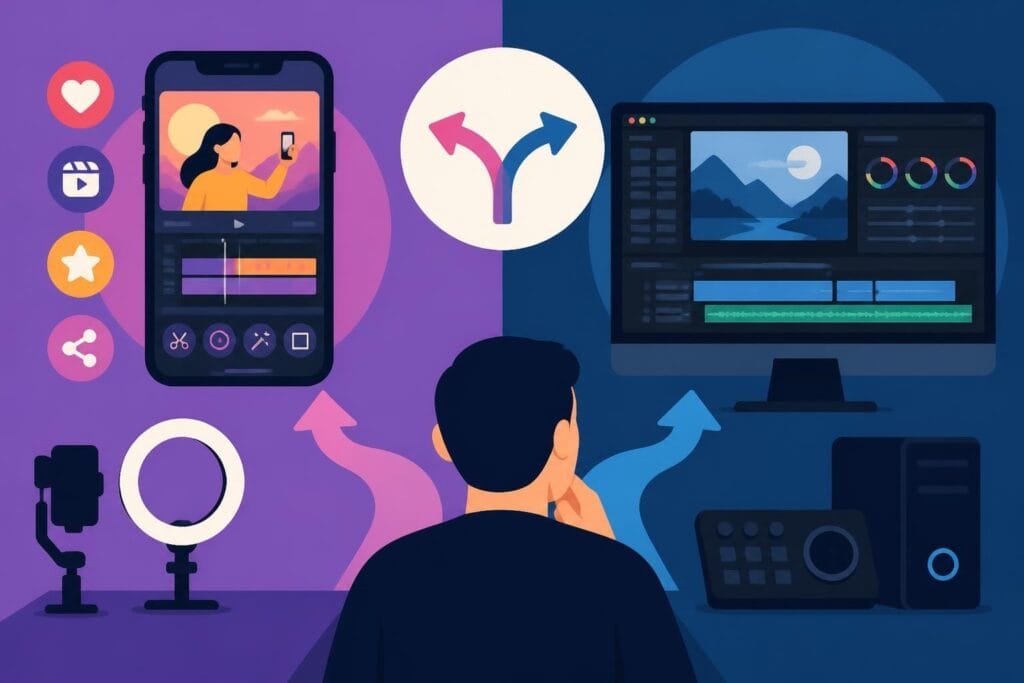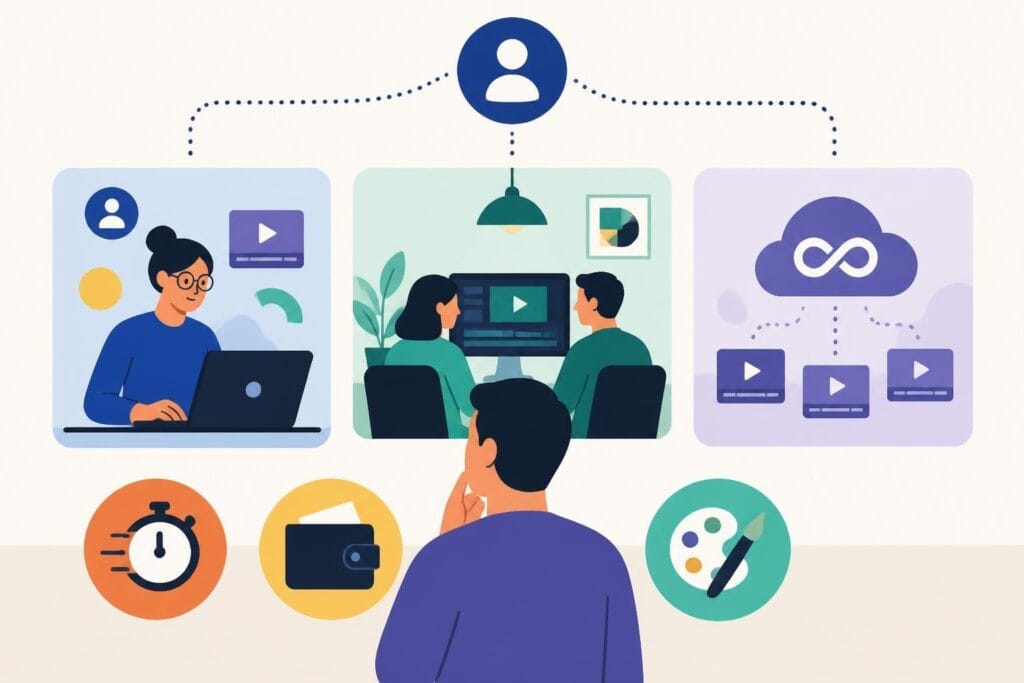
Video is everywhere in 2026, and if you're creating content for your business, personal brand, or agency, you already know that shooting footage is only half the battle. The real magic happens in post-production, where raw clips transform into scroll-stopping, share-worthy content. But here's the problem: editing takes time, skill, and honestly, a lot of patience. If you've ever spent three hours trying to sync audio or color-correct a clip, you know exactly what we're talking about. That's when most creators, marketers, and business owners realize they need a video editor – someone who can take the technical heavy lifting off their plate so they can focus on what they do best.
Why You Actually Need a Video Editor (And It's Not Just About Time)
Let's be real: you didn't start your business or build your personal brand to become a full-time video editor. Yet here you are, watching YouTube tutorials at midnight, trying to figure out keyframes and transition effects. Sound familiar?
The truth is, when you need a video editor, it's usually about more than just saving time. It's about consistency, quality, and staying visible in a content-saturated world. Your audience expects polished, engaging videos – whether that's for Instagram Reels, YouTube long-form content, or ad campaigns. Amateur editing can make even great content feel flat.
The Real Cost of DIY Editing
Here's what most people don't calculate when they decide to edit their own videos:
- Your hourly rate – If you bill at $100/hour and spend 4 hours editing, that's $400 in lost revenue
- Learning curve time – Software mastery takes months, not weekends
- Opportunity cost – Every hour editing is an hour not spent creating, selling, or strategizing
- Mental bandwidth – Creative burnout is real when you're doing everything yourself
According to research on the freelance economy and talent strategy, businesses that strategically outsource specialized tasks see better overall performance than those trying to keep everything in-house. Video editing is exactly the kind of specialized, time-intensive task that makes sense to delegate.
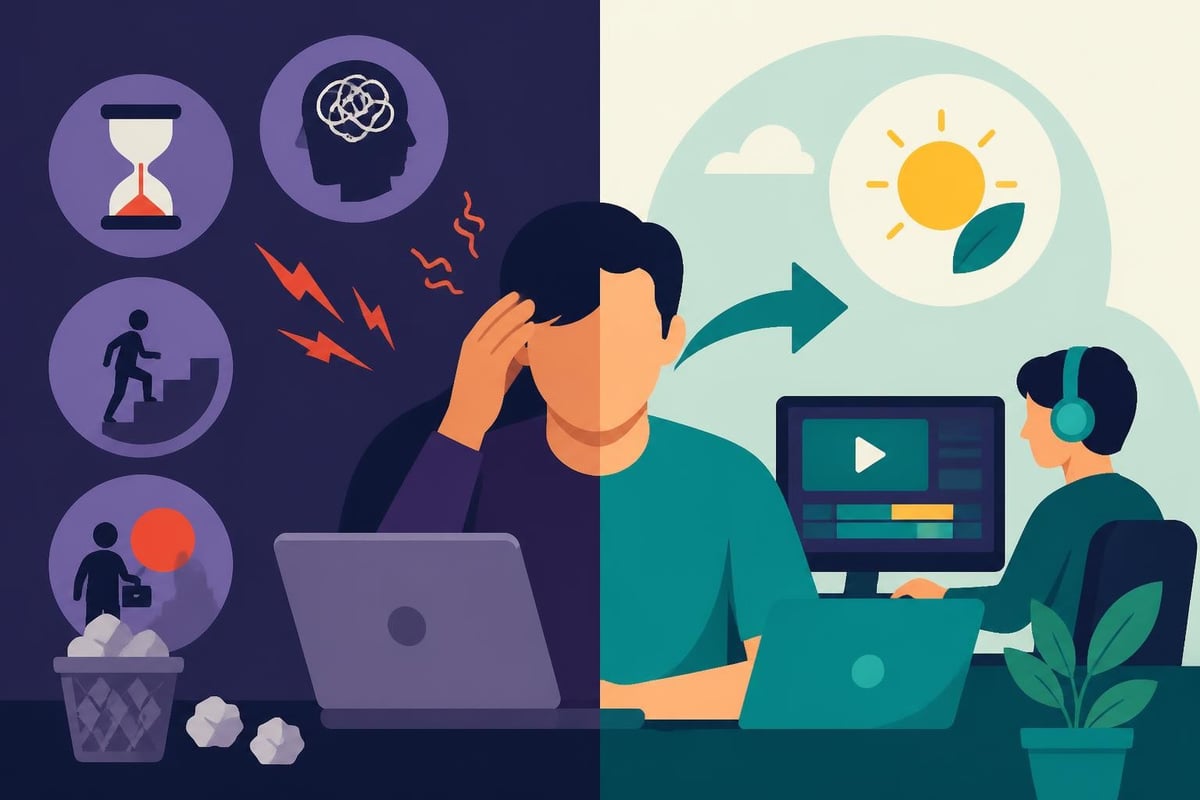
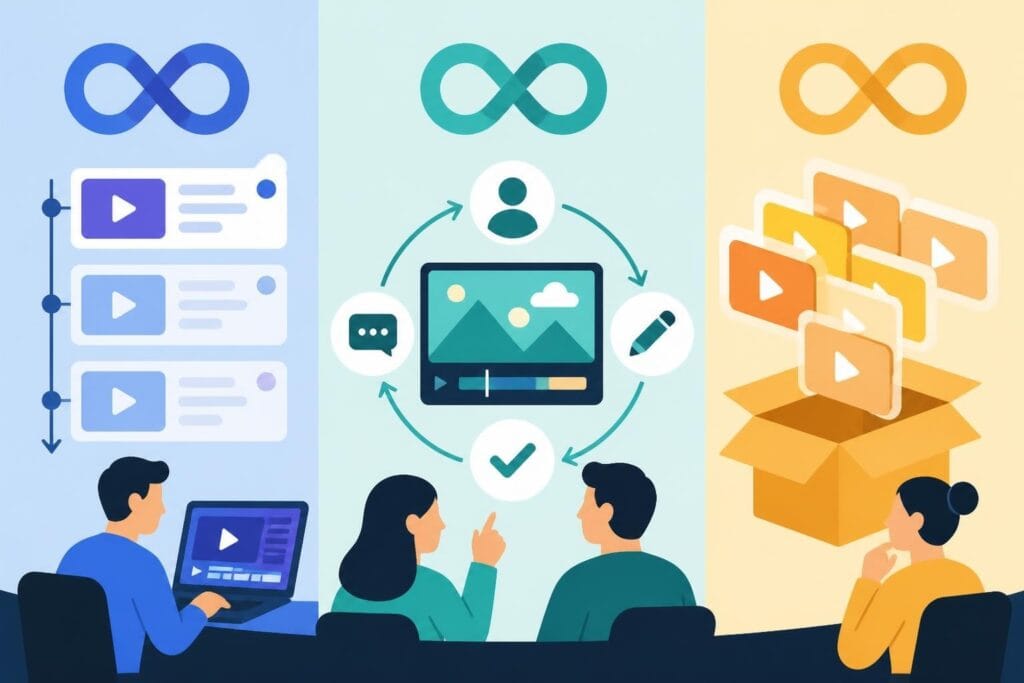
Three Options When You Need a Video Editor
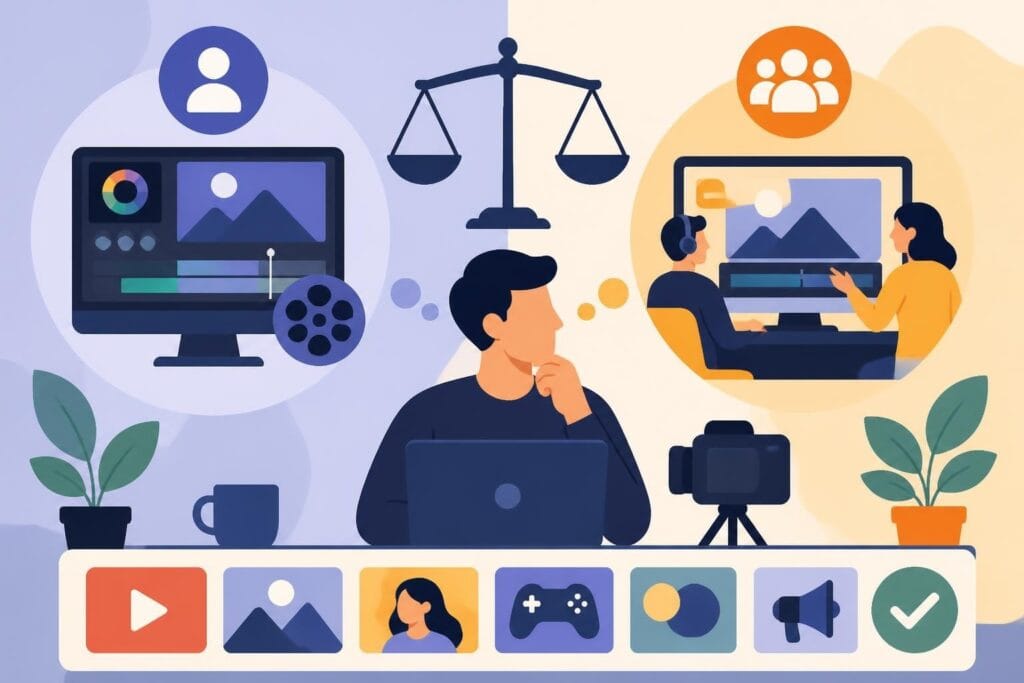
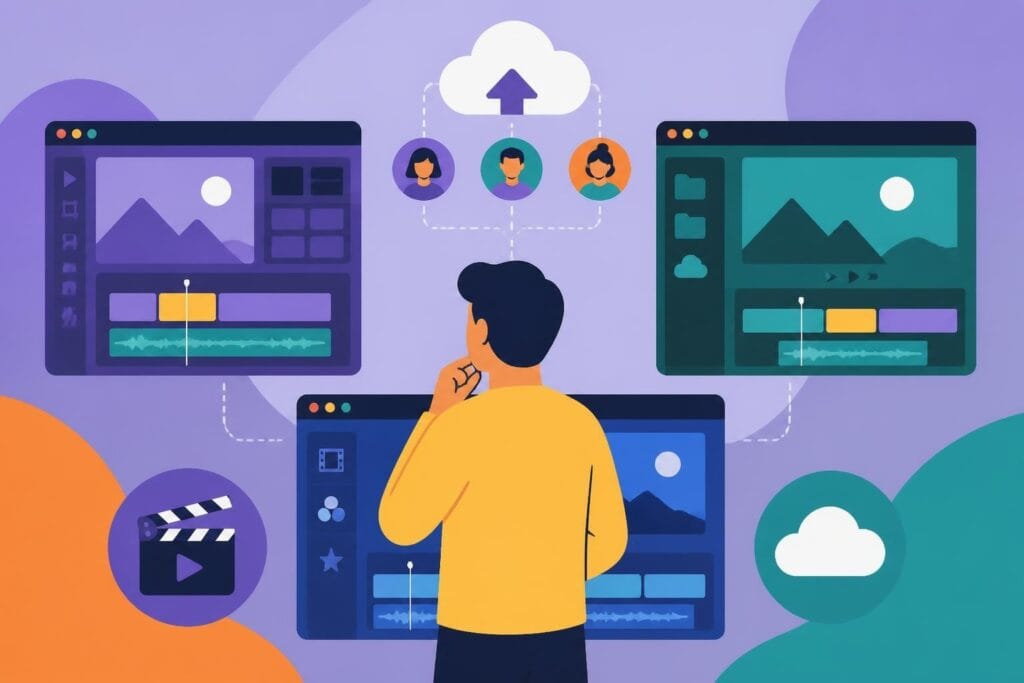
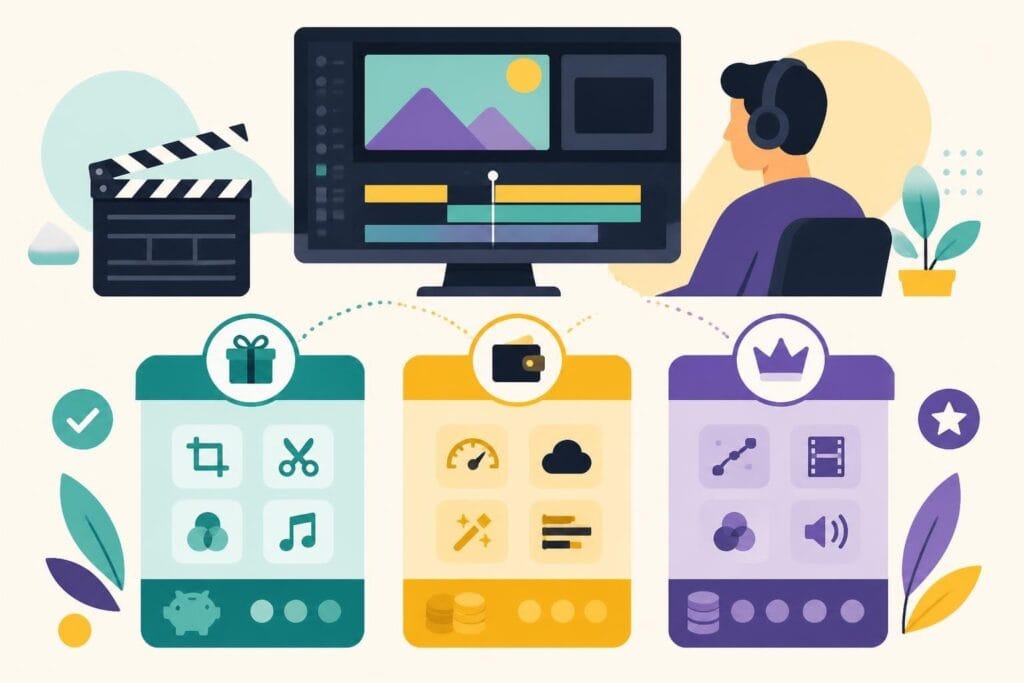
When you realize you need a video editor, you've got three main paths. Each has pros and cons, and the right choice depends on your content volume, budget, and how hands-on you want to be.
Option 1: Hire a Freelance Editor
Freelancers are everywhere – Upwork, Fiverr, industry Facebook groups, you name it. This route gives you flexibility and potentially lower upfront costs.
Pros:
- Pay per project
- Access to diverse styles and specializations
- No long-term commitment
- Can scale up or down as needed
Cons:
- Quality varies wildly
- You're managing the relationship and revisions
- Turnaround times can be unpredictable
- Each new editor means re-explaining your brand
| Consideration | Freelance Reality |
|---|---|
| Average cost per video | $100-$500+ depending on complexity |
| Turnaround time | 3-7 days typical |
| Revision rounds | Usually 1-2 included, then extra fees |
| Communication | Email, video calls, file sharing juggling |
When working with freelancers, you'll also need to clarify copyright and ownership rights upfront. Make sure your contract specifies that you own the final edited video and all derivative works – you don't want surprises down the road.
Option 2: Hire an In-House Editor
If you're producing tons of content – think agencies, media companies, or high-volume creators – an in-house editor might make sense.
This person becomes part of your team, learns your brand inside-out, and is available whenever you need them. But it's a serious commitment.
The real numbers:
- Salary: $45,000-$75,000/year for mid-level talent in the U.S.
- Benefits: Health insurance, paid time off, equipment
- Overhead: Office space, software licenses, ongoing training
- Total annual cost: Easily $60,000-$100,000+
You're also responsible for keeping them busy and engaged. If your content volume dips, you're still paying their salary. And when they take vacation or get sick? Your content pipeline stops.
Option 3: Unlimited Video Editing Services
This is the model that's exploded in popularity over the past few years, and for good reason. Unlimited video editing services give you dedicated editor access for a flat monthly fee – no per-project invoices, no hiring headaches, no capacity limits.
Here's how it typically works:
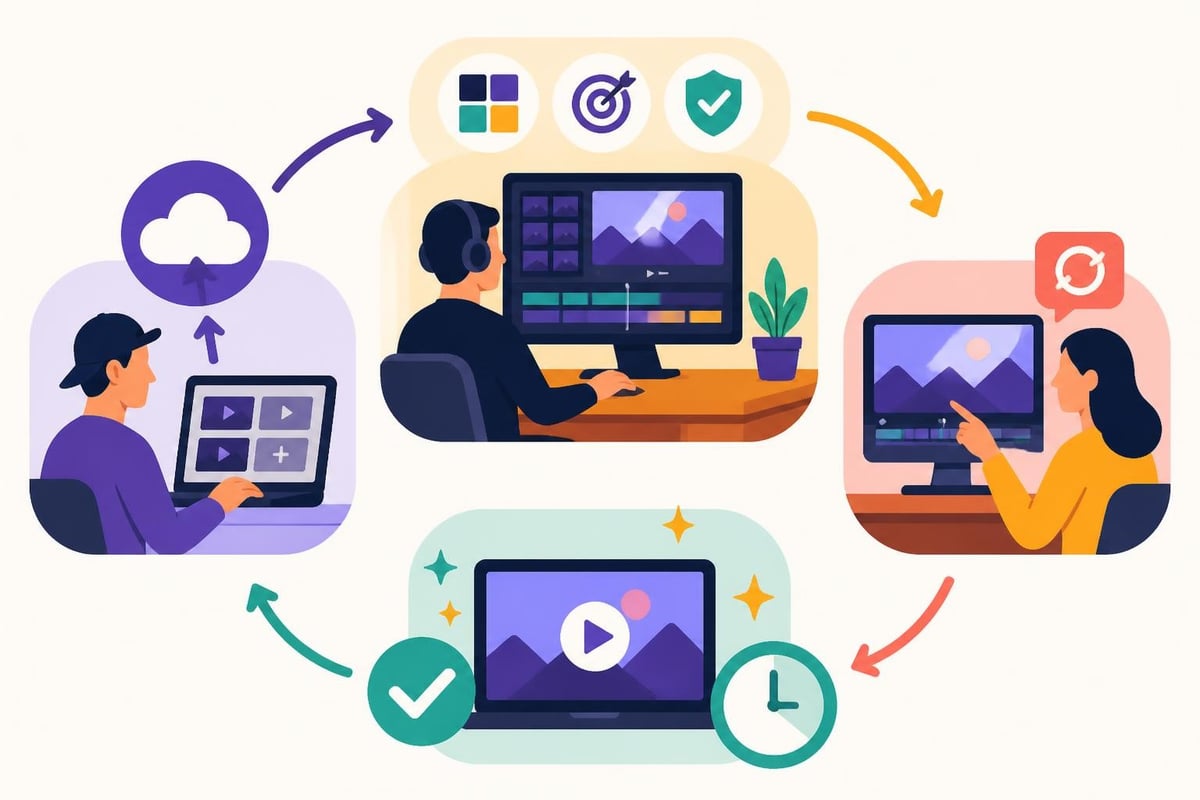
- You subscribe at a monthly rate
- You get assigned a dedicated editor (or team) who learns your style
- You submit requests through a simple platform
- Your editor works through them, with unlimited revisions
- You get back polished videos, usually within 24-48 hours
Why this model wins for most creators and businesses:
- Predictable costs – Budget friendly monthly pricing, no surprise invoices
- Fast turnarounds – Most services promise 1-2 day delivery
- Unlimited revisions – Tweak until it's perfect
- Scalability – Submit 1 video or 20 videos per month, same price
- Dedicated support – Your editor learns your brand and preferences
For marketers and agencies especially, this model is a game-changer. You can take on more clients without worrying about editing capacity.
What to Look for When You Need a Video Editor
Whether you're hiring a freelancer, an in-house editor, or subscribing to a service, here's what separates the good from the "why did I pay for this?"
Technical Skills That Matter
Software proficiency – Your editor should be fluent in industry-standard tools like Adobe Premiere Pro, Final Cut Pro, or DaVinci Resolve. If you want to dig into the technical side, USC’s guide to video editing in Premiere Pro gives you a sense of what professional editing workflows look like.
Format knowledge – Different platforms need different specs. Your editor should know the optimal export settings for YouTube, Instagram, TikTok, LinkedIn, and wherever else you distribute content.
Accessibility awareness – In 2026, captions aren't optional. Your editor should follow W3C accessibility standards to ensure your videos include proper captions and subtitles, making content accessible and boosting engagement.
Creative Instincts
Technical skills are table stakes. What really matters is whether your editor gets your brand and can make creative decisions that align with your vision.
Can they:
- Choose the right music that matches your vibe?
- Know when to cut and when to hold a shot?
- Add graphics and text overlays that feel on-brand?
- Pace videos to maintain viewer attention?
This is why unlimited services with dedicated editors work so well. Your editor learns your style over time, so each video gets better and more aligned with your brand.
Communication and Workflow
You need a video editor who communicates clearly and works within your systems. Ask about:
- Revision process – How many rounds? How do you submit feedback?
- File management – Where do you upload raw footage? How is it stored?
- Turnaround commitments – What's realistic for your timeline?
- Availability – Time zones matter if you need quick turnarounds
The best editing relationships feel like a partnership, not a transaction. Your editor should proactively suggest improvements and ask smart questions about your goals.
AI and the Future of Video Editing
Here's something you can't ignore in 2026: AI is changing how video editing works. Recent research on human-AI collaboration in creative work shows that the most effective creative workflows combine human creativity with AI efficiency.
When you need a video editor today, they're probably using AI tools for:
- Auto-captions – Speech-to-text transcription that's shockingly accurate
- B-roll suggestions – AI that finds relevant stock footage
- Color grading presets – One-click cinematic looks
- Music matching – AI that recommends tracks based on your video's mood
This doesn't mean robots are replacing editors. It means good editors work faster and deliver better results by leveraging AI for the tedious stuff while focusing their human creativity on storytelling, pacing, and brand alignment.
If you're evaluating editors or services, ask how they use AI. The best approach is human creativity powered by AI efficiency – not one or the other.
Specialized Editing for Different Content Types
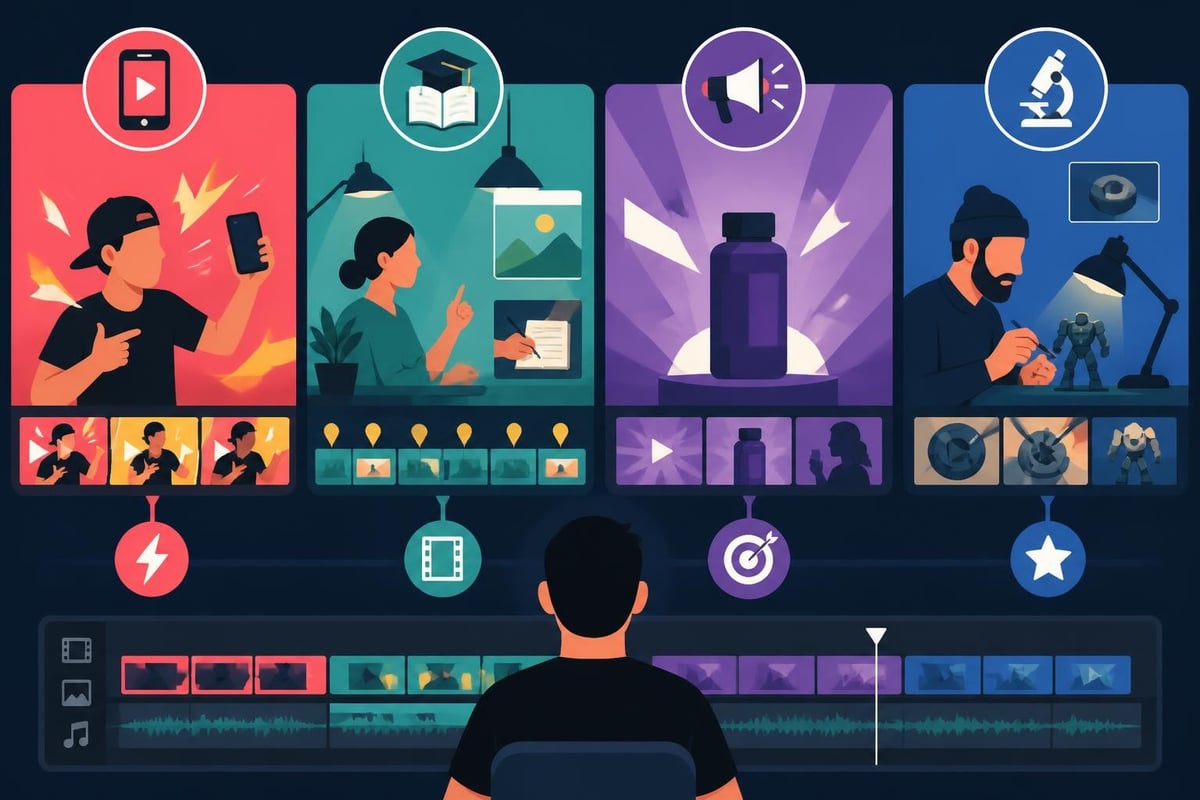
Not all video editing is the same. The skills needed for a polished corporate explainer are different from what you need for viral TikToks or long-form YouTube content.
Social Media Content
Short-form video editing requires:
- Tight pacing (attention spans are brutal)
- Bold text overlays and graphics
- Trending audio integration
- Vertical format optimization (9:16)
- Hook-focused first 3 seconds
If you're a content creator pumping out daily or weekly social content, you need an editor who lives and breathes platform trends.
Long-Form and Educational Content
YouTube videos, courses, and webinars need:
- Chapter markers and timestamps
- B-roll integration to maintain interest
- Clear audio mixing (no one forgives bad audio)
- Thoughtful pacing that balances information and entertainment
- Strong intros and outros with clear CTAs
Commercial and Ad Content
If you're running paid campaigns, your editor needs to understand:
- Platform-specific specs and requirements
- A/B testing variations (trying different hooks, CTAs)
- Brand safety and compliance
- Performance optimization (what makes people click?)
Services that specialize in video ads editing understand the nuances of creating videos that convert, not just videos that look pretty.
Niche Content Categories
Some content types require specialized knowledge:
- Fitness and training videos – Multi-angle edits, form breakdowns, workout timers
- Real estate tours – Smooth transitions, property showcasing, neighborhood B-roll
- Product demos – Close-up detail shots, before/after comparisons
- Event coverage – Story-driven editing, highlight reels, multi-camera sync
When you need a video editor for specialized content, look for someone with a portfolio in your niche. They'll already understand your audience's expectations.
Red Flags to Watch For
Whether you're interviewing freelancers or evaluating services, here are warning signs that you should keep looking:
Communication delays – If they're slow to respond during the sales process, imagine how they'll be when you need revisions.
No clear revision policy – Unlimited revisions are standard now. If someone's cagey about changes, move on.
Generic portfolio – If every video looks the same or feels cookie-cutter, they probably won't adapt well to your brand.
Unclear pricing – Hidden fees, confusing tier structures, or vague "it depends" pricing are all bad signs.
No testimonials or reviews – In 2026, there's no excuse for not having client feedback. Check out examples like the beCreatives testimonials to see what transparent client feedback looks like.
Making the Decision That's Right for Your Content Goals
So when you need a video editor, which option do you choose?
Ask yourself:
How much content are you creating? If it's more than 4-6 videos per month, unlimited services usually win on cost and convenience.
How consistent is your brand? If you have tight brand guidelines and need consistency across all videos, a dedicated editor (in-house or through a service) beats one-off freelancers.
What's your budget? Compare the true costs – including your time managing the relationship.
| Your Situation | Best Option |
|---|---|
| Occasional videos, tight budget | Project-based freelancer |
| High volume, need consistency | Unlimited editing service |
| Massive content operation, full creative control | In-house editor |
| Testing video content, unsure of volume | Start with unlimited service, scale as needed |
For most businesses, creators, and agencies, unlimited services hit the sweet spot. You get dedicated support, predictable pricing, and the flexibility to scale up or down without hiring or firing.
Setting Your Editor Up for Success
Once you've found your editor, the quality of your working relationship determines your results. Here's how to make it smooth:
Create a brand style guide – Document your fonts, colors, music preferences, pacing, and any no-go zones. The clearer you are upfront, the faster your editor delivers what you want.
Organize your raw footage – Use consistent file naming. Add notes about which clips are must-includes. The better organized your uploads, the faster the turnaround.
Give specific feedback – "I don't like it" doesn't help. Try "Can we speed up the intro by 3 seconds and make the text overlay pop more?"
Share examples – Send your editor videos you love (even from competitors). Visual references communicate style faster than words.
Build the relationship – Remember, your editor is a creative partner. Show appreciation for good work, give constructive feedback, and treat them as part of your team.
Many creators find that transforming raw footage into content becomes exponentially easier once they've established a smooth workflow with their editor.
Beyond Editing: The Full Content Creation Ecosystem
When you need a video editor, you're usually solving for more than just post-production. You're building a sustainable content system.
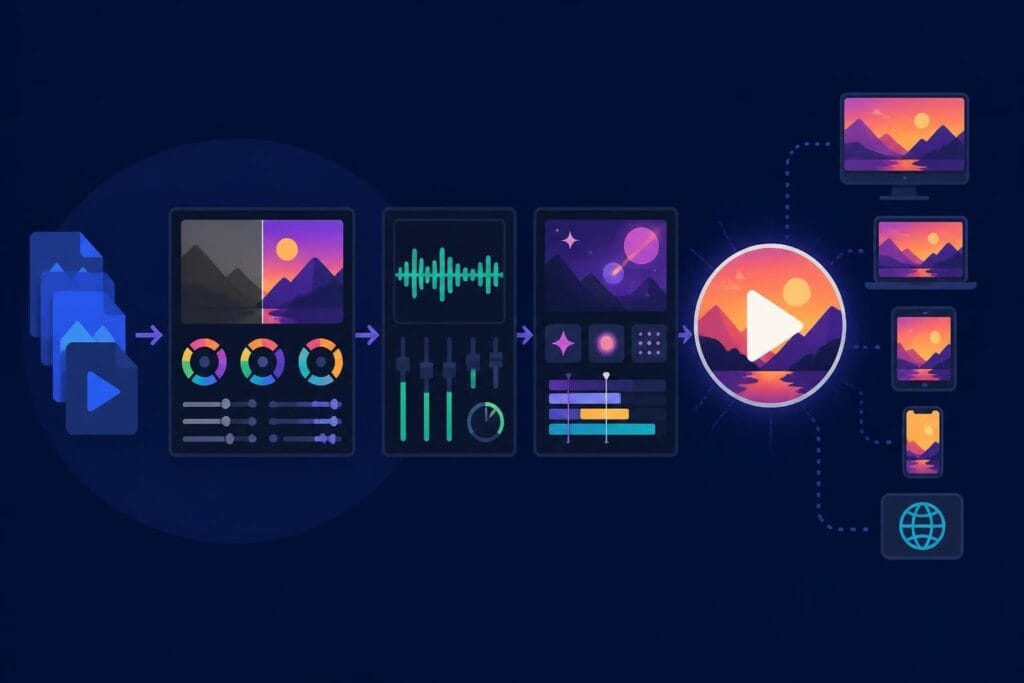
Think about the full workflow:
- Planning and scripting – What story are you telling?
- Filming – Capturing quality raw footage
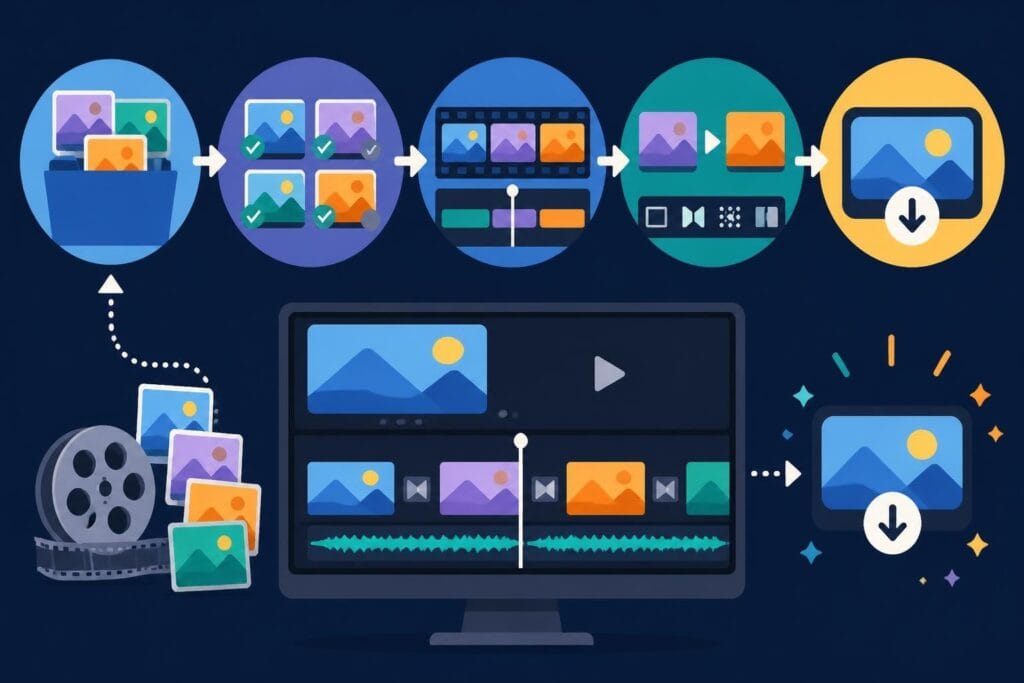
- Editing – Transforming clips into final videos
- Optimization – Titles, thumbnails, descriptions
- Distribution – Posting across platforms
- Repurposing – Turning one video into multiple assets
Smart creators focus on the pieces they're best at and outsource the rest. If filming and on-camera presence are your strengths, lean into that and let a skilled editor handle post-production.
Repurposing content is where editors become especially valuable. One long-form video can become 10+ social clips, each optimized for different platforms. Your editor can handle all those variations without you touching the timeline.
The Bottom Line on Finding Your Perfect Editor
You know you need a video editor when editing becomes the bottleneck in your content pipeline. Whether you're drowning in raw footage, missing posting deadlines, or just tired of spending weekends glued to editing software, it's time to bring in support.
The good news? In 2026, you have more options than ever. Freelance marketplaces, specialized editing services, and unlimited subscription models mean there's a solution for every content volume, budget, and creative vision.
The key is being honest about what you actually need. One-off projects? Grab a freelancer. Building a long-term content engine? Invest in a dedicated editing partner who learns your brand and grows with you.
Focus on finding an editor who combines technical skills with creative instincts, communicates clearly, and fits your workflow. When you find that right match, video creation stops feeling like a grind and starts feeling like the creative, energizing process it should be.
Creating consistent, high-quality video content doesn't have to drain your time or energy. When you partner with the right editing support, you free yourself to focus on what you do best while ensuring your content stays polished and on-brand. beCreatives offers unlimited video editing with dedicated editors who learn your style, unlimited revisions, and fast turnarounds – so you can stop worrying about post-production and start growing your brand. Ready to streamline your video workflow? Let's talk.