Vimeo has built a solid reputation as a premium video hosting platform, but what about its editing capabilities? If you're a content creator, marketer, or business owner looking to streamline your workflow, understanding vimeo video editing features can help you decide whether it's the right tool for your production needs. While Vimeo offers a browser-based editor with some handy features, it's worth exploring what it can and can't do before you commit your precious time to learning another platform. Let's break down everything you need to know about editing on Vimeo and why you might want to consider smarter alternatives that actually give you time back.
What Vimeo's Video Editor Actually Offers
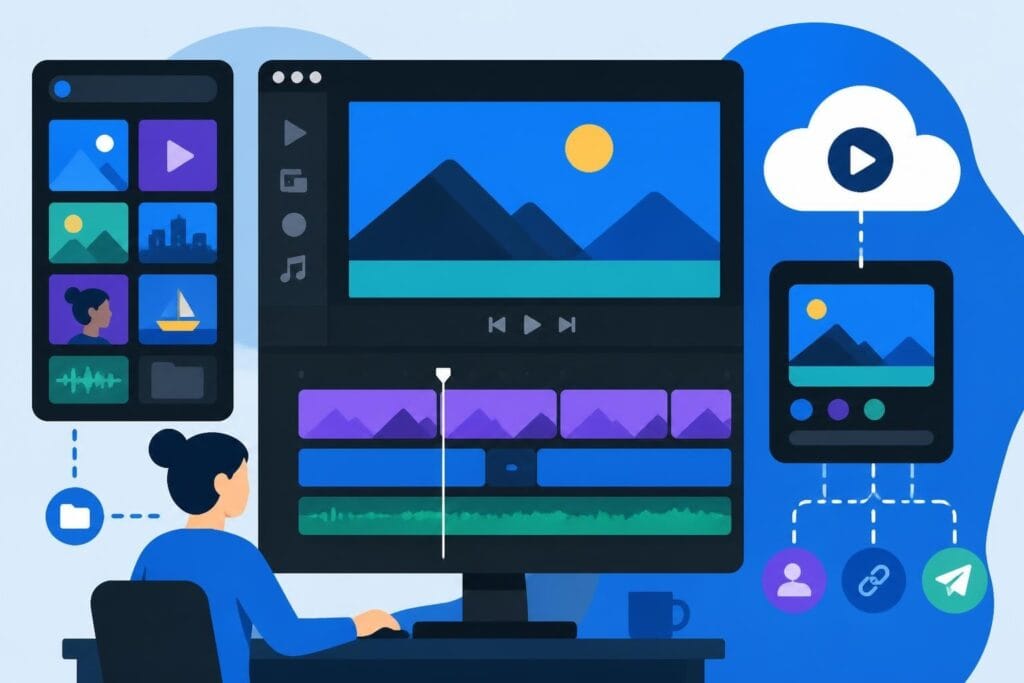
Vimeo's browser-based editor gives you the basics without downloading software. It's designed for quick edits and simple projects, which makes it appealing if you're already using Vimeo for hosting and want to tweak videos without jumping between platforms.
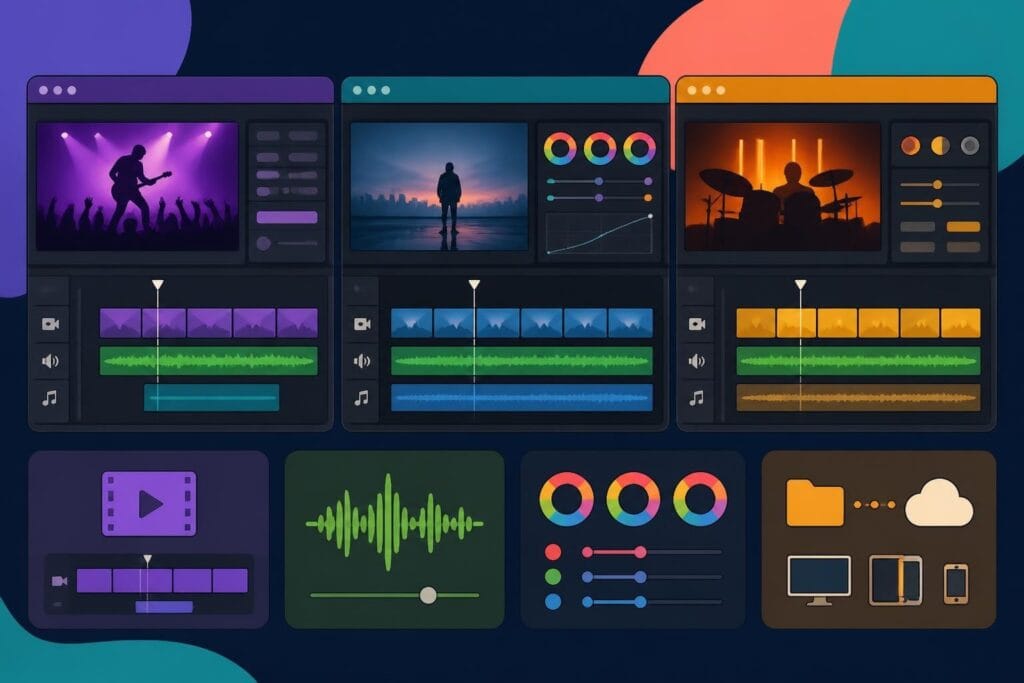
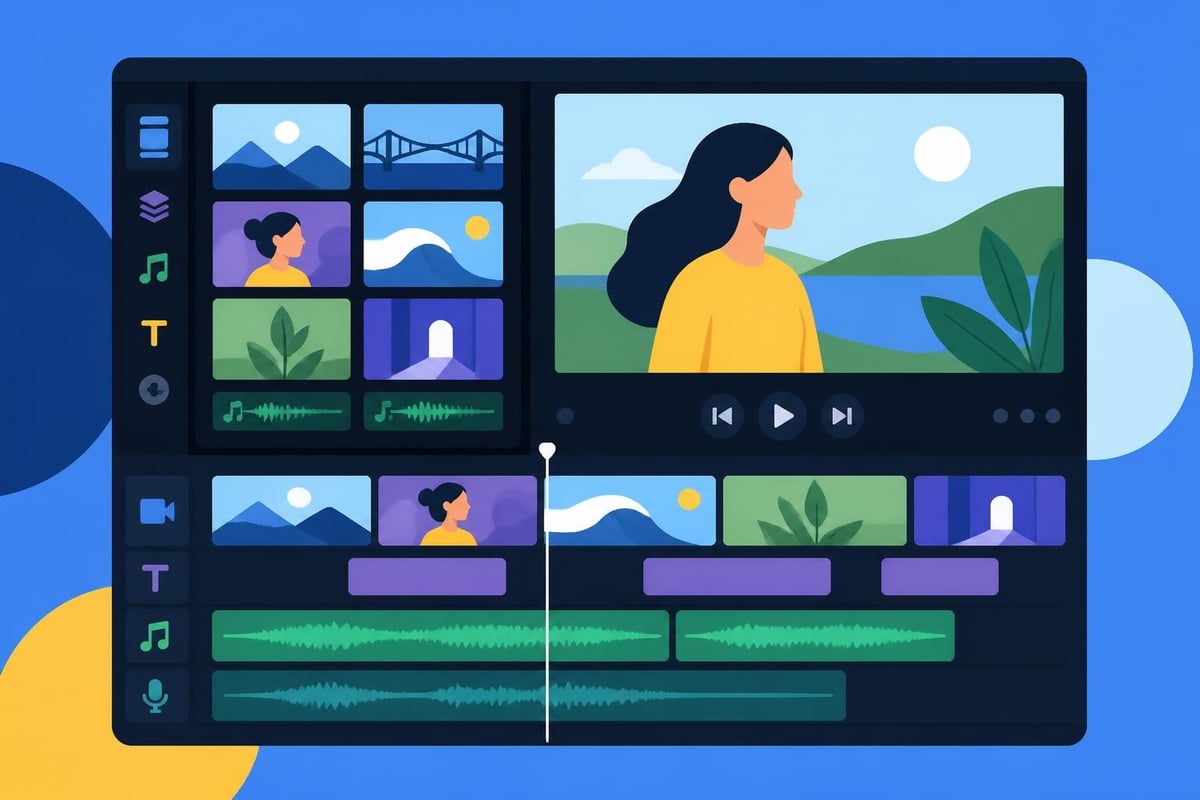
The multi-track timeline in Vimeo’s video editor lets you layer video clips, audio tracks, and text overlays. You can trim clips, adjust timing, and rearrange sequences directly in your browser. Plus, you get access to stock footage and audio libraries, which sounds great until you realize the limitations start piling up pretty quickly.
Key Features That Stand Out
Let's be real about what works well:
- Browser-based convenience means no downloads or installations required
- Stock media library gives you access to free footage and music
- Basic text and graphics tools for simple lower thirds and titles
- Auto-captions that save you from manual transcription
- Direct publishing to your Vimeo account without extra export steps
These features work perfectly for minor adjustments or piecing together simple videos. If you've already uploaded content to Vimeo and need to trim the beginning or add a quick title card, the editor handles that without fuss.
However, the real question isn't what Vimeo can do. It's whether spending your time learning and using these tools actually moves your business forward.
The Timeline and Media Management Reality
Understanding how to use the Timeline in Vimeo’s video editor reveals both possibilities and frustrations. The timeline interface looks clean, but working with it for anything beyond basic cuts gets tedious fast.
You can add multiple tracks, which theoretically supports complex projects. But here's where theory meets reality. The interface slows down with larger files, keyboard shortcuts are limited compared to professional software, and fine-tuning edits takes way more clicks than it should.
Managing Your Media Files
When you're adding and managing media in Vimeo’s video editor, you'll discover a workflow that works for simple projects but falls short for serious content production.
| Feature | What It Does | The Catch |
|---|---|---|
| Media Upload | Add videos, images, audio files | File size limits apply per plan |
| Cropping | Adjust video framing | No advanced transform controls |
| Trimming | Cut clips to length | Frame-by-frame precision is clunky |
| Reordering | Drag clips around timeline | Gets laggy with multiple tracks |
The biggest headache? Every adjustment requires waiting for the browser to catch up. When you're producing content at scale, those seconds add up to hours you'll never get back.
Compression and Quality Considerations
Before you even start editing, you need to think about file preparation. Vimeo has specific requirements, and ignoring them means quality issues or upload failures.
The platform's video and audio compression guidelines recommend specific codecs and bitrates. If your files don't match these specs, you might need to use additional software like HandBrake to prepare them properly.
Here's the compression workflow most people face:
- Export your video from your camera or recording software
- Check if it meets Vimeo's specifications
- Use HandBrake or similar tools to compress if needed
- Upload to Vimeo
- Hope the quality looks good after Vimeo's processing
This extra step adds time to every project. And if you're creating multiple videos per week, this workflow becomes a serious bottleneck.
Transitions and Polish Features
Want to make your videos look more professional? Vimeo includes transition effects, though they're pretty limited compared to dedicated editing software.
Learning how to apply transitions in Vimeo’s editor takes about five minutes. Actually making them look good? That's another story.
You get basic fades, dissolves, and wipes. Nothing fancy, nothing custom. For simple talking-head videos or straightforward presentations, these work fine. But if you're trying to create engaging content that stands out on social media, you'll quickly feel the constraints.
What's Missing from Vimeo's Polish Toolkit
- Advanced color grading controls
- Motion tracking for graphics
- Keyframe animation options
- Custom transition creation
- Advanced audio mixing
- Green screen capabilities
- Speed ramping effects
These missing features aren't just nice-to-haves. They're what separate amateur-looking content from professional videos that actually stop the scroll and drive engagement.
The Time Investment Nobody Talks About
Here's the uncomfortable truth about vimeo video editing: even simple projects take longer than you'd expect. The learning curve might be gentler than professional software, but you're still trading your time for basic results.
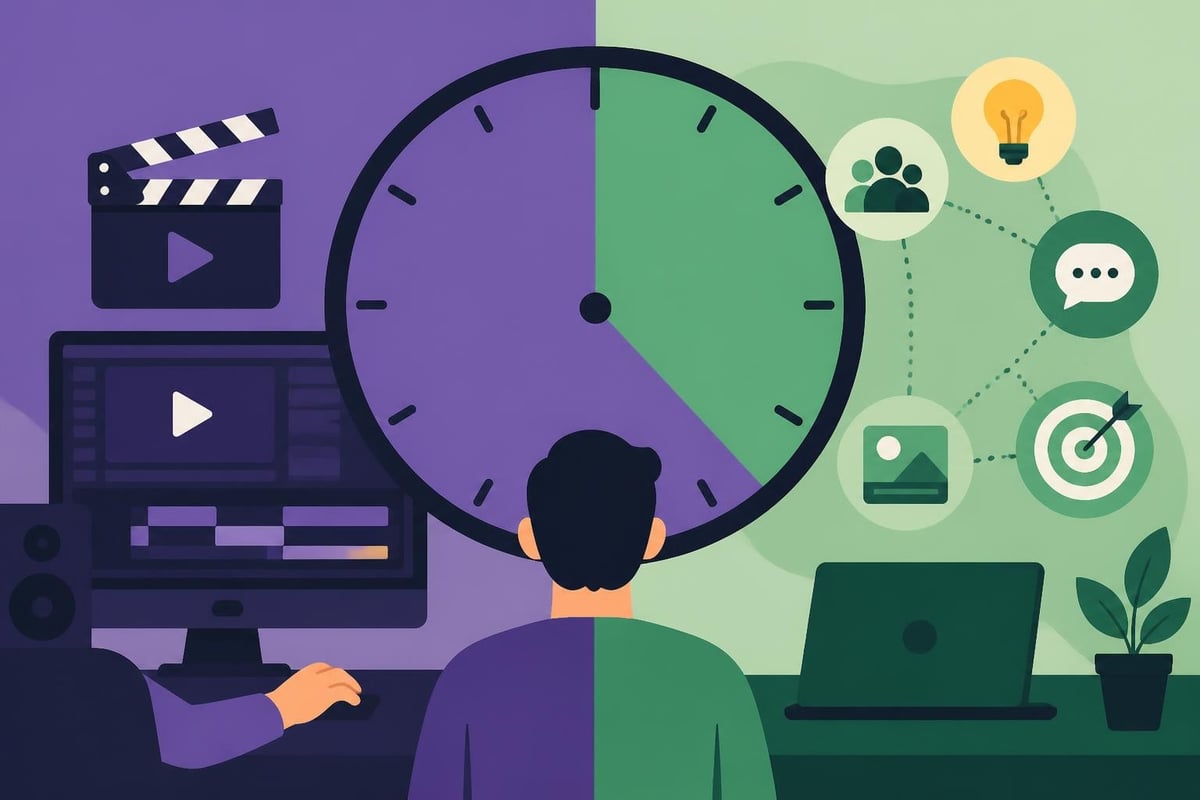
Think about your hourly value as a business owner or content creator. If you're worth $100, $200, or more per hour, spending three hours wrestling with browser-based editing tools costs you real money. And that's before counting the opportunity cost of what else you could have accomplished.
The Real Cost Breakdown
| Task | Time in Vimeo Editor | Time with Professional Editor |
|---|---|---|
| Trimming 10-minute video | 20-30 minutes | 5 minutes (done for you) |
| Adding captions | 15-20 minutes | 2 minutes (automated) |
| Color correction | 30-45 minutes | 10 minutes (expert touch) |
| Sound mixing | 20-30 minutes | 5 minutes (professional ear) |
| Total per video | 85-125 minutes | Completely hands-off |
That's potentially two hours you could spend on strategy, client calls, or actually creating more content instead of getting lost in the technical weeds.
Why Smarter Creators Are Outsourcing
The most successful content creators aren't spending their days learning editing software. They're focused on what they do best: creating compelling content, building relationships, and growing their brands.
Professional video editing services handle everything from rough cuts to final polish, letting you focus on the parts of content creation that actually require your unique expertise. You show up, record your content, and hand it off. That's it.
Benefits that actually matter:
- Get videos back faster than you could edit them yourself
- Consistent quality across all your content
- Professional polish that makes your brand look legitimate
- More time for revenue-generating activities
- Reduced stress from technical overwhelm
This isn't about being lazy. It's about being strategic with the most limited resource you have: your time.
When DIY Editing Makes Sense (Hint: Rarely)
Look, there are situations where handling vimeo video editing yourself might work. If you're just starting out with zero budget, learning the basics helps you understand the process. Or if you genuinely enjoy editing as a creative outlet, go for it.
But here's the reality check most people need: editing your own videos rarely makes business sense once you're past the absolute beginner stage. The time investment, learning curve, and opportunity cost add up fast.
The DIY Trap
You start with good intentions. "I'll just learn this one feature." Then you need to figure out audio sync. Then color correction. Then export settings. Before you know it, you've spent six hours on YouTube tutorials and your video still looks mediocre.
Meanwhile, your competitors are publishing twice as much content because they've delegated editing to experts. They're showing up consistently, building authority, and capturing market share while you're still googling "how to remove background noise in Vimeo."
Better Alternatives for Serious Content Creators
If you're producing content regularly, you need a system that scales with your ambition. Vimeo's editor works for occasional projects, but it's not built for creators who want to dominate their niche.
Professional editing services offer dedicated editors who learn your style, understand your brand, and deliver consistently great results. No software to learn, no technical headaches, no time wasted on tasks someone else can handle better and faster.
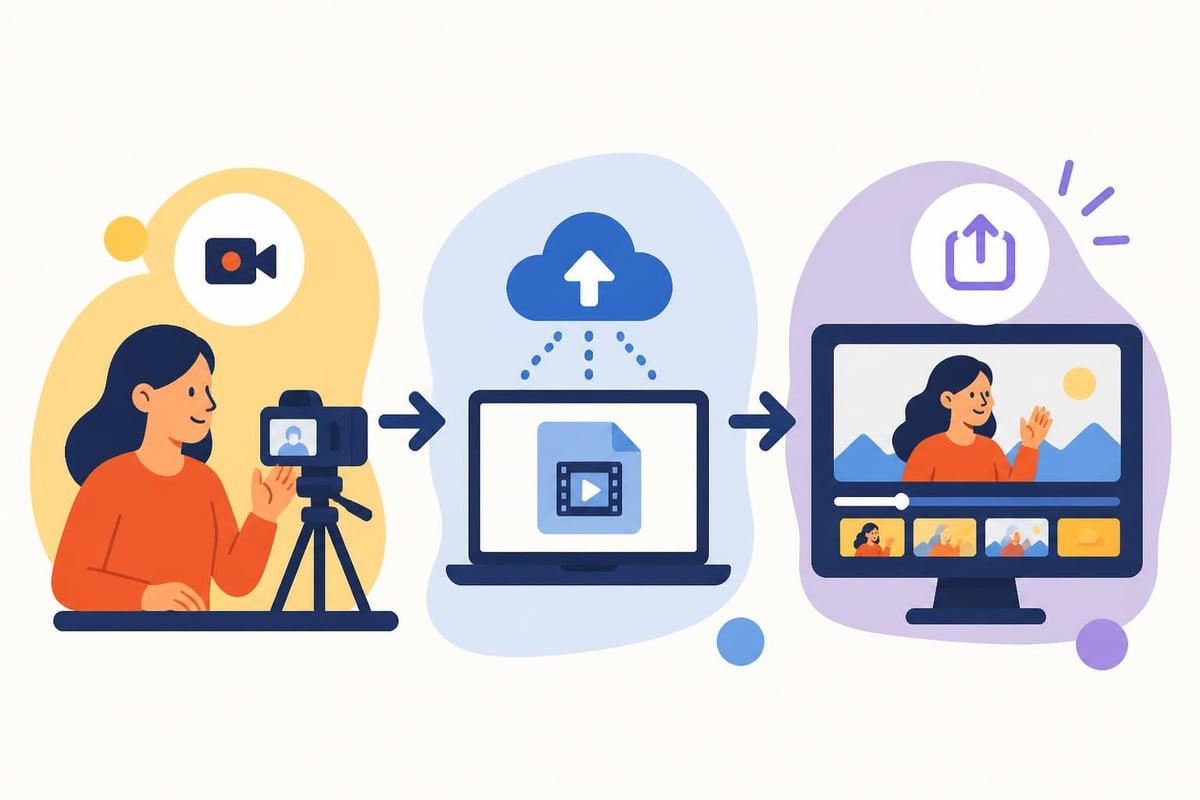
At beCreatives, we've seen countless creators transform their output once they stop trying to do everything themselves. Suddenly they're publishing daily instead of weekly. Their videos look more professional. And most importantly, they have time to actually grow their business instead of staying stuck in editing prison.
What Professional Services Actually Include
When you work with dedicated editors, you're not just getting someone to push buttons. You're getting:
- Brand consistency across every video you publish
- Fast turnaround that keeps your content calendar on track
- Revision systems that ensure you're happy with every detail
- Unlimited storage so you never lose footage
- Easy communication without confusing software interfaces
This isn't a luxury. For anyone serious about video content, it's a necessity.
Making the Right Choice for Your Business
Choosing between DIY vimeo video editing and professional services comes down to one question: what's the highest and best use of your time?
If you're a video editor by trade, sure, handle it yourself. But if you're a coach, consultant, agency owner, or entrepreneur using video to grow your business, your time belongs elsewhere.
Consider these factors:
- How many videos do you need to produce per month?
- What's your hourly value for strategic work?
- How much time are you currently spending on editing?
- What would you do with 10+ extra hours per week?
- How important is consistent quality to your brand?
The math usually becomes clear pretty quickly. Outsourcing editing isn't an expense. It's an investment that pays for itself in reclaimed time and better results.
The Future of Your Content Strategy
Video content isn't getting less important. Every platform is pushing video harder. Your audience expects regular, high-quality content. And your competitors are figuring this out faster than you might think.
You can keep trying to do everything yourself, learning new tools and fighting with software quirks. Or you can build a system that lets you focus on what you do best while experts handle the rest.
The creators winning in 2026 aren't the ones with the most technical skills. They're the ones who've built efficient systems that let them show up consistently without burning out.
That means recording content regularly, maintaining quality standards, and publishing on schedule. Not spending Tuesday afternoons trying to figure out why your audio is out of sync or your colors look washed out.
Vimeo video editing offers basic tools that work for simple projects, but the time investment rarely makes sense for serious content creators. Instead of spending hours learning software and troubleshooting technical issues, successful creators focus on what they do best while delegating editing to professionals who can deliver faster, better results. Ready to reclaim your time and scale your content production without the editing headaches? beCreatives provides unlimited video editing with dedicated editors, unlimited storage, and seamless communication so you can focus on creating content that actually grows your business.