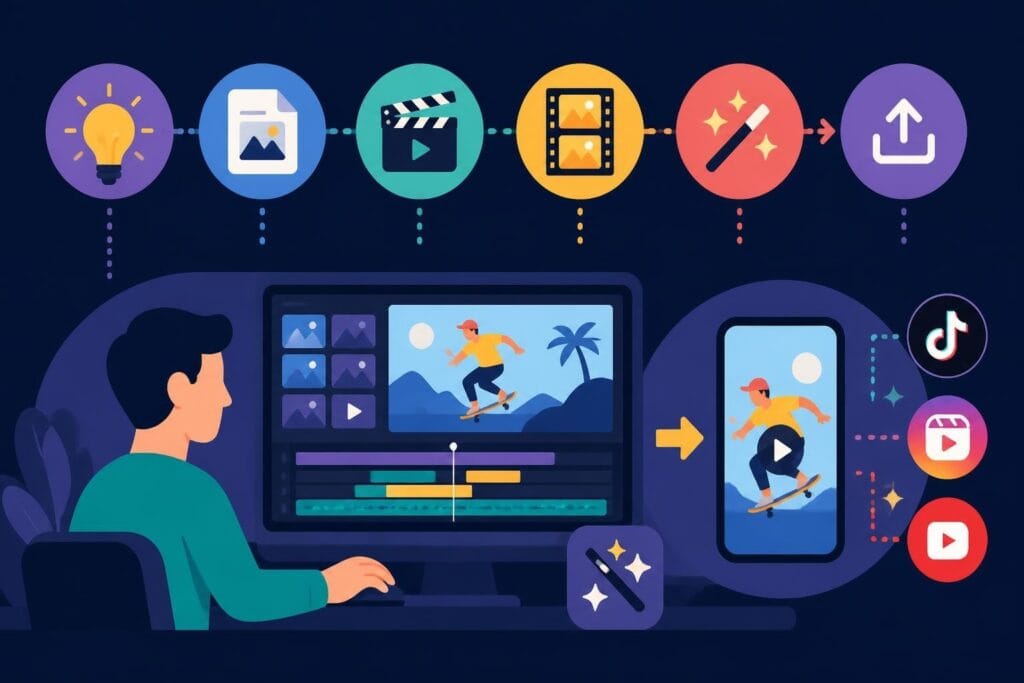
Short-form video has officially taken over the internet, and if you're not creating it, you're already behind. Whether you're scrolling through TikTok, Instagram Reels, or YouTube Shorts, those snappy 15 to 60-second clips are commanding attention and driving engagement like nothing else. But here's the thing: creating scroll-stopping shorts isn't just about hitting record on your phone. The magic happens in the edit. Finding the right shorts video editor can make the difference between content that gets buried and videos that actually convert. This guide breaks down everything you need to know about choosing and using the right tools to turn your raw footage into thumb-stopping content that keeps viewers watching and coming back for more.
Why Your Shorts Video Editor Matters More Than You Think
The platform you choose to edit your shorts directly impacts your efficiency, creativity, and final output quality. A clunky editor wastes hours of your time. A powerful one cuts your editing time in half while making your content look professional.
Speed is everything when you're creating shorts. The average creator uploads multiple times per week, sometimes daily. You need a shorts video editor that keeps pace with that volume without sacrificing quality or burning you out.
Your editor should handle vertical video natively, export in the right dimensions automatically, and make common tasks like adding captions, music, and transitions effortless. These aren't luxury features. They're basic requirements for staying competitive in 2026.
The Features That Actually Matter
Not all editing features are created equal when it comes to short-form content. Here's what separates the game-changers from the time-wasters:
- Auto-captioning with customization because 85% of social videos are watched without sound
- One-click aspect ratio adjustment for repurposing across platforms
- Built-in music libraries with licensed tracks you can actually use
- Template systems that speed up repetitive edits
- Mobile and desktop sync so you can edit anywhere
- Quick export presets for each platform's specific requirements
Advanced features matter less than you think. Most viral shorts use basic cuts, text overlays, and trending audio. Your editor should make those core elements incredibly fast to implement.
Platform-Specific Requirements Every Creator Should Know
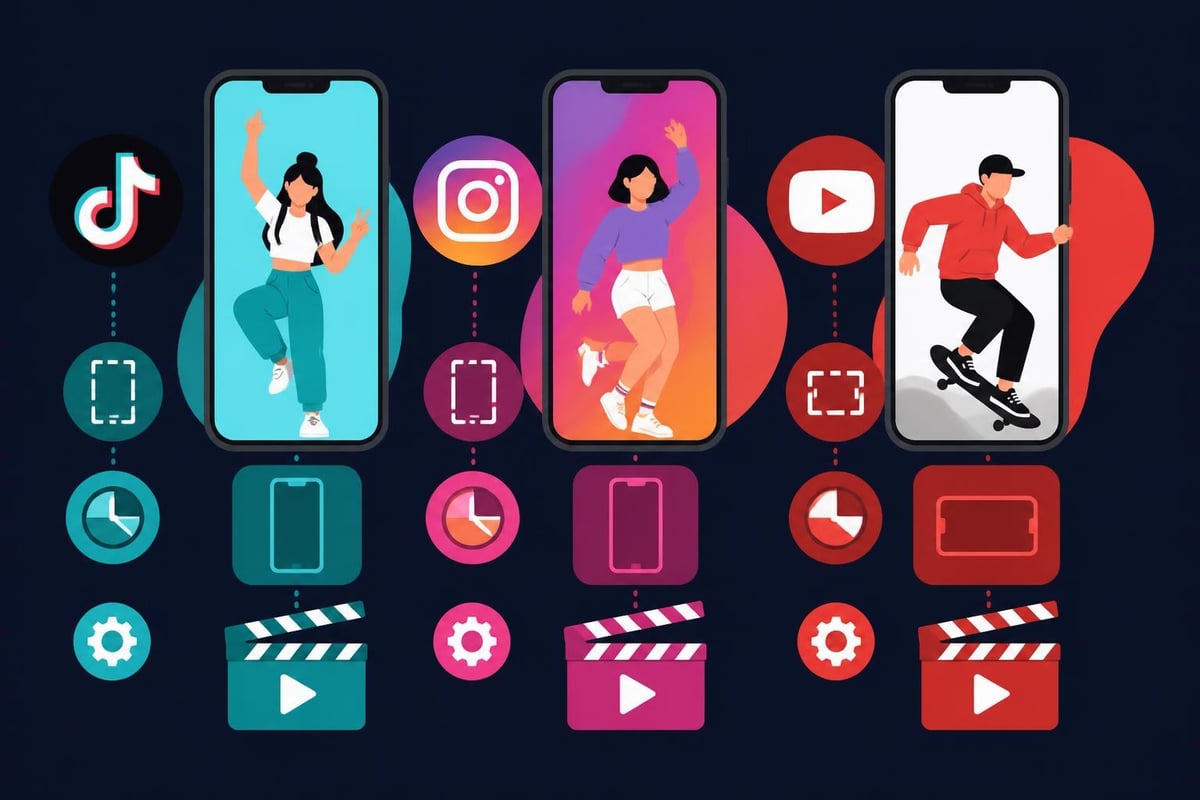
Each platform has its own quirks, and your shorts video editor needs to accommodate them all if you're serious about multi-platform distribution.
Understanding the Technical Specs
| Platform | Aspect Ratio | Max Duration | Recommended Resolution | File Size Limit |
|---|---|---|---|---|
| TikTok | 9:16 | 10 minutes | 1080×1920 | 287.6 MB |
| Instagram Reels | 9:16 | 90 seconds | 1080×1920 | 4 GB |
| YouTube Shorts | 9:16 | 60 seconds | 1080×1920 | 256 GB |
| Facebook Reels | 9:16 | 90 seconds | 1080×1920 | 4 GB |
Getting these specs wrong means your content looks cropped, blurry, or unprofessional. Your editor should either export with these presets built-in or make it dead simple to set them manually.
YouTube Shorts, for example, allows longer uploads technically, but the algorithm favors videos under 60 seconds. Your workflow should account for these platform preferences, not just technical limits.
Desktop vs. Mobile: Choosing Your Editing Environment
The debate between mobile and desktop editing continues, but the truth is you probably need both for an efficient shorts video editor workflow.
Mobile editors like CapCut and InShot excel at quick edits on the go. You can film and edit during your commute, publish from a coffee shop, or repurpose content while traveling. The best video editors for YouTube Shorts on mobile have evolved dramatically, offering professional features in surprisingly intuitive packages.
Desktop options provide more screen real estate, precision editing, and better performance with high-resolution footage. Tools like Wondershare Filmora’s AI video editing features bring sophisticated AI capabilities that are harder to replicate on mobile.
When to Use Each Approach
Use mobile when:
- You need to publish immediately
- The edit is straightforward (basic cuts, text, music)
- You're working with phone-captured footage
- You want to maintain a spontaneous, authentic feel
Switch to desktop when:
- You're batch-editing multiple videos
- The project requires complex transitions or effects
- You need precise color grading or audio mixing
- You're repurposing long-form content into shorts
Many successful creators use a hybrid approach. They'll do rough cuts on mobile to test concepts quickly, then polish their best-performing content on desktop for maximum quality.
AI-Powered Editing: The Future Is Already Here
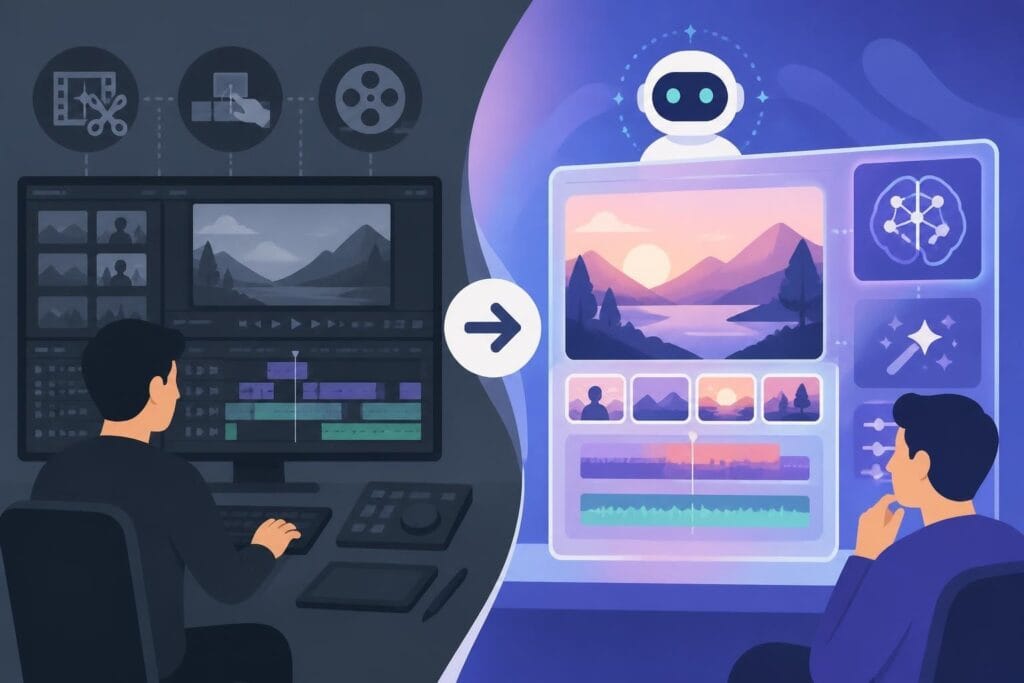
Artificial intelligence has transformed what's possible with a shorts video editor in 2026. These aren't gimmicks anymore. They're legitimate time-savers that let you focus on creative decisions instead of tedious tasks.
Auto-captioning used to be clunky and error-prone. Now it's frighteningly accurate, saving creators hours every week. Veed’s subtitle customization tools exemplify how far this technology has come.
Content-aware editing analyzes your footage and suggests cuts, identifies the best moments, and even matches edits to music beats. This is particularly valuable when repurposing long-form content into shorts.
Text-to-video generation lets you input a script and generate B-roll, animations, or entire sequences automatically. Tools like Kapwing’s AI-powered features are making this accessible to creators without motion graphics experience.
The AI Features Worth Your Attention
- Smart cropping that keeps speakers centered when converting horizontal to vertical
- Audio enhancement that removes background noise and normalizes volume levels
- Template matching that applies successful video structures to new content
- Trend detection that suggests popular formats and effects
- Automated B-roll insertion that fills gaps with relevant stock footage
These features don't replace human creativity. They eliminate the boring parts so you can spend more time on strategy and storytelling.

Building an Efficient Shorts Production Workflow
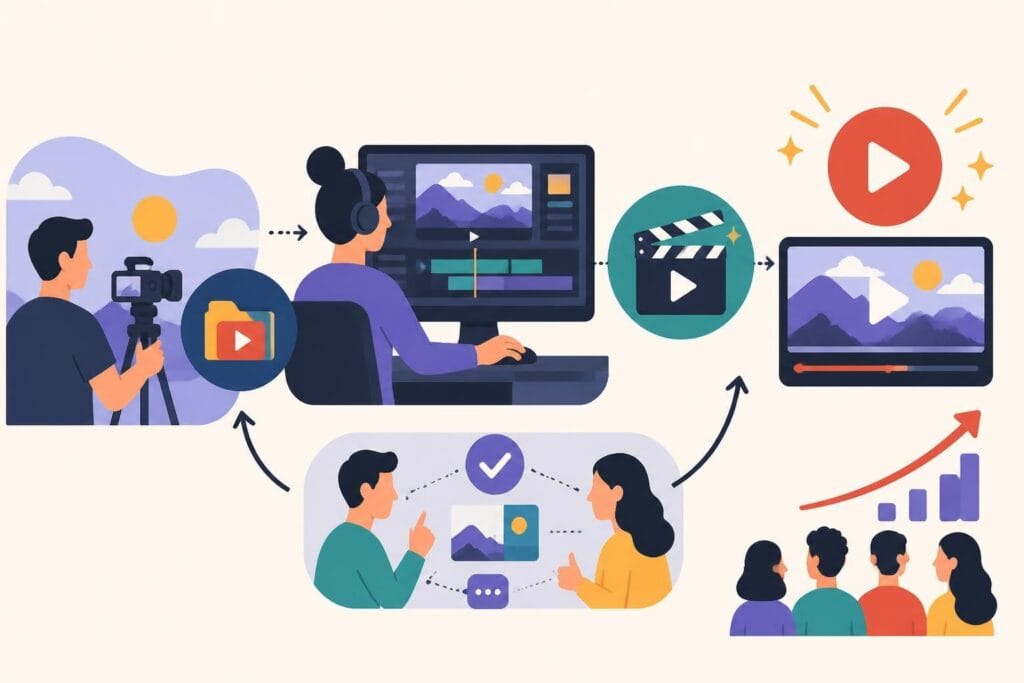
Having a great shorts video editor means nothing if your overall workflow is a mess. The most successful creators treat short-form content like a production line, not individual art projects.
Batch filming is your best friend. Set aside dedicated time to record multiple shorts in one session. Change shirts, adjust your background slightly, and you can film a week's worth of content in an afternoon.
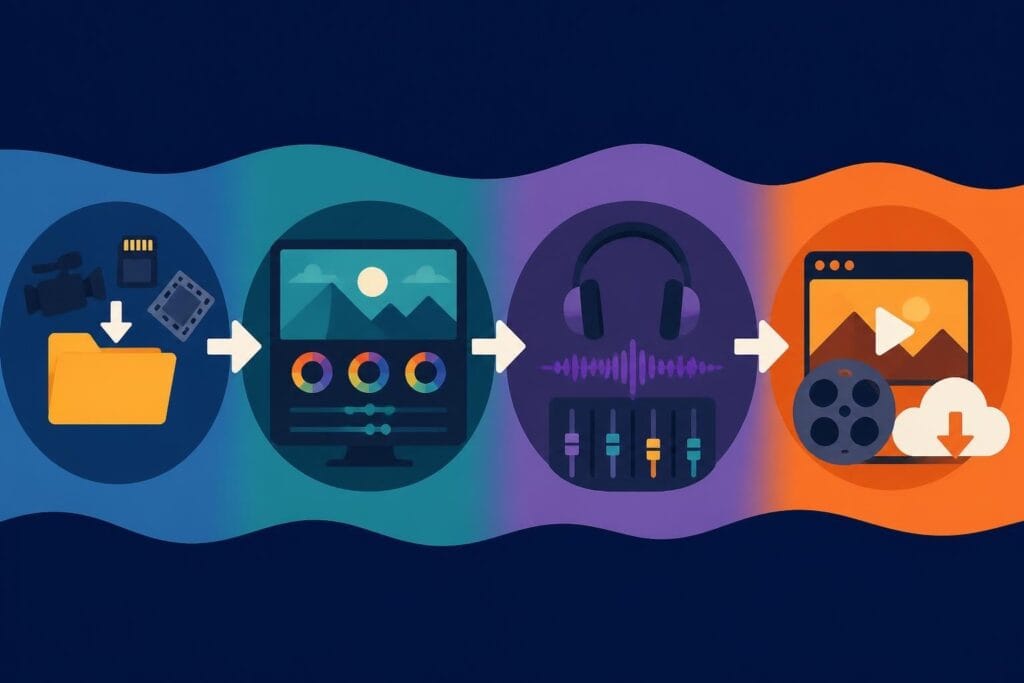
Your editing process should follow a similar pattern. Import all your clips at once. Apply your standard intro template to each one. Add captions to all of them. Export everything in one batch.
The Five-Step Editing Formula
Most successful shorts follow a similar editing pattern that you can systematize:
- Hook (0-3 seconds): Eye-catching visual or bold statement
- Context (3-10 seconds): What the video is about
- Value delivery (10-45 seconds): The main content
- Transition or payoff (45-55 seconds): The satisfying conclusion
- CTA (55-60 seconds): Where to go next or what to do
Your shorts video editor should make it easy to apply this structure consistently. Templates, presets, and saved effects help you maintain quality while increasing output.
When you're managing high-volume content creation, services like beCreatives’ TikTok editing handle the production line efficiently so you can focus on filming and strategy.
Repurposing Content: Work Smarter, Not Harder
The smartest creators film once and publish everywhere. Your shorts video editor should make cross-platform repurposing effortless.
Start with your long-form content. Podcasts, YouTube videos, webinars, and presentations are goldmines for shorts. One 30-minute video can easily become 15-20 short clips with the right editing approach.
Identify quotable moments where you said something memorable or explained a concept clearly. Pull those out as standalone clips. Add eye-catching text overlays and relevant B-roll.
Look for emotional peaks in your content where you got excited, passionate, or told a story. These moments naturally grab attention and perform well as shorts.
The Repurposing Workflow
| Step | Action | Tool/Feature |
|---|---|---|
| 1. Identify | Mark best moments in long-form content | Timestamps or markers |
| 2. Extract | Pull out 30-90 second segments | Clip trimming |
| 3. Reframe | Convert horizontal to vertical | Smart crop/AI reframing |
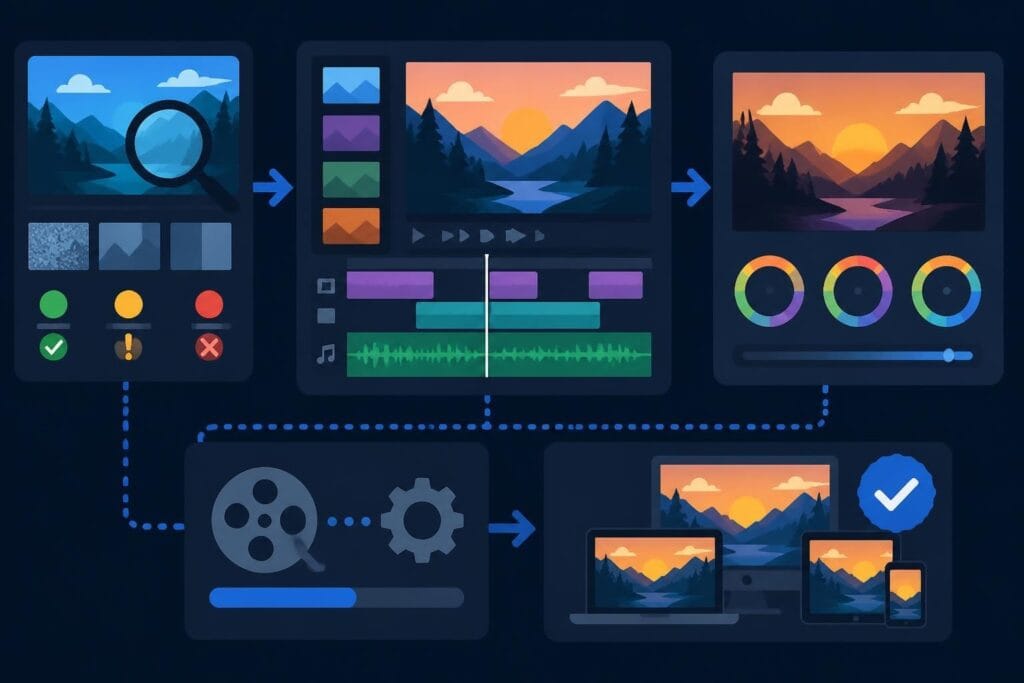
| 4. Enhance | Add captions, graphics, music | Templates and overlays |
| 5. Optimize | Adjust for each platform | Export presets |
| 6. Publish | Schedule across channels | Direct platform integration |
This systematic approach turns one piece of content into weeks of social media material. Learn more about repurposing YouTube videos for TikTok to maximize your content ROI.
Common Editing Mistakes That Kill Engagement
Even with the best shorts video editor, certain mistakes will tank your performance. Here's what to avoid:
Slow starts are deadly. If your first three seconds don't grab attention, viewers scroll past. Your editor should make it easy to cut straight to the good stuff.
Inconsistent branding confuses your audience and weakens recognition. Save your fonts, colors, and intro/outro sequences as presets so every video feels cohesive.
Poor audio quality drives viewers away faster than bad visuals. Use your editor's audio tools to normalize levels, remove background noise, and ensure clarity.
The Technical Mistakes to Watch For
- Exporting in the wrong aspect ratio (usually happens when repurposing)
- Forgetting to add captions or using unreadable fonts
- Making text overlays too small for mobile viewing
- Using copyrighted music without proper licensing
- Over-editing with too many transitions and effects
- Ignoring file size limits that cause compression issues
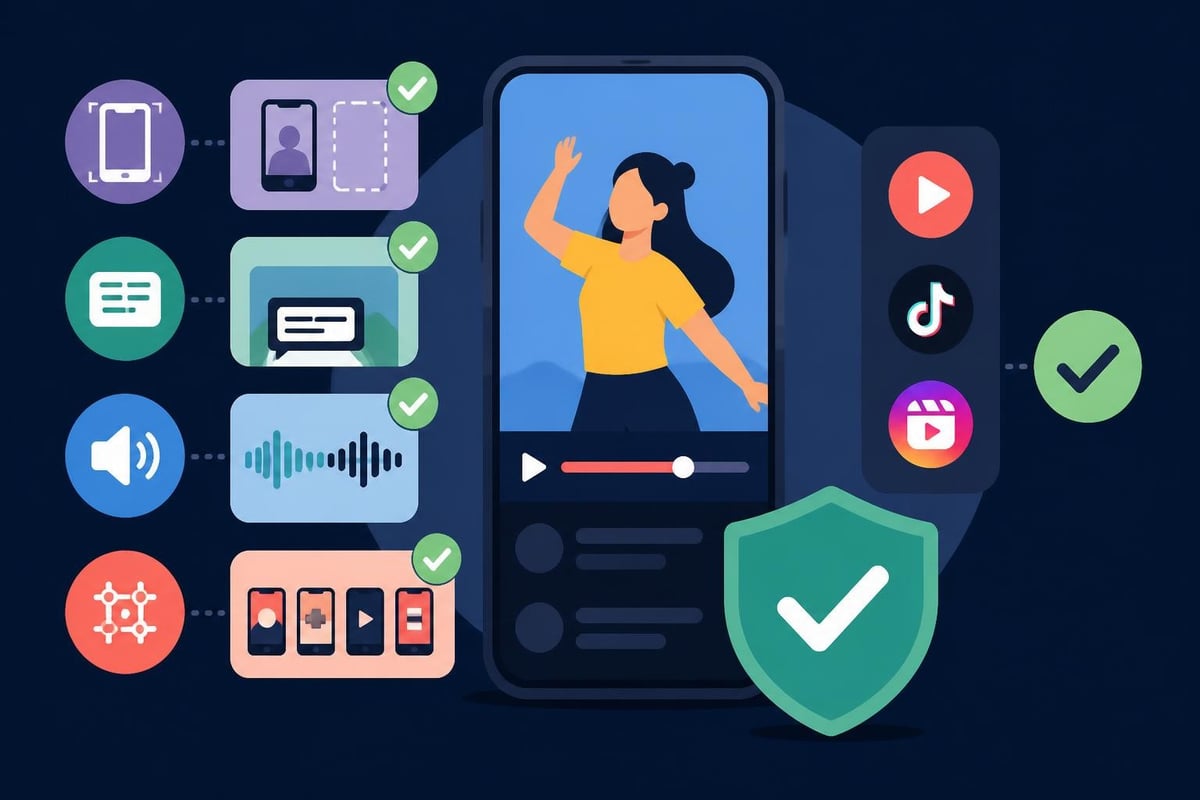
Most of these are easily preventable with the right presets and quality checks. Create a pre-publish checklist and stick to it religiously.
The ROI of Professional Shorts Editing
Time is money, and editing shorts takes more time than most creators expect. A 60-second video can take 30-60 minutes to edit properly when you're doing it yourself.
Let's do the math: If you're posting one short daily, that's 7-14 hours per week just on editing. That's time you're not spending on strategy, content creation, client work, or actually growing your business.
Professional editing services change this equation dramatically. You film your content, hand it off, and receive polished shorts ready to publish. No learning curves, no software subscriptions, no late nights fighting with export settings.
The quality difference is noticeable too. Professional editors understand pacing, storytelling, and platform-specific optimization in ways that casual creators don't. Your content looks better, performs better, and converts better.
Cost Comparison: DIY vs. Professional
| Approach | Monthly Cost | Time Investment | Quality Level |
|---|---|---|---|
| DIY with free tools | $0 | 30-40 hours | Variable |
| Paid software subscription | $20-80 | 25-35 hours | Good |
| Freelance editor | $200-800 | 5-10 hours | Inconsistent |
| Unlimited editing service | $499-999 | 2-5 hours | Professional |
The unlimited model makes the most sense for creators and businesses producing high volumes of content. You pay a flat monthly rate and submit as many videos as you need edited.
For content creators, business owners, and agencies managing multiple clients, check out beCreatives’ case studies to see how unlimited editing transforms content operations.
Choosing the Right Tool for Your Needs
With dozens of shorts video editor options available, selection paralysis is real. Here's how to cut through the noise and find what actually works for you.
Start with your content type. Are you doing talking-head videos, product demos, educational content, or entertainment? Different content styles benefit from different editing features.
Consider your technical skill level. Some tools are incredibly powerful but have steep learning curves. Others sacrifice advanced features for ease of use. Be honest about your abilities and learning appetite.
Think about volume. If you're publishing daily, you need speed and efficiency above all else. Occasional creators can afford more complex workflows with more manual steps.
Questions to Ask Before Choosing
- Does it export natively for my primary platforms?
- How steep is the learning curve?
- Does it include the assets I need (music, stock footage, effects)?
- Can I save templates and presets for consistency?
- What's the actual monthly cost including all features I need?
- Does it integrate with my existing workflow?
- What kind of support and tutorials are available?
Trial periods are your friend. Most quality shorts video editors offer free trials. Actually use them with your real content before committing to a subscription.
The Content Creator's Dilemma: Edit or Outsource?
Here's the uncomfortable truth: Just because you can edit your own shorts doesn't mean you should.
Your zone of genius probably isn't editing. It's creating content, serving clients, building strategy, or growing your business. Every hour you spend learning new editing techniques is an hour not spent on high-value activities.
The freelancer route seems appealing until you deal with inconsistent quality, missed deadlines, and constant project management overhead. You end up spending nearly as much time managing editors as you would editing yourself.
The in-house editor option works for some businesses but requires consistent volume to justify the salary, benefits, and equipment costs. Most creators and small businesses don't have that volume yet.
This is where unlimited video editing services make the most sense. You get dedicated editors who learn your brand, unlimited revisions, and predictable monthly costs. No project management. No hiring headaches. Just upload your footage and receive polished shorts.
Staying Current with Trends and Features
The shorts landscape evolves constantly. What worked six months ago might be stale today. Your shorts video editor needs to keep pace with platform updates and trending formats.
Platform algorithm changes affect what gets promoted. YouTube Shorts recently adjusted how it handles music licensing. TikTok updated its recommendation system. Instagram tweaked Reels' preferred aspect ratio slightly. Your editor should adapt to these changes quickly.
Trending effects and transitions come and go rapidly. The viral wipe transition from Q4 2025 is already feeling dated. Your editing toolkit needs regular refreshes to stay current.
Subscribe to creator newsletters, follow platform announcements, and watch what top performers in your niche are doing. Then make sure your shorts video editor can replicate those trends when they're relevant to your brand.
2026 Trends Worth Watching
- Longer shorts: Platforms are testing increased duration limits
- Interactive elements: Polls, questions, and clickable links within videos
- AI avatars: Digital presenters for faceless content
- 3D effects: Depth and dimension in previously flat formats
- Seamless loops: Videos that restart without obvious cuts
The best editors are already incorporating these capabilities. Don't get left behind with outdated tools.
Measuring Success Beyond Views
Views matter, but they're not the whole story. Your shorts video editor workflow should support broader business goals.
Track watch time percentage to see if viewers actually engage or scroll immediately. A video with 100,000 views but 20% average watch time performs worse than one with 10,000 views and 80% retention.
Monitor follower conversion rates. How many shorts viewers actually follow your account? This metric reveals whether your content attracts your target audience or just random scrollers.
Measure website traffic and sales from shorts when possible. Use trackable links in your bio, monitor traffic spikes after posting, and connect content themes to business results.
Your editing decisions directly impact these metrics. Better hooks improve watch time. Stronger CTAs increase conversions. Professional polish builds credibility that drives sales.
The data should inform your editing approach. If quick cuts perform better than longer shots, adjust your style. If text-heavy videos outperform minimal graphics, lean into that. Let performance guide your creative decisions.
Creating engaging shorts doesn't have to consume your entire week or require you to become an editing expert. The right shorts video editor combined with a smart workflow gets you 90% of the way there. For that final 10% polish and to reclaim dozens of hours each month, consider whether professional editing support makes sense for your content goals. beCreatives handles all the technical details while you focus on what you do best: creating compelling content that grows your business and connects with your audience.