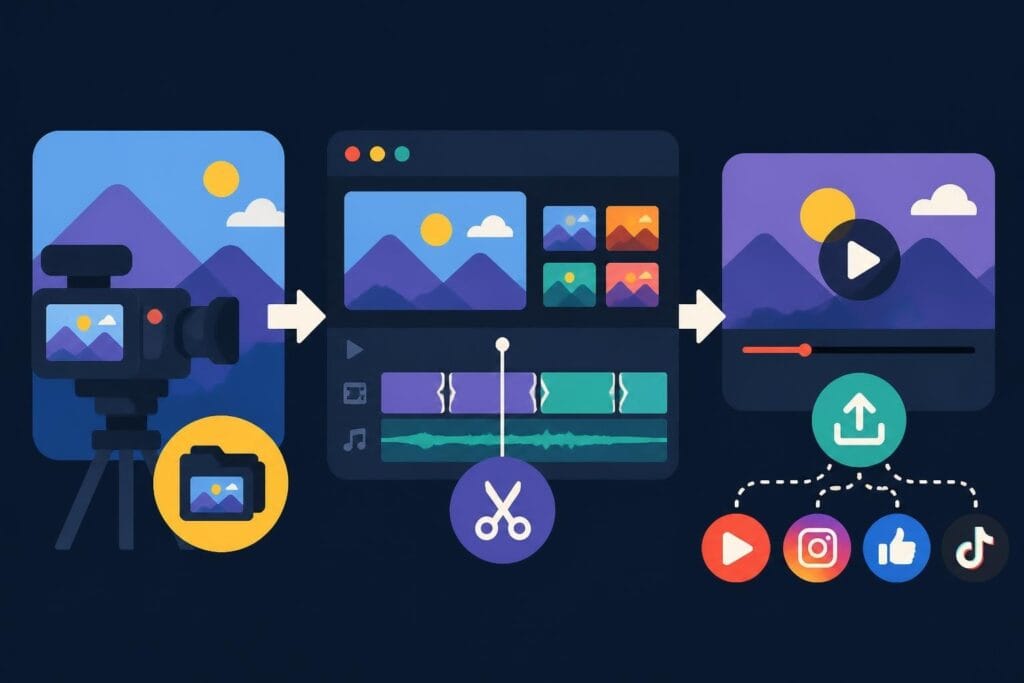
Creating music videos in 2026 means juggling beat-synced cuts, color grading, motion graphics, and seamless audio mixing-all while keeping your creative vision intact. Whether you're a content creator building your YouTube channel, a marketer promoting artists, or an agency managing multiple clients, choosing the best music video software can make or break your production workflow. The right tools save hours of frustration, but here's the thing: knowing which software to use matters less than actually getting your videos finished and published. Let's explore the top options available today and how they fit into real-world music video production.
What Makes Music Video Software Stand Out
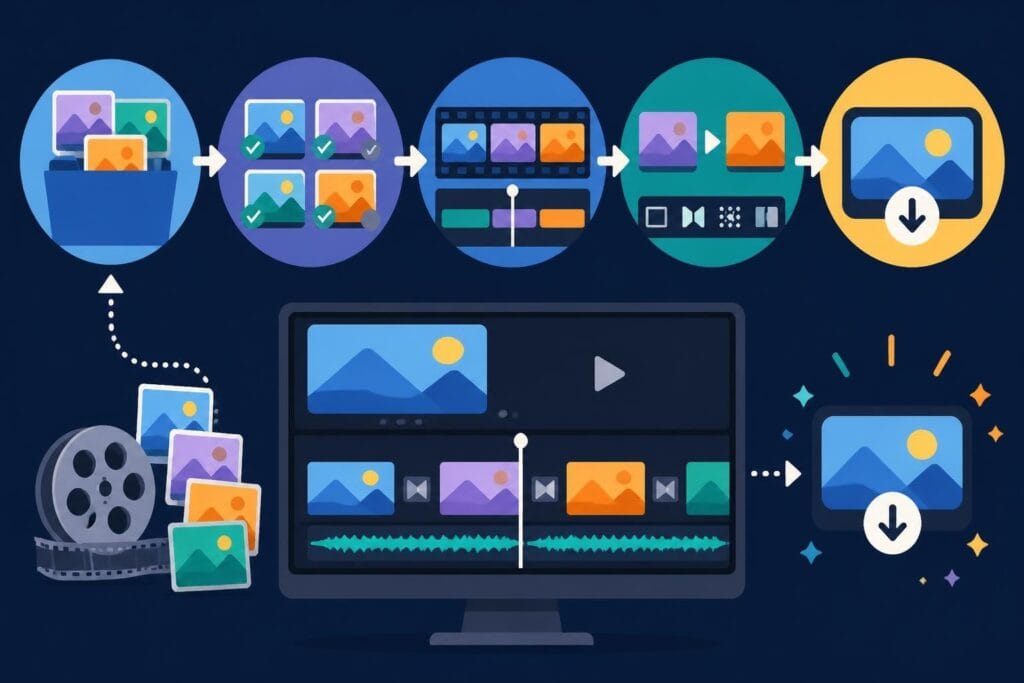
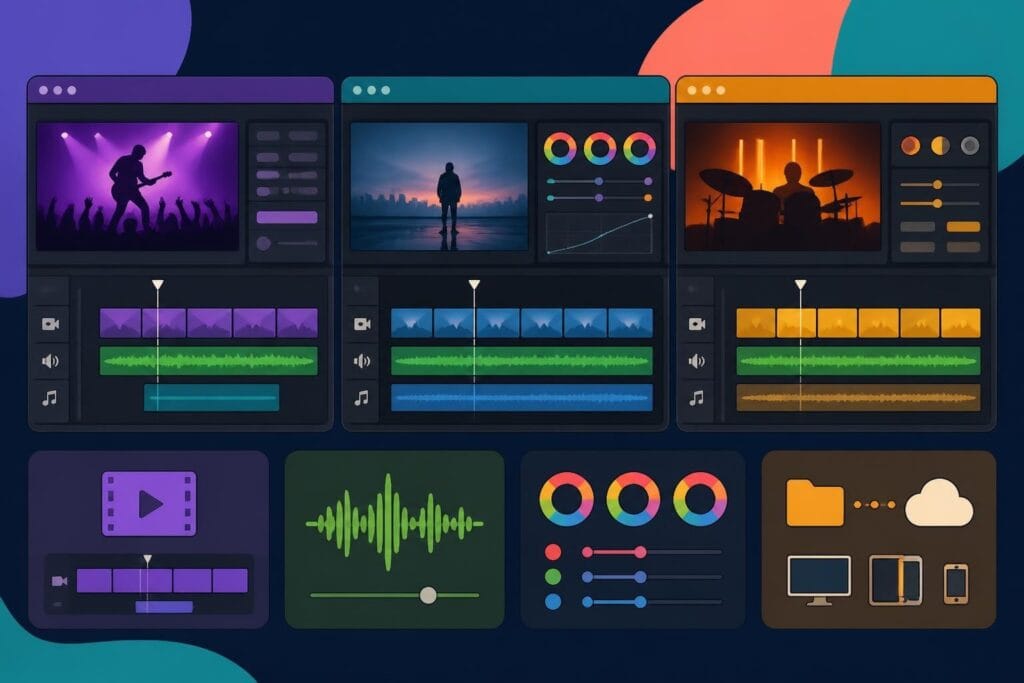
Music video editing requires specific capabilities that go beyond basic video editing. You need precise audio synchronization, beat detection, multi-track timeline support, and visual effects that complement musical elements.
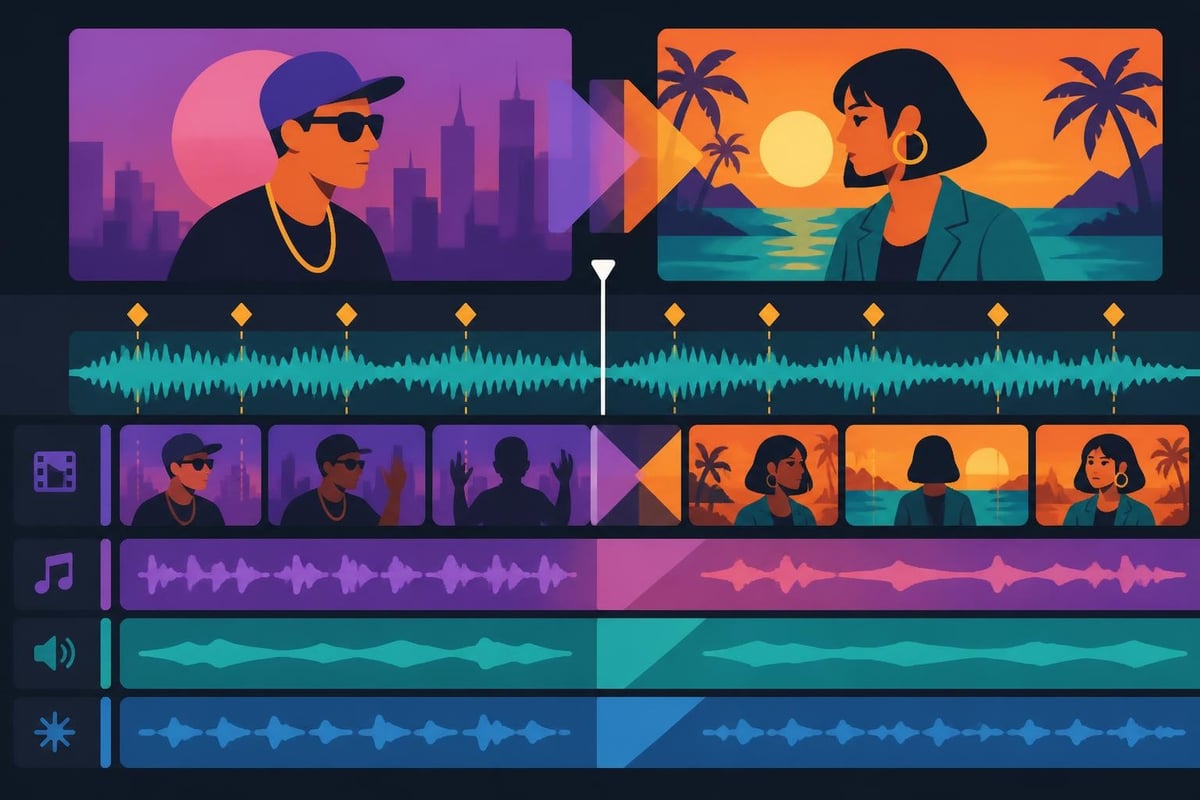
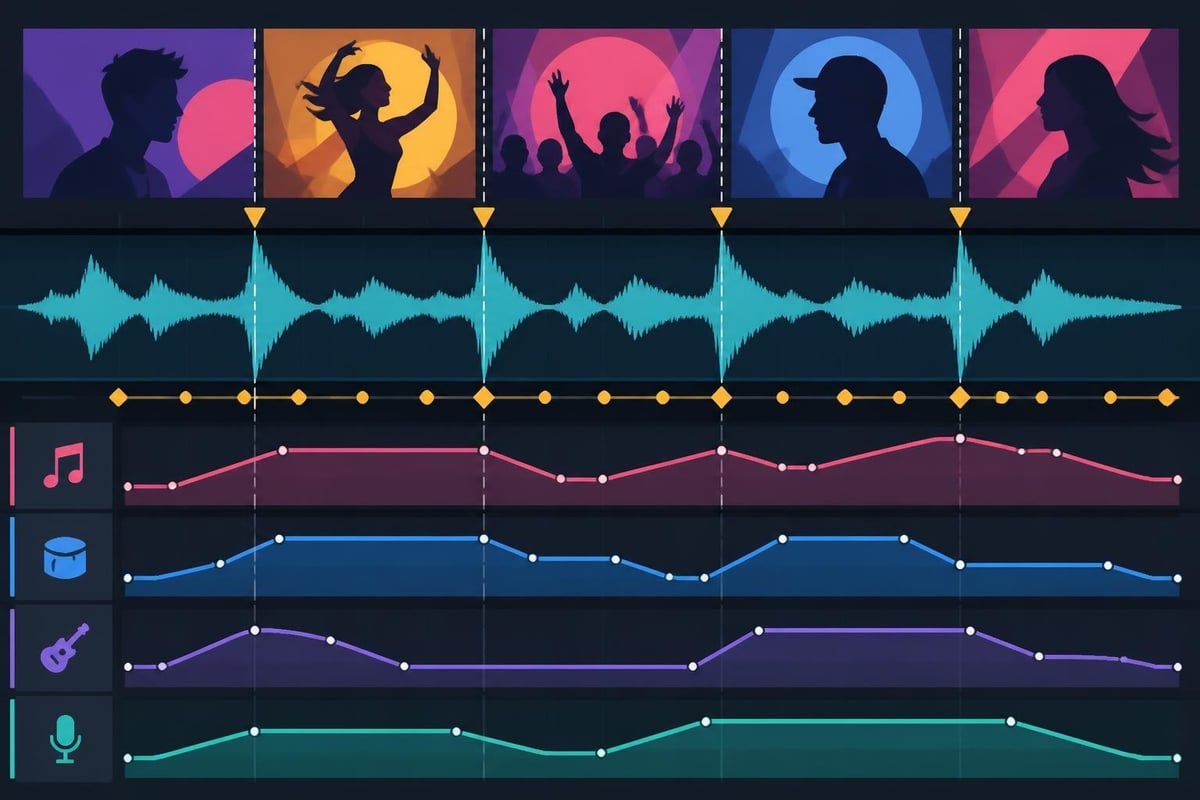
The best music video software combines these features with an intuitive interface that doesn't slow down your creative process. Beat markers let you align cuts with drum hits and basslines, while keyframe animation brings dynamic movement to your visuals.
Essential Features for Music Video Creation
When evaluating software options, certain features separate adequate tools from exceptional ones:
- Audio waveform visualization for precise editing
- Multi-track timeline support for complex compositions
- Color grading tools to establish mood and atmosphere
- Motion graphics capabilities for titles and effects
- Export presets optimized for YouTube, Instagram, and TikTok
Professional video editing software options continue evolving with AI-powered features that analyze beats and suggest edit points automatically.
Beyond features, rendering speed matters significantly. A music video with effects-heavy sections can take hours to export on slower systems, delaying your publishing schedule and frustrating clients who need quick turnarounds.
| Feature Type | Why It Matters | Best For |
|---|---|---|
| Beat Detection | Auto-syncs cuts to music rhythm | Fast-paced videos |
| Color Grading | Creates consistent visual mood | Narrative-style videos |
| Motion Tracking | Keeps effects locked to subjects | Performance videos |
| Proxy Editing | Smooth playback of 4K footage | High-resolution projects |
Top Software Options for Music Video Production
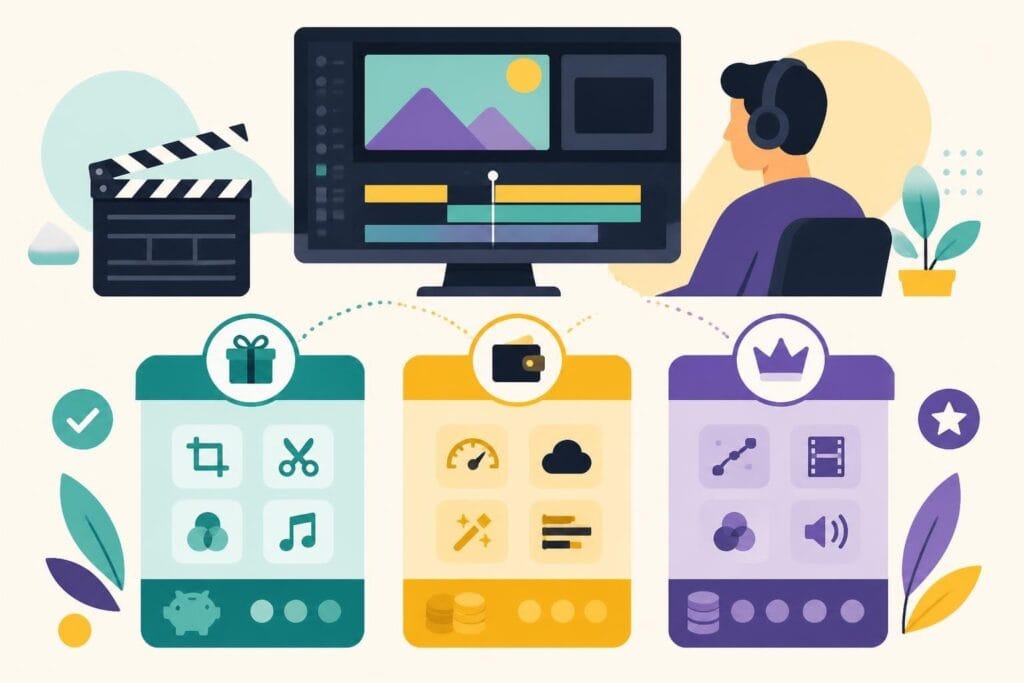
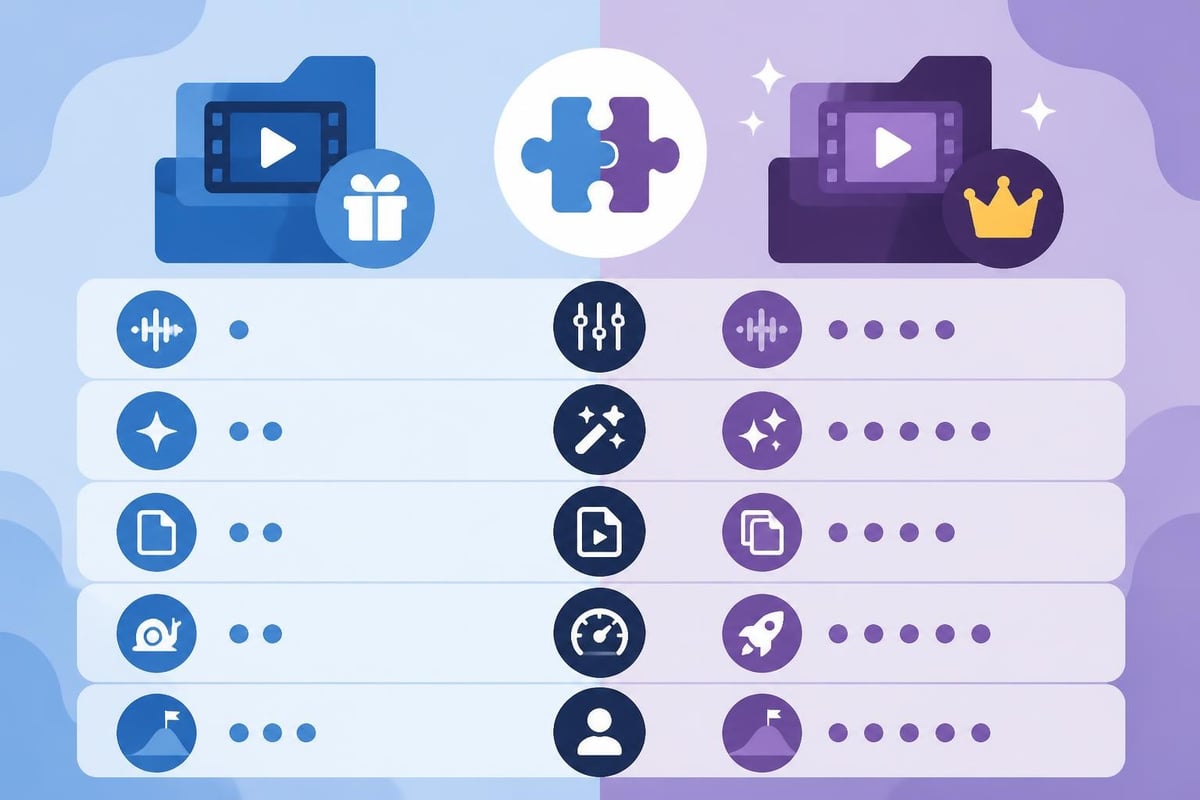
The market offers everything from free open-source editors to professional suites costing thousands. Your choice depends on budget, technical skill level, and specific project requirements.
Adobe Premiere Pro
Premiere Pro remains the industry standard for professional music video production. It handles 4K and 8K footage smoothly, integrates with After Effects for motion graphics, and provides extensive color grading through Lumetri Color.
Pros:
- Industry-standard compatibility
- Robust audio editing tools
- Regular feature updates
- Extensive plugin ecosystem
Cons:
- Monthly subscription cost ($54.99/month)
- Steep learning curve for beginners
- Resource-intensive on older computers
For creators who need beginner-friendly alternatives, Adobe Premiere Elements 2026 offers simplified workflows with AI-powered music remixing-though it can still feel complex for first-timers.
DaVinci Resolve
DaVinci Resolve stands out by offering professional-grade color correction alongside full video editing capabilities. The free version includes nearly all features most music video creators need.
This software particularly shines when you're creating cinematic music videos that require precise color matching across scenes. The Fairlight audio page provides professional mixing capabilities that rival dedicated audio workstations.
Pricing: Free (Studio version $295 one-time purchase)
Final Cut Pro
Mac users often gravitate toward Final Cut Pro for its optimized performance on Apple Silicon chips. The magnetic timeline prevents accidental clip collisions, and the background rendering keeps your workflow smooth.
Music video creators appreciate the built-in sound effects library and seamless integration with Logic Pro for advanced audio work.
| Software | Starting Price | Platform | Best Feature |
|---|---|---|---|
| Premiere Pro | $54.99/month | Win/Mac | Industry compatibility |
| DaVinci Resolve | Free | Win/Mac/Linux | Color grading |
| Final Cut Pro | $299.99 one-time | Mac only | Magnetic timeline |
| HitFilm Pro | $12.99/month | Win/Mac | Built-in VFX |
Free Options Worth Considering
Not everyone needs professional software immediately. Several free tools deliver surprising capability for music video production.
Shotcut provides a solid foundation with multi-track editing and extensive format support. The Shotcut tutorials walk you through everything from basic cuts to advanced effects. It's open-source, which means free forever-no trial limitations or watermarks.
OpenShot offers similar functionality with a slightly more approachable interface. Check out this OpenShot tutorial guide if you're starting fresh with video editing concepts.
Browser-Based Solutions for Quick Projects
Sometimes you need to edit and publish quickly without installing hefty software. Browser-based editors have matured significantly in 2026.
Clipchamp integrates directly with Windows 11 and offers cloud-based editing that works on any device. The Clipchamp platform includes AI-driven audio enhancement and template libraries specifically designed for music content.
When Browser Editors Make Sense
- Collaborative projects where multiple editors need access
- Traveling creators working from different locations
- Low-spec computers that can't run desktop software
- Quick social media edits that don't require advanced features
The tradeoff? Limited control over advanced effects and slower rendering for complex projects. For simple lyric videos or behind-the-scenes content, though, browser editors get the job done without the hassle.
Matching Software to Your Music Video Style
Different music video genres demand different editing approaches. A lo-fi hip-hop visualizer needs completely different tools than a rock band performance video.
Performance Videos
These focus on capturing energy and timing. You'll spend most of your time cutting between camera angles in rhythm with the music. The best music video software for performances includes:
- Multi-camera angle syncing
- Beat detection for automatic cuts
- Stabilization for handheld footage
- Quick color matching between cameras
Most creators working with TikTok editing workflows prioritize speed over complexity-vertical format, punchy transitions, and mobile-optimized exports.
Narrative and Conceptual Videos
Story-driven music videos require more sophisticated tools. You're essentially making a short film synchronized to music, which means:
- Storyboarding integration for planning complex sequences
- Advanced color grading to maintain visual consistency
- Motion graphics for animated elements
- Audio ducking to balance dialogue and music
The complexity escalates quickly. This is where many creators realize that mastering editing software takes time away from actual content creation and strategic growth.
Lyric and Visualizer Videos
These often rely on templates and motion graphics rather than traditional footage. Software with strong text animation capabilities and particle effects works best.
| Video Type | Primary Need | Secondary Need | Time Investment |
|---|---|---|---|
| Performance | Multi-cam sync | Color matching | Medium |
| Narrative | Storyboarding | Effects | High |
| Lyric | Text animation | Templates | Low |
| Visualizer | Audio reactivity | Particle effects | Medium |
Audio Editing Integration
Music videos live or die by their audio quality. Even stunning visuals can't save a video with poorly mixed sound. The best music video software includes robust audio editing or integrates seamlessly with dedicated audio tools.
Waveform precision lets you align visual cuts exactly to transient peaks in your audio. This creates that satisfying synchronization where every snare hit matches a visual punch.
Modern software includes audio editing capabilities like noise reduction, EQ adjustment, and compression-essential when you're working with raw footage that captured environmental sounds alongside your music track.
Audio-Visual Sync Strategies
Getting perfect sync requires more than just dropping your audio track onto the timeline:
- Lock your audio track immediately to prevent accidental shifts
- Use nested sequences for complex multi-angle segments
- Export audio separately for final mastering before combining
- Add safety markers at verse/chorus transitions
Some creators export their rough cut, send audio for professional mixing, then re-sync the mastered track-a workflow that demands precise timecode management.
The Hidden Cost of DIY Video Editing
Here's the reality nobody talks about: learning the best music video software takes hundreds of hours. You'll spend nights troubleshooting codec issues, weekends watching tutorials, and entire projects fighting with effects that should work but don't.
Time investment breakdown:
- Learning basic interface: 20-30 hours
- Mastering advanced features: 100+ hours
- Troubleshooting technical issues: Ongoing
- Staying current with updates: 5-10 hours yearly
For content creators and agencies, that time compounds quickly. Every hour spent editing is an hour not spent creating content, building your audience, or serving clients.
The comprehensive software reviews out there prove one thing: there's no perfect solution that works for everyone. Each tool involves compromise between features, cost, and learning curve.
When Outsourcing Makes More Sense
Many successful creators realize their competitive advantage isn't technical editing skill-it's creative vision, audience connection, and consistent content output.
Consider outsourcing when:
- You're publishing multiple videos weekly
- Technical issues regularly delay your schedule
- You'd rather focus on content strategy than software updates
- Your business model values speed over personal editing control
Professional short-form video editing services handle the technical complexity while you focus on what actually grows your brand-creating compelling content and connecting with your audience.
Choosing Your Best Music Video Software
After exploring features, pricing, and workflows, the "best" software depends entirely on your specific situation. A solo creator building a YouTube channel has different needs than an agency managing multiple artist clients.
Decision factors to weigh:
- Budget: One-time purchase vs. subscription vs. free
- Computer specs: Can your system handle professional software?
- Learning time: How quickly do you need to start producing?
- Project complexity: Simple cuts or effects-heavy productions?
- Output requirements: Where will these videos publish?
For beginners, start with free options like DaVinci Resolve or Shotcut. Learn fundamental editing concepts without financial pressure. As your skills and needs grow, you can migrate to paid software-or decide that outsourcing better serves your goals.
Experienced editors might appreciate tools like Movavi Video Editor 2026 which balances advanced features with user-friendly interfaces and AI-powered tools that streamline repetitive tasks.
Making the Software Work for You
Whichever tool you choose, maximize efficiency by:
- Creating templates for recurring video styles
- Using keyboard shortcuts to speed up common actions
- Organizing project files with consistent naming conventions
- Backing up projects to cloud storage regularly
- Learning one new feature each project instead of everything at once
The software itself matters less than your workflow efficiency. A skilled editor can create professional results in basic software, while expensive tools won't automatically improve poorly planned content.
Platform-Specific Considerations for 2026
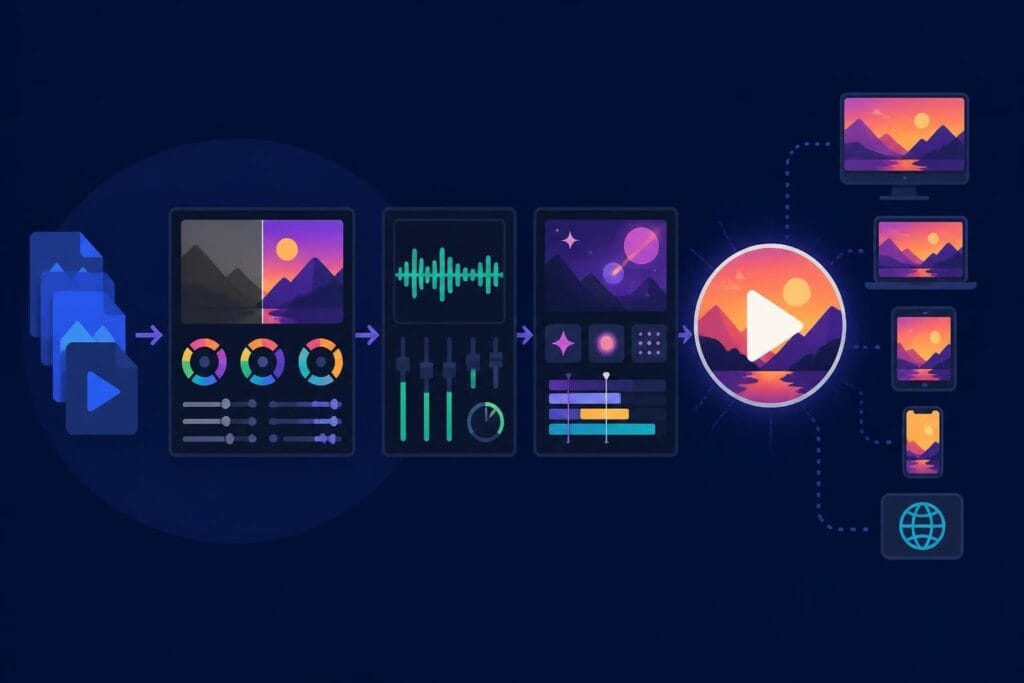
Music video distribution has fragmented across platforms, each with unique technical requirements. Your chosen software needs to export formats optimized for where your audience actually watches.
YouTube prioritizes 4K resolution and HDR color for premium music content. Instagram wants square or vertical formats for feed posts and Reels. TikTok demands vertical video with specific aspect ratios and file sizes.
Smart creators design their editing workflow to accommodate multiple formats from a single master project-yet another technical complexity that eats into creative time.
The best music video software includes export presets for major platforms, but you'll still spend time testing how your carefully graded colors appear after each platform's compression algorithm processes your upload.
Mobile Editing Apps
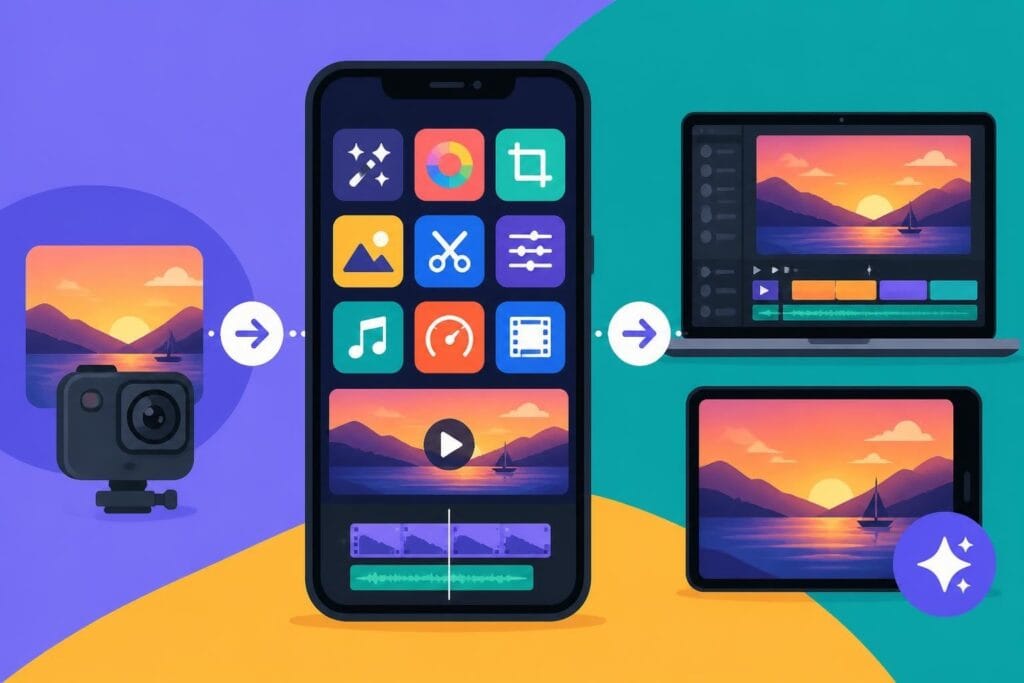
Don't overlook mobile options for quick projects. Apps like LumaFusion on iPad provide surprisingly robust editing capabilities, though they're better suited for social media content than professional music video production.
Mobile editing makes sense for creators building personal brands through consistent, casual content rather than polished productions.
Finding the best music video software comes down to matching tools with your actual workflow needs-but remember, the software is just the beginning. Learning curves, technical troubleshooting, and constant updates consume time that could go toward creating more content and growing your audience. If you're ready to skip the software learning curve and focus on what actually grows your brand, beCreatives offers unlimited video editing with dedicated editors who handle the technical complexity while you focus on creative vision and audience connection.