The internet is bursting with video editing tutorials. A quick search reveals thousands of hours of instruction on every platform imaginable, from basic cuts to Hollywood-level color grading. But here's the question nobody's asking: should you actually be watching them? For content creators, business owners, and marketers juggling a million tasks, the real skill isn't mastering Adobe Premiere Pro. It's knowing when to learn and when to let someone else handle it. Let's dive into the world of video editing education and figure out what actually makes sense for your business in 2026.
The Tutorial Explosion: Why Everyone's Teaching Editing
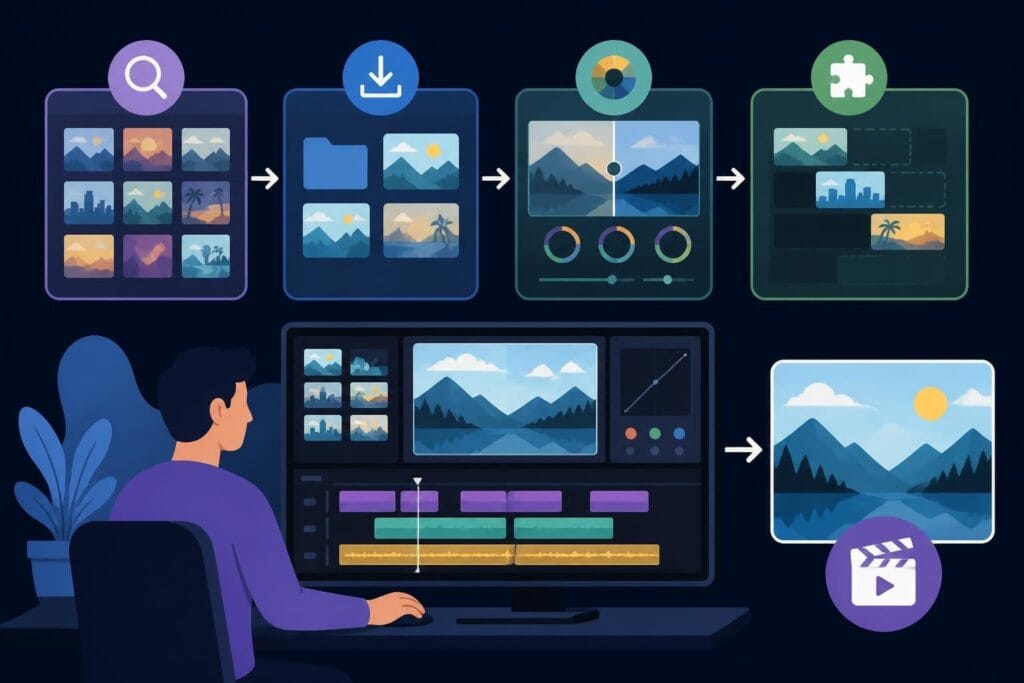
Video editing tutorials have become a massive industry. Platforms like YouTube, Skillshare, and dedicated training sites pump out fresh content daily, promising to transform beginners into editing pros. The appeal is obvious: learn a valuable skill, save money on editors, and maintain complete creative control.
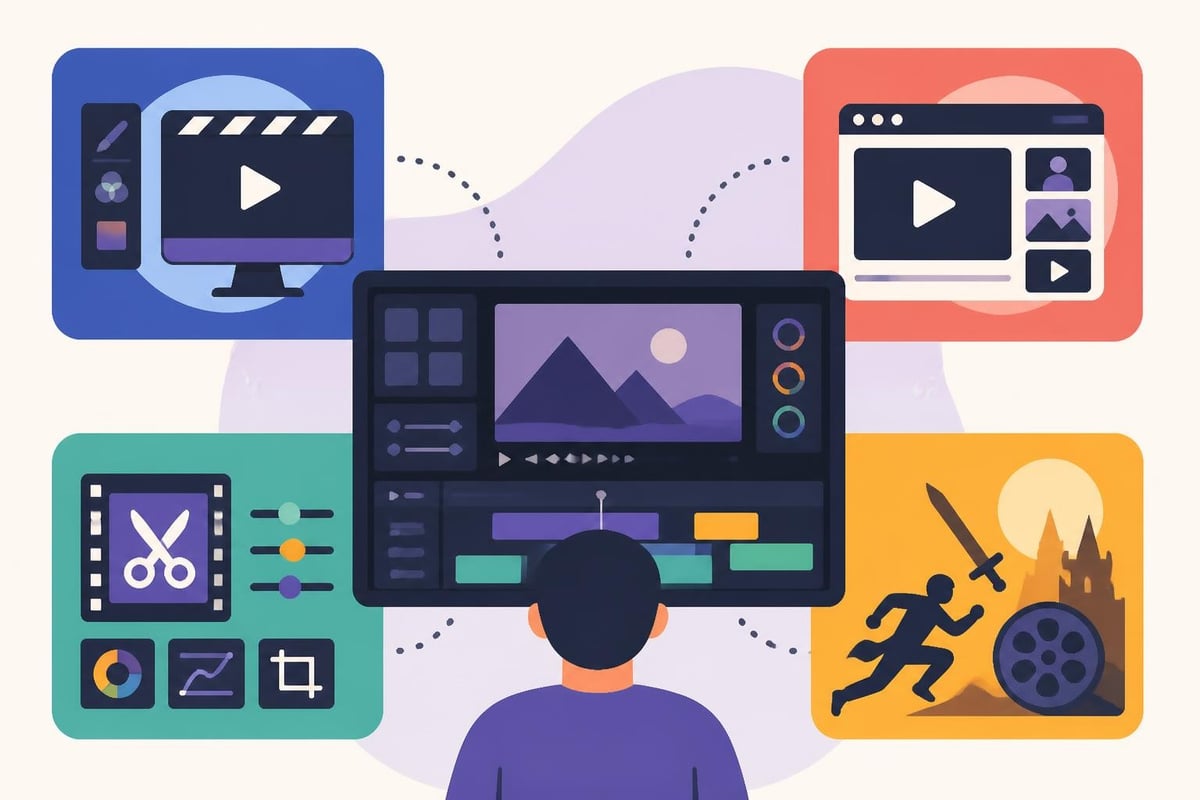
The most common types of tutorials include:
- Software-specific training (Premiere Pro, Final Cut, DaVinci Resolve)
- Platform-focused content (TikTok edits, YouTube videos, Instagram Reels)
- Technique-based lessons (color grading, transitions, audio mixing)
- Genre-specific guides (vlogs, product videos, documentaries)
The quality ranges wildly. Some resources, like those from CyberLink’s Learning Center, offer structured pathways through their software. Others are scattered 10-minute clips that teach one trick without context.
The Time Investment Reality Check
Here's what most video editing tutorials don't tell you upfront: the learning curve is steep and never-ending. Software updates constantly. Platform trends shift weekly. What works for YouTube long-form doesn't translate to TikTok editing strategies.
Let's break down the actual time commitment:
| Learning Stage | Time Investment | Skill Level Achieved |
|---|---|---|
| Basic cuts and transitions | 20-30 hours | Can create simple videos |
| Intermediate techniques | 100+ hours | Competent but slow |
| Advanced color and audio | 200+ hours | Professional quality possible |
| Platform-specific mastery | Ongoing | Trends change constantly |
That's just learning time. It doesn't include the hours spent actually editing your content each week.
What the Best Tutorials Actually Teach
Quality video editing tutorials focus on principles, not just button-pushing. Resources like Film Editing Pro teach storytelling fundamentals that Hollywood professionals use. Understanding pacing, rhythm, and emotional beats matters more than knowing every Premiere Pro shortcut.
Core concepts worth learning include:
- Story structure and narrative flow
- Pacing and rhythm fundamentals
- Audio importance and hierarchy
- Color psychology and mood
- Viewer retention strategies
Media College’s comprehensive tutorials cover these foundational elements well, giving context to the technical skills. But here's the catch: understanding these concepts doesn't mean you need to execute them yourself.
The Software Learning Trap
Different software requires different tutorial approaches. Free options like DaVinci Resolve have robust communities sharing knowledge. Professional tools like Premiere Pro and Final Cut Pro X have official training programs, including offerings from Adobe Video Training that take users from beginner to advanced levels.
The problem? Each platform has unique workflows, keyboard shortcuts, and best practices. Switch platforms, and you're starting over. Many creators waste months bouncing between software before settling on one, multiplying their learning time.
The Hidden Costs of DIY Video Editing
Video editing tutorials are often free or cheap. But the real cost isn't the tutorial price tag. It's everything else that comes with doing it yourself.
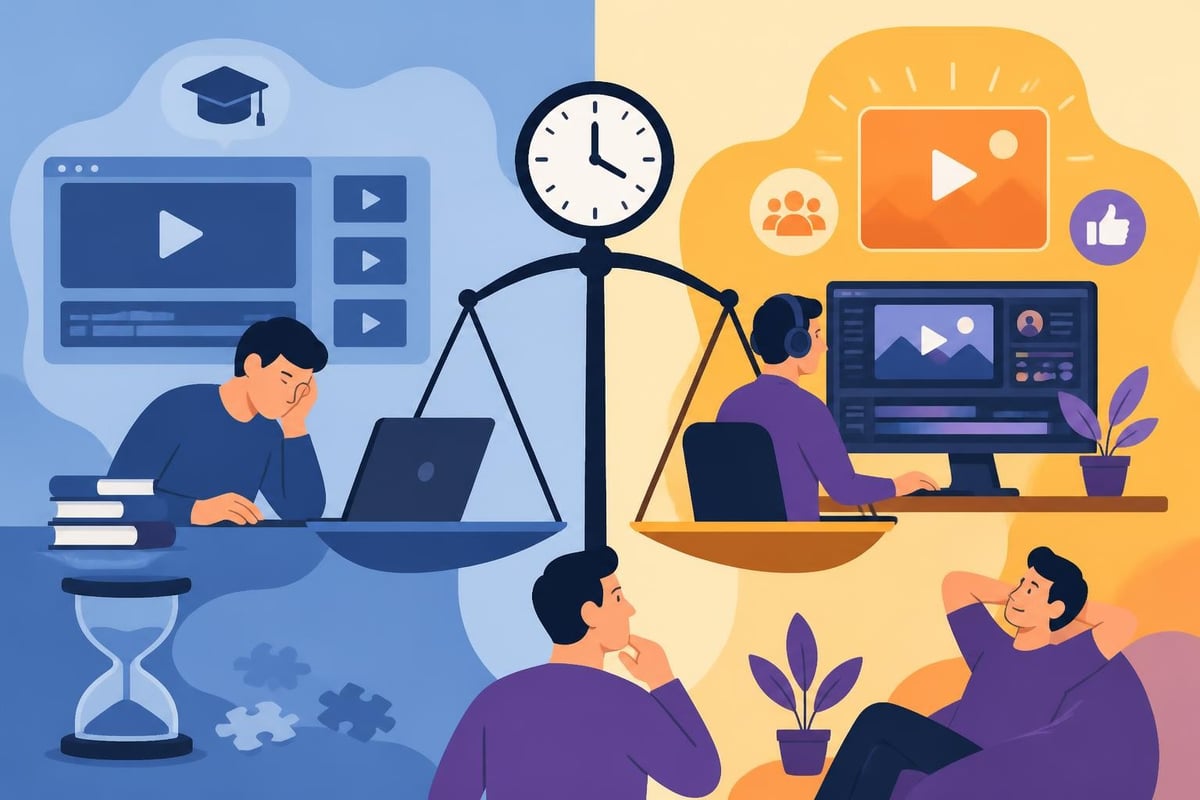
Time is your most expensive resource. If you're spending 10 hours weekly learning and editing when you could be creating content, meeting clients, or developing strategy, what's the actual cost? For most business owners and creators, it's astronomical.
Your opportunity cost breakdown:
- Learning time: Hours watching tutorials instead of revenue-generating activities
- Editing time: Slow amateur work versus fast professional output
- Revision time: Fixing mistakes and experimenting with different approaches
- Update time: Relearning when software updates or trends shift
- Mental energy: Decision fatigue from endless editing choices
A short-form video editor can knock out in two hours what takes a beginner eight hours. That six-hour difference compounds weekly, monthly, yearly.
The Quality Gap
Even after hundreds of hours studying video editing tutorials, most people plateau at "pretty good." Professional editors spend years refining their craft, staying current with trends, and developing instincts that tutorials can't teach.
Your audience notices the difference. Choppy cuts, inconsistent pacing, poor audio mixing, and amateur transitions all scream "I did this myself." That's fine for personal vlogs, but for businesses and serious creators, it damages credibility.
When Tutorials Actually Make Sense
Let's be fair: video editing tutorials serve a purpose. They're not universally bad, just often misapplied.
Tutorials work great when:
- You're genuinely passionate about editing as a creative outlet
- You have significant free time to invest in learning
- You're creating occasional content without business pressure
- You want to understand editing enough to communicate with editors
- You're exploring whether editing interests you as a career path
That last point matters. Understanding basic editing helps you brief editors better. Knowing the difference between a J-cut and an L-cut means you can request specific techniques. The University of Washington’s TRIO Quest tutorials cover production fundamentals that help creators become better collaborators with their editing teams.
The Hybrid Approach
Some creators use tutorials to handle super-simple tasks while outsourcing complex work. They might trim raw footage or add basic text overlays, then send the project to professionals for polishing. This reduces editor workload and costs while keeping the creator from drowning in technical details.
| Task Type | DIY with Tutorials | Outsource to Pros |
|---|---|---|
| Basic trimming | ✓ Reasonable | ○ Overkill |
| Color grading | ○ Time-intensive | ✓ Much faster |
| Audio mixing | ○ Requires expertise | ✓ Better results |
| Motion graphics | ○ Very difficult | ✓ Professional quality |
| Platform optimization | ○ Constantly changing | ✓ Stay current automatically |
This approach still requires learning fundamentals, but limits the scope significantly.
The Outsourcing Alternative: What Changes
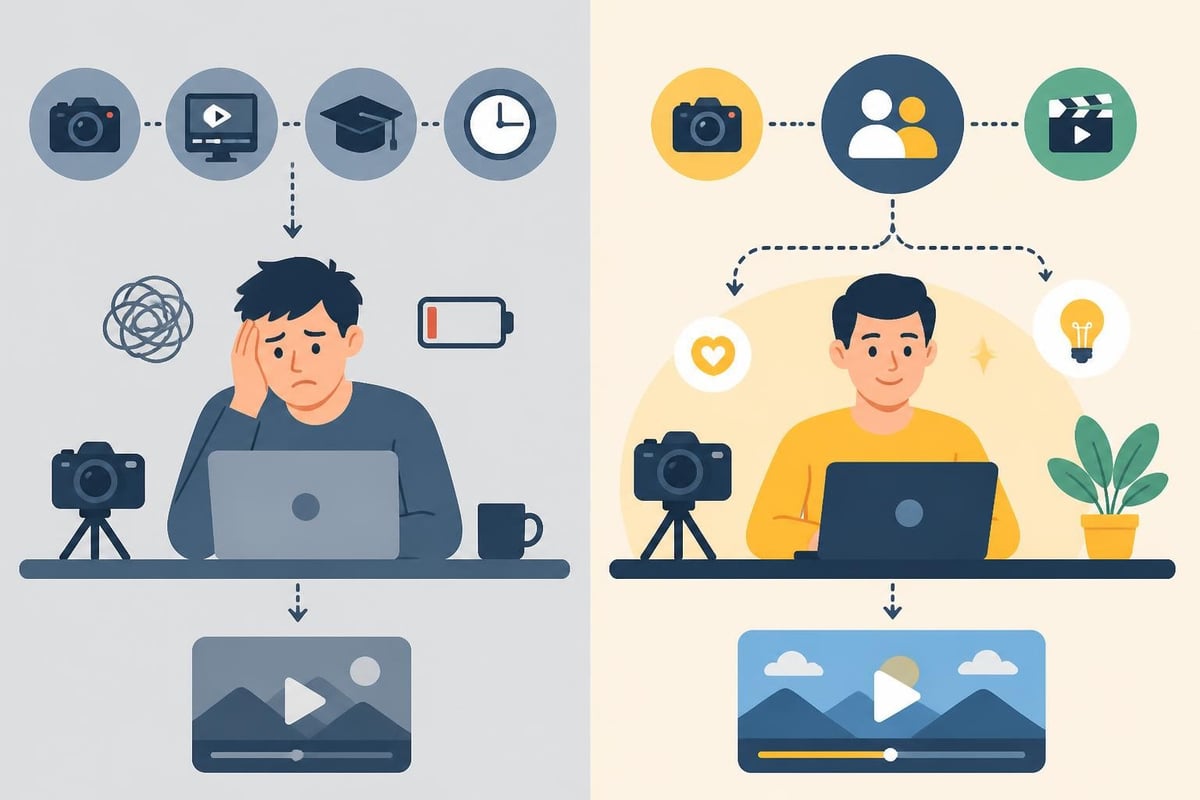
When you stop watching video editing tutorials and start delegating editing, everything shifts. Suddenly your role changes from technician to creative director. You focus on what you're actually good at: creating content, building relationships, developing strategy.
What professional editing unlocks:
- Consistent posting schedule: No more gaps because editing took too long
- Better content quality: Professional polish on every video
- More content volume: Multiple videos per week become realistic
- Strategic focus: Time for actual business development
- Trend adaptation: Editors stay current so you don't have to
Check out the case studies showing how creators transformed their output after ditching the tutorial treadmill and partnering with dedicated editors.
Understanding Your Editing Needs
Before deciding whether to learn or outsource, audit your actual requirements. Different content types demand different editing complexity.
Platform-specific editing needs:
- YouTube long-form: Pacing, retention editing, graphics, sound design
- TikTok/Reels: Fast cuts, trending effects, text overlays, viral formats
- Product videos: Clean presentation, demonstrations, call-to-actions
- Vlogs: Natural flow, color consistency, personality preservation
- Educational content: Screen recordings, B-roll integration, caption accuracy
Noble Desktop’s video editing insights discuss different tutorial types available, but the real question is whether mastering any of them serves your actual business goals.
The 2026 Reality: AI and Automation
Video editing tutorials in 2026 increasingly focus on AI-assisted tools. Software now handles tasks that previously required advanced skills: auto-captioning, smart cropping for different aspect ratios, color matching, and even basic cuts based on audio analysis.
This changes the learning equation. Some tasks genuinely got easier. But it also means the bar for "professional-looking" content rose. Everyone has access to basic AI tools, so standing out requires expertise beyond what tutorials typically teach.
AI tools now handle:
- Automatic transcription and captioning
- Multi-platform reformatting and resizing
- Basic color correction and exposure fixes
- Simple audio cleanup and leveling
- Template-based motion graphics
But AI doesn't understand your brand voice, your audience's preferences, or the subtle storytelling choices that build connection. That still requires human expertise.
Making the Strategic Decision
Here's the framework for deciding between tutorials and outsourcing: Calculate your hourly value, estimate realistic editing time, and compare against professional editing costs.
If your time is worth $50/hour and editing takes you eight hours weekly, that's $400 in opportunity cost. Plus the hours spent learning and the quality gap affecting viewer retention. Most professional editing services cost less than that opportunity cost, especially when you factor in the quality improvement and consistency benefits.
Questions to ask yourself:
- What's my actual hourly value (honestly)?
- How many hours do I spend editing weekly?
- How much time am I investing in learning versus doing?
- Is editing my highest-value activity?
- What could I accomplish with those hours back?
For most creators and business owners, the math is clear. Professional video editing services make more financial sense than the tutorial pathway, even before considering the mental energy and stress reduction.
The Learning Never Stops Problem
Even if you master current techniques through video editing tutorials, the learning never stops. Software updates quarterly. Platform algorithms shift. Viral trends emerge and fade. Audio standards evolve. Color grading preferences change.
Professional editors maintain these skills because it's their full-time focus. For creators, it's a never-ending distraction from core business activities. Video editing tips and techniques constantly evolve, requiring ongoing education just to maintain current skill levels.
Beyond Tutorials: Building Your Content System
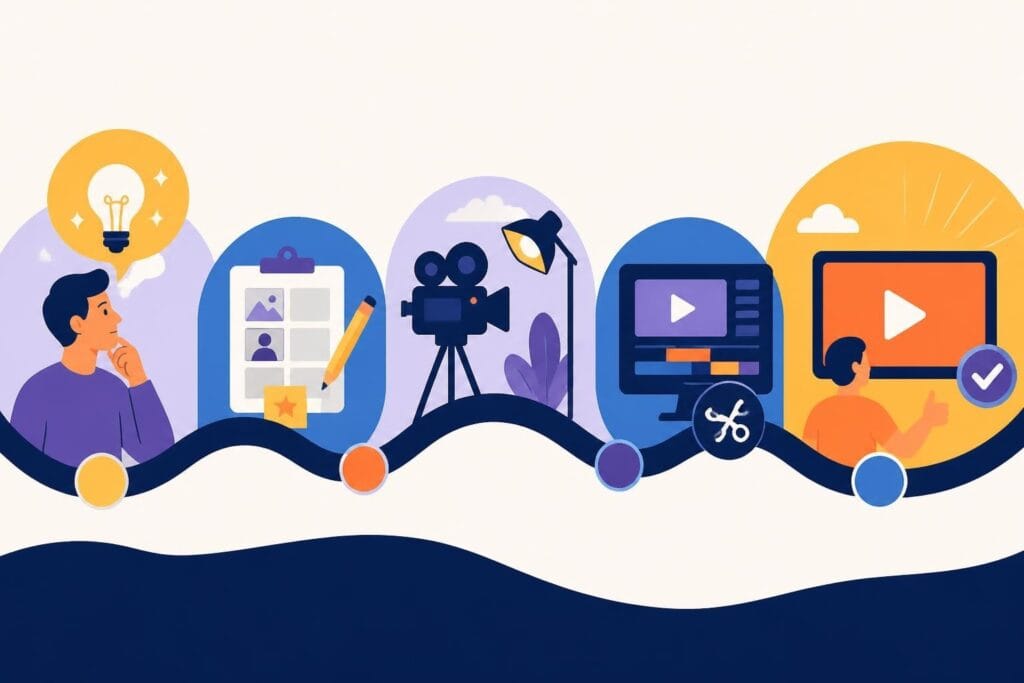
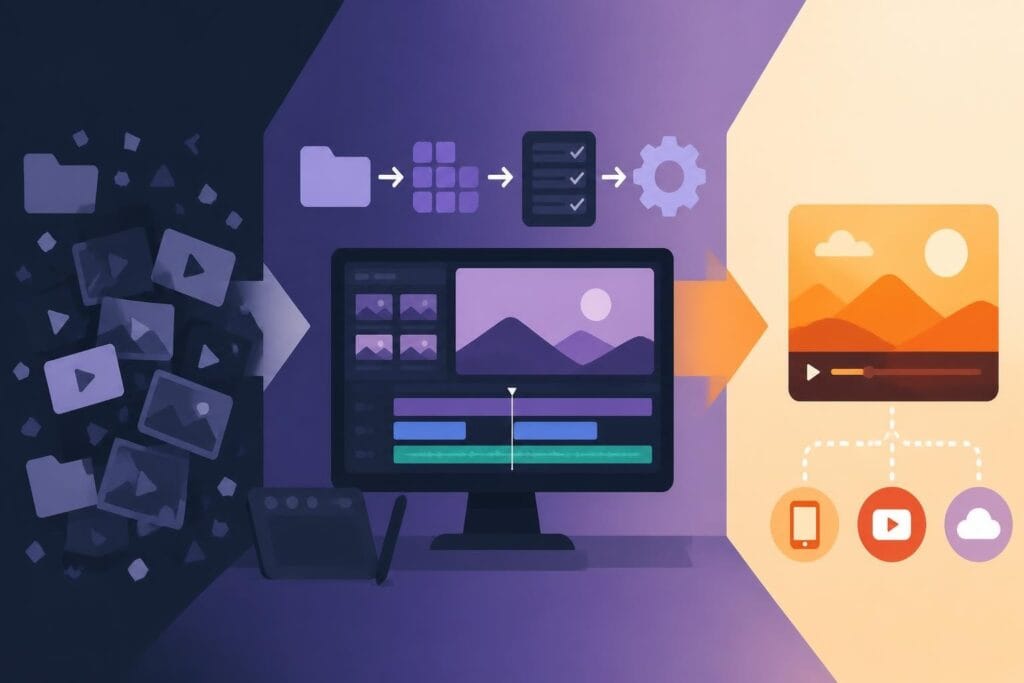
The best content creators in 2026 treat video editing as one component in a larger system. They understand enough to direct effectively, but delegate execution to specialists. This mirrors how businesses operate in every other area, nobody expects the CEO to also be the accountant, web developer, and customer service rep.
A functional content system includes:
- Content strategy and planning (your focus)
- Filming and raw content creation (your focus)
- Video editing and post-production (delegated)
- Publishing and distribution (partially automated)
- Analytics and optimization (collaborative)
When editing is handled, you can focus on what actually grows your business: audience development, partnerships, product creation, and strategic planning.
The Real Skills Worth Learning
Instead of diving deep into video editing tutorials, develop skills that actually move your business forward. Brief communication, creative direction, storytelling fundamentals, and performance analysis create more value than knowing the difference between ripple edit and roll edit.
Understanding editing enough to collaborate effectively matters. Becoming the editor yourself rarely does, unless that's genuinely your passion and intended career path.
Video editing tutorials offer knowledge, but they can't give you back time or guarantee professional results. For busy creators and business owners in 2026, the smarter investment is often delegation rather than education. When you work with beCreatives, you get dedicated editors who live and breathe video production, unlimited revisions to nail your vision, and all your time back to focus on what you do best: creating content that connects with your audience.