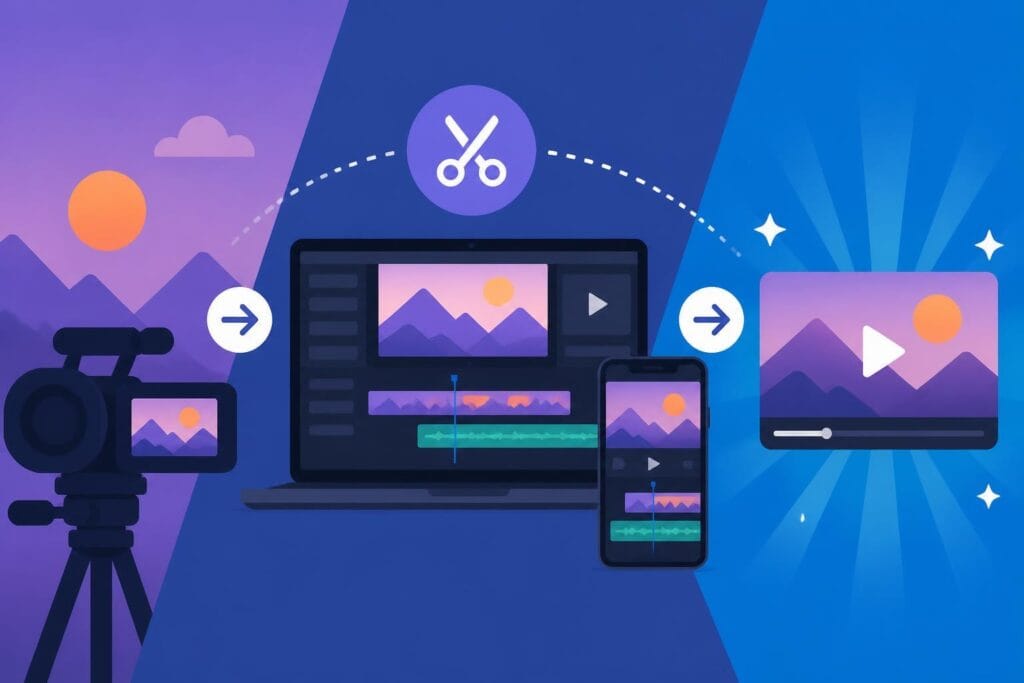
Finding a good app to make videos has become essential for content creators, business owners, and marketers who need to produce engaging visual content quickly and efficiently. Whether you're creating social media reels, YouTube content, or marketing materials, the right video editing application can dramatically impact your workflow and final product quality. The landscape of video creation tools has expanded significantly, offering solutions ranging from simple mobile apps to comprehensive professional-grade software. Understanding which platform best suits your specific needs, skill level, and content goals can mean the difference between spending hours on a single project and efficiently producing multiple high-quality videos each week.
Understanding Modern Video Creation Apps
The video editing application market has evolved dramatically over the past few years. Today's tools offer capabilities that were once exclusive to expensive desktop software, now available directly on smartphones and tablets.
Mobile vs Desktop Solutions
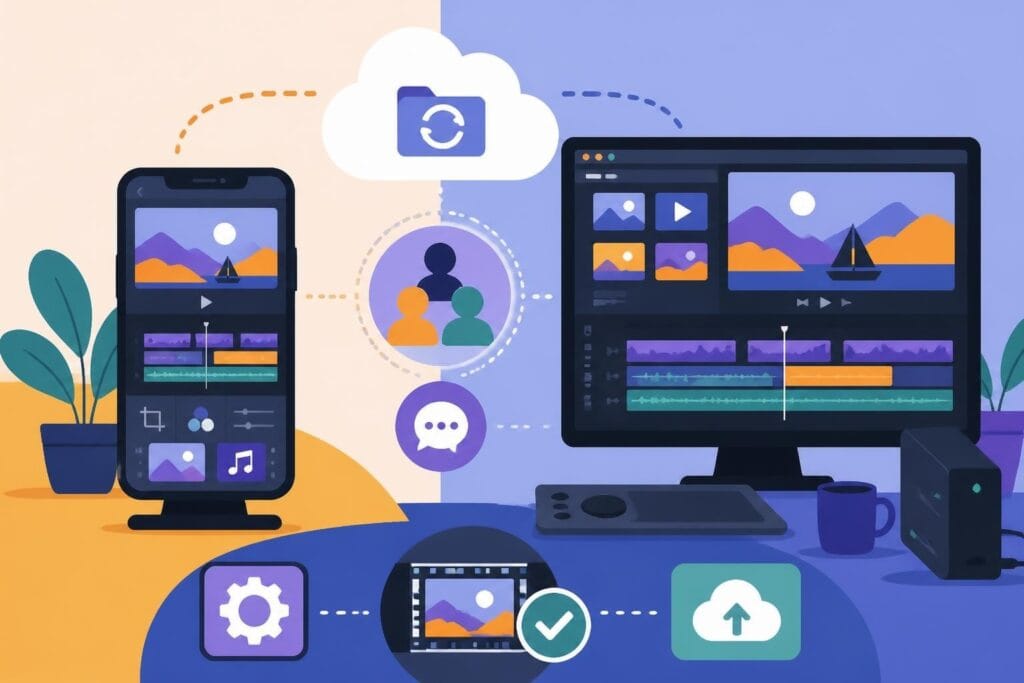
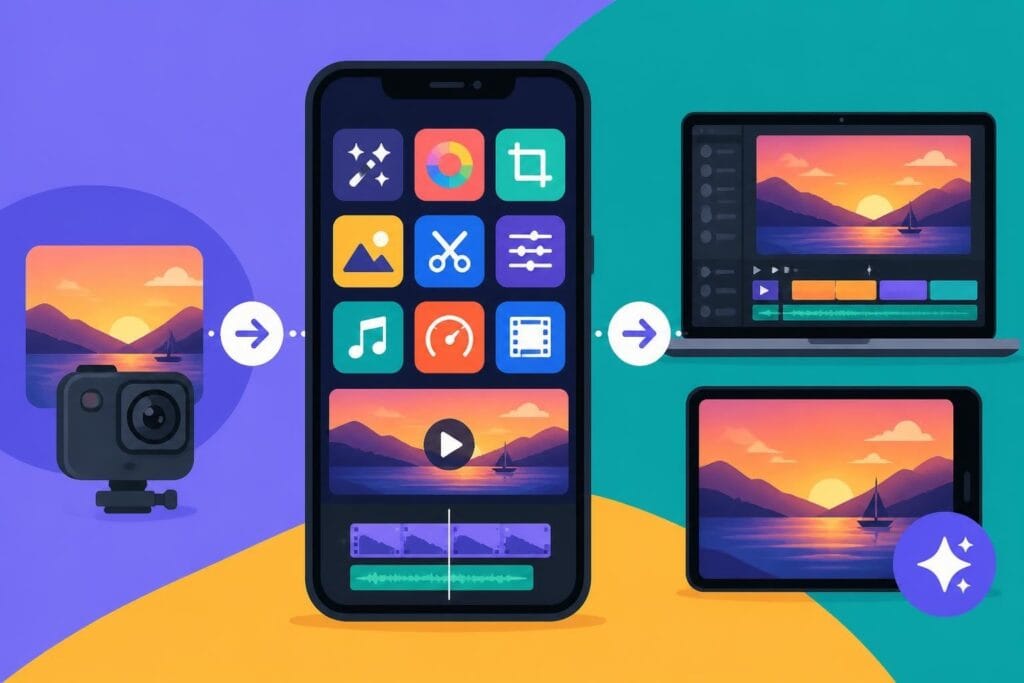
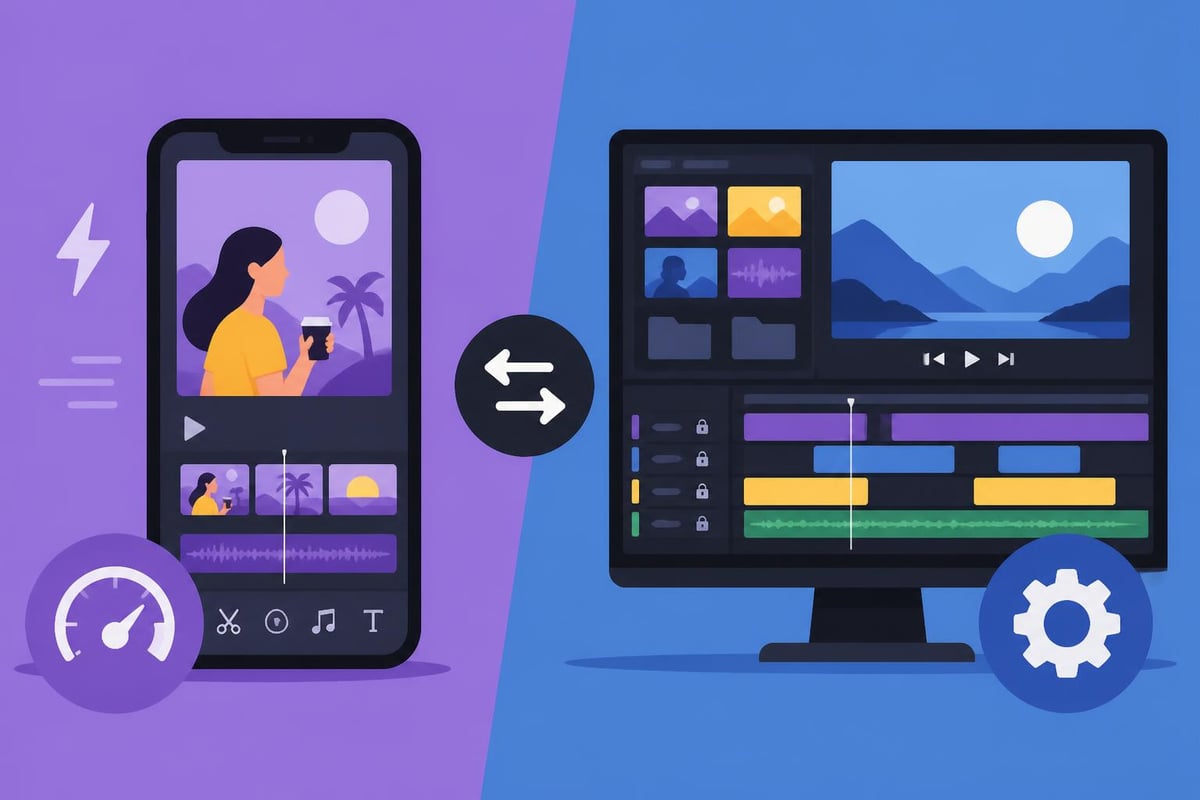
Choosing between mobile and desktop applications depends largely on your production workflow and content requirements. Mobile apps excel at quick edits, on-the-go creation, and social media-optimized content. They're ideal for capturing and editing content in real-time, particularly for platforms like Instagram, TikTok, and YouTube Shorts.
Desktop applications provide more robust features for complex projects:
- Advanced color grading and correction
- Multi-track audio editing
- 4K and higher resolution support
- Professional export options
- Extensive plugin ecosystems
According to TechRadar’s comprehensive review of video editing software, professional editors increasingly use a hybrid approach, capturing content on mobile devices while performing final edits on desktop platforms.
Key Features to Consider
When evaluating any good app to make videos, certain features separate basic tools from production-ready solutions. Timeline editing forms the foundation of any serious video work, allowing precise control over clips, transitions, and effects. Layer support enables complex compositions with multiple video tracks, graphics, and text overlays.
| Feature Category | Basic Apps | Professional Apps |
|---|---|---|
| Video Tracks | 1-2 tracks | Unlimited tracks |
| Export Quality | 1080p | 4K-8K |
| Audio Control | Basic volume | Multi-track mixing |
| Color Tools | Filters only | Full grading suite |
| Storage | Limited cloud | Unlimited options |
Beyond technical specifications, consider the learning curve and support ecosystem. Apps with extensive tutorial libraries and active user communities significantly reduce the time needed to become proficient.
Top Mobile Apps for Video Creation
Mobile video editing has reached impressive maturity, with several applications offering professional-grade features in pocket-sized packages. For creators who focus on social media video editing, these tools provide optimized workflows for platform-specific content.
CapCut: The Creator's Choice
CapCut has emerged as a dominant force in mobile video editing, particularly among TikTok and Instagram creators. This free application provides an extensive feature set without watermarks or subscription requirements. Users can access advanced capabilities including keyframe animation, masking, chroma key, and auto-captions.
The interface prioritizes speed and simplicity. Most creators can produce polished content within minutes of downloading the app. CapCut’s complete tutorial guide demonstrates how beginners can master the platform through structured, step-by-step instruction.
CapCut strengths include:
- Trend-focused effects updated weekly
- Automatic beat synchronization
- Smart background removal
- Direct platform integration
- Cloud project backup
For businesses creating Instagram Reels content, CapCut's aspect ratio presets and trending audio library streamline production workflows considerably.
Professional Mobile Solutions
While CapCut dominates the casual creator space, professional mobile editors require more robust tools. Adobe Premiere Rush bridges mobile and desktop workflows, syncing projects across devices through Creative Cloud. LumaFusion on iOS delivers desktop-class editing with six video tracks, advanced color correction, and professional audio tools.
According to Android Authority’s analysis of video editing apps, the Android ecosystem offers comparable professional options with PowerDirector and KineMaster leading the category. Both applications support 4K editing, green screen effects, and extensive asset libraries.
Desktop Applications for Serious Creators
Desktop software remains the gold standard for professional video production. These platforms offer computational power and feature depth impossible to replicate on mobile devices.
Adobe Premiere Pro and Creative Cloud
Adobe's flagship video editor continues dominating professional workflows. Premiere Pro integrates seamlessly with After Effects, Audition, and Photoshop, creating a comprehensive production ecosystem. The Adobe Creative Cloud suite provides specialized tools for every aspect of content creation.
Premiere Pro excels at:
- Multi-format timeline editing supporting virtually any video codec
- Advanced color workflows with Lumetri Color panel
- Motion graphics templates for rapid graphic creation
- Team collaboration through shared projects and libraries
- AI-powered features including auto-reframe and speech-to-text
The subscription model, while controversial, ensures continuous feature updates and cloud storage. For agencies and production companies, Creative Cloud represents a comprehensive solution despite the recurring cost.
Alternative Professional Platforms
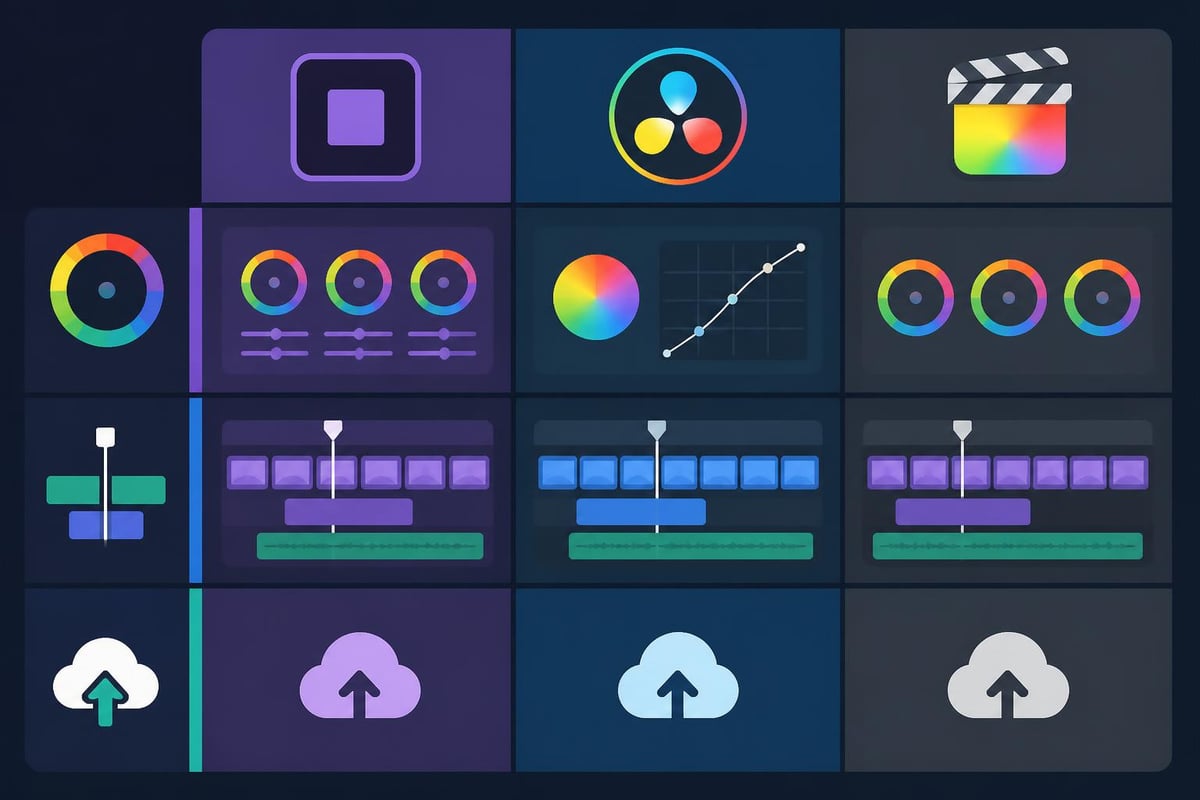
Not every creator needs Adobe's full ecosystem. DaVinci Resolve offers a completely free version with professional-grade color correction tools that rival dedicated grading software. The learning curve is steeper, but the cost savings are substantial.
Final Cut Pro remains the Mac-exclusive choice for many YouTube creators and small production companies. Its magnetic timeline and optimized performance on Apple silicon deliver exceptional speed. However, the one-time purchase locks users into the Apple ecosystem.
Browser-Based Video Editors
Cloud-based editing platforms eliminate software installation and hardware limitations. These tools run entirely in web browsers, making them accessible from any device with internet connectivity.
Clipchamp and Microsoft Integration
Microsoft's acquisition of Clipchamp brought professional-grade browser editing to Windows users. The Clipchamp platform provides template-based editing, stock asset libraries, and direct integration with OneDrive and Microsoft 365.
| Feature | Free Tier | Premium Tier |
|---|---|---|
| Export Quality | 1080p | 4K |
| Watermark | Yes | No |
| Stock Assets | Limited | Full library |
| Cloud Storage | 1GB | Unlimited |
| Brand Kit | No | Yes |
Browser-based editors particularly benefit teams with members using different operating systems. A marketing department with Mac, Windows, and Chromebook users can collaborate seamlessly through web platforms.
Specialized Online Editors
Platforms like Canva Video and InVideo focus on template-driven creation for social media and marketing content. These tools sacrifice granular control for speed and accessibility, enabling non-editors to produce professional-looking content quickly.
For businesses producing high-volume TikTok video content, template-based editors significantly reduce production time while maintaining brand consistency.
Choosing the Right App for Your Needs
Selecting a good app to make videos requires honest assessment of your skills, content goals, and budget constraints. Content creators publishing daily to multiple platforms have different requirements than businesses producing monthly marketing videos.
Assessing Your Workflow Requirements
Daily social media creators benefit most from mobile-first solutions offering quick turnaround and platform-optimized exports. Apps like CapCut and InShot provide the speed necessary for trend-responsive content creation.
Professional content producers require desktop applications with advanced color grading, audio mixing, and export control. Projects involving client revisions, complex graphics, or cinema-quality output demand tools like Premiere Pro or DaVinci Resolve.
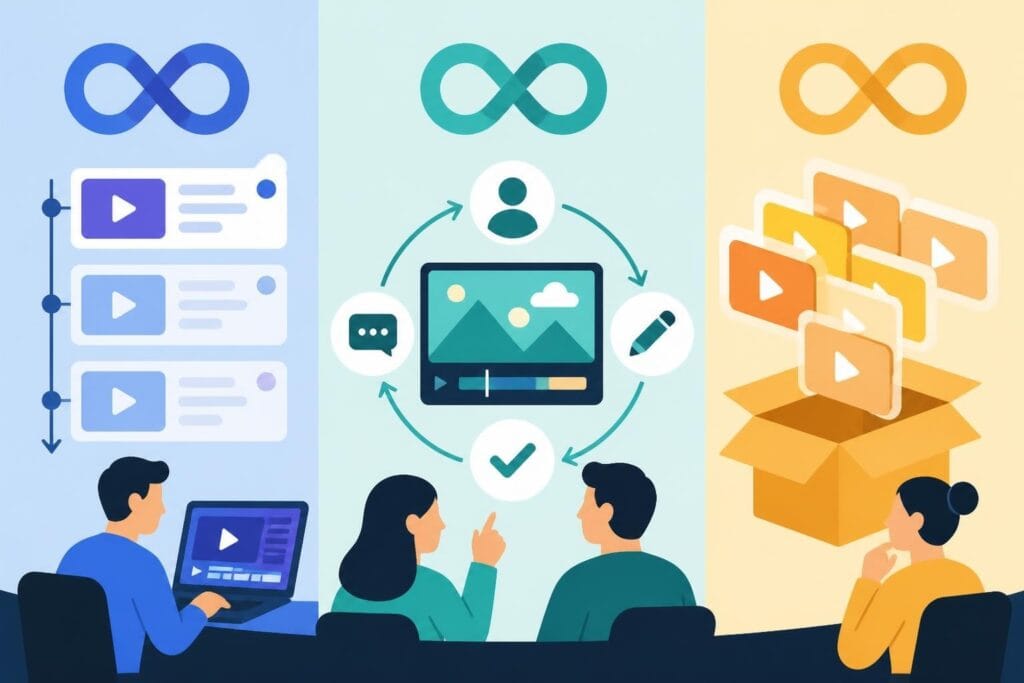
Marketing teams and agencies often need collaborative features, brand asset management, and approval workflows. Cloud-based solutions with team features or Adobe's Creative Cloud for Teams address these specific requirements.
Consider these workflow factors:
- Average project complexity and length
- Number of team members collaborating
- Platform distribution requirements
- Budget for software and training
- Hardware capabilities and limitations
- Timeline pressure and deadline frequency
Budget Considerations and ROI
Free applications serve beginners well, but professional workflows often justify subscription costs through time savings and expanded capabilities. A $20 monthly subscription that saves ten hours of editing time delivers clear positive ROI for most businesses.
However, the growing sophistication of free tools challenges this calculation. CapCut's zero-cost, watermark-free approach provides professional results for social content. DaVinci Resolve's free version matches paid competitors in many areas.
Calculate your true costs including:
- Subscription or purchase price amortized across expected usage period
- Learning time investment valued at your hourly rate or employee salary
- Hardware upgrades required to run specific software efficiently
- Template and asset purchases for stock footage, music, and graphics
- Plugin or extension costs for specialized features
Emerging Trends in Video Creation Software
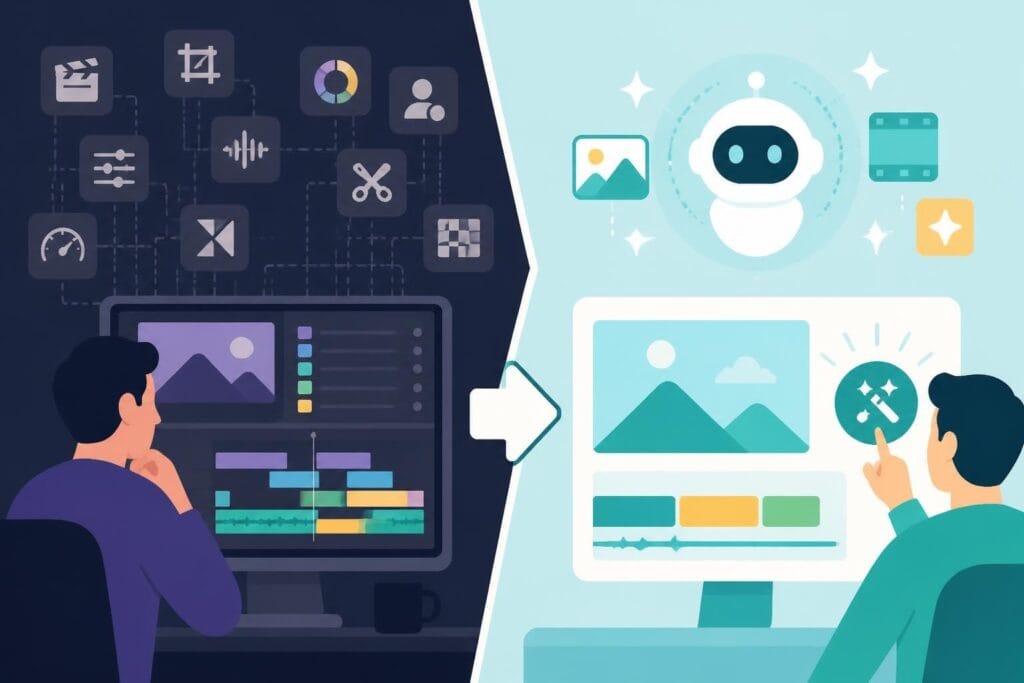
The video editing landscape continues evolving rapidly with artificial intelligence transforming traditional workflows. Understanding these trends helps future-proof your software choices.
AI-Powered Editing Features
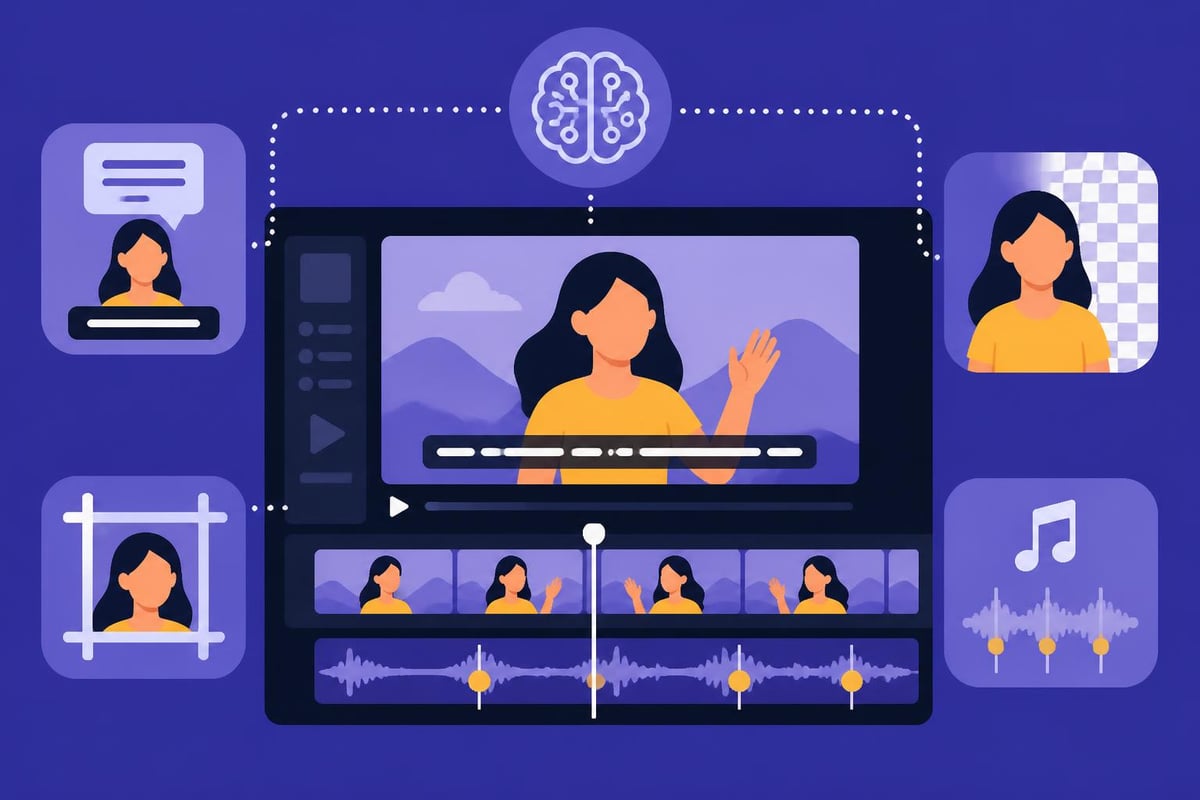
Automated editing features increasingly handle tedious tasks. Auto-captioning using speech recognition has become standard across platforms, saving hours of manual transcription. Smart reframing automatically crops landscape footage for vertical formats, essential for YouTube Shorts editing.
Background removal, once requiring manual masking or green screens, now works automatically in real-time. Beat detection synchronizes cuts to music automatically. Text-to-speech and voice cloning enable narration without recording equipment.
Research into automated action scene generation demonstrates how AI will eventually handle complete tutorial video assembly, though human creative direction remains essential for compelling storytelling.
Platform-Specific Optimizations
Video apps increasingly optimize for specific distribution platforms. TikTok, Instagram, and YouTube each have unique technical requirements and audience expectations. Modern editing apps include preset export settings matching these specifications exactly.
Some applications go further, analyzing trending content and suggesting edits based on current platform algorithms. While controversial, these features help creators maximize reach and engagement.
Integration with Professional Services
Even with the best good app to make videos, many creators eventually face capacity constraints. Creating consistent, high-quality content across multiple platforms demands significant time investment that diverts focus from core business activities.
When to Supplement with Professional Editing
Several indicators suggest outsourcing makes strategic sense:
- Editing consumes more time than content planning and filming
- Quality inconsistency between different team members' work
- Missed deadlines due to editing bottlenecks
- Inability to maintain posting frequency across platforms
- Team members spending editing time instead of revenue-generating activities
Professional editing services handle the time-intensive post-production while creators focus on ideation, filming, and audience engagement. For gaming channels requiring specialized video game editing, professional editors bring platform-specific expertise.
Hybrid Workflow Models
Many successful creators adopt hybrid approaches, handling simple edits in-app while outsourcing complex projects. A business might edit daily social stories using mobile apps but send long-form YouTube content to professional editors.
This model maximizes efficiency by matching task complexity to appropriate resources. Quick-turn social content gets immediate attention while complex projects receive dedicated editing expertise.
Making Your Final Decision
No single good app to make videos suits every creator's needs perfectly. The optimal choice balances current requirements with room for skill growth and expanding ambitions.
Test multiple platforms before committing to subscriptions. Most professional applications offer free trials ranging from seven to thirty days. Create identical projects in different apps to compare workflows, rendering times, and output quality.
Evaluation checklist:
- Does the interface feel intuitive for your working style?
- Are essential features readily accessible or buried in menus?
- How quickly can you complete your typical project?
- Does export quality meet your distribution requirements?
- Is the learning curve manageable given available time?
- Do community resources exist for troubleshooting?
Remember that technical capabilities matter less than consistent execution. A creator producing daily content with a simple mobile app builds audience faster than someone perfecting infrequent videos with professional software.
Your editing platform should enable creativity rather than constrain it. The best tool is the one you'll actually use consistently to maintain your content schedule and engage your audience effectively.
Finding the right video creation application depends on your specific workflow, skill level, and content goals, but the learning curve and time investment remain significant regardless of which platform you choose. For creators and businesses seeking to maintain consistent, high-quality output without the editing bottleneck, beCreatives provides unlimited video editing services with dedicated editors, unlimited storage, and streamlined revision systems that let you focus on creating content while professionals handle the post-production process.